Magic Sonic ViewFinder
Director's ViewFinder
iPhone, iPad, iPod touch için tasarlandı
Ücretsiz · Uygulama içi satın alma
- Yaş sınırı4+
- KategoriFotoğraf ve Video
- GeliştiriciRoman Medvid
- Dillerİngilizce+ 1 dil daha
- Boyut20,8 MB
Resmi App Store sayfasına bağlanır
Download.org, Magic Sonic ViewFinder için hiçbir dosya barındırmaz. Düğme, uygulamanın App Store üzerindeki sayfasını açar; uygulamayı orada Roman Medvid yayınlar. Sayfanın son kontrolü: 12.11.2026.
Ekran görüntüleri
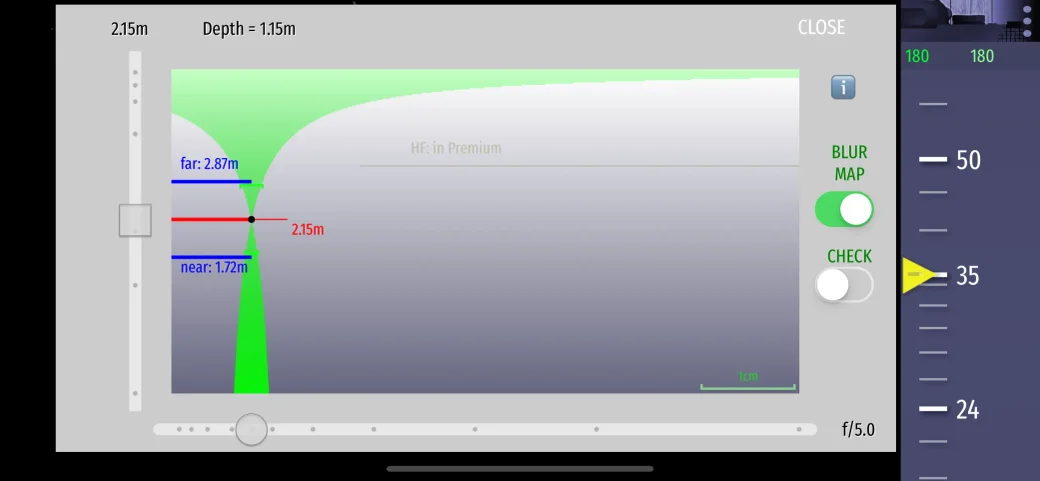
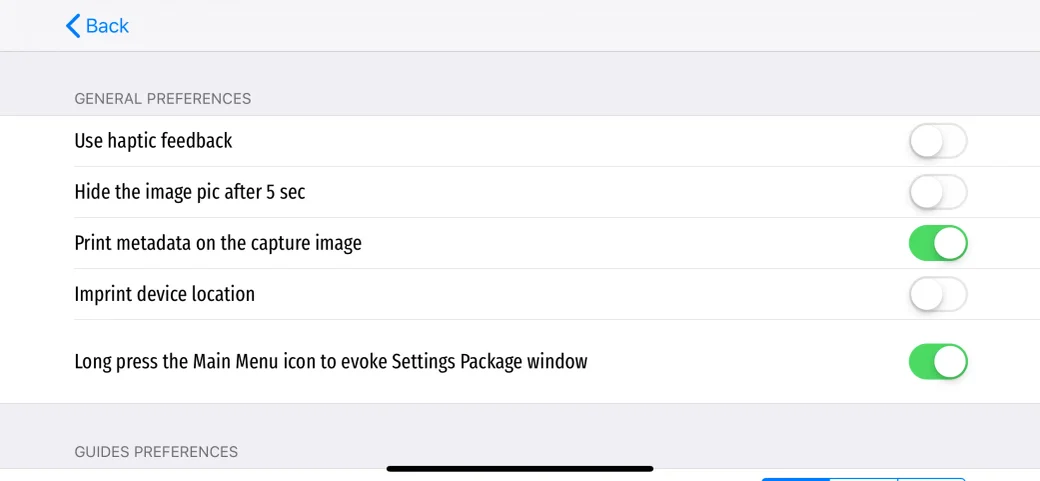
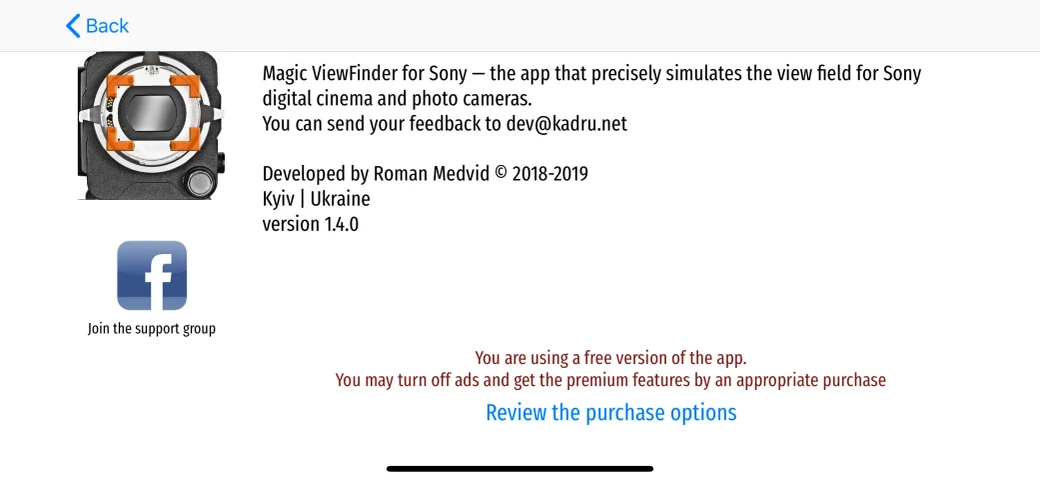
Hakkında
Geliştirici bu metni dilinizde sunmamış.
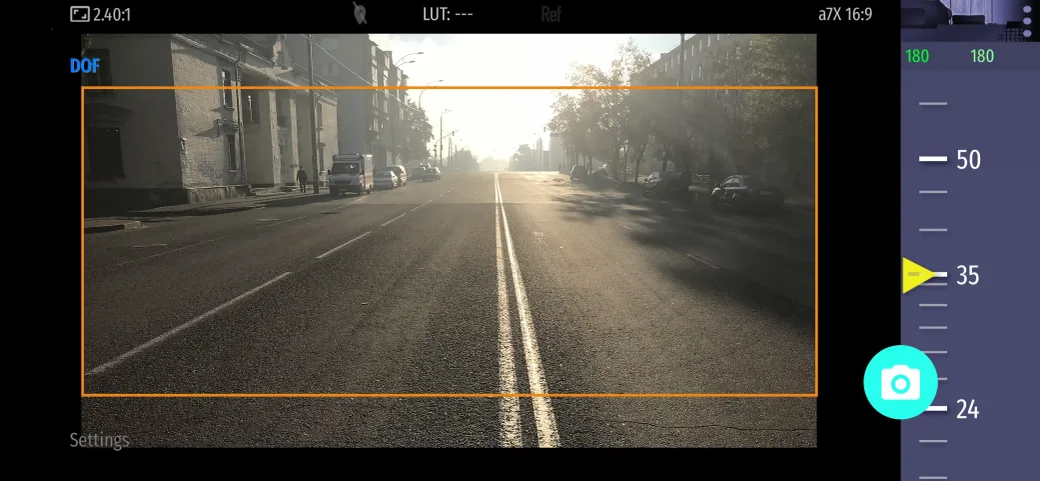
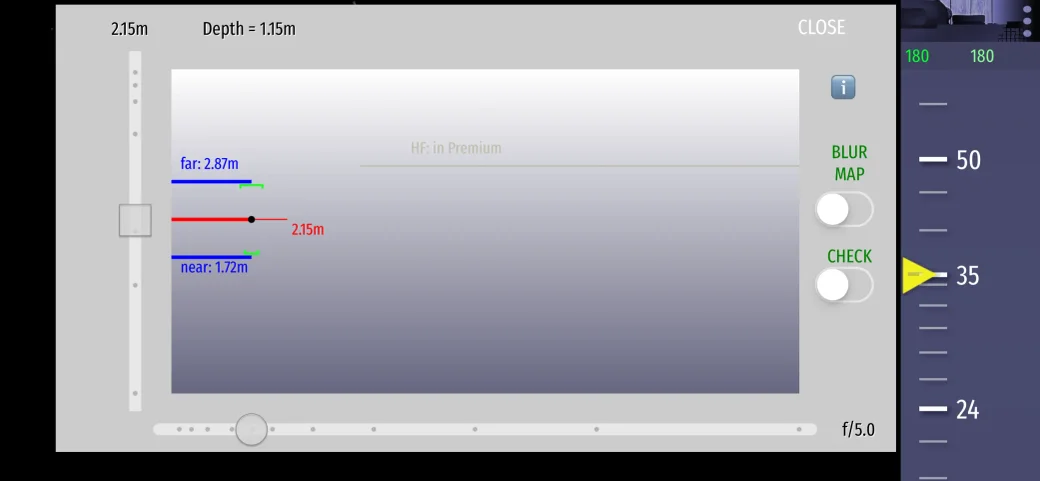
Magic Sonic ViewFinder presents you a precise framing preview for the real camera/lens combination you'll be shooting with, right where you stand with your iPhone / iPad. It simulates the field of view of digital cameras and can help thousands of professionals in filmmaking at the preproduction.
PLEASE READ: this app does not turn your Apple device into an external monitor, but operates as a stand-alone director's viewfinder.
The app contains ad banners, which can be turned off with additional in-app purchase.
The app is a digital directors viewfinder -- it helps you see the field of view for your future shot. Select the camera from the menu and rotate the wheel to select the focal length of the lens.
Supported cameras:
- Alpha a99 II, 7RIII, 7RII
- Alpha 7III, 7S II, 7R
- Alpha a77, a6500, a6300, a5100
- FS100 / FS 700
- F3 / FS5 / FS7
- FX9 FF 6K / FF crop 5K / S35 4K
- RX100 (1" sensor)
- Venice 6K / 4K / 3.8K
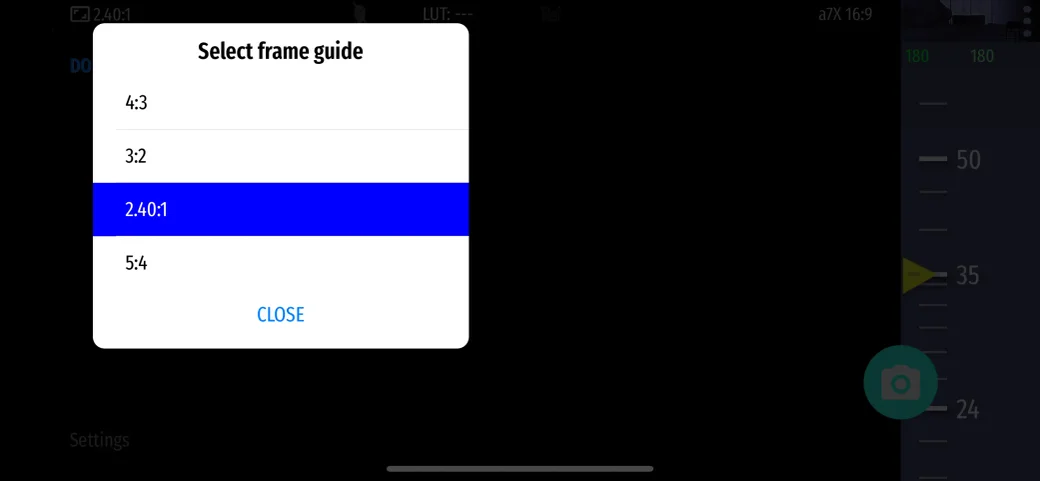
Magic ViewFinder simulates using tele adapters or anamorphic optics on your camera (see menu). From the menu you can also select the aspect ratio of the frame guide overlaying your image.
Magic ViewFinder also lets you apply some commonly used color presets (also known as LUTs)to the live picture, which brings you even closer to the final shot.
When you have found the right view, you may save it for future reference, with additional data like the focal length, date and time and camera / lens information.
While taking a photo, you may lock exposure and turn on and off the auto focus to better control the captured picture.
You can set camera to work in constant auto-focus mode, or lock the focus temporarily. You can also tap the live screen to focus on particular objects (which turns on the focus-locked mode).
White balance may work in Auto, Locked or Manual mode.
If the field of view of your real camera is wider than your in-device camera, the app adds 'padding' around the image, since the device cannot 'see' what is beyond. It is the best solution that we developed first amongst other viewfinder apps.
Please note that position of your iPhone or iPad should correspond to the 'nodal point' of your real lens, which is somewhere in the middle of the lens. This point is, so to speak, the weighted center of the optics.
Ad policy: Ads can be turned off (see below).
Additional info about the app may be read at: http://dev.kadru.net/index.php/magic-viewfinder/
If you have any issues please email us for a quick support: dev@kadru.net
To activate additional settings (i.e. to use all available optical adapters and frame guides) and to turn off advertising, please subscribe to (Option #1) or purchase Premium Features (Option #2) in 'About the App' menu.
In-App Purchase Option #1:
- Title of service: Premium features: subscription
- Length of subscription: a month (auto-renewable)
- Contents of service: Turned off ads and additional options for frame guides, optical adapters, anamorphic indices, more LUTs
- Payment will be charged to iTunes Account at confirmation of purchase
- Subscription automatically renews unless auto-renew is turned off at least 24-hours before the end of the current period
- Account will be charged for renewal within 24-hours prior to the end of the current period, and identify the cost of the renewal
- Subscriptions may be managed by the user and auto-renewal may be turned off by going to the user’s Account Settings after purchase
- Any unused portion of a free trial period will be forfeited when the user purchases a subscription to that publication, where applicable
In-App Purchase Option #2:
- Title of service: Premium features: purchase
- Length of subscription: once and forever
- Contents of service: Turned off ads and additional options for frame guides, optical adapters, anamorphic indices, more LUTs
Terms of Use:
http://dev.kadru.net/tos.html
Privacy Policy: http://dev.kadru.net/privacy_policy/Privacy_Policy_Magic_Sony_ViewFinder.html
Yenilikler
Sürüm 1.9.2 · 08.09.2026
- minor improvements
Uygulama gizliliği
Bu uygulamanın verileri nasıl işlediği hakkında Roman Medvid tarafından App Store üzerinde yapılan beyan.
-
Sizinle ilişkilendirilmeyen veriler
Toplanabilir ancak kimliğinizle ilişkilendirilmez.
- Kullanım verileri
- Tanılama
Gizlilik uygulamaları, örneğin kullandığınız özelliklere veya yaşınıza göre değişiklik gösterebilir.
Bilgiler
- Satıcı
- Roman Medvid
- Kategori
- Fotoğraf ve Video
- Sürüm
- 1.9.2
- Güncellendi
- 08.09.2026
- Yayın tarihi
- 10.02.2018
- Boyut
- 20,8 MB
- Gereksinim
- iOS 12.0 veya sonrası
- Yaş sınırı
- 4+
- Fiyat
- Ücretsiz
- Uygulama içi satın alma
- Evet
- Diller
- İngilizce, Rusça
- Telif hakkı
- Roman Medvid © 2018-2026
Bunları da beğenebilirsiniz
-
 FinderKit: ViewfinderFotoğraf ve Video
-
 FrameUp - Cinema ViewfinderFotoğraf ve Video
-
 LensKit: Lens ToolsFotoğraf ve Video
-
 CameraKit: Camera ToolsFotoğraf ve Video
-
 Shot DesignerFotoğraf ve Video
-
 Shot ListerFotoğraf ve Video
-
 ZoeLogFotoğraf ve Video
-
 Artemis Director's ViewfinderFotoğraf ve Video
-
 DSLR ClapperboardFotoğraf ve Video
-
 RED_CONTROLFotoğraf ve Video