- 対象年齢4+
- カテゴリ写真/ビデオ
- 開発元Roman Medvid
- 言語英語ほか1言語
- サイズ20.8 MB
App Storeの公式ページにリンクしています
Download.orgはMagic Sonic ViewFinderのファイルを一切ホストしていません。ボタンを押すと、Roman Medvidが公開しているApp Storeのアプリページが開きます。ページの最終確認:2026/11/12。
スクリーンショット
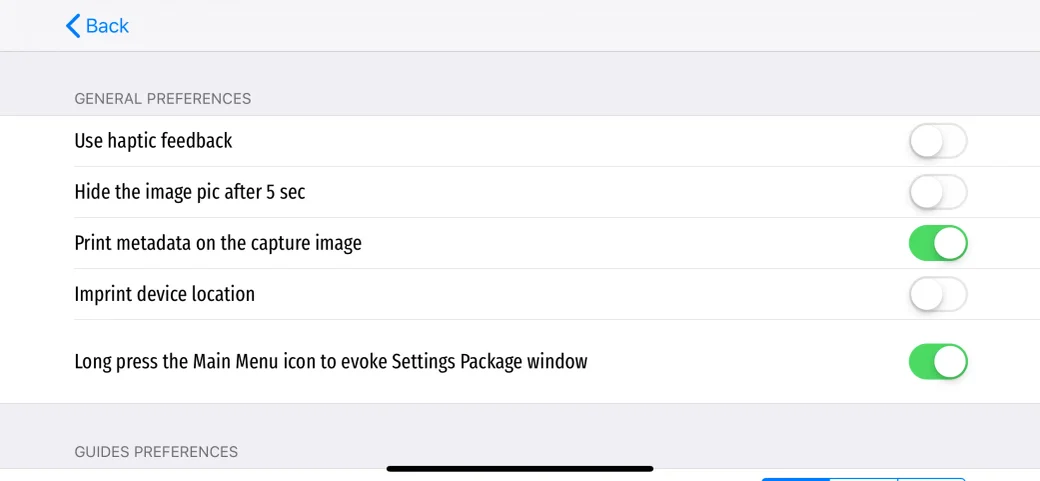
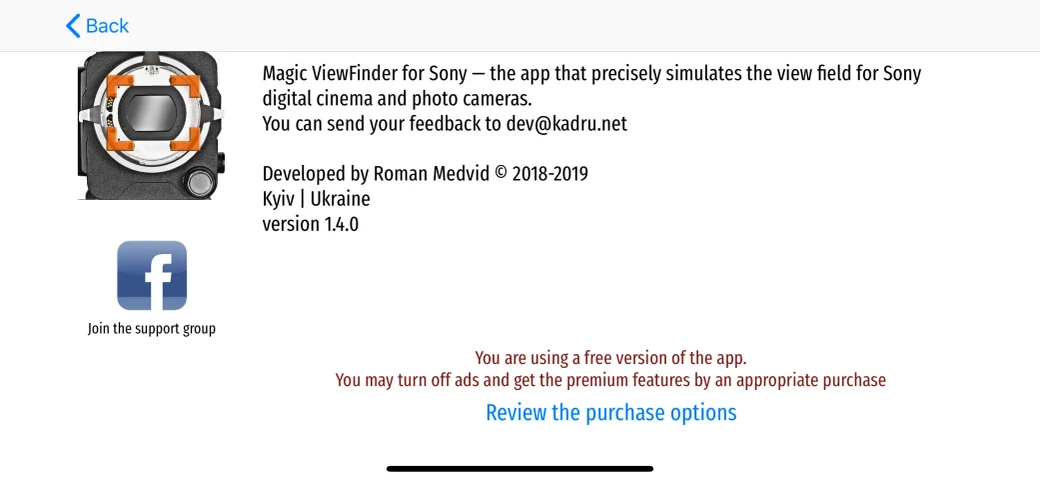
概要
開発元はこのテキストをお使いの言語で提供していません。
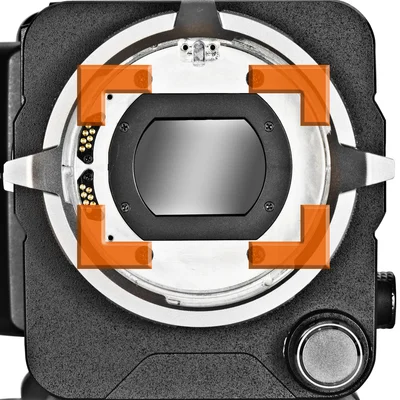
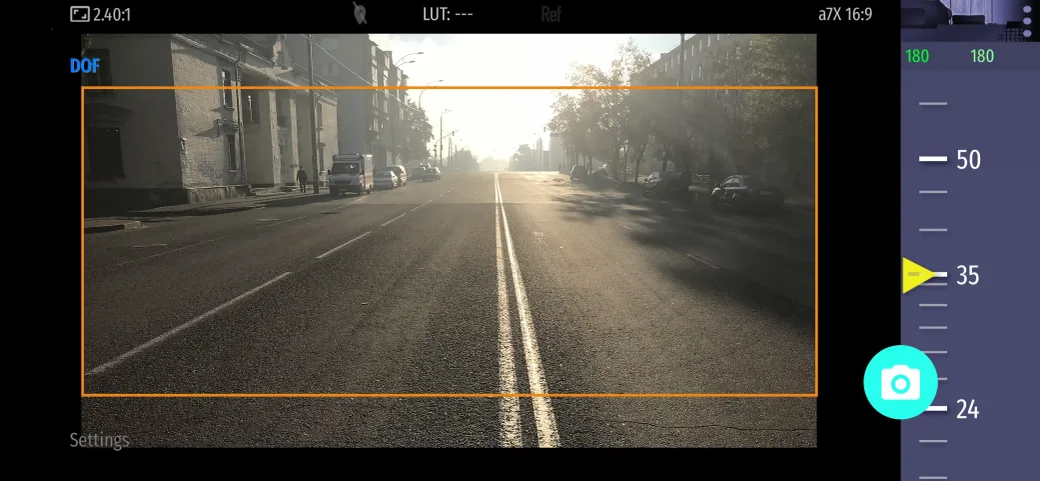
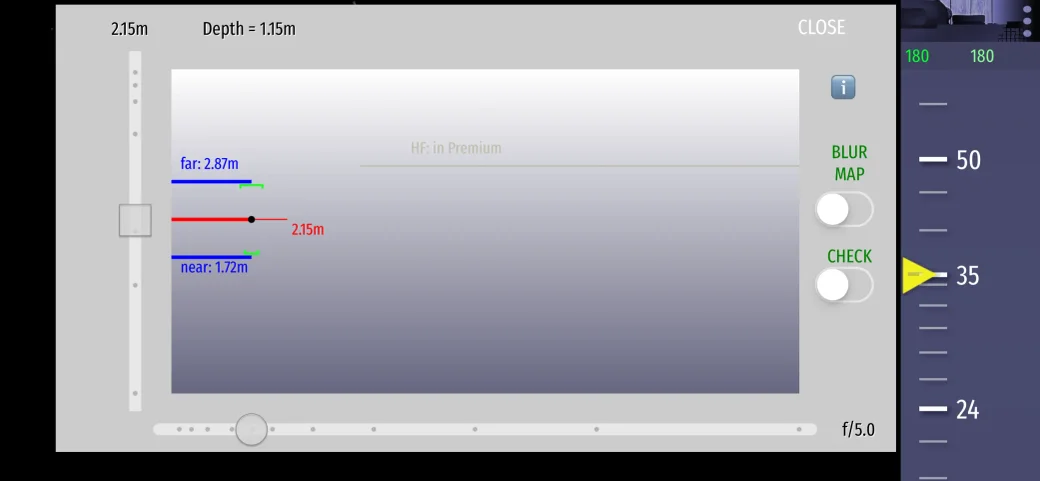
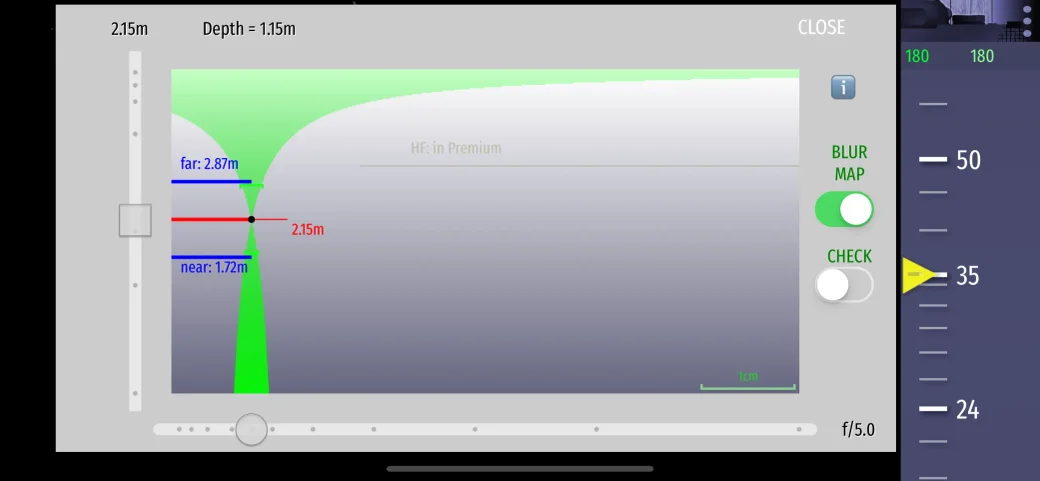
Magic Sonic ViewFinder presents you a precise framing preview for the real camera/lens combination you'll be shooting with, right where you stand with your iPhone / iPad. It simulates the field of view of digital cameras and can help thousands of professionals in filmmaking at the preproduction.
PLEASE READ: this app does not turn your Apple device into an external monitor, but operates as a stand-alone director's viewfinder.
The app contains ad banners, which can be turned off with additional in-app purchase.
The app is a digital directors viewfinder -- it helps you see the field of view for your future shot. Select the camera from the menu and rotate the wheel to select the focal length of the lens.
Supported cameras:
- Alpha a99 II, 7RIII, 7RII
- Alpha 7III, 7S II, 7R
- Alpha a77, a6500, a6300, a5100
- FS100 / FS 700
- F3 / FS5 / FS7
- FX9 FF 6K / FF crop 5K / S35 4K
- RX100 (1" sensor)
- Venice 6K / 4K / 3.8K
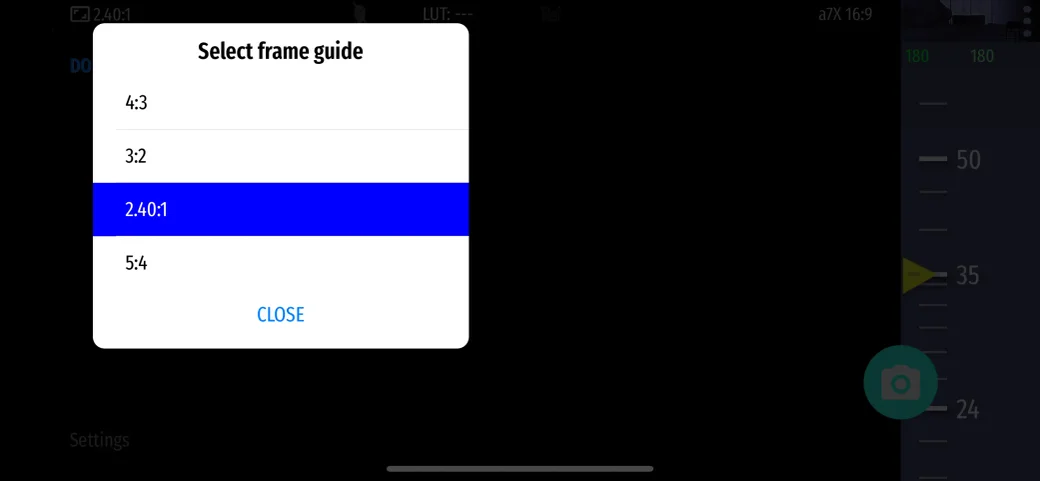
Magic ViewFinder simulates using tele adapters or anamorphic optics on your camera (see menu). From the menu you can also select the aspect ratio of the frame guide overlaying your image.
Magic ViewFinder also lets you apply some commonly used color presets (also known as LUTs)to the live picture, which brings you even closer to the final shot.
When you have found the right view, you may save it for future reference, with additional data like the focal length, date and time and camera / lens information.
While taking a photo, you may lock exposure and turn on and off the auto focus to better control the captured picture.
You can set camera to work in constant auto-focus mode, or lock the focus temporarily. You can also tap the live screen to focus on particular objects (which turns on the focus-locked mode).
White balance may work in Auto, Locked or Manual mode.
If the field of view of your real camera is wider than your in-device camera, the app adds 'padding' around the image, since the device cannot 'see' what is beyond. It is the best solution that we developed first amongst other viewfinder apps.
Please note that position of your iPhone or iPad should correspond to the 'nodal point' of your real lens, which is somewhere in the middle of the lens. This point is, so to speak, the weighted center of the optics.
Ad policy: Ads can be turned off (see below).
Additional info about the app may be read at: http://dev.kadru.net/index.php/magic-viewfinder/
If you have any issues please email us for a quick support: dev@kadru.net
To activate additional settings (i.e. to use all available optical adapters and frame guides) and to turn off advertising, please subscribe to (Option #1) or purchase Premium Features (Option #2) in 'About the App' menu.
In-App Purchase Option #1:
- Title of service: Premium features: subscription
- Length of subscription: a month (auto-renewable)
- Contents of service: Turned off ads and additional options for frame guides, optical adapters, anamorphic indices, more LUTs
- Payment will be charged to iTunes Account at confirmation of purchase
- Subscription automatically renews unless auto-renew is turned off at least 24-hours before the end of the current period
- Account will be charged for renewal within 24-hours prior to the end of the current period, and identify the cost of the renewal
- Subscriptions may be managed by the user and auto-renewal may be turned off by going to the user’s Account Settings after purchase
- Any unused portion of a free trial period will be forfeited when the user purchases a subscription to that publication, where applicable
In-App Purchase Option #2:
- Title of service: Premium features: purchase
- Length of subscription: once and forever
- Contents of service: Turned off ads and additional options for frame guides, optical adapters, anamorphic indices, more LUTs
Terms of Use:
http://dev.kadru.net/tos.html
Privacy Policy: http://dev.kadru.net/privacy_policy/Privacy_Policy_Magic_Sony_ViewFinder.html
新機能
バージョン 1.9.2 · 2026/9/8
- minor improvements
アプリのプライバシー
このアプリのデータの取り扱いについて、Roman MedvidがApp Storeで申告している内容です。
-
ユーザーに関連付けられないデータ
収集される場合がありますが、ユーザーの識別情報には関連付けられません。
- 使用状況データ
- 診断
プライバシーの取り扱いは、ご利用の機能やお客様の年齢などに応じて異なる場合があります。
情報
- 販売元
- Roman Medvid
- カテゴリ
- 写真/ビデオ
- バージョン
- 1.9.2
- 更新日
- 2026/9/8
- リリース
- 2018/2/10
- サイズ
- 20.8 MB
- 必要条件
- iOS 12.0以降
- 対象年齢
- 4+
- 価格
- 無料
- アプリ内課金
- あり
- 言語
- 英語, ロシア語
- 著作権
- Roman Medvid © 2018-2026