
MarkCove: Markdown Viewer
Read Markdown beautifully
iPhone, iPad, Mac için tasarlandı
Ücretsiz
- Yaş sınırı4+
- KategoriÜretkenlik
- GeliştiriciDenis Babkevich
- Dillerİngilizce+ 10 dil daha
- Boyut5,6 MB
Resmi App Store sayfasına bağlanır
Download.org, MarkCove: Markdown Viewer için hiçbir dosya barındırmaz. Düğme, uygulamanın App Store üzerindeki sayfasını açar; uygulamayı orada Denis Babkevich yayınlar. Sayfanın son kontrolü: 15.11.2026.
Ekran görüntüleri

Hakkında
Geliştirici bu metni dilinizde sunmamış.
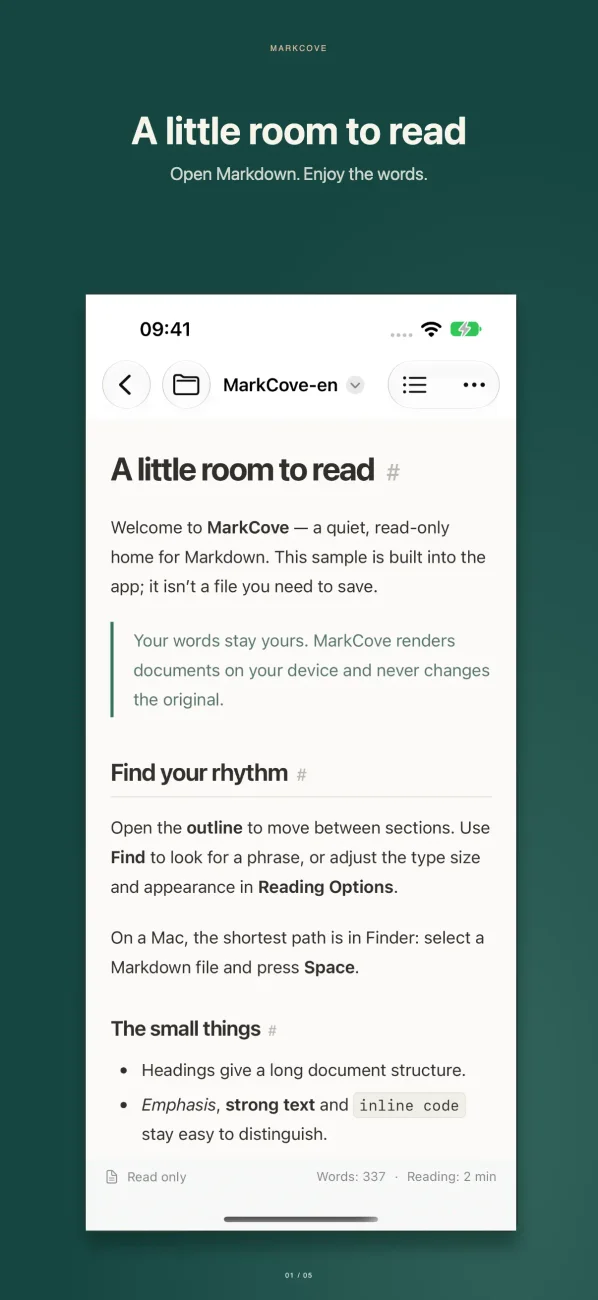
MarkCove is a free Markdown viewer for Mac, iPhone and iPad.
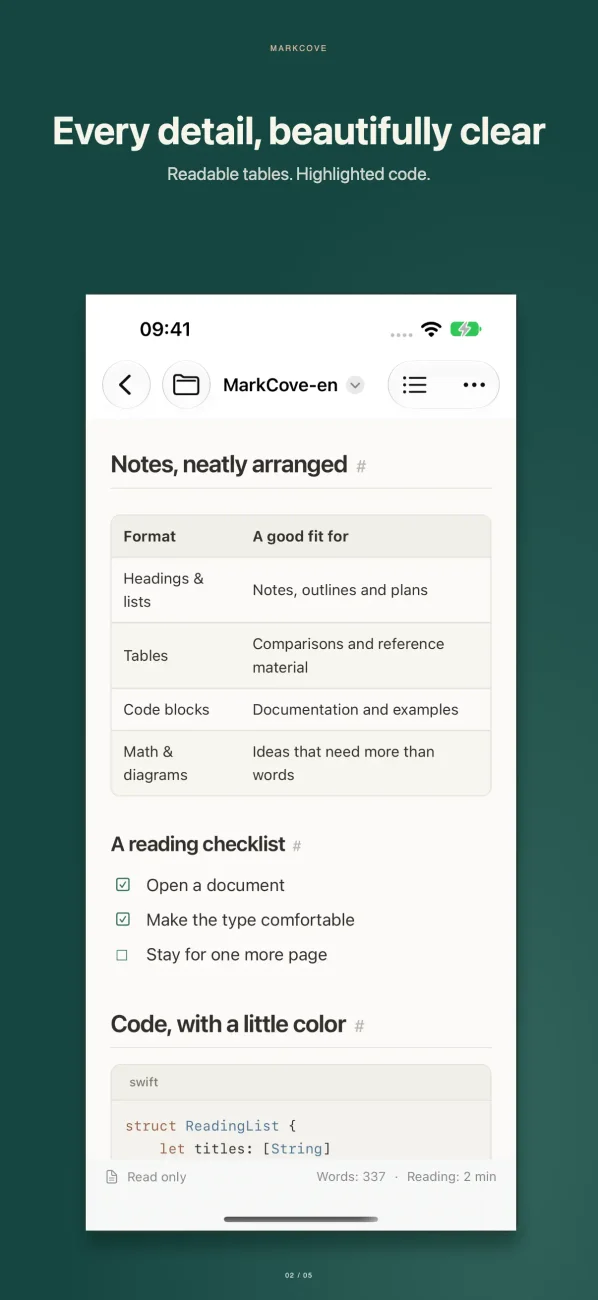
Read tables, syntax-highlighted code, math formulas and Mermaid diagrams in a clean, comfortable layout.
MarkCove never edits or saves over your original file. To change a document, open it in a separate text editor. Reading preferences and folder permissions are the only information MarkCove saves.
macOS: Select a Markdown file and press Space for a quick preview. Open it in MarkCove when you want a little more room.
iOS / iPadOS: Choose a Markdown file from the document browser, including iCloud Drive and supported Files providers. You can also open Markdown documents in MarkCove from Files. MarkCove reads the selected file in place.
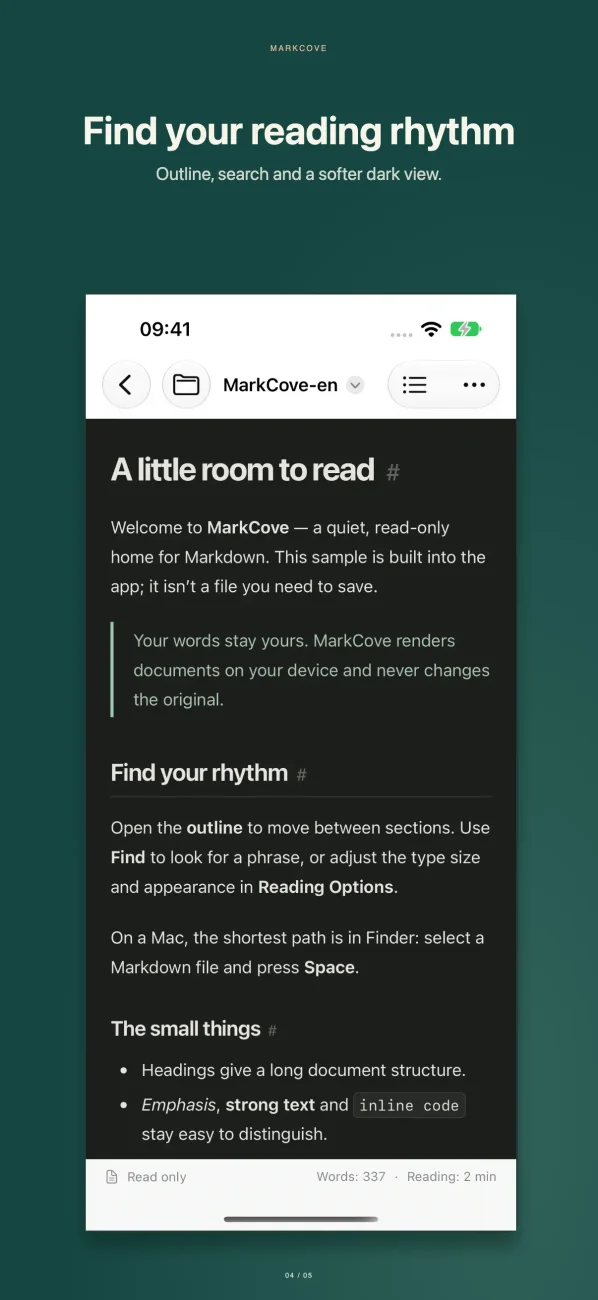
The outline jumps to headings. Find searches the rendered document; use Command-F with a keyboard. Reading Options adjusts text size, appearance and line width.
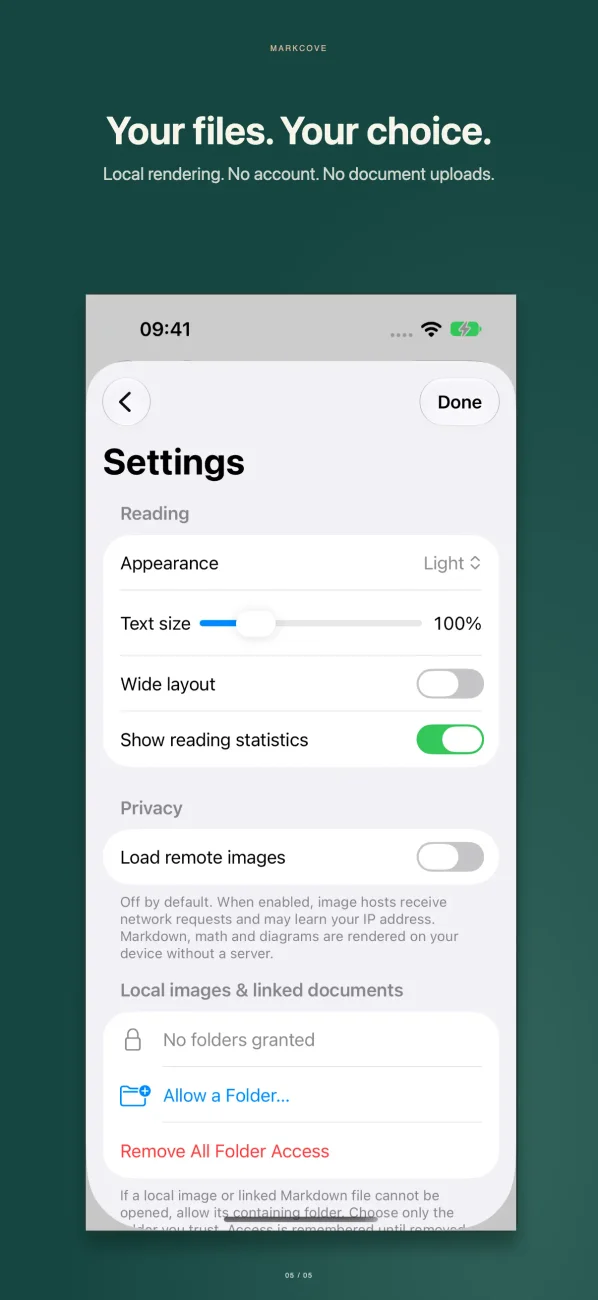
Markdown rendering, code highlighting, math and diagrams run locally. MarkCove has no account, advertising, analytics or document-upload service.
Remote images are blocked by default. If you enable them, the image host can receive your IP address and ordinary network request information. Opening an external link also leaves MarkCove. Your Files provider may independently use the network to retrieve a document.
On macOS, Quick Look folder access lasts for the current preview session and may need to be granted again. The app remembers its own folder permissions. Use Allow a Folder inside the preview.
Uygulama gizliliği
Bu uygulamanın verileri nasıl işlediği hakkında Denis Babkevich tarafından App Store üzerinde yapılan beyan.
-
Veri toplanmıyor
Geliştirici bu uygulamadan hiçbir veri toplamıyor.
Gizlilik uygulamaları, örneğin kullandığınız özelliklere veya yaşınıza göre değişiklik gösterebilir.
Bilgiler
- Satıcı
- Denis Babkevich
- Kategori
- Üretkenlik
- Sürüm
- 1.0.0
- Güncellendi
- 20.10.2026
- Yayın tarihi
- 20.10.2026
- Boyut
- 5,6 MB
- Gereksinim
- iOS 17.0 veya sonrası
- Yaş sınırı
- 4+
- Fiyat
- Ücretsiz
- Diller
- İngilizce, Arapça, Fransızca, Almanca, Hindi, Japonca, Korece, Portekizce, Rusça, Basitleştirilmiş Çince, İspanyolca
- Telif hakkı
- © 2026 Denis Babkevich
Bunları da beğenebilirsiniz
-
 MarkRead - Markdown ReaderÜretkenlik
-
 MdChecker: Markdown OkuyucuMD editör ve görüntüleyici
-
 Multireader: Document ViewerÜretkenlik
-
 SoulWinning OutreachÜretkenlik
-
 mdr — Markdown ReaderÜretkenlik
-
 Peekove: File Viewer & UnzipÜretkenlik
-
 KnowTreeÜretkenlik
-
 秘書さんÜretkenlik
-
 Markdown Viewer: Copy for AIÜretkenlik
-
 Markdown Viewer - MD ReaderÜretkenlik