MarkCove: Markdown Viewer
Read Markdown beautifully
Designed for iPhone, iPad, Mac
Free
- Age rating4+
- CategoryProductivity
- DeveloperDenis Babkevich
- LanguagesEnglish+ 10 more
- Size5.6 MB
Links to the official App Store page
Download.org hosts no file of MarkCove: Markdown Viewer. The button opens its official App Store page, published by Denis Babkevich. Listing last checked on Nov 15, 2026.
Screenshots
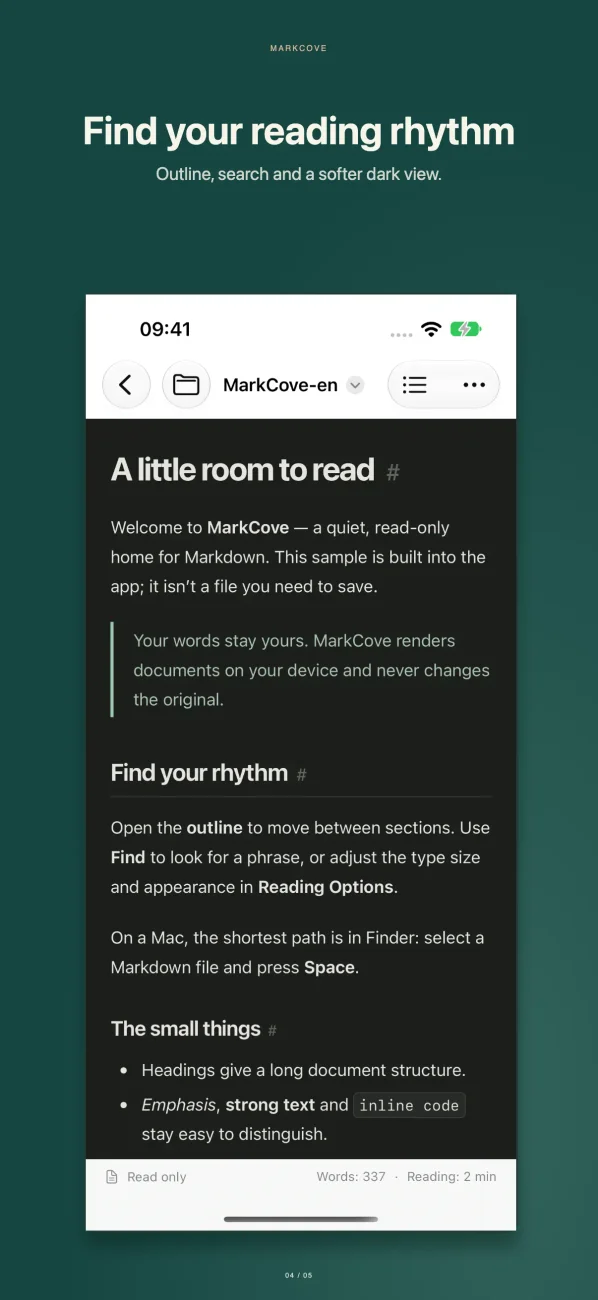
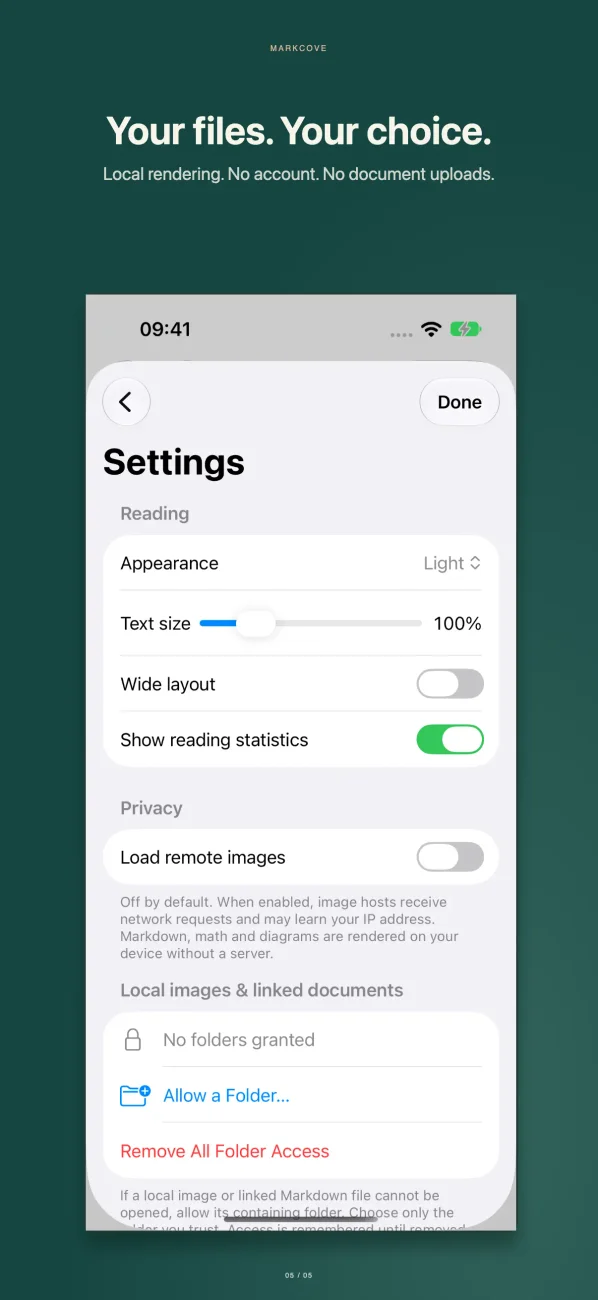
About
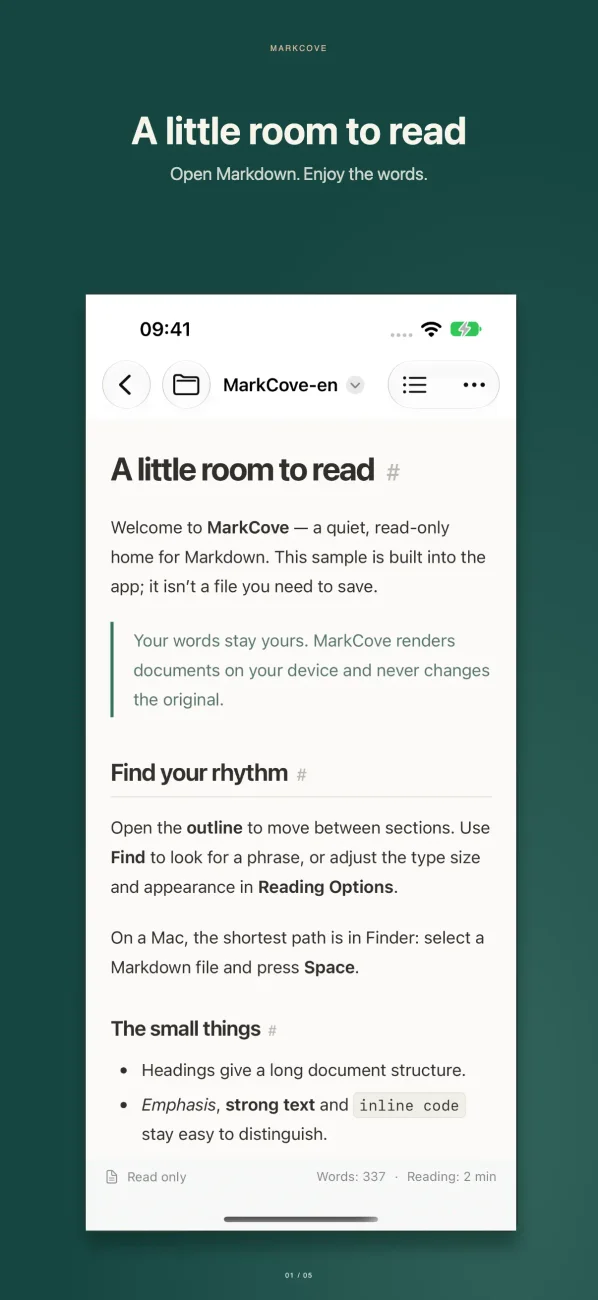
MarkCove is a free Markdown viewer for Mac, iPhone and iPad.
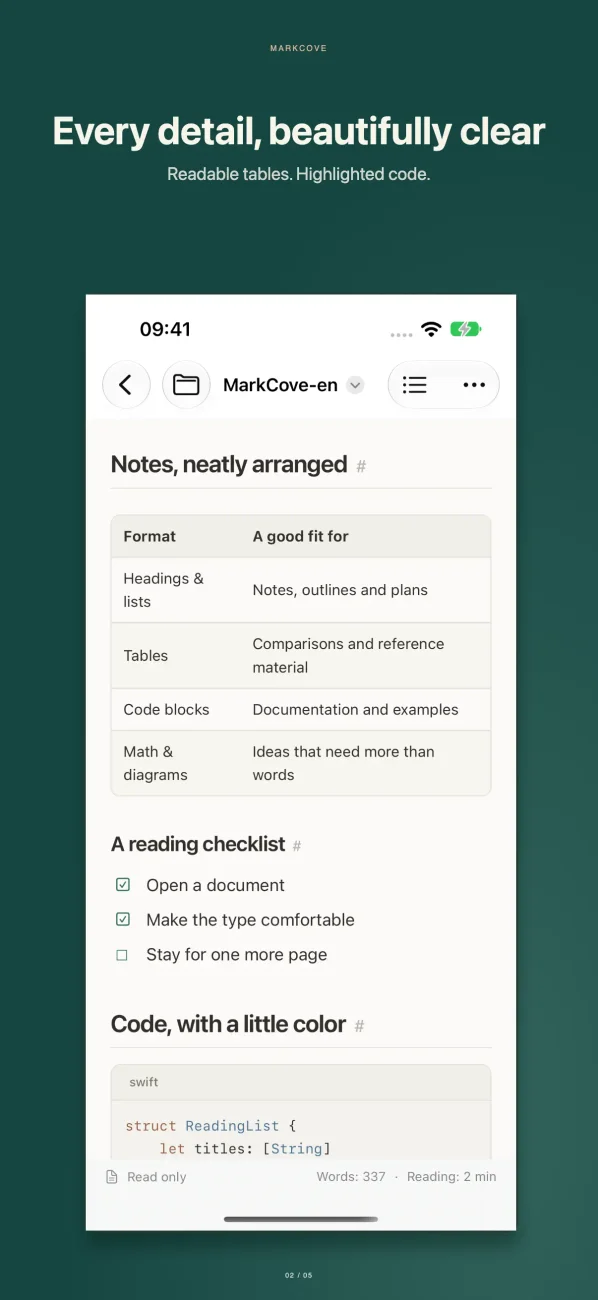
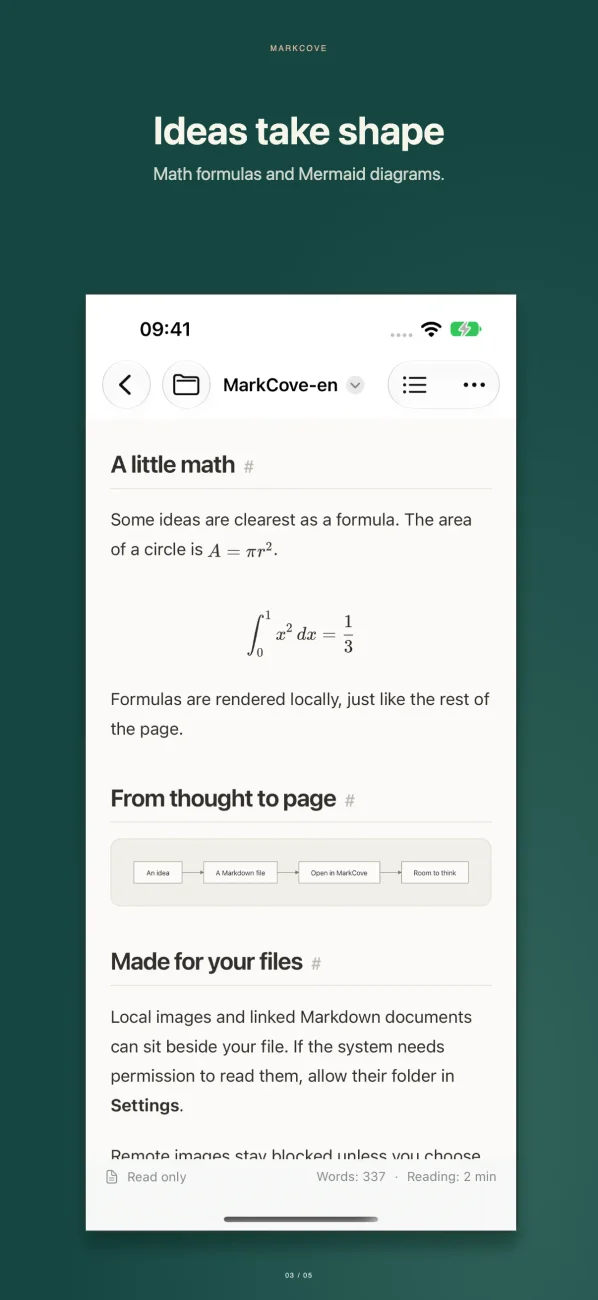
Read tables, syntax-highlighted code, math formulas and Mermaid diagrams in a clean, comfortable layout.
MarkCove never edits or saves over your original file. To change a document, open it in a separate text editor. Reading preferences and folder permissions are the only information MarkCove saves.
macOS: Select a Markdown file and press Space for a quick preview. Open it in MarkCove when you want a little more room.
iOS / iPadOS: Choose a Markdown file from the document browser, including iCloud Drive and supported Files providers. You can also open Markdown documents in MarkCove from Files. MarkCove reads the selected file in place.
The outline jumps to headings. Find searches the rendered document; use Command-F with a keyboard. Reading Options adjusts text size, appearance and line width.
Markdown rendering, code highlighting, math and diagrams run locally. MarkCove has no account, advertising, analytics or document-upload service.
Remote images are blocked by default. If you enable them, the image host can receive your IP address and ordinary network request information. Opening an external link also leaves MarkCove. Your Files provider may independently use the network to retrieve a document.
On macOS, Quick Look folder access lasts for the current preview session and may need to be granted again. The app remembers its own folder permissions. Use Allow a Folder inside the preview.
App privacy
What Denis Babkevich declares on the App Store about how this app handles data.
-
Data not collected
The developer does not collect any data from this app.
Privacy practices may vary, for example with the features you use or your age.
Information
- Seller
- Denis Babkevich
- Category
- Productivity
- Version
- 1.0.0
- Updated
- Oct 20, 2026
- Released
- Oct 20, 2026
- Size
- 5.6 MB
- Requires
- iOS 17.0 or later
- Age rating
- 4+
- Price
- Free
- Languages
- English, Arabic, French, German, Hindi, Japanese, Korean, Portuguese, Russian, Simplified Chinese, Spanish
- Copyright
- © 2026 Denis Babkevich
You might also like
-
 MarkRead - Markdown ReaderRead in pages, across devices
-
 MdChecker: Markdown ReaderMD Viewer & Editor for Files
-
 Multireader: Document ViewerFast, private, no ads
-
 SoulWinning OutreachChurch Visits & Follow-up
-
 mdr — Markdown Readermdr: free, Mermaid, offline
-
 Peekove: File Viewer & UnzipZIP, RAR, 7z, PDF & Markdown
-
 KnowTreeStructured Notes
-
 秘書さんProductivity
-
 Markdown Viewer: Copy for AI[Read-only] Copy .md for AI
-
 Markdown Viewer - MD ReaderREADME, Notes & Docs Preview