- Yaş sınırı4+
- Kategoriİş
- GeliştiriciMathWorks
- Dillerİngilizce+ 7 dil daha
- Boyut26,9 MB
Resmi App Store sayfasına bağlanır
Download.org, MATLAB Mobile için hiçbir dosya barındırmaz. Düğme, uygulamanın App Store üzerindeki sayfasını açar; uygulamayı orada MathWorks yayınlar. Sayfanın son kontrolü: 16.11.2026.
Ekran görüntüleri



Hakkında
Geliştirici bu metni dilinizde sunmamış.
Connect to MATLAB® from your iPhone or iPad.
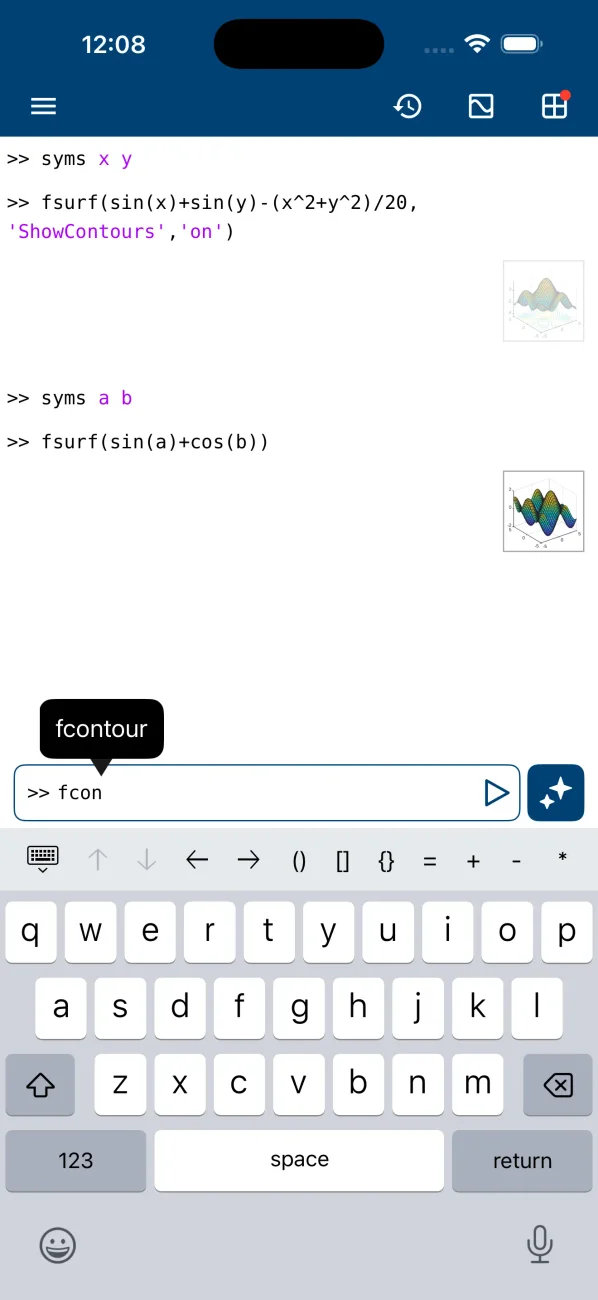
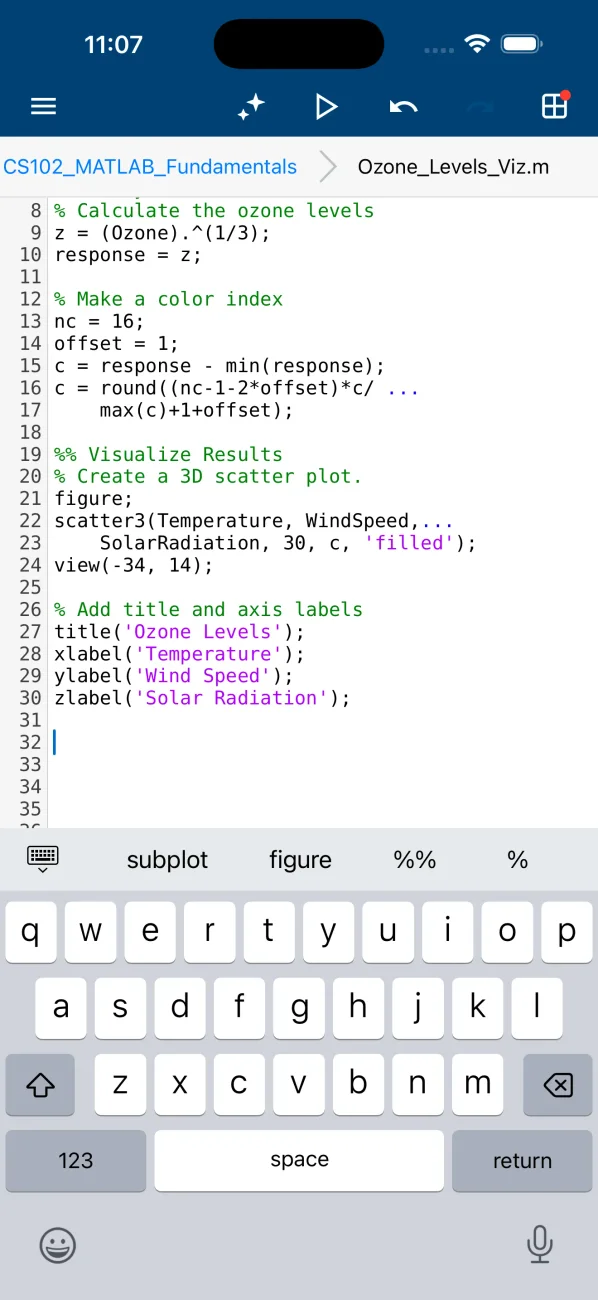
Evaluate MATLAB commands, create and edit files, view results, acquire data from sensors, and visualize data – from the convenience of your mobile device.
CONNECT TO THE CLOUD
Use your MathWorks Account to connect to MathWorks Cloud from MATLAB Mobile™. Linking a license that is current on MathWorks Software Maintenance Service to your MathWorks Account increases your storage quota and unlocks access to other add-on products on the license.
With your MathWorks Account, you can:
• Access MATLAB from the command-line
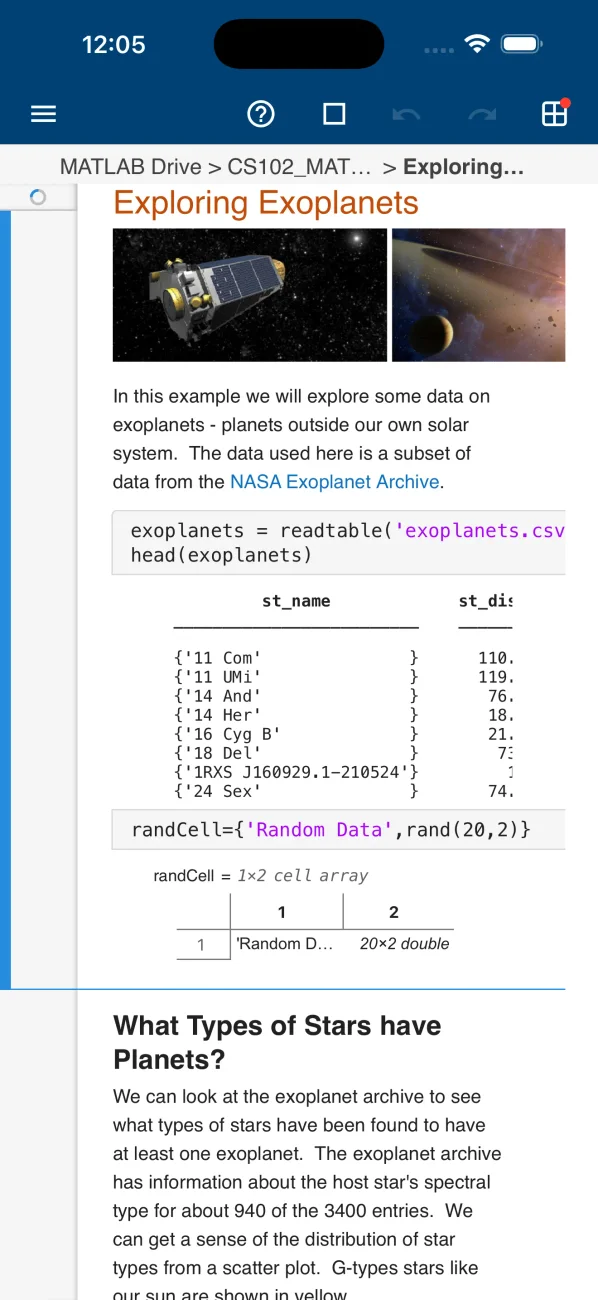
• View, run, edit and create files from the Editor
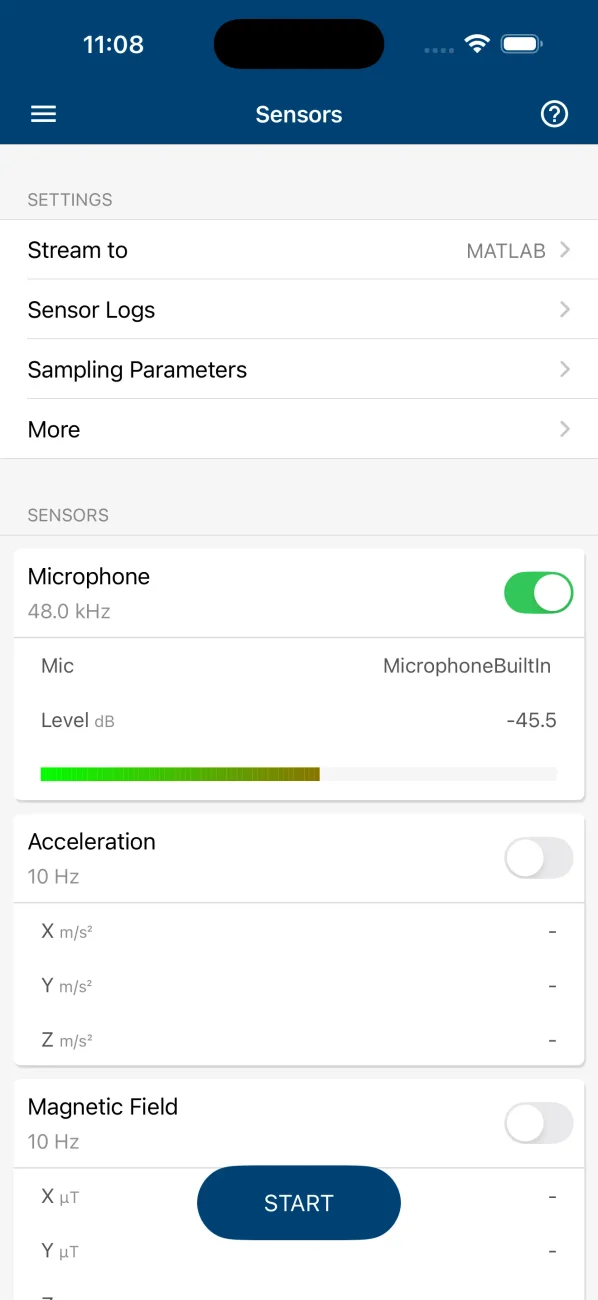
• Acquire data from device sensors
• Store your files and data on MATLAB Drive (you receive 5 GB of cloud storage)
Link a license that is current on MathWorks Software Maintenance Service to your MathWorks Account to unlock the following features:
• Access to other add-on products on your license
• 20 GB of cloud storage on MATLAB Drive
FEATURES
• Command-line access to MATLAB and add-on products
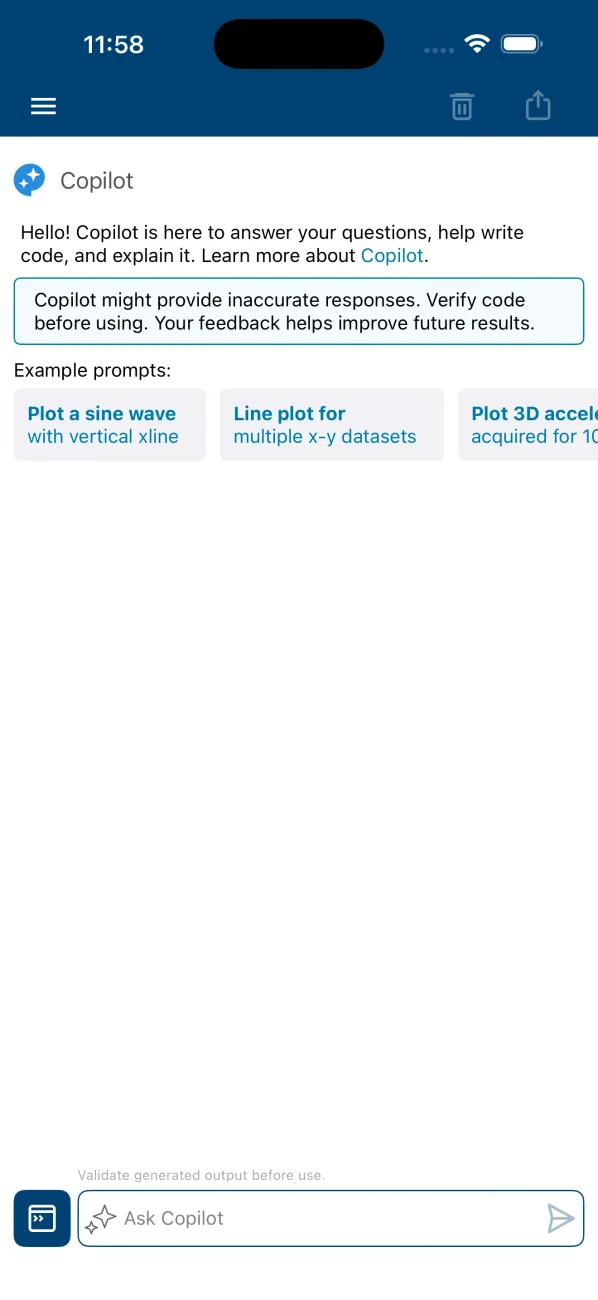
• MATLAB Copilot for AI-assisted coding with a valid license
• 2D and 3D plots to visualize data
• Editor to view, run, edit and create MATLAB files
• Data acquisition from device sensors
• Image and video acquisition from the camera
• Cloud storage and synchronization with MATLAB Drive
• Custom keyboard to enter typical MATLAB syntax
LIMITATIONS
The following features are not supported:
• Using MATLAB Apps, such as Curve Fitting
• Creating apps with App Designer
• Interacting with 3D figures
• Opening or creating models using the Simulink graphical environment
Note: Continued use of GPS running in the background can dramatically decrease battery life.
ABOUT MATLAB
MATLAB is the leading technical computing software for algorithm development, data visualization, data analysis, and numeric computation. MATLAB is used in a wide range of applications, including signal and image processing, communications, control design, test and measurement, financial modeling and analysis, and computational biology.
Yenilikler
Sürüm 9.13 · 13.10.2026
- Support for plain text Live Code format (.m)
- Bug fixes
Uygulama gizliliği
Bu uygulamanın verileri nasıl işlediği hakkında MathWorks tarafından App Store üzerinde yapılan beyan.
-
Sizinle ilişkilendirilen veriler
Toplanabilir ve kimliğinizle ilişkilendirilebilir.
- İletişim bilgileri
-
Sizinle ilişkilendirilmeyen veriler
Toplanabilir ancak kimliğinizle ilişkilendirilmez.
- Konum
- Kullanıcı içeriği
- Tanımlayıcılar
- Kullanım verileri
Gizlilik uygulamaları, örneğin kullandığınız özelliklere veya yaşınıza göre değişiklik gösterebilir.
Bilgiler
- Satıcı
- The MathWorks, Inc.
- Kategori
- İş
- Sürüm
- 9.13
- Güncellendi
- 13.10.2026
- Yayın tarihi
- 22.05.2010
- Boyut
- 26,9 MB
- Gereksinim
- iOS 17.0 veya sonrası
- Yaş sınırı
- 4+
- Fiyat
- Ücretsiz
- Diller
- İngilizce, Fransızca, Almanca, İtalyanca, Japonca, Korece, Basitleştirilmiş Çince, İspanyolca
- Telif hakkı
- © 2026 The MathWorks, Inc.