- Độ tuổi4+
- Danh mụcKinh Doanh
- Nhà phát triểnMathWorks
- Ngôn ngữTiếng Anh+ 7 ngôn ngữ khác
- Kích thước26,9 MB
Liên kết đến trang App Store chính thức
Download.org không lưu trữ tệp nào của MATLAB Mobile. Nút này mở trang ứng dụng trên App Store, nơi MathWorks phát hành ứng dụng. Trang được kiểm tra lần cuối: 16/11/2026.
Ảnh chụp màn hình


Giới thiệu
Nhà phát triển chưa cung cấp nội dung này bằng ngôn ngữ của bạn.
Connect to MATLAB® from your iPhone or iPad.
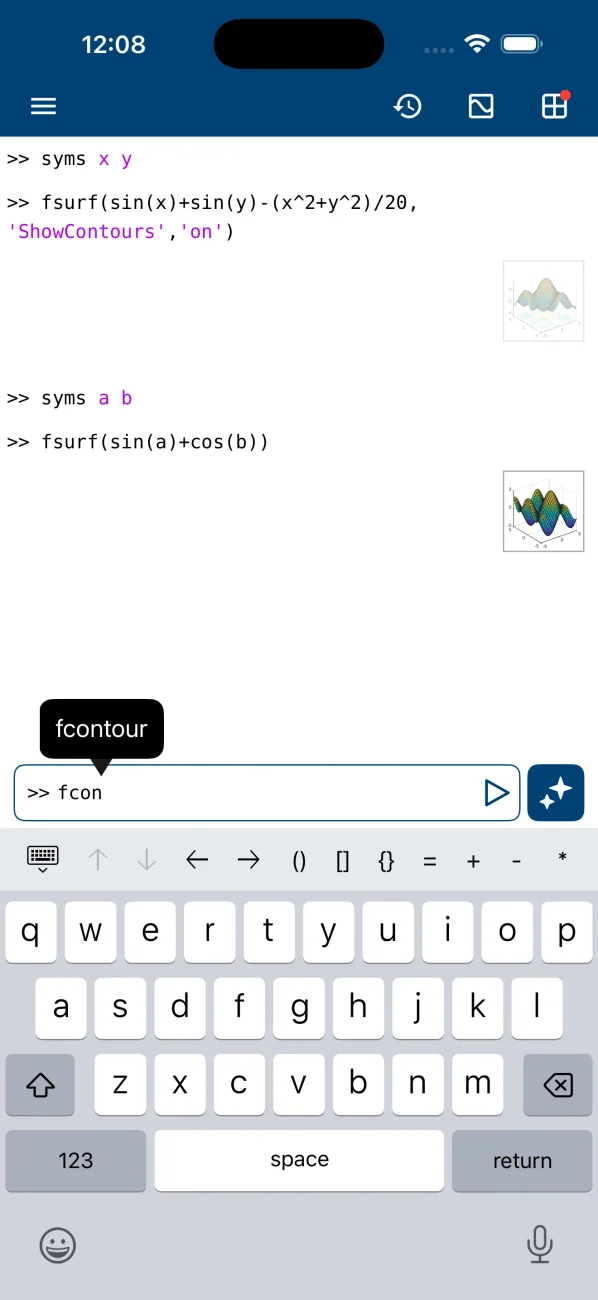
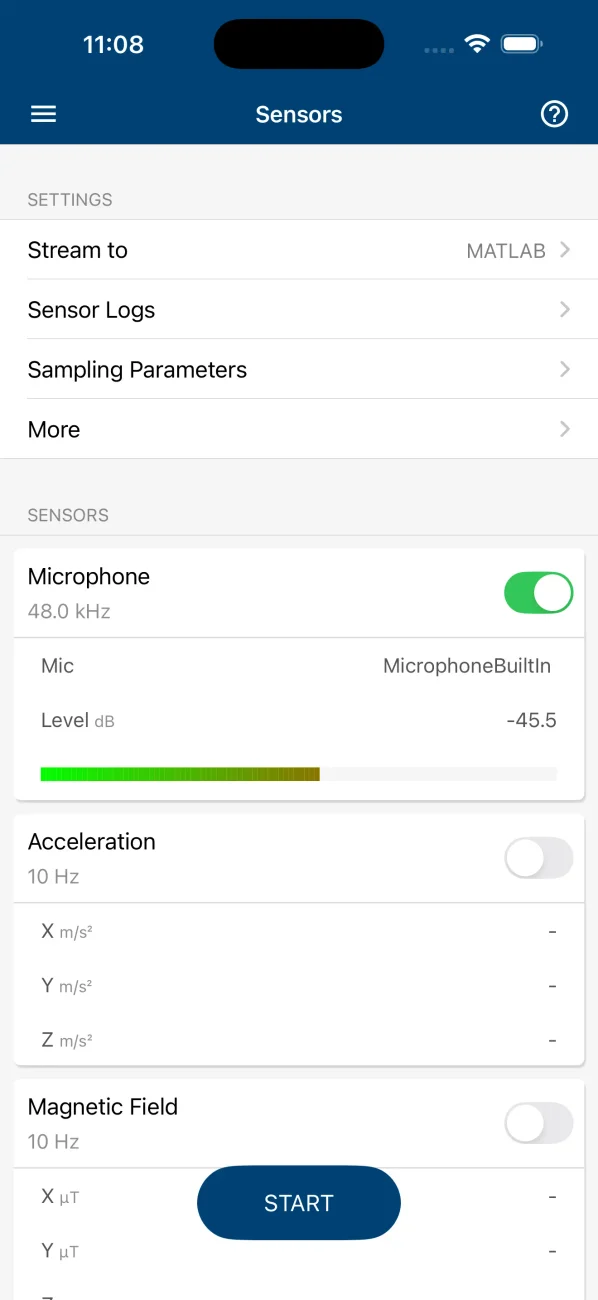
Evaluate MATLAB commands, create and edit files, view results, acquire data from sensors, and visualize data – from the convenience of your mobile device.
CONNECT TO THE CLOUD
Use your MathWorks Account to connect to MathWorks Cloud from MATLAB Mobile™. Linking a license that is current on MathWorks Software Maintenance Service to your MathWorks Account increases your storage quota and unlocks access to other add-on products on the license.
With your MathWorks Account, you can:
• Access MATLAB from the command-line
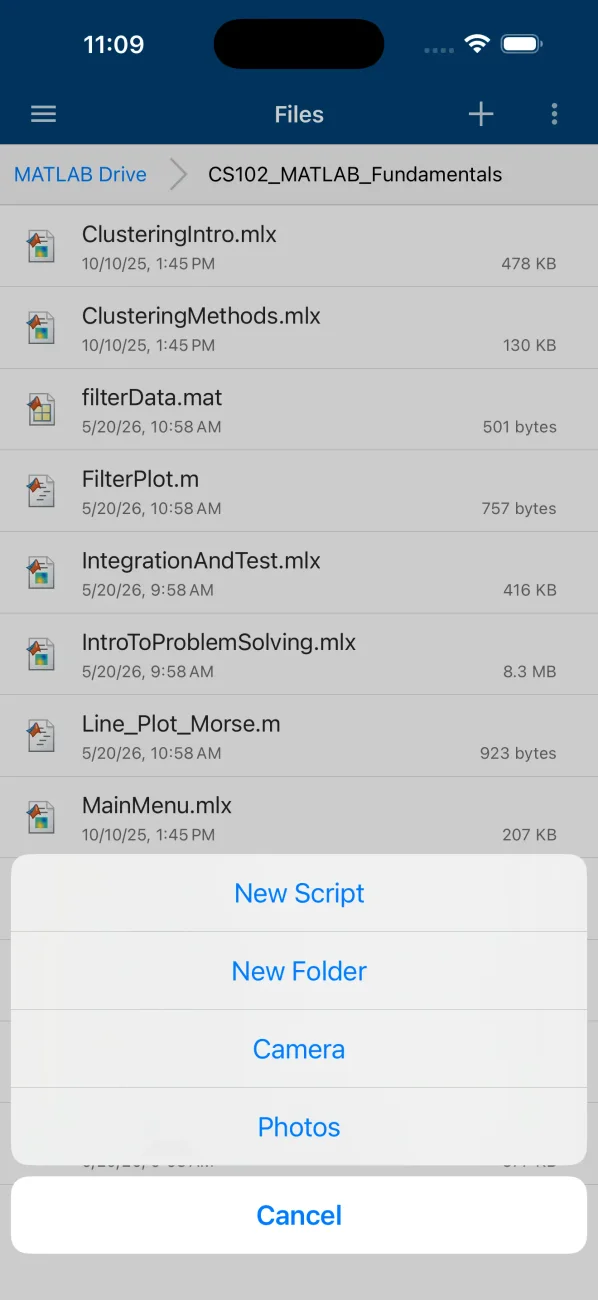
• View, run, edit and create files from the Editor
• Acquire data from device sensors
• Store your files and data on MATLAB Drive (you receive 5 GB of cloud storage)
Link a license that is current on MathWorks Software Maintenance Service to your MathWorks Account to unlock the following features:
• Access to other add-on products on your license
• 20 GB of cloud storage on MATLAB Drive
FEATURES
• Command-line access to MATLAB and add-on products
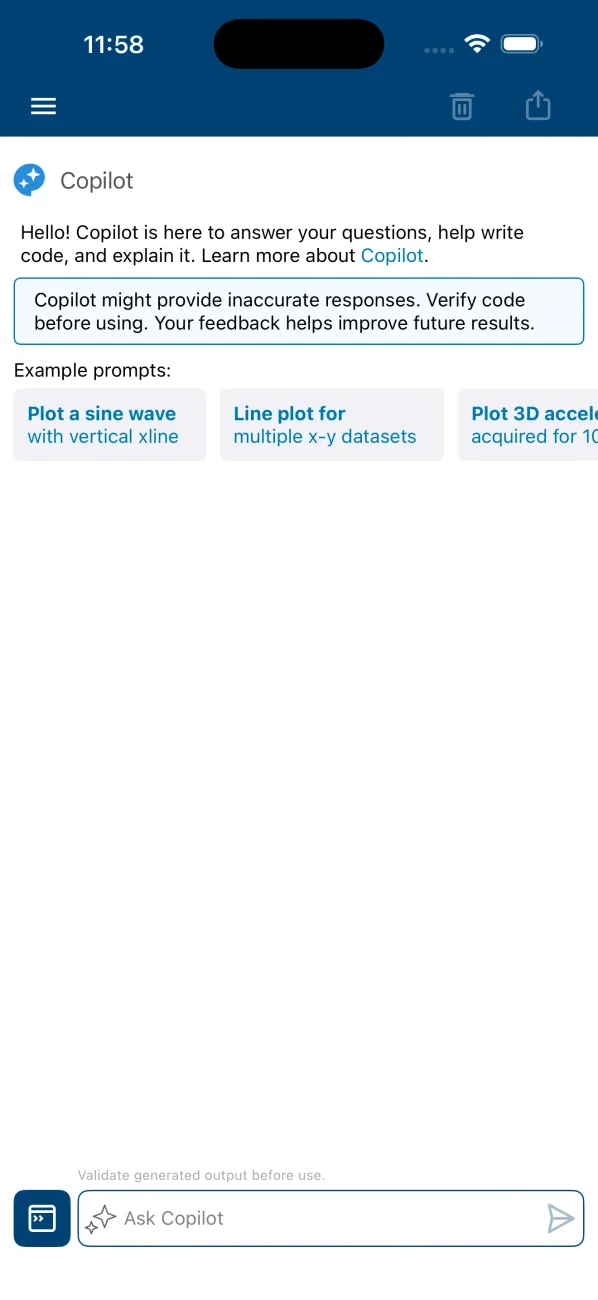
• MATLAB Copilot for AI-assisted coding with a valid license
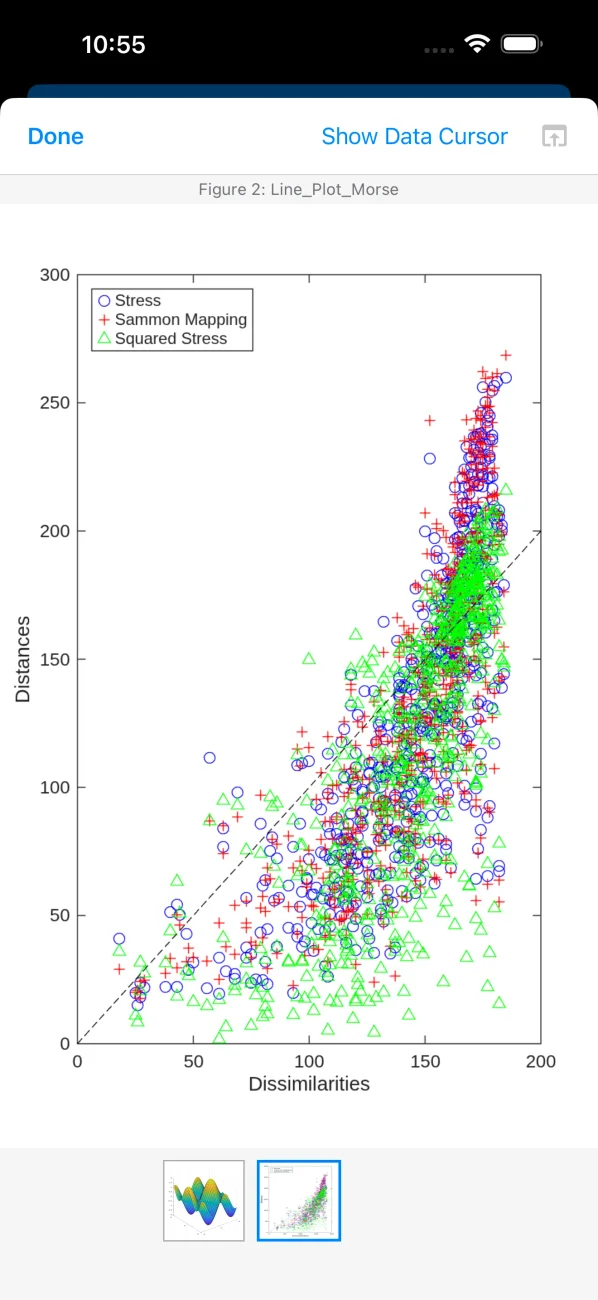
• 2D and 3D plots to visualize data
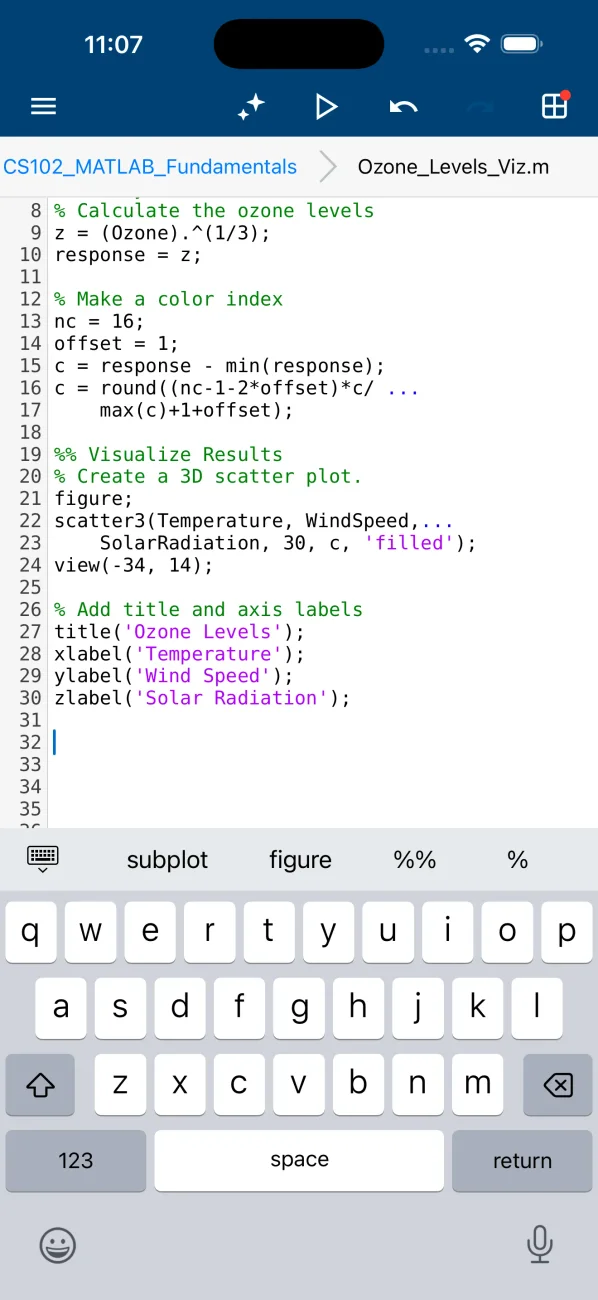
• Editor to view, run, edit and create MATLAB files
• Data acquisition from device sensors
• Image and video acquisition from the camera
• Cloud storage and synchronization with MATLAB Drive
• Custom keyboard to enter typical MATLAB syntax
LIMITATIONS
The following features are not supported:
• Using MATLAB Apps, such as Curve Fitting
• Creating apps with App Designer
• Interacting with 3D figures
• Opening or creating models using the Simulink graphical environment
Note: Continued use of GPS running in the background can dramatically decrease battery life.
ABOUT MATLAB
MATLAB is the leading technical computing software for algorithm development, data visualization, data analysis, and numeric computation. MATLAB is used in a wide range of applications, including signal and image processing, communications, control design, test and measurement, financial modeling and analysis, and computational biology.
Có gì mới
Phiên bản 9.13 · 13/10/2026
- Support for plain text Live Code format (.m)
- Bug fixes
Quyền riêng tư của ứng dụng
Những gì MathWorks khai báo trên App Store về cách ứng dụng này xử lý dữ liệu.
-
Dữ liệu liên kết với bạn
Có thể được thu thập và liên kết với danh tính của bạn.
- Thông tin liên hệ
-
Dữ liệu không liên kết với bạn
Có thể được thu thập nhưng không liên kết với danh tính của bạn.
- Vị trí
- Nội dung của người dùng
- Mã định danh
- Dữ liệu sử dụng
Phương thức đảm bảo quyền riêng tư có thể khác nhau, chẳng hạn như tuỳ theo các tính năng bạn sử dụng hoặc độ tuổi của bạn.
Thông tin
- Người bán
- The MathWorks, Inc.
- Danh mục
- Kinh Doanh
- Phiên bản
- 9.13
- Cập nhật
- 13/10/2026
- Phát hành
- 22/05/2010
- Kích thước
- 26,9 MB
- Yêu cầu
- iOS 17.0 trở lên
- Độ tuổi
- 4+
- Giá
- Miễn phí
- Ngôn ngữ
- Tiếng Anh, Tiếng Pháp, Tiếng Đức, Tiếng Ý, Tiếng Nhật, Tiếng Hàn, Tiếng Trung Giản thể, Tiếng Tây Ban Nha
- Bản quyền
- © 2026 The MathWorks, Inc.