
Micstream: Microphone for PC
Use your phone as wireless mic
iPhone için tasarlandı
Ücretsiz · Uygulama içi satın alma
- Yaş sınırı4+
- KategoriYardımcılar
- GeliştiriciStreamDev Technologies
- Dillerİngilizce+ 3 dil daha
- Boyut61,8 MB
Resmi App Store sayfasına bağlanır
Download.org, Micstream: Microphone for PC için hiçbir dosya barındırmaz. Düğme, uygulamanın App Store üzerindeki sayfasını açar; uygulamayı orada StreamDev Technologies yayınlar. Sayfanın son kontrolü: 22.11.2026.
Ekran görüntüleri

Hakkında
Geliştirici bu metni dilinizde sunmamış.
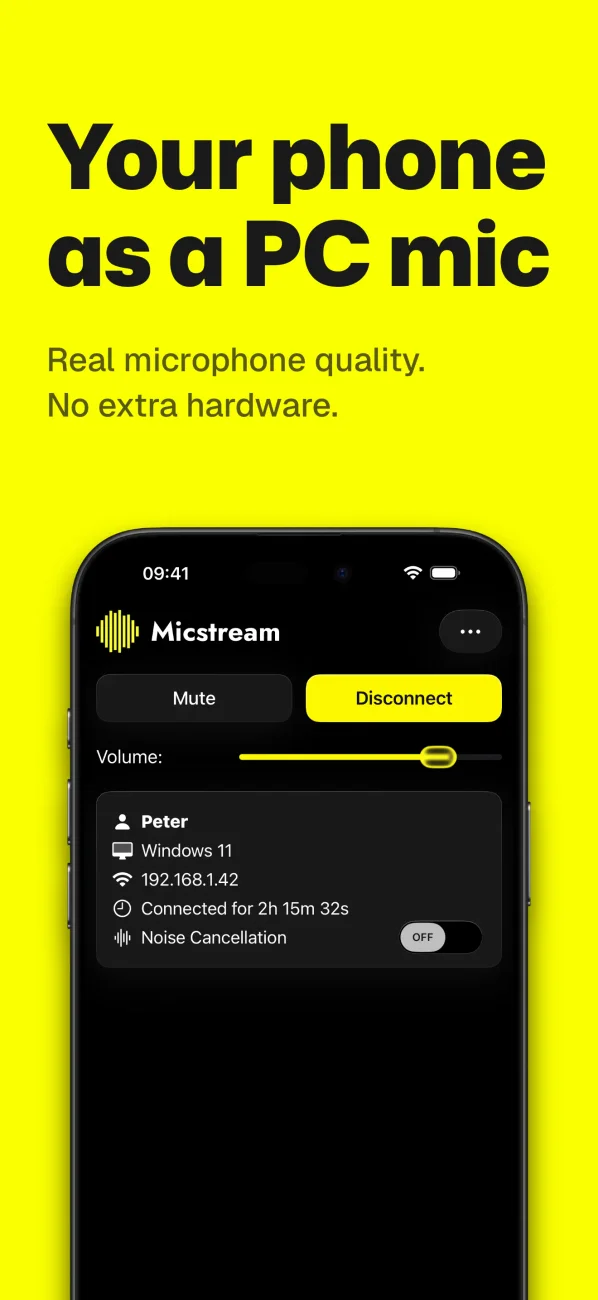
Why spend money on a USB microphone? Your phone's microphone already beats most budget USB mics. Micstream makes Windows treat it like a proper hardware microphone — over Wi-Fi, with no cables and no extra hardware.
NO WORKING MIC? USE YOUR PHONE
Laptop mic sounds bad? Headset broken? Webcam has no sound? Use your phone instead. Micstream turns it into a wireless microphone for your PC. No Bluetooth pairing, no drivers to install on your phone.
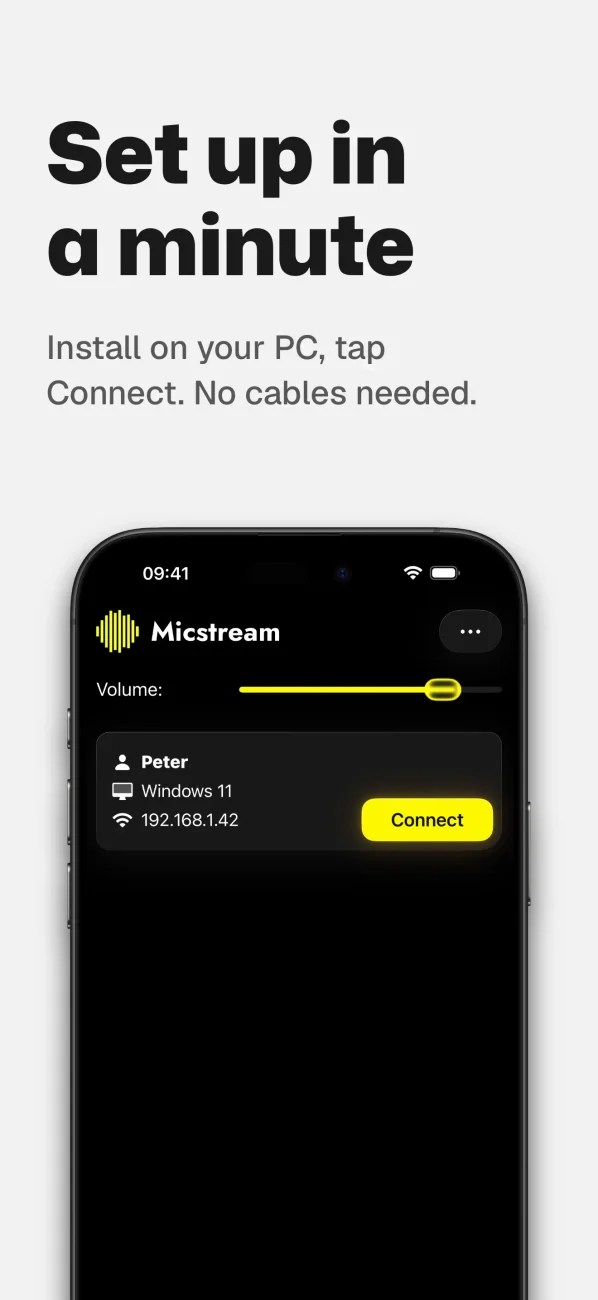
SETUP IS EASY
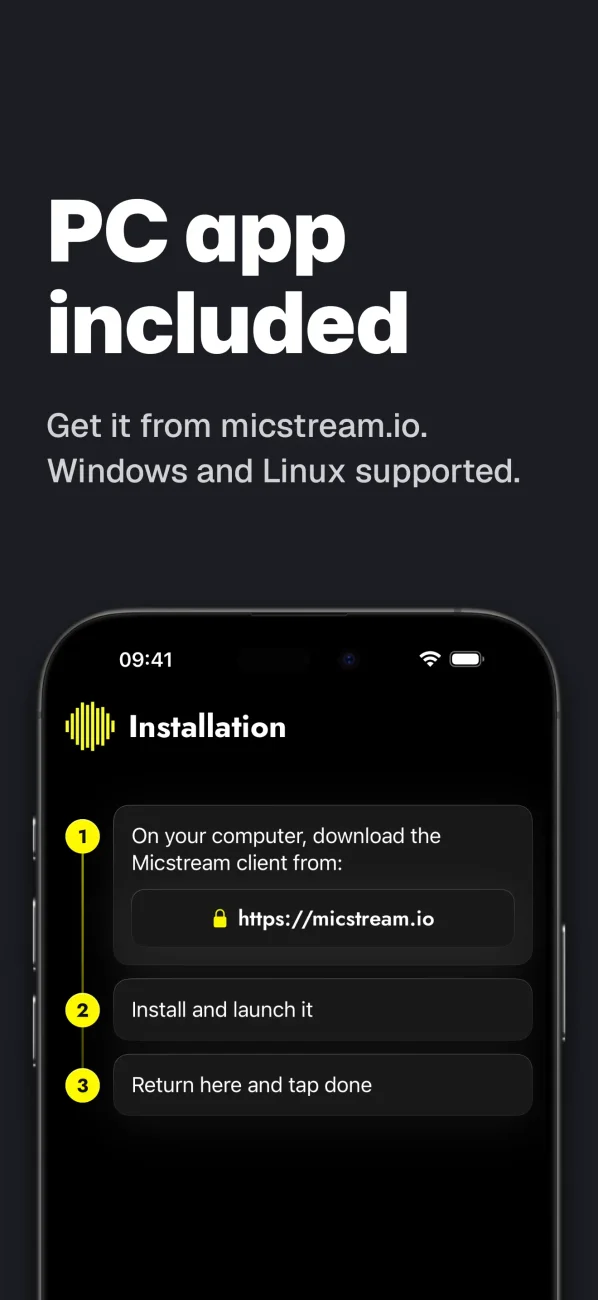
1. Download the Windows client from micstream.io
2. In Windows, select Micstream as your audio input device
3. Launch the app and connect to your PC over Wi-Fi
4. Start streaming!
Your phone is now a standalone PC microphone — just like one you would buy in the store.
WHY MICSTREAM
• Save money: no need to buy an expensive standalone microphone — Micstream is free
• Ultimate convenience: use your iPhone as a professional-grade PC mic
• High-quality audio: crisp, clear sound for podcasts, gaming, video calls, voiceovers, and more
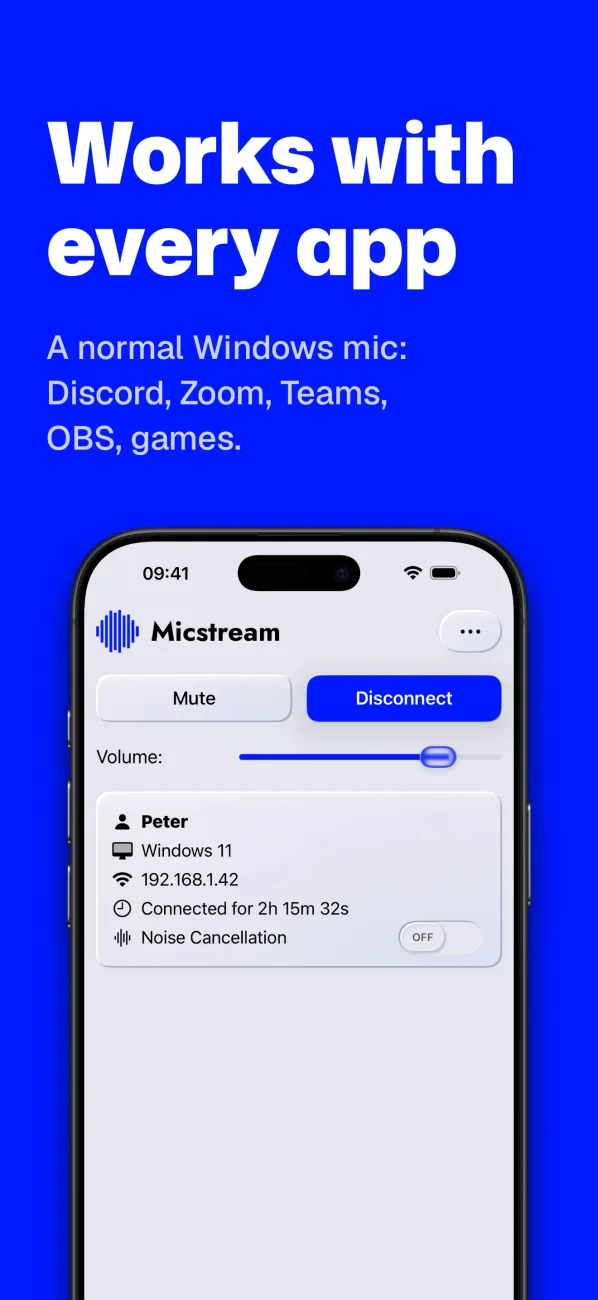
• Custom Windows driver: works like a real hardware PC mic in any application (Zoom, Discord, OBS, Teams, games, and more)
FEATURES
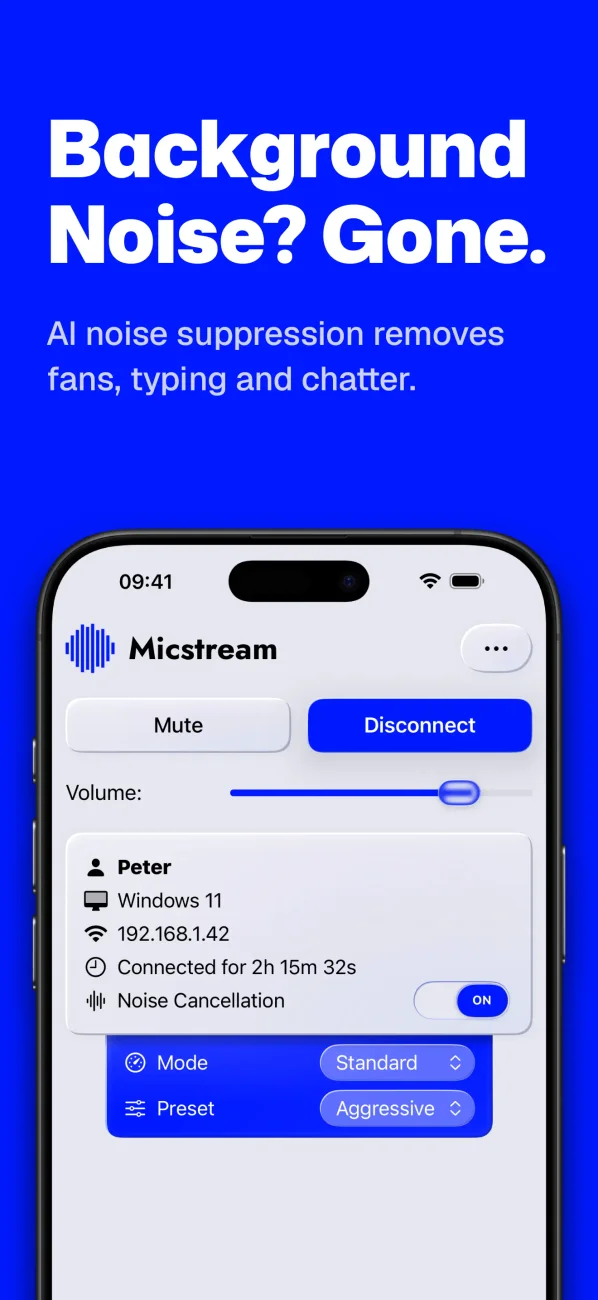
• World-class noise suppression via DeepFilterNet
• Custom Windows audio driver
• Studio-quality audio — 48 kHz and 32-bit for unmatched clarity and detail
• High-quality, low-latency Opus codec
• Stereo recording on supported devices
• Automatic PC discovery on your Wi-Fi network
YOUR PHONE AS A MIC FOR EVERY APP
Use your iPhone as a microphone for your PC in Zoom, Discord, Teams, Google Meet, OBS, and any game or recording software. One mic app covers video calls, streaming, podcasts, voice-overs, dictation, and speech-to-text. If it accepts a microphone input, you can stream your phone's mic to your PC.
NOISE CANCELLATION BUILT IN
Micstream turns your phone into a noise-cancelling microphone. It uses DeepFilterNet, a state-of-the-art AI noise filter that removes background noise like keyboard sounds, fans, and street noise in real time. Your voice stays clear. You can switch noise cancellation on or off from the desktop app.
PRICING
• Micstream is free — watch a short ad to stream for the next hour
• Micstream Pro supports the developer and removes ads and limits
SUPPORTED DESKTOP SYSTEMS
• Windows 10
• Windows 11
• Linux
TECHNICAL DETAILS
Micstream's desktop client features a tailored Windows audio driver designed for a seamless PC mic experience. 32-bit depth allows a wider dynamic range and more detail in your recordings. Audio is encoded with the Opus codec, whose low algorithmic delay (5–10 ms) makes it a perfect fit for streaming from phone to PC. Networking uses UDP on ports 37718–37720, with automatic client discovery and forward error correction against packet loss.
PRIVACY POLICY
https://micstream.io/privacy
TERMS OF USE
https://micstream.io/terms
Yenilikler
Sürüm 1.0.10 · 05.11.2026
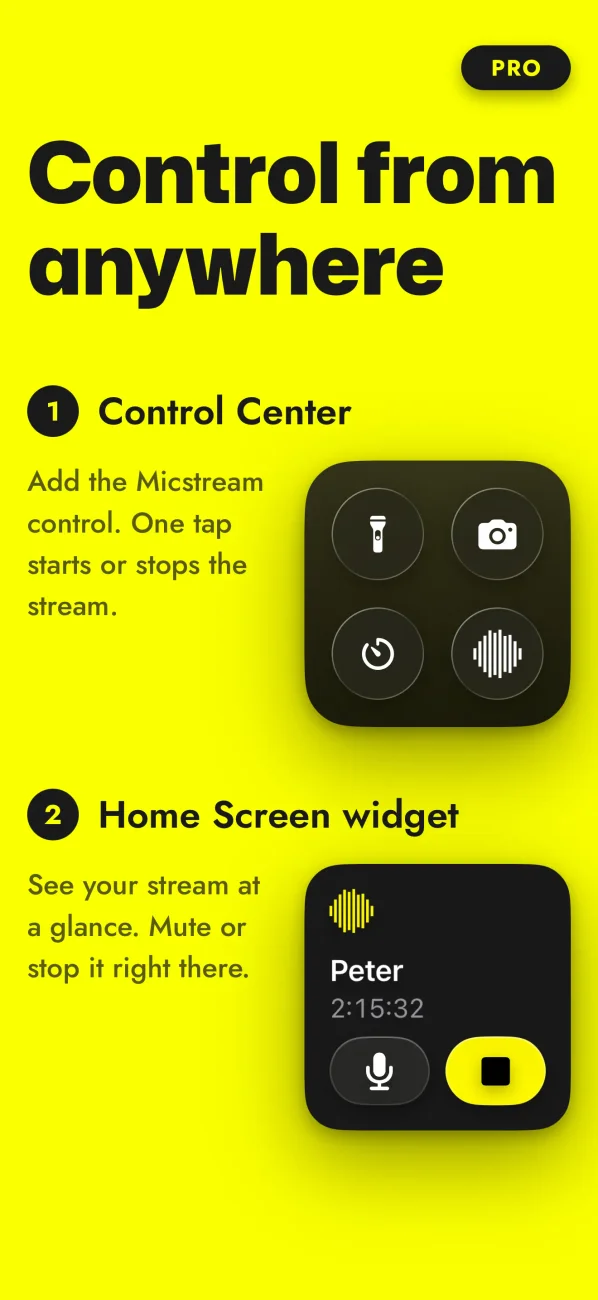
• New: Home Screen widget. Start, mute and stop your stream without opening the app (Micstream Pro).
• Redesigned setup guide.
• The Control Center control now shows the Micstream logo.
• Fixed: the app could hang on "Registering Device". It now offers Try again.
• Small fixes.
Uygulama gizliliği
Bu uygulamanın verileri nasıl işlediği hakkında StreamDev Technologies tarafından App Store üzerinde yapılan beyan.
-
Sizi izlemek için kullanılan veriler
Başka şirketlere ait uygulamalarda ve web sitelerinde sizi izlemek için kullanılabilir.
- Tanımlayıcılar
- Kullanım verileri
-
Sizinle ilişkilendirilmeyen veriler
Toplanabilir ancak kimliğinizle ilişkilendirilmez.
- Satın alımlar
- Konum
- Tanımlayıcılar
- Kullanım verileri
- Tanılama
Gizlilik uygulamaları, örneğin kullandığınız özelliklere veya yaşınıza göre değişiklik gösterebilir.
Bilgiler
- Satıcı
- StreamDev Technologies OU
- Kategori
- Yardımcılar
- Sürüm
- 1.0.10
- Güncellendi
- 05.11.2026
- Yayın tarihi
- 14.09.2026
- Boyut
- 61,8 MB
- Gereksinim
- iOS 18.0 veya sonrası
- Yaş sınırı
- 4+
- Fiyat
- Ücretsiz
- Uygulama içi satın alma
- Evet
- Diller
- İngilizce, Almanca, Portekizce, İspanyolca
- Telif hakkı
- © 2026 StreamDev Technologies OÜ
Bunları da beğenebilirsiniz
-
 PhoneMic: PC için MikrofonTelefonun bilgisayar mikrofonu
-
 EZ MicrophoneYardımcılar
-
 MicFlow: Wifi Audio StreamYardımcılar
-
 Mic: Phone as MicrophoneYardımcılar
-
 Mikrofon akışı - hoparlörlereuygulamadan gönderilen ses
-
 Mıc to Speaker - AirMicMikrofon & Ses Yükseltici
-
 Virtual Steering ControllerYardımcılar
-
 TetherAudioYardımcılar
-
 Bluetooth Mikrofon CanlıHoparlör İçin Sanal Mikrofon
-
 Microphone Amplifier: Live MicYardımcılar