
Micstream: Microphone for PC
Use your phone as wireless mic
Designed for iPhone
Free · In-app purchases
- Age rating4+
- CategoryUtilities
- DeveloperStreamDev Technologies
- LanguagesEnglish+ 3 more
- Size61.8 MB
Links to the official App Store page
Download.org hosts no file of Micstream: Microphone for PC. The button opens its official App Store page, published by StreamDev Technologies. Listing last checked on Nov 22, 2026.
Screenshots

About
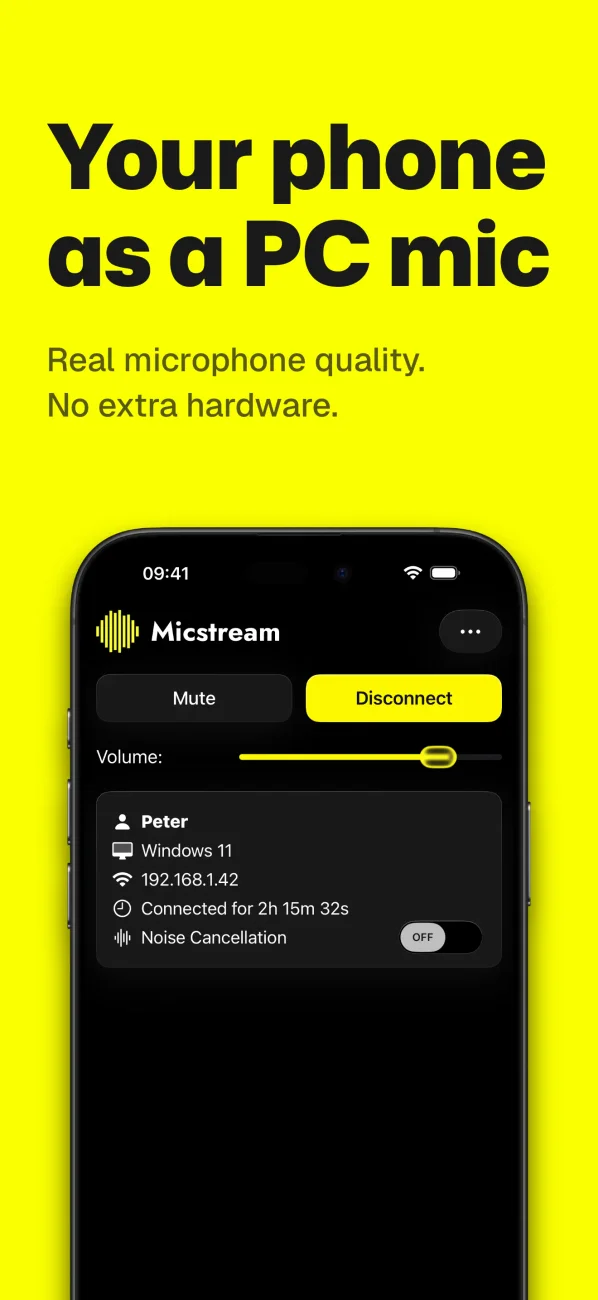
Why spend money on a USB microphone? Your phone's microphone already beats most budget USB mics. Micstream makes Windows treat it like a proper hardware microphone — over Wi-Fi, with no cables and no extra hardware.
NO WORKING MIC? USE YOUR PHONE
Laptop mic sounds bad? Headset broken? Webcam has no sound? Use your phone instead. Micstream turns it into a wireless microphone for your PC. No Bluetooth pairing, no drivers to install on your phone.
SETUP IS EASY
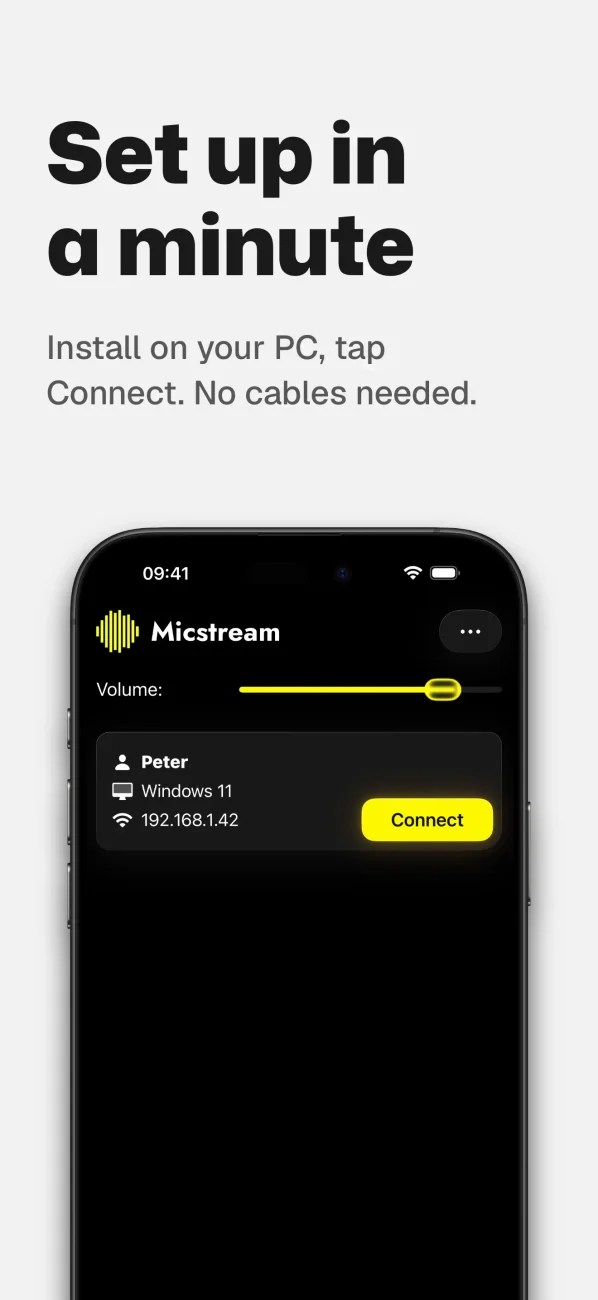
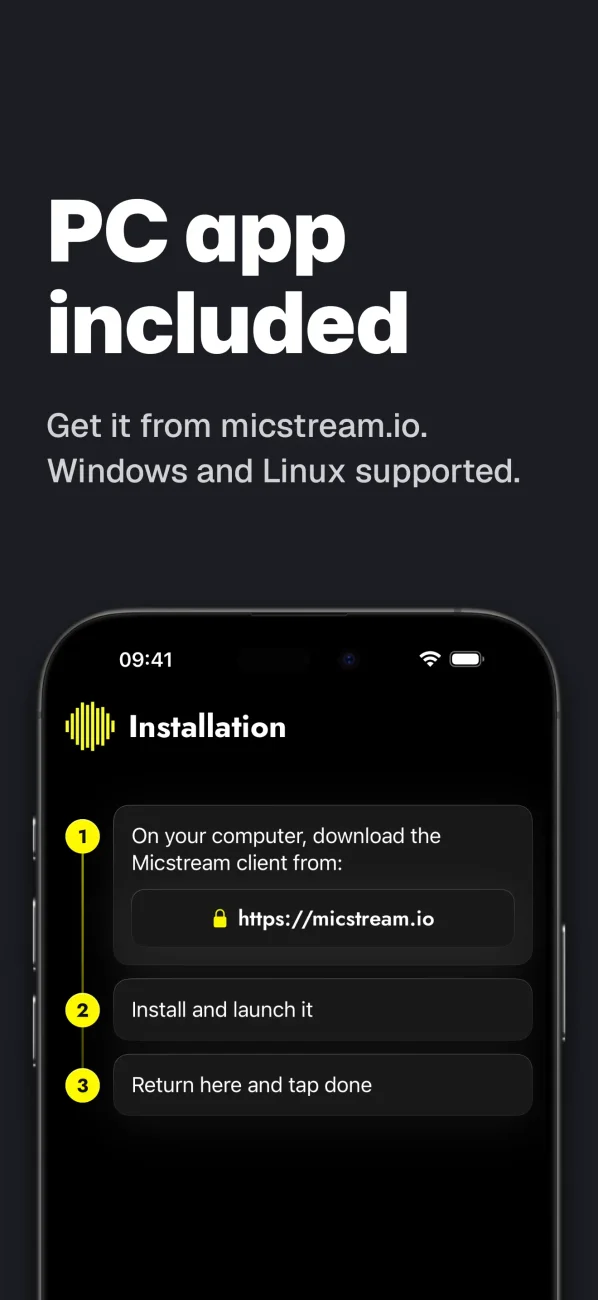
1. Download the Windows client from micstream.io
2. In Windows, select Micstream as your audio input device
3. Launch the app and connect to your PC over Wi-Fi
4. Start streaming!
Your phone is now a standalone PC microphone — just like one you would buy in the store.
WHY MICSTREAM
• Save money: no need to buy an expensive standalone microphone — Micstream is free
• Ultimate convenience: use your iPhone as a professional-grade PC mic
• High-quality audio: crisp, clear sound for podcasts, gaming, video calls, voiceovers, and more
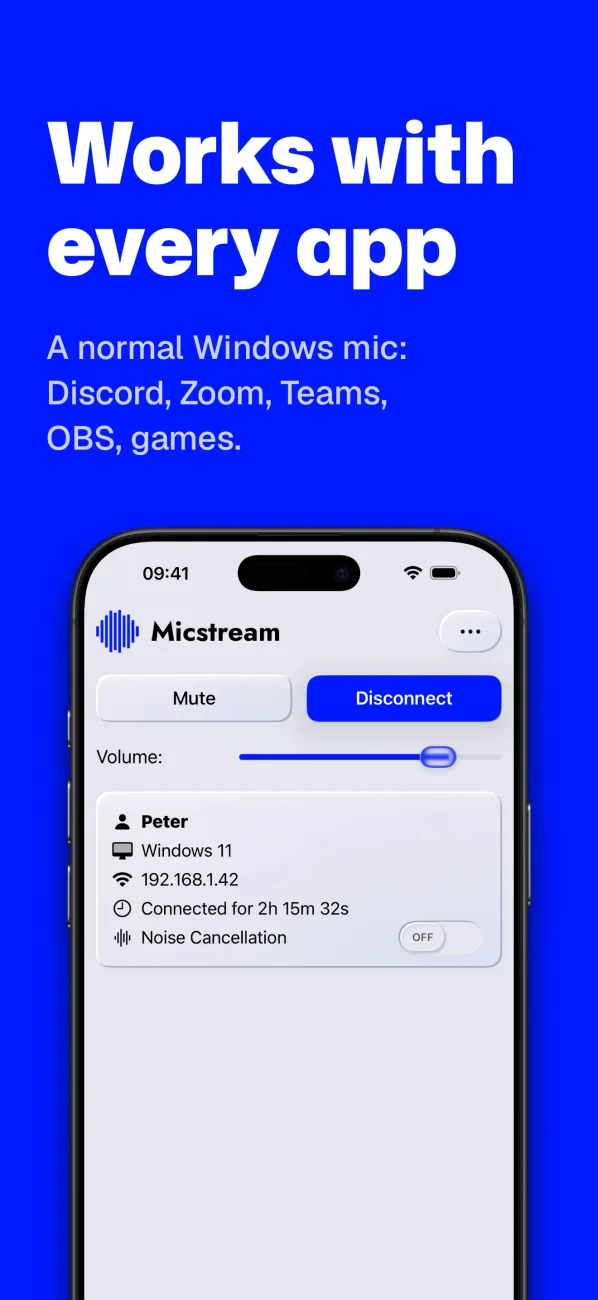
• Custom Windows driver: works like a real hardware PC mic in any application (Zoom, Discord, OBS, Teams, games, and more)
FEATURES
• World-class noise suppression via DeepFilterNet
• Custom Windows audio driver
• Studio-quality audio — 48 kHz and 32-bit for unmatched clarity and detail
• High-quality, low-latency Opus codec
• Stereo recording on supported devices
• Automatic PC discovery on your Wi-Fi network
YOUR PHONE AS A MIC FOR EVERY APP
Use your iPhone as a microphone for your PC in Zoom, Discord, Teams, Google Meet, OBS, and any game or recording software. One mic app covers video calls, streaming, podcasts, voice-overs, dictation, and speech-to-text. If it accepts a microphone input, you can stream your phone's mic to your PC.
NOISE CANCELLATION BUILT IN
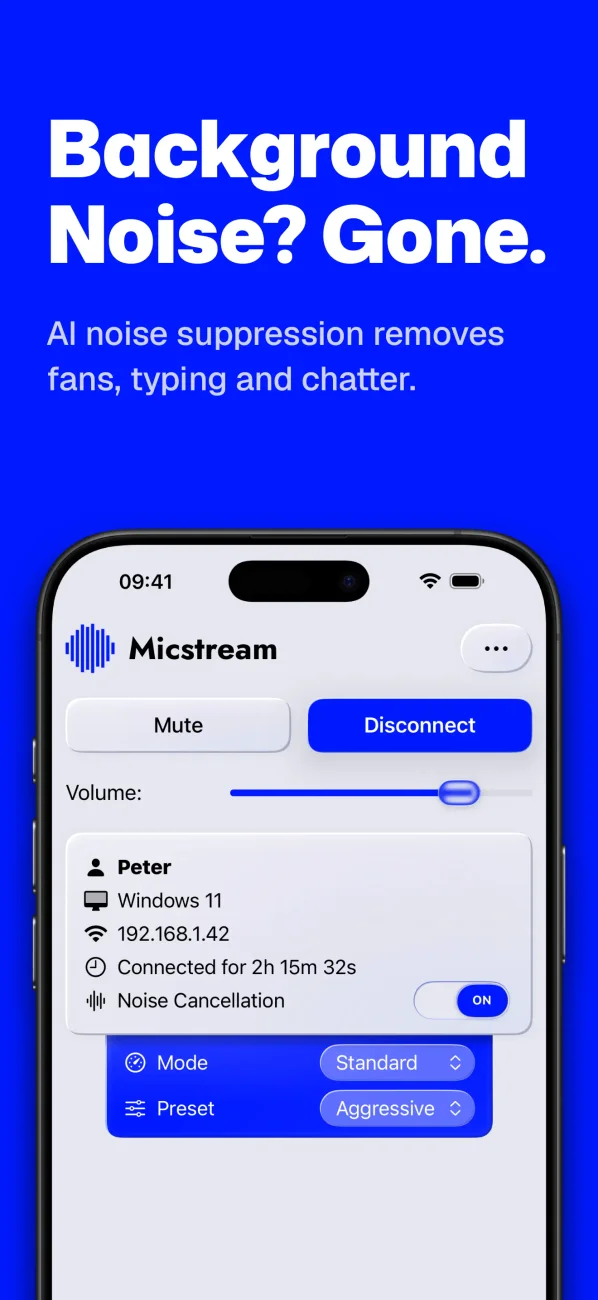
Micstream turns your phone into a noise-cancelling microphone. It uses DeepFilterNet, a state-of-the-art AI noise filter that removes background noise like keyboard sounds, fans, and street noise in real time. Your voice stays clear. You can switch noise cancellation on or off from the desktop app.
PRICING
• Micstream is free — watch a short ad to stream for the next hour
• Micstream Pro supports the developer and removes ads and limits
SUPPORTED DESKTOP SYSTEMS
• Windows 10
• Windows 11
• Linux
TECHNICAL DETAILS
Micstream's desktop client features a tailored Windows audio driver designed for a seamless PC mic experience. 32-bit depth allows a wider dynamic range and more detail in your recordings. Audio is encoded with the Opus codec, whose low algorithmic delay (5–10 ms) makes it a perfect fit for streaming from phone to PC. Networking uses UDP on ports 37718–37720, with automatic client discovery and forward error correction against packet loss.
PRIVACY POLICY
https://micstream.io/privacy
TERMS OF USE
https://micstream.io/terms
What’s new
Version 1.0.10 · Nov 5, 2026
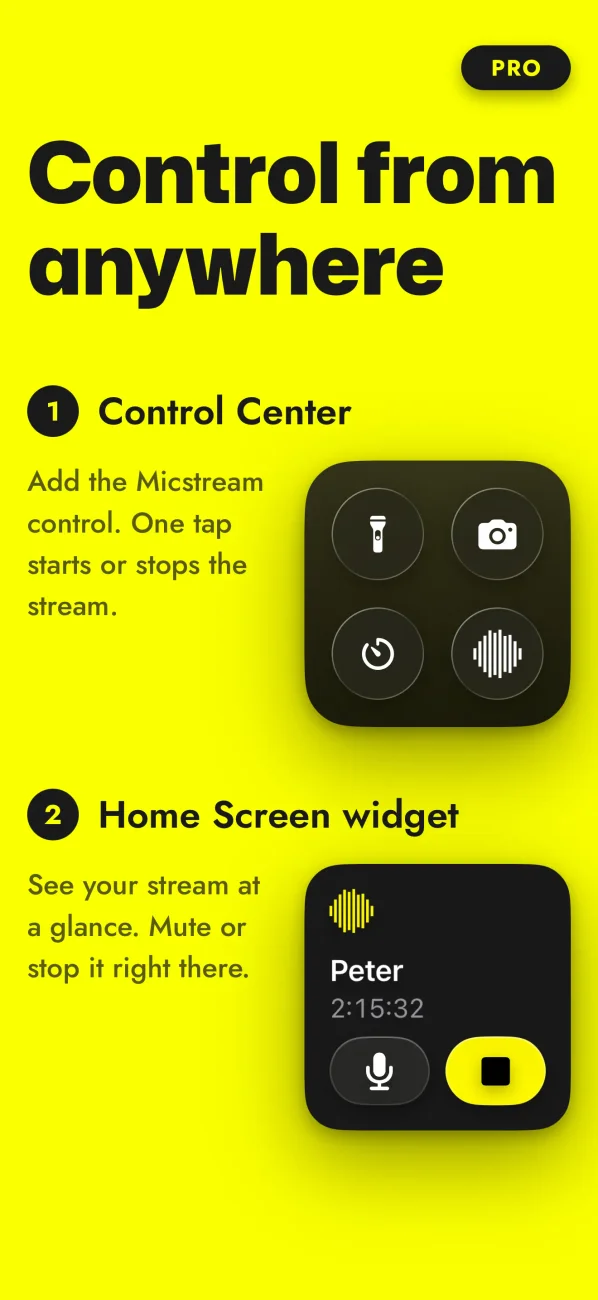
• New: Home Screen widget. Start, mute and stop your stream without opening the app (Micstream Pro).
• Redesigned setup guide.
• The Control Center control now shows the Micstream logo.
• Fixed: the app could hang on "Registering Device". It now offers Try again.
• Small fixes.
App privacy
What StreamDev Technologies declares on the App Store about how this app handles data.
-
Data used to track you
May be used to track you across apps and websites owned by other companies.
- Identifiers
- Usage data
-
Data not linked to you
May be collected but is not linked to your identity.
- Purchases
- Location
- Identifiers
- Usage data
- Diagnostics
Privacy practices may vary, for example with the features you use or your age.
Information
- Seller
- StreamDev Technologies OU
- Category
- Utilities
- Version
- 1.0.10
- Updated
- Nov 5, 2026
- Released
- Sep 14, 2026
- Size
- 61.8 MB
- Requires
- iOS 18.0 or later
- Age rating
- 4+
- Price
- Free
- In-app purchases
- Yes
- Languages
- English, German, Portuguese, Spanish
- Copyright
- © 2026 StreamDev Technologies OÜ
You might also like
-
 PhoneMic: Wireless Mic for PCUse your phone as a PC mic
-
 EZ MicrophoneUtilities
-
 MicFlow: Wifi Audio StreamPhone to PC & PC to Phone
-
 Mic: Phone as MicrophoneWireless Mic, Karaoke & Amp
-
 Microphone: stream to speakersvoice sent instantly (live)
-
 AirMic: Bluetooth MicrophoneSpeaker & Live Voice Changer
-
 Virtual Steering ControllerTurn Phone Into PC Controller
-
 TetherAudioStream audio to your PC w/ USB
-
 Bluetooth Microphone LiveMic to speaker - Virtual Mic
-
 Microphone Amplifier: Live MicSound Booster, Noise Reduction