- Yaş sınırı4+
- KategoriEğitim
- GeliştiriciTim E. Burrow
- Dillerİngilizce+ 8 dil daha
- Boyut6,9 MB
Resmi App Store sayfasına bağlanır
Download.org, NMR Tutor için hiçbir dosya barındırmaz. Düğme, uygulamanın App Store üzerindeki sayfasını açar; uygulamayı orada Tim E. Burrow yayınlar. Sayfanın son kontrolü: 18.11.2026.
Ekran görüntüleri

Hakkında
Geliştirici bu metni dilinizde sunmamış.
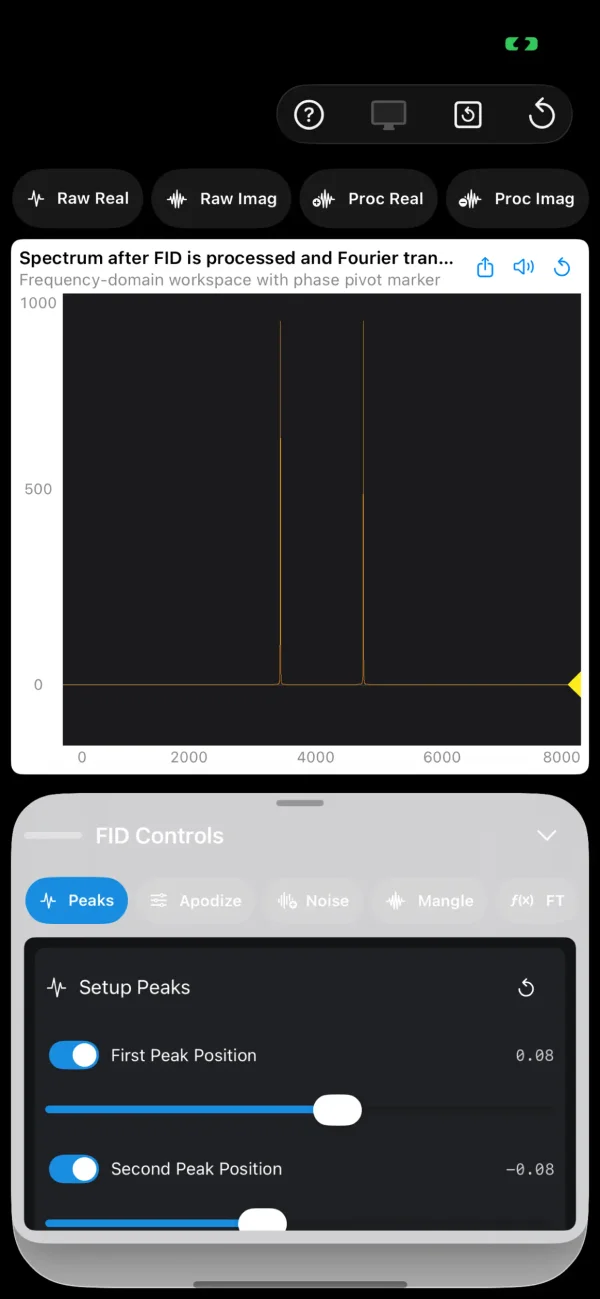
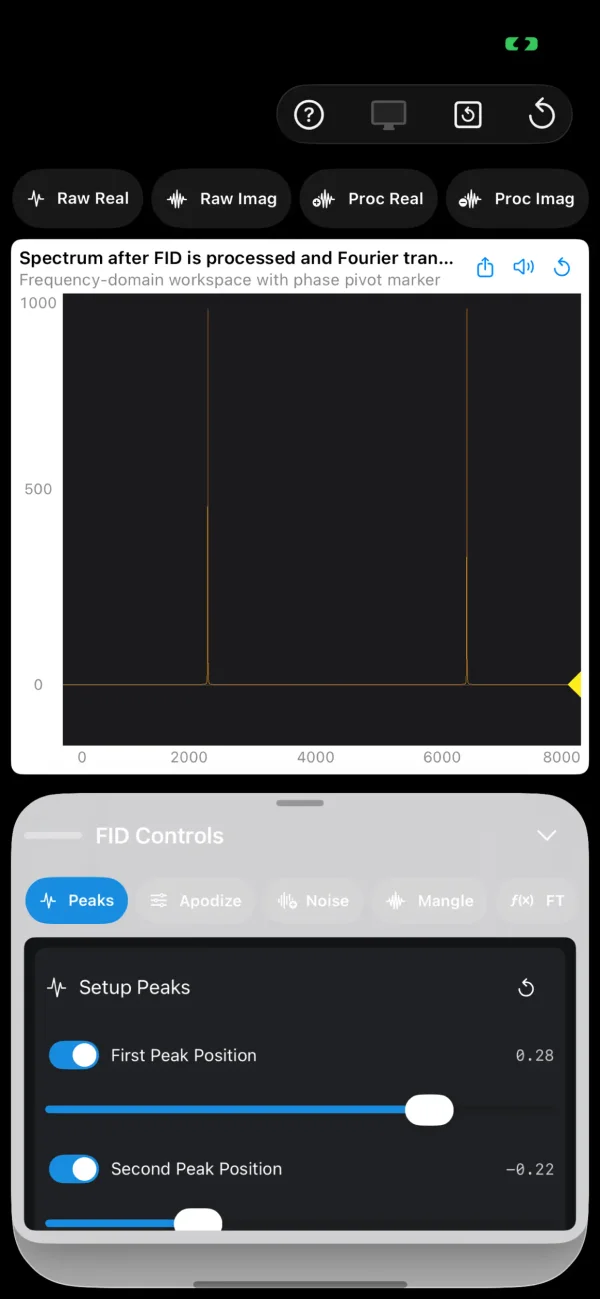
NMR Tutor is an interactive introduction to NMR data acquisition and signal processing.
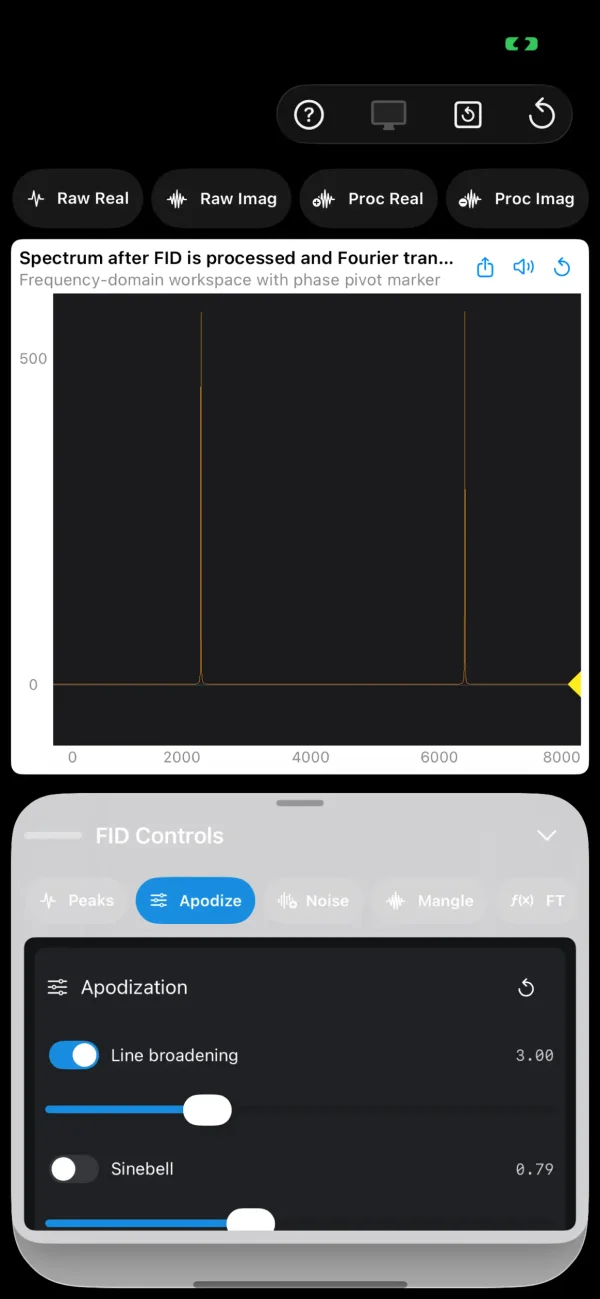
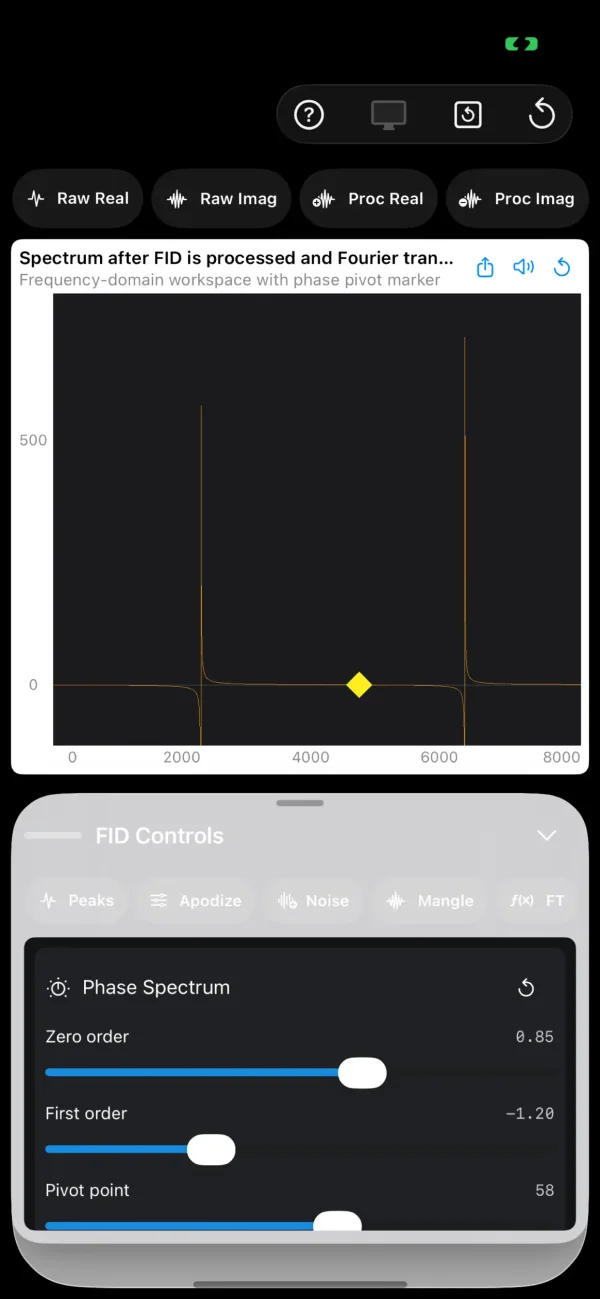
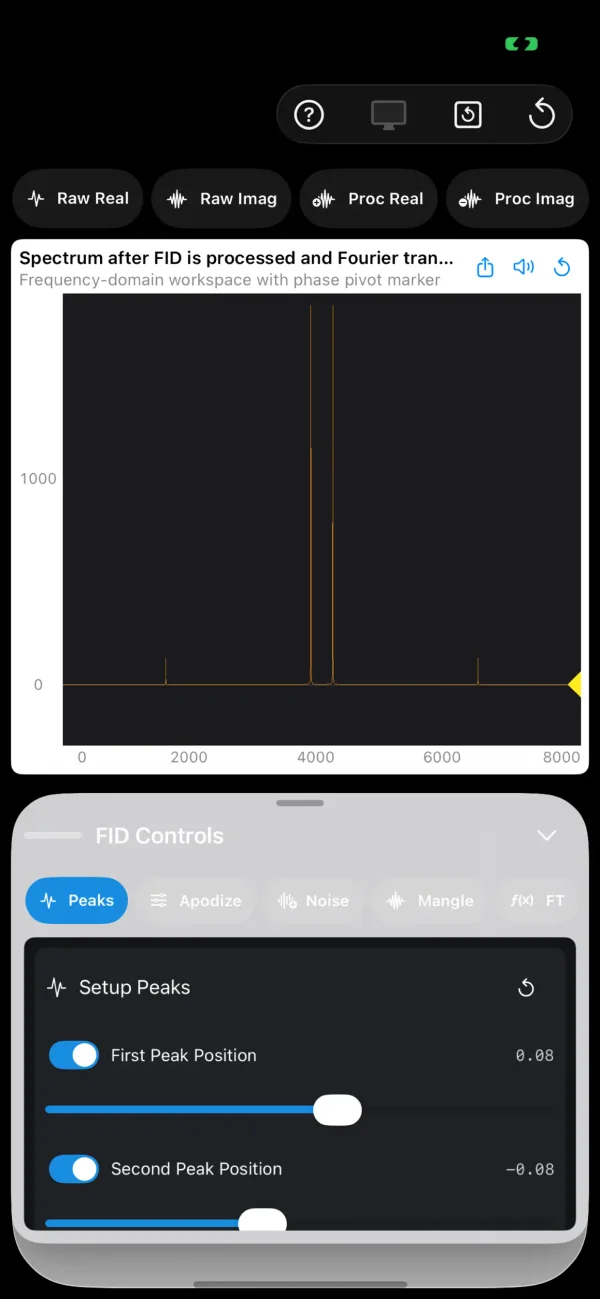
Use simulated free induction decays (FIDs) and spectra to explore how time-domain NMR signals become frequency-domain spectra. Adjust peak positions, decay, noise, apodization, zero filling, phase behavior, and common acquisition artifacts, then see the effect immediately in the FID and final spectrum.
The app displays real and imaginary FID channels before and after processing, together with the resulting spectrum after Fourier transformation. A live signal-to-noise (S/N) measurement updates as you adjust noise, scan averaging, apodization, FID artifacts, and shimming, making processing tradeoffs easy to compare. Apply zero filling to see how digital interpolation changes the appearance of the spectrum without adding new measured data.
You can also introduce common receiver or acquisition faults into the FID and observe the artifacts that appear after processing. As an advanced example, add spin-spin coupling to create an AB coupling pattern, then move the peaks or change the coupling strength to compare AB behavior with an AX spin system.
Charts retain every data point and support pan, zoom, phase-pivot dragging, graph audio, sharing and export, and external displays. Optimized Metal and Accelerate processing keeps high-resolution chart and shimming interactions responsive. Adaptive layouts and larger accessibility text make the workspace easier to use on iPhone, iPad, and Mac.
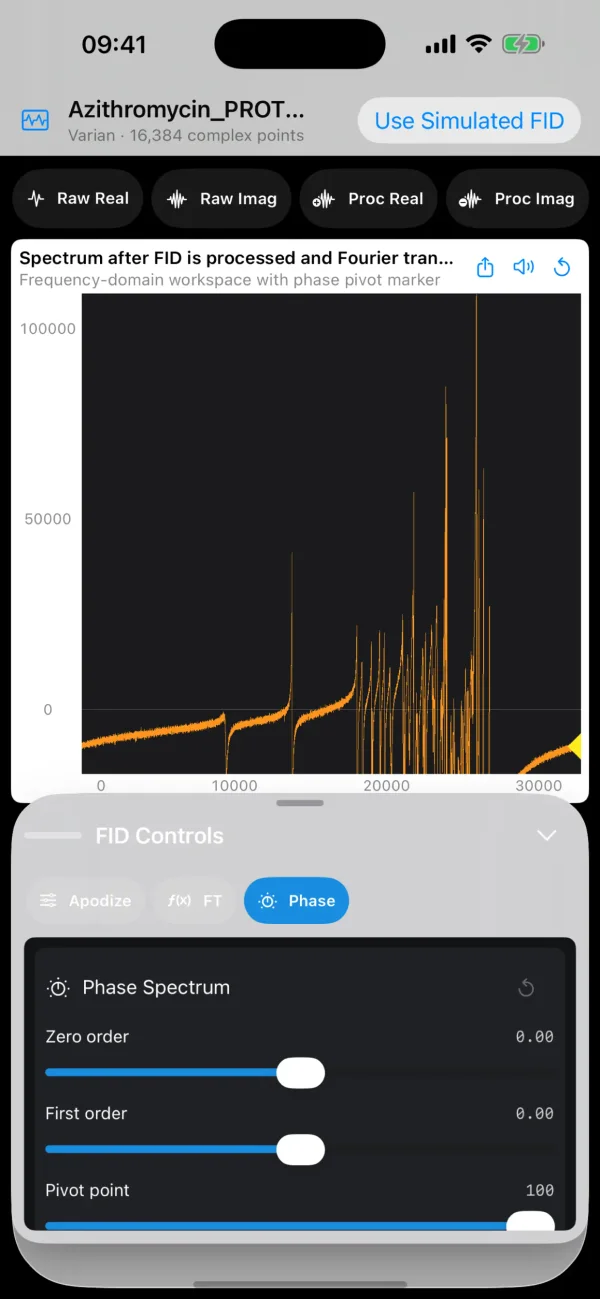
Open one-dimensional JEOL, Bruker and Varian FID datasets directly. Inspect the acquired real and imaginary channels, then apply apodization, zero filling, first-point scaling, and zero- and first-order phase correction to your own data.
Yenilikler
Sürüm 2.4 · 05.08.2026
• Native JEOL JDF import. Open and process JEOL JDF files directly alongside Varian and Bruker datasets, with automatic digital-filter delay correction. Many thanks, Uli. I greatly appreciate your support.
• Enhanced chart tools. New Pan, X/Y Zoom, Box Zoom, and Reset View controls work smoothly with touch, mouse, and trackpad input. Settings persist for each chart, and scaling is more precise.
• Bruker digital-filter correction. Automatic correction for Bruker receiver delays improves peak shapes and baseline fidelity, with optional manual fine-tuning.
• A more polished user interface and other improvements.
Uygulama gizliliği
Bu uygulamanın verileri nasıl işlediği hakkında Tim E. Burrow tarafından App Store üzerinde yapılan beyan.
-
Veri toplanmıyor
Geliştirici bu uygulamadan hiçbir veri toplamıyor.
Gizlilik uygulamaları, örneğin kullandığınız özelliklere veya yaşınıza göre değişiklik gösterebilir.
Bilgiler
- Satıcı
- Tim Burrow
- Kategori
- Eğitim
- Sürüm
- 2.4
- Güncellendi
- 05.08.2026
- Yayın tarihi
- 16.02.2014
- Boyut
- 6,9 MB
- Gereksinim
- iOS 17.6 veya sonrası
- Yaş sınırı
- 4+
- Fiyat
- Ücretsiz
- Diller
- İngilizce, Fransızca, Almanca, Japonca, Korece, Portekizce, Basitleştirilmiş Çince, İspanyolca, Geleneksel Çince
- Telif hakkı
- © 2013-2026 Tim E. Burrow
Bunları da beğenebilirsiniz
-
 Math AnythingEğitim
-
 GraphrioEğitim
-
 ARURAKU - Algoritmaları İzleAlgoritmaları izleyerek öğren
-
 Chemistry ToolboxEğitim
-
 RYURAKU - Akışkanlar DinamiğiSimülasyonla akışkan fiziği
-
 Electric Field ExplorerEğitim
-
 ChemSpark: Chemistry PracticeEğitim
-
 Calculus: Learn & PracticeEğitim
-
 MathNotes: Math & 3D GraphsEğitim
-
 Learning Python DLAEğitim