- Độ tuổi4+
- Danh mụcGiáo Dục
- Nhà phát triểnTim E. Burrow
- Ngôn ngữTiếng Anh+ 8 ngôn ngữ khác
- Kích thước6,9 MB
Liên kết đến trang App Store chính thức
Download.org không lưu trữ tệp nào của NMR Tutor. Nút này mở trang ứng dụng trên App Store, nơi Tim E. Burrow phát hành ứng dụng. Trang được kiểm tra lần cuối: 18/11/2026.
Ảnh chụp màn hình

Giới thiệu
Nhà phát triển chưa cung cấp nội dung này bằng ngôn ngữ của bạn.
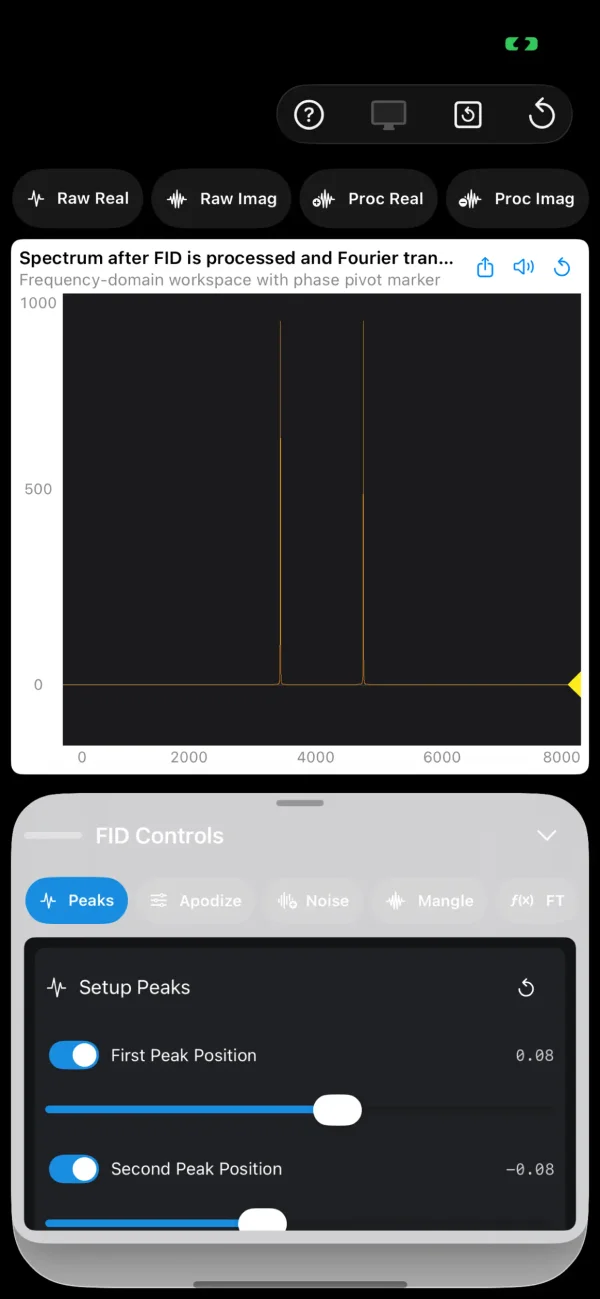
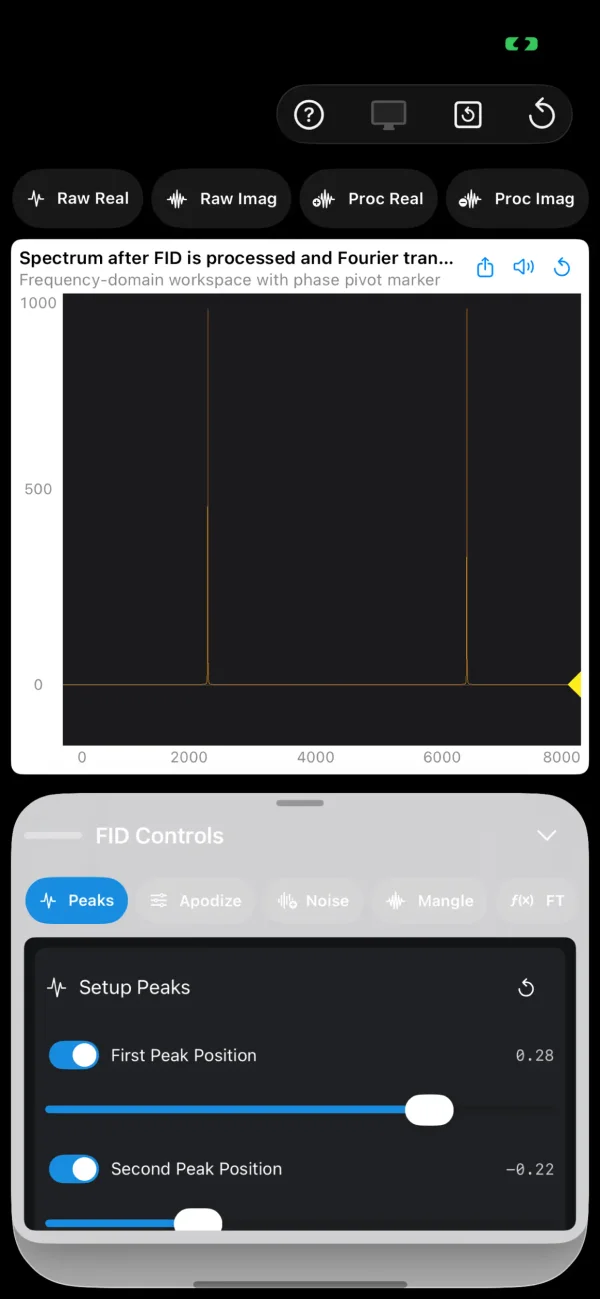
NMR Tutor is an interactive introduction to NMR data acquisition and signal processing.
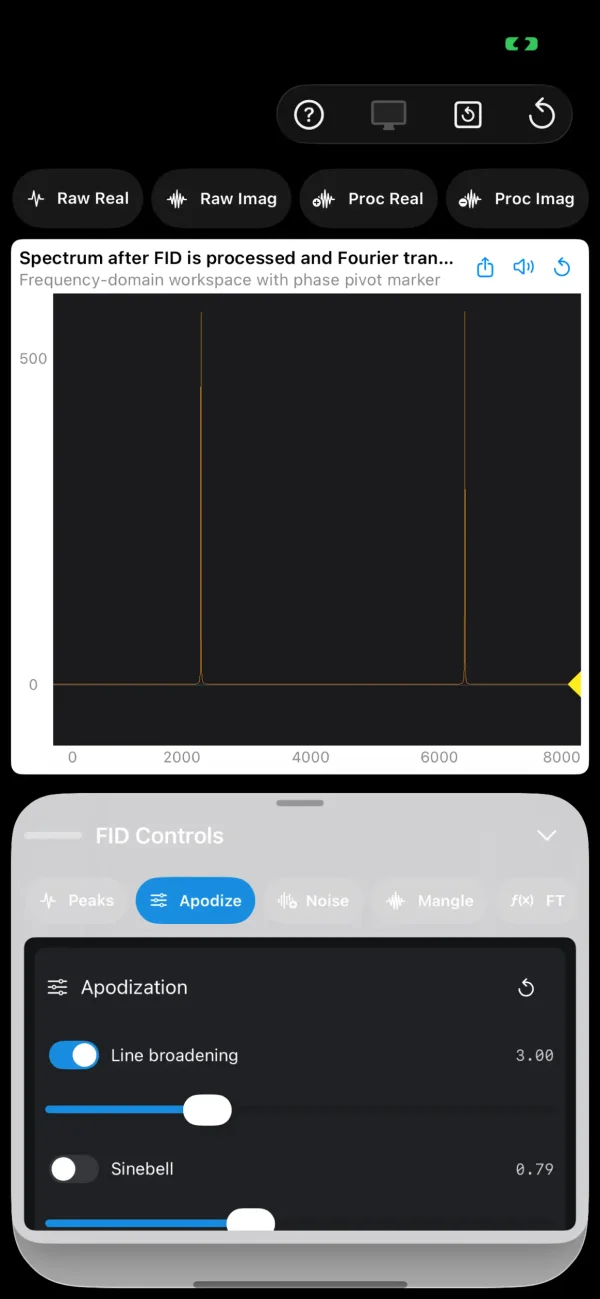
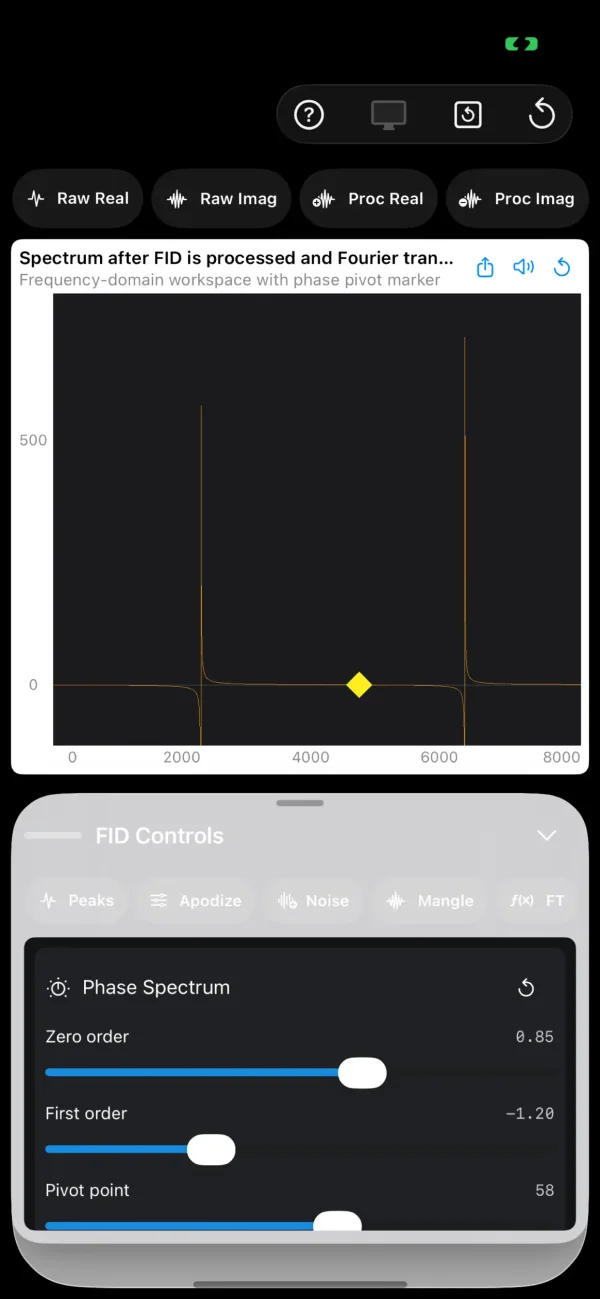
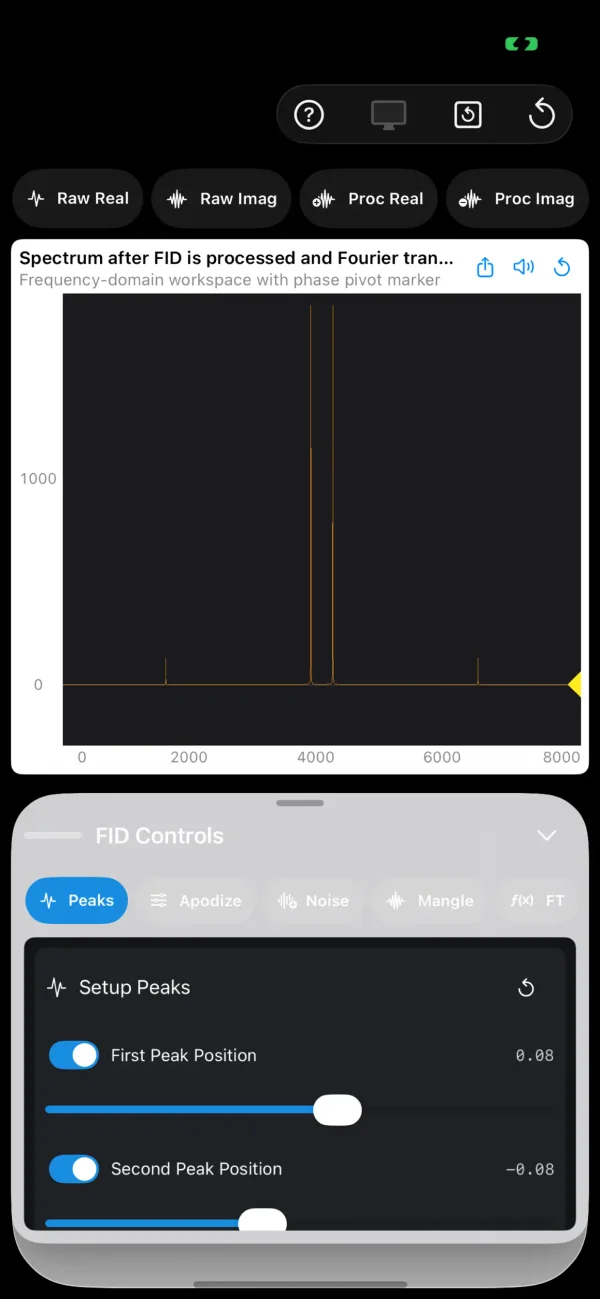
Use simulated free induction decays (FIDs) and spectra to explore how time-domain NMR signals become frequency-domain spectra. Adjust peak positions, decay, noise, apodization, zero filling, phase behavior, and common acquisition artifacts, then see the effect immediately in the FID and final spectrum.
The app displays real and imaginary FID channels before and after processing, together with the resulting spectrum after Fourier transformation. A live signal-to-noise (S/N) measurement updates as you adjust noise, scan averaging, apodization, FID artifacts, and shimming, making processing tradeoffs easy to compare. Apply zero filling to see how digital interpolation changes the appearance of the spectrum without adding new measured data.
You can also introduce common receiver or acquisition faults into the FID and observe the artifacts that appear after processing. As an advanced example, add spin-spin coupling to create an AB coupling pattern, then move the peaks or change the coupling strength to compare AB behavior with an AX spin system.
Charts retain every data point and support pan, zoom, phase-pivot dragging, graph audio, sharing and export, and external displays. Optimized Metal and Accelerate processing keeps high-resolution chart and shimming interactions responsive. Adaptive layouts and larger accessibility text make the workspace easier to use on iPhone, iPad, and Mac.
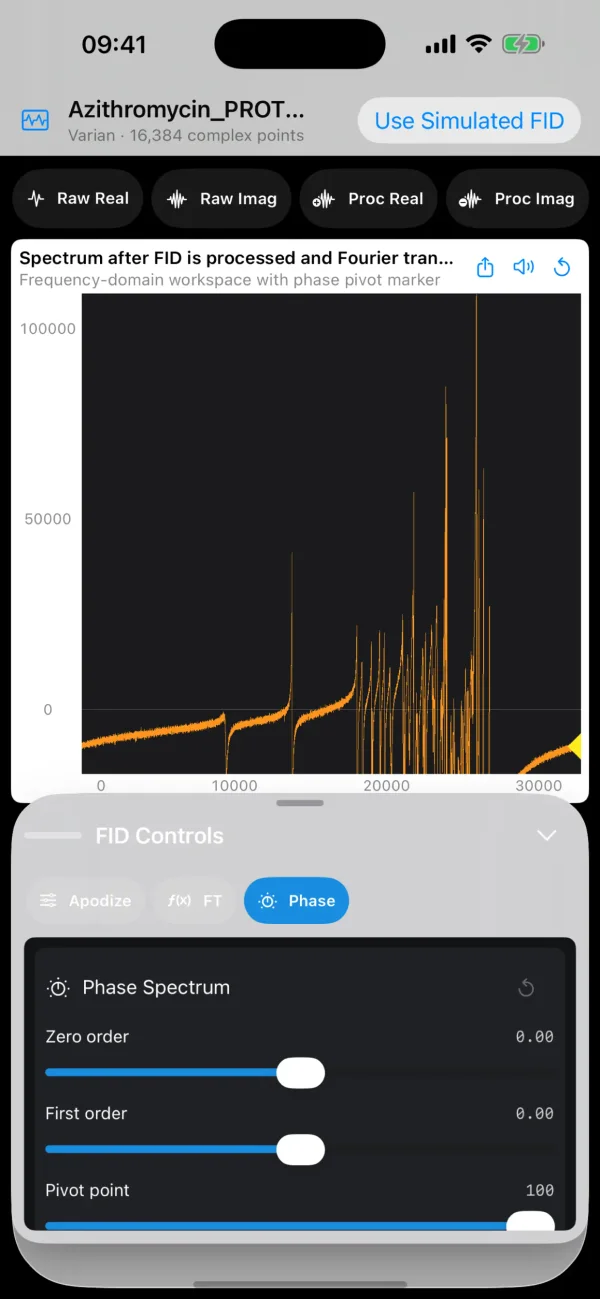
Open one-dimensional JEOL, Bruker and Varian FID datasets directly. Inspect the acquired real and imaginary channels, then apply apodization, zero filling, first-point scaling, and zero- and first-order phase correction to your own data.
Có gì mới
Phiên bản 2.4 · 05/08/2026
• Native JEOL JDF import. Open and process JEOL JDF files directly alongside Varian and Bruker datasets, with automatic digital-filter delay correction. Many thanks, Uli. I greatly appreciate your support.
• Enhanced chart tools. New Pan, X/Y Zoom, Box Zoom, and Reset View controls work smoothly with touch, mouse, and trackpad input. Settings persist for each chart, and scaling is more precise.
• Bruker digital-filter correction. Automatic correction for Bruker receiver delays improves peak shapes and baseline fidelity, with optional manual fine-tuning.
• A more polished user interface and other improvements.
Quyền riêng tư của ứng dụng
Những gì Tim E. Burrow khai báo trên App Store về cách ứng dụng này xử lý dữ liệu.
-
Dữ liệu không được thu thập
Nhà phát triển không thu thập bất kỳ dữ liệu nào từ ứng dụng này.
Phương thức đảm bảo quyền riêng tư có thể khác nhau, chẳng hạn như tuỳ theo các tính năng bạn sử dụng hoặc độ tuổi của bạn.
Thông tin
- Người bán
- Tim Burrow
- Danh mục
- Giáo Dục
- Phiên bản
- 2.4
- Cập nhật
- 05/08/2026
- Phát hành
- 16/02/2014
- Kích thước
- 6,9 MB
- Yêu cầu
- iOS 17.6 trở lên
- Độ tuổi
- 4+
- Giá
- Miễn phí
- Ngôn ngữ
- Tiếng Anh, Tiếng Pháp, Tiếng Đức, Tiếng Nhật, Tiếng Hàn, Tiếng Bồ Đào Nha, Tiếng Trung Giản thể, Tiếng Tây Ban Nha, Tiếng Trung Phồn thể
- Bản quyền
- © 2013-2026 Tim E. Burrow
Có thể bạn cũng thích
-
 Math AnythingGiáo Dục
-
 GraphrioGiáo Dục
-
 ARURAKU - Thuật toán sống độngHọc thuật toán bằng cách xem
-
 Chemistry ToolboxGiáo Dục
-
 RYURAKU - Cơ học chất lưuHọc vật lý qua mô phỏng dòng
-
 Electric Field ExplorerGiáo Dục
-
 ChemSpark: Chemistry PracticeGiáo Dục
-
 Calculus: Learn & PracticeGiáo Dục
-
 MathNotes: Math & 3D GraphsGiáo Dục
-
 Learning Python DLAGiáo Dục