Orchestrator.Inc
Supervise your coding agents
iPhone, iPad için tasarlandı
Ücretsiz
- Yaş sınırı4+
- KategoriGeliştirici Araçları
- GeliştiriciPrateek Karnal
- Dillerİngilizce
- Boyut56,8 MB
Resmi App Store sayfasına bağlanır
Download.org, Orchestrator.Inc için hiçbir dosya barındırmaz. Düğme, uygulamanın App Store üzerindeki sayfasını açar; uygulamayı orada Prateek Karnal yayınlar. Sayfanın son kontrolü: 29.11.2026.
Ekran görüntüleri


Hakkında
Geliştirici bu metni dilinizde sunmamış.
Orchestrator is the companion app for Orchestrator, the desktop workspace for agent-driven development.
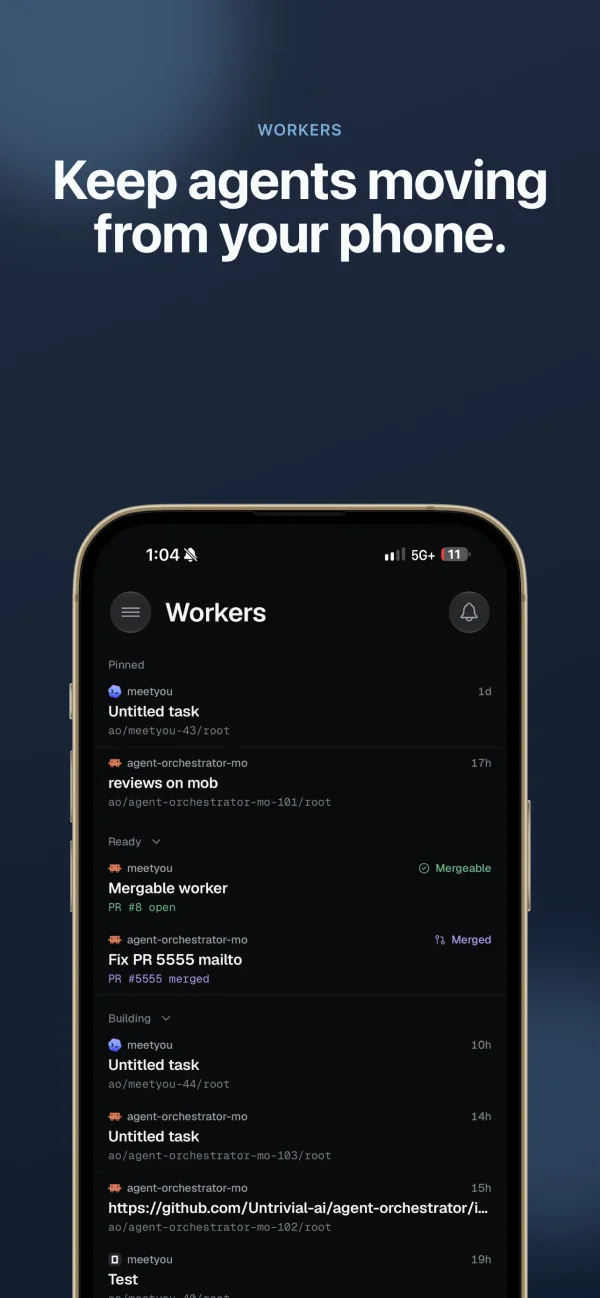
Your agents keep working while you step away from your desk. AO Mobile keeps you in the loop see what every worker is doing, answer the ones that are blocked, and keep work moving from your phone.
REQUIRES THE Orchestrator DESKTOP APP
AO Mobile is a thin client. It connects directly to Agent Orchestrator running on your own computer, over your local network or your Tailscale network. There is no cloud service and no account to create. Your code, conversations, and repositories never leave your machine.
WHAT YOU CAN DO
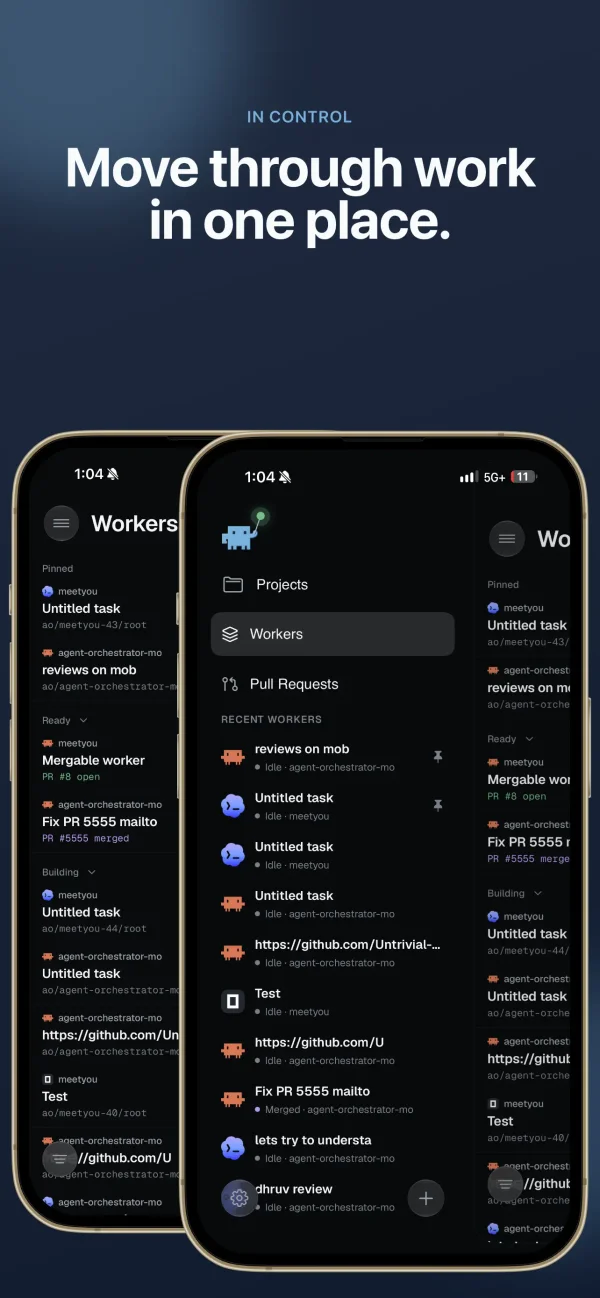
• Live Kanban — every worker session on one board, grouped by what needs your attention: working, needs you, in review, ready to merge.
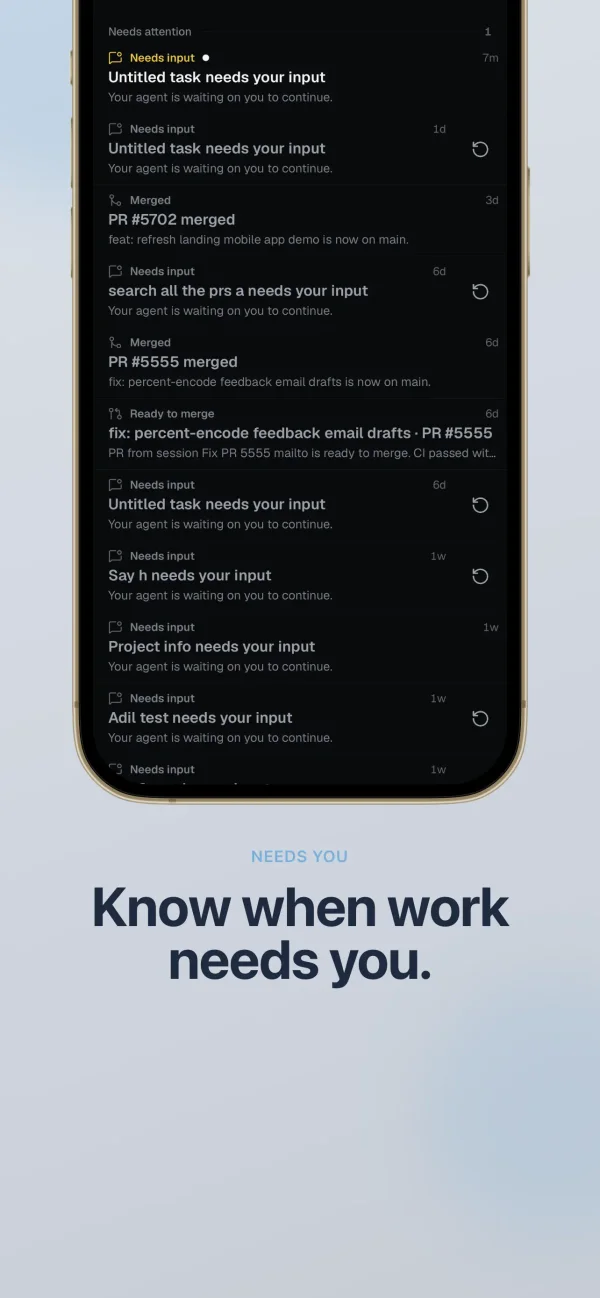
• Get notified when an agent stops — a push notification arrives the moment a session needs your input, and tapping it opens that exact conversation.
• Chat with any agent — full conversation history, streaming responses, approvals, model and provider switching, file attachments, and voice input for when typing is impractical.
• Follow pull requests — open and draft PRs with their checks, CI status, and review state.
• Talk to the orchestrator — your project-level planning agent, for thinking through direction and delegating new work.
• Drop into the terminal — attach to a session's live terminal when you need the raw view.
• Preview running work — open a worker's browser preview to see what it built.
BUILT FOR TRUST
The desktop's connection to your phone is opt-in and off by default. When you enable it, AO opens a separate local listener protected by a rotating password, and pairing happens by scanning a QR code shown on your desktop. Turning it off closes the connection immediately.
GETTING STARTED
1. Install Agent Orchestrator on your Mac, Windows, or Linux machine.
2. Turn on Connect Mobile in the desktop app.
3. Scan the pairing QR code with this app.
Agent Orchestrator is open source. Learn more at aoagents.dev.
Yenilikler
Sürüm 2.4.0 · 13.11.2026
- Switch a chat between Claude Code and Codex right from the model menu.
- Run Orchestrator Cloud sessions and sign in to Cloud coding agents from your phone.
- Preview artifacts in more formats, with tiles in the chat and shareable links.
- Add local projects, and compare files against any branch.
Uygulama gizliliği
Bu uygulamanın verileri nasıl işlediği hakkında Prateek Karnal tarafından App Store üzerinde yapılan beyan.
-
Sizinle ilişkilendirilmeyen veriler
Toplanabilir ancak kimliğinizle ilişkilendirilmez.
- Tanımlayıcılar
- Kullanım verileri
Gizlilik uygulamaları, örneğin kullandığınız özelliklere veya yaşınıza göre değişiklik gösterebilir.
Bilgiler
- Satıcı
- Prateek Karnal
- Kategori
- Geliştirici Araçları
- Sürüm
- 2.4.0
- Güncellendi
- 13.11.2026
- Yayın tarihi
- 31.08.2026
- Boyut
- 56,8 MB
- Gereksinim
- iOS 16.4 veya sonrası
- Yaş sınırı
- 4+
- Fiyat
- Ücretsiz
- Diller
- İngilizce
- Telif hakkı
- © 2026 Untrivial
Bunları da beğenebilirsiniz
-
 CodyncGeliştirici Araçları
-
 amux - agent multiplexerGeliştirici Araçları
-
 FlonnoGeliştirici Araçları
-
 Heeler: Agent ConsoleGeliştirici Araçları
-
 herdrup: agents in your pocketGeliştirici Araçları
-
 Paradev (formerly Superset)Geliştirici Araçları
-
 Digger DNS lookupGeliştirici Araçları
-
 TermRover - SSH TerminalGeliştirici Araçları
-
 Remote Pi - Coding AgentGeliştirici Araçları
-
 KKCode - OpenCode MobileGeliştirici Araçları