
- Yaş sınırı4+
- KategoriYardımcılar
- GeliştiriciF-NET Apps
- Dillerİngilizce+ 1 dil daha
- Boyut7,7 MB
PaD Prax şu anda App Store üzerinde mevcut olmayabilir
Son kontrolümüzde mağaza sayfasına ulaşılamadı. Bağlantı yine de resmi App Store sayfasına gider.
Ekran görüntüleri
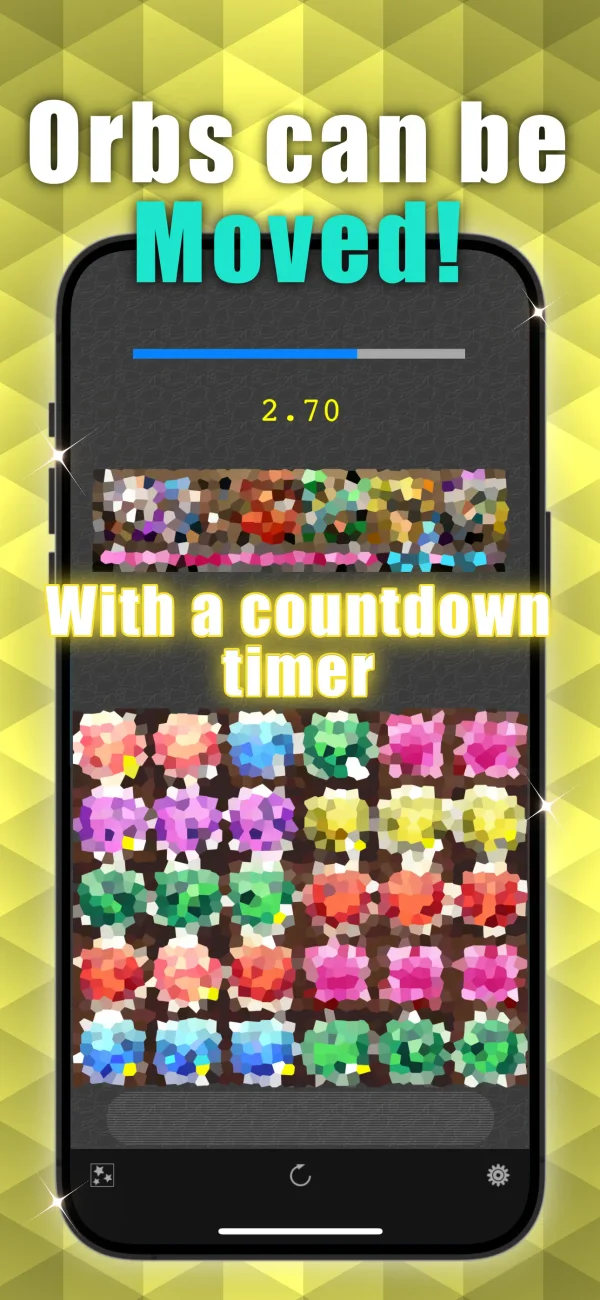
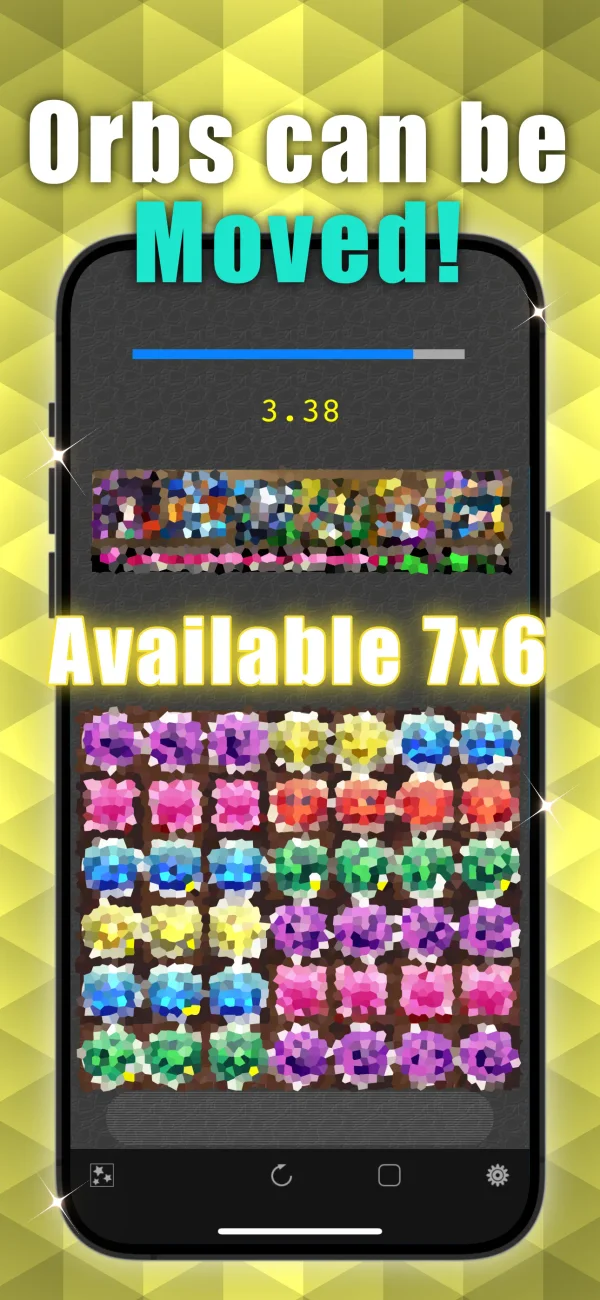
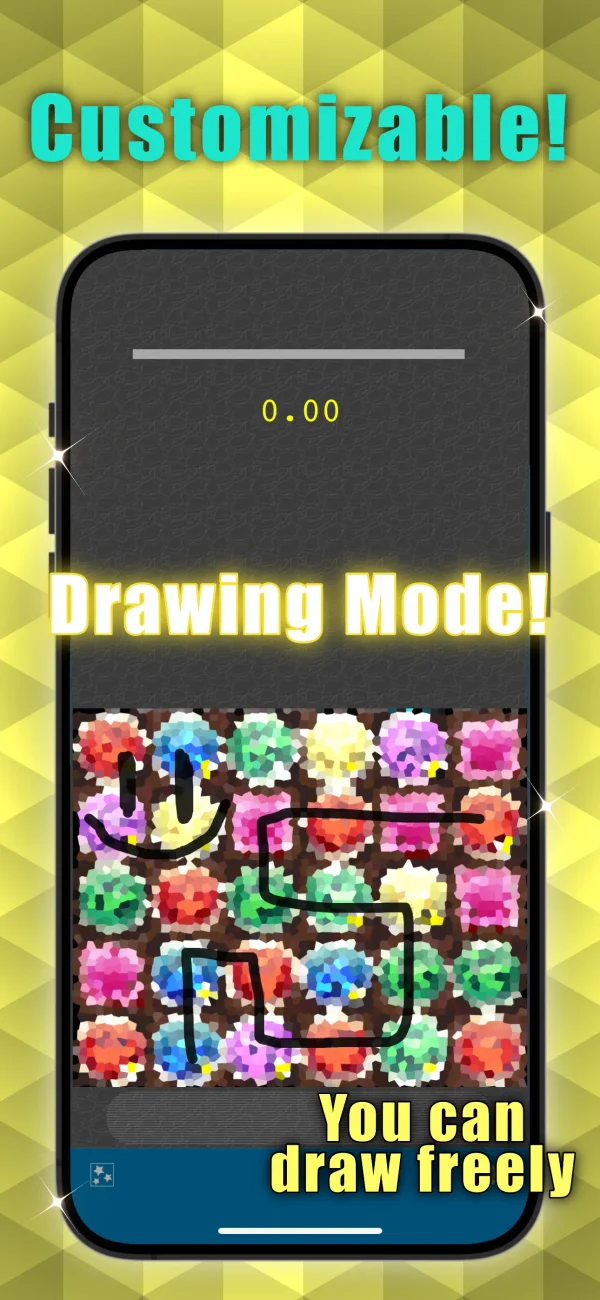


Hakkında
Geliştirici bu metni dilinizde sunmamış.
Have you played iOS game "Puzzle & Dragons"? This is really useful tool for that!
When you need to think about combos, the app will help you. Such as, you want to do big combos, also must make a success of it on the first time, etc... Anyway this makes your screenshot of battles to recreate orbs for practice.
* This app need a screenshot with "Puzzle & Dragons".
*** Features ***
- Easy to use!
- Quickly recreating orbs!
- Time limit on/off in settings!
- Anytime you can practice!
- Paint mode without moving orbs!
* it does NOT automatically mention to make high combos.
*** how to use it ***
1. When you play PAD, capture a screen shot in dungeon.
2. Start the app, then load the picture which you took it.
3. Quickly just orbs will be set.
4. You can drag them as the original game. Also it can be reset anytime.
*** Tips ***
- If you tap a party image then the original image will be shown.
- Nonstop timer will not stop until entire time even if you left a orb.
- If you tap a timer on main view then the timer will be changed another one.
*** Mode select on toolbar ***
You can use this feature if you turn the Mode Select on in Settings.
It will be changed like...
Normal -> Paint -> Edit -> Normal ->...
*** Paint mode ***
You can paint on orbs if you want. Also the erase feature is the button on center of toolbar.
*** Orb editor ***
Orb color will be changed each time you tap.
If you slide orbs while touch, next orb will change the same color.
The colors are 6 types.
Erase button is the center of toolbar.
*** 6x5 or 7x6 board ***
- Automatically loading.
Yenilikler
Sürüm 20.0 · 24.09.2024
- Changed mode switching button to menu.
- modified some icons.
- Other minor fixes.
Uygulama gizliliği
Bu uygulamanın verileri nasıl işlediği hakkında F-NET Apps tarafından App Store üzerinde yapılan beyan.
-
Sizi izlemek için kullanılan veriler
Başka şirketlere ait uygulamalarda ve web sitelerinde sizi izlemek için kullanılabilir.
- Konum
- Tanımlayıcılar
- Kullanım verileri
- Tanılama
-
Sizinle ilişkilendirilen veriler
Toplanabilir ve kimliğinizle ilişkilendirilebilir.
- Konum
- Tanımlayıcılar
- Kullanım verileri
- Tanılama
-
Sizinle ilişkilendirilmeyen veriler
Toplanabilir ancak kimliğinizle ilişkilendirilmez.
- Tanılama
Gizlilik uygulamaları, örneğin kullandığınız özelliklere veya yaşınıza göre değişiklik gösterebilir.
Bilgiler
- Satıcı
- yukihiro fujita
- Kategori
- Yardımcılar
- Sürüm
- 20.0
- Güncellendi
- 24.09.2024
- Yayın tarihi
- 11.09.2013
- Boyut
- 7,7 MB
- Gereksinim
- iOS 14.0 veya sonrası
- Yaş sınırı
- 4+
- Diller
- İngilizce, Japonca
- Telif hakkı
- © 2013 F-NET
Bunları da beğenebilirsiniz
-
 PDC ダメージ計算Yardımcılar
-
 ぱずこらYardımcılar
-
 MHWilds Tools Skill SimulatorYardımcılar
-
 Snap! Damage CalcYardımcılar
-
 SV Battle Memories - VGC ToolYardımcılar
-
 IVs Dex Plus for SV ChampionsYardımcılar
-
 Damage Calc Plus for SV ChampsYardımcılar
-
 ダメージ計算CH - ポケモンチャンピオンズ専用Yardımcılar
-
 TimeMelterYardımcılar
-
 Tier List Maker: Your RankingsYardımcılar