
Pimkin Mail
Calendar, contacts, tasks
iPhone, Mac için tasarlandı
Ücretsiz
- Yaş sınırı4+
- KategoriÜretkenlik
- GeliştiriciGEOFFREY SELLERS BLOSSER
- Dillerİngilizce+ 8 dil daha
- Boyut23,4 MB
Resmi App Store sayfasına bağlanır
Download.org, Pimkin Mail için hiçbir dosya barındırmaz. Düğme, uygulamanın App Store üzerindeki sayfasını açar; uygulamayı orada GEOFFREY SELLERS BLOSSER yayınlar. Sayfanın son kontrolü: 26.11.2026.
Ekran görüntüleri
Hakkında
Geliştirici bu metni dilinizde sunmamış.
Pimkin connects to Gmail, Microsoft 365, iCloud, Fastmail, Zoho Mail and other email accounts, and puts their mail, calendars, contacts and tasks side by side. Your accounts stay where they are. You connect each one once.
Mail
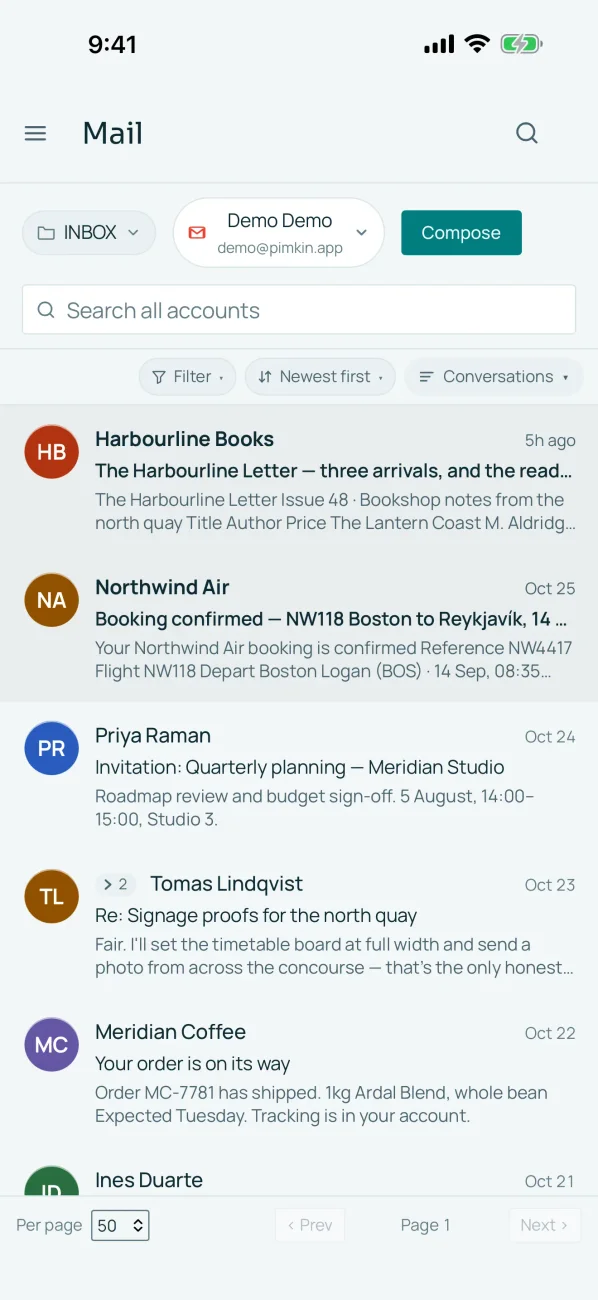
• One inbox across every account, with each message marked by its account
• Replies go out from the account the message came to, and Gmail aliases can be used as the sender
• Send later: choose when a message goes out, then change or cancel it from Scheduled
• Remind me if no reply: mail you sent that gets no answer appears under No reply yet, above the Inbox
• Make a task or an event from a message, with a link back to the mail
Calendar
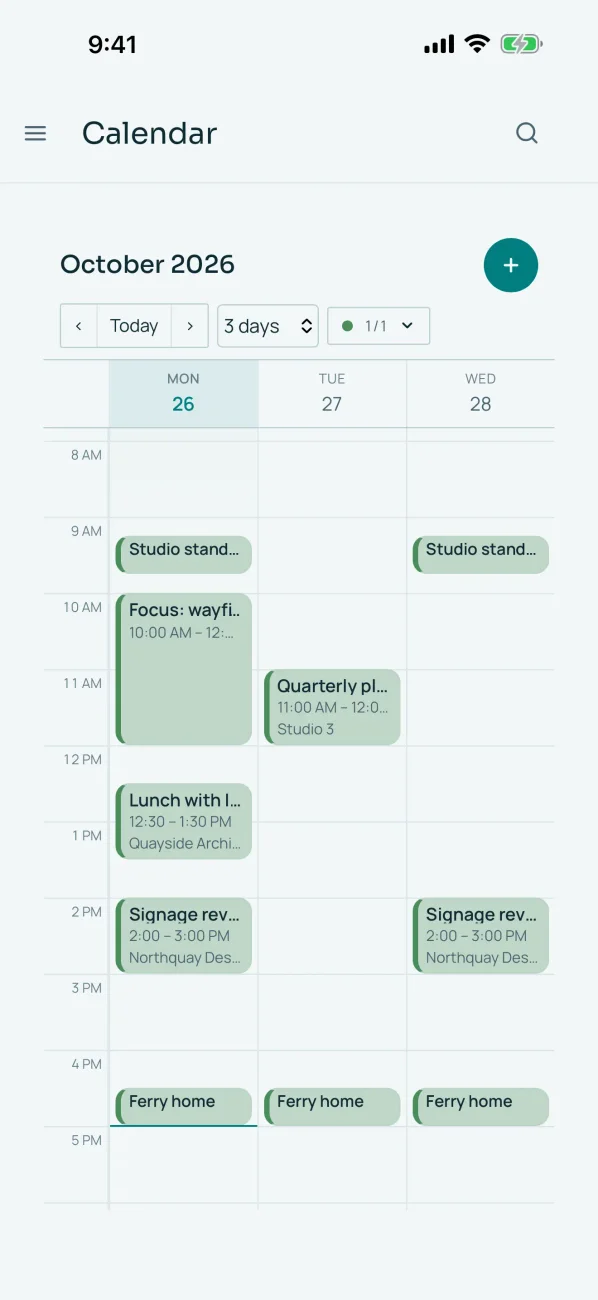
Calendars from Google, Microsoft 365, iCloud, Fastmail, Zoho and other accounts in one grid. Events you create or change are saved to their calendar. iCloud calendars are view only.
• Accept or decline an invitation from the email it came in
• Coming up, a panel beside your mail with your next meeting, the week's events and the tasks that are due
Contacts
Google, Microsoft 365, iCloud, Fastmail, Zoho and your company directory in one address book. Changes are saved to the account the contact came from. iCloud contacts are view only.
• Call, email or open a map from a contact's card
• Your company directory, searchable next to your own contacts
Tasks
Google Tasks, Microsoft To Do and other task lists in the same app as your mail and calendar, synced both ways.
• Today, Upcoming and No date views across all your task lists
Search, rules and junk
• Search every account at once, with from:, to:, tag: and has:attachment
• Rules that tag, move, forward or delete mail. Describe one in plain words and Pimkin drafts it for you to check.
AI, if you want it
Off until you turn it on, one feature at a time. Before Pimkin sends any of your mail for AI, it tells you the text goes to Anthropic, the AI company that runs these features, and asks you to agree.
• Marks the mail that needs your attention
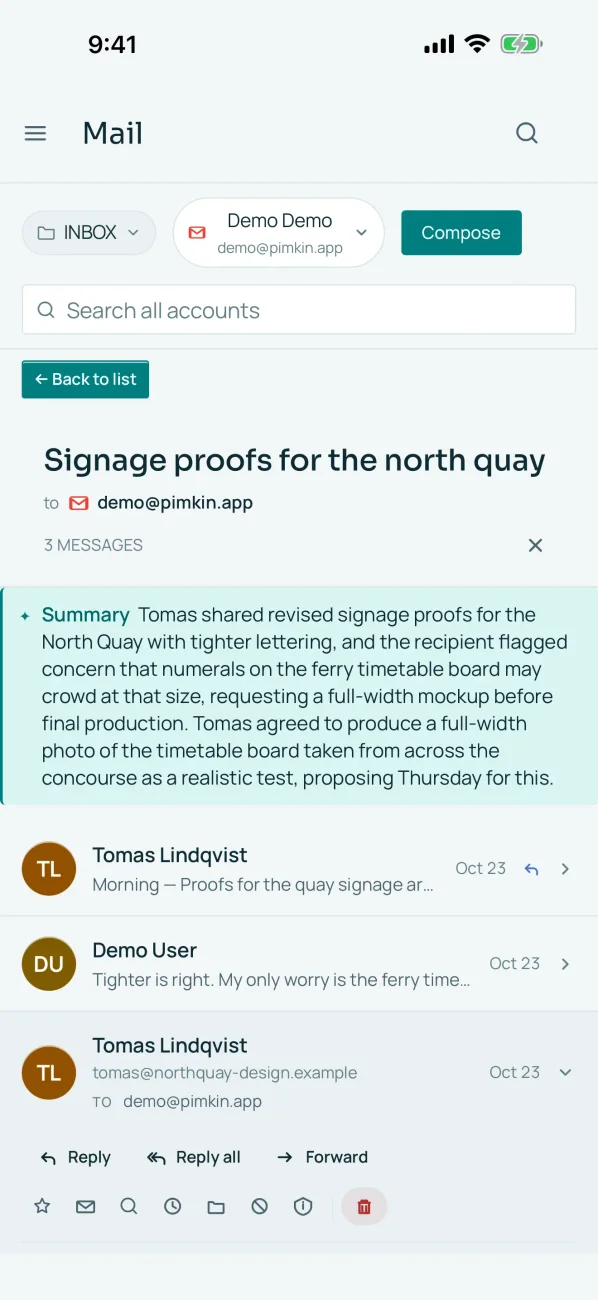
• A short summary at the top of a conversation when you open it, and of an attachment or a linked page when you ask
• Spots mail you sent that is still waiting for an answer, and suggests a reminder or a nudge
• Suggests a task or an event when mail you receive asks for one
• AI summaries and suggestions carry an AI label
On iPhone and Apple Watch
• A notification when new mail arrives. Tap it to open that message.
• Home Screen widgets with your unread count, your next meeting and your newest mail
• Ask Siri for your unread count, your next meeting or your latest mail
• Share a link or a file from another app into Pimkin, to email it or add it as a task
• The Apple Watch app comes with it, with your inbox and your agenda
• The installed apps keep a copy of everything, so you can read without a connection. Moves, deletes and edits made offline are sent when you reconnect.
• Choose for each account whether to be notified about all mail, important senders only, or nothing, and set quiet hours
• Sign in with a passkey, an email and password, or your Apple, Google or Microsoft account
Your data is not for sale
No ads, no profiling and no resale. The sign-ins that let Pimkin reach your accounts are encrypted at rest, with a key only the service holds.
Yenilikler
Sürüm 1.6.99 · 26.11.2026
AI connections: let Claude, ChatGPT or Claude Code search and read your mail, calendar, contacts and tasks. It can't send, change or delete anything, and Google accounts aren't shared. Set it up in Settings → AI connections, where you can also see what it read and revoke it.
Invitations sent as plain text with an .ics attachment now show Accept, Maybe and Decline. Replies say who answered, and cancelled events are marked.
Fixes: invitation times in custom time zones, Windows time-zone names on Google Calendar, and a duplicate event when accepting an invitation Gmail had already added.
Uygulama gizliliği
Bu uygulamanın verileri nasıl işlediği hakkında GEOFFREY SELLERS BLOSSER tarafından App Store üzerinde yapılan beyan.
-
Sizinle ilişkilendirilen veriler
Toplanabilir ve kimliğinizle ilişkilendirilebilir.
- İletişim bilgileri
- Kişiler
- Kullanıcı içeriği
- Arama geçmişi
- Tanımlayıcılar
- Tanılama
Gizlilik uygulamaları, örneğin kullandığınız özelliklere veya yaşınıza göre değişiklik gösterebilir.
Bilgiler
- Satıcı
- GEOFFREY SELLERS BLOSSER
- Kategori
- Üretkenlik
- Sürüm
- 1.6.99
- Güncellendi
- 26.11.2026
- Yayın tarihi
- 20.08.2026
- Boyut
- 23,4 MB
- Gereksinim
- iOS 16.4 veya sonrası
- Yaş sınırı
- 4+
- Fiyat
- Ücretsiz
- Diller
- İngilizce, Arapça, Almanca, İbranice, Japonca, Korece, Basitleştirilmiş Çince, İspanyolca, Geleneksel Çince
- Telif hakkı
- © 2026 Ganshiki LLC
Bunları da beğenebilirsiniz
-
 Tessly noteÜretkenlik
-
 Heads Up Meeting AlarmsÜretkenlik
-
 CORTEX PRISMÜretkenlik
-
 Mayl: Private EmailÜretkenlik
-
 ClevverToDoÜretkenlik
-
 Lunaco: Güvenli Takvim·AjandaAjanda, Ders Programı, Görev
-
 Caffeinated CalendarÜretkenlik
-
 Sync with ComputerÜretkenlik
-
 Recall: Daily notesÜretkenlik
-
 1TimeTable: Widgets & updatesÜretkenlik