- Yaş sınırı4+
- KategoriEğitim
- GeliştiriciRoboRisen
- Dillerİngilizce+ 17 dil daha
- Boyut147,8 MB
Resmi App Store sayfasına bağlanır
Download.org, PingPongRobot için hiçbir dosya barındırmaz. Düğme, uygulamanın App Store üzerindeki sayfasını açar; uygulamayı orada RoboRisen yayınlar. Sayfanın son kontrolü: 12.11.2026.
Ekran görüntüleri



Hakkında
Geliştirici bu metni dilinizde sunmamış.
Pingpong APP Detail
Experience simple robotic engineering sequences by making your own motion, timing, drawing, dancing and loops, which can be controlled with Pingpong App program. Each Pingpong model needs specified links to assemble Pingpong Cubes. Find the link parts on G2, G3, G4, and G6 boxes. Known as a basic module of Pingpong, the CUBE is a single modular robot that contains a controller, gyroscope, accelerometer, proximity sensor, extra sensor interface, stepper motor, battery, and more.
1.How to download Pingpong APP:
Download Pingpong APP from App Store (Search APP: Pingpong Robot).
2.ON/OFF & CHARGING INSTRUCTIONS
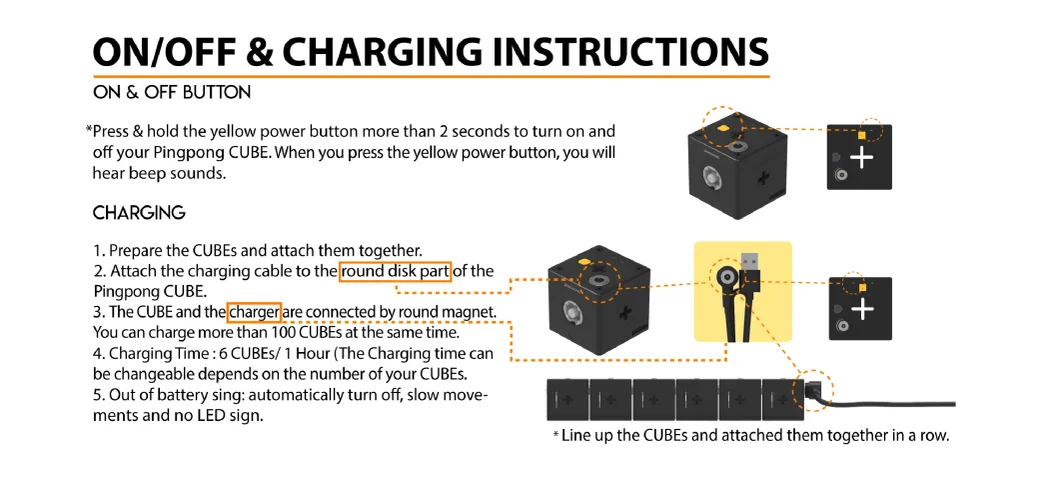
Press and hold the yellow power button more than 2 seconds to turn on and off Pingpong CUBE. (beeping sounds are made)
3.CHARGING
3-1.Prepare the CUBEs. Attach the parts together.
3-2.Attach the charging cable to the round disk part of the Pingpong CUBE.
3-3.The CUBE and the charger are connected by a round magnet. More than 100 CUBEs can be charged at once.
3-4.Charging Time: 6 CUBEs/hour (the charging time depends on the number of CUBEs).
3-5.If the CUBE automatically turns off, starts to lag, or displays no LED sign, this may indicate batteries are low.
4.HOW TO PLAY PINGPONG
4-1. INSTALL THE APP
Download Pingpong APP in smart phone or device. (Search APP: Pingpong Robot from App Store).
4-2. LAUNCH THE APP
Open Pingpong APP and select CUBE groups. Select a group depending on number of CUBEs (G2, G3, G4, or G6).
4-3. CUBE GROUP
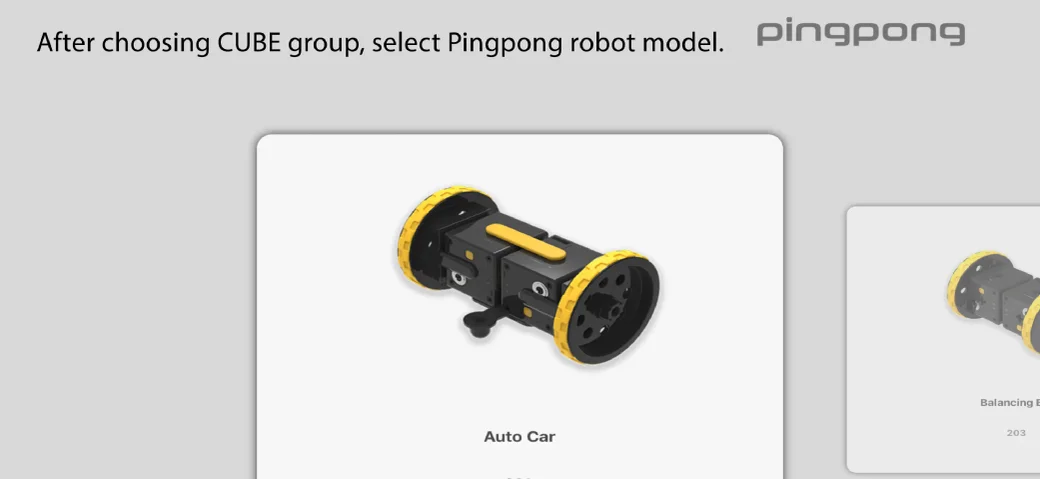
After choosing CUBE group, select Pingpong robot model.
4-4. ASSEMBLY
Assemble Pingpong model with reference to APP images. Press the 3D modeling guide button for a detailed guide.
4-5. TURN ON
After assembling Pingpong model, press the yellow power button more than 2 seconds to turn on all Pingpong CUBEs.
4-6. PAIRING 1ST CUBE
Check first CUBE on the app screen. Press the power button from the assembled robot following the order displayed on the app screen. If 1st CUBE is successfully connected to the smartphone, a pairing signal and a beeping sound will be made.
4-7. PAIRING THE OTHERS
After pairing first CUBE & APP, press the yellow power button of the remaining CUBES (follow the order from the APP screen).
4-8. PLAY ROBOT
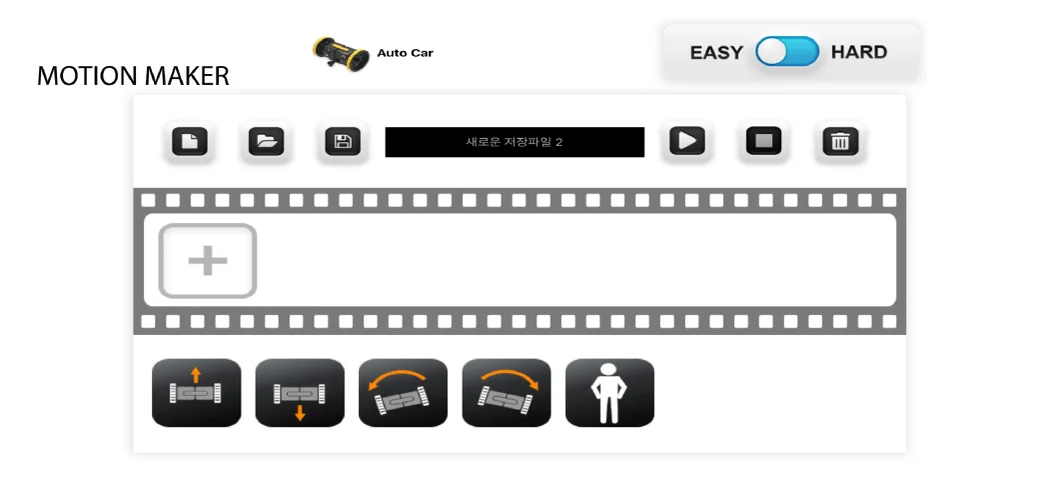
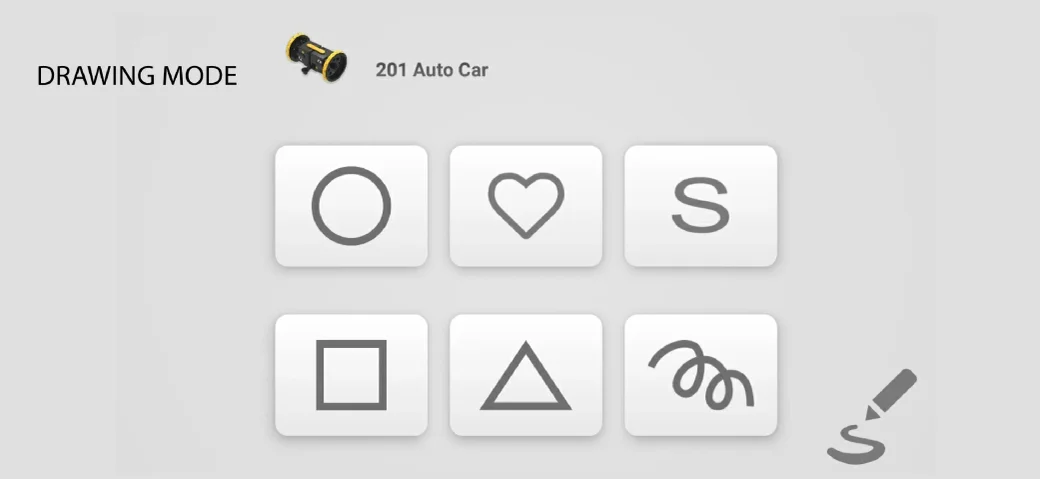
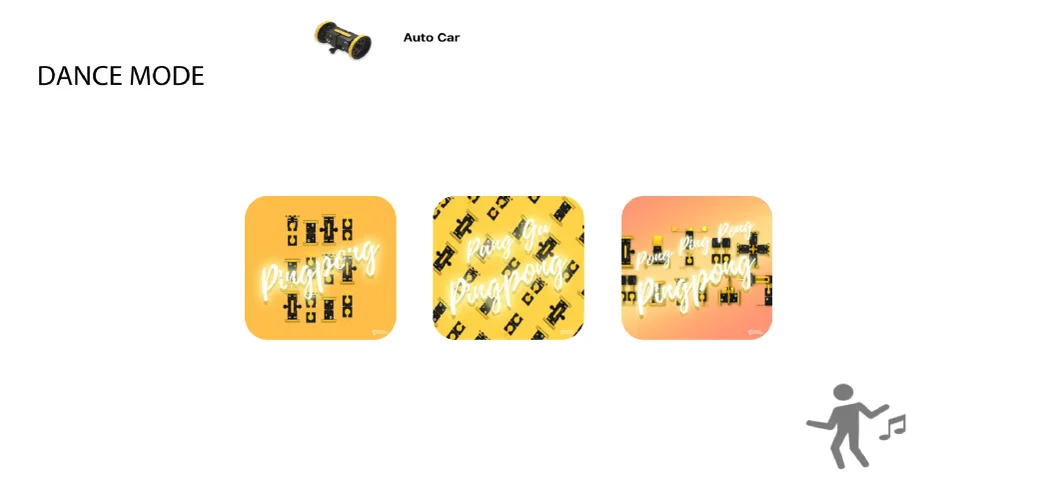
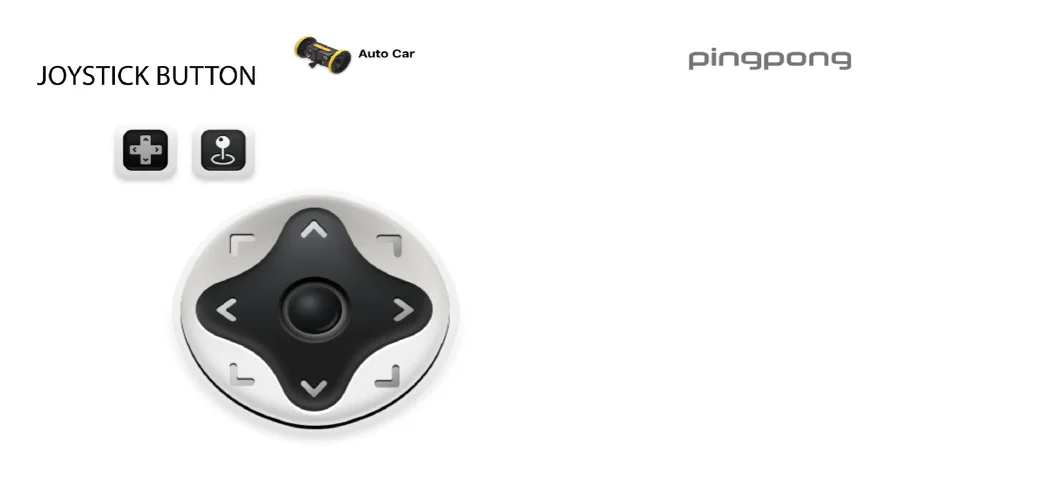
Pingpong APP provides various functions: Joystick, Dancing Mode, Drawing Mode and Motion Making.
5.CUBE COLORS
After Pingpong robot is successfully connected to smartphone, it is possible to distinguish the order of each CUBE in LED colors, especially in sequences of red, green, blue, cyan, magenta, and yellow.
6.CUBE ICONS
Decide on the order and position of the Pingpong CUBE with different icons, including square, triangle, circle, star, and heart.
Yenilikler
Sürüm 2.4.8 · 28.10.2026
[2.4.8v 출시]
새로운 기능:
- 클래스용 퀴즈 개시
개선 사항 :
- 퀴즈의 문제가 추가됩니다.
버그 수정:
- 카메라 버그 수정
- 펌웨어 업데이트 버그 수정
Uygulama gizliliği
Bu uygulamanın verileri nasıl işlediği hakkında RoboRisen tarafından App Store üzerinde yapılan beyan.
-
Veri toplanmıyor
Geliştirici bu uygulamadan hiçbir veri toplamıyor.
Gizlilik uygulamaları, örneğin kullandığınız özelliklere veya yaşınıza göre değişiklik gösterebilir.
Bilgiler
- Satıcı
- RoboRisen
- Kategori
- Eğitim
- Sürüm
- 2.4.8
- Güncellendi
- 28.10.2026
- Yayın tarihi
- 15.10.2019
- Boyut
- 147,8 MB
- Gereksinim
- iOS 15.0 veya sonrası
- Yaş sınırı
- 4+
- Fiyat
- Ücretsiz
- Diller
- İngilizce, Arapça, Çekçe, Hollandaca, Fransızca, Almanca, Hindi, Macarca, Endonezce, İtalyanca, Japonca, Korece + 6 dil daha
- Telif hakkı
- © 2019 RoboRisen co. ltd