Coding Cubroid AI
Code robots with AI & camera
iPhone, iPad, iPod touch için tasarlandı
Ücretsiz
- Yaş sınırı4+
- KategoriEğitim
- GeliştiriciJAE KWANG SHIN
- Dillerİngilizce+ 13 dil daha
- Boyut27,5 MB
Resmi App Store sayfasına bağlanır
Download.org, Coding Cubroid AI için hiçbir dosya barındırmaz. Düğme, uygulamanın App Store üzerindeki sayfasını açar; uygulamayı orada JAE KWANG SHIN yayınlar. Sayfanın son kontrolü: 21.11.2026.
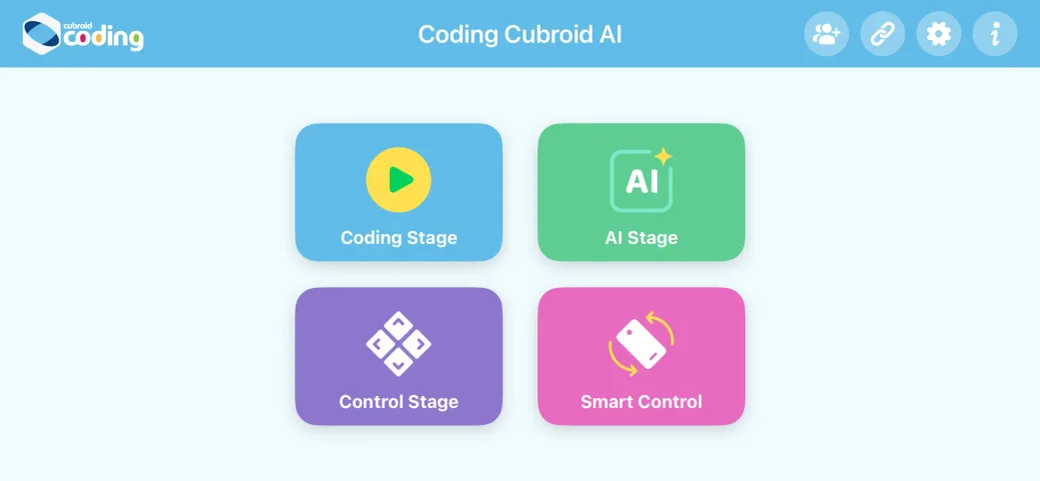
Ekran görüntüleri
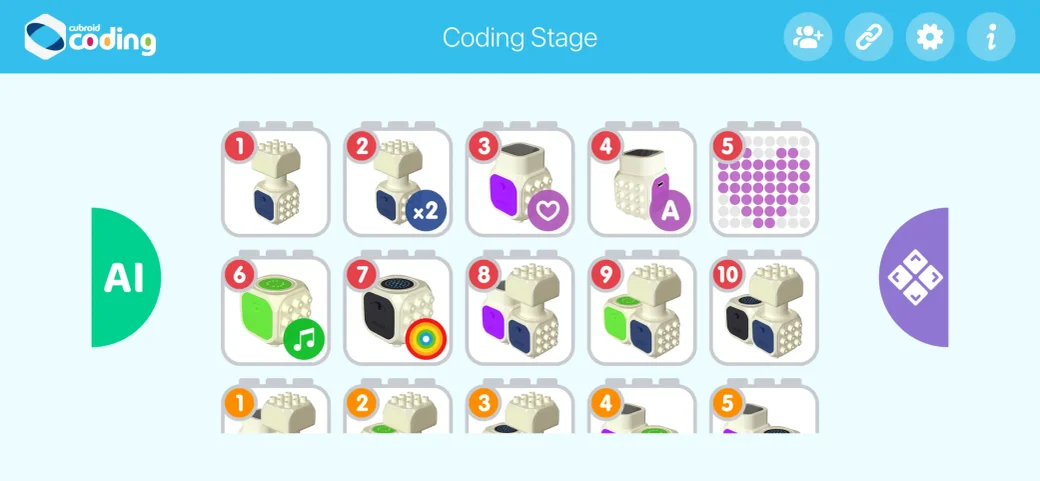

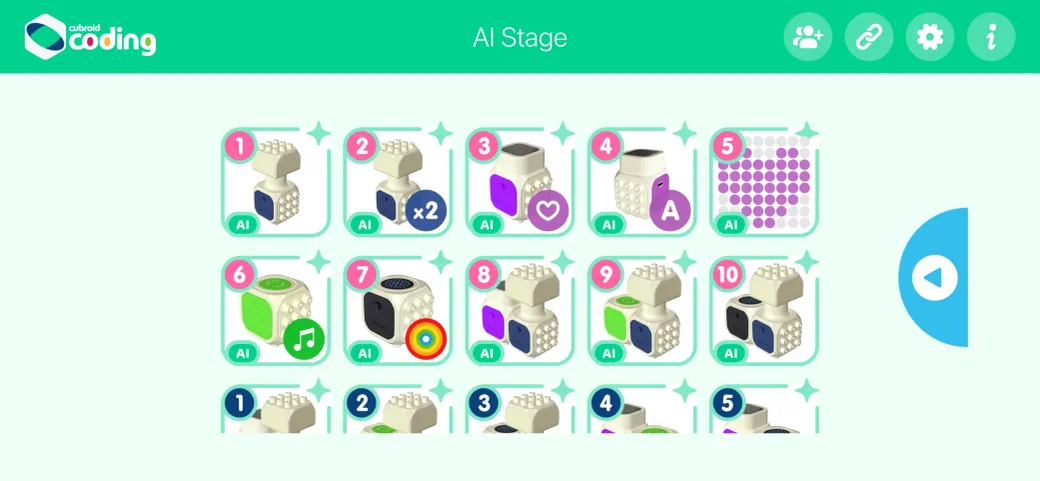
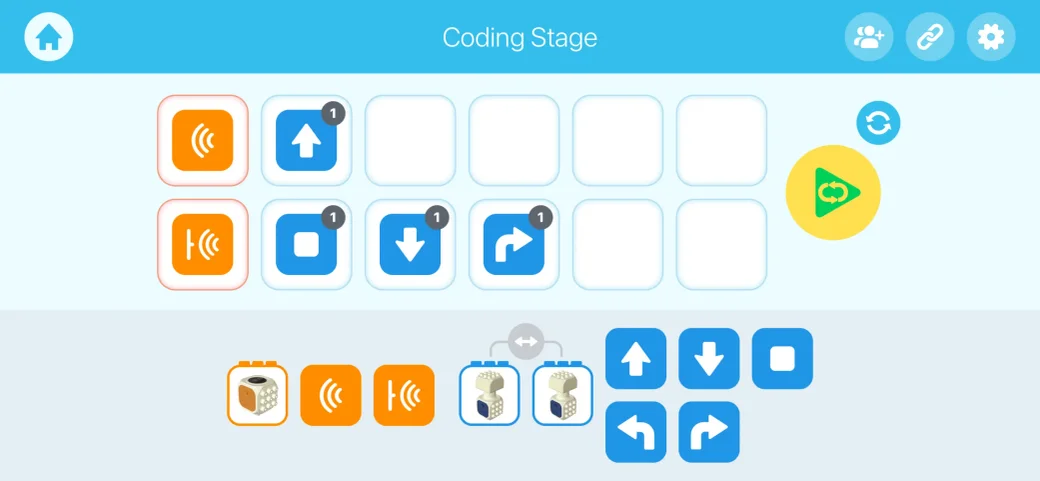
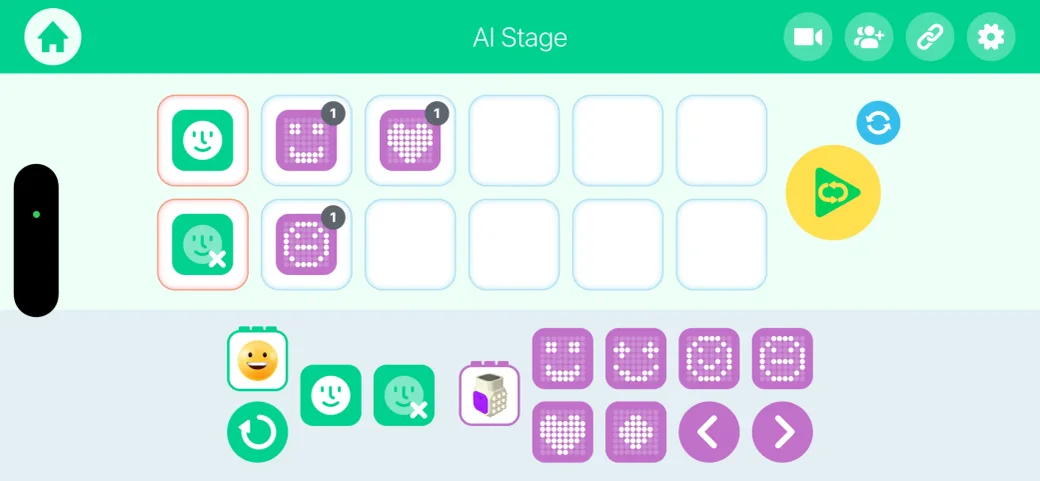


Hakkında
Geliştirici bu metni dilinizde sunmamış.
Coding Cubroid AI — Where coding meets Physical AI
Meet Coding Cubroid AI, the easiest way for children to step into the world of coding, robotics, and artificial intelligence.
With magnetic, snap-together Cubroid blocks and a simple visual coding interface, kids build real robots and bring them to life — no prior experience needed.
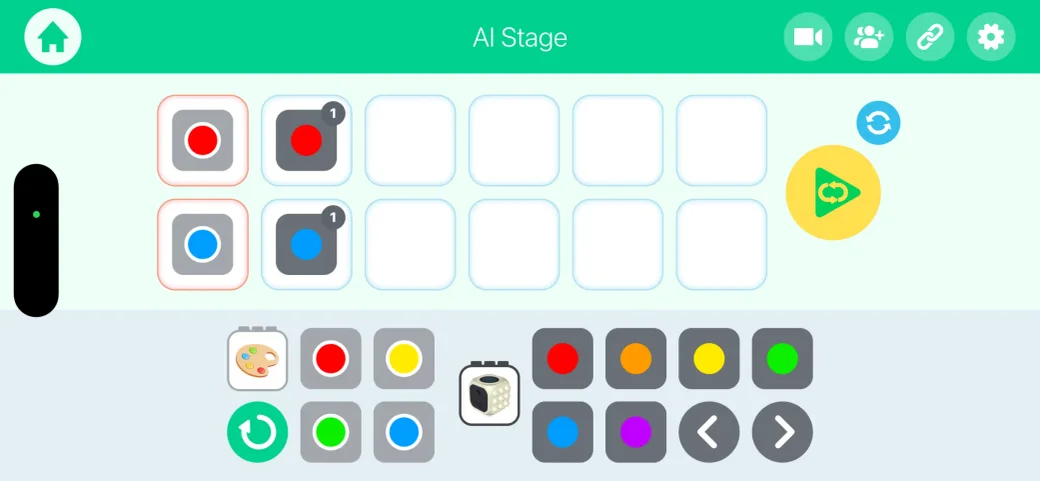
What's New: AI Stage
Now your robot can see and respond to the real world. Using just your device's camera, children can code with:
- Face Recognition — Detect faces and trigger robot actions
- Hand Recognition — Control robots with hand gestures and fingers
- Pose Recognition — Use body movements as coding commands
- Color Recognition — Make robots that react to colors around them
A perfect first step into Physical AI for ages 5 and up.
Why Teachers and Parents Choose Cubroid
- Used in 10,000+ schools across 46 countries
- Hands-on STEAM learning — coding, robotics, and AI in one app
- Safe, screen-balanced play with real, tangible blocks
- Curriculum-ready content for classrooms and homes
How to Use Coding Cubroid AI
1. Turn on Bluetooth on your device.
2. Launch the Coding Cubroid AI app.
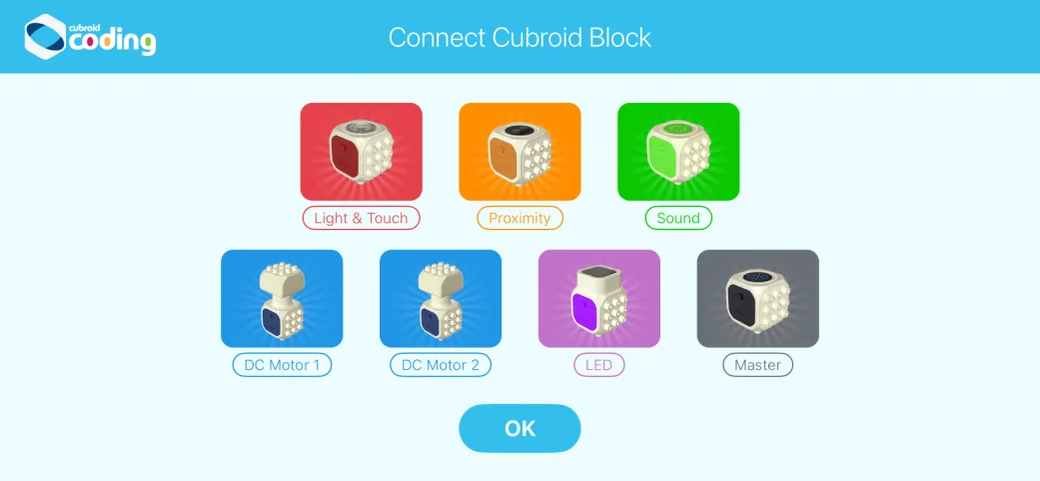
3. Connect your Cubroid blocks:
- Tap the link button — block icons will appear on screen.
- Power on the blocks you want to use, and wait a moment for them to connect.
- Connected blocks light up in color.
4. Once connected, return to Home and open a project.
5. Add a new project and start coding with Cubroid!
Have questions? Visit hub.cubroid.com or contact us anytime.
Cubroid Co., Ltd. — Smart Toy for Coding Education
Yenilikler
Sürüm 2.0.9 · 17.11.2026
- Point to Move: left/right now keep turning while you show the finger, just like forward/backward. Lower your hand or make a fist to stop.
- Stability improvements
Uygulama gizliliği
Bu uygulamanın verileri nasıl işlediği hakkında JAE KWANG SHIN tarafından App Store üzerinde yapılan beyan.
-
Veri toplanmıyor
Geliştirici bu uygulamadan hiçbir veri toplamıyor.
Gizlilik uygulamaları, örneğin kullandığınız özelliklere veya yaşınıza göre değişiklik gösterebilir.
Bilgiler
- Satıcı
- JAE KWANG SHIN
- Kategori
- Eğitim
- Sürüm
- 2.0.9
- Güncellendi
- 17.11.2026
- Yayın tarihi
- 06.09.2018
- Boyut
- 27,5 MB
- Gereksinim
- iOS 14.0 veya sonrası
- Yaş sınırı
- 4+
- Fiyat
- Ücretsiz
- Diller
- İngilizce, Fransızca, Almanca, Yunanca, Hindi, İtalyanca, Japonca, Korece, Lehçe, Rusça, Serbian, Basitleştirilmiş Çince + 2 dil daha
- Telif hakkı
- © Cubroid Co., Ltd.