RDesk Remote Desktop
Control your computer remotely
iPhone, iPad için tasarlandı
Ücretsiz
- Yaş sınırı4+
- KategoriYardımcılar
- GeliştiriciGPH Digital LLC
- Dillerİngilizce+ 9 dil daha
- Boyut1,8 MB
Resmi App Store sayfasına bağlanır
Download.org, RDesk Remote Desktop için hiçbir dosya barındırmaz. Düğme, uygulamanın App Store üzerindeki sayfasını açar; uygulamayı orada GPH Digital LLC yayınlar. Sayfanın son kontrolü: 23.11.2026.
Ekran görüntüleri
Hakkında
Geliştirici bu metni dilinizde sunmamış.
RDesk is a remote desktop app that lets you control your own Windows PC or Mac from your phone, as if you were sitting in front of it. Open a file, check on a download, use a desktop app or fix something at home without getting up.
PRIVATE BY DESIGN
• No account and no sign-up.
• Remote access goes directly between your phone and your computer. Screen, sound and every tap are end-to-end encrypted with AES-256-GCM. We never see your screen.
SMOOTH, WITH SOUND
• Hardware H.264 video at up to 60 fps, with adaptive bitrate so it stays responsive on Wi-Fi and mobile data.
• Hear your computer's audio while you watch or listen remotely.
• If the connection drops, or you switch to another app for a moment, RDesk reconnects automatically.
REMOTE CONTROL THAT FEELS LIKE A MOUSE
• See the computer's real cursor. Slide to move it, tap to click, hold or tap with two fingers to right-click, tap then hold and drag to select.
• Two fingers to scroll, pinch to zoom, three fingers to move the picture.
• Prefer to touch exactly where you want to click? Switch to touch mode.
MADE FOR PHONES
• A toolbar at the bottom that tucks away into a small handle you can move.
• One-tap landscape. The screen moves up when the keyboard opens, so you can see what you type.
• Works with input methods and hardware keyboards. Special keys panel with Esc, Tab, arrow keys, Ctrl and Alt combinations, copy and paste, and app switching.
• Light and dark themes, available in 10 languages.
TRY IT FIRST
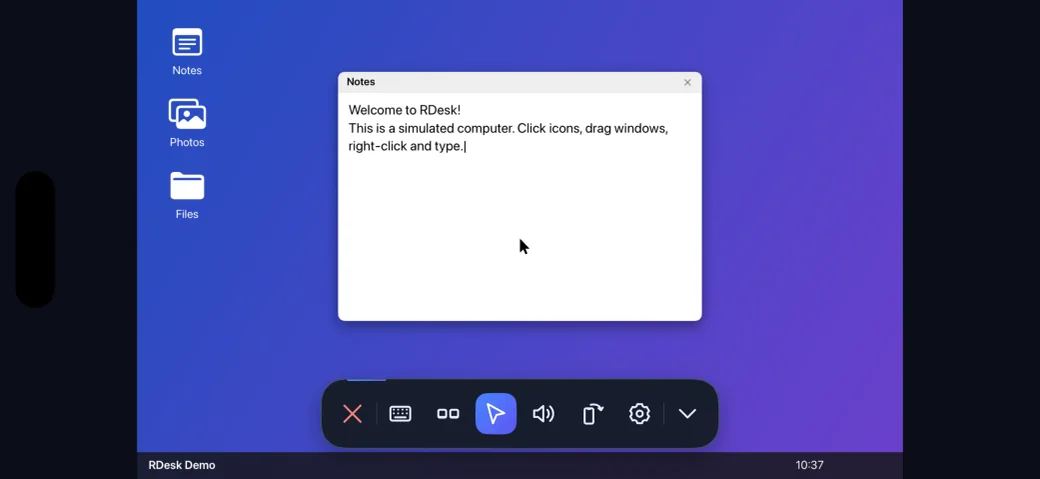
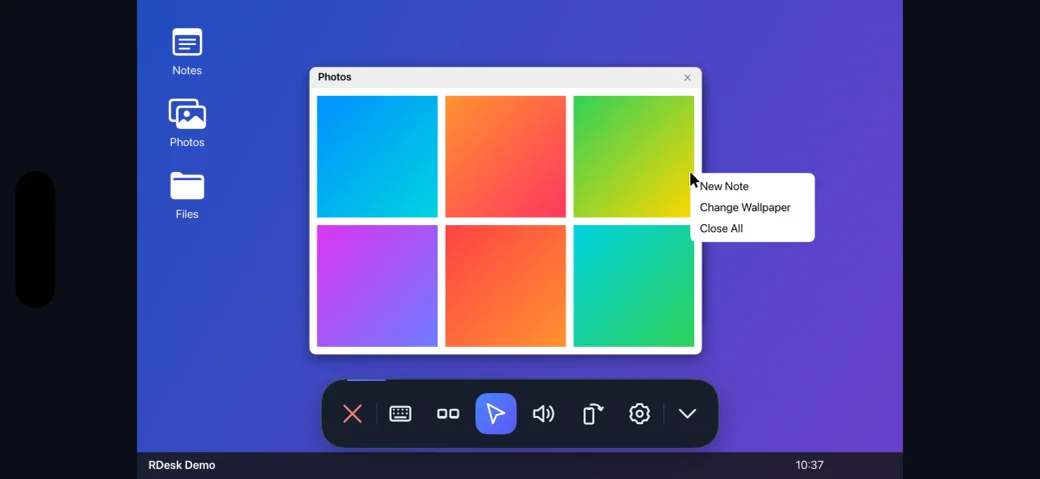
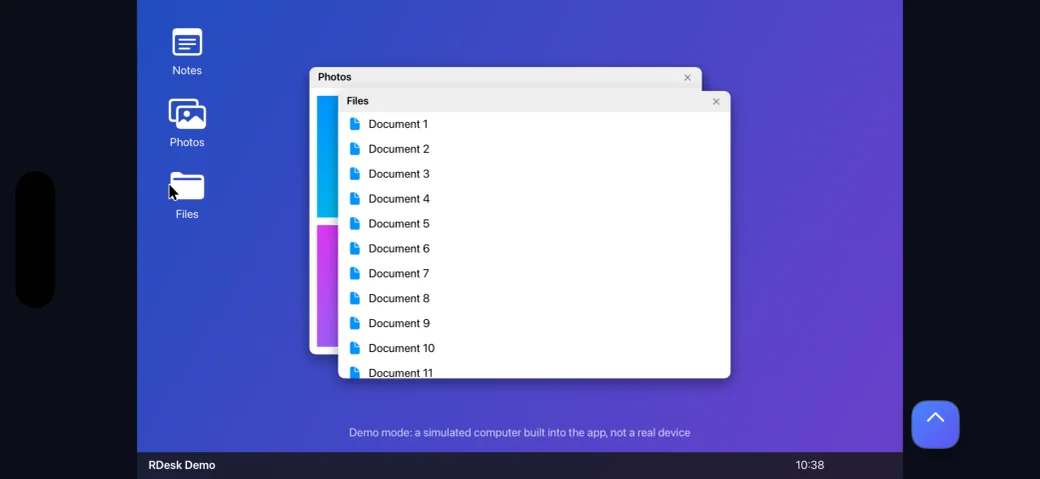
• Tap “Try the Demo” on the first screen to practice on a simulated computer built into the app. Nothing to install or set up.
GET STARTED IN 3 STEPS
1. Install the free RDesk Host on your computer: rdeskapp.com
2. Connect your phone and the computer to the same Wi-Fi
3. Enter the address, device ID and password shown on the computer
AWAY FROM HOME?
RDesk Host can create a temporary encrypted sharing link for remote access over the internet. RDesk also works with networking tools you may already use, such as Tailscale (optional).
The host is open source and runs on macOS 14 or later and Windows 10 / 11.
WARNING: if someone you don't know and trust asks you to install RDesk or tell them your password, stop. They may be trying to scam you.
Yenilikler
Sürüm 0.1.2 · 14.11.2026
• New Settings: appearance, language, help with connecting your computer, and app info
• Cleaner start screen with “Try the Demo” right at the top
Uygulama gizliliği
Bu uygulamanın verileri nasıl işlediği hakkında GPH Digital LLC tarafından App Store üzerinde yapılan beyan.
-
Veri toplanmıyor
Geliştirici bu uygulamadan hiçbir veri toplamıyor.
Gizlilik uygulamaları, örneğin kullandığınız özelliklere veya yaşınıza göre değişiklik gösterebilir.
Bilgiler
- Satıcı
- GPH Digital LLC
- Kategori
- Yardımcılar
- Sürüm
- 0.1.2
- Güncellendi
- 14.11.2026
- Yayın tarihi
- 13.11.2026
- Boyut
- 1,8 MB
- Gereksinim
- iOS 17.0 veya sonrası
- Yaş sınırı
- 4+
- Fiyat
- Ücretsiz
- Diller
- İngilizce, Fransızca, Almanca, Japonca, Korece, Portekizce, Rusça, Basitleştirilmiş Çince, İspanyolca, Geleneksel Çince
- Telif hakkı
- © 2026 GPH Digital LLC
Bunları da beğenebilirsiniz
-
 PRO КонтрольYardımcılar
-
 EnotRemote: Remote AccessYardımcılar
-
 QuickRemote - Desktop ManagerHızlı VNC, RDP ve Ekran
-
 AppLock - FingerprintYardımcılar
-
 Coloring Pop – Make Photo ArtColoring Pop – Fotoğraf Yap
-
 Qewie | QR Code GeneratorYardımcılar
-
 MikroTik Back To HomeYardımcılar
-
 Octo BrowserYardımcılar
-
 VPN Proxy Master tiptop xYardımcılar
-
 Yandex InternetometerYardımcılar