
EnotRemote: Remote Access
Control your Mac or Windows PC
iPhone, iPad için tasarlandı
Ücretsiz
- Yaş sınırı17+
- KategoriYardımcılar
- GeliştiriciEkaterina Shmeleva
- Dillerİngilizce+ 2 dil daha
- Boyut14,5 MB
Resmi App Store sayfasına bağlanır
Download.org, EnotRemote: Remote Access için hiçbir dosya barındırmaz. Düğme, uygulamanın App Store üzerindeki sayfasını açar; uygulamayı orada Ekaterina Shmeleva yayınlar. Sayfanın son kontrolü: 24.11.2026.
Ekran görüntüleri

Hakkında
Geliştirici bu metni dilinizde sunmamış.
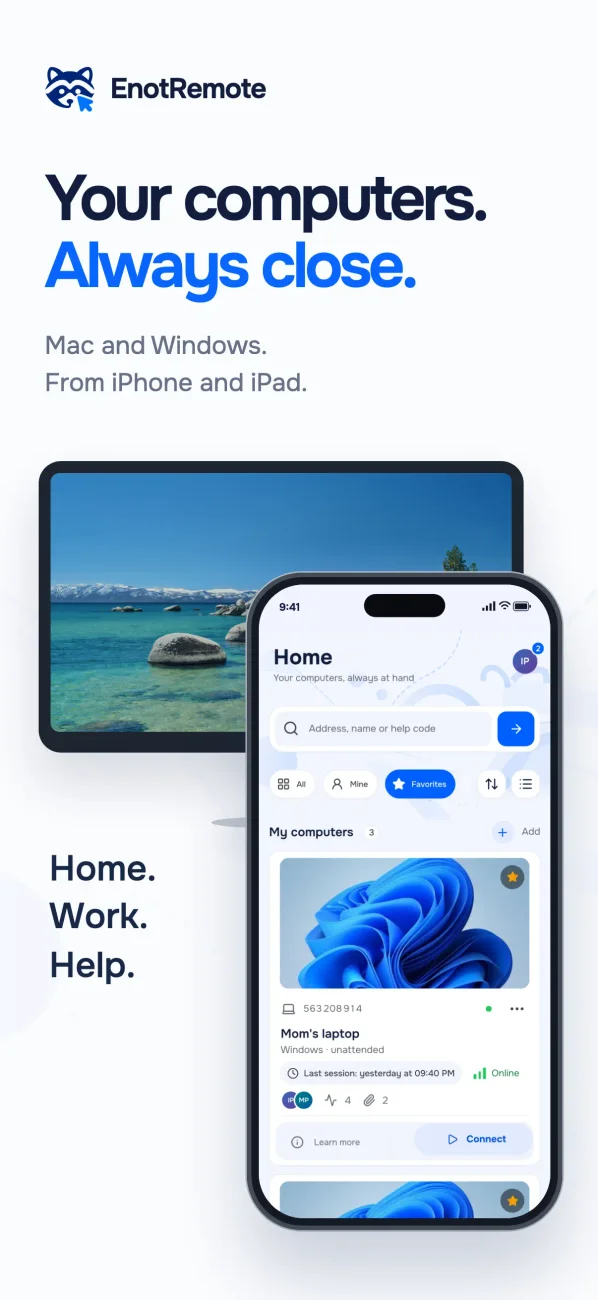
EnotRemote puts your Mac or Windows PC on your iPhone and iPad. Open your work computer from home, help your parents with their settings, or play PC games from the couch.
HOW TO CONNECT
• Install EnotRemote on the computer from enotremote.ru and sign in: with the same account as on the phone or with your own.
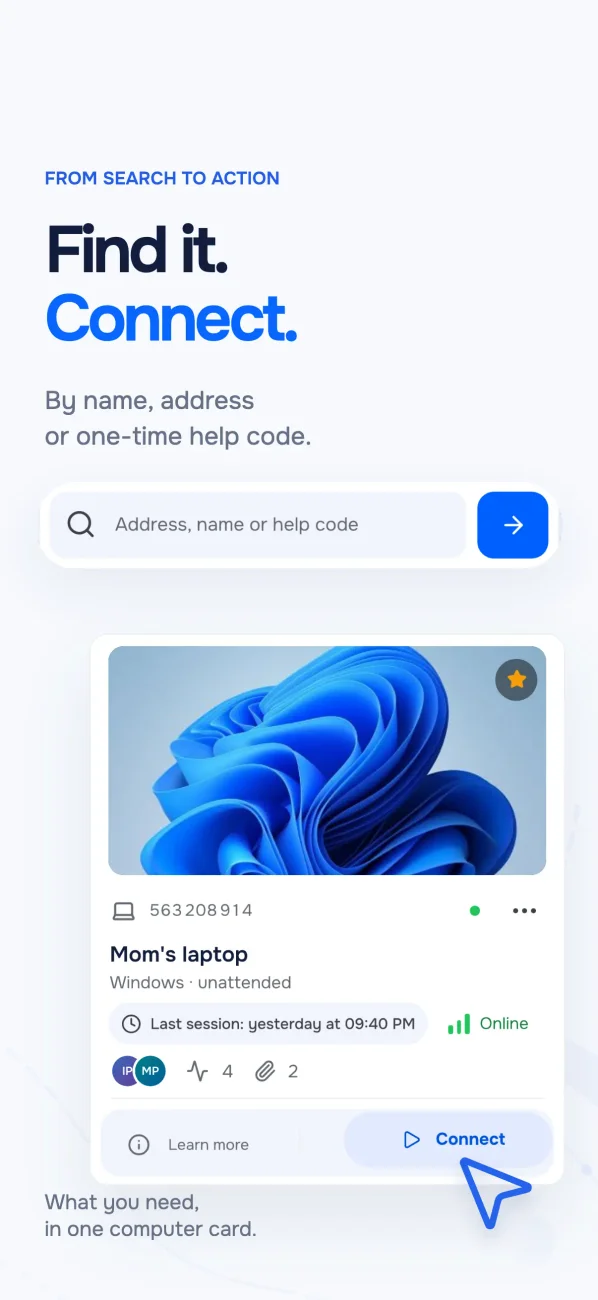
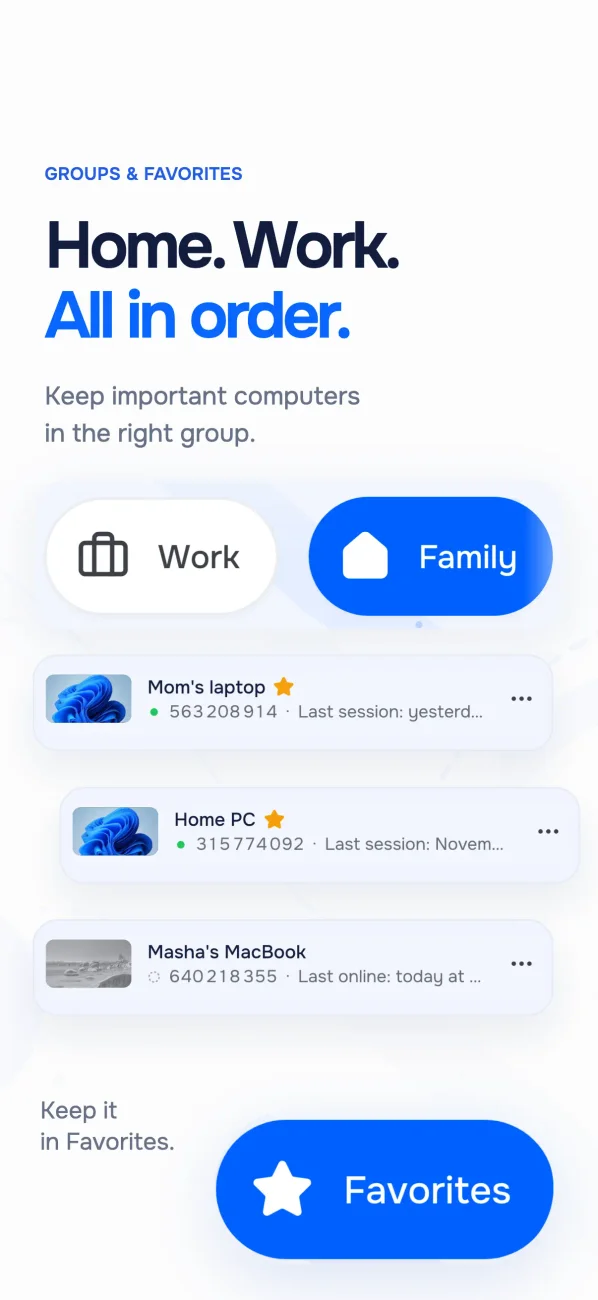
• Pick the computer in your address book or type its nine-digit address.
• The computer shows a window with your email and a check code. The codes match: someone there taps "Accept", and you're at the computer.
TOUCH CONTROL
• Touch mode: tap to click, swipe to scroll, hold for the menu.
• Touchpad mode: move the pointer as on a laptop.
• Pinch to zoom, a mini map and a magnifier for small buttons.
• The on-screen keyboard and a bar of special keys: Esc, Tab, Ctrl, Alt, Cmd or Win, arrows, Del and F1-F12.
• Paste text copied on the phone into the computer.
• Hear the computer's sound.
GAME MODE
• An on-screen gamepad for games on a Windows PC, with ready layouts for popular games.
• Your own buttons for each game.
• Pair an Xbox or PlayStation controller with the phone over Bluetooth and play with it on the computer.
A PICTURE THAT DOESN'T FALL APART
Our own Myelin protocol resends lost data without stopping the rest and never builds the picture on a frame that didn't arrive. When the network stumbles, the image doesn't break into blocks.
SECURITY
• Sign in with a password and an authenticator code. The password never reaches the server, not even encrypted: sign-in uses the OPAQUE protocol.
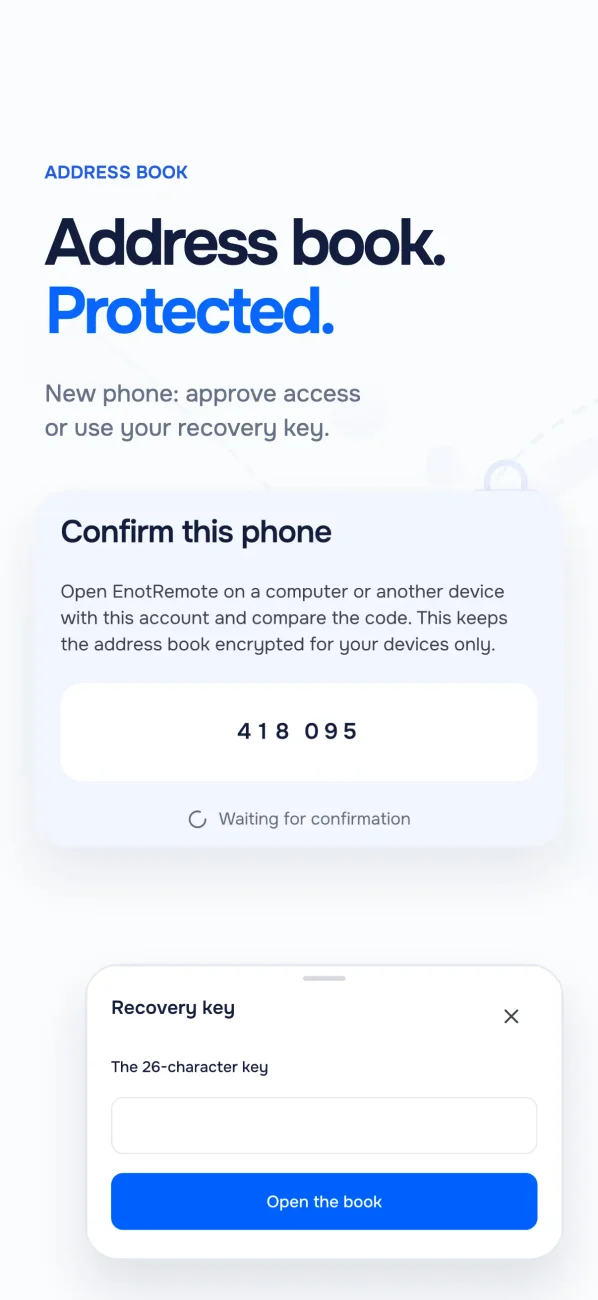
• A new phone gets the address book only after you confirm it on another of your devices or with your recovery key.
• The address book is encrypted on your devices; the server stores it and can't read it.
• The picture and your input travel encrypted between the phone and the computer.
• Lock the app with a passcode and Face ID.
• Without an "Accept" on the other side you can connect only to a computer that allowed it.
WHAT YOU NEED
• A Mac or Windows computer with EnotRemote installed. Free download: enotremote.ru.
• An EnotRemote account. You can create one right in the app.
You can delete your account in the app: Account and settings, Delete account.
Questions and ideas: "Report a problem" in the app or dshmelev@qrium.ru.
Yenilikler
Sürüm 1.0.60 · 23.11.2026
Improved playback smoothness in fast-moving remote sessions. The Always use relay setting is now applied when you connect to a saved computer.
Uygulama gizliliği
Bu uygulamanın verileri nasıl işlediği hakkında Ekaterina Shmeleva tarafından App Store üzerinde yapılan beyan.
-
Sizinle ilişkilendirilen veriler
Toplanabilir ve kimliğinizle ilişkilendirilebilir.
- İletişim bilgileri
- Kullanıcı içeriği
- Tanımlayıcılar
- Kullanım verileri
- Tanılama
Gizlilik uygulamaları, örneğin kullandığınız özelliklere veya yaşınıza göre değişiklik gösterebilir.
Bilgiler
- Satıcı
- Ekaterina Shmeleva
- Kategori
- Yardımcılar
- Sürüm
- 1.0.60
- Güncellendi
- 23.11.2026
- Yayın tarihi
- 29.10.2026
- Boyut
- 14,5 MB
- Gereksinim
- iOS 16.0 veya sonrası
- Yaş sınırı
- 17+
- Fiyat
- Ücretsiz
- Diller
- İngilizce, Rusça, Basitleştirilmiş Çince
- Telif hakkı
- © 2026 QRIUM
Bunları da beğenebilirsiniz
-
 RDesk Remote DesktopYardımcılar
-
 PRO КонтрольYardımcılar
-
 Липецкая область onlineYardımcılar
-
 PC Controller: Remote MouseUzaktan fare, klavye ve güç
-
 Rastgele Üretici: Şans ÇarkıZar Atma-Rastgele Seçici & RNG
-
 Smart Gate AdminYardımcılar
-
 CasperVPN: WiFi Güvenlik VPNHalka açık Wi-Fi'de gizlilik
-
 QuickRemote - Desktop ManagerHızlı VNC, RDP ve Ekran
-
 Cross VPN: Gelişmiş KorumaOptimizasyon Ustası
-
 Remio Remote DesktopUzak masaüstü & uzaktan erişim