
Security Browser for M365
iPhone, iPad, iPod touch için tasarlandı
Ücretsiz
- Yaş sınırı17+
- KategoriÜretkenlik
- GeliştiriciSATERAITO OFFICE, INC.
- Dillerİngilizce+ 1 dil daha
- Boyut5,7 MB
Resmi App Store sayfasına bağlanır
Download.org, Security Browser for M365 için hiçbir dosya barındırmaz. Düğme, uygulamanın App Store üzerindeki sayfasını açar; uygulamayı orada SATERAITO OFFICE, INC. yayınlar. Sayfanın son kontrolü: 18.11.2026.
Ekran görüntüleri
Hakkında
Geliştirici bu metni dilinizde sunmamış.
In the "NextSet Security Browser for Microsoft 365" move in conjunction with the "NetSet Single Sign-On for Microsoft 365", it is a secure browser. I will provide a more advanced and detailed security access control to the Microsoft 365.
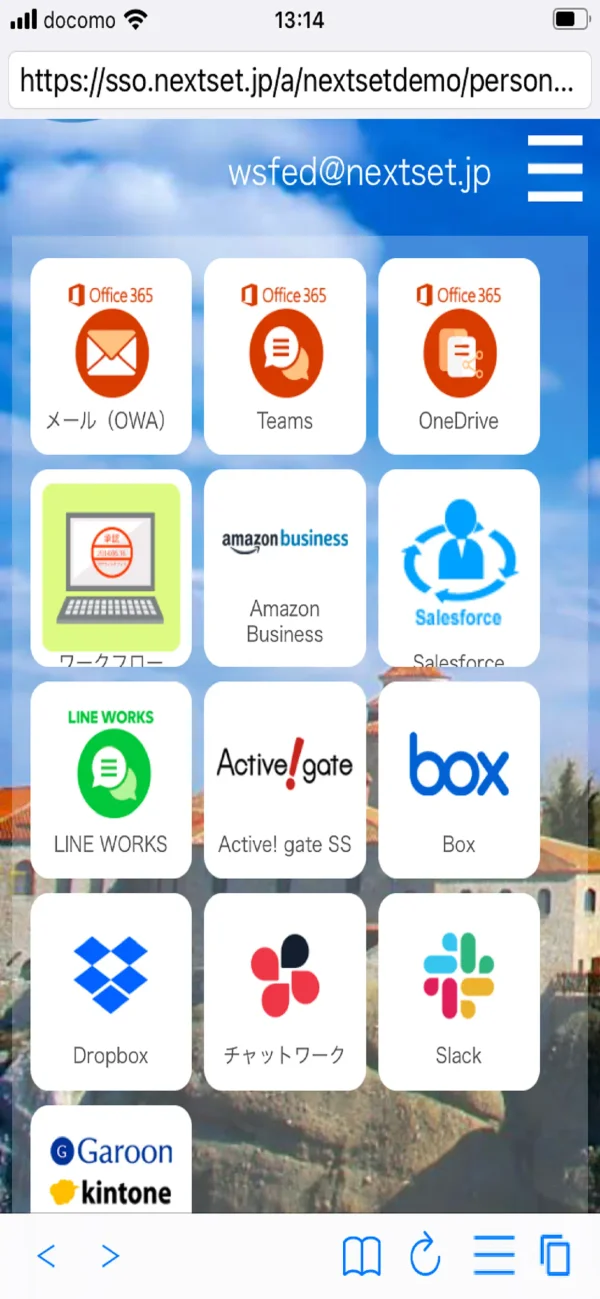
· Single Sign-On with · Microsoft 365
· Security policy enforcement by, personalized / organization another of the control
· And use control of the global IP address / terminal ID Unit
· URL to use site control by the filter
· Data download ban / cache & Cookei Clear
· Character of the prohibition of copy and paste
· Automatic deletion of clipboard
· Automatic login availability
· Printing ban
· Address URL bar availability of
· The entire shared bookmark / personal bookmark availability of
· Automatic logout function
· The acquisition and by the administrator of the user access log
· Mail & Calendar New data notification function
Etc.
The user can to keep doing the registration and terminal application of account that you want to access in advance
Network that is authorized from the next time, if the terminal, ID, without placing a password
Just press the login button at the available services of Microsoft 365, such as Outlook and calendar!
· How to use this app
1. launch the app
Tap the "Account Management" in the top screen
2. account management to the display
Tap the "not registered"
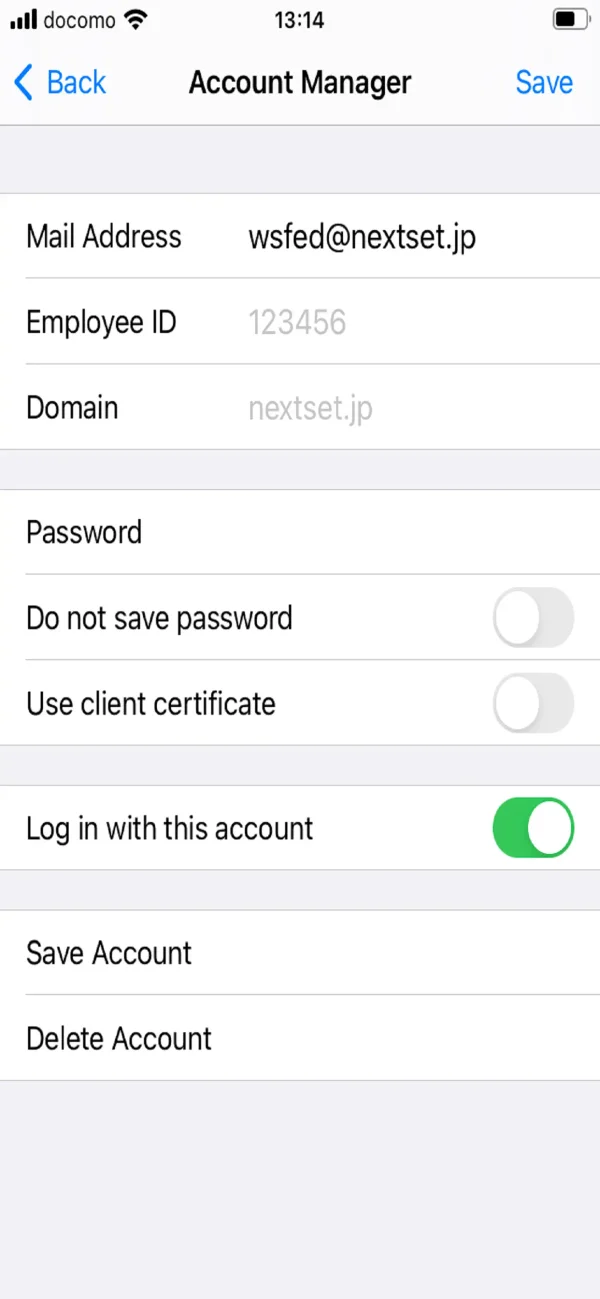
3.Account registration display
Enter input to the "e-mail address" to the e-mail address or "Employee ID", "domain"
Enter a password in the "Password"
Check out "log in with this account."
Select a single sign-on to connect to
Tap the "registration"
4. Tap the e-mail address that you entered earlier in account management
5. account registration display
Tap the "registration of the terminal information"
6. note of registration of the terminal terminal display
Tap the "registration"
7. Enter your purpose
Tap to "register"
8. registration of the terminal display
Tap "OK"
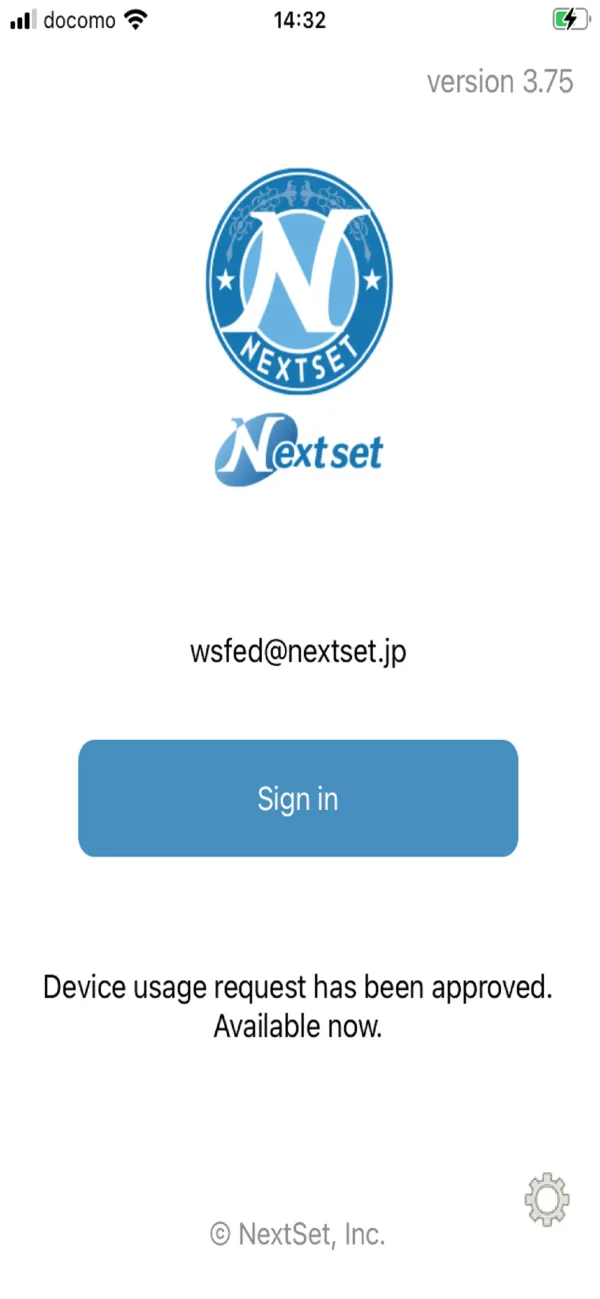
9. to Top screen
Tap to "sign in"
Yenilikler
Sürüm 3.95 · 14.09.2026
Some maintenances
Uygulama gizliliği
Bu uygulamanın verileri nasıl işlediği hakkında SATERAITO OFFICE, INC. tarafından App Store üzerinde yapılan beyan.
-
Veri toplanmıyor
Geliştirici bu uygulamadan hiçbir veri toplamıyor.
Gizlilik uygulamaları, örneğin kullandığınız özelliklere veya yaşınıza göre değişiklik gösterebilir.
Bilgiler
- Satıcı
- SATERAITO OFFICE, INC.
- Kategori
- Üretkenlik
- Sürüm
- 3.95
- Güncellendi
- 14.09.2026
- Yayın tarihi
- 07.03.2015
- Boyut
- 5,7 MB
- Gereksinim
- iOS 15.0 veya sonrası
- Yaş sınırı
- 17+
- Fiyat
- Ücretsiz
- Diller
- İngilizce, Japonca
- Telif hakkı
- ©Nextset,Inc.
Bunları da beğenebilirsiniz
-
 Todo QuickCaptureÜretkenlik
-
 Bundle for MS Office TemplatesWord, PowerPoint, Excel paketi
-
 Templates for MS Word - DesiGNWord için belge şablonları
-
 Project Plan 365Üretkenlik
-
 QuipÜretkenlik
-
 Microsoft 365 AdminÜretkenlik
-
 Airmail for Gmail Outlook MailÜretkenlik
-
 myMail-Yandex,Gmail için postaEposta indir: Hotmail, Mail.ru
-
 Office Word Editor:Docs, ShareÜretkenlik
-
 AO OfficeÜretkenlik