Solar Explorer 3D
Surface Atlas & Mission Replay
iPhone, iPad için tasarlandı
Ücretsiz · Uygulama içi satın alma
- Yaş sınırı4+
- KategoriEğitim
- GeliştiriciShenzhen Qizhuan Technology Co., Ltd.
- Dillerİngilizce+ 9 dil daha
- Boyut838,1 MB
Resmi App Store sayfasına bağlanır
Download.org, Solar Explorer 3D için hiçbir dosya barındırmaz. Düğme, uygulamanın App Store üzerindeki sayfasını açar; uygulamayı orada Shenzhen Qizhuan Technology Co., Ltd. yayınlar. Sayfanın son kontrolü: 15.11.2026.
Ekran görüntüleri


Hakkında
Geliştirici bu metni dilinizde sunmamış.
Embark on an immersive journey through the solar system!
Solar Explorer brings the solar system to life with a stunning 3D simulation based on real astronomical data, featuring 60+ celestial bodies and spacecraft. Experience the grandeur and mysteries of the universe in the palm of your hand.
Key Features
• Realistic Simulation – Explore the orbits of celestial bodies and spacecraft, along with the rotation of planets and moons, in an immersive 3D simulation.
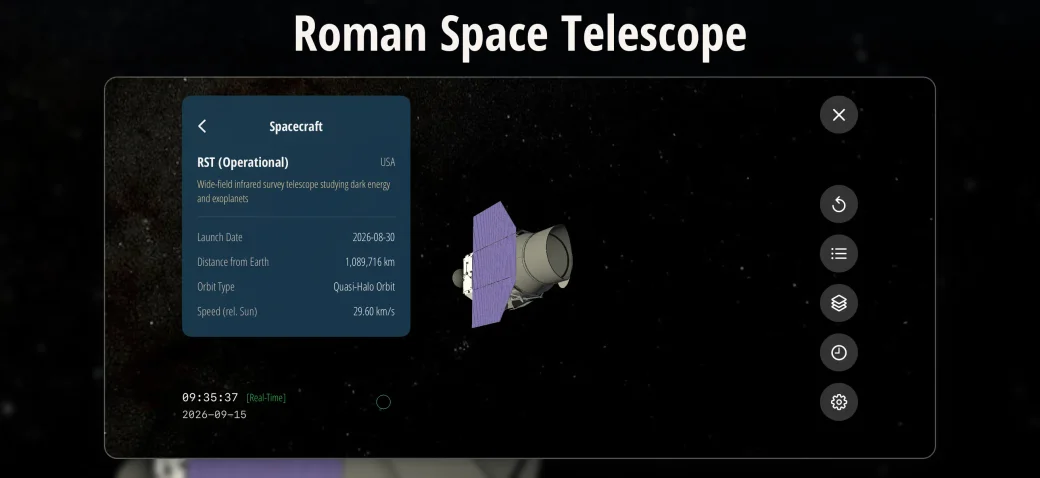
• Close-Up View – Observe surfaces and rotation up close, follow moons around their parent planets, and examine detailed 3D spacecraft models.
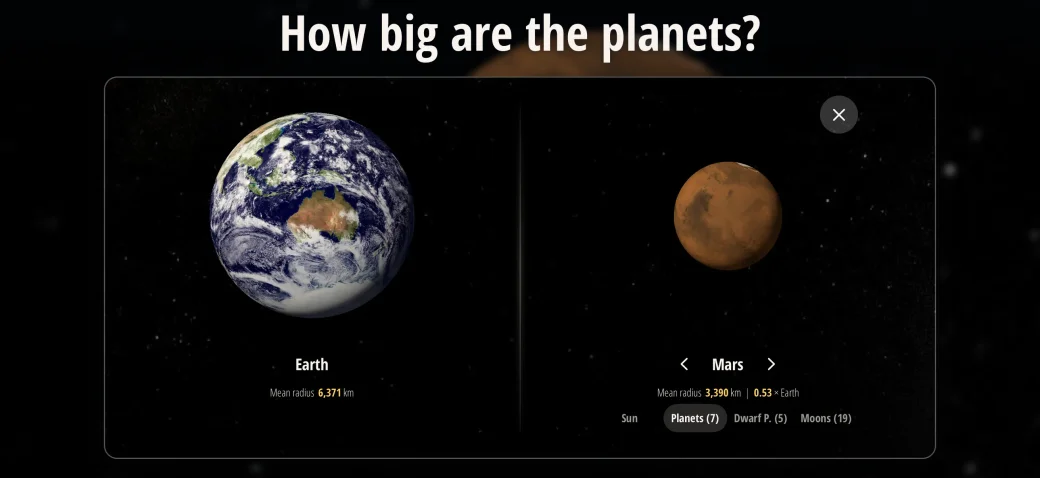
• Size Comparison – Compare the Sun, planets, dwarf planets, and major moons side by side at true scale to appreciate the differences in size between celestial bodies.
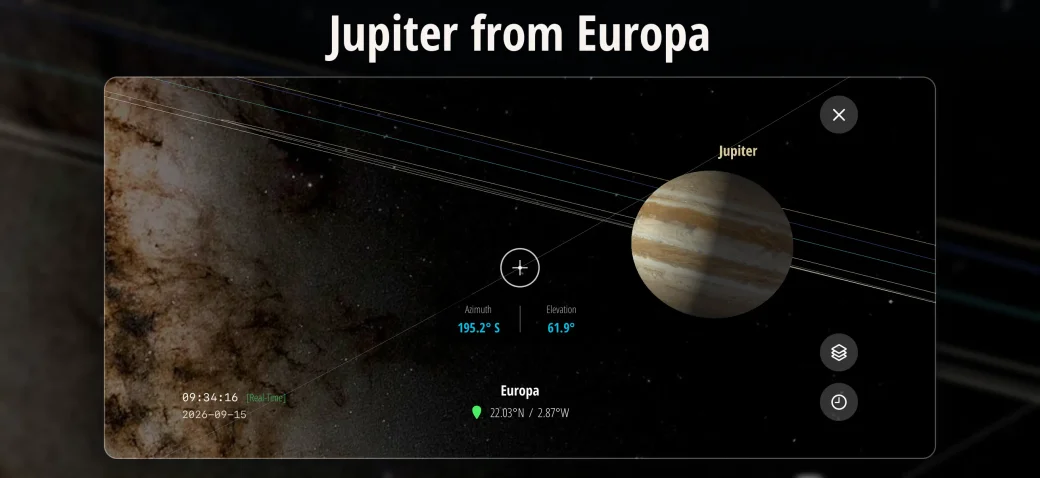
• Landing View – View a realistic starry sky and the Milky Way from selected surface locations on different celestial bodies.
• Time Acceleration – Speed up time or run it backward to explore how celestial bodies and spacecraft move.
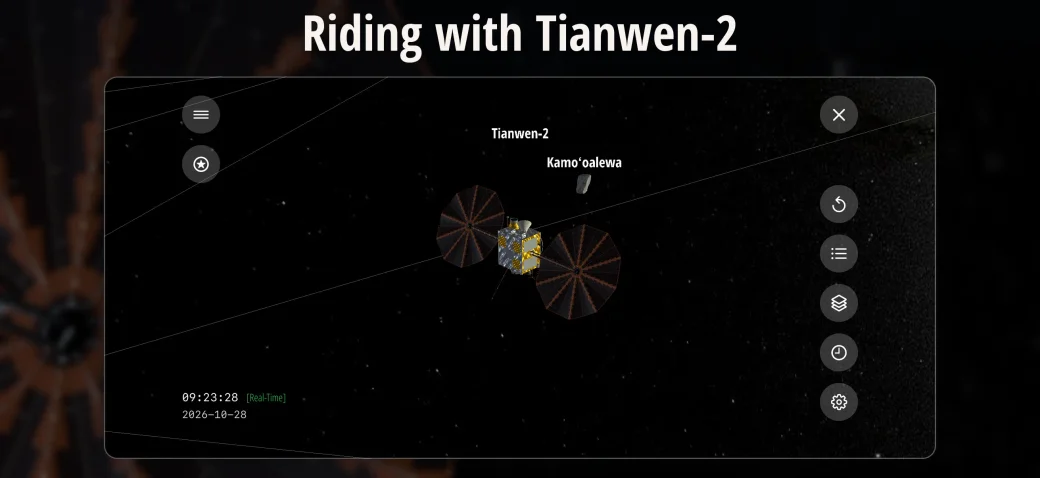
• Mission Replay – Replay selected space missions with trajectory overviews and close-ups of key events.
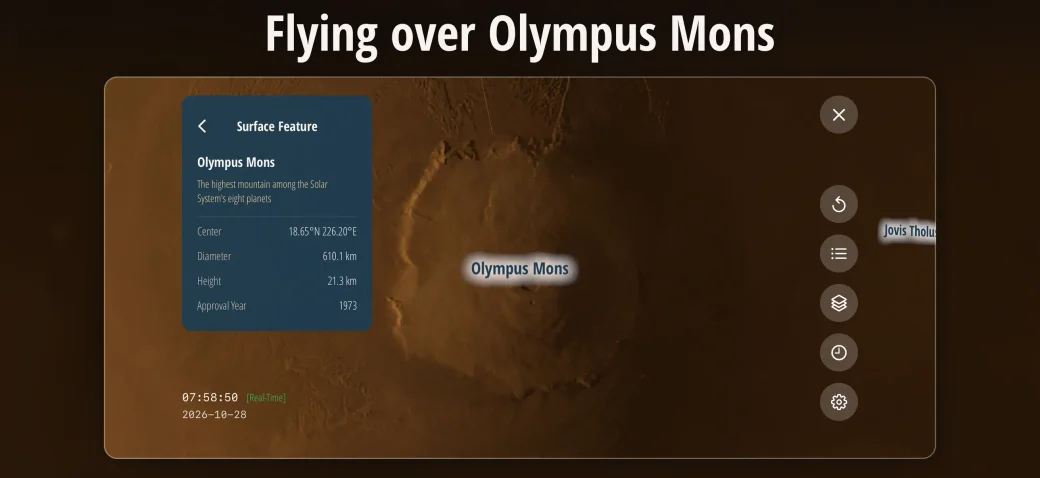
• Surface Features – Zoom in to discover surface features and place names on the Moon, Mars, and other celestial bodies.
Professional-Grade Experience
• Planet, moon, and spacecraft positions are calculated using astronomical data and celestial mechanics, with information panel data updated to match the simulation time.
• Inspect high-resolution surface textures up close and discover the varied landscapes of planets and moons.
• Examine detailed 3D spacecraft models, including all five probes that have traveled beyond Neptune’s orbit, and track their speed and distance from Earth as simulation time changes.
• Discover historic landing sites on the Moon, Mars, Venus, and other worlds, with details about landers and surface features.
• Landing view uses celestial mechanics and viewing geometry to recreate the local sky and celestial motion, reflecting effects such as the Moon’s tidal locking and Venus’s retrograde rotation.
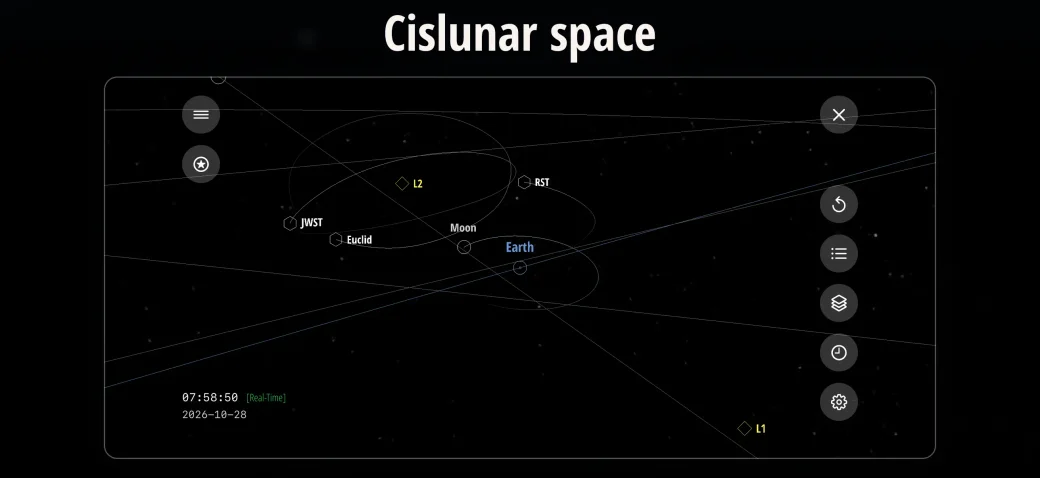
• The Earth-Moon view extends to the Sun-Earth Lagrange points L1 and L2, with orbital paths for space telescopes such as JWST, Roman, and Euclid.
• Enjoy detailed planetary rings, the Sun’s corona and glow, and sweeping views of the asteroid belt and Kuiper belt, along with shadows and transits.
Intuitive Controls
• Tap a celestial body or its name label to enter close-up view, or browse celestial bodies and spacecraft in the catalog.
• Drag with one finger to rotate the view, and pinch with two fingers to zoom.
• In close-up view, use the location picker to choose a target landing site. On Earth, you can also use your current location.
• Adjust the speed and direction of time in orbit view, close-up view, and landing view to observe rotation and orbital motion.
Whether you’re an astronomy enthusiast, an educator, or a curious explorer, Solar Explorer opens a gateway to the mysteries of the universe. Download now and begin your space adventure!
Yenilikler
Sürüm 1.8.0 · 30.10.2026
- Added a Size Comparison feature that shows the Sun, planets, dwarf planets, and major moons on one screen at true scale, making their size differences easy to see at a glance.
- The mission playback interface has a new look: speed and distance are now shown on gauges, and the timeline follows the mission phases.
- Added support for the foldable iPhone Duo and for portrait orientation on iPad.
- The landing flow now lets you choose a landing site before entering the landing view; the entry point is in the Explore tab of the info panel.
- The distance panel in orbit view has a new Spacecraft category, showing the real-time distance from the Sun to major deep-space probes.
- Introduced a new app icon and launch screen.
- Updated data for some spacecraft and Mars rovers.
- Fixed some interface and text issues, and improved performance and stability.
Uygulama gizliliği
Bu uygulamanın verileri nasıl işlediği hakkında Shenzhen Qizhuan Technology Co., Ltd. tarafından App Store üzerinde yapılan beyan.
-
Sizinle ilişkilendirilmeyen veriler
Toplanabilir ancak kimliğinizle ilişkilendirilmez.
- Konum
- Tanımlayıcılar
- Kullanım verileri
- Tanılama
Gizlilik uygulamaları, örneğin kullandığınız özelliklere veya yaşınıza göre değişiklik gösterebilir.
Bilgiler
- Satıcı
- Shenzhen Qizhuan Technology Co., Ltd
- Kategori
- Eğitim
- Sürüm
- 1.8.0
- Güncellendi
- 30.10.2026
- Yayın tarihi
- 24.09.2025
- Boyut
- 838,1 MB
- Gereksinim
- iOS 16.0 veya sonrası
- Yaş sınırı
- 4+
- Fiyat
- Ücretsiz
- Uygulama içi satın alma
- Evet
- Diller
- İngilizce, Fransızca, Almanca, İtalyanca, Japonca, Korece, Portekizce, Basitleştirilmiş Çince, İspanyolca, Geleneksel Çince
- Telif hakkı
- © 2023-2026 Qizhuan
Bunları da beğenebilirsiniz
-
 Solar System - AR ViewEğitim
-
 Solar System: AI ExplorerReferans
-
 Teia - 3D Solar SystemEğitim
-
 Solar System Planets: Uzay 3DEarth Night Sky: Mars, Moon
-
 GPT Solar System ExplorerEğitim
-
 Heliosphere - Solar SystemEğitim
-
 Solar System 3D: Planet GuideEğitim
-
 3D Solar System TourEğitim
-
 Planets AR - Our Solar SystemEğitim
-
 3D Solar System: GezegenlerGezegen ve yıldız haritası