Speed Tracker. Pro
Speedometer and Trip computer
iPhone, iPad için tasarlandı
₺999,99
- Yaş sınırı17+
- KategoriNavigasyon
- GeliştiriciOxagile LLC
- Dillerİngilizce+ 10 dil daha
- Boyut86,9 MB
Resmi App Store sayfasına bağlanır
Download.org, Speed Tracker. Pro için hiçbir dosya barındırmaz. Düğme, uygulamanın App Store üzerindeki sayfasını açar; uygulamayı orada Oxagile LLC yayınlar. Sayfanın son kontrolü: 17.11.2026.
Ekran görüntüleri


Hakkında
Geliştirici bu metni dilinizde sunmamış.
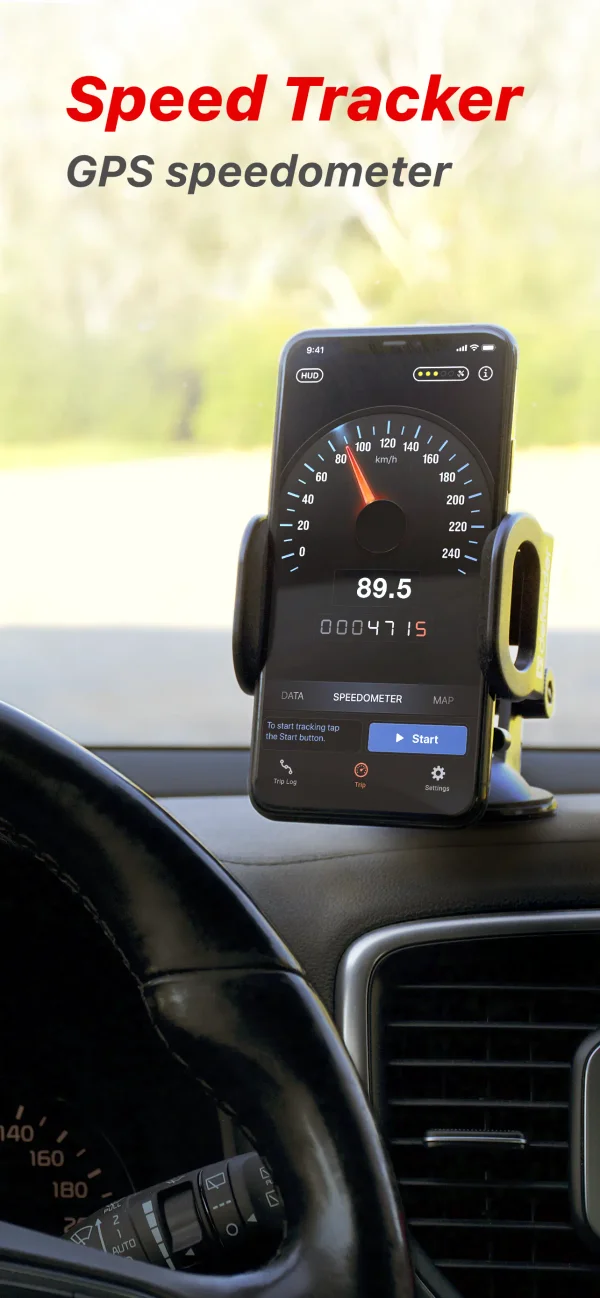
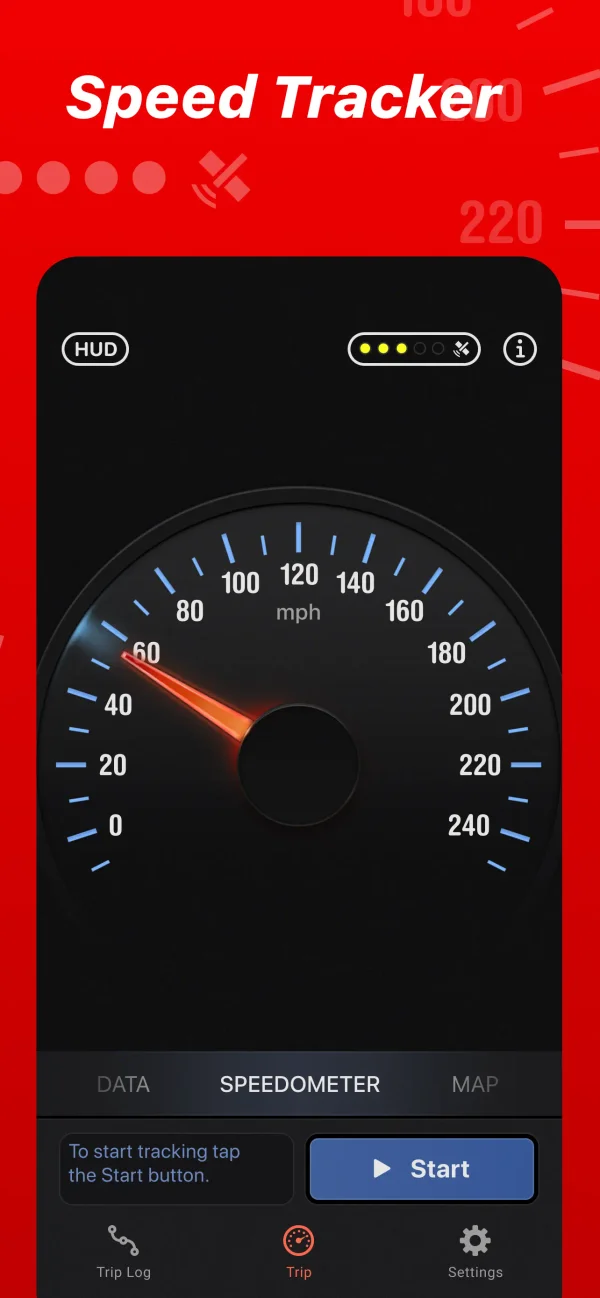
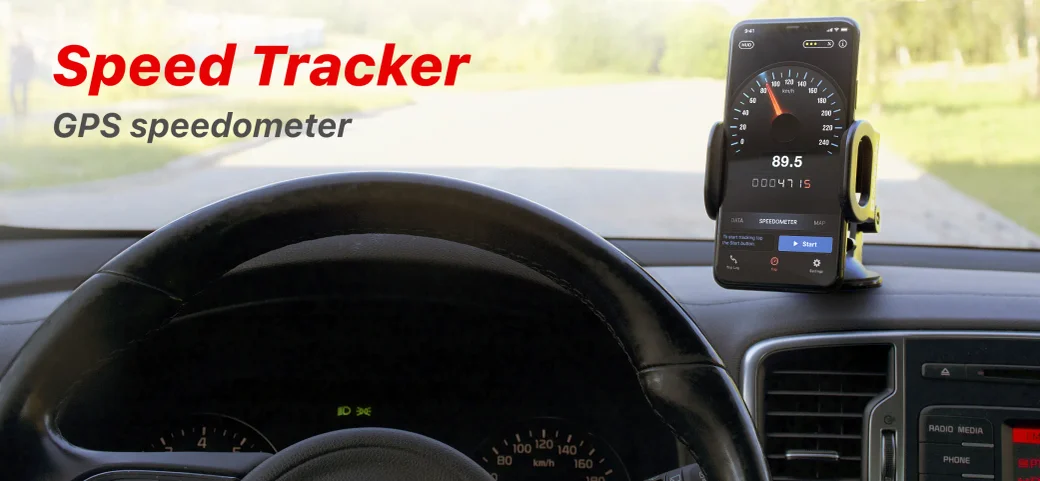
Speed Tracker is the most elegant and unique combination of GPS speedometer and Trip computer in just one application.
Speed Tracker is YOUR answer to the eternal questions: What is my speed? What distance have I covered? How much time did I spend from work to home? How to share my trips with friends and relatives?
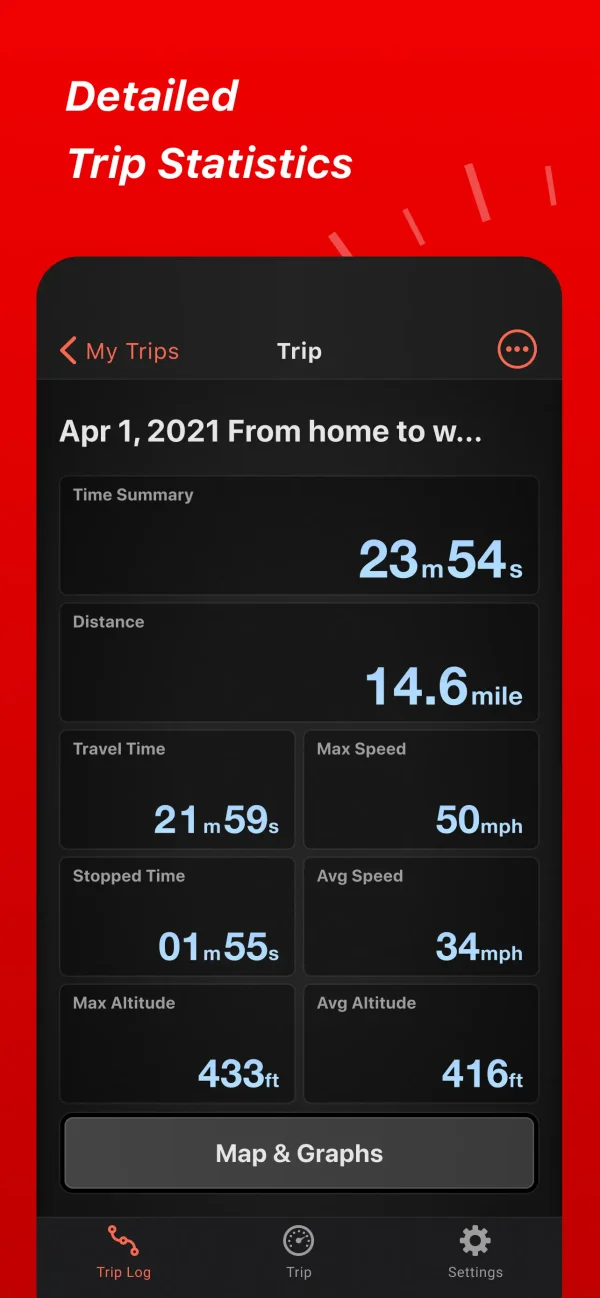
With lot of features built-in, Speed Tracker will help you to gather all the necessary trip statistics. Just start the application and it will let you record your speed, time, distance, heading, elevation and many more.
HUD
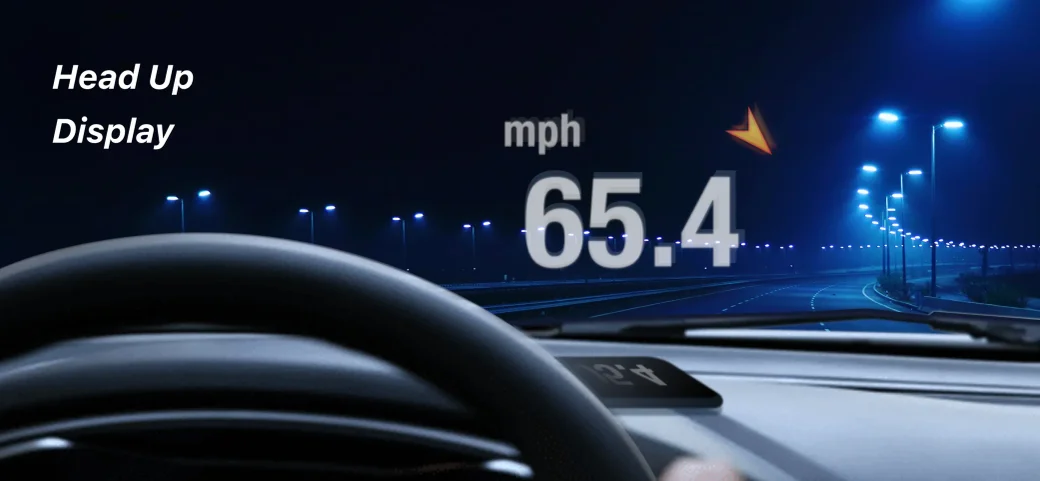
Head-up display – outstanding feature available ONLY in Speed Tracker application. Just enable HUD and put your iPhone or iPad under the windshield. Specially designed HUD interface will display the most accurate speed right on the windshield.
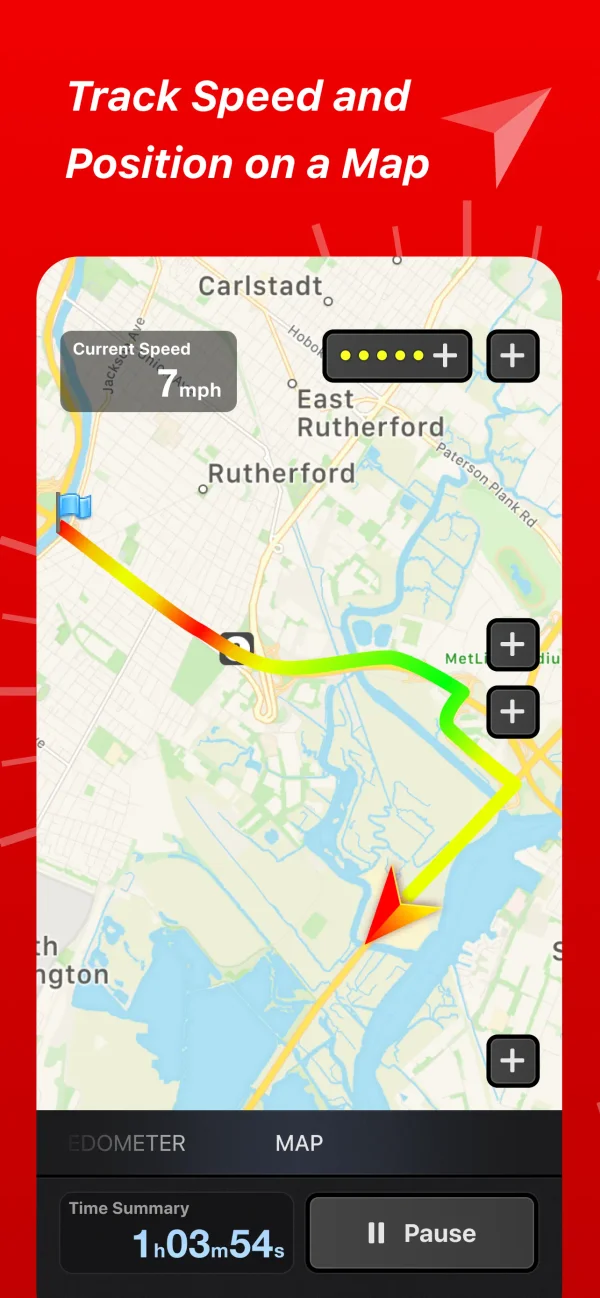
Map your trip.
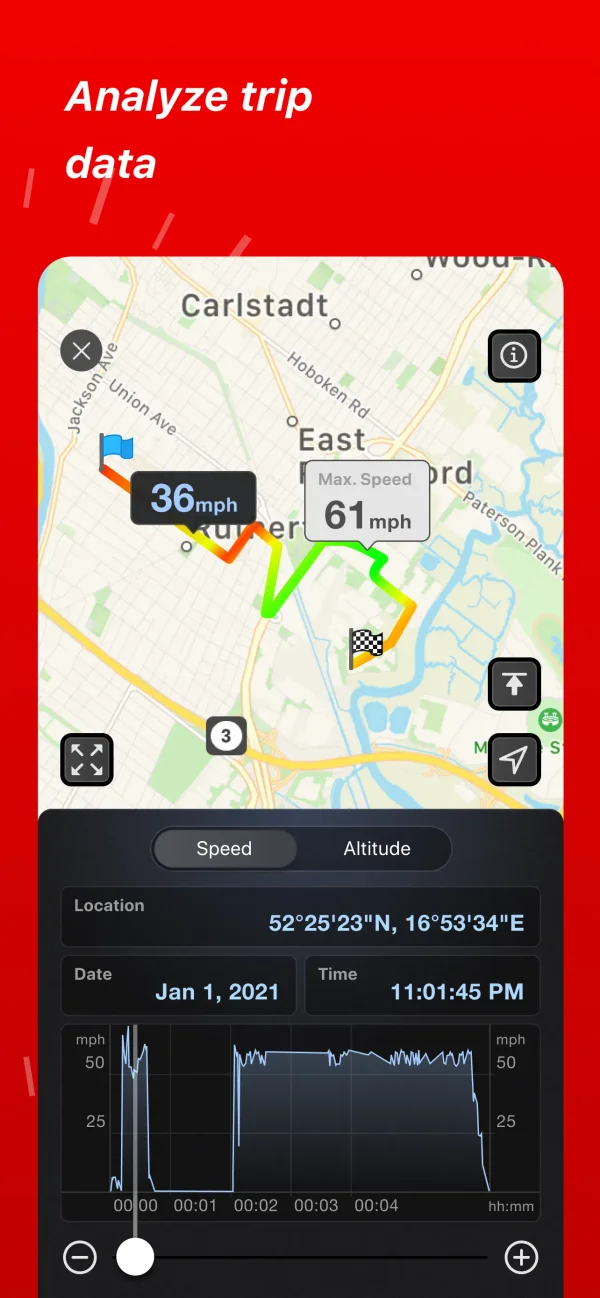
Built-in GPS tracker will help you not to get lost. You can always switch to navigation mode and check your current position on the map together with the track you’ve already traveled in Satellite or Hybrid view.
Trip Log
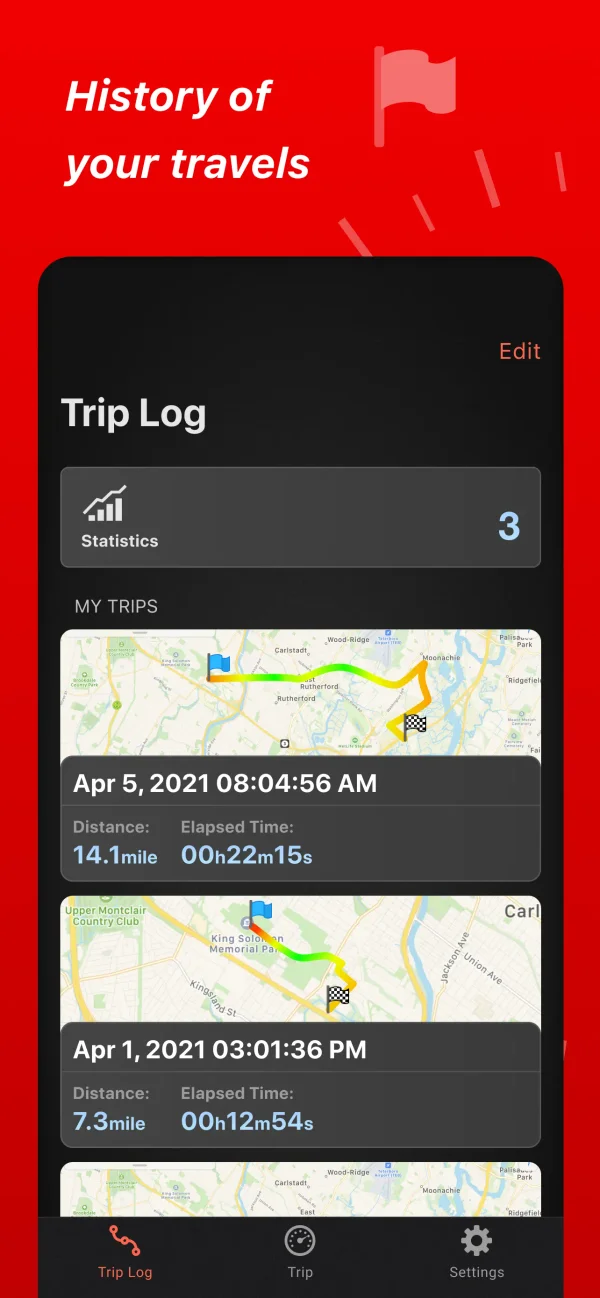
You don’t remember the trip or how much time does it take to visit your friends or the distance to your office? - Trip Log will help you!
Trip Log records and saves the information within the application. You can easily have the access to ALL the trips with just one click. Inside the Trip Log you can check the trip on the map, see the speed, average speed, maximum speed, distance, total time and the detailed speed graph. Don't want to get lost in all the trips you have? Just name them the way you like. Want to share your driving experience or just compare your every day trips? With Trip Computer it’s easy as A, B, C.
Export all the trips in available formats (CSV, KML, GPX) or even share with your friends on Facebook, Twitter or via email.
Trip Computer
Track important trip statistics in real time. Average and Maximum speed, distance covered, moving and stopped time.
Dashboard Display Layout
Designed exclusively for iPad big screen it shows all the important trip information at a glance on a single screen and supports both portrait and landscape orientation. Full screen GPS Navigator Map mode is also available. Landscape mode allows you to mount your device horizontally on your car dashboard. If you prefer seeing things at wider angle then you find new landscape mode especially useful and practical.
Scalable Speedometer Dial
Speed Tracker features unique scalable speedometer dial. Select the maximum possible speed for you vehicle and watch your speed with greater precision either your are on a plain, train, car, bike, boat or bicycle
Statistics
All the aggregated data from the very first trip will be saved in one single place.
Automatic Stop Detection
Automatically identify either you are moving or standing and calculate your average speed basing on that. Generate trip report showing travel and stoppage time separately.
Support for Apple Watch.
Start and stop tracking and see your trip data on your wrist.
NOTE:
Speed Tracker is not compatible with WiFi only iPad or iPod touch.
Continued use of GPS running in the background can decrease battery life.
Data connection is required to see map.
Make sure that you have location services enabled for the application. To enable - Settings> General> Location Services
Privacy Policy: http://appannex.com/privacy-policy/
Terms of Use: https://www.apple.com/legal/internet-services/itunes/dev/stdeula/
Yenilikler
Sürüm 6.9.8 · 23.10.2026
Minor bug fixes and performance improvements.
Uygulama gizliliği
Bu uygulamanın verileri nasıl işlediği hakkında Oxagile LLC tarafından App Store üzerinde yapılan beyan.
-
Sizinle ilişkilendirilen veriler
Toplanabilir ve kimliğinizle ilişkilendirilebilir.
- Kullanıcı içeriği
-
Sizinle ilişkilendirilmeyen veriler
Toplanabilir ancak kimliğinizle ilişkilendirilmez.
- Konum
- Kullanım verileri
- Tanılama
Gizlilik uygulamaları, örneğin kullandığınız özelliklere veya yaşınıza göre değişiklik gösterebilir.
Bilgiler
- Satıcı
- Oxagile LLC
- Kategori
- Navigasyon
- Sürüm
- 6.9.8
- Güncellendi
- 23.10.2026
- Yayın tarihi
- 13.01.2011
- Boyut
- 86,9 MB
- Gereksinim
- iOS 16.0 veya sonrası
- Yaş sınırı
- 17+
- Fiyat
- ₺999,99
- Diller
- İngilizce, Hollandaca, Fransızca, Almanca, İtalyanca, Japonca, Lehçe, Portekizce, Rusça, İspanyolca, Ukraynaca
- Telif hakkı
- © AppAnnex, LLC
Bunları da beğenebilirsiniz
-
 Speedometer & Trip LoggingNavigasyon
-
 Sky GaugeNavigasyon
-
 Chargy: EV Şarj İstasyonlarıTüm şarj istasyonlarını bul
-
 aSmart HUD +SpeedCamsNavigasyon
-
 Track3 Fleet ManagerNavigasyon
-
 3pLevel: Off-Road InclinometerNavigasyon
-
 VelociGo: Live Train TimesSeyahat
-
 comune.digitalSeyahat
-
 3pLevel Pro: 3D InclinometerNavigasyon