TodayShot
Photo calendar to record every
iPhone, iPad, iPod touch için tasarlandı
- Yaş sınırı4+
- KategoriYaşam Tarzı
- GeliştiriciAtsushi Ezaki
- Dillerİngilizce+ 1 dil daha
- Boyut6,1 MB
TodayShot şu anda App Store üzerinde mevcut olmayabilir
Son kontrolümüzde mağaza sayfasına ulaşılamadı. Bağlantı yine de resmi App Store sayfasına gider.
Ekran görüntüleri

Hakkında
Geliştirici bu metni dilinizde sunmamış.
Coordinating calendar "TodayShot
By the way, what number of days did you wear that clothes?
Let's register the pattern of coordination as we go on a trip!
What was the former nail design like?
Kittens grow fast so I want to record every day!
etc···
Not limited to coordination, it is an application to record various things as one picture of the day every day.
The operation is very easy!
"One picture", "favorite setting" and "comment" three!
I wanted to register multiple photos or want to record a lot of memo, I left it to the diary application, I made it simple.
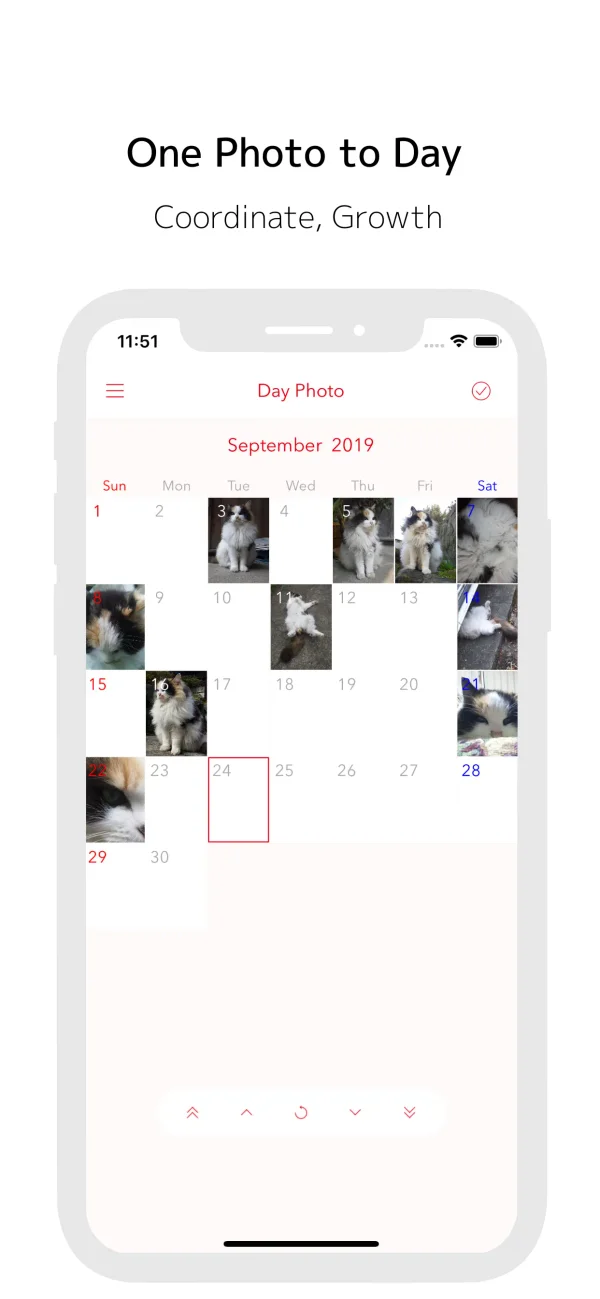
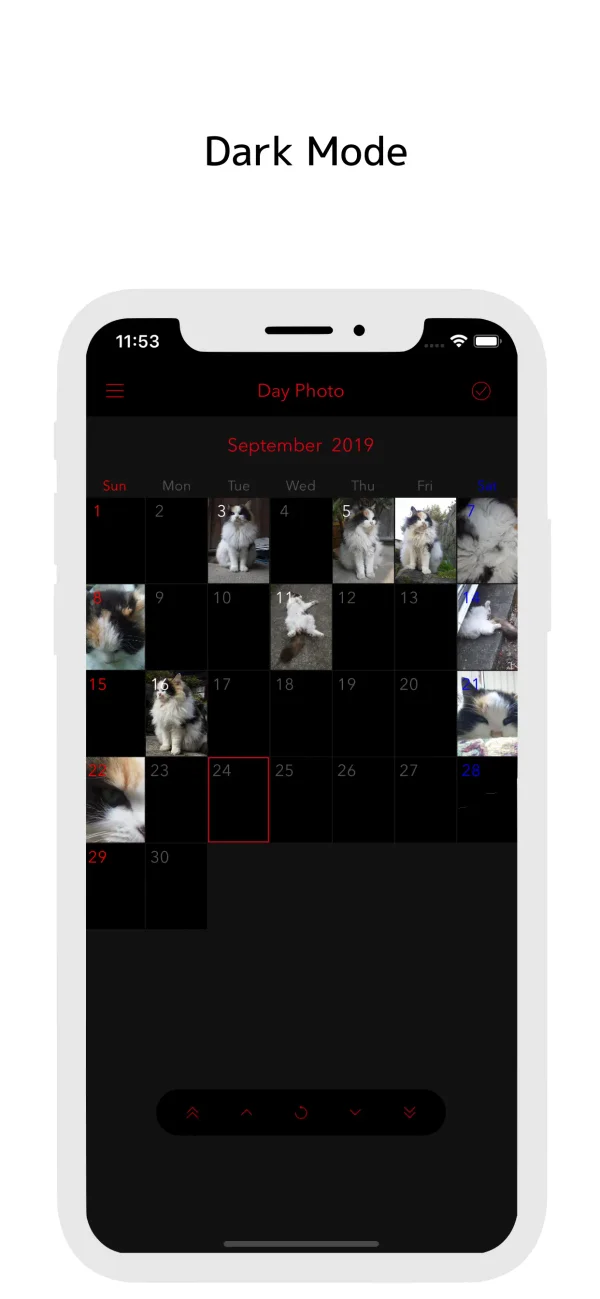
The calendar screen is easy to see in the month display.
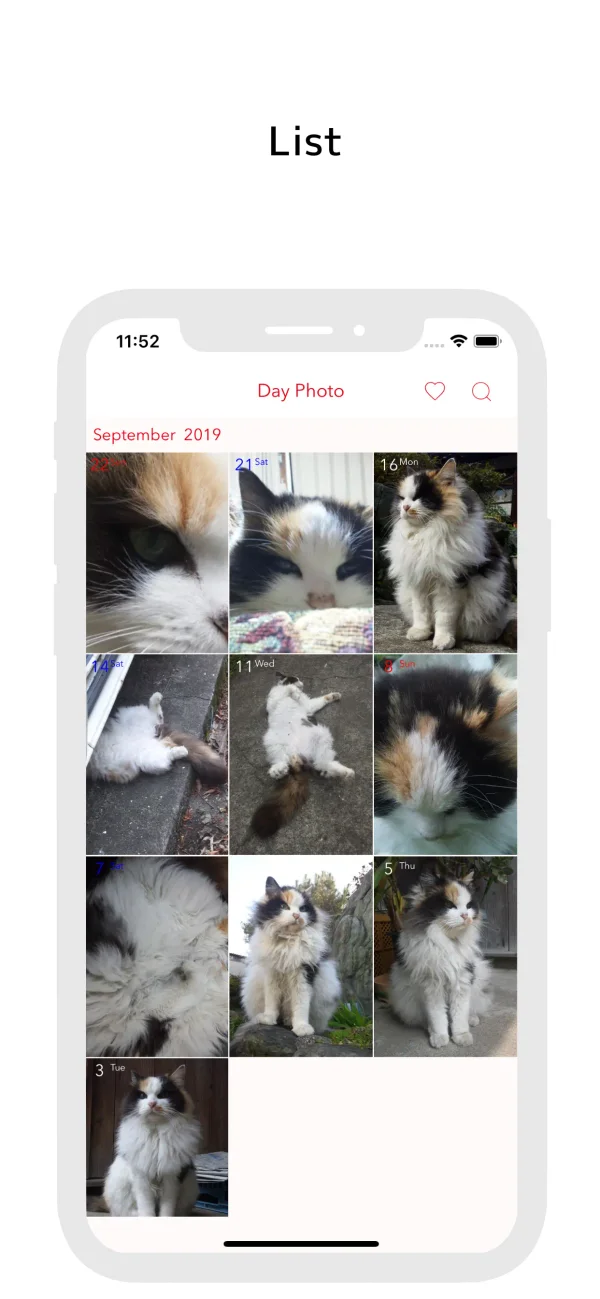
The list displays registered information in detail.
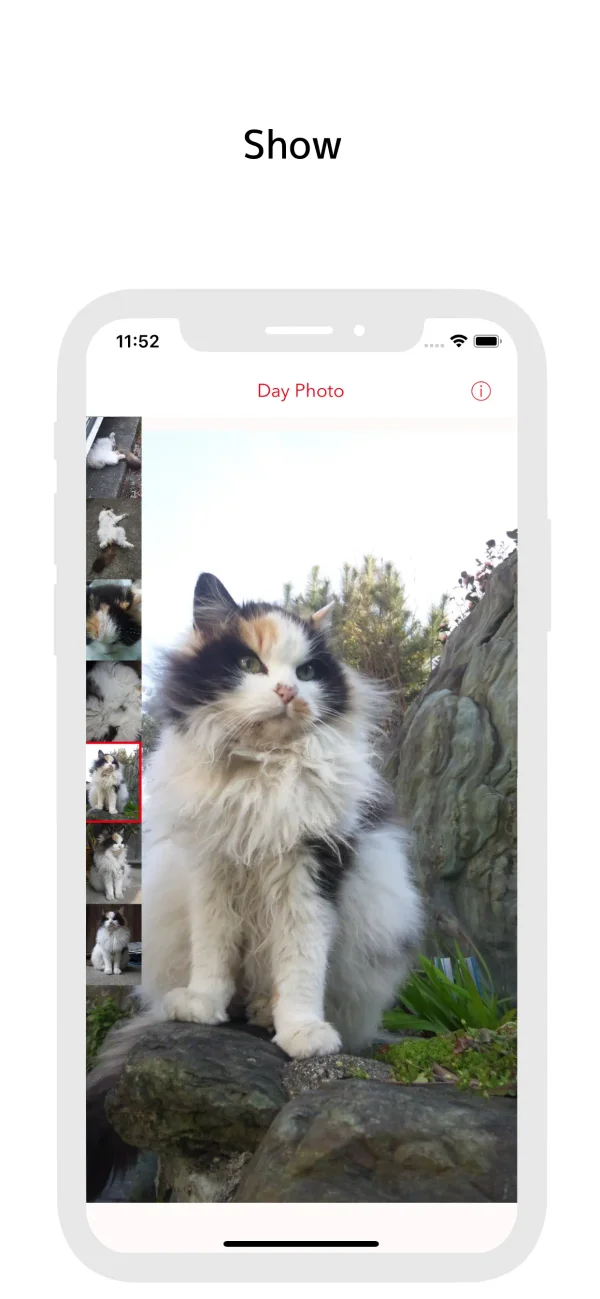
In the photo list, only photos are displayed.
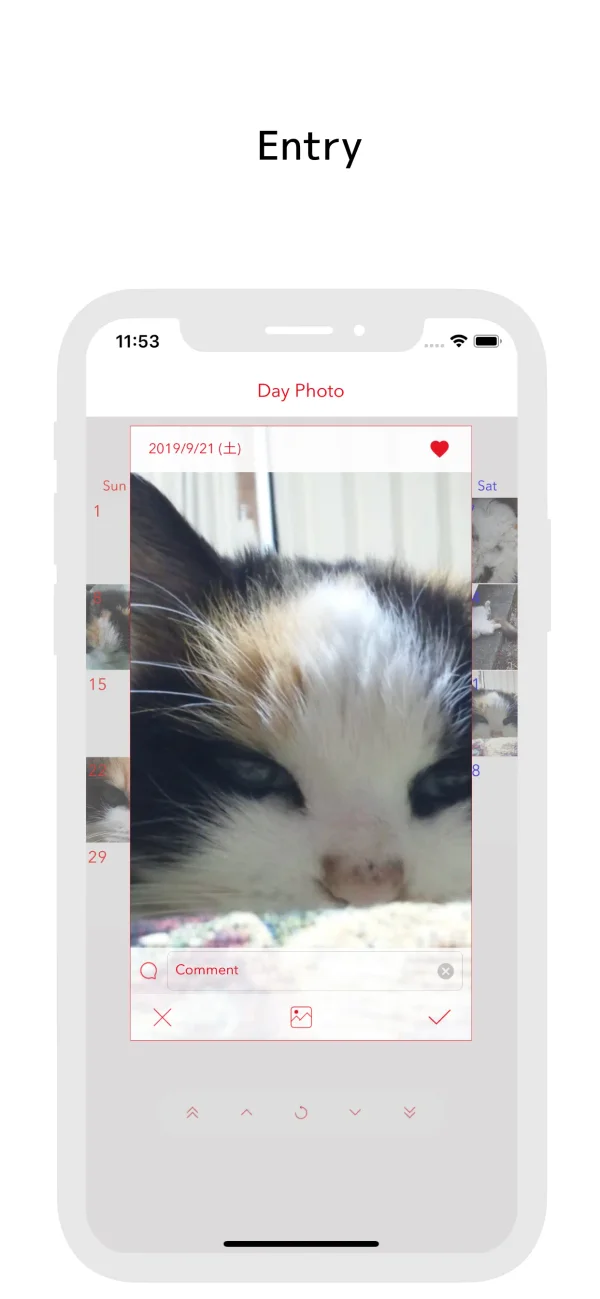
On the preview screen, add favorites and comments.
Usage is free! Please try using it.
【screen structure】
Main screen (Calendar, list, Photo list)
Preview screen
Setting screen
【Screen Details】
■ Main screen: Calendar
- Swipe up and down to move year and month
- Tap on the year and month, move to the current month. Display year / month specification screen by long press of year / month.
- Swipe left to photo list
- Tap of date, photo registration or preview display. Long press to edit or delete
- Switch registration method (quick, detailed)
■ Main screen: List
- Pull down to resize (3 rows, 5 columns, comment list)
- Tap on the photo, preview display
- Swipe right to the calendar screen
- Header tap to display target year / month on the calendar screen
■ Main screen: Photo list
- Tap of photo to show / hide thumbnail bar
- Thumbnail bar can be set right / left in setting screen
- In the information area tap, go to the calendar screen
■ Preview screen
- Favorite settings
- Comment input
- Tap to display photos only
- Swipe down to close
■ Setting screen
- Dark mode
- Font color setting
- English notation of year and month and day of the week
- Show days of the week from Monday
- Widget display (none, recently, favorites)
- Sync display of calendar and photo list
- Display item availability setting (favorites, comments)
- Change registration method (Quick, Detail)
- Left and right position and size of thumbnail bar of show screen
Yenilikler
Sürüm 3.2.1 · 05.09.2026
UI bug fixes
Uygulama gizliliği
Bu uygulamanın verileri nasıl işlediği hakkında Atsushi Ezaki tarafından App Store üzerinde yapılan beyan.
-
Sizi izlemek için kullanılan veriler
Başka şirketlere ait uygulamalarda ve web sitelerinde sizi izlemek için kullanılabilir.
- Konum
- Tanımlayıcılar
- Kullanım verileri
- Tanılama
-
Sizinle ilişkilendirilen veriler
Toplanabilir ve kimliğinizle ilişkilendirilebilir.
- Konum
- Tanımlayıcılar
- Kullanım verileri
- Tanılama
-
Sizinle ilişkilendirilmeyen veriler
Toplanabilir ancak kimliğinizle ilişkilendirilmez.
- Tanılama
Gizlilik uygulamaları, örneğin kullandığınız özelliklere veya yaşınıza göre değişiklik gösterebilir.
Bilgiler
- Satıcı
- Atsushi Ezaki
- Kategori
- Yaşam Tarzı
- Sürüm
- 3.2.1
- Güncellendi
- 05.09.2026
- Yayın tarihi
- 06.01.2017
- Boyut
- 6,1 MB
- Gereksinim
- iOS 13.0 veya sonrası
- Yaş sınırı
- 4+
- Diller
- İngilizce, Japonca
- Telif hakkı
- © 2017 Atsushi Ezaki
Bunları da beğenebilirsiniz
-
 Simple photo diary app -Nikky-Yaşam Tarzı
-
 DailySnap - Photo CalendarYaşam Tarzı
-
 PHOKIYaşam Tarzı
-
 Outfit JournalYaşam Tarzı
-
 Photo Journal: PicDiaryYaşam Tarzı
-
 PLAPP(PL@Y2)Yaşam Tarzı
-
 Outfit Tracker: Diary PlannerYaşam Tarzı
-
 Diarium: Kişisel GünlükRuh Hali, Anılar ve Notlar
-
 Palu - Handwriting Calendar -Yaşam Tarzı
-
 Journey - Diary, JournalYaşam Tarzı