Videk Director
Live Multi-Camera Studio
iPhone, iPad, Mac için tasarlandı
Ücretsiz · Uygulama içi satın alma
- Yaş sınırı4+
- KategoriFotoğraf ve Video
- GeliştiriciAndrei Nevar
- Dillerİngilizce
- Boyut13,5 MB
Resmi App Store sayfasına bağlanır
Download.org, Videk Director için hiçbir dosya barındırmaz. Düğme, uygulamanın App Store üzerindeki sayfasını açar; uygulamayı orada Andrei Nevar yayınlar. Sayfanın son kontrolü: 27.11.2026.
Ekran görüntüleri



Hakkında
Geliştirici bu metni dilinizde sunmamış.
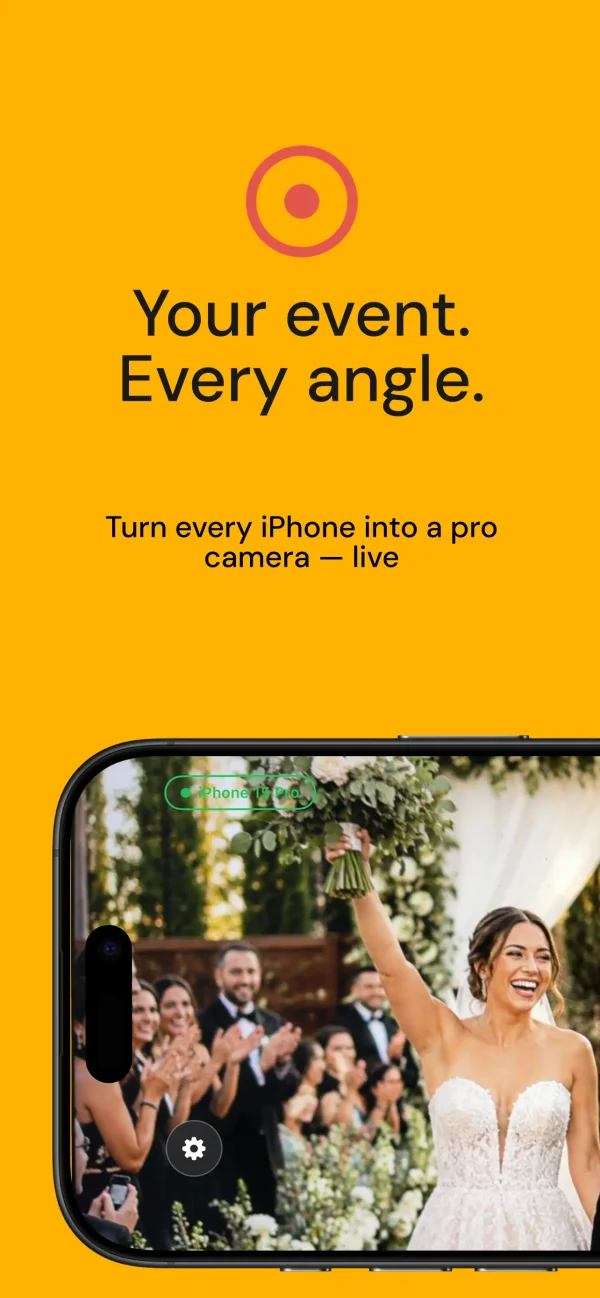
Videk Director is the command center of the Videk multi-camera system - a professional production suite built entirely from your existing iPhones and iPads.
Pair with the free Videk Camera app (installed on any iPhone or iPad you want to use as a camera source), and you have a fully controllable multi-camera studio in your pocket. No dongles, no capture cards, no extra hardware. Just your Apple devices and a Wi-Fi network.
CONTROL ALL YOUR CAMERAS FROM ONE DEVICE
See every connected camera in a live grid and tap to switch your program source instantly. Monitor all feeds in real time with decoded H.264 video. Choose which camera's microphone is active - or use the Director device's own mic.
LIVE OVERLAYS
Add text and image overlays to your program output in real time. Import PNGs or animated GIFs from your photo library, drag to position, pinch to scale, rotate freely, and adjust opacity. Overlays persist across sessions so your branded graphics are always ready.
SESSION RECORDING - RECORD EVERYTHING, EDIT LATER
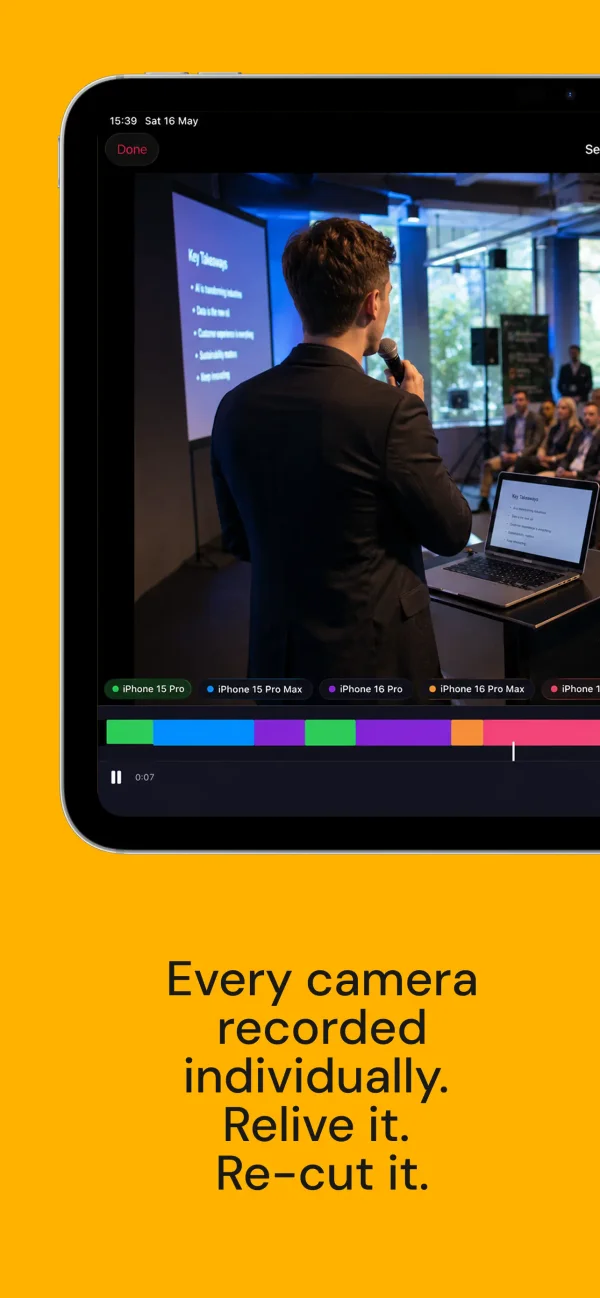
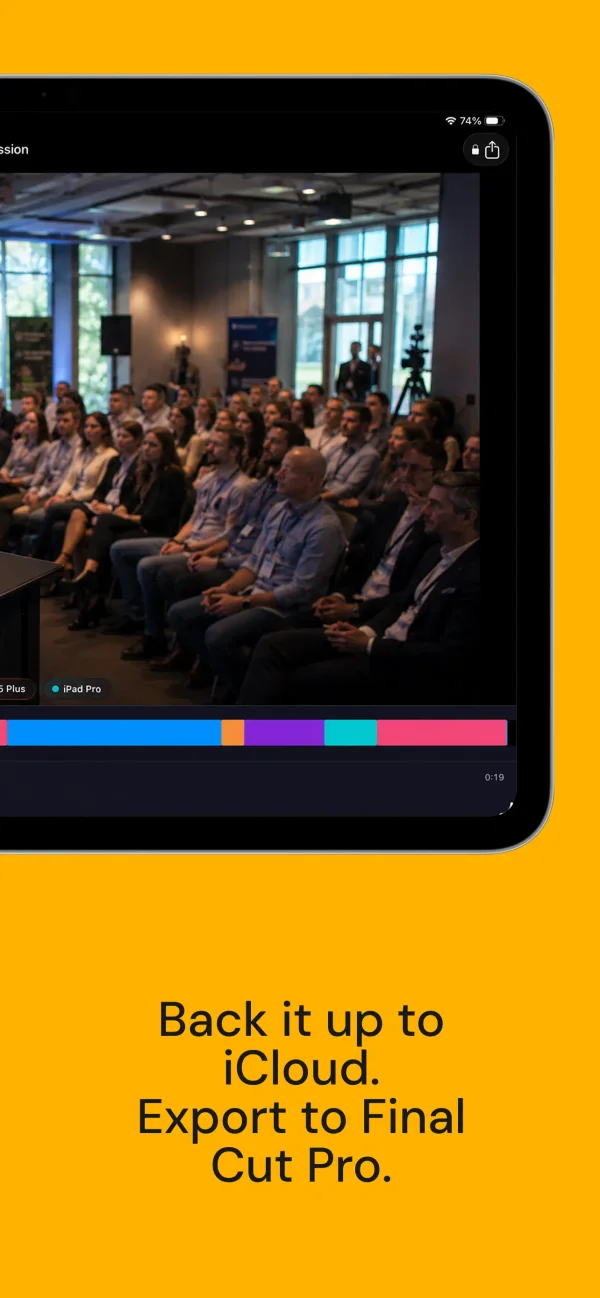
Record all camera sources simultaneously as individual video tracks. The Director tracks which camera you selected at every moment. After your shoot, review the full multi-track session, change camera selections in the timeline, and export a finished MP4 — all without leaving the app.
LIVE STREAMING VIA RTMP
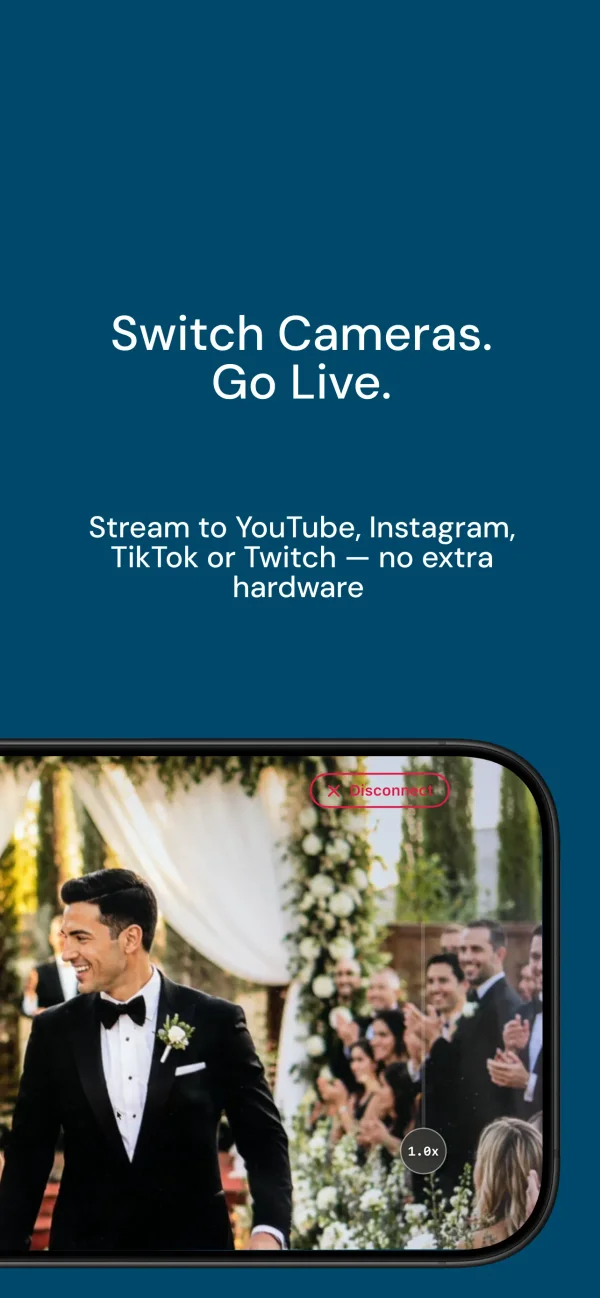
Stream directly to YouTube, Twitch, Instagram, TikTok, or any custom RTMP destination. Choose 720p, 1080p, or 4K output with H.264 or HEVC encoding. Adaptive bitrate keeps your stream stable even as network conditions change.
VIDEO COMPOSITING
Built-in GPU-accelerated compositor with multiple layout modes: single camera full-screen, side-by-side, or a full multi-camera grid - all with Metal-accelerated rendering and aspect-ratio-preserving letterboxing.
ZERO CONFIGURATION NETWORKING
Devices discover each other automatically over your local Wi-Fi via Bonjour. No internet required. Your video never leaves your network unless you explicitly stream it out. Share a 6-digit session code with each Camera device and you're live in seconds.
REQUIRES VIDEK CAMERA
Videk Director works as part of the Videk two-app system. Install Videk Camera (free, separate download) on every iPhone or iPad you want to use as a camera source.
PERFECT FOR:
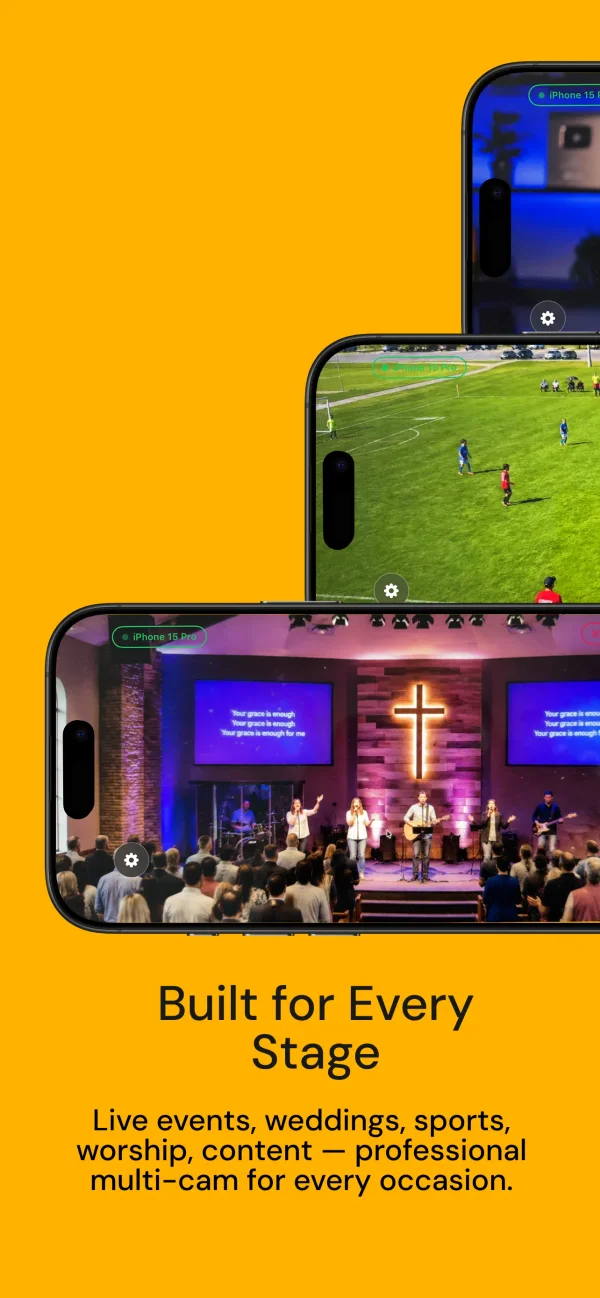
• Live events - concerts, conferences, ceremonies
• Content creation - YouTube, podcasts, tutorials
• Weddings and celebrations
• Sports and performances
• Houses of worship
• Education and lectures
• Real estate walk-throughs
TECHNICAL SPECS:
• Requires iOS 17.0 or later
• Output: up to 4K at 60 fps
• Streaming: RTMP to YouTube, Twitch, Instagram, TikTok, or custom server
• Recording: MP4 per-source tracks with editable timeline
• Video: H.264 or HEVC with adaptive bitrate
• Audio: 64–320 kbps, selectable source
• Networking: Bonjour + custom TCP, local Wi-Fi only
PRIVACY:
All video processing happens on-device. Camera streams travel only over your local network. No accounts, no sign-ups, no tracking. Your data stays yours
TERMS OF USE:
https://videk.app/terms
Yenilikler
Sürüm 2.1.0 · 25.11.2026
New: Podcast mode.
• Podcast switching: the camera of whoever is talking goes on air by itself. Each phone listens with its own microphone, so keep every phone close to the person it films.
• The first person to talk goes on air at once. After a switch the next one waits a few seconds (you choose how long), so quick back-and-forth doesn't cut frantically.
• Live voice meters for every camera, adjustable sensitivity, and an optional camera to cut to when nobody's talking.
• The switch-mode buttons scroll sideways on iPhone.
Podcast mode needs Videk Camera 2.1 on every phone.
Uygulama gizliliği
Bu uygulamanın verileri nasıl işlediği hakkında Andrei Nevar tarafından App Store üzerinde yapılan beyan.
-
Sizinle ilişkilendirilmeyen veriler
Toplanabilir ancak kimliğinizle ilişkilendirilmez.
- Tanımlayıcılar
- Kullanım verileri
- Tanılama
Gizlilik uygulamaları, örneğin kullandığınız özelliklere veya yaşınıza göre değişiklik gösterebilir.
Bilgiler
- Satıcı
- Andrei Nevar
- Kategori
- Fotoğraf ve Video
- Sürüm
- 2.1.0
- Güncellendi
- 25.11.2026
- Yayın tarihi
- 08.04.2026
- Boyut
- 13,5 MB
- Gereksinim
- iOS 18.6 veya sonrası
- Yaş sınırı
- 4+
- Fiyat
- Ücretsiz
- Uygulama içi satın alma
- Evet
- Diller
- İngilizce
- Telif hakkı
- © Andrei Nevar
Bunları da beğenebilirsiniz
-
 Live Switcher MobileFotoğraf ve Video
-
 TopDirector (NDI,SRT,UVC,RTSP)Fotoğraf ve Video
-
 Switcher: Live Streaming AppFotoğraf ve Video
-
 Remote Shutter: camera connect2 cihazı tek kameraya çevirin
-
 Larix Broadcaster: Live StreamFotoğraf ve Video
-
 Mevo StudioFotoğraf ve Video
-
 CameraFi LiveAll-in-one live streaming app
- Detail: Kamera & Video Editorvlog, shorts & reels maker
-
 CapCut PadProfesyonel video editörü
-
 Filmic Pro-Video CameraFotoğraf ve Video