Videk Director
Live Multi-Camera Studio
Designed for iPhone, iPad, Mac
Free · In-app purchases
- Age rating4+
- CategoryPhoto & Video
- DeveloperAndrei Nevar
- LanguagesEnglish
- Size13.4 MB
Links to the official App Store page
Download.org hosts no file of Videk Director. The button opens its official App Store page, published by Andrei Nevar. Listing last checked on Nov 16, 2026.
Screenshots



About
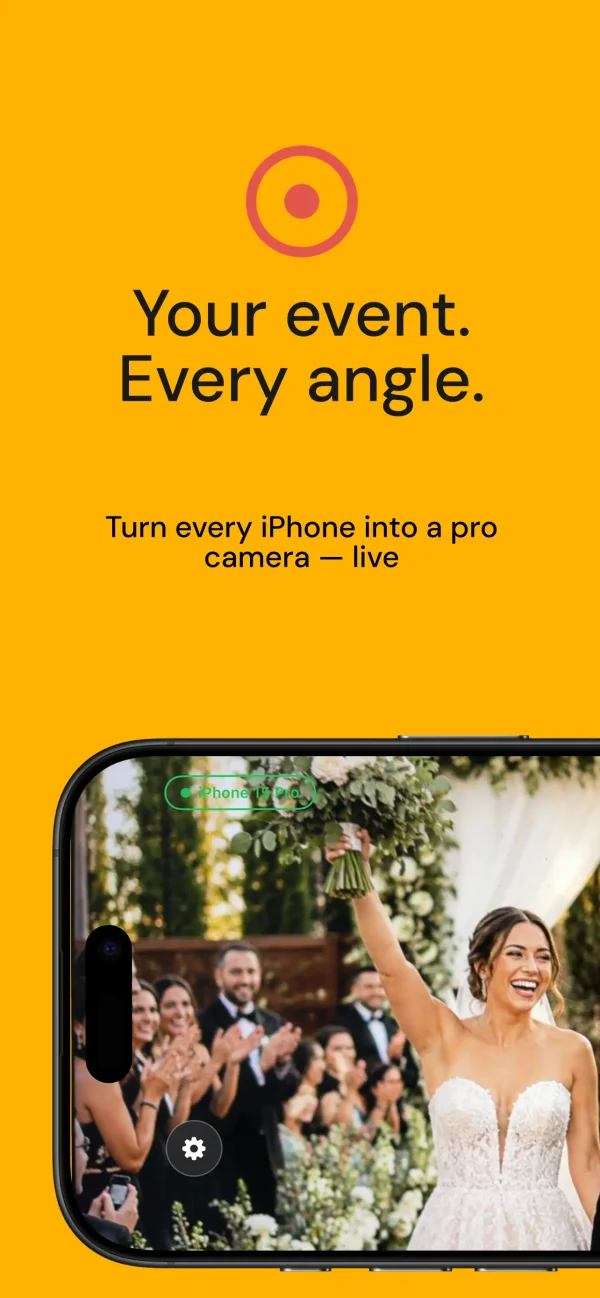
Videk Director is the command center of the Videk multi-camera system - a professional production suite built entirely from your existing iPhones and iPads.
Pair with the free Videk Camera app (installed on any iPhone or iPad you want to use as a camera source), and you have a fully controllable multi-camera studio in your pocket. No dongles, no capture cards, no extra hardware. Just your Apple devices and a Wi-Fi network.
CONTROL ALL YOUR CAMERAS FROM ONE DEVICE
See every connected camera in a live grid and tap to switch your program source instantly. Monitor all feeds in real time with decoded H.264 video. Choose which camera's microphone is active - or use the Director device's own mic.
LIVE OVERLAYS
Add text and image overlays to your program output in real time. Import PNGs or animated GIFs from your photo library, drag to position, pinch to scale, rotate freely, and adjust opacity. Overlays persist across sessions so your branded graphics are always ready.
SESSION RECORDING - RECORD EVERYTHING, EDIT LATER
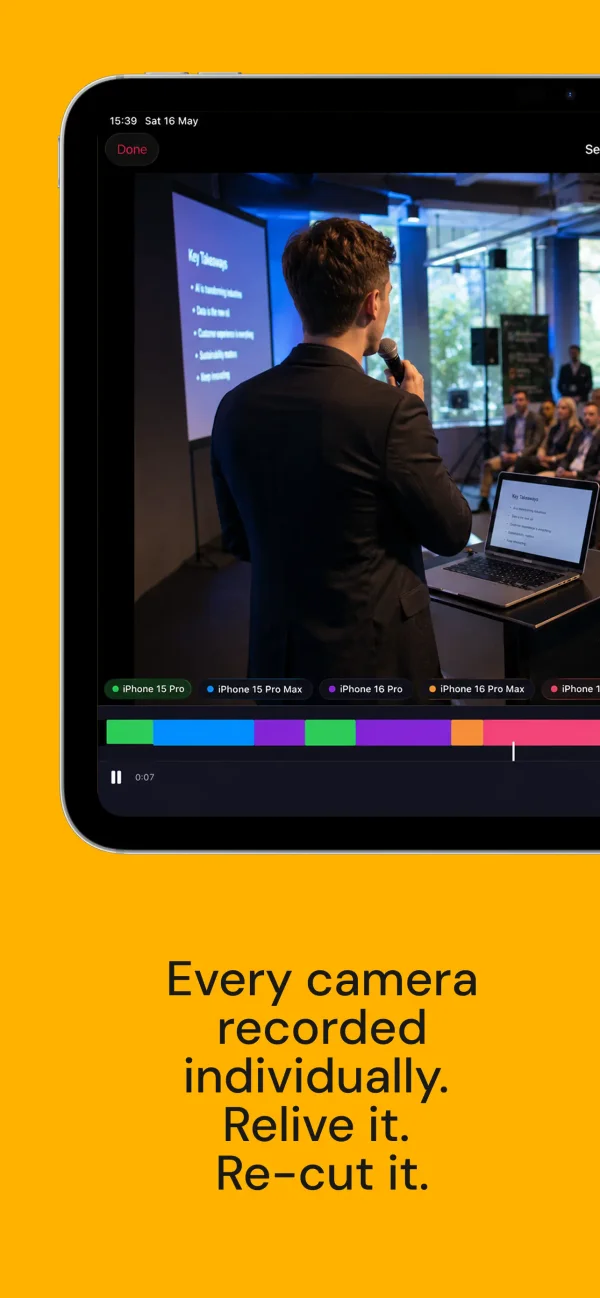
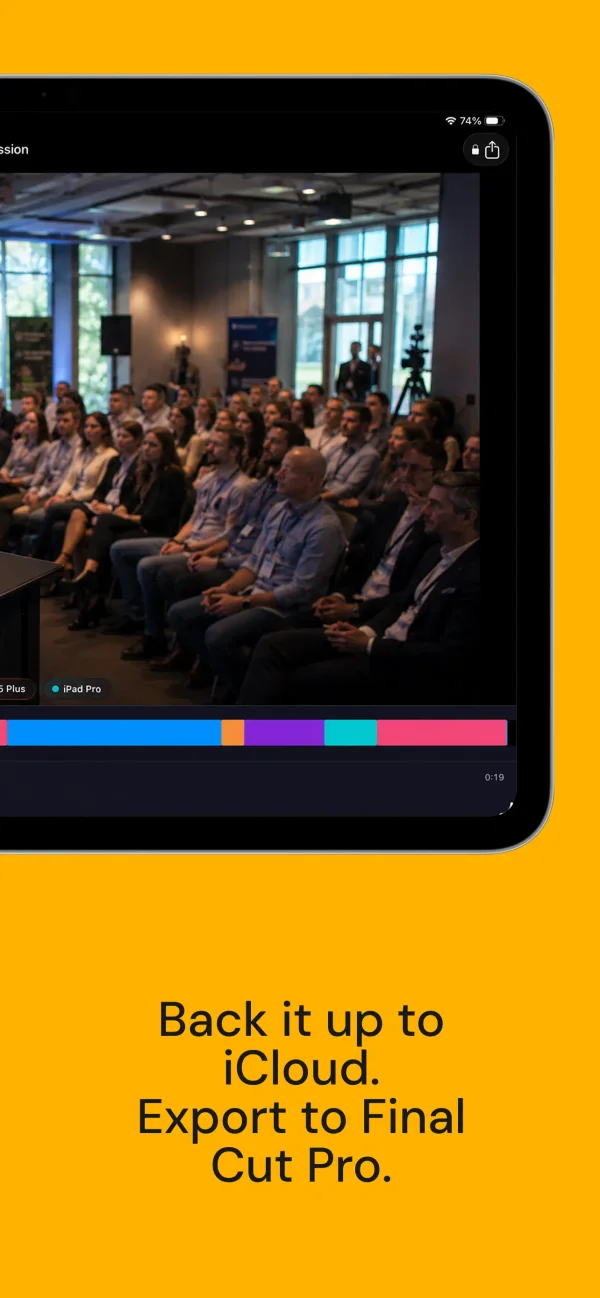
Record all camera sources simultaneously as individual video tracks. The Director tracks which camera you selected at every moment. After your shoot, review the full multi-track session, change camera selections in the timeline, and export a finished MP4 — all without leaving the app.
LIVE STREAMING VIA RTMP
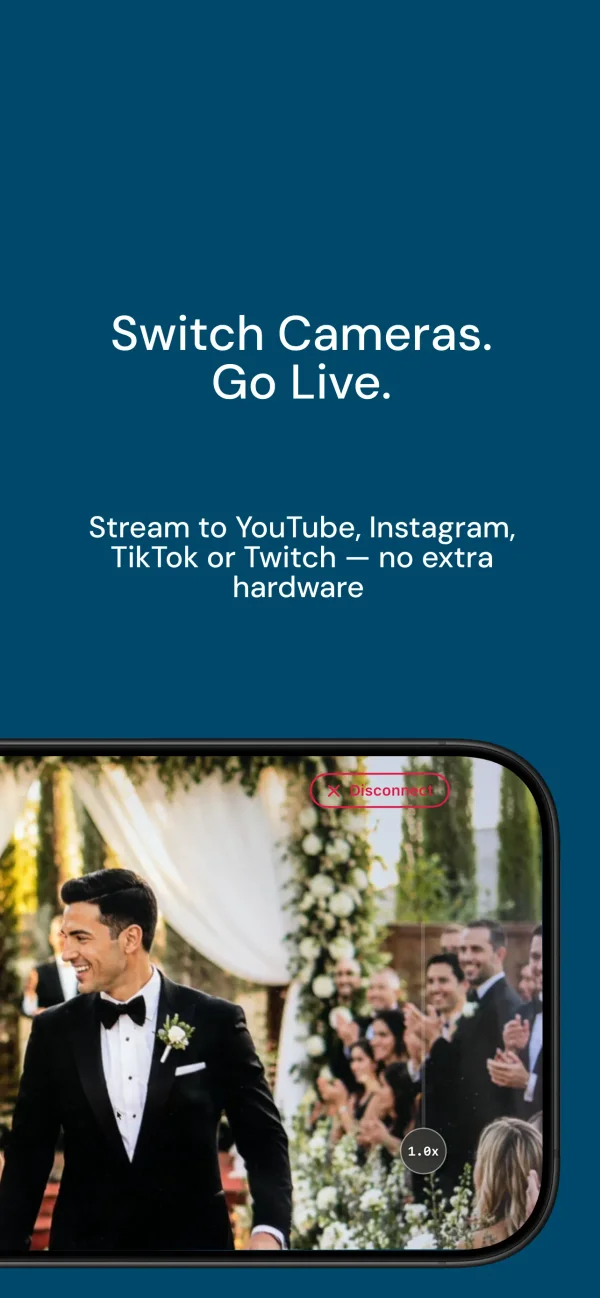
Stream directly to YouTube, Twitch, Instagram, TikTok, or any custom RTMP destination. Choose 720p, 1080p, or 4K output with H.264 or HEVC encoding. Adaptive bitrate keeps your stream stable even as network conditions change.
VIDEO COMPOSITING
Built-in GPU-accelerated compositor with multiple layout modes: single camera full-screen, side-by-side, or a full multi-camera grid - all with Metal-accelerated rendering and aspect-ratio-preserving letterboxing.
ZERO CONFIGURATION NETWORKING
Devices discover each other automatically over your local Wi-Fi via Bonjour. No internet required. Your video never leaves your network unless you explicitly stream it out. Share a 6-digit session code with each Camera device and you're live in seconds.
REQUIRES VIDEK CAMERA
Videk Director works as part of the Videk two-app system. Install Videk Camera (free, separate download) on every iPhone or iPad you want to use as a camera source.
PERFECT FOR:
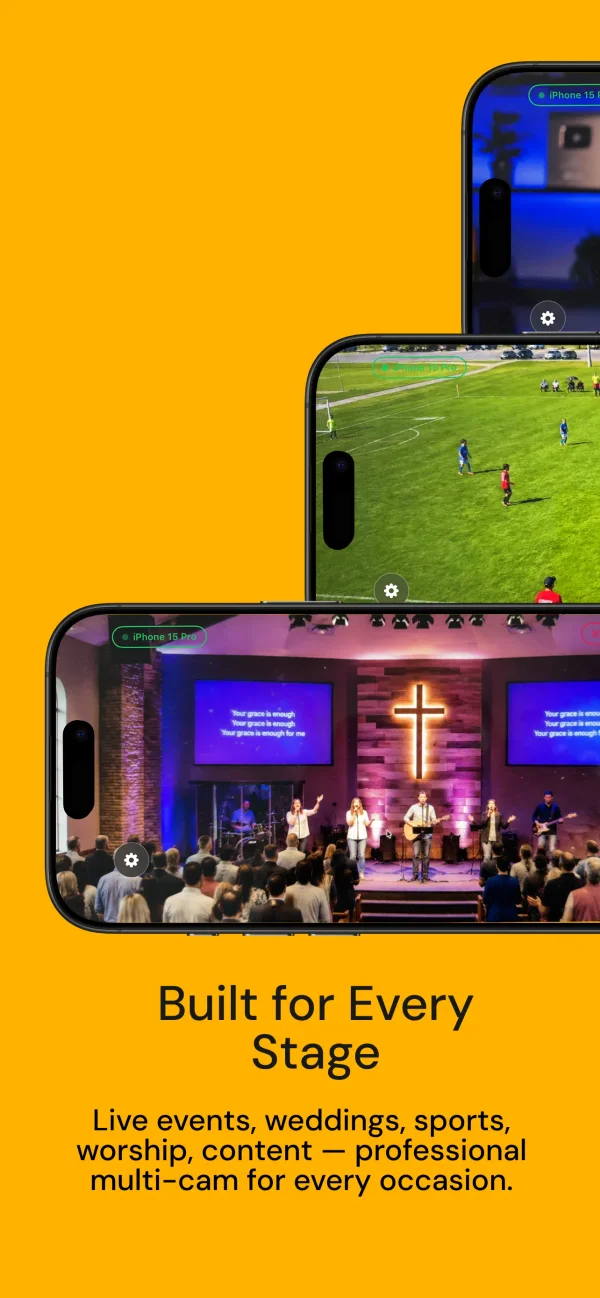
• Live events - concerts, conferences, ceremonies
• Content creation - YouTube, podcasts, tutorials
• Weddings and celebrations
• Sports and performances
• Houses of worship
• Education and lectures
• Real estate walk-throughs
TECHNICAL SPECS:
• Requires iOS 17.0 or later
• Output: up to 4K at 60 fps
• Streaming: RTMP to YouTube, Twitch, Instagram, TikTok, or custom server
• Recording: MP4 per-source tracks with editable timeline
• Video: H.264 or HEVC with adaptive bitrate
• Audio: 64–320 kbps, selectable source
• Networking: Bonjour + custom TCP, local Wi-Fi only
PRIVACY:
All video processing happens on-device. Camera streams travel only over your local network. No accounts, no sign-ups, no tracking. Your data stays yours
TERMS OF USE:
https://videk.app/terms
What’s new
Version 2.0.1 · Nov 6, 2026
Fixed: exporting a recorded session on iOS 27 — the share sheet no longer closes by itself before you can choose where to send the video.
App privacy
What Andrei Nevar declares on the App Store about how this app handles data.
-
Data not linked to you
May be collected but is not linked to your identity.
- Identifiers
- Usage data
- Diagnostics
Privacy practices may vary, for example with the features you use or your age.
Information
- Seller
- Andrei Nevar
- Category
- Photo & Video
- Version
- 2.0.1
- Updated
- Nov 6, 2026
- Released
- Apr 8, 2026
- Size
- 13.4 MB
- Requires
- iOS 18.6 or later
- Age rating
- 4+
- Price
- Free
- In-app purchases
- Yes
- Languages
- English
- Copyright
- © Andrei Nevar
You might also like
-
 Live Switcher MobilePhoto & Video
-
 TopDirector (NDI,SRT,UVC,RTSP)Multicam Switcher, Live Stream
-
 Switcher: Live Streaming AppMulticam Live Streaming
-
 Remote Shutter: camera connectSelfie remote & camera timer
-
 Larix Broadcaster: Live StreamSRT, NDI, RTMP Live Encoder
-
 Mevo StudioPhoto & Video
-
 CameraFi LiveRecording & Live Streaming
-
 Detail: AI Video EditorVlog, Shorts & Reels Maker
-
 CapCut PadProfessional video editor
-
 Filmic Pro-Video CameraCinema Quality Video Capture