z.tel – Live Worksheets
Worksheets & Live Feedback
iPad için tasarlandı
Ücretsiz
- Yaş sınırı4+
- KategoriEğitim
- GeliştiriciHarald Hochwald
- DillerAlmanca+ 3 dil daha
- Boyut12,3 MB
Resmi App Store sayfasına bağlanır
Download.org, z.tel – Live Worksheets için hiçbir dosya barındırmaz. Düğme, uygulamanın App Store üzerindeki sayfasını açar; uygulamayı orada Harald Hochwald yayınlar. Sayfanın son kontrolü: 23.11.2026.
Ekran görüntüleri


Hakkında
Geliştirici bu metni dilinizde sunmamış.
z.tel transforms iPad lessons: students fill in worksheets with Apple Pencil – just like in a real exercise book. And you see live what everyone is writing and drawing. Right in class. No detours.
THE DIGITAL CLASS NOTEBOOK
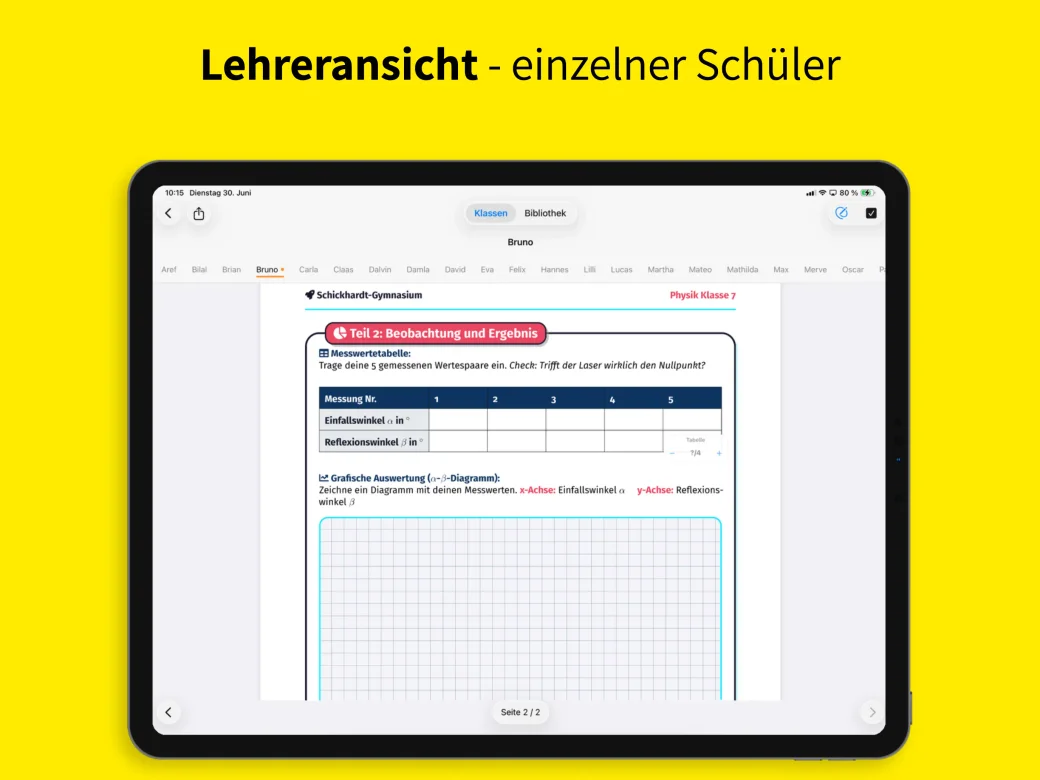
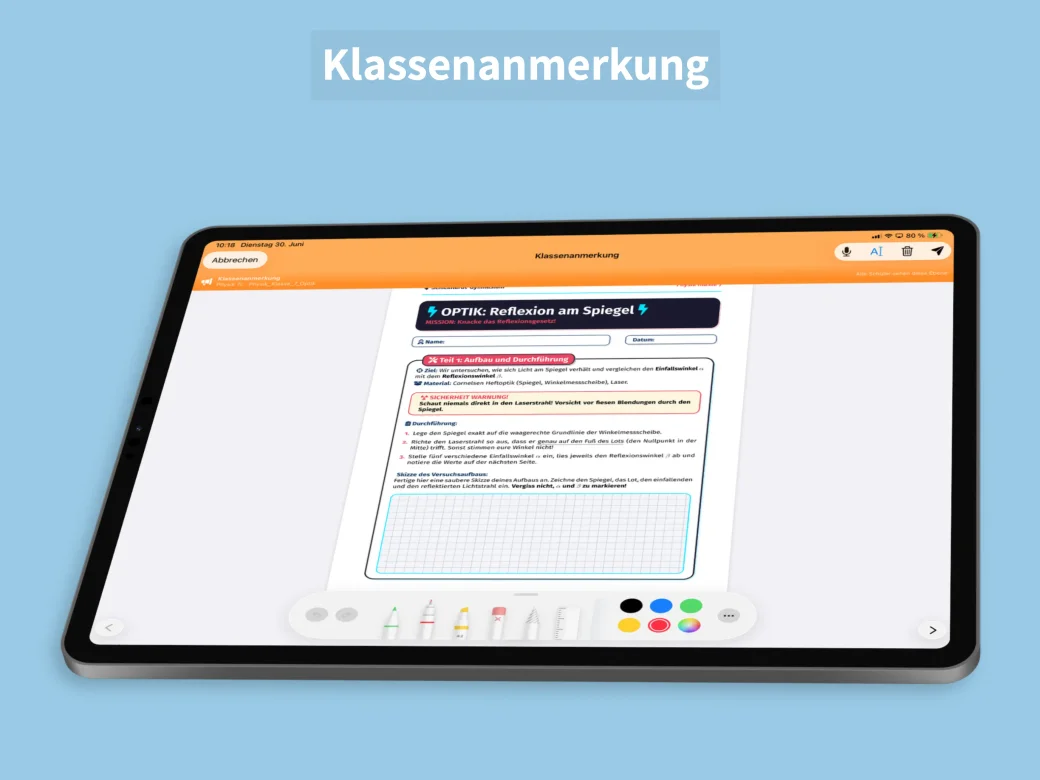
Hand out PDFs or your own templates as assignments to your class. Every student gets their own copy and writes, draws and calculates directly on the worksheet. Typed answers or voice recordings work too.
LIVE IN THE ROOM AS A TEACHER
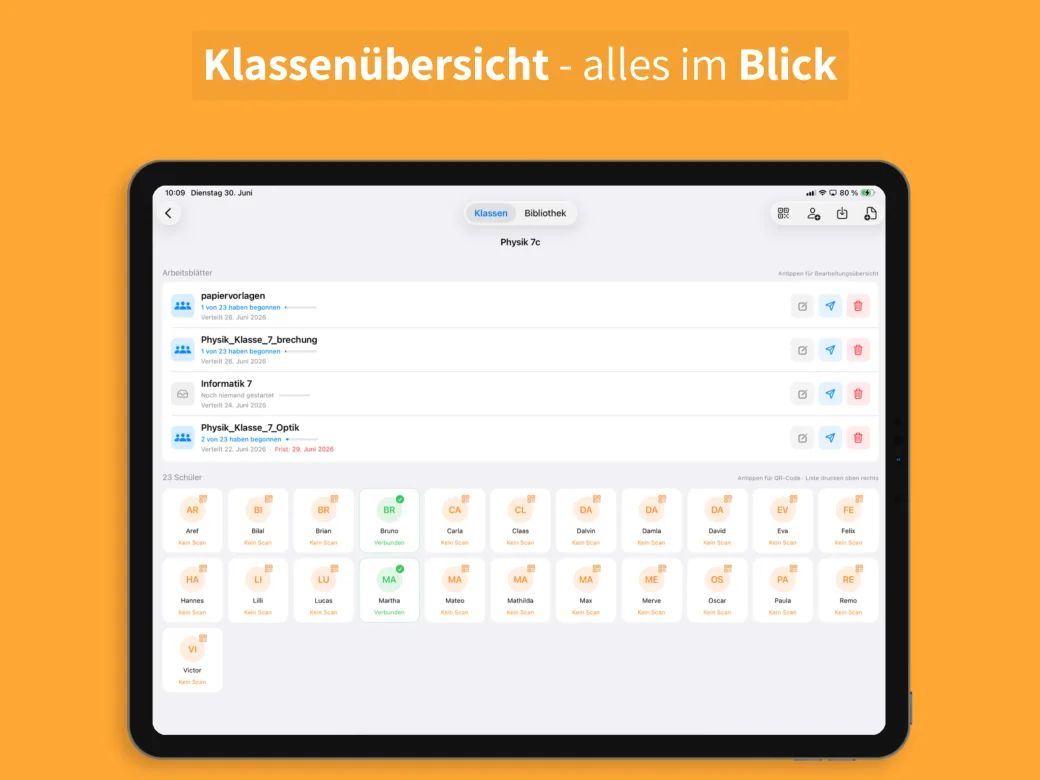
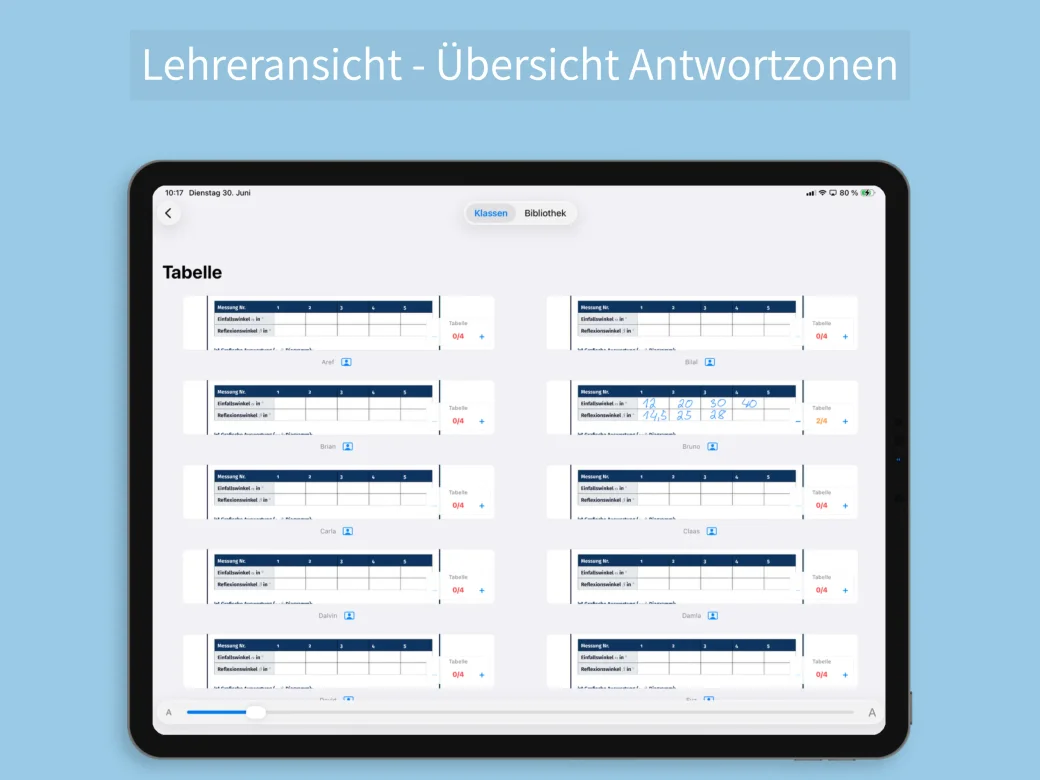
While the class is working, you see every stroke in real time. No collecting, no waiting. Who's falling behind? Who's finished? Who needs help? All at a glance, without leaving your desk.
FEEDBACK RIGHT IN THE NOTEBOOK
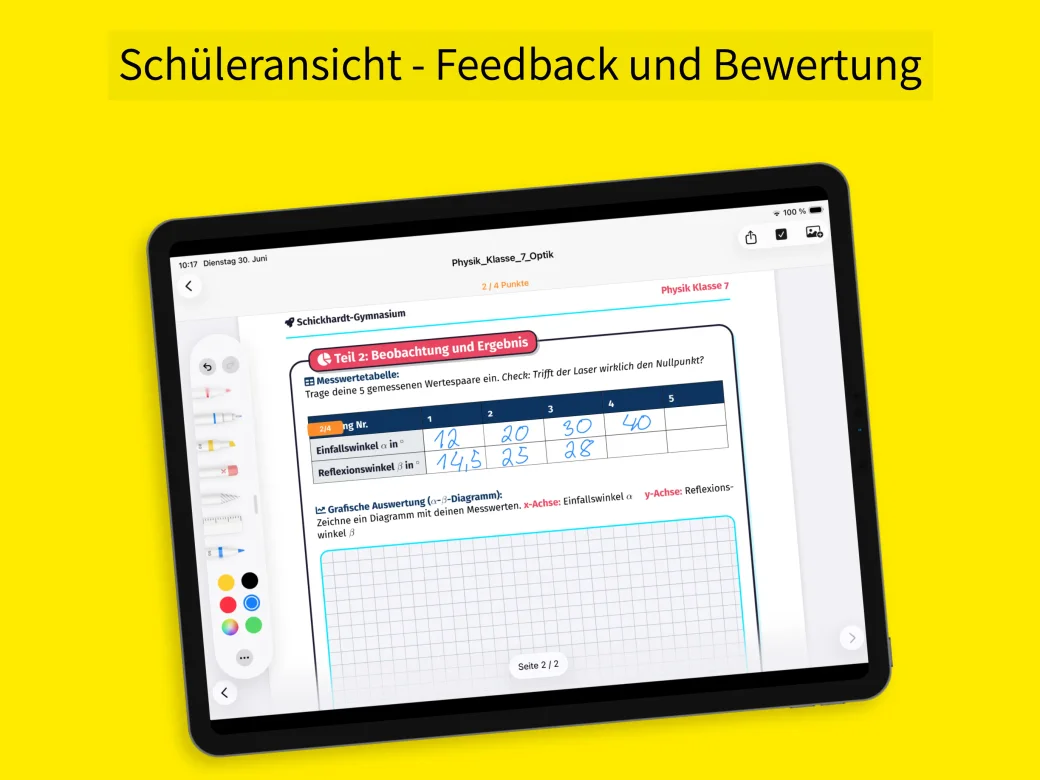
Correct student work with your own pen, add text, or place voice comments anywhere on the page. Students see and hear your feedback right away – or later when they review.
GRADING MADE SYSTEMATIC
Define answer zones with points and grade one task for the whole class, student by student. Filters show you what's still open. Class notes go to everyone at once. When you're done, export everything as a single PDF.
FOR TEACHERS
- Create classes and connect students via QR code or login card
- Hand out PDFs with due dates, notes, web links and voice messages
- Lock, hide and reorder assignments
- Group work: several students on one worksheet
- Allow writing only in answer fields
- Award points per task
- Library with folders and your own templates, synced across your devices
- Presentation mode with zoom and laser pointer
- Shape recognition: lines, circles and rectangles come out clean
FOR STUDENTS
- Fill in worksheets with Apple Pencil – just like on paper
- See and hear teacher feedback right in their own notebook
- Overview of all subjects with open assignments and due dates
- Notification when new feedback arrives
- Works offline too – z.tel syncs later
- Ideal for shared iPad carts
PRIVACY
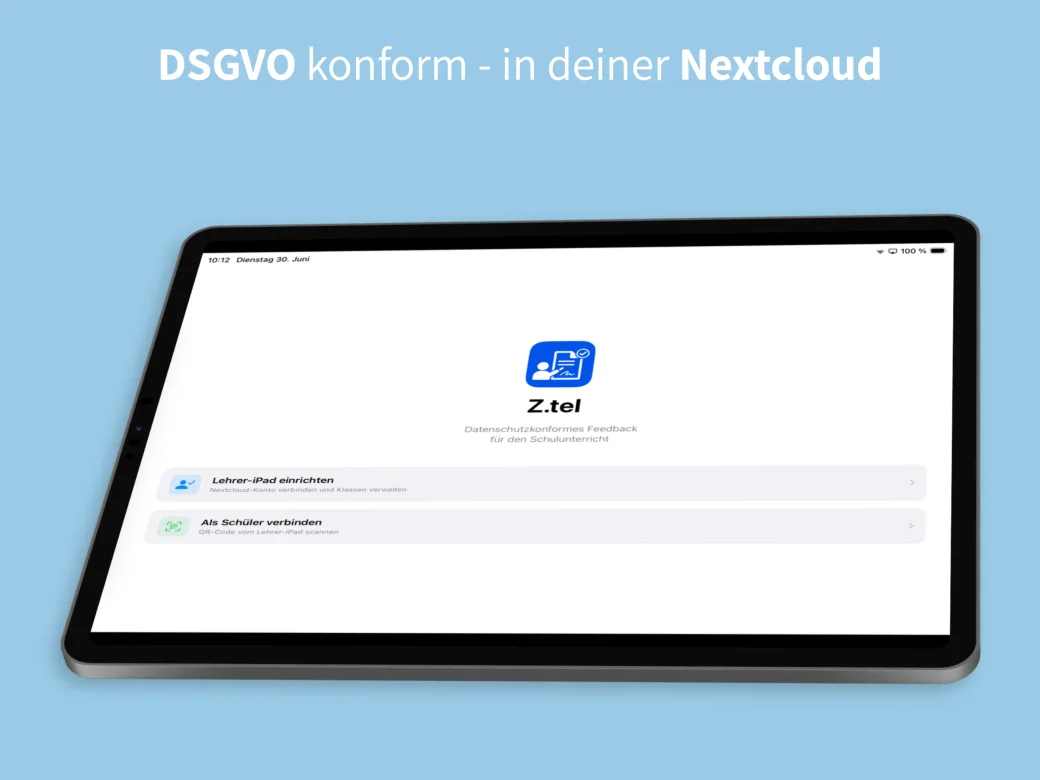
All data stays on your school's Nextcloud. z.tel doesn't track anyone, collects no usage data and shows no ads. Students don't need their own account. z.tel also works with the file storage of the "Digitaler Arbeitsplatz" by bw.schule (Baden-Württemberg, Germany).
REQUIREMENTS
- iPad with iPadOS 17.6 or later
- Apple Pencil for writing on worksheets
- Your school's Nextcloud (teachers: own account; students: no account needed)
Yenilikler
Sürüm 1.3.4 · 20.11.2026
- z.tel is now also available in Spanish and French. The app follows your iPad's language.
- New for teachers: correct with your finger. On iPads without Apple Pencil, you can choose in Settings to let your finger write too – when correcting, in class notes and in presentation mode.
Uygulama gizliliği
Bu uygulamanın verileri nasıl işlediği hakkında Harald Hochwald tarafından App Store üzerinde yapılan beyan.
-
Veri toplanmıyor
Geliştirici bu uygulamadan hiçbir veri toplamıyor.
Gizlilik uygulamaları, örneğin kullandığınız özelliklere veya yaşınıza göre değişiklik gösterebilir.
Bilgiler
- Satıcı
- Harald Hochwald
- Kategori
- Eğitim
- Sürüm
- 1.3.4
- Güncellendi
- 20.11.2026
- Yayın tarihi
- 10.07.2026
- Boyut
- 12,3 MB
- Gereksinim
- iOS 17.6 veya sonrası
- Yaş sınırı
- 4+
- Fiyat
- Ücretsiz
- Diller
- Almanca, İngilizce, Fransızca, İspanyolca
- Telif hakkı
- © fastmovingbytes.com
Bunları da beğenebilirsiniz
-
 PsstBee – Gürültü ışığıGürültü lambası
-
 Lernwerkstatt SchuleditionEğitim
-
 Ders Kitabı Kelime ÇalışmasıTara, kontrol et, çalış
-
 PHYWE measureAPP ExamEğitim
-
 RabenApp Schulversion (2021)Eğitim
-
 SeewiesenEğitim
-
 hyFee CloudEğitim
-
 TouchTomorrow-ExploreEğitim
-
 OpenLeaf NotesÜcretsiz not ve PDF, reklamsız
-
 Das TeilchenuniversumEğitim