- 対象年齢4+
- カテゴリ教育
- 開発元Harald Hochwald
- 言語ドイツ語ほか3言語
- サイズ12.3 MB
App Storeの公式ページにリンクしています
Download.orgはz.tel – Live Worksheetsのファイルを一切ホストしていません。ボタンを押すと、Harald Hochwaldが公開しているApp Storeのアプリページが開きます。ページの最終確認:2026/11/23。
スクリーンショット


概要
開発元はこのテキストをお使いの言語で提供していません。
z.tel transforms iPad lessons: students fill in worksheets with Apple Pencil – just like in a real exercise book. And you see live what everyone is writing and drawing. Right in class. No detours.
THE DIGITAL CLASS NOTEBOOK
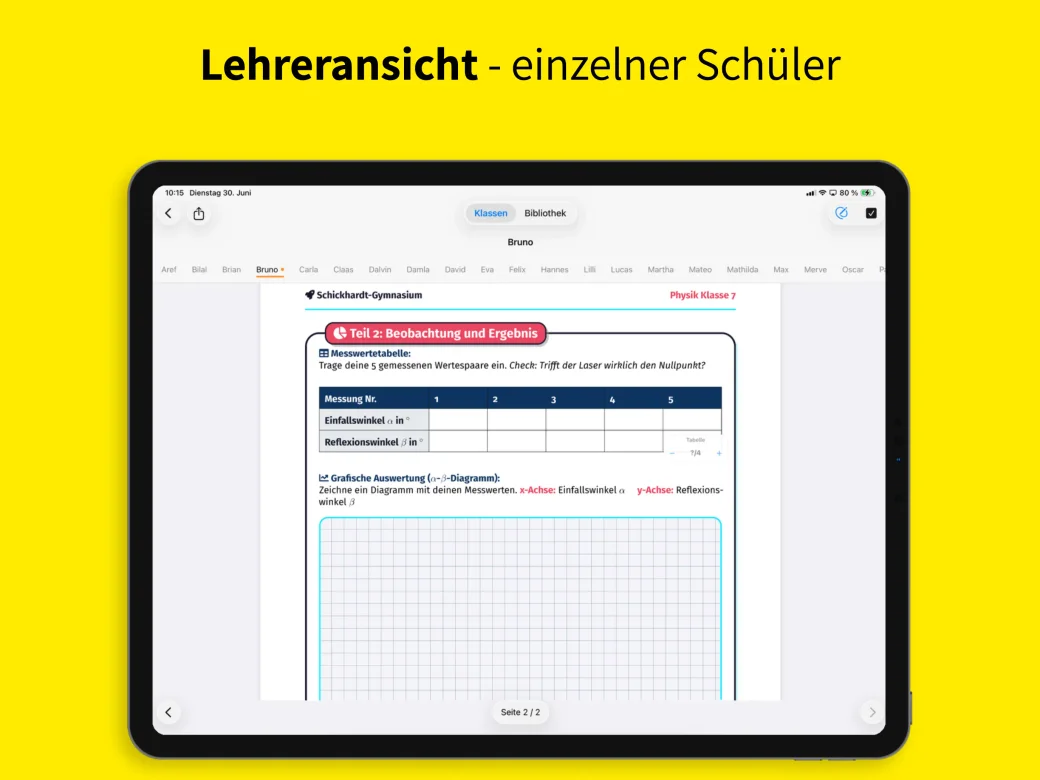
Hand out PDFs or your own templates as assignments to your class. Every student gets their own copy and writes, draws and calculates directly on the worksheet. Typed answers or voice recordings work too.
LIVE IN THE ROOM AS A TEACHER
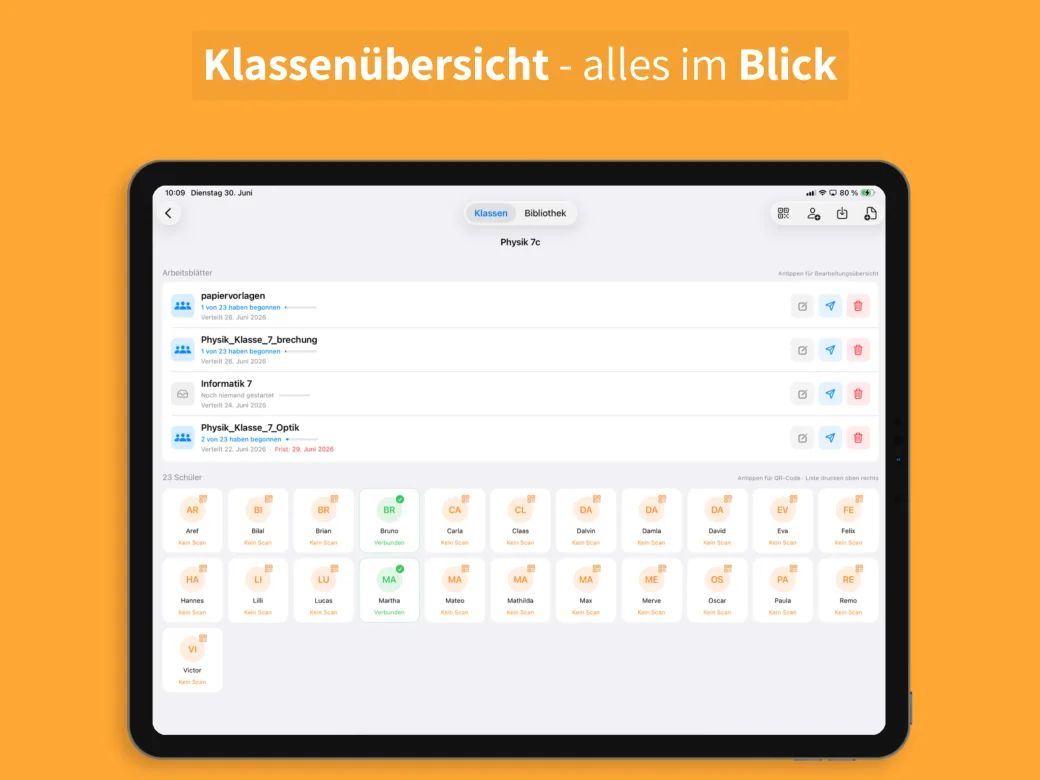
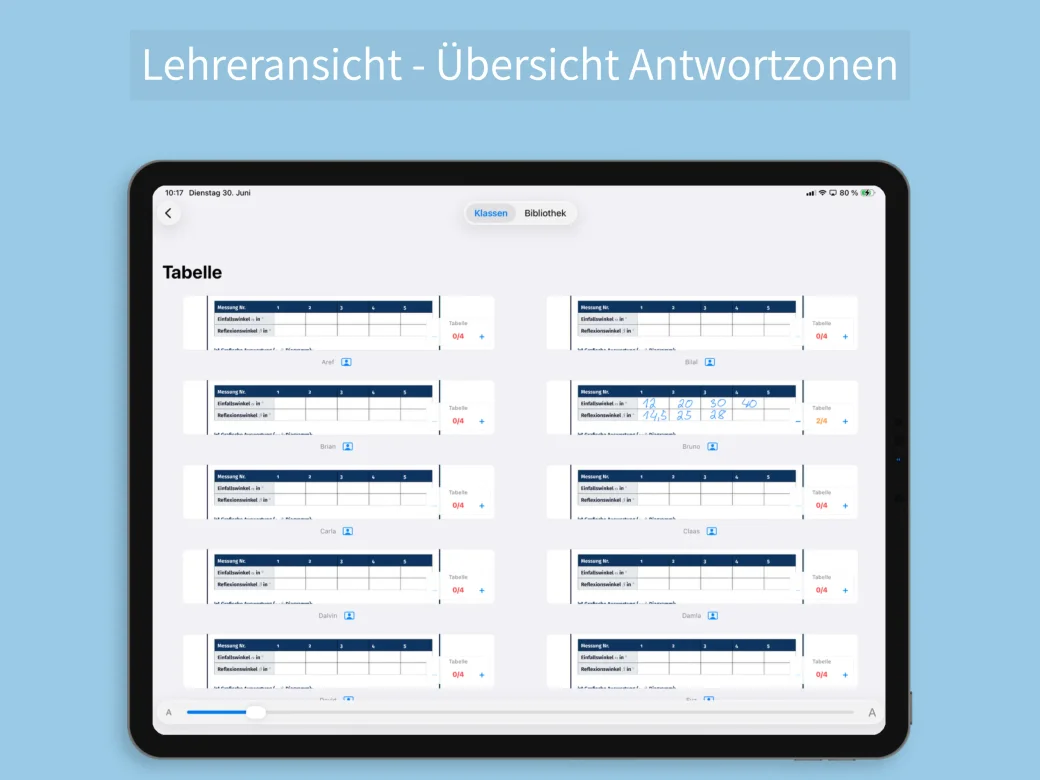
While the class is working, you see every stroke in real time. No collecting, no waiting. Who's falling behind? Who's finished? Who needs help? All at a glance, without leaving your desk.
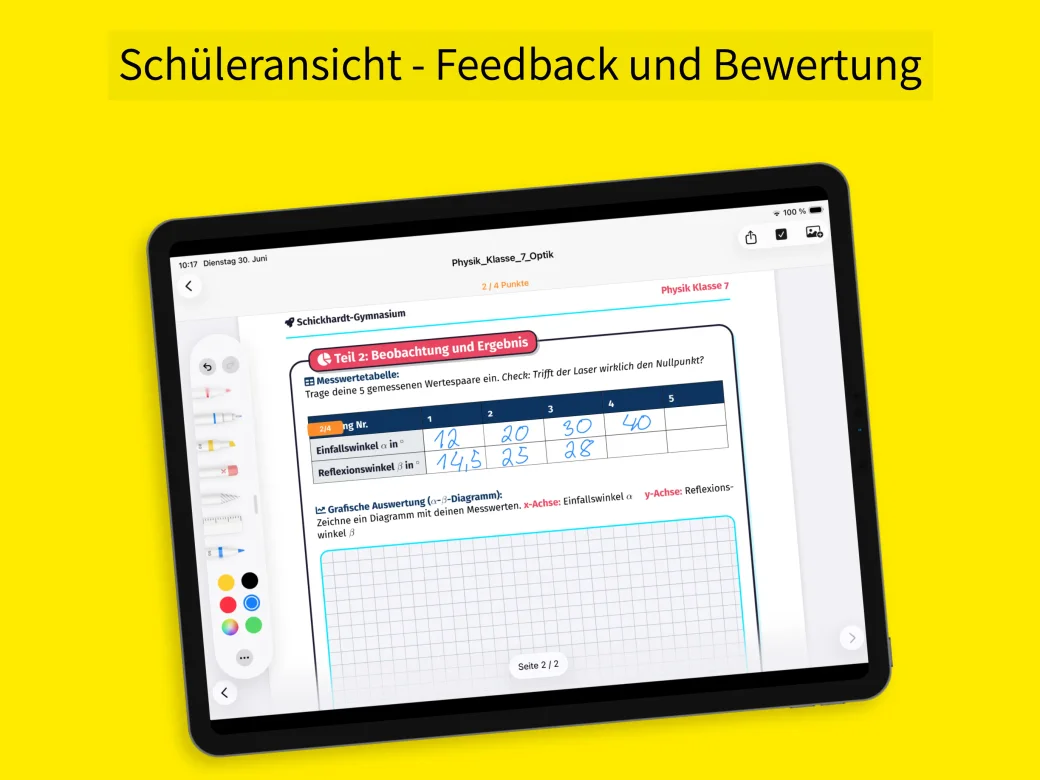
FEEDBACK RIGHT IN THE NOTEBOOK
Correct student work with your own pen, add text, or place voice comments anywhere on the page. Students see and hear your feedback right away – or later when they review.
GRADING MADE SYSTEMATIC
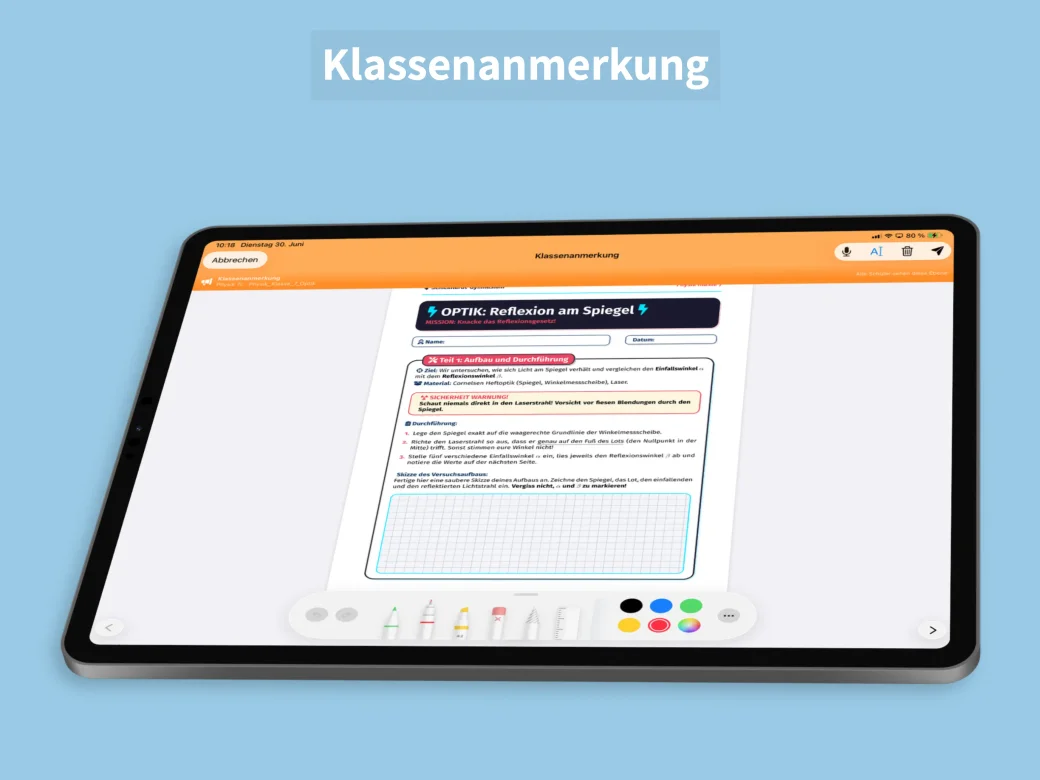
Define answer zones with points and grade one task for the whole class, student by student. Filters show you what's still open. Class notes go to everyone at once. When you're done, export everything as a single PDF.
FOR TEACHERS
- Create classes and connect students via QR code or login card
- Hand out PDFs with due dates, notes, web links and voice messages
- Lock, hide and reorder assignments
- Group work: several students on one worksheet
- Allow writing only in answer fields
- Award points per task
- Library with folders and your own templates, synced across your devices
- Presentation mode with zoom and laser pointer
- Shape recognition: lines, circles and rectangles come out clean
FOR STUDENTS
- Fill in worksheets with Apple Pencil – just like on paper
- See and hear teacher feedback right in their own notebook
- Overview of all subjects with open assignments and due dates
- Notification when new feedback arrives
- Works offline too – z.tel syncs later
- Ideal for shared iPad carts
PRIVACY
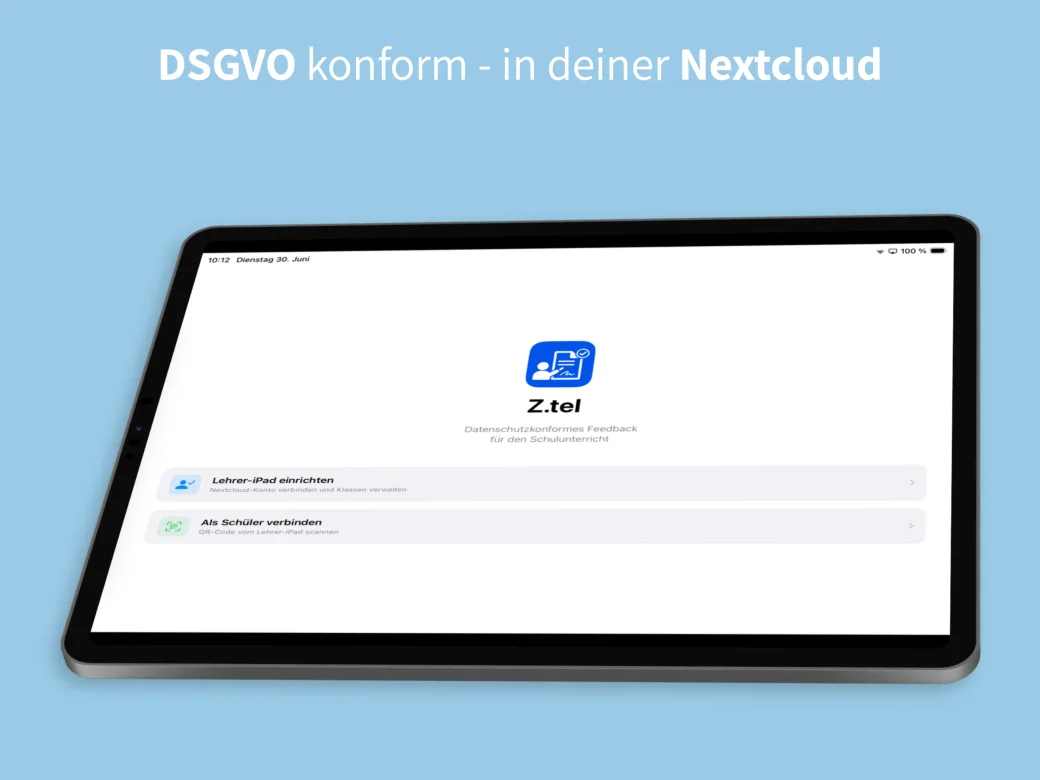
All data stays on your school's Nextcloud. z.tel doesn't track anyone, collects no usage data and shows no ads. Students don't need their own account. z.tel also works with the file storage of the "Digitaler Arbeitsplatz" by bw.schule (Baden-Württemberg, Germany).
REQUIREMENTS
- iPad with iPadOS 17.6 or later
- Apple Pencil for writing on worksheets
- Your school's Nextcloud (teachers: own account; students: no account needed)
新機能
バージョン 1.3.4 · 2026/11/20
- z.tel is now also available in Spanish and French. The app follows your iPad's language.
- New for teachers: correct with your finger. On iPads without Apple Pencil, you can choose in Settings to let your finger write too – when correcting, in class notes and in presentation mode.
アプリのプライバシー
このアプリのデータの取り扱いについて、Harald HochwaldがApp Storeで申告している内容です。
-
データの収集なし
開発元はこのアプリからデータを収集しません。
プライバシーの取り扱いは、ご利用の機能やお客様の年齢などに応じて異なる場合があります。
情報
- 販売元
- Harald Hochwald
- カテゴリ
- 教育
- バージョン
- 1.3.4
- 更新日
- 2026/11/20
- リリース
- 2026/7/10
- サイズ
- 12.3 MB
- 必要条件
- iOS 17.6以降
- 対象年齢
- 4+
- 価格
- 無料
- 言語
- ドイツ語, 英語, フランス語, スペイン語
- 著作権
- © fastmovingbytes.com