Document Reader & PDF Editor
QR Code Scanner.Chứa quảng cáo · Mua hàng trong ứng dụng
- 3 tuổi trở lênĐộ tuổi
- Năng suấtDanh mục
- 29/09/2026Cập nhật
- Miễn phíGiá
Dẫn đến trang Google Play chính thức của all.documentreader.filereader.office.viewer. Kiểm tra lần cuối: 20/11/2026.
Ảnh chụp màn hình
Thông tin về ứng dụng này
Nhà phát triển chưa cung cấp nội dung này bằng ngôn ngữ của bạn.
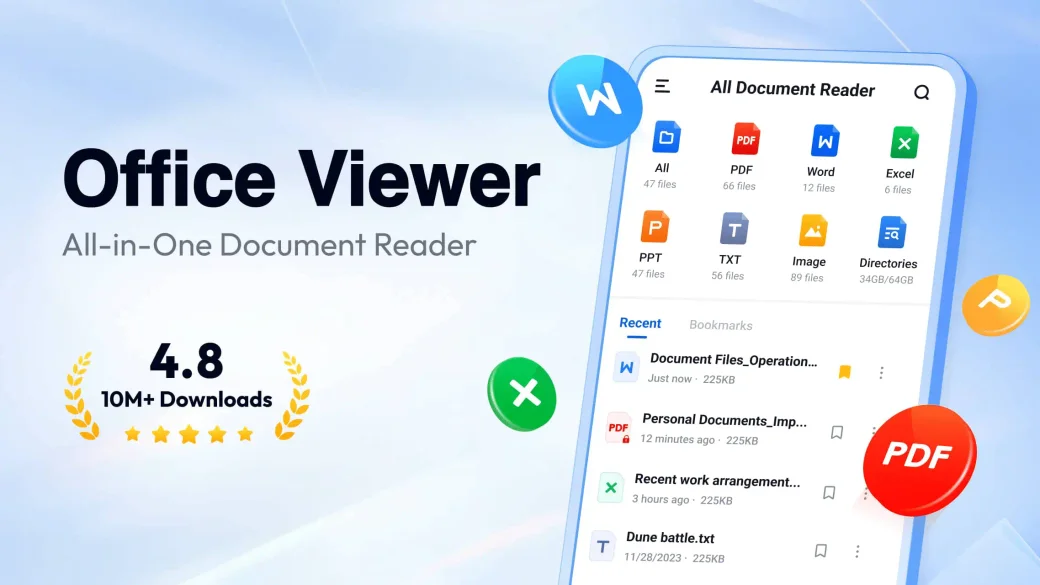
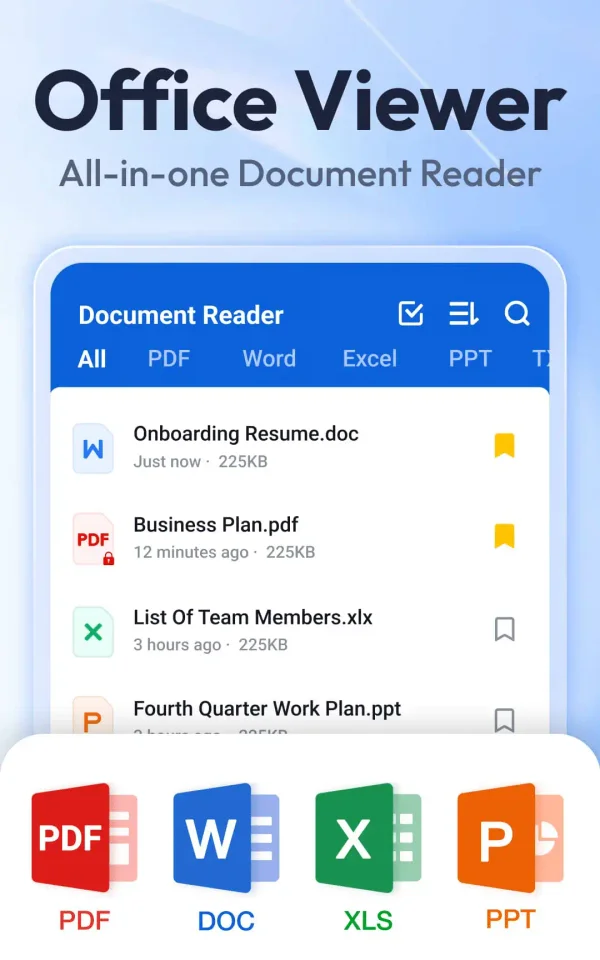
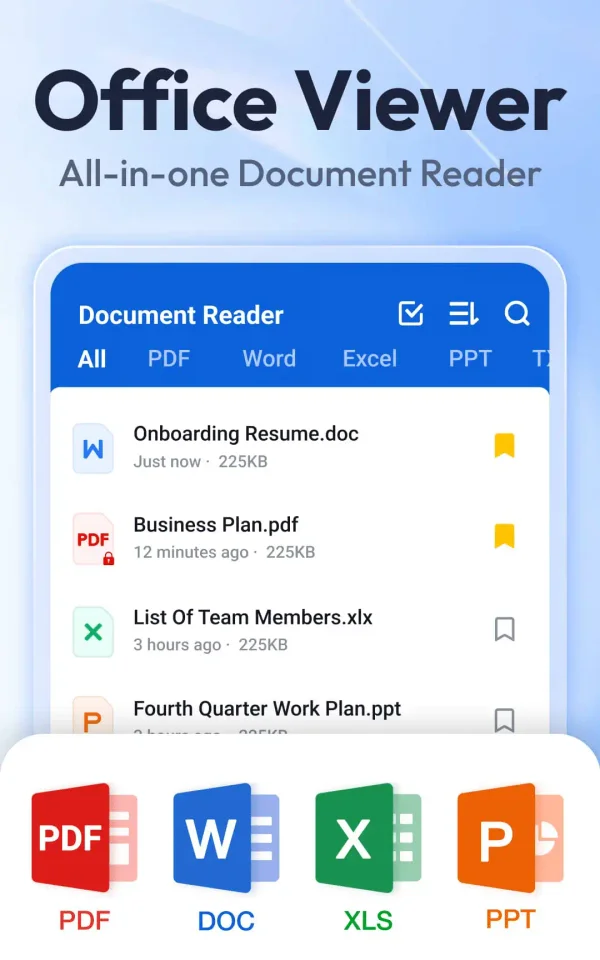
All document reader, all in one file viewer read PDF, DOCX, XLS, PPT, TXT files.
Document Reader is an all-in-one file viewer that helps you read, edit, and manage all your office files with ease. From reviewing lecture notes before an exam to checking work reports on the commute — PDF, WORD, EXCEL, PPT, TXT, etc. are all supported.
It's easy to use and compatible with all office formats. Just open it, and your documents are neatly organized in folders for quick search — no more digging around to find that one contract, invoice, or handout.
It's also a powerful PDF toolkit — edit and sign PDFs without a printer, convert scans into PDFs in seconds, and create polished documents from ready-made templates. View, convert, edit, sign, and manage everything in one place!
Why choose Document Reader?
👏 Support all formats - PDF, DOC, DOCX, XLS, XLSX, PPT, TXT, PNG, JPG, RTF, etc.
👏 All document viewer/office viewer
👏 Read all documents anywhere, anytime with just one tap
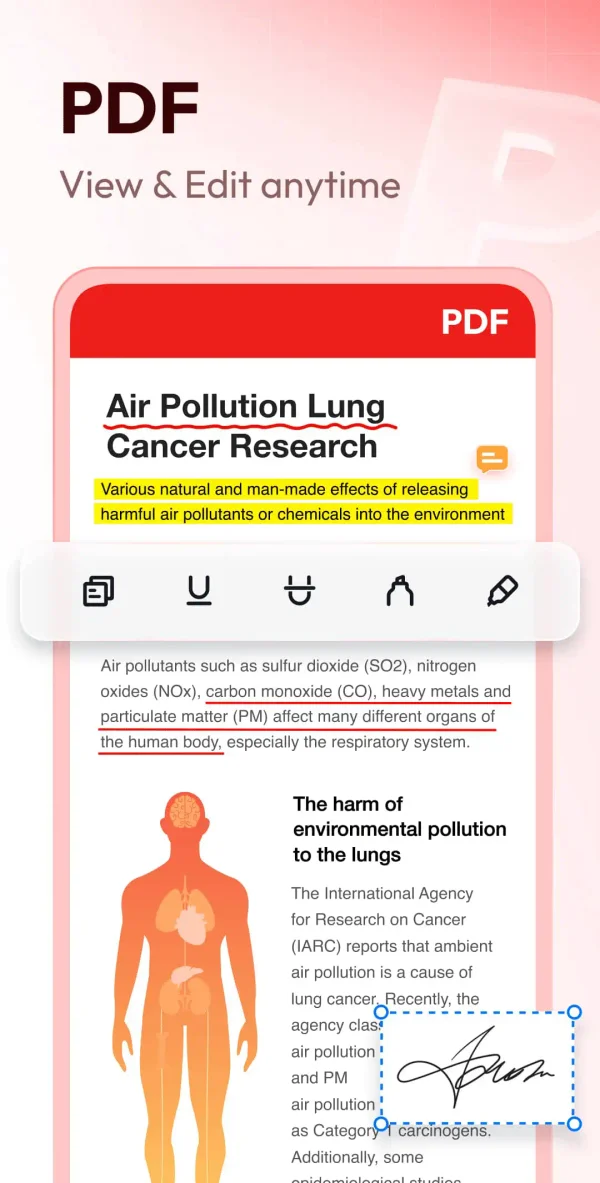
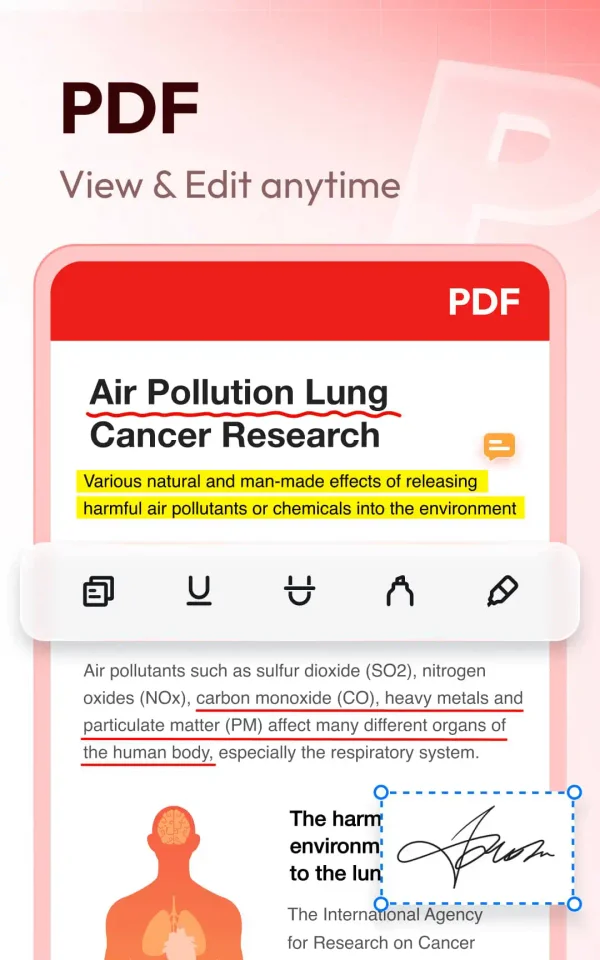
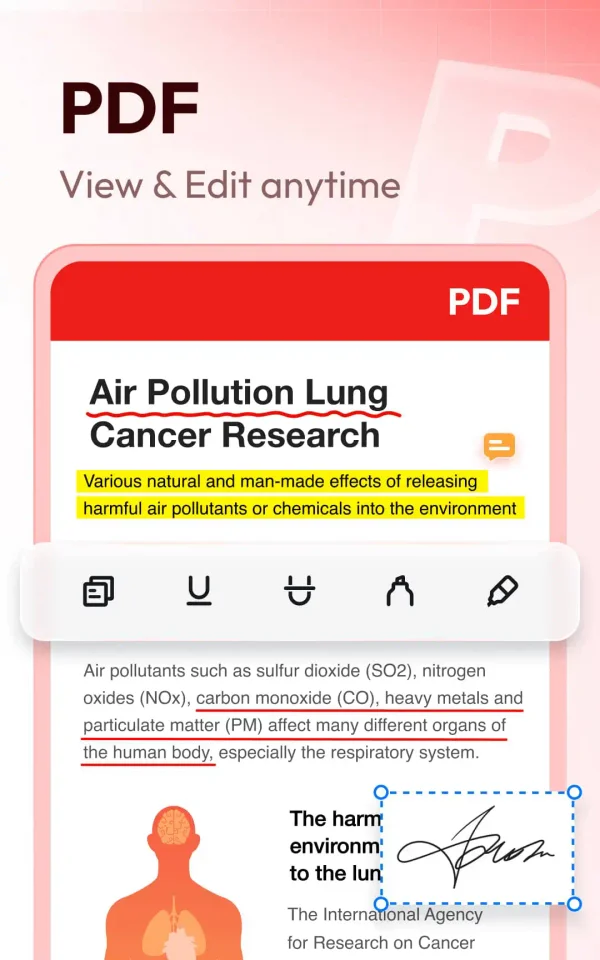
👏 Edit, annotate, and sign PDFs with ease
👏 Simple and clear file lists, easy to search and manage files
👏 Bookmark documents for quick access
👏 Color inversion for comfortable reading day and night
👏 No internet required, read documents offline
Download this simple, fast, lightweight all document reader now!
Document Reader can work as:
📕 PDF Reader/PDF Viewer
- Zoom in/zoom out pages while reading
- Jump to any page directly
- Switch between landscape and portrait mode freely
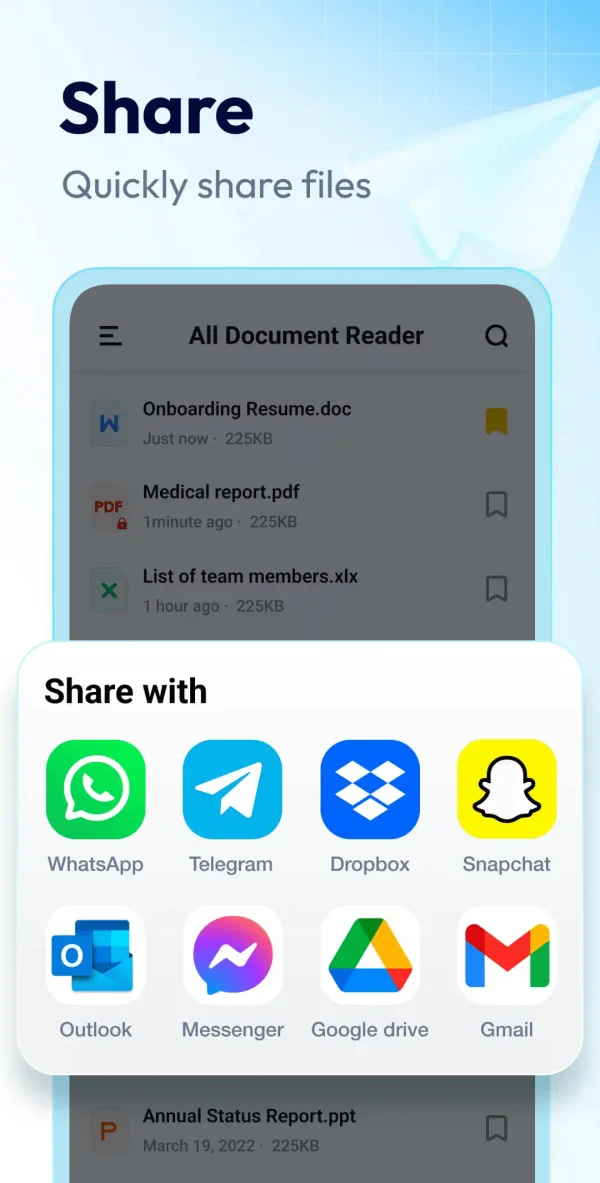
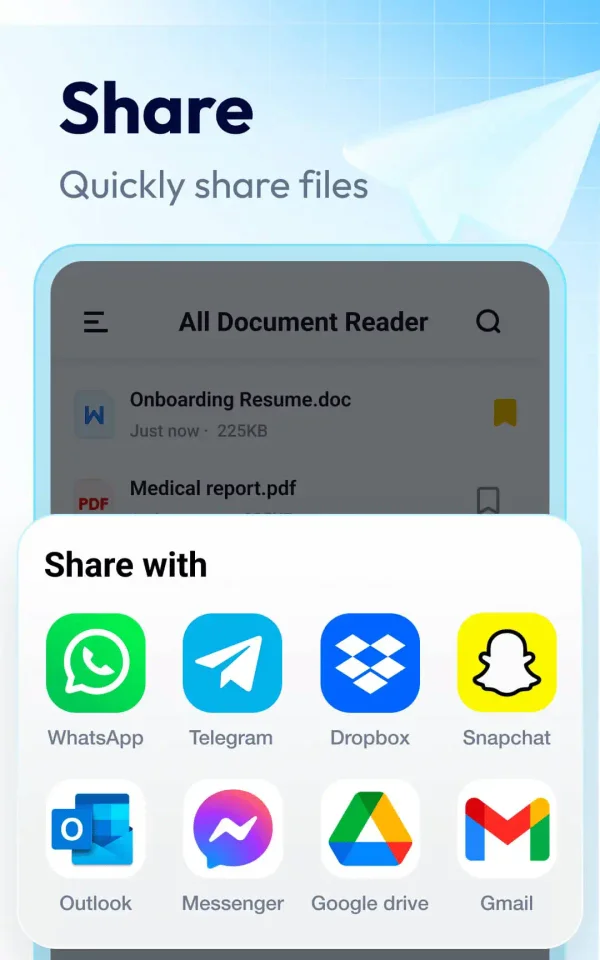
- Easily print and share PDFs
- Search text within files
✍️ PDF Editor
- Edit text directly in your PDFs — change content, size, font, and color
- Customize text with bold, italic, underline, strikethrough, and alignment
- Add text & insert images to your PDFs
- Annotate with highlights, doodles, underlines, and strikethroughs
- Add signature directly to any PDF
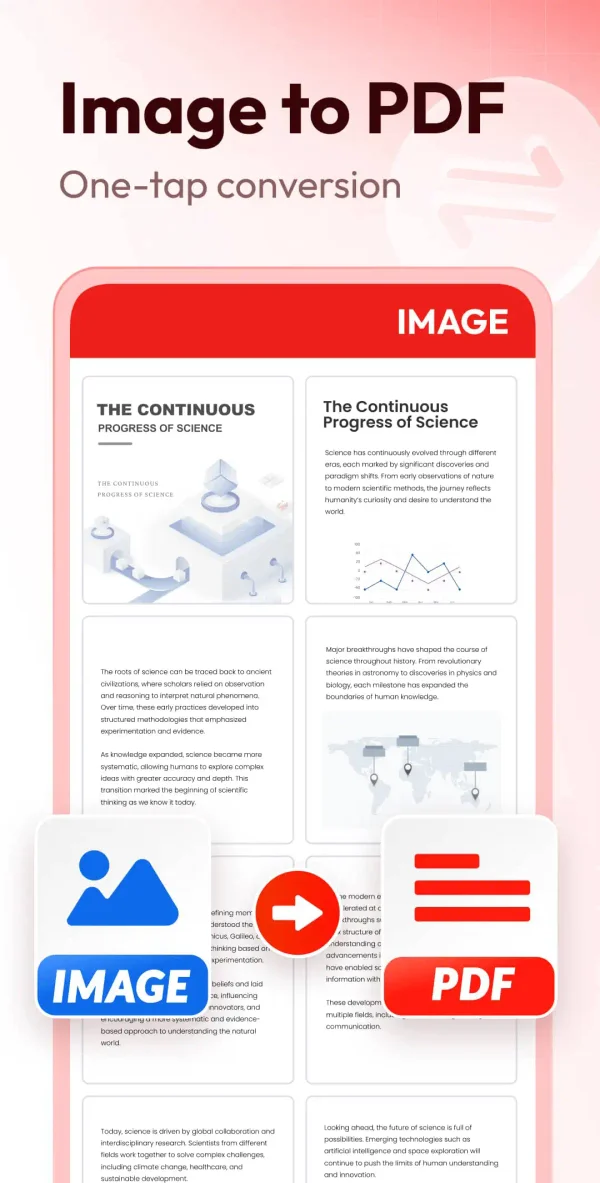
🔄 PDF Converter
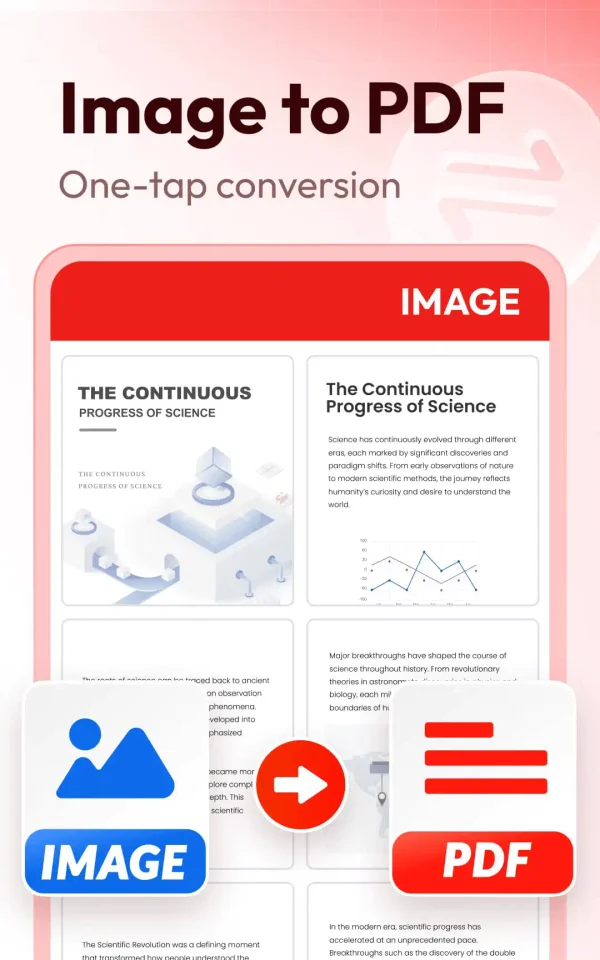
- Image/Scan to PDF: convert images or scans into PDFs
- Word to PDF: convert DOC/DOCX files to PDF for instant sharing
- PDF to Word: convert PDFs into editable Word documents
- PPT to PDF: keep slide layouts intact when converting presentations
🧩 Document Templates
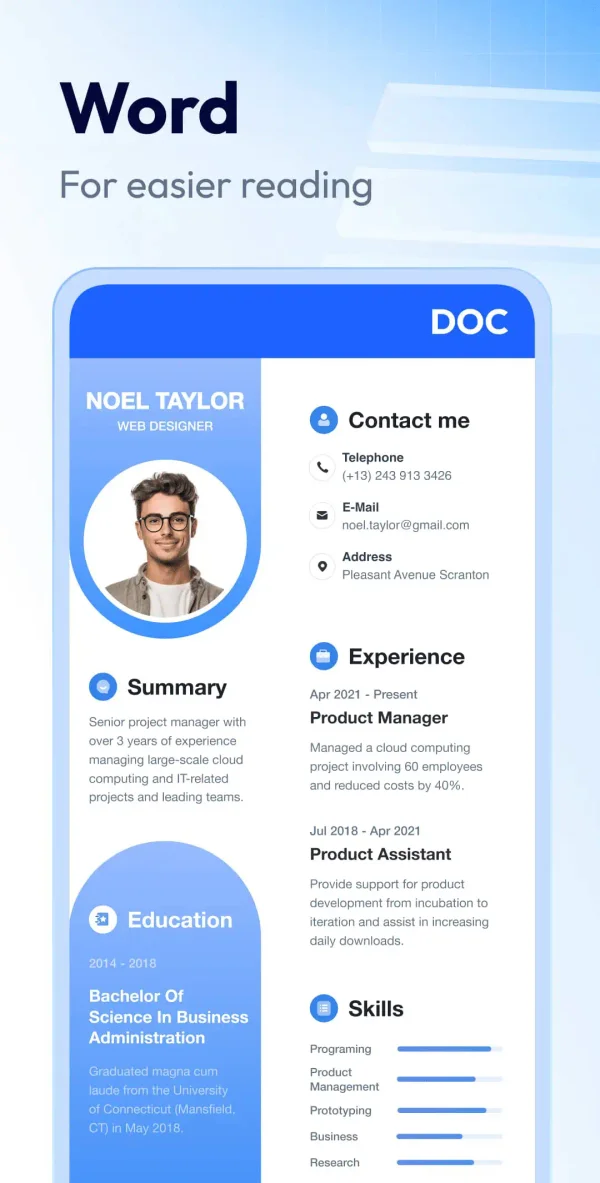
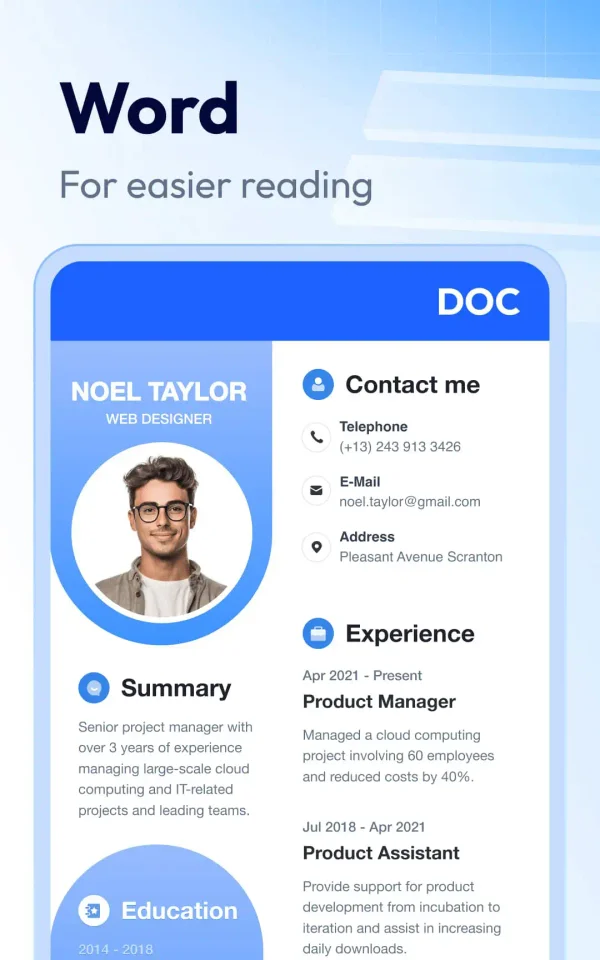
- Resume templates: professional CVs in minutes
- Letter & fax templates: ready-made formats for any correspondence
- Simple templates: clean designs for everyday needs
- Poster templates: eye-catching designs for events and announcements
- Freely edit text and fonts, or replace images with your own photos
📘 Word Reader
- Handy document viewer for all DOC, DOCX, and DOCS files
- Quickly locate any file with the built-in search
- Sort all documents by file path, size, name, last edit date, etc.
- Simple and elegant interface
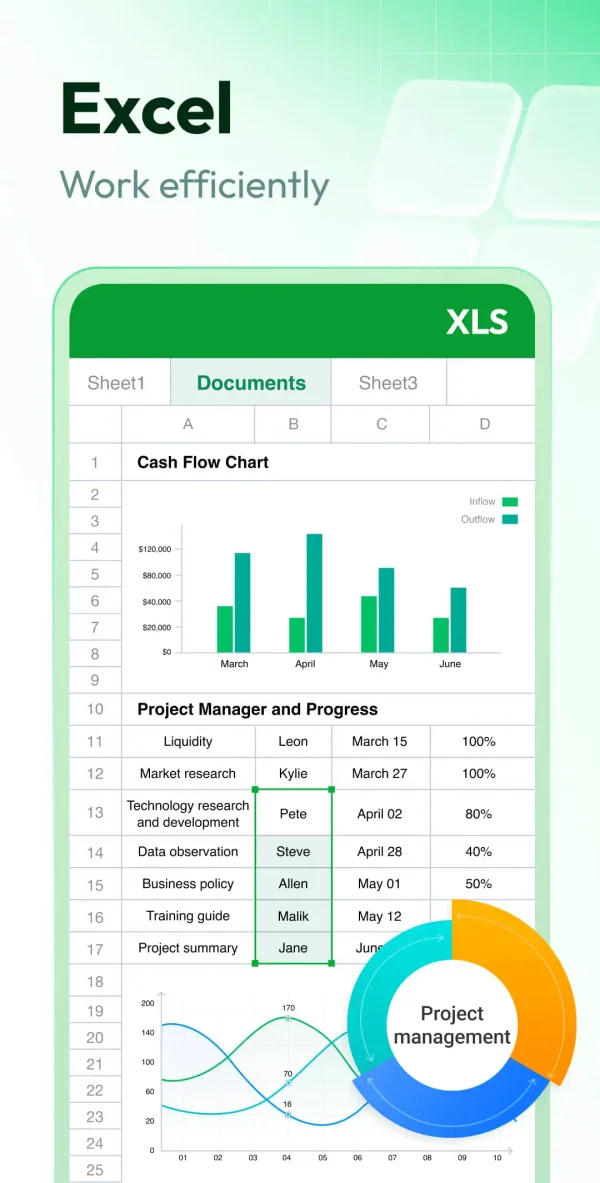
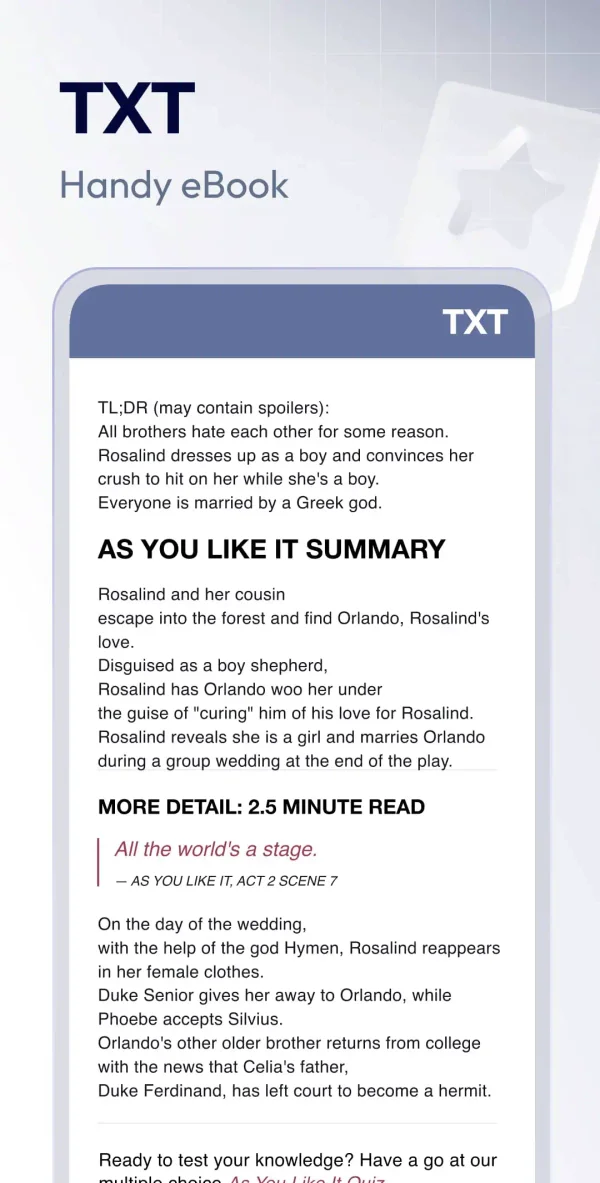
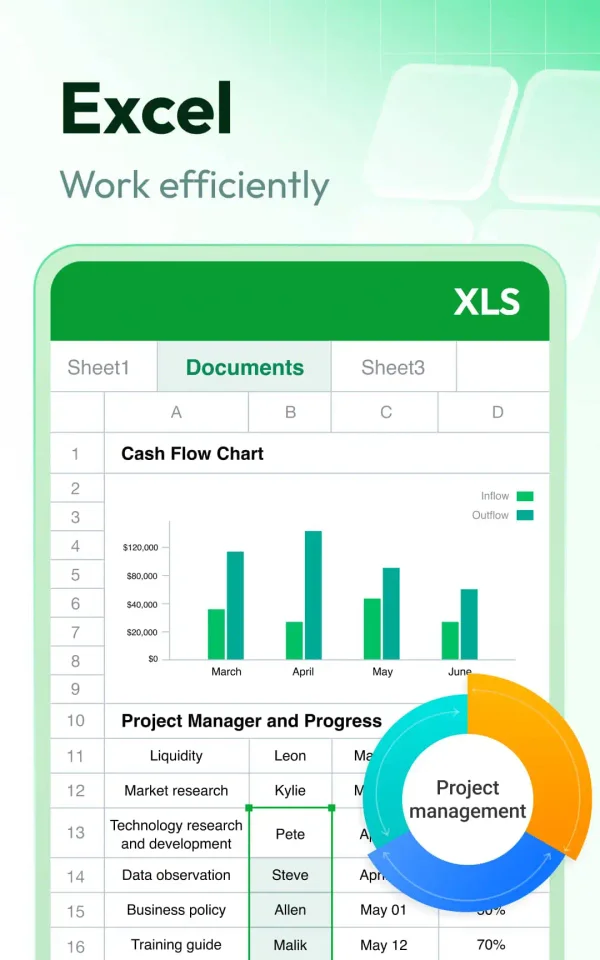
📈 Excel/Text Viewer
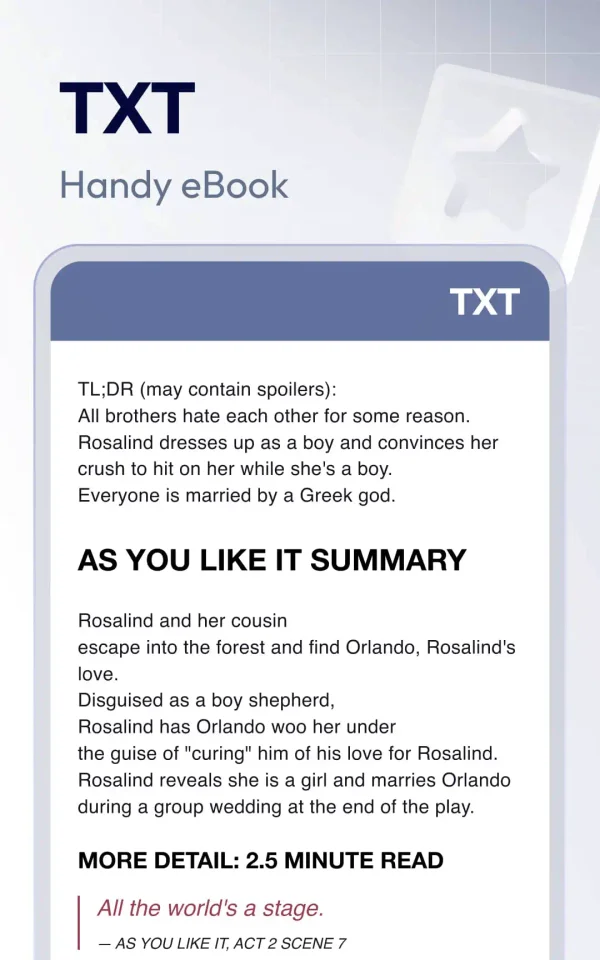
- Quickly open XLS, XLSX, TXT files and find the data you need
- A simple and straightforward way to read spreadsheets on your device
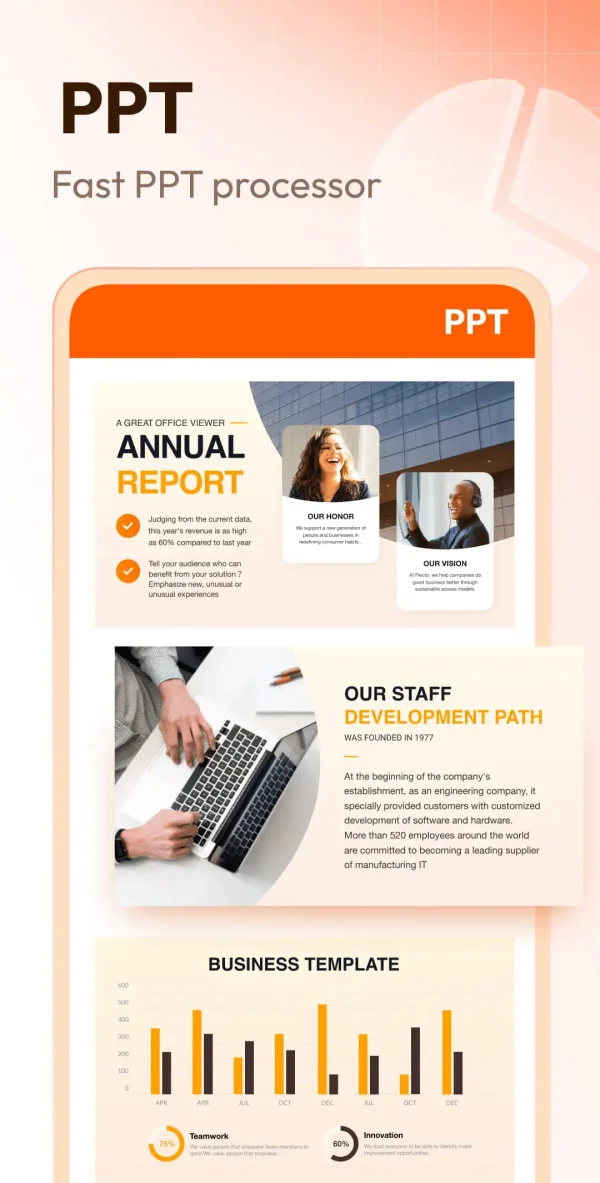
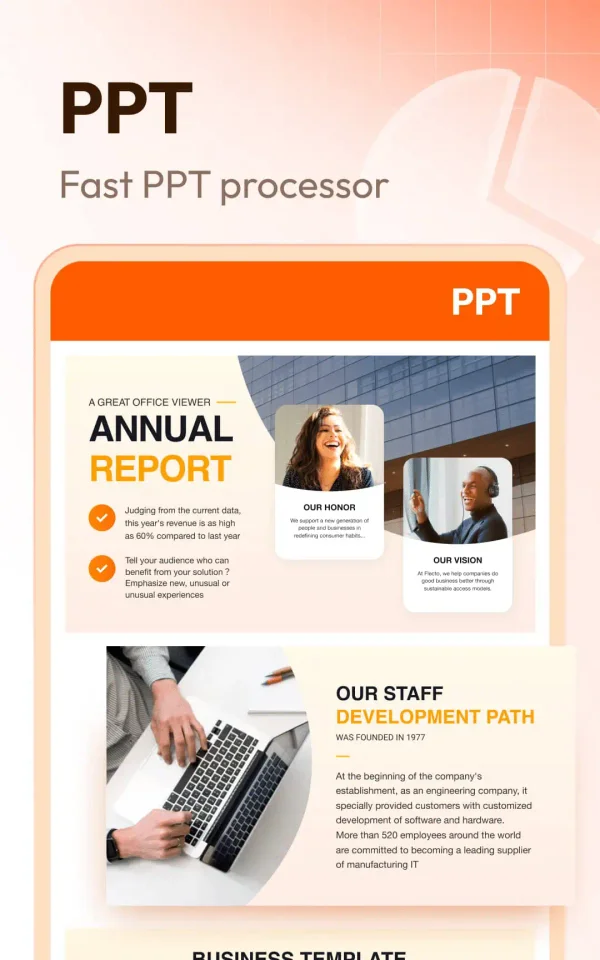
🔍 PPT Viewer
- Viewing PPT, PPTX, PPS, PPSX files has never been easier
- Fast and stable performance, HD quality
➡️ More features on the way
✔️ AI summary
✔️ Text translation
✔️ OCR for PDFs
✔️ Edit Excel
✔️ Fill PDF forms
✔️ Shared folders
✔️ More formats supported: RAR, ZIP, MOBI, HTML, etc.
…
Try Document Reader now and you can read, edit, sign, convert and manage documents in all formats on the go!
Permission Needed:
1. To read and edit files on your device, users with Android 11+ need to grant the MANAGE_EXTERNAL_STORAGE permission.
2. To convert images into PDFs or replace images in templates, users with Android 13+ need to grant the READ_MEDIA_IMAGES permission for image access.
These permissions are used only for the stated purposes and never for any other use.
Thank you for choosing Document Reader. 💗 We welcome all feedback and suggestions. If you have any questions, don't hesitate to contact us at allreaderappfeedback@gmail.com.
An toàn dữ liệu
Những gì QR Code Scanner. khai báo trên Google Play về dữ liệu mà ứng dụng này thu thập và chia sẻ.
- Không chia sẻ dữ liệu với bên thứ baTìm hiểu thêm về cách nhà phát triển khai báo thông tin về hoạt động chia sẻ dữ liệu
- Ứng dụng này có thể thu thập những loại dữ liệu sau đâyHoạt động trong ứng dụng, Thông tin và hiệu suất của ứng dụng và Mã nhận dạng thiết bị hoặc mã nhận dạng khác
- Dữ liệu được mã hóa trong khi chuyển
- Bạn có thể yêu cầu xóa dữ liệu
Liên hệ nhà phát triển
- Trang weballdocreader.deepthought.industries
- E-mailsupport@deepthought.industries
- Chính sách quyền riêng tưalldocreader.deepthought.industries
- Địa chỉ7 ONE-NORTH GATEWAY #01-03 ONE-NORTH RESIDENCES Singapore 138642
Thông tin
- Cung cấp bởi
- QR Code Scanner.
- Danh mục
- Năng suất
- Phiên bản
- 1.3.5.83
- Cập nhật
- 29/09/2026
- Phát hành
- 29/07/2022
- Yêu cầu
- Android 6.0 trở lên
- Độ tuổi
- 3 tuổi trở lên
- Giá
- Miễn phí
- Mua hàng trong ứng dụng
- 48.559 ₫ - 948.000 ₫ mỗi mặt hàng
- Tên gói
- all.documentreader.filereader.office.viewer
Ứng dụng tương tự
-
 WPS Office Lite
Năng suất
-
 DOCX Editor: PDF, DOC, XLSX
Năng suất
-
 Google Tài liệu
Năng suất
-
 MobiDrive Cloud Storage & Sync
Năng suất
-
 Microsoft Word: Edit Documents
Năng suất
-
 Trình quản lý tệp
Công cụ
-
 PDF Scanner App: Document Scan
Công cụ
-
 WPS Office-PDF, Word, Sheet
Năng suất
-
 MobiOffice: Word, Sheets, PDF
Năng suất
-
 ACE Scanner - PDF Scanner App
Năng suất
-
 Notepad - simple notes
Năng suất
-
 Google Drive
Năng suất