Document Reader & PDF Editor
QR Code Scanner.広告を含む · アプリ内課金
- 3 歳以上対象年齢
- 仕事効率化カテゴリ
- 2026/9/29更新日
- 無料価格
all.documentreader.filereader.office.viewerのGoogle Play公式ページにリンクしています。最終確認:2026/11/20。
スクリーンショット
このアプリについて
開発元はこのテキストをお使いの言語で提供していません。
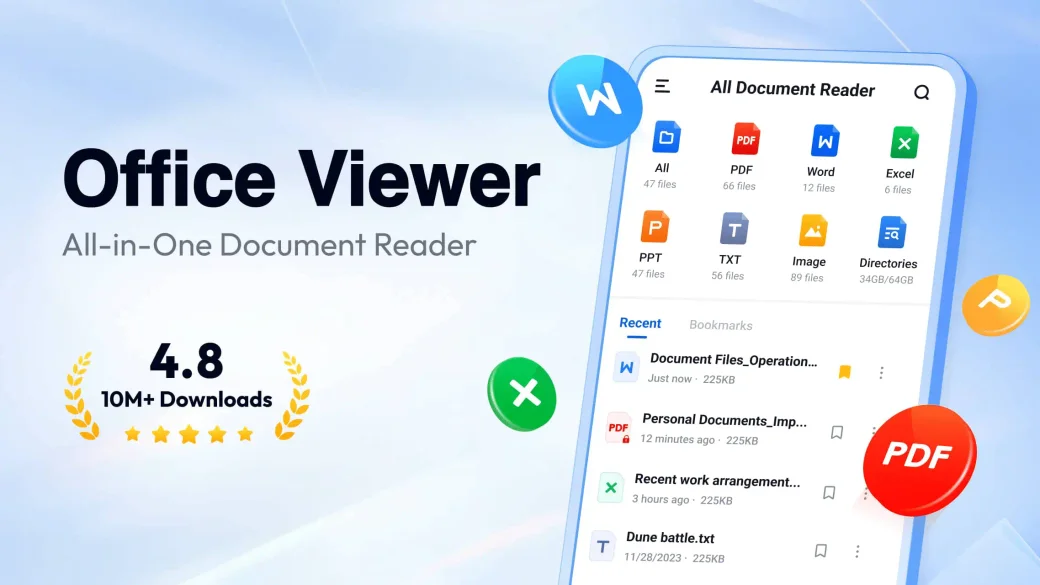
All document reader, all in one file viewer read PDF, DOCX, XLS, PPT, TXT files.
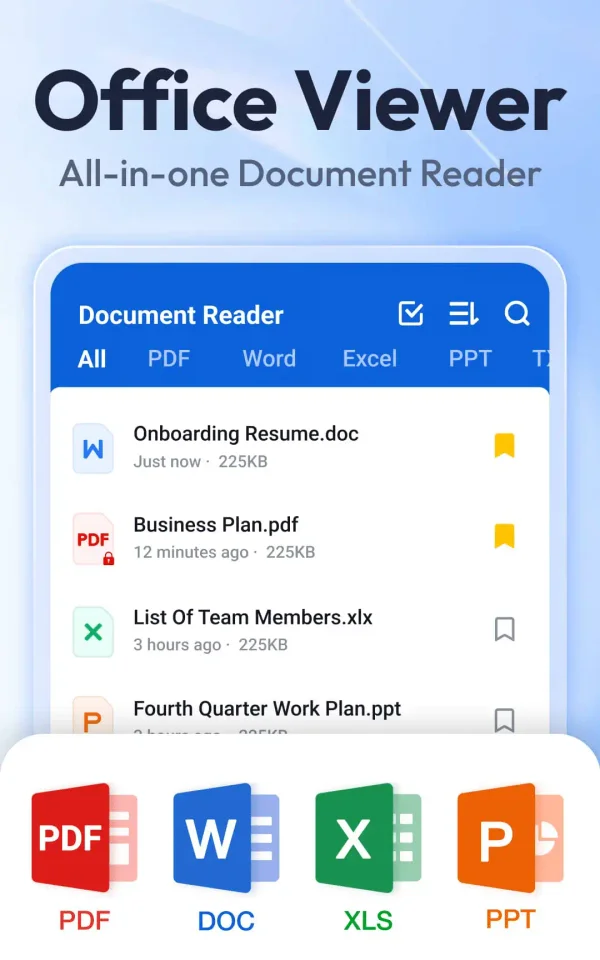
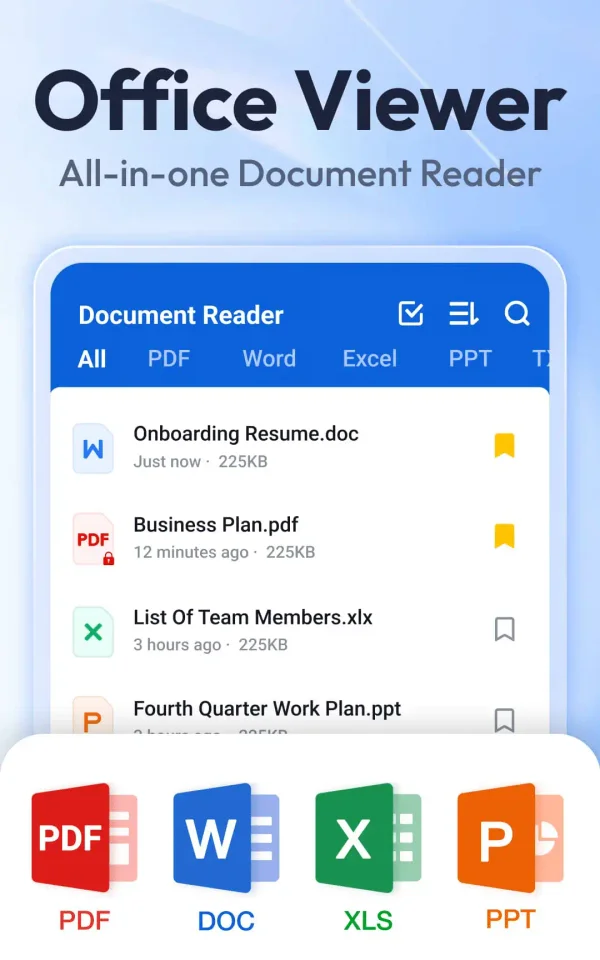
Document Reader is an all-in-one file viewer that helps you read, edit, and manage all your office files with ease. From reviewing lecture notes before an exam to checking work reports on the commute — PDF, WORD, EXCEL, PPT, TXT, etc. are all supported.
It's easy to use and compatible with all office formats. Just open it, and your documents are neatly organized in folders for quick search — no more digging around to find that one contract, invoice, or handout.
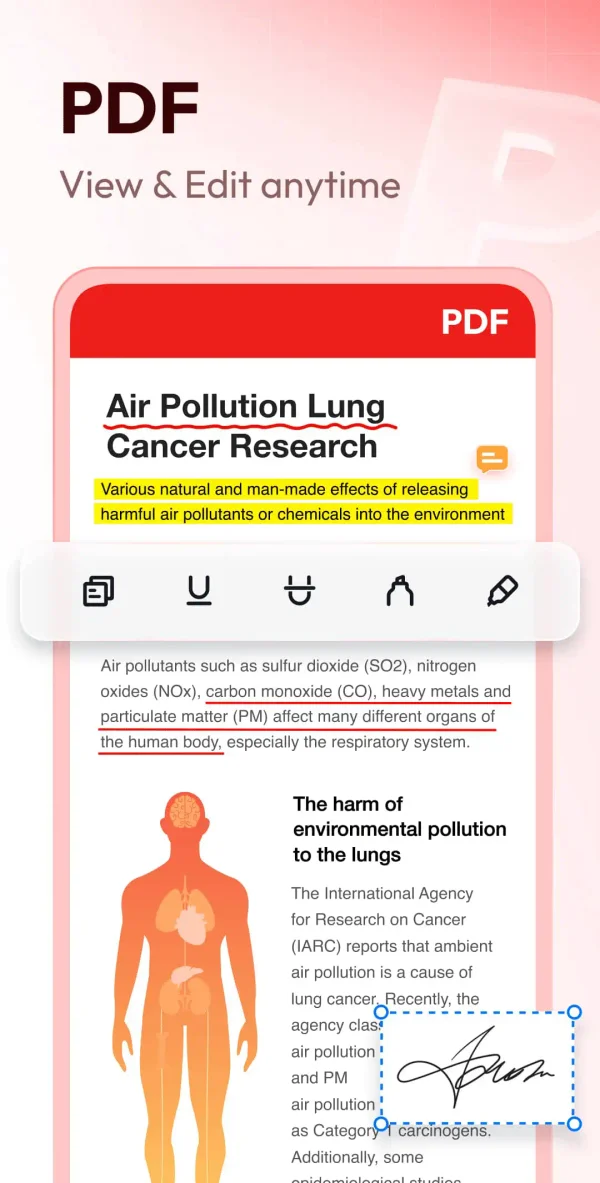
It's also a powerful PDF toolkit — edit and sign PDFs without a printer, convert scans into PDFs in seconds, and create polished documents from ready-made templates. View, convert, edit, sign, and manage everything in one place!
Why choose Document Reader?
👏 Support all formats - PDF, DOC, DOCX, XLS, XLSX, PPT, TXT, PNG, JPG, RTF, etc.
👏 All document viewer/office viewer
👏 Read all documents anywhere, anytime with just one tap
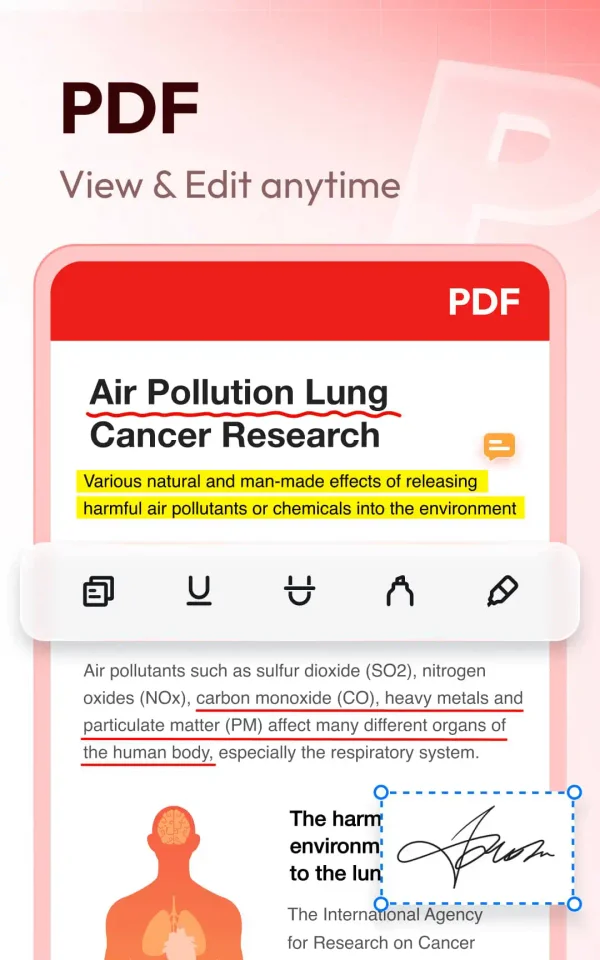
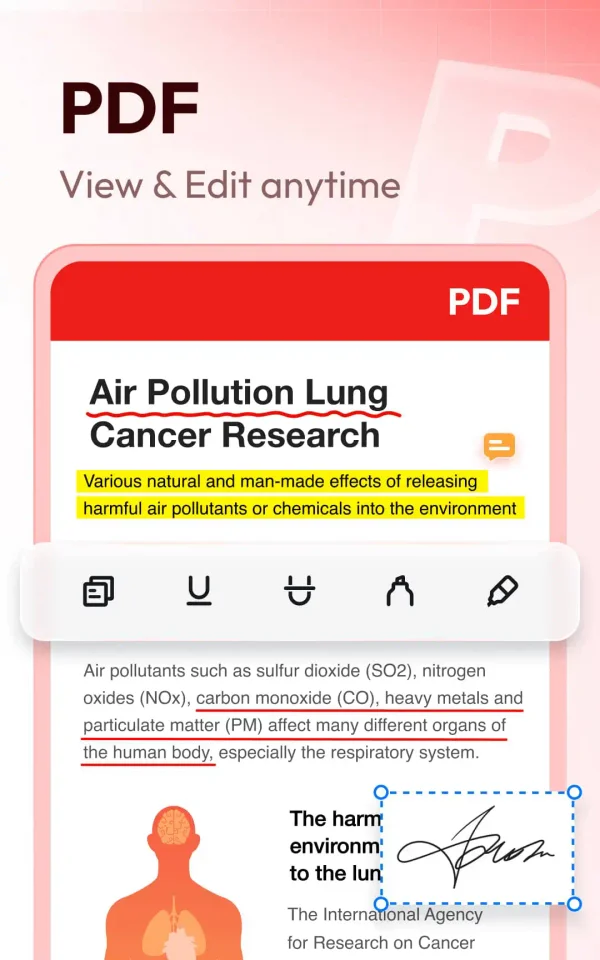
👏 Edit, annotate, and sign PDFs with ease
👏 Simple and clear file lists, easy to search and manage files
👏 Bookmark documents for quick access
👏 Color inversion for comfortable reading day and night
👏 No internet required, read documents offline
Download this simple, fast, lightweight all document reader now!
Document Reader can work as:
📕 PDF Reader/PDF Viewer
- Zoom in/zoom out pages while reading
- Jump to any page directly
- Switch between landscape and portrait mode freely
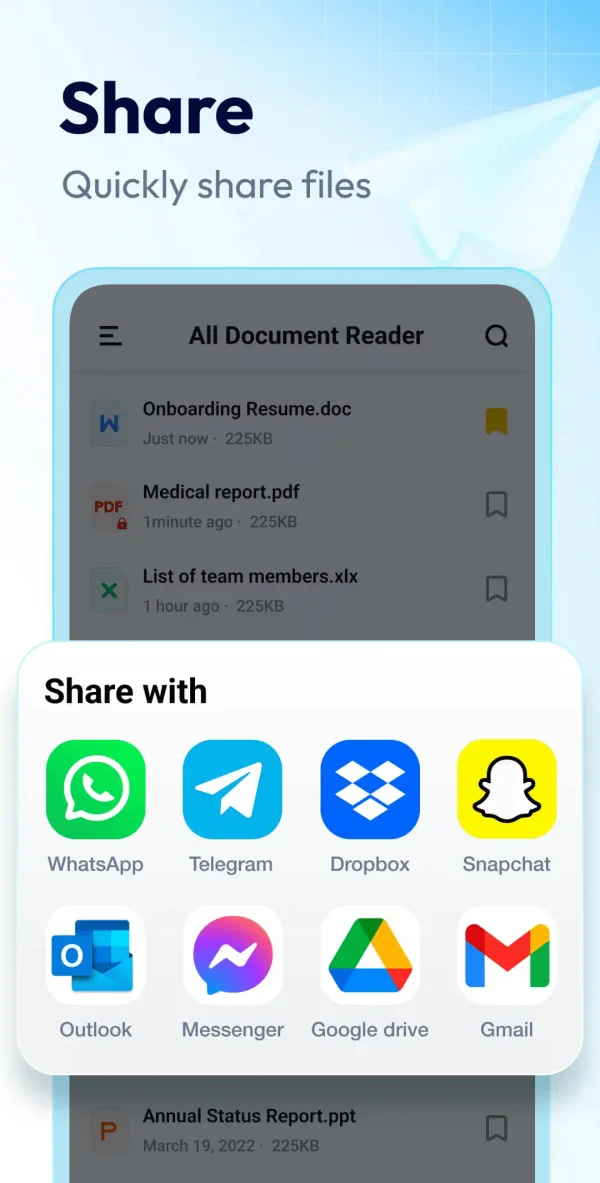
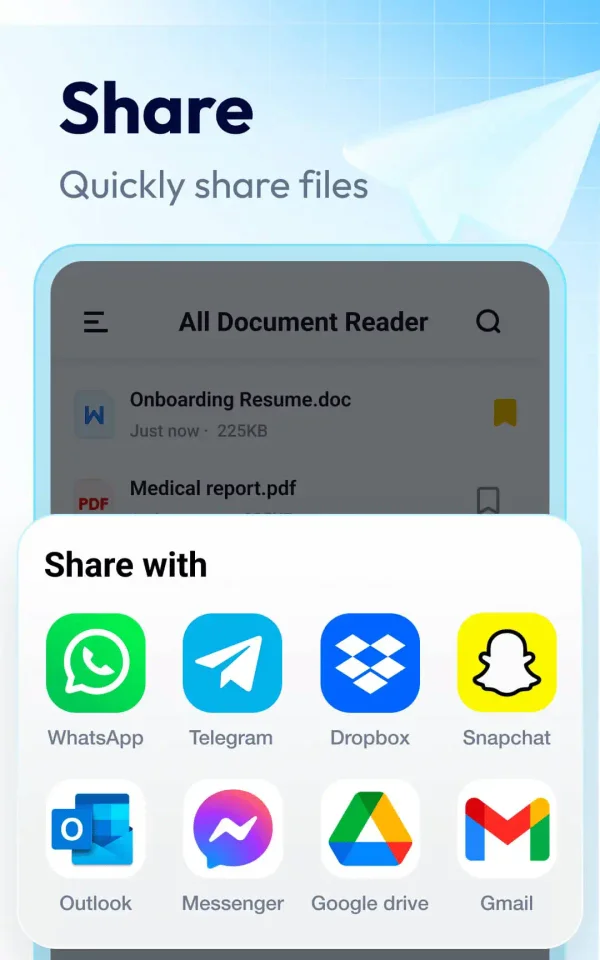
- Easily print and share PDFs
- Search text within files
✍️ PDF Editor
- Edit text directly in your PDFs — change content, size, font, and color
- Customize text with bold, italic, underline, strikethrough, and alignment
- Add text & insert images to your PDFs
- Annotate with highlights, doodles, underlines, and strikethroughs
- Add signature directly to any PDF
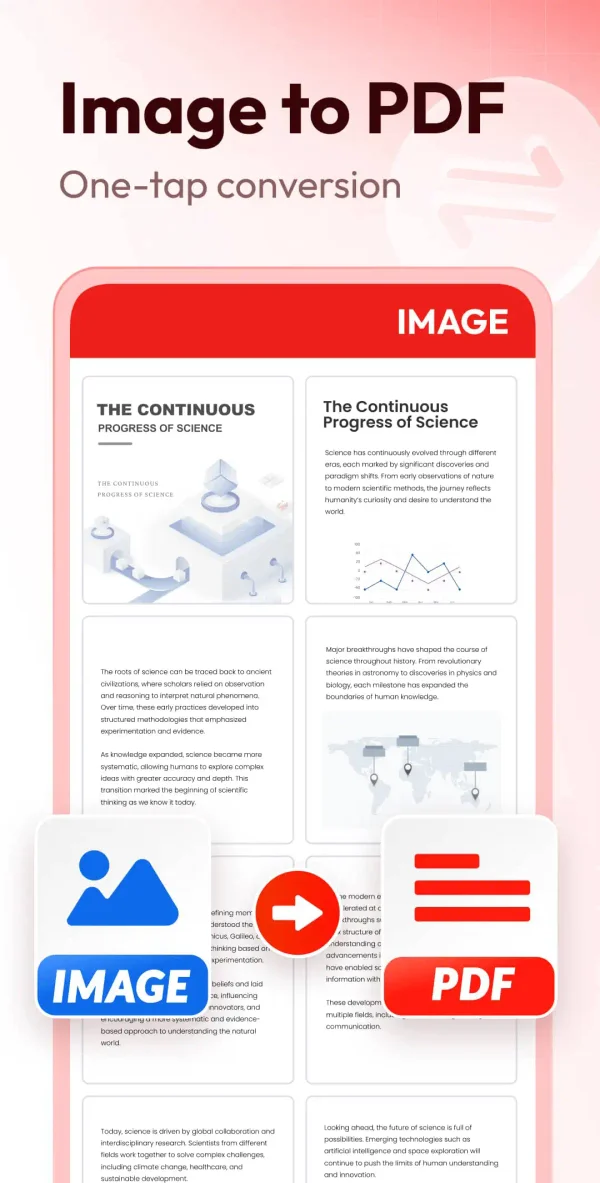
🔄 PDF Converter
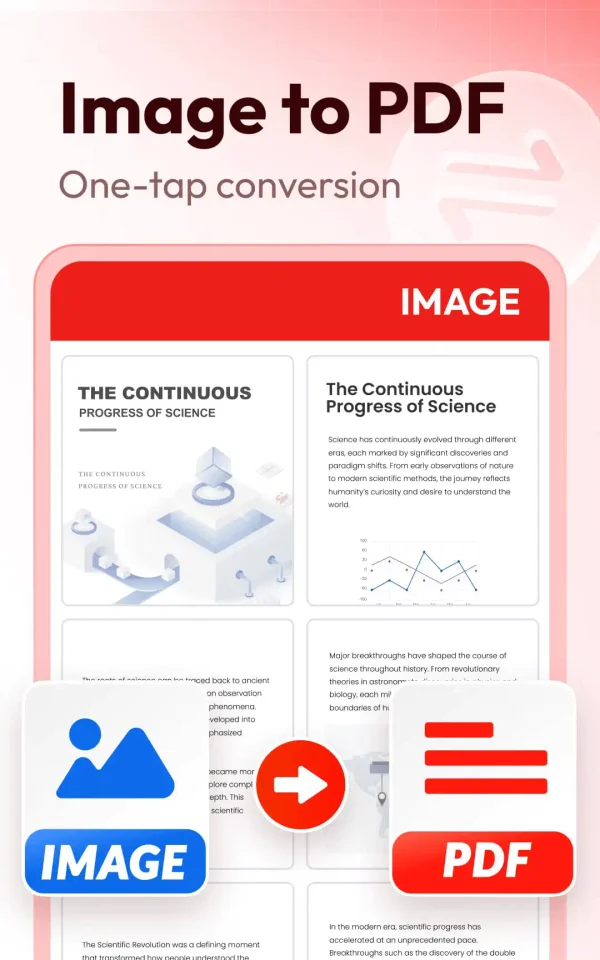
- Image/Scan to PDF: convert images or scans into PDFs
- Word to PDF: convert DOC/DOCX files to PDF for instant sharing
- PDF to Word: convert PDFs into editable Word documents
- PPT to PDF: keep slide layouts intact when converting presentations
🧩 Document Templates
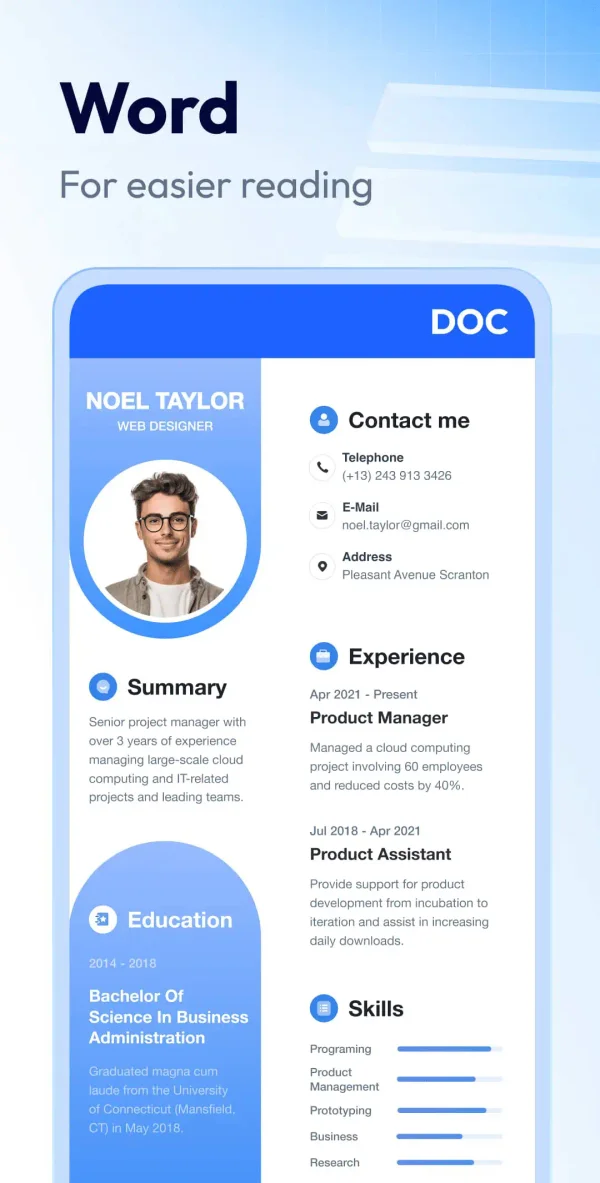
- Resume templates: professional CVs in minutes
- Letter & fax templates: ready-made formats for any correspondence
- Simple templates: clean designs for everyday needs
- Poster templates: eye-catching designs for events and announcements
- Freely edit text and fonts, or replace images with your own photos
📘 Word Reader
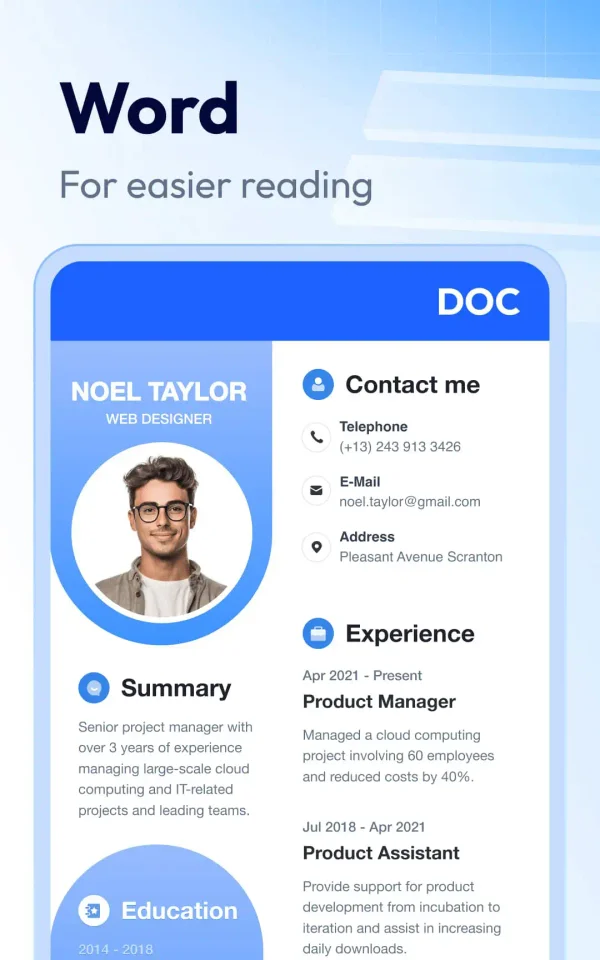
- Handy document viewer for all DOC, DOCX, and DOCS files
- Quickly locate any file with the built-in search
- Sort all documents by file path, size, name, last edit date, etc.
- Simple and elegant interface
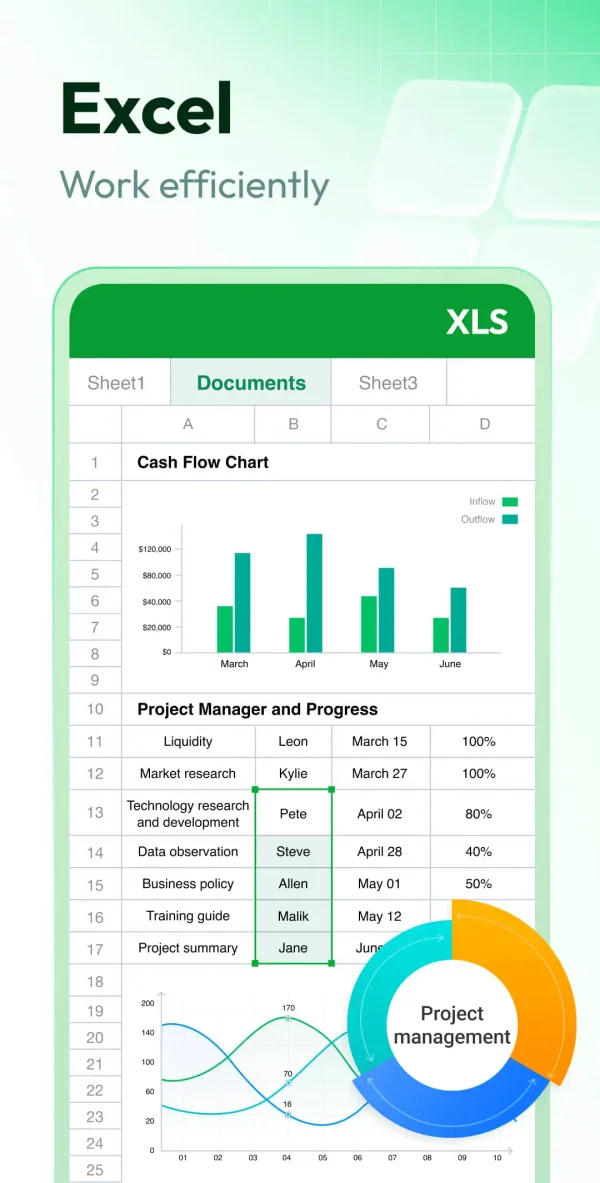
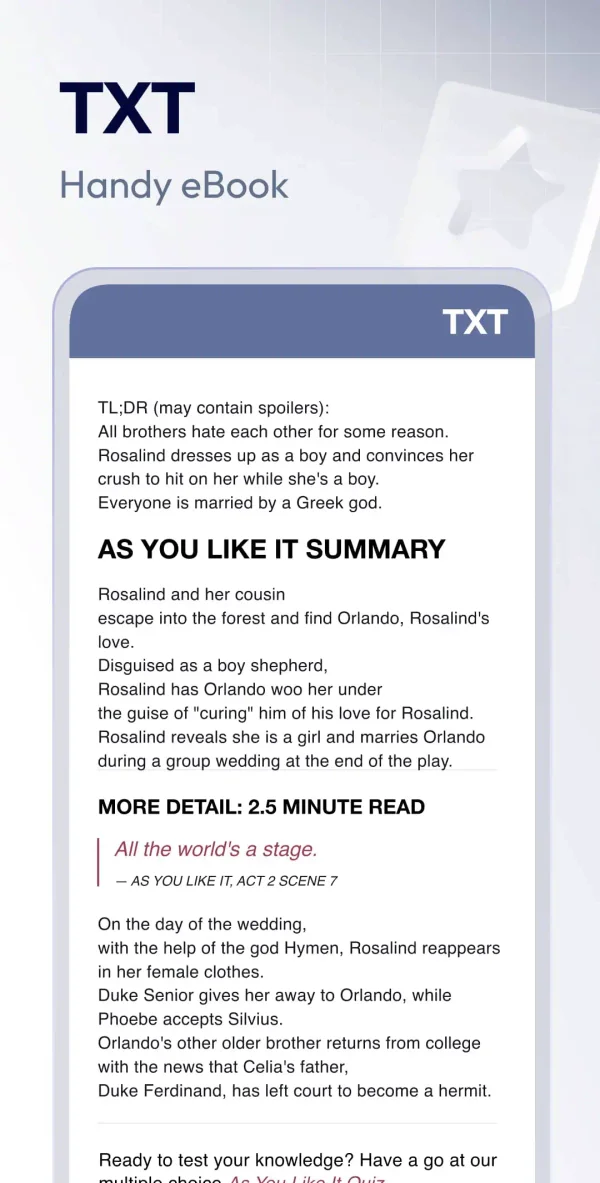
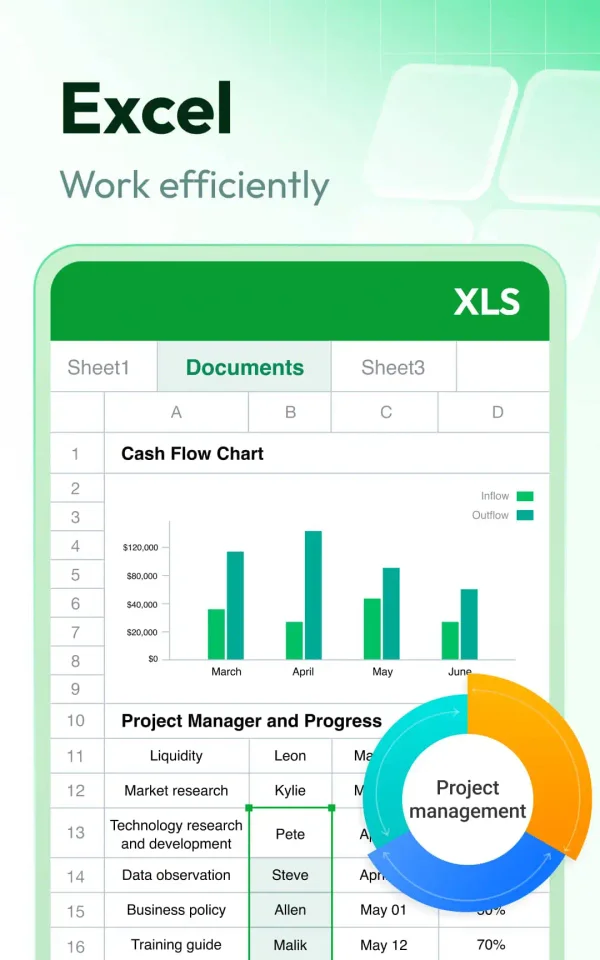
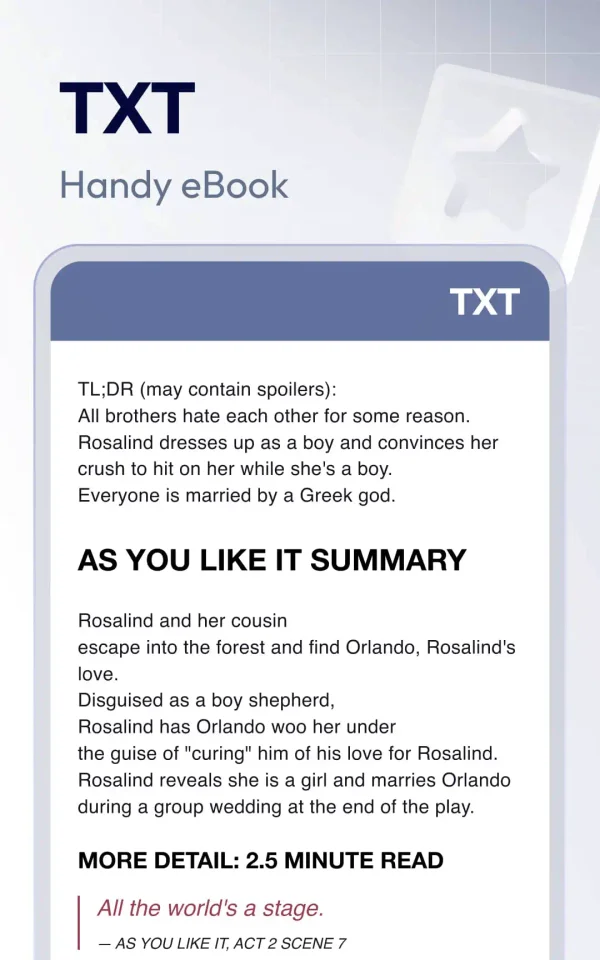
📈 Excel/Text Viewer
- Quickly open XLS, XLSX, TXT files and find the data you need
- A simple and straightforward way to read spreadsheets on your device
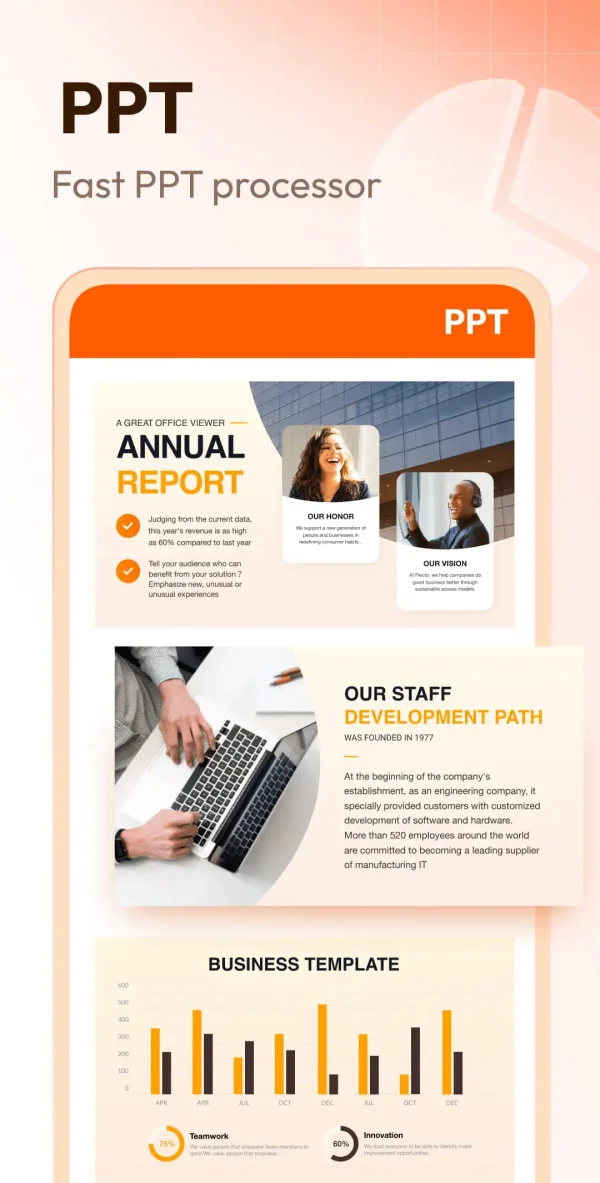
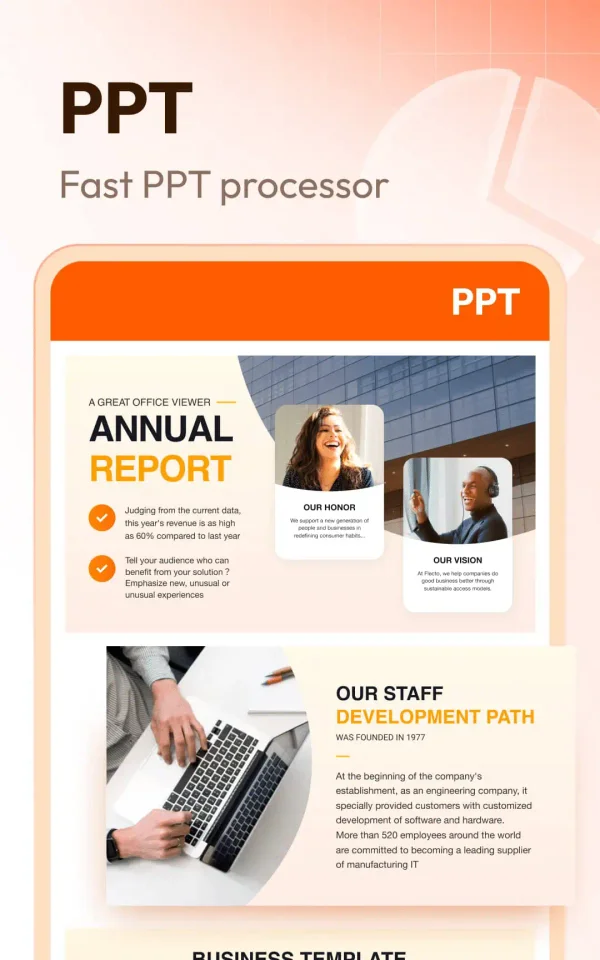
🔍 PPT Viewer
- Viewing PPT, PPTX, PPS, PPSX files has never been easier
- Fast and stable performance, HD quality
➡️ More features on the way
✔️ AI summary
✔️ Text translation
✔️ OCR for PDFs
✔️ Edit Excel
✔️ Fill PDF forms
✔️ Shared folders
✔️ More formats supported: RAR, ZIP, MOBI, HTML, etc.
…
Try Document Reader now and you can read, edit, sign, convert and manage documents in all formats on the go!
Permission Needed:
1. To read and edit files on your device, users with Android 11+ need to grant the MANAGE_EXTERNAL_STORAGE permission.
2. To convert images into PDFs or replace images in templates, users with Android 13+ need to grant the READ_MEDIA_IMAGES permission for image access.
These permissions are used only for the stated purposes and never for any other use.
Thank you for choosing Document Reader. 💗 We welcome all feedback and suggestions. If you have any questions, don't hesitate to contact us at allreaderappfeedback@gmail.com.
データ セーフティ
このアプリが収集・共有するデータについて、QR Code Scanner.がGoogle Playで申告している内容です。
- 第三者と共有されるデータはありません詳しくは、デベロッパーが共有を申告する方法についての説明をご覧ください
- このアプリは以下の種類のデータを収集することがありますアプリのアクティビティ、アプリの情報、パフォーマンス、デバイスまたはその他の ID
- データは送信中に暗号化されます
- データを削除するようリクエストできます
開発元の連絡先
- ウェブサイトalldocreader.deepthought.industries
- メールsupport@deepthought.industries
- プライバシーポリシーalldocreader.deepthought.industries
- 住所7 ONE-NORTH GATEWAY #01-03 ONE-NORTH RESIDENCES Singapore 138642
情報
- 提供元
- QR Code Scanner.
- カテゴリ
- 仕事効率化
- バージョン
- 1.3.5.83
- 更新日
- 2026/9/29
- リリース
- 2022/7/29
- 必要条件
- Android 6.0以降
- 対象年齢
- 3 歳以上
- 価格
- 無料
- アプリ内課金
- ¥708~¥6,400/アイテム
- パッケージ名
- all.documentreader.filereader.office.viewer
類似のアプリ
-
 WPS Office Lite
仕事効率化
-
 DOCX Editor: PDF, DOC, XLSX
仕事効率化
-
 Google ドキュメント
仕事効率化
-
 MobiDrive: クラウドストレージ & 同期
仕事効率化
-
 Microsoft Word: Edit Documents
仕事効率化
-
 ファイルマネージャー - クリーナー
ツール
-
 スキャナーアプリ PDF - カメラスキャナー
ツール
-
 WPS Office-PDF, Word, Sheet
仕事効率化
-
 MobiOffice: Word, Sheets, PDF
仕事効率化
-
 ACE Scanner - PDF Scanner App
仕事効率化
-
 メモ帳 - 簡単なメモ
仕事効率化
-
 Google ドライブ
仕事効率化