Goodnotes: AI Notes, docs, PDF
GoodnotesMua hàng trong ứng dụng
- 3 tuổi trở lênĐộ tuổi
- Năng suấtDanh mục
- 20/11/2026Cập nhật
- Miễn phíGiá
Dẫn đến trang Google Play chính thức của com.goodnotes.android.app. Kiểm tra lần cuối: 21/11/2026.

Ảnh chụp màn hình
Thông tin về ứng dụng này
Nhà phát triển chưa cung cấp nội dung này bằng ngôn ngữ của bạn.
Smart note taking and whiteboard app. Organize work and manage documents.
Goodnotes – Take Notes, Organize Docs, and Boost Productivity.
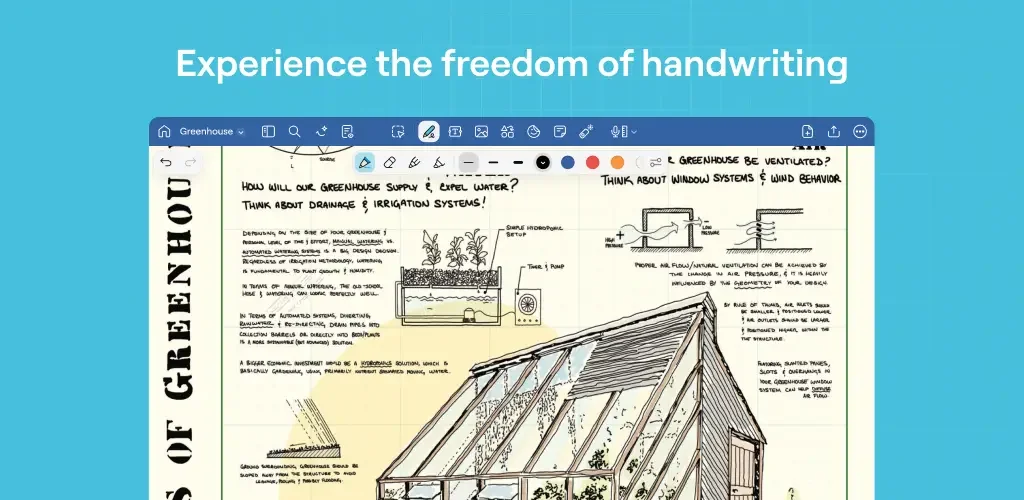
Goodnotes is a powerful note taking app designed to help you capture ideas, organize your notes, and manage your docs and documents across Android, Windows, Chromebooks. Whether you’re in class, at work, or planning your day, Goodnotes gives you all the tools you need to create, edit, and organize your notes and docs in one place for seamless note taking and document management.
🏆 Awarded Google Play Best of 2025 — Best App for Large Screens.
Now with Goodnotes AI: Type, think, and ship faster.
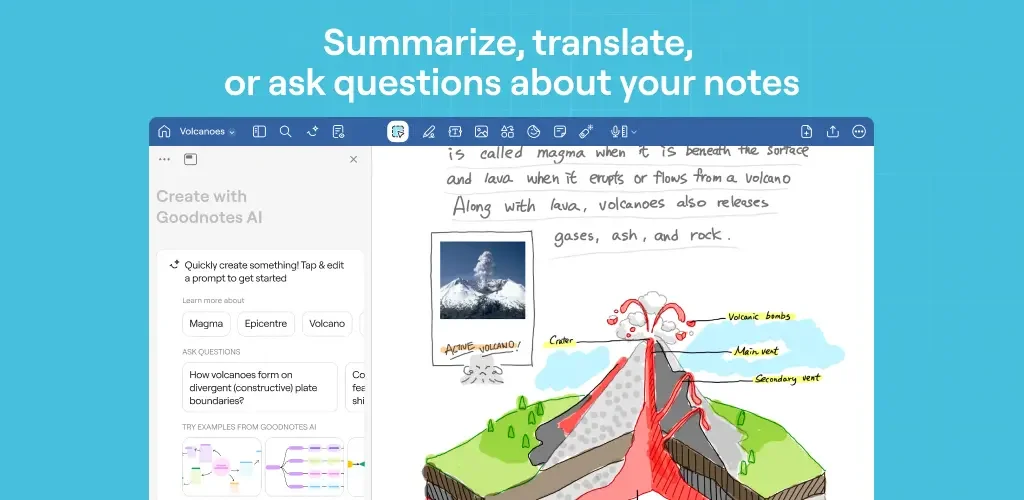
▪ Summarize, rewrite, and edit your notes with tone suggestions and smart corrections
▪ Create first drafts in seconds instead of starting from scratch
▪ Ask questions about your notes and get instant insights
Organize Notes, Docs, and PDFs Your Way
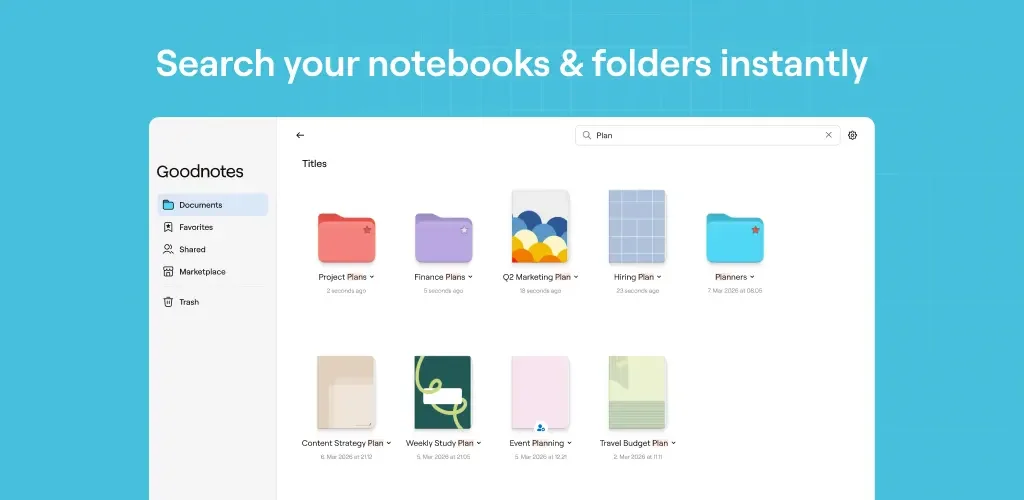
▪ Create unlimited folders to manage all your notes, docs, and PDFs
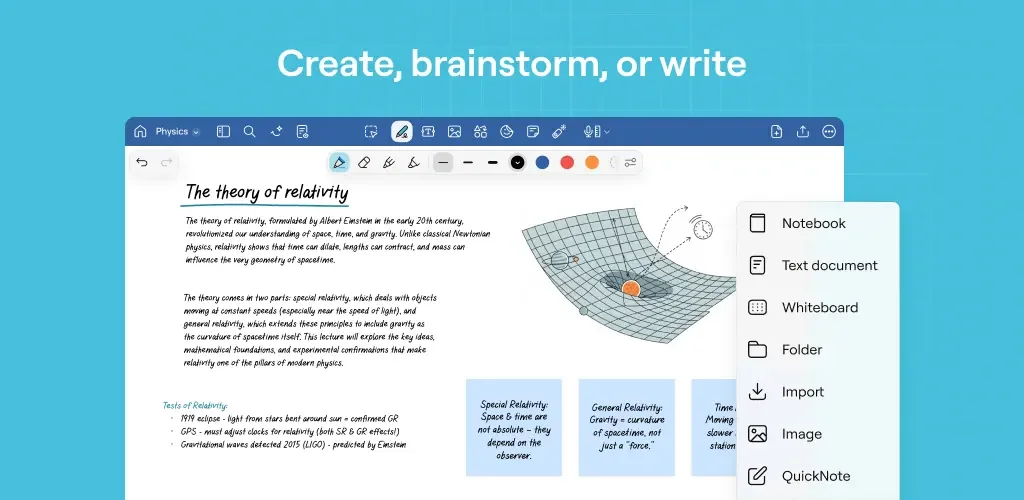
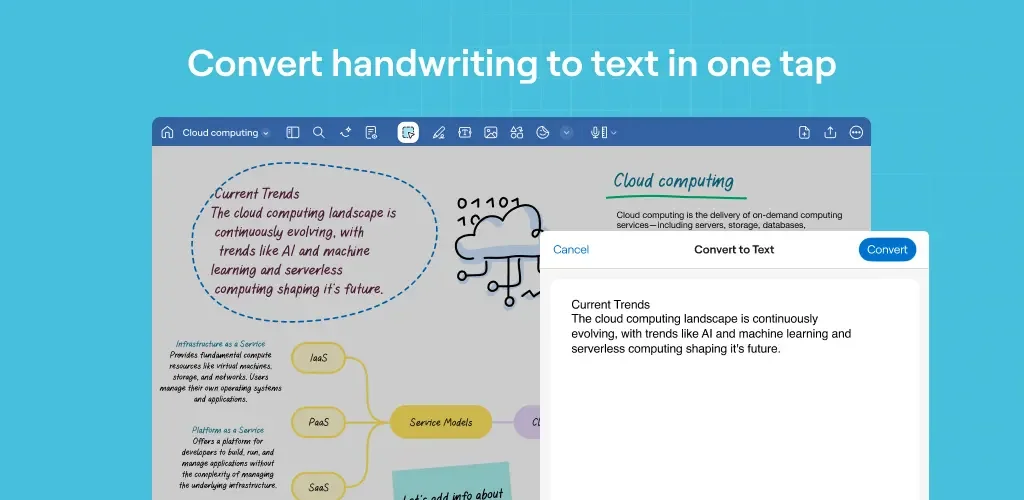
▪ Choose Notebooks for daily planning and PDFs, Whiteboard for brainstorming and mind mapping, and Text Documents for fast typing and polished docs
▪ Search typed and handwritten notes to find key moments fast
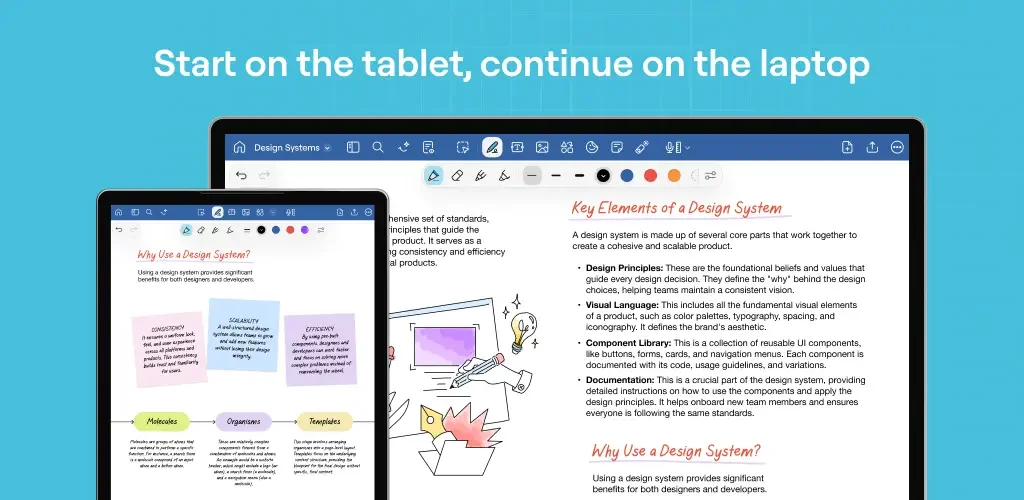
▪ Access your notes seamlessly across Android, Chromebooks, Windows and Web
For Students:
▪ Capture and organize learning with easy note taking
▪ Share links to notebooks, docs, PDFs, and whiteboards for collaborative note taking
▪ Work together with classmates in real time
▪ Keep your lectures organized with folders and favorites
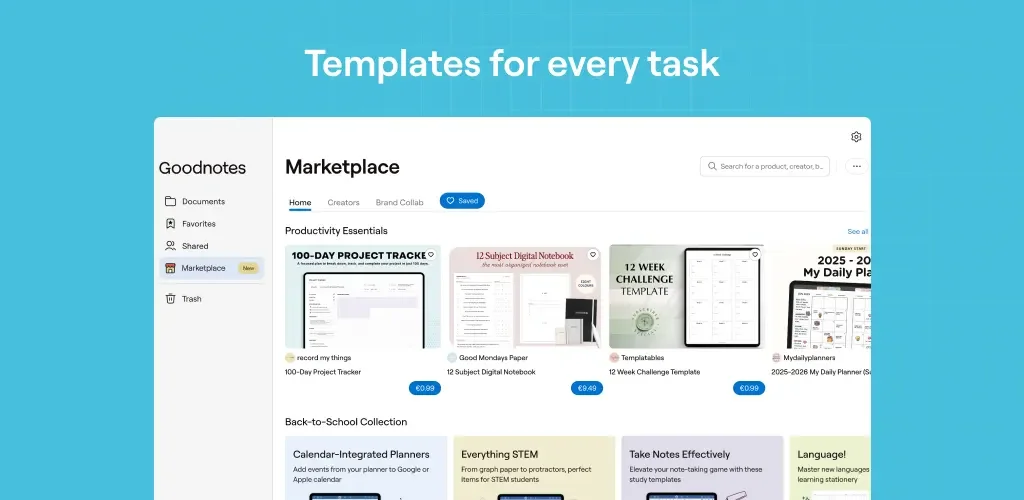
▪ Personalize your notes with planners, covers, stickers, paper templates, and layouts
▪ Download templates for journaling, planning, and creative note taking
▪ Use the lasso tool, layering, shapes, and sticky notes to design unique notes and whiteboard content
For Professionals:
▪ Work smarter with your notes, docs, and PDFs
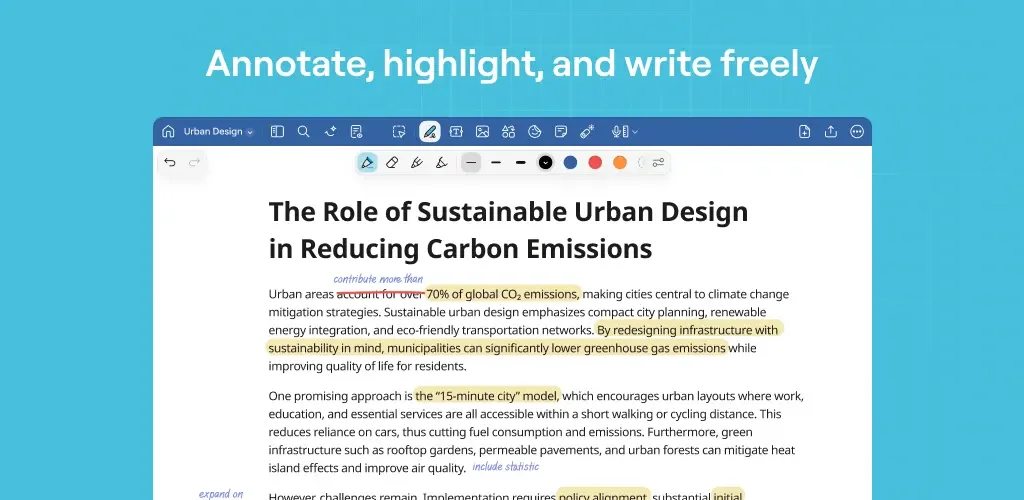
▪ Import PDFs to fill, sign, annotate and markup
▪ Export notes as PDFs to share, print, or email
▪ Present directly from your device using the built-in laser pointer
▪ Brainstorm and collaborate in real time—see your collaborators and their updates instantly
▪ Use note taking and whiteboard features to enhance productivity and creativity
Enjoy uninterrupted note taking and real-time collaboration anytime, anywhere.
Goodnotes is trusted by millions for intuitive note taking, smart document organization, and creative productivity. Download now and start organizing your notes, docs, PDFs, and whiteboards like never before.
Some highlighted features, such as collaboration, sharing and unlimited notebooks, require an active Goodnotes subscription to use.
All new users are eligible for a 7-day free trial to explore the full range of Goodnotes features.
On older or entry‑level devices, like tablets 4 GB RAM or less or basic Chromebooks, performance and functionality may be limited.
Privacy Policy: [https://www.goodnotes.com/privacy-policy](https://www.goodnotes.com/privacy-policy)
Terms and Conditions: [https://www.goodnotes.com/terms-and-conditions](https://www.goodnotes.com/terms-and-conditions)
Website: [www.goodnotes.com](http://www.goodnotes.com/)
Twitter: @goodnotesapp
Instagram: @goodnotes.app
TikTok: @goodnotes
An toàn dữ liệu
Những gì Goodnotes khai báo trên Google Play về dữ liệu mà ứng dụng này thu thập và chia sẻ.
- Ứng dụng này có thể chia sẻ những loại dữ liệu sau đây với bên thứ baThông tin cá nhân, Hoạt động trong ứng dụng và 2 loại dữ liệu khác
- Ứng dụng này có thể thu thập những loại dữ liệu sau đâyỨng dụng đã cài đặt
- Dữ liệu được mã hóa trong khi chuyển
- Bạn có thể yêu cầu xóa dữ liệu
- Đã cam kết tuân thủ Chính sách về gia đình của Play
Có gì mới
20/11/2026
Organizations can now receive notifications about membership and billing events.
Liên hệ nhà phát triển
- Trang webgoodnotes.com
- E-mailsupport@goodnotesapp.com
- Chính sách quyền riêng tưgoodnotes.com
- Địa chỉ10th Floor 5 Churchill Place LONDON E14 5HU United Kingdom
Thông tin
- Cung cấp bởi
- Goodnotes
- Danh mục
- Năng suất
- Cập nhật
- 20/11/2026
- Phát hành
- 03/08/2023
- Yêu cầu
- Android 9 trở lên
- Độ tuổi
- 3 tuổi trở lên
- Giá
- Miễn phí
- Mua hàng trong ứng dụng
- 9.000 ₫ - 2.499.000 ₫ mỗi mặt hàng
- Tên gói
- com.goodnotes.android.app
Ứng dụng tương tự
-
 Sổ ghi chú, Ghi chú, Sổ tay
Năng suất
-
 Notepad - simple notes
Năng suất
-
 Evernote - Quản lý ghi chú
Năng suất
-
 Ghi Chú, Sổ Tay, Note
Năng suất
-
 Jnotes: Note-Taking, AI, PDF
Năng suất
-
 Samsung Notes
Năng suất
-
 BasicNote Ghi chú đơn giản
Năng suất
-
 Notepad - Notes、Todo、Memo
Năng suất
-
 Kilonotes – Ghi chú và Đọc PDF
Năng suất
-
 Noteshelf 3: AI Notes & PDF
Năng suất
-
 Ghi chú: Sổ tay và danh sách
Năng suất
-
 Noteshelf - Notes, Annotations
Năng suất