NOVA Video Player
Courville Software- 3 tuổi trở lênĐộ tuổi
- Xem và sửa videoDanh mục
- 24/09/2026Cập nhật
- Miễn phíGiá
Dẫn đến trang Google Play chính thức của org.courville.nova. Kiểm tra lần cuối: 20/11/2026.
Ảnh chụp màn hình
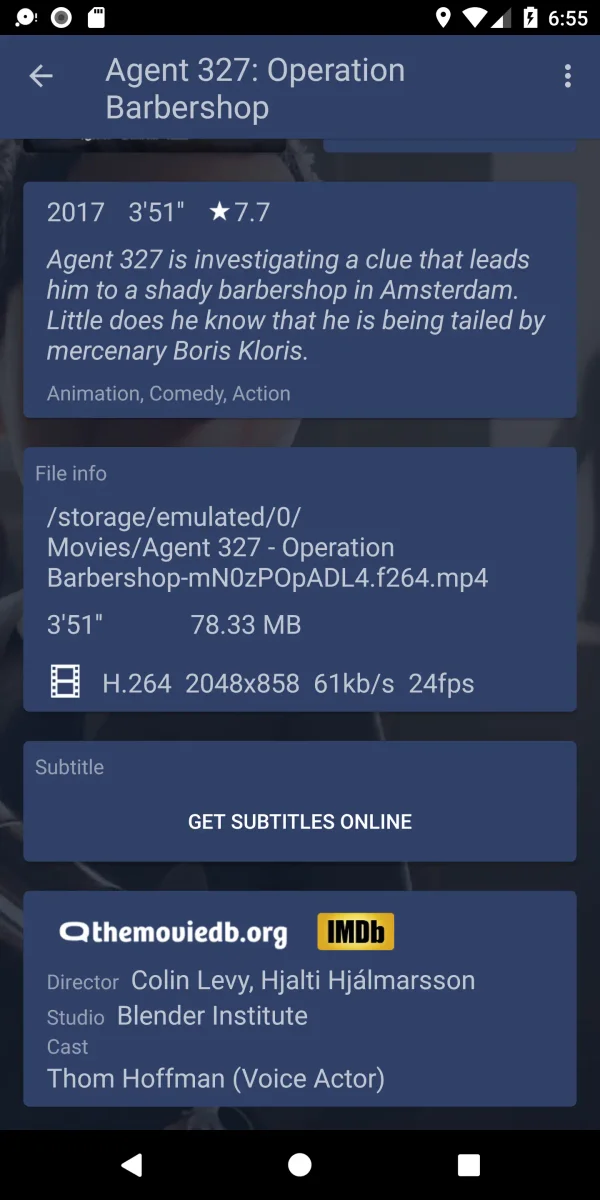
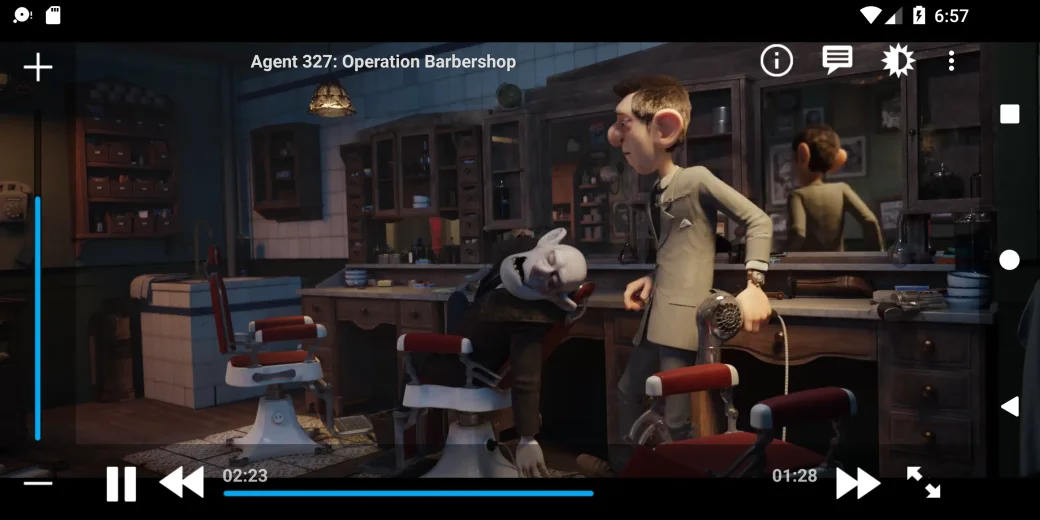
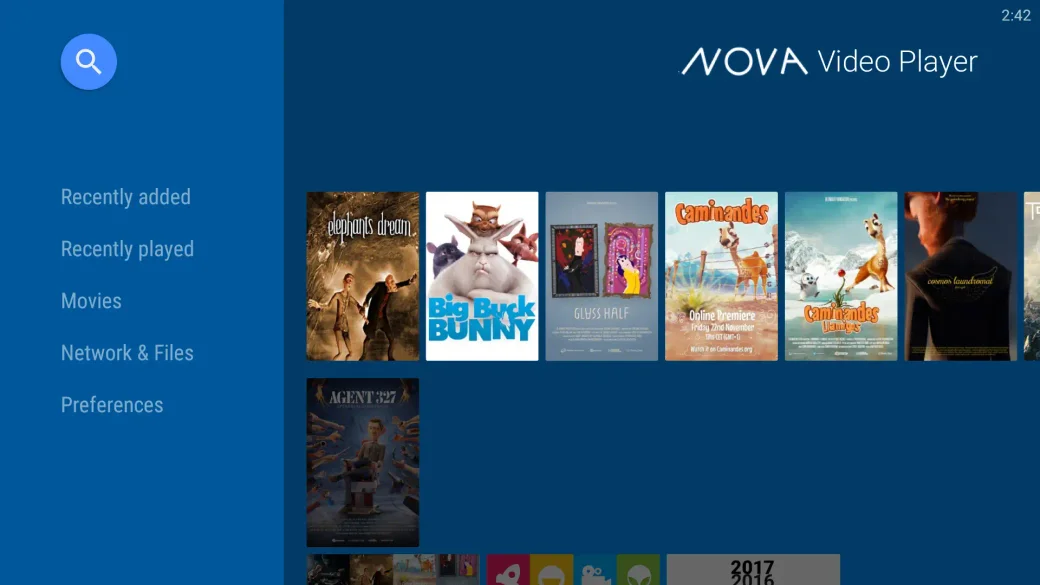
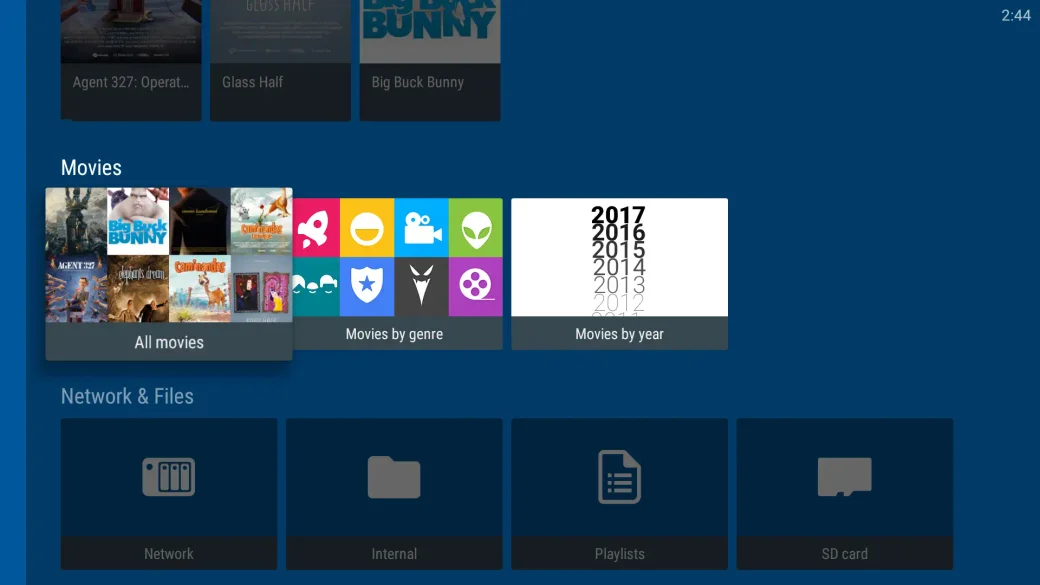
Thông tin về ứng dụng này
Bản dịch tự động của Google. Ngôn ngữ gốc: Tiếng Anh (Hoa Kỳ).
máy nghe nhạc video cho nội dung local / mạng với sự hỗ trợ tải phụ đề / siêu dữ liệu
Nova là Trình phát video nguồn mở được thiết kế cho máy tính bảng, điện thoại và thiết bị AndroidTV. Có sẵn tại https://github.com/nova-video-player/aos-AVP
Trình phát đa năng:
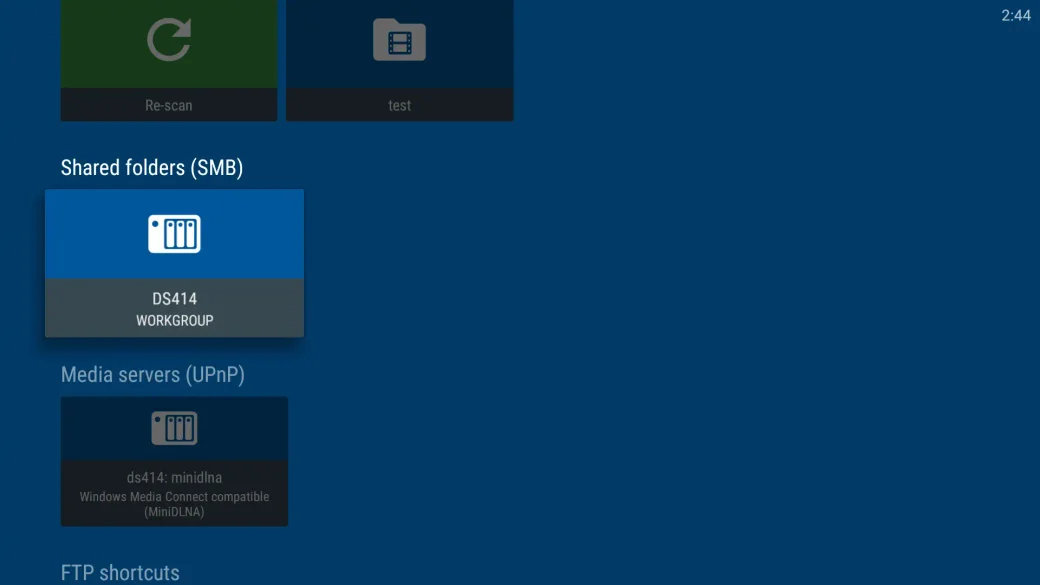
- Phát video từ máy tính, máy chủ (FTP, SFTP, WebDAV), NAS (SMB, UPnP)
- Phát video từ bộ lưu trữ USB bên ngoài
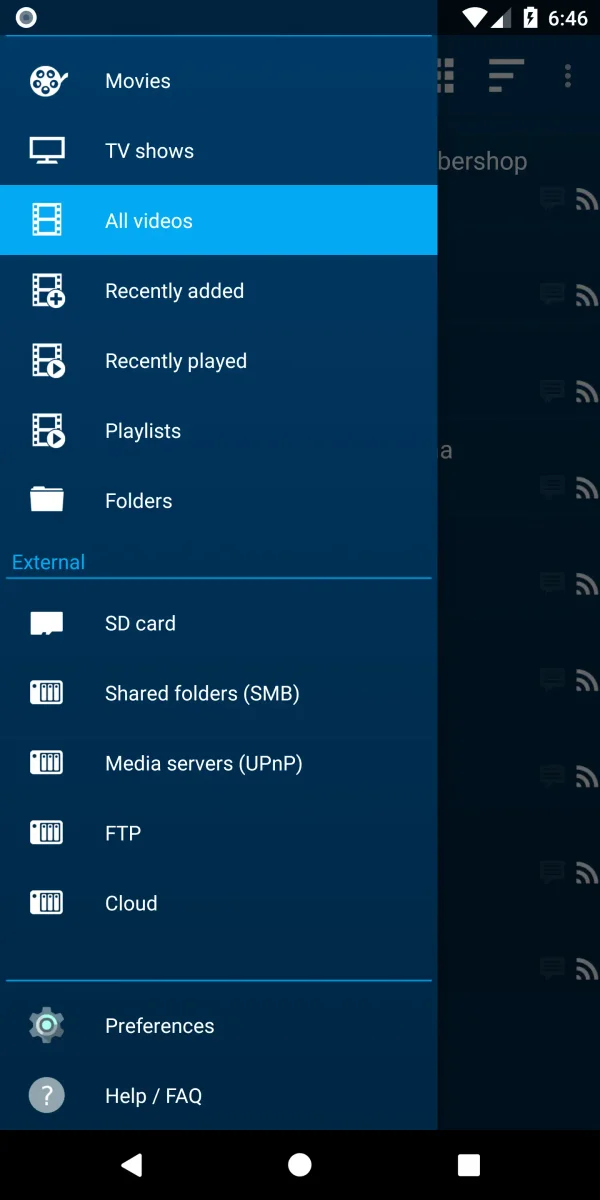
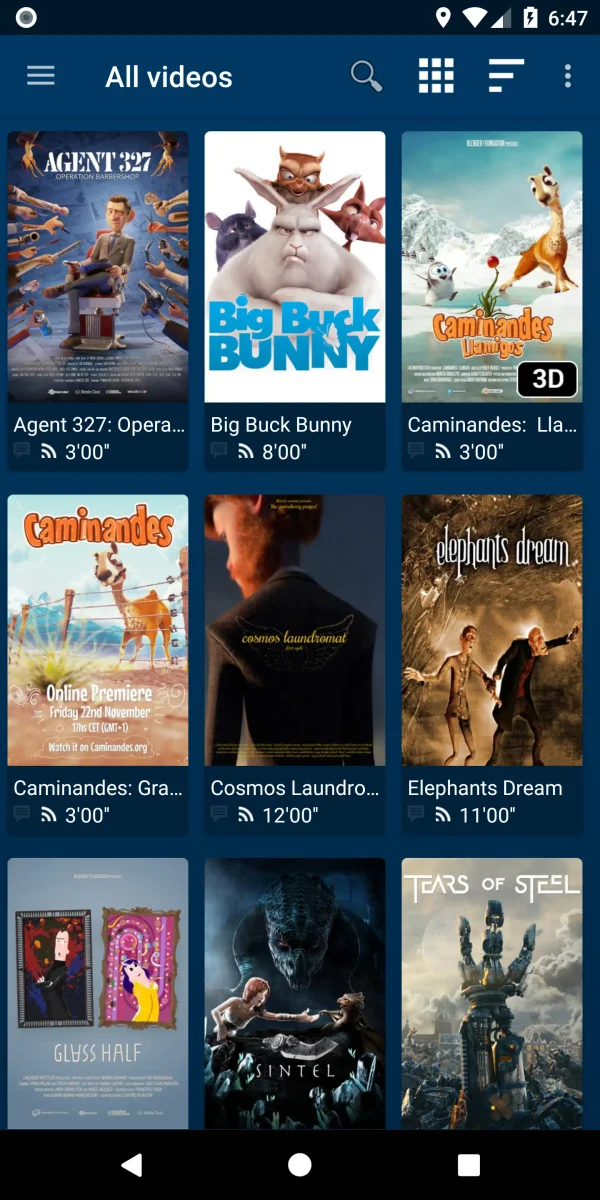
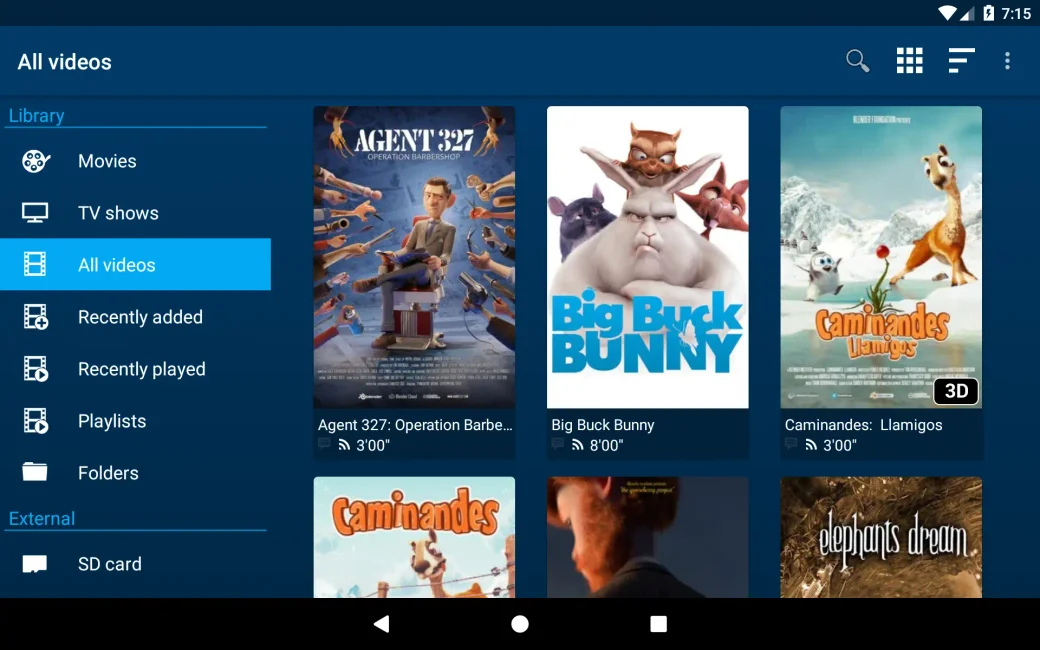
- Video từ tất cả các nguồn được tích hợp trong bộ sưu tập đa phương tiện thống nhất
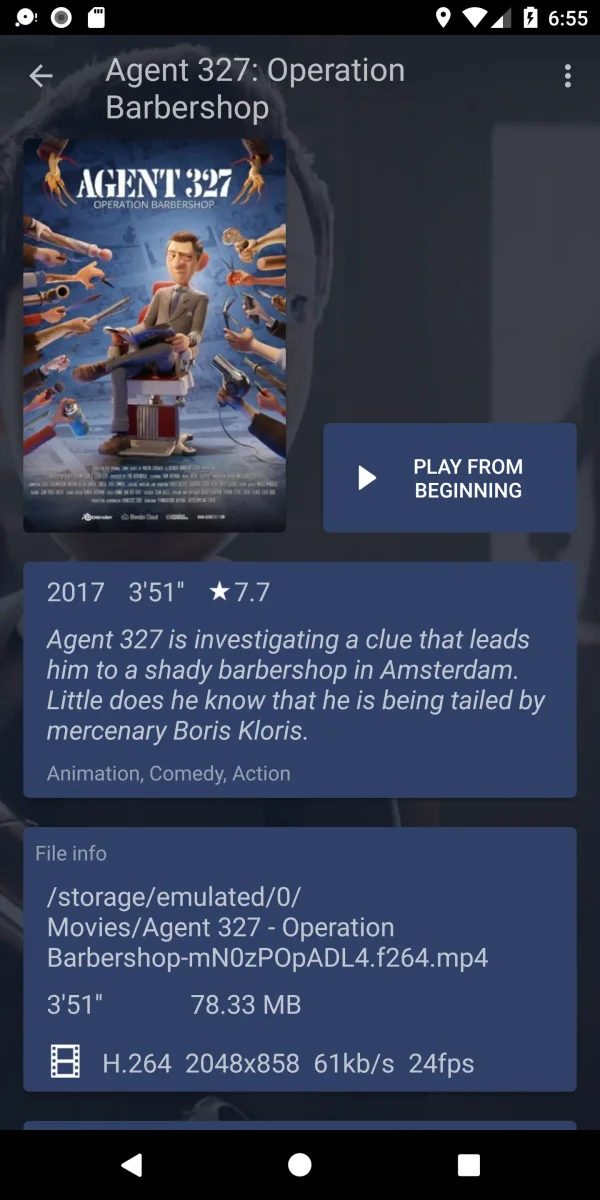
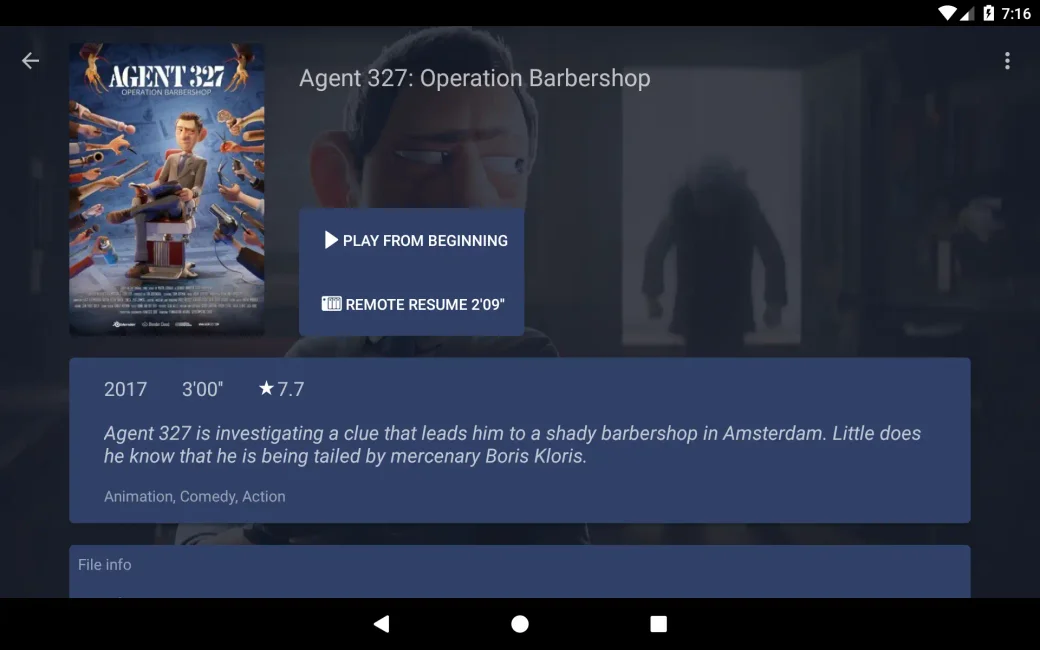
- Tự động truy xuất trực tuyến các mô tả phim và chương trình truyền hình kèm theo áp phích và phông nền
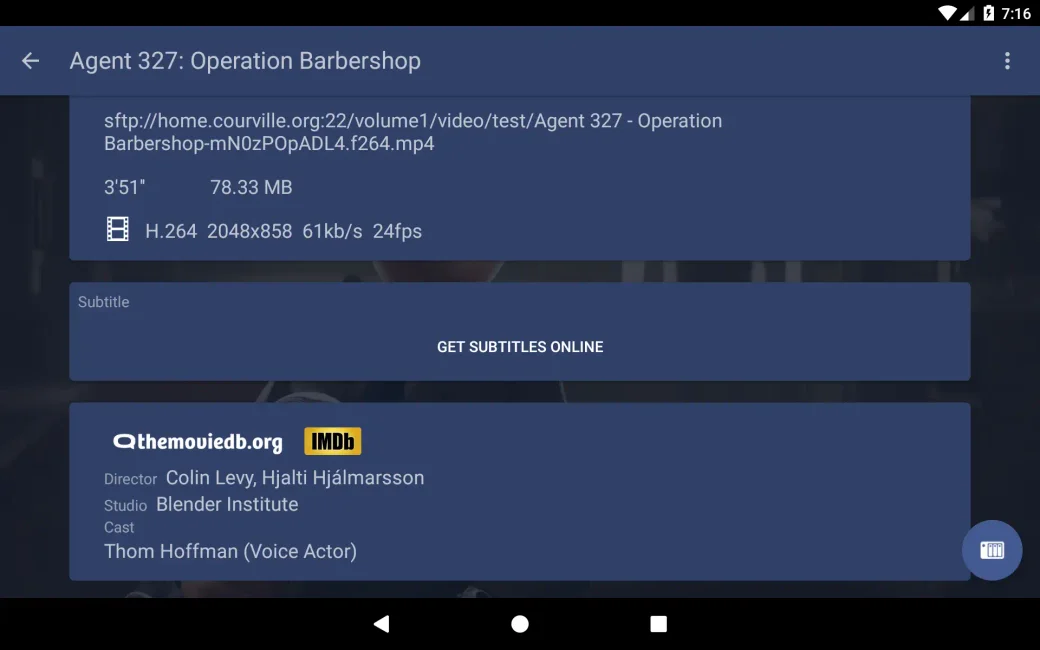
- Tích hợp tải phụ đề
Cầu thủ xuất sắc nhất:
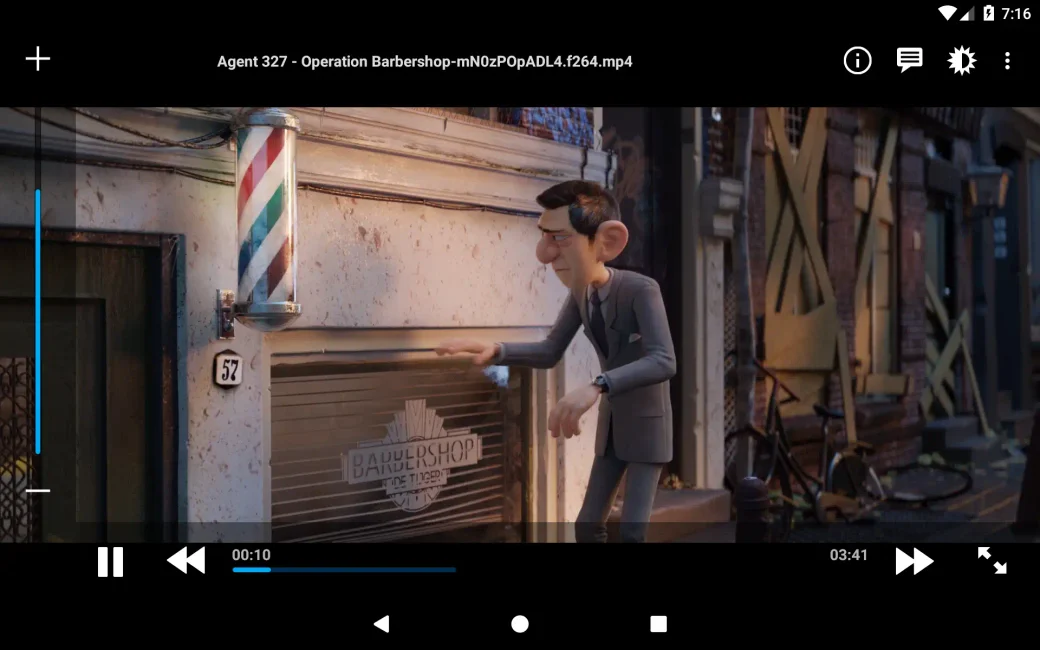
- Giải mã video tăng tốc phần cứng cho hầu hết các thiết bị và định dạng video
- Hỗ trợ nhiều bản nhạc và phụ đề đa dạng
- Các định dạng tệp được hỗ trợ: MKV, MP4, AVI, WMV, FLV, v.v.
- Các loại tệp phụ đề được hỗ trợ: SRT, SUB, ASS, SMI, v.v.
Thân thiện với truyền hình:
- Giao diện người dùng “nghiêng” dành riêng cho Android TV
- Truyền qua AC3/DTS (HDMI hoặc S/PDIF) trên phần cứng được hỗ trợ
- Hỗ trợ 3D với khả năng phát lại các định dạng song song và từ trên xuống cho TV 3D
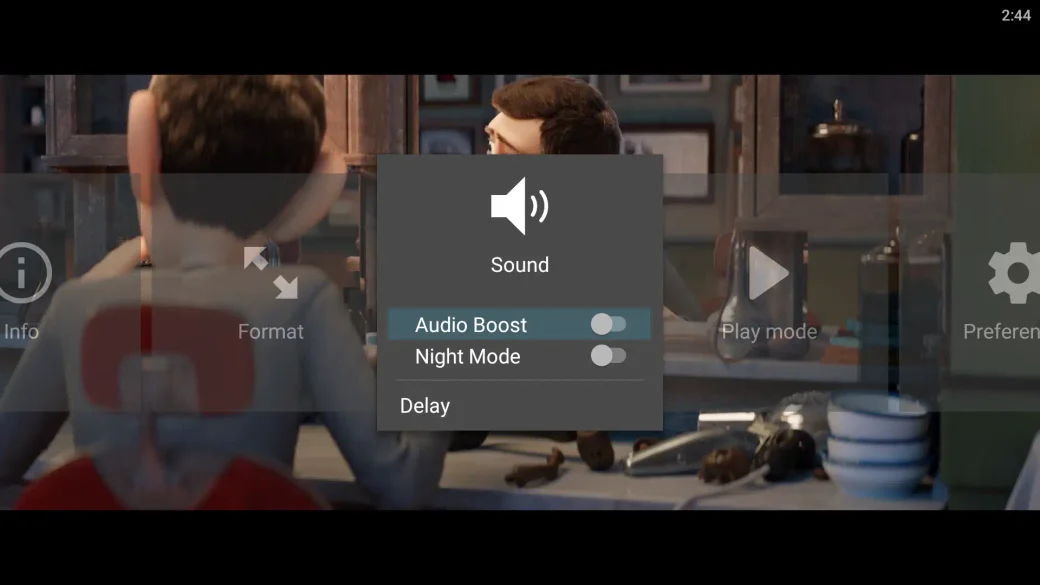
- Chế độ Audio Boost để tăng mức âm lượng
- Chế độ ban đêm để tự động điều chỉnh mức âm lượng
Duyệt theo cách bạn muốn:
- Truy cập tức thì vào các video được thêm và phát gần đây
- Duyệt phim theo tên, thể loại, năm, thời lượng, xếp hạng
- Duyệt chương trình truyền hình theo mùa
- Hỗ trợ duyệt thư mục
Và thậm chí nhiều hơn nữa:
- Sơ yếu lý lịch video mạng đa thiết bị
- Xử lý siêu dữ liệu NFO cho mô tả và áp phích
- Quét lại nội dung mạng của bạn theo lịch trình (chỉ Leanback UI)
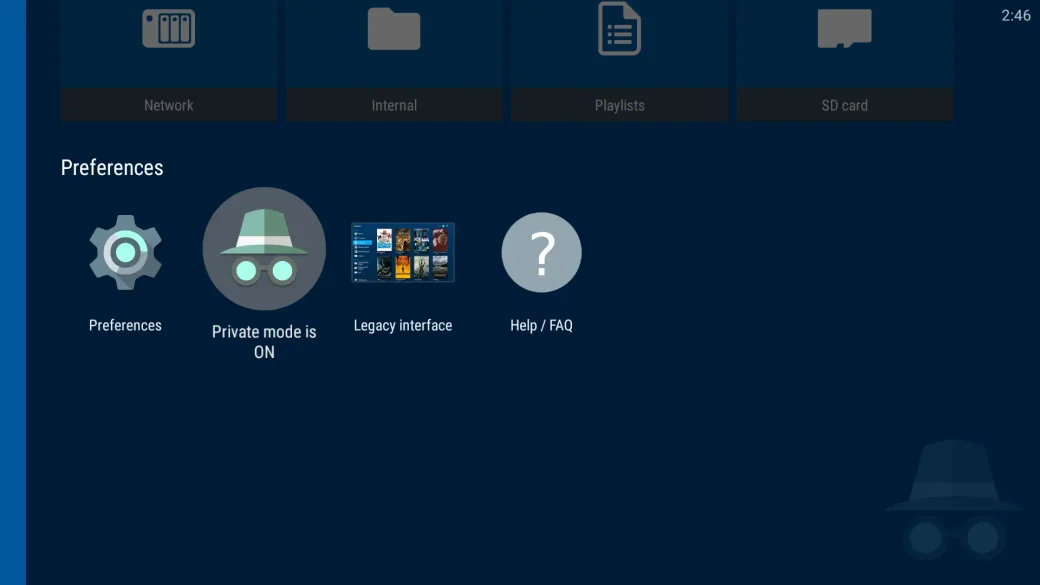
- Chế độ riêng tư: tạm thời tắt tính năng ghi lịch sử phát lại
- Điều chỉnh đồng bộ hóa phụ đề theo cách thủ công
- Điều chỉnh đồng bộ hóa âm thanh/video theo cách thủ công
- Theo dõi bộ sưu tập của bạn và những gì bạn đã xem qua Trakt
Xin lưu ý rằng để ứng dụng hiển thị và phát nội dung, bạn cần có các tệp video cục bộ trên thiết bị của mình hoặc thêm một số tệp bằng cách lập chỉ mục chia sẻ mạng.
Trong trường hợp bạn gặp sự cố hoặc có yêu cầu về ứng dụng này, vui lòng kiểm tra cộng đồng hỗ trợ Reddit của chúng tôi tại địa chỉ sau: https://www.reddit.com/r/NovaVideoPlayer
Nếu bạn gặp bất kỳ sự cố nào với việc giải mã phần cứng video, bạn có thể buộc giải mã phần mềm trong tùy chọn ứng dụng.
Bạn có thể đóng góp vào việc dịch ứng dụng tại https://crowdin.com/project/nova-video-player
NOVA là viết tắt của Trình phát video nguồn mở.
Hiện văn bản gốc
Nova is an opeN sOurce Video plAyer designed for tablets, phones and AndroidTV devices.available at https://github.com/nova-video-player/aos-AVP
Universal player:
- Play videos from your computer, server (FTP, SFTP, WebDAV), NAS (SMB, UPnP)
- Play videos from external USB storage
- Videos from all sources integrated in a unified multimedia collection
- Automatic online retrieval of movie and TV show descriptions with posters and backdrops
- Integrated subtitle download
Best player:
- Hardware accelerated video decoding for most devices and video formats
- Multi-audio tracks and mutli-subtitles support
- Supported file formats: MKV, MP4, AVI, WMV, FLV, etc.
- Supported subtitle file types: SRT, SUB, ASS, SMI, etc.
TV friendly:
- Dedicated “leanback” user interface for Android TV
- AC3/DTS passthrough (HDMI or S/PDIF) on supported hardware
- 3D support with side-by-side and top-bottom formats playback for 3D TVs
- Audio Boost mode to increase the volume level
- Night Mode to dynamically adjust the volume level
Browse the way you want:
- Instant access to recently added and recently played videos
- Browse movies by name, genre, year, duration, rating
- Browse TV shows by seasons
- Folder browsing supported
And even more:
- Multi-device network video resume
- NFO metadata processing for descriptions and posters
- Scheduled rescan of your network content (Leanback UI only)
- Private mode: temporarily disable playback history recording
- Manually adjust subtitles synchronization
- Manually adjust audio/video synchronization
- Track what your collection and what you have watched via Trakt
Please note that for the application to display and play content, you need to have local video files on your device or add some by indexing network shares.
In case you have an issue or a request about this app, please check our Reddit support community at this address: https://www.reddit.com/r/NovaVideoPlayer
If you experience any issue with video hardware decoding you can force software decoding in the application preferences.
You are welcome to contribute to the translation of the application at https://crowdin.com/project/nova-video-player
NOVA stands for opeN sOurce Video plAyer.
An toàn dữ liệu
Những gì Courville Software khai báo trên Google Play về dữ liệu mà ứng dụng này thu thập và chia sẻ.
- Không chia sẻ dữ liệu với bên thứ baTìm hiểu thêm về cách nhà phát triển khai báo thông tin về hoạt động chia sẻ dữ liệu
- Không thu thập dữ liệu nàoTìm hiểu thêm về cách nhà phát triển khai báo thông tin về hoạt động thu thập dữ liệu
Có gì mới
Phiên bản 6.4.72-20260924.2228 · 24/09/2026
- ffmpeg 9.0.1 upstep
- fix jcifs-ng SMB preventing video playback
- Add provisional video end time on OSD
- Intro/outro auto-skip feature in player menu
- Fix locale issues with SMB credentials and host navigation
- Add option to ignoring leading articles in alphabetical title sorting
- Fix Trakt resume position conflict handling
- Restore SAMBA SMBv1 server compatibility by protocol level detection
- Smarter TV show and movie media scraping
- Many stability enhancement
Liên hệ nhà phát triển
- Trang webcourville.org
- E-mailsoftware@courville.org
- Chính sách quyền riêng tưhome.courville.org
- Địa chỉFrance
Thông tin
- Cung cấp bởi
- Courville Software
- Danh mục
- Xem và sửa video
- Phiên bản
- 6.4.72-20260924.2228
- Cập nhật
- 24/09/2026
- Phát hành
- 19/08/2018
- Yêu cầu
- Android 6.0 trở lên
- Độ tuổi
- 3 tuổi trở lên
- Giá
- Miễn phí
- Tên gói
- org.courville.nova
Ứng dụng tương tự
-
 Video Player- Tất cả định dạng
Xem và sửa video
-
 Kodi
Xem và sửa video
-
 MX Player
Xem và sửa video
-
 KMPlayer - Trình phát video
Xem và sửa video
-
 Trình phát video
Xem và sửa video
-
 Music Player - Audify Player
Nhạc và Âm thanh
-
 Prime Video
Giải trí
-
 PlayerPro Music Player
Nhạc và Âm thanh
-
 TiviMate IPTV Player
Xem và sửa video
-
 Pi Video Player - Media Player
Xem và sửa video
-
 Trình Phát Video: Video Player
Xem và sửa video
-
 Focus Video - Video Compressor
Nhiếp ảnh