NOVA Video Player
Courville Software- EveryoneAge rating
- Video Players & EditorsCategory
- Sep 24, 2026Updated
- FreePrice
Links to the official Google Play listing of org.courville.nova. Last checked on Nov 20, 2026.

Screenshots
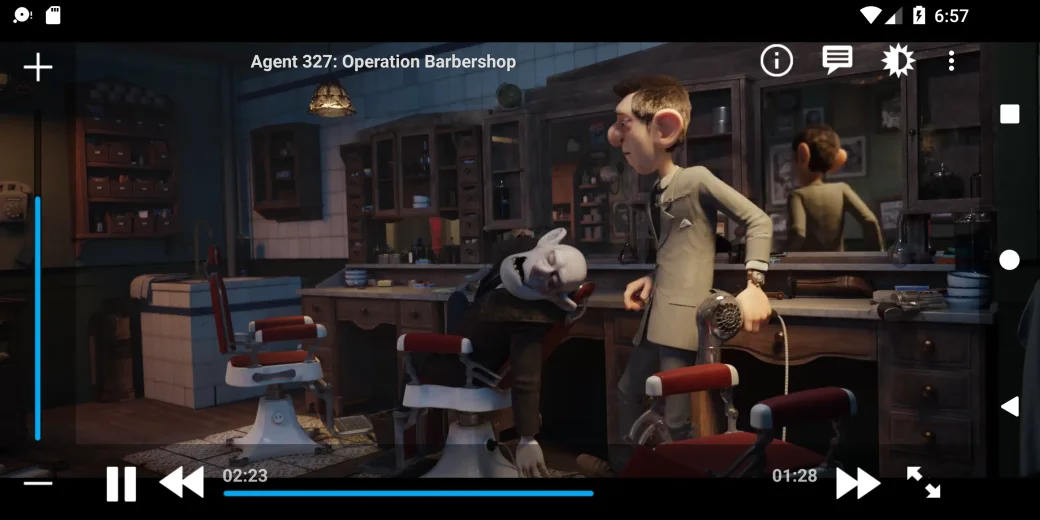
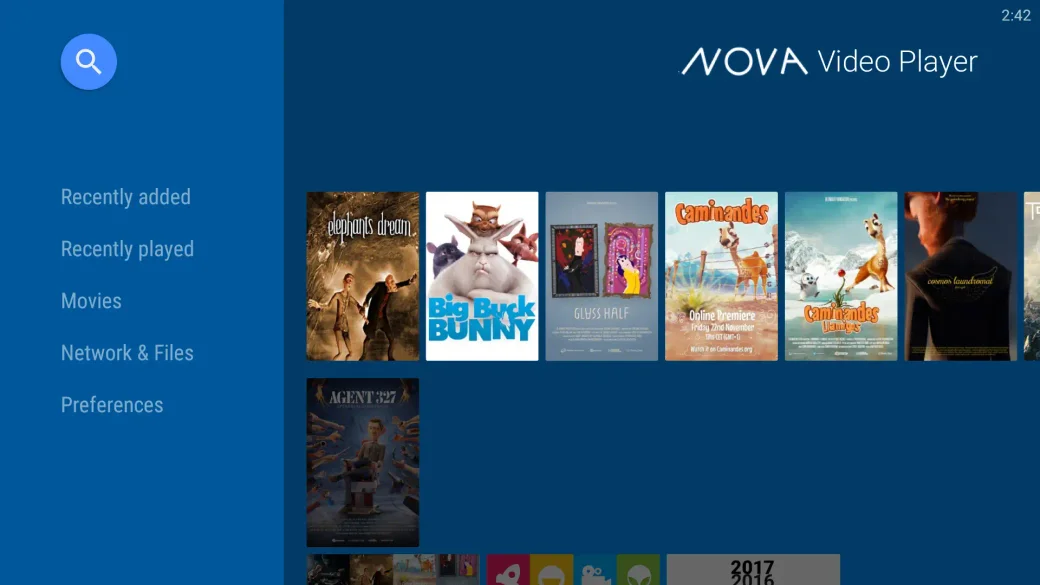
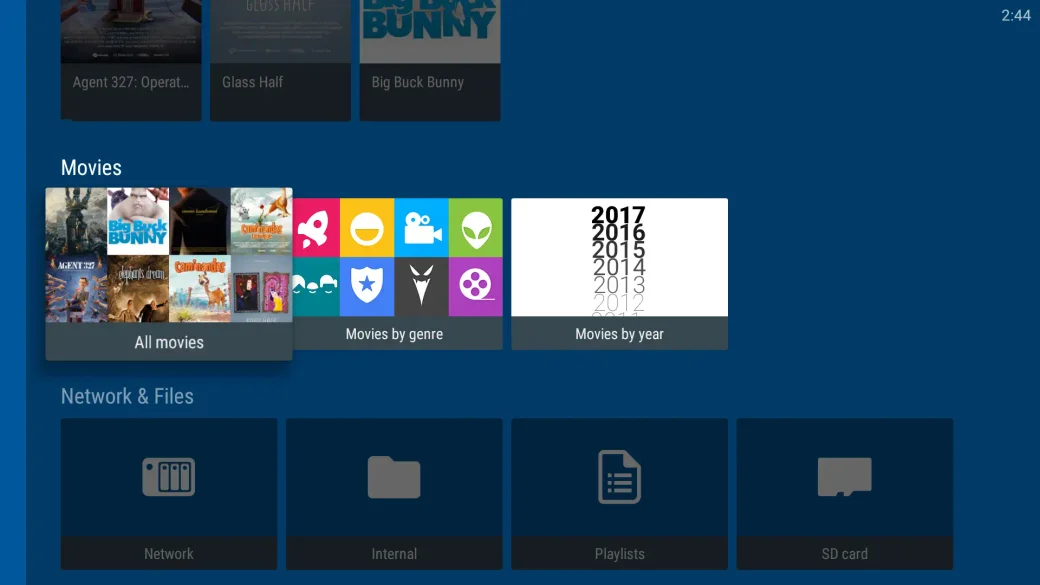
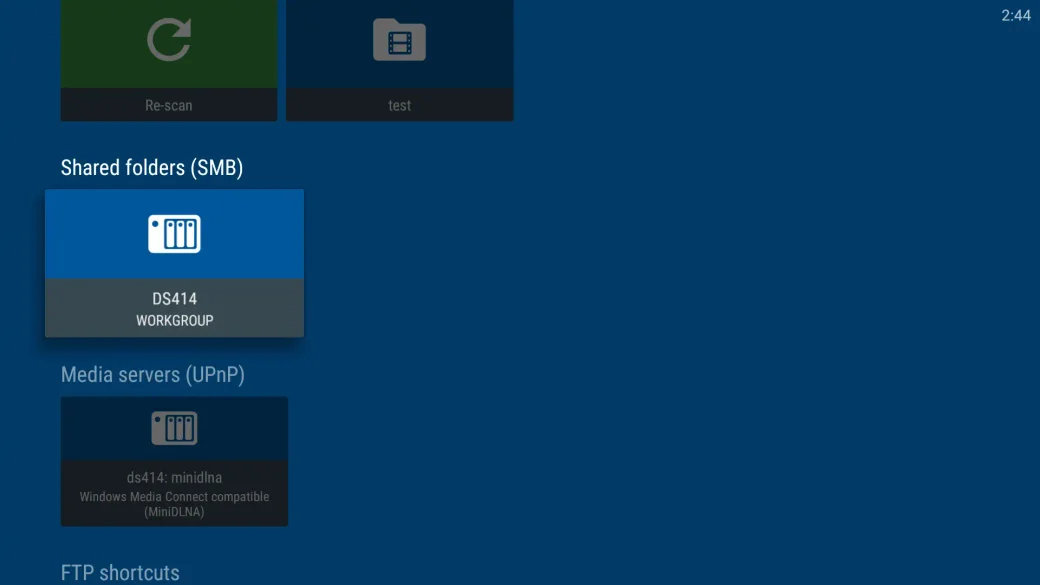
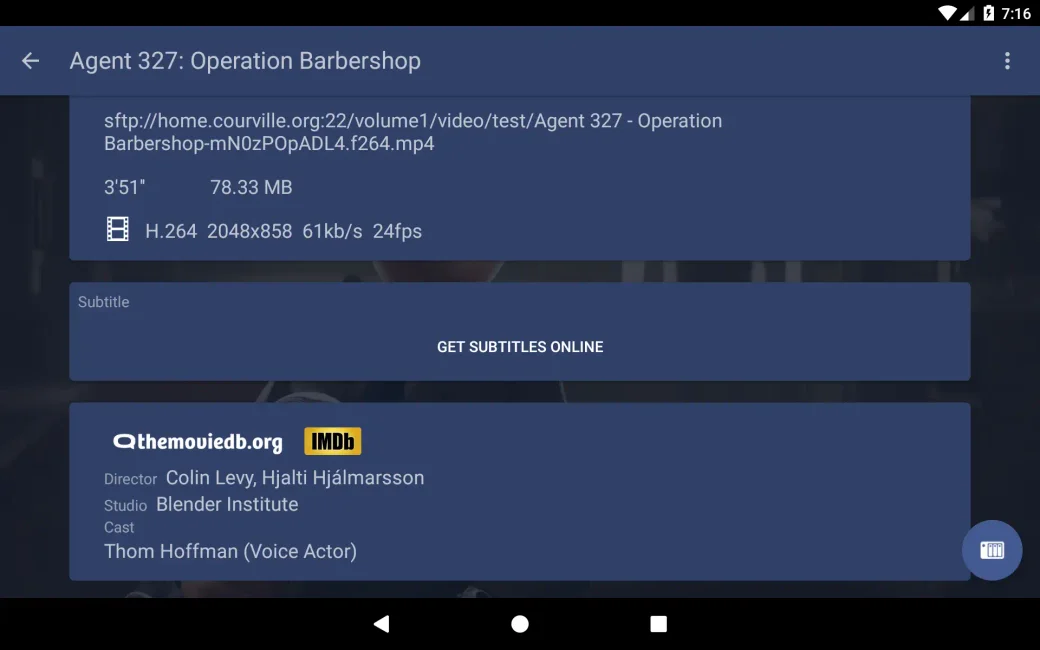
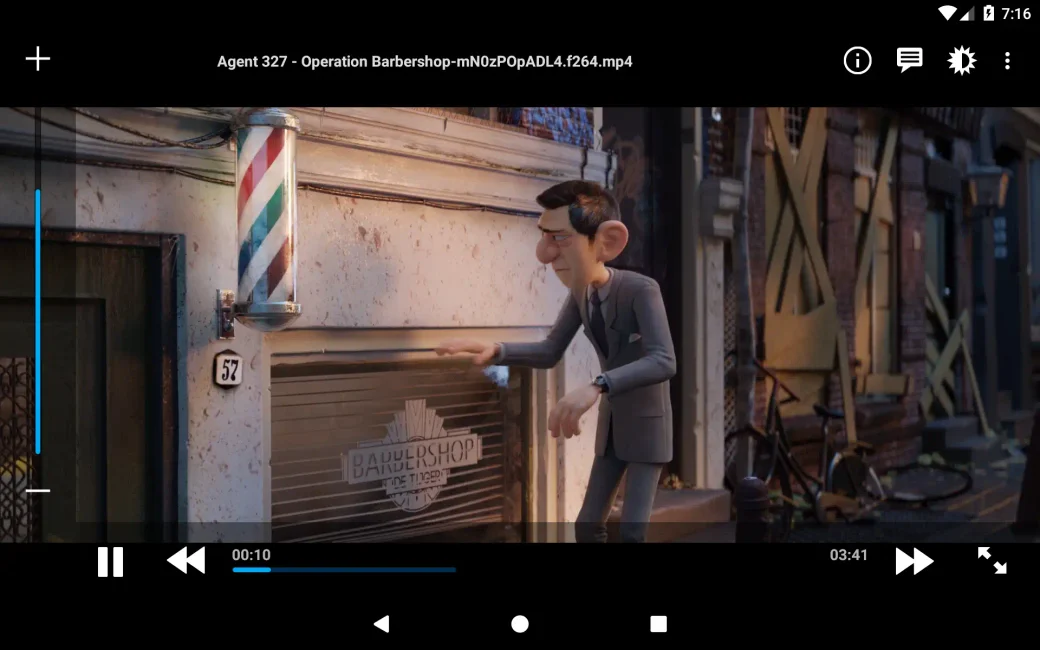
About this app
Video player for local/network content with subtitle/metadata download support
Nova is an opeN sOurce Video plAyer designed for tablets, phones and AndroidTV devices.available at https://github.com/nova-video-player/aos-AVP
Universal player:
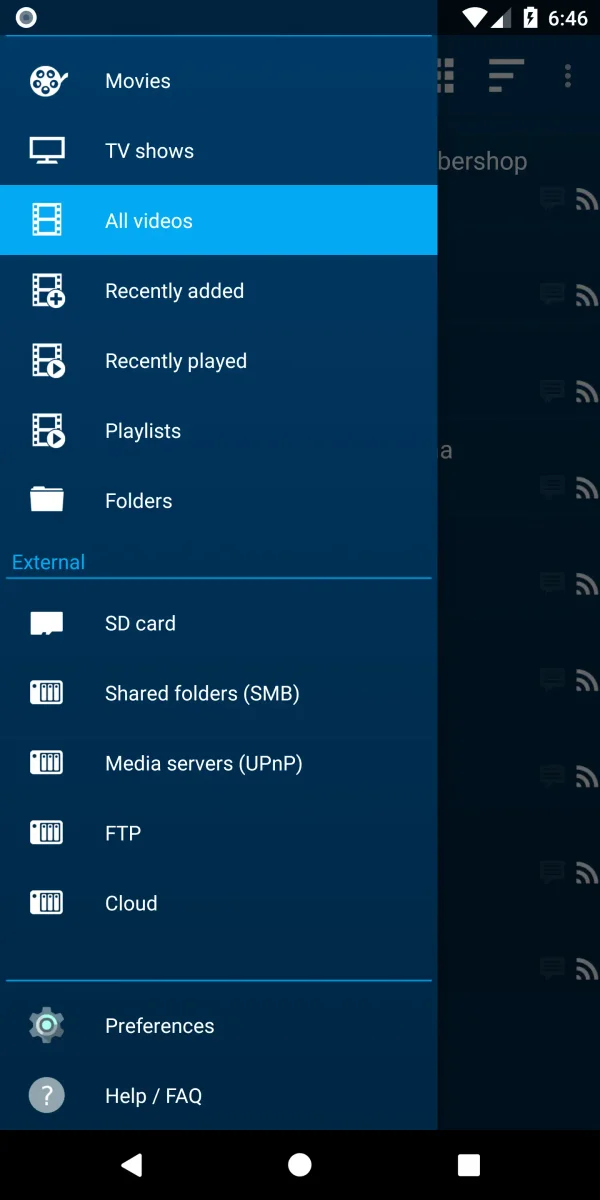
- Play videos from your computer, server (FTP, SFTP, WebDAV), NAS (SMB, UPnP)
- Play videos from external USB storage
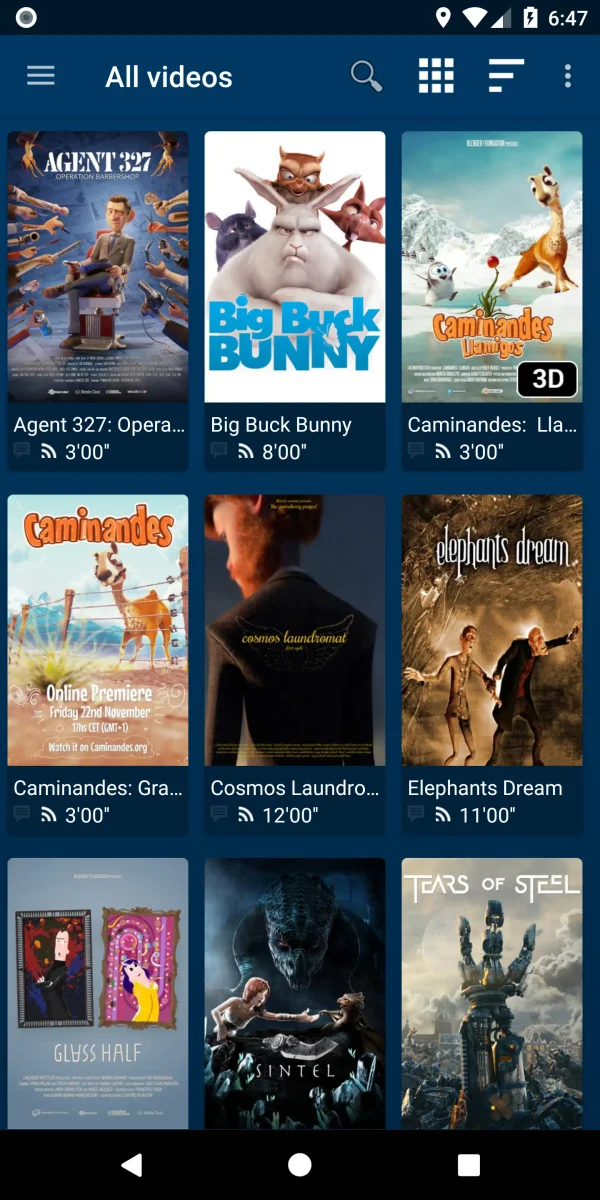
- Videos from all sources integrated in a unified multimedia collection
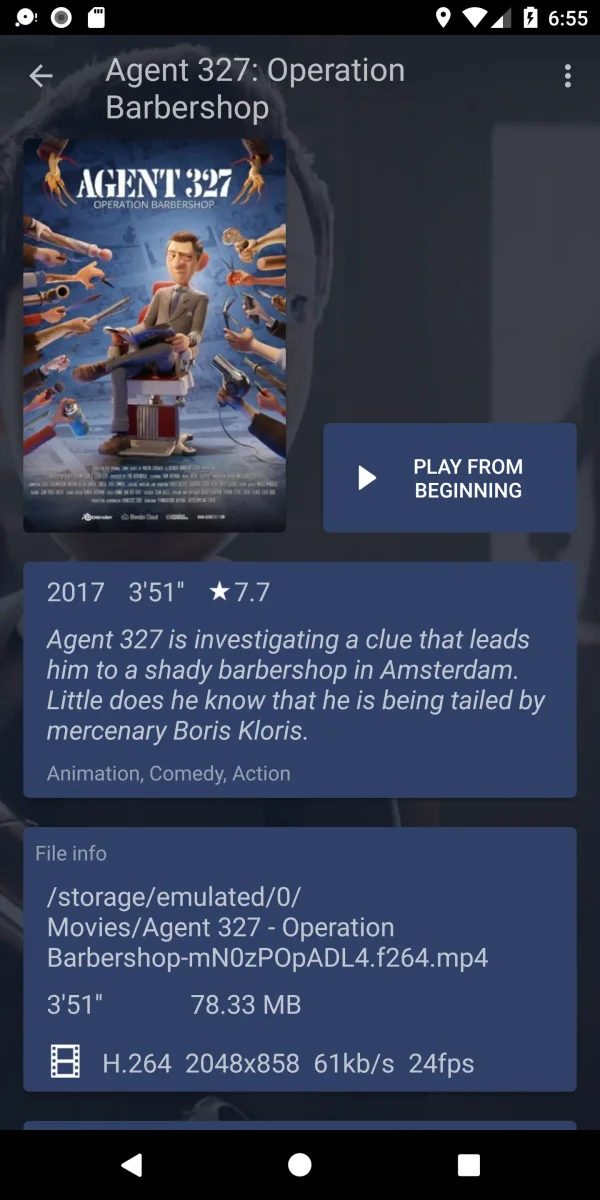
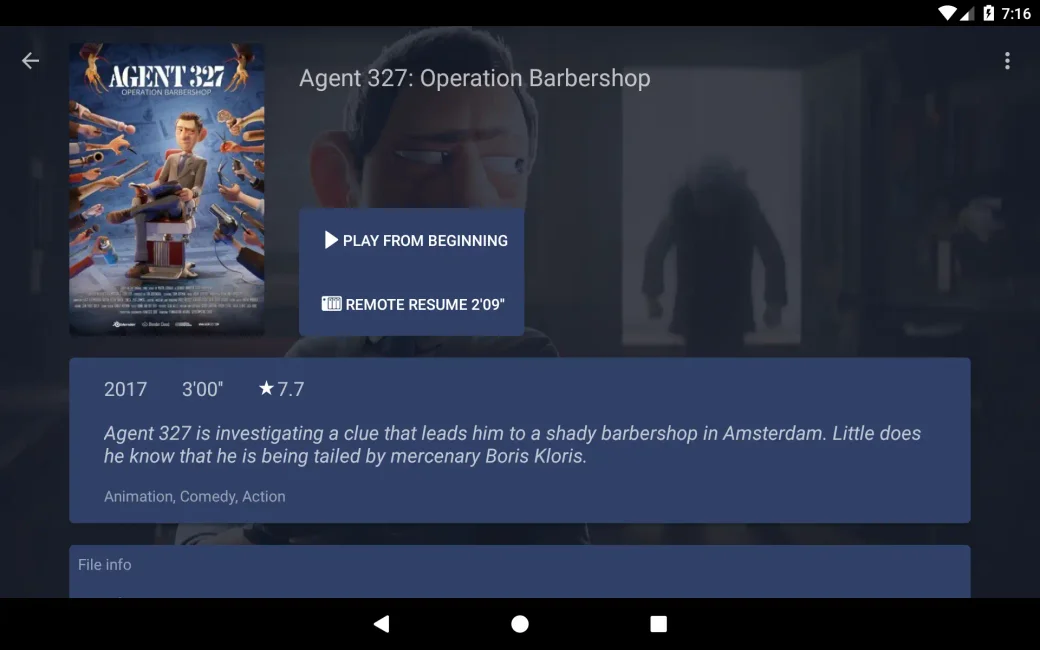
- Automatic online retrieval of movie and TV show descriptions with posters and backdrops
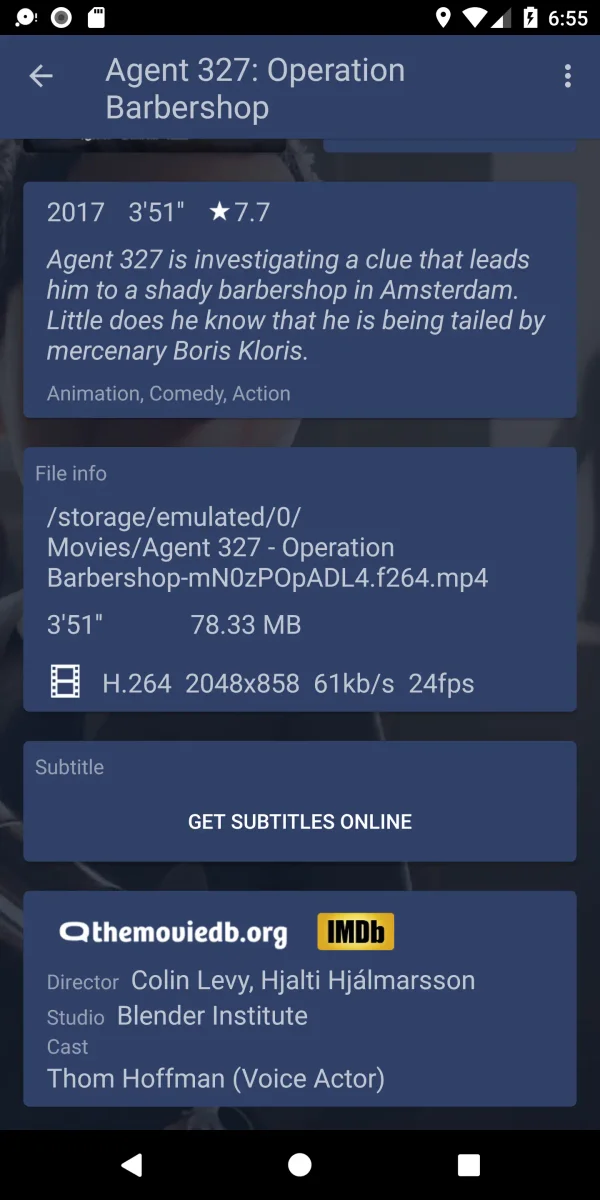
- Integrated subtitle download
Best player:
- Hardware accelerated video decoding for most devices and video formats
- Multi-audio tracks and mutli-subtitles support
- Supported file formats: MKV, MP4, AVI, WMV, FLV, etc.
- Supported subtitle file types: SRT, SUB, ASS, SMI, etc.
TV friendly:
- Dedicated “leanback” user interface for Android TV
- AC3/DTS passthrough (HDMI or S/PDIF) on supported hardware
- 3D support with side-by-side and top-bottom formats playback for 3D TVs
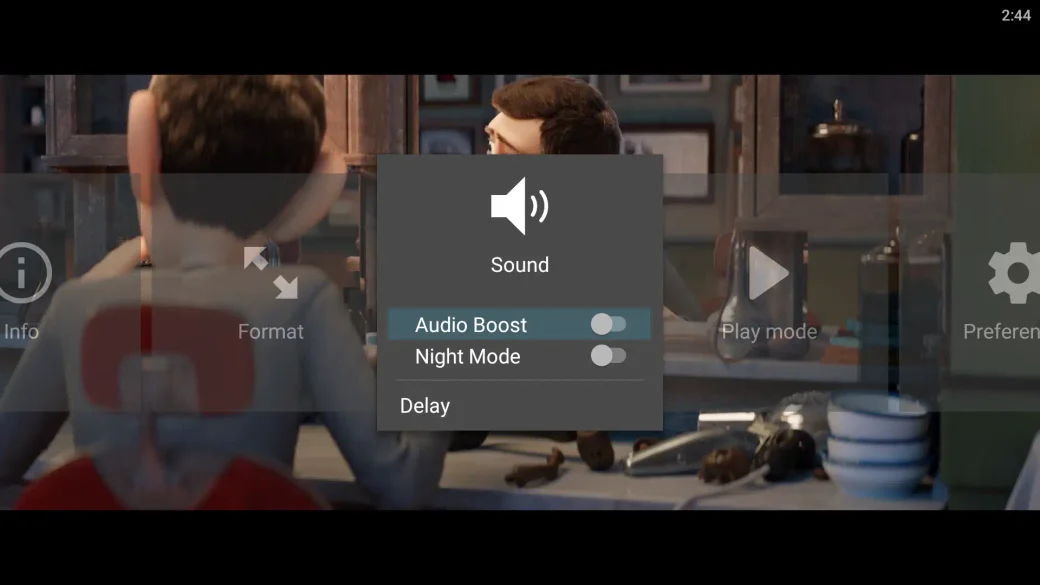
- Audio Boost mode to increase the volume level
- Night Mode to dynamically adjust the volume level
Browse the way you want:
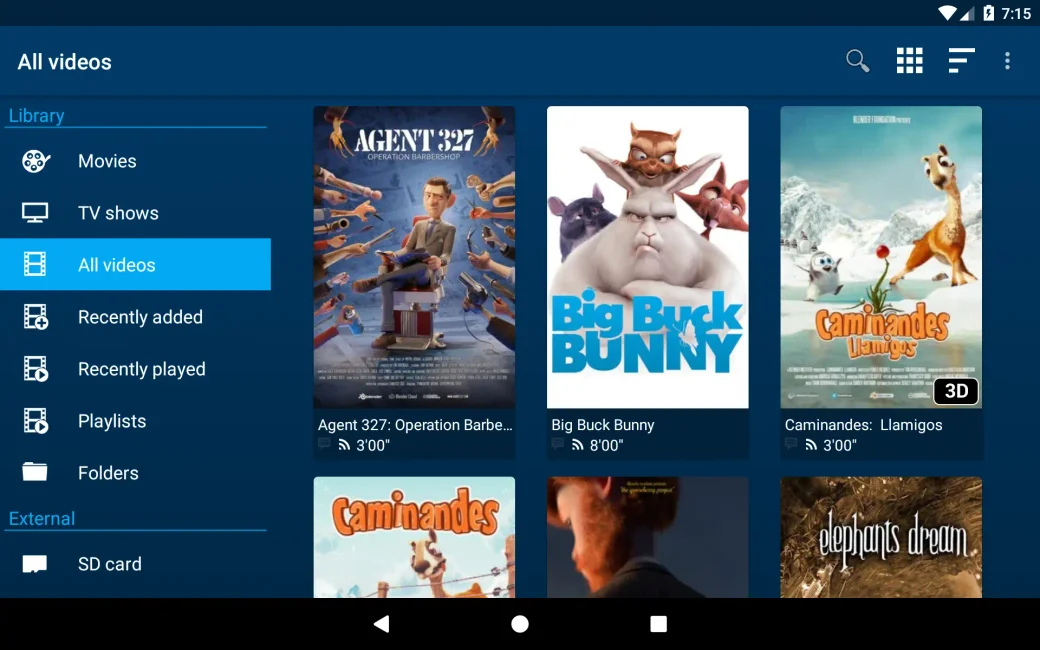
- Instant access to recently added and recently played videos
- Browse movies by name, genre, year, duration, rating
- Browse TV shows by seasons
- Folder browsing supported
And even more:
- Multi-device network video resume
- NFO metadata processing for descriptions and posters
- Scheduled rescan of your network content (Leanback UI only)
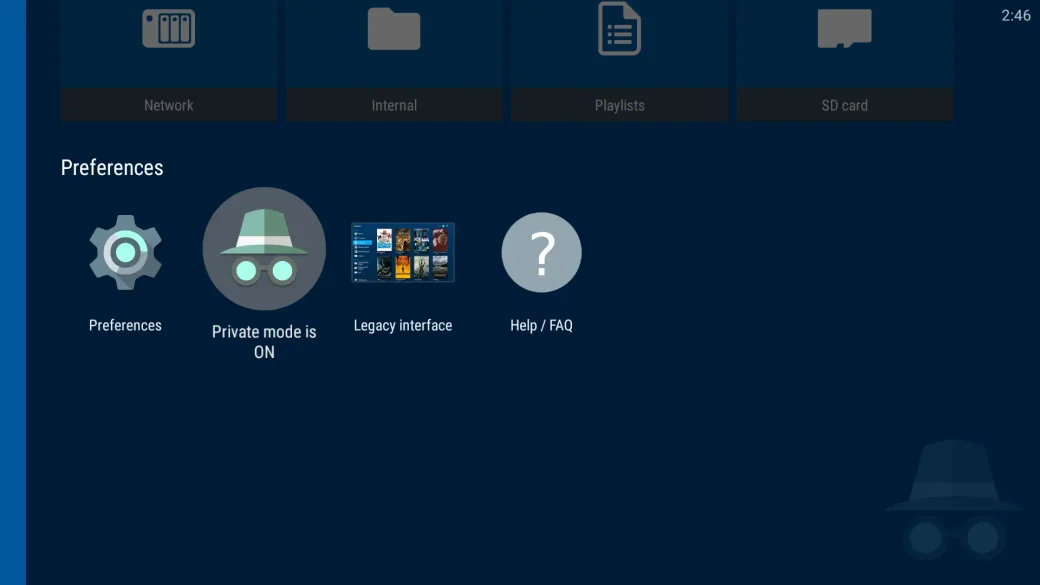
- Private mode: temporarily disable playback history recording
- Manually adjust subtitles synchronization
- Manually adjust audio/video synchronization
- Track what your collection and what you have watched via Trakt
Please note that for the application to display and play content, you need to have local video files on your device or add some by indexing network shares.
In case you have an issue or a request about this app, please check our Reddit support community at this address: https://www.reddit.com/r/NovaVideoPlayer
If you experience any issue with video hardware decoding you can force software decoding in the application preferences.
You are welcome to contribute to the translation of the application at https://crowdin.com/project/nova-video-player
NOVA stands for opeN sOurce Video plAyer.
Data safety
What Courville Software declares on Google Play about the data this app collects and shares.
- No data shared with third partiesLearn more about how developers declare sharing
- No data collectedLearn more about how developers declare collection
What’s new
Version 6.4.72-20260924.2228 · Sep 24, 2026
- ffmpeg 9.0.1 upstep
- fix jcifs-ng SMB preventing video playback
- Add provisional video end time on OSD
- Intro/outro auto-skip feature in player menu
- Fix locale issues with SMB credentials and host navigation
- Add option to ignoring leading articles in alphabetical title sorting
- Fix Trakt resume position conflict handling
- Restore SAMBA SMBv1 server compatibility by protocol level detection
- Smarter TV show and movie media scraping
- Many stability enhancement
Developer contact
- Websitecourville.org
- Emailsoftware@courville.org
- Privacy policyhome.courville.org
- AddressFrance
Information
- Offered by
- Courville Software
- Category
- Video Players & Editors
- Version
- 6.4.72-20260924.2228
- Updated
- Sep 24, 2026
- Released
- Aug 19, 2018
- Requires
- Android 6.0 or later
- Age rating
- Everyone
- Price
- Free
- Package name
- org.courville.nova
Similar apps
-
 Video Player - Full HD Format
Video Players & Editors
-
 Kodi
Video Players & Editors
-
 MX Player
Video Players & Editors
-
 KMPlayer - All Video Player
Video Players & Editors
-
 Video player
Video Players & Editors
-
 Music Player - Audify Player
Music & Audio
-
 Prime Video
Entertainment
-
 PlayerPro Music Player
Music & Audio
-
 TiviMate IPTV Player
Video Players & Editors
-
 Pi Video Player - Media Player
Video Players & Editors
-
 Video Player All Format HD
Video Players & Editors
-
 Focus Video - Video Compressor
Photography