AirCodum
Remote Control for VS Code!
Được thiết kế cho iPhone, iPad, iPod touch
149.000đ
- Độ tuổi17+
- Danh mụcCông Cụ Nhà Phát Triển
- Nhà phát triểnPriyankar Kumar
- Ngôn ngữTiếng Anh
- Kích thước21,9 MB
Liên kết đến trang App Store chính thức
Download.org không lưu trữ tệp nào của AirCodum. Nút này mở trang ứng dụng trên App Store, nơi Priyankar Kumar phát hành ứng dụng. Trang được kiểm tra lần cuối: 07/11/2026.
Ảnh chụp màn hình
Giới thiệu
Nhà phát triển chưa cung cấp nội dung này bằng ngôn ngữ của bạn.
AirCodum: Remote Control for VS Code
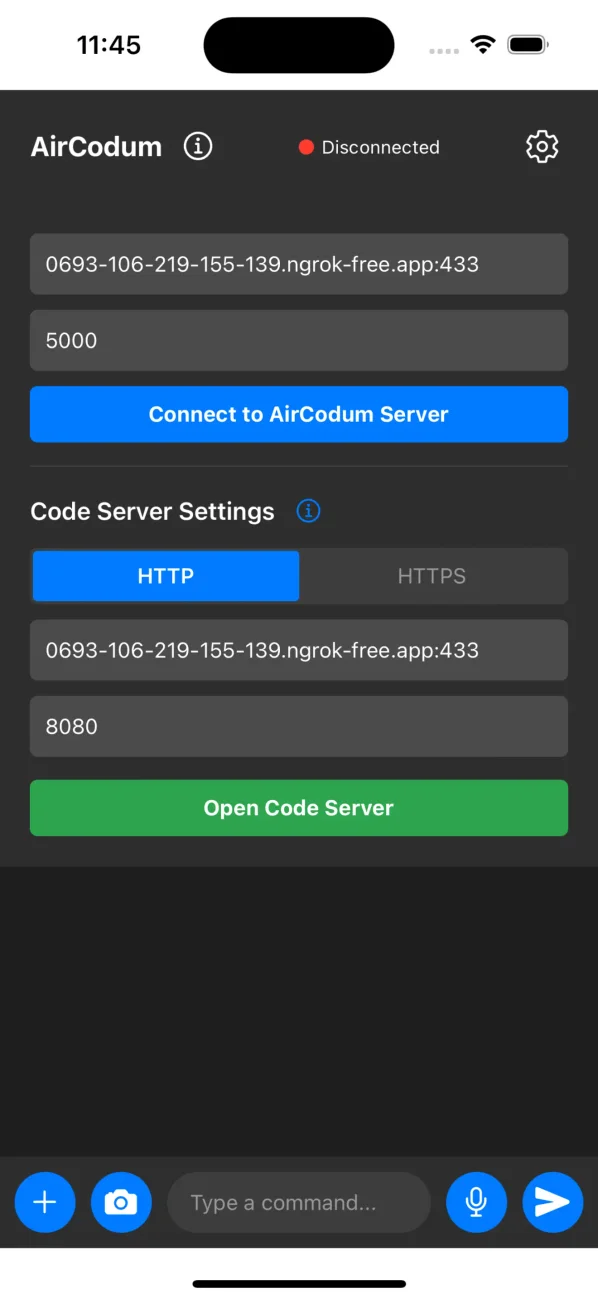
Connect your phone or tablet to Visual Studio Code on your own computer. View and control the desktop, send commands, and transfer text, images and documents into your development environment.
Features:
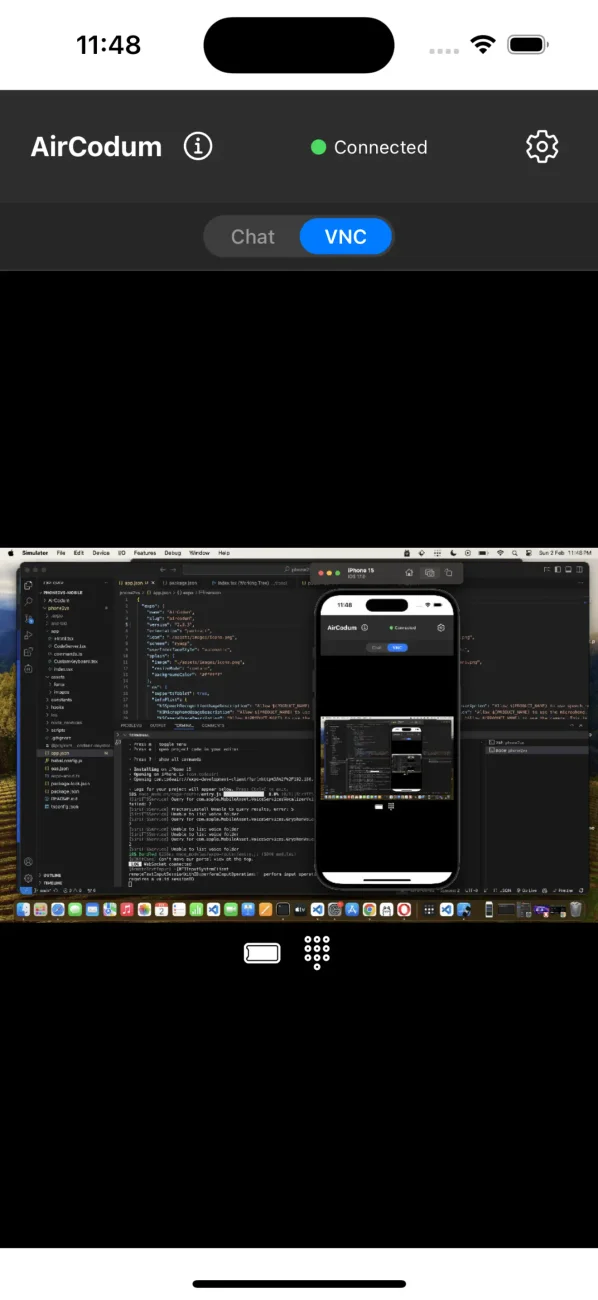
- Desktop viewing with pinch-to-zoom, pan, scroll, right-click and explicit drag controls.
- Saved named computers and VS Code windows with one-tap switching.
- A remote keyboard composer: edit a draft on your phone, then send it. Enter is a separate control.
- VS Code commands for navigating and editing your workspace.
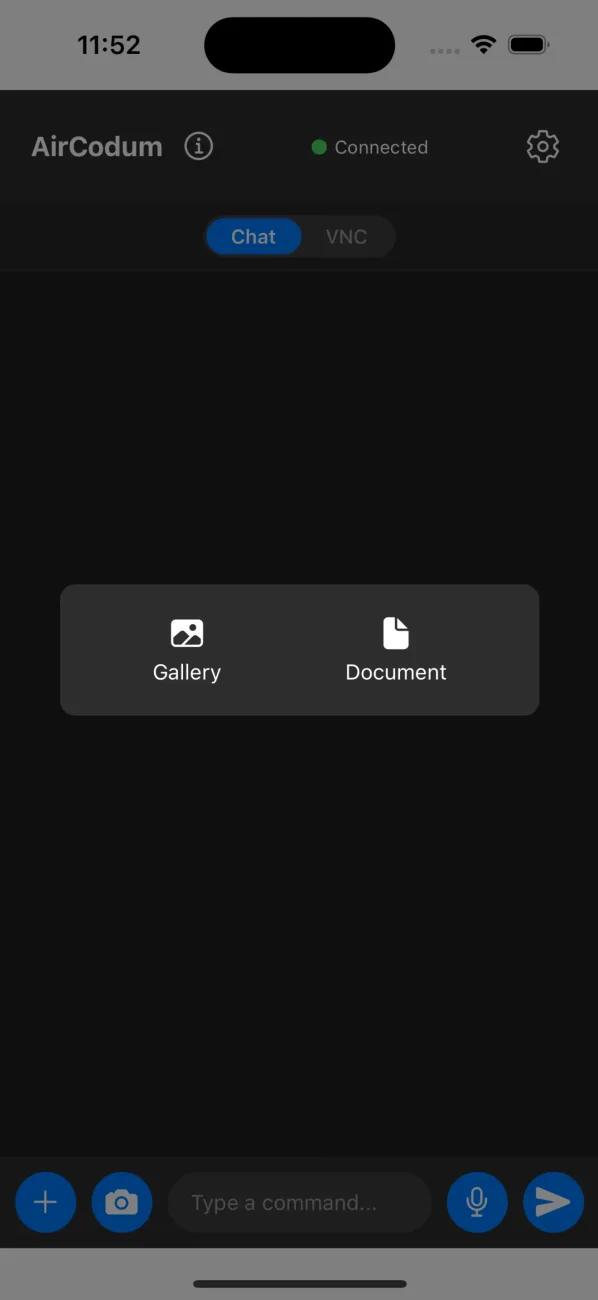
- File, image and text transfer to the selected desktop connection.
- Speech input using your device's speech recognition service.
- Optional AI and image-to-text features using the provider configured in the desktop extension.
Setup:
1. Install the AirCodum extension in VS Code. Find it at aircodum.com or https://github.com/priyankark/AirCodum/releases.
2. Start its server and choose a Local Wi-Fi or Tailscale address.
3. In the phone app choose Add computer or window. Scan the extension's QR code, or enter its displayed address, port and pairing token. Each VS Code window may use a different port.
4. Connect and choose command or VNC mode. Save additional computers and switch from the current session's top bar.
Local Wi-Fi requires devices on the same trusted network and uses unencrypted traffic. Tailscale or a configured TLS endpoint provides encrypted transport. On iOS, allow Local Network access when prompted.
AirCodum requires a running, reachable computer with VS Code and its compatible extension. VS Code actions and file transfers target the selected window. VNC, desktop typing and keyboard shortcuts control the computer’s foreground desktop. Multiple windows on one computer do not create separate virtual desktops. Scroll and right-click require the updated extension.
Pairing tokens are saved in secure device storage. Optional AI or OCR features may forward content to the provider configured on your desktop. Speech recognition uses your device's speech service.
Learn more at aircodum.com.
Có gì mới
Phiên bản 2.5.2 · 18/09/2026
Desktop controls are easier to find and take up less space. Landscape mode hides the toolbars automatically, leaving compact keyboard and controls icons over the remote screen. Reveal the controls to rotate, scroll, pan, drag or zoom, then hide them to return to the larger view. The keyboard panel has a visible Done button and a scrolling key area.
Quyền riêng tư của ứng dụng
Những gì Priyankar Kumar khai báo trên App Store về cách ứng dụng này xử lý dữ liệu.
-
Dữ liệu không được thu thập
Nhà phát triển không thu thập bất kỳ dữ liệu nào từ ứng dụng này.
Phương thức đảm bảo quyền riêng tư có thể khác nhau, chẳng hạn như tuỳ theo các tính năng bạn sử dụng hoặc độ tuổi của bạn.
Thông tin
- Người bán
- Priyankar Kumar
- Danh mục
- Công Cụ Nhà Phát Triển
- Phiên bản
- 2.5.2
- Cập nhật
- 18/09/2026
- Phát hành
- 29/10/2024
- Kích thước
- 21,9 MB
- Yêu cầu
- iOS 15.1 trở lên
- Độ tuổi
- 17+
- Giá
- 149.000đ
- Ngôn ngữ
- Tiếng Anh
- Bản quyền
- © 2024 Priyankar Kumar
Có thể bạn cũng thích
-
 Timestamp Conversion ToolCông Cụ Nhà Phát Triển
-
 YoloShell-SSH, VNC & kết nốiHerdr, sshfs & telnet
-
 tmuxonwatchCông Cụ Nhà Phát Triển
-
 TaurifyCông Cụ Nhà Phát Triển
-
 PocketGraphCông Cụ Nhà Phát Triển
-
 Salamander AICông Cụ Nhà Phát Triển
-
 Serverhub.devCông Cụ Nhà Phát Triển
-
 CodeAgent: AI Agent MonitorCông Cụ Nhà Phát Triển
-
 Mimi RemoteCông Cụ Nhà Phát Triển
-
 Fox Issue & Project TrackingCông Cụ Nhà Phát Triển