
Animator Plus
Draw, Paint & Animate Frames
Được thiết kế cho iPhone, iPad
299.000đ
- Độ tuổi4+
- Danh mụcĐồ Họa & Thiết Kế
- Nhà phát triểnHeng Jia Liang
- Ngôn ngữTiếng Anh+ 8 ngôn ngữ khác
- Kích thước2,4 MB
Liên kết đến trang App Store chính thức
Download.org không lưu trữ tệp nào của Animator Plus. Nút này mở trang ứng dụng trên App Store, nơi Heng Jia Liang phát hành ứng dụng. Trang được kiểm tra lần cuối: 17/11/2026.
Ảnh chụp màn hình

Giới thiệu
Nhà phát triển chưa cung cấp nội dung này bằng ngôn ngữ của bạn.
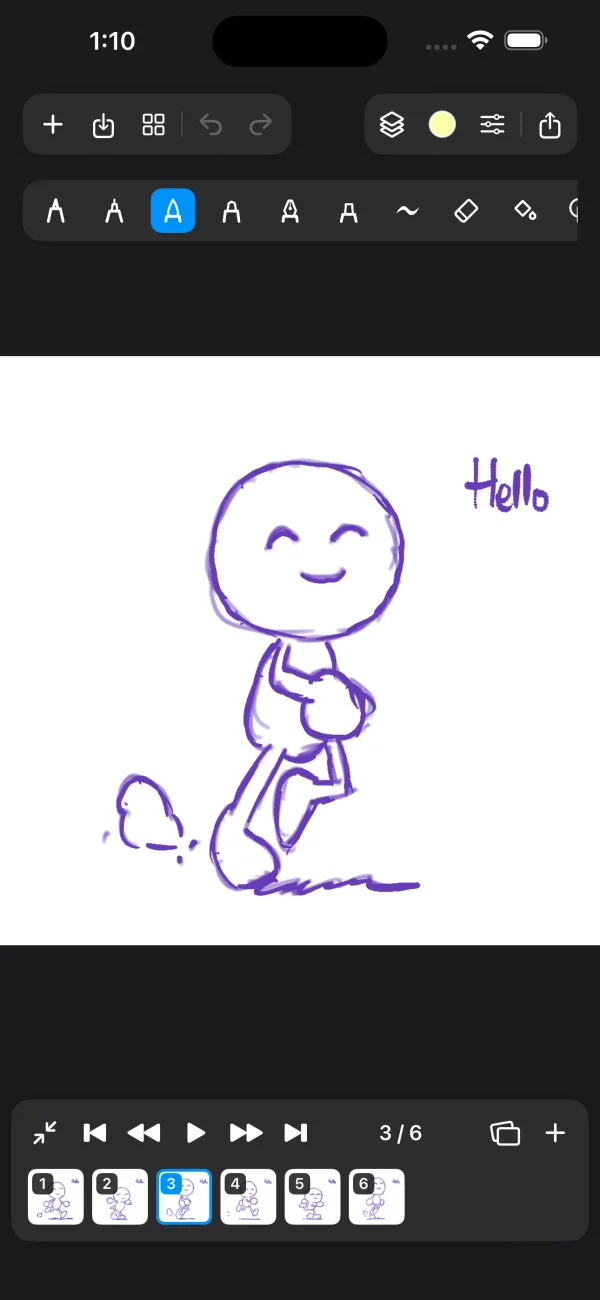
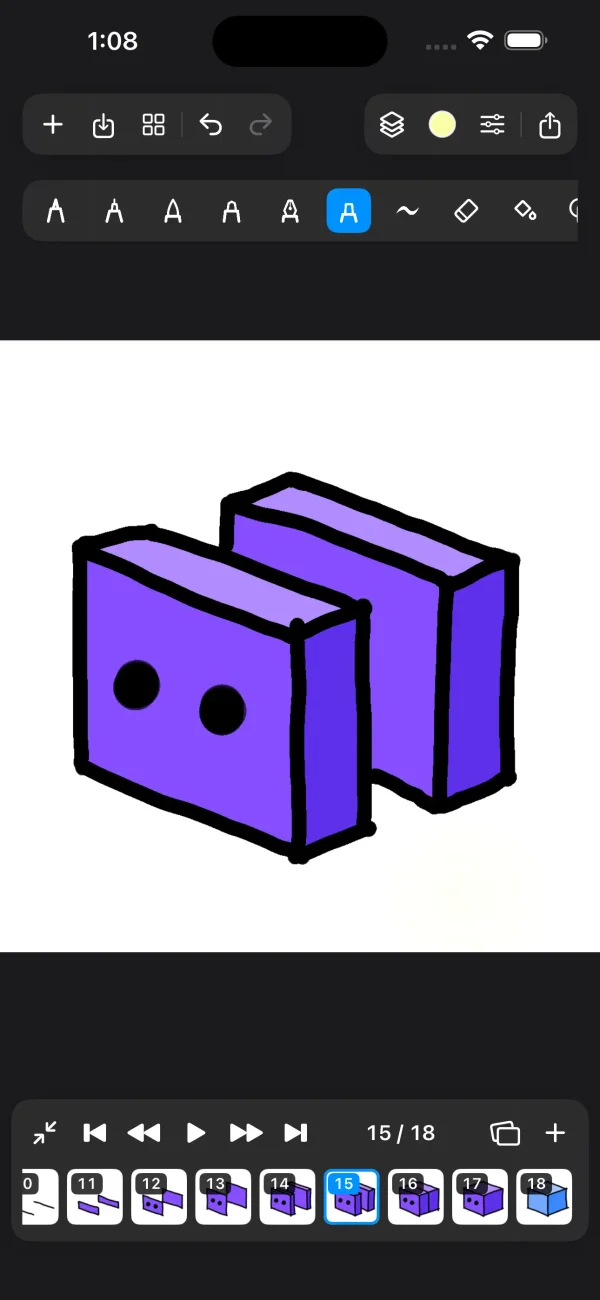
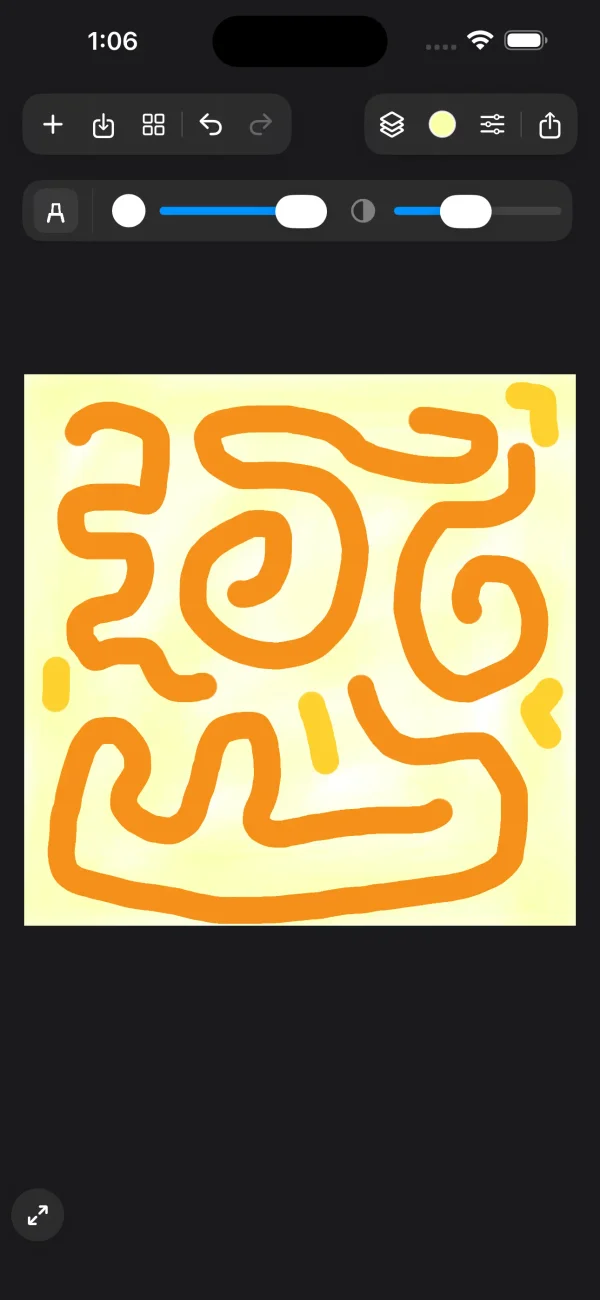
Animator Plus is a powerful drawing and frame-by-frame animation studio built natively for iPad and iPhone. Sketch, paint, and bring stories to life on a buttery-smooth Metal-powered canvas — with pro brushes, a full animation timeline, layers, sound sync, and one-tap export to MP4, image sequences, PNG, or JPG.
Whether you are a hobbyist doodler, a storyboard artist, a cartoonist, or an animator chasing that classic hand-drawn look, Animator Plus puts everything you need into one focused, beautifully refined workspace.
PRO BRUSHES TUNED FOR APPLE PENCIL
• Studio Pen — crisp ink lines with subtle pressure response
• Pencil — true graphite feel with tilt-based shading
• Pressure Pen — thickness scales with how hard you press
• Marker — flat, opaque coverage for blocking color
• Fountain — calligraphic chisel for elegant strokes
• Airbrush — soft sprays that build up gradually
• Tapered Line — four variants for classic animation strokes
• Eraser, Smart Fill Bucket, Lasso Select
Full Apple Pencil pressure, tilt, and azimuth support. Adjust per-brush size, opacity, hardness, flow, and smoothing.
• CLASSIC FRAME-BY-FRAME ANIMATION
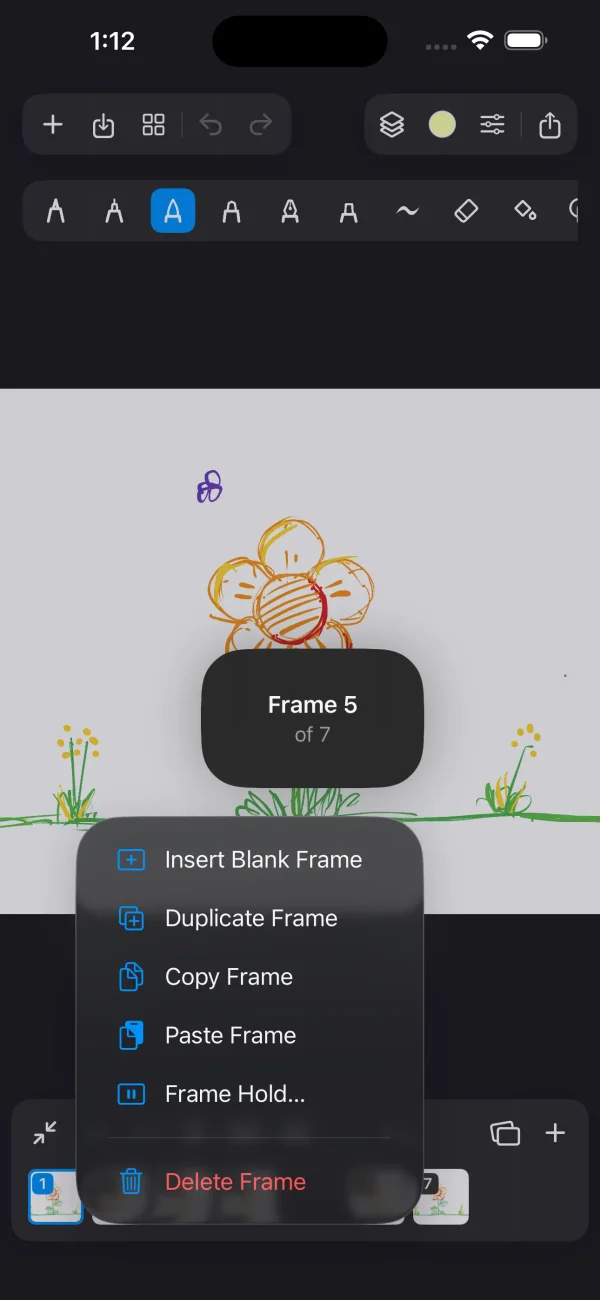
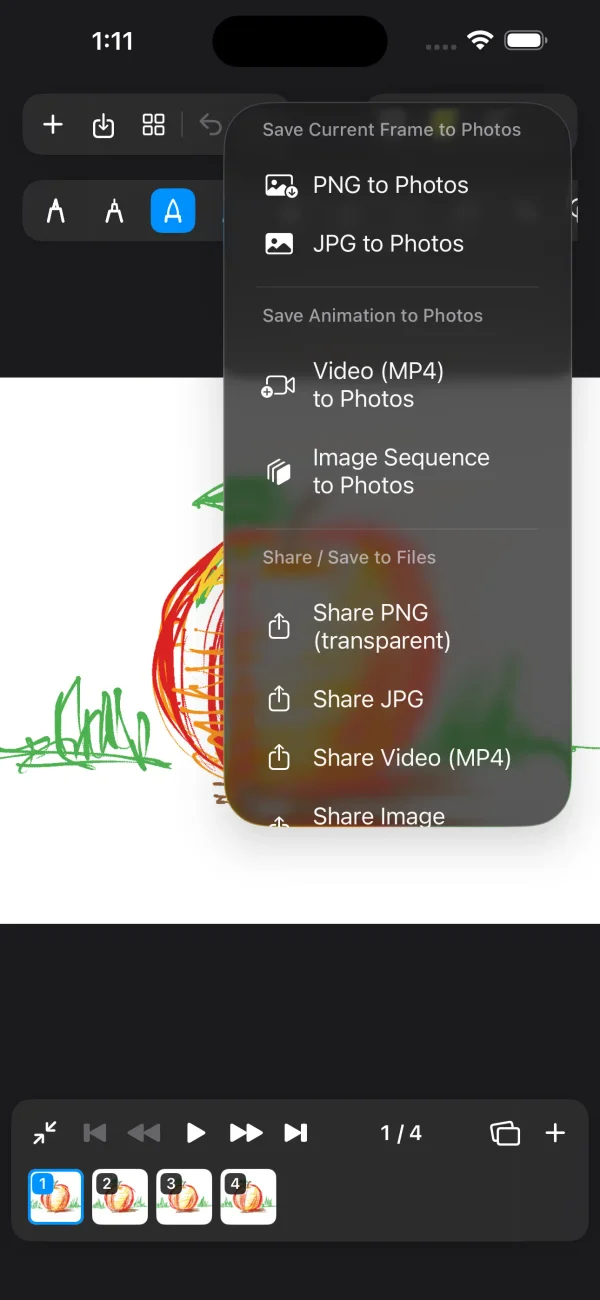
Flip on Animation Mode to unlock a full timeline. Insert, duplicate, copy, paste, and reorder frames in a tap. Set Frame Hold to pause specific frames for any number of ticks. Tune playback from 1 to 60 fps. Onion-skin previous and next frames as ghosts to align inbetweens with confidence.
• STROKE-BY-STROKE PLAYBACK
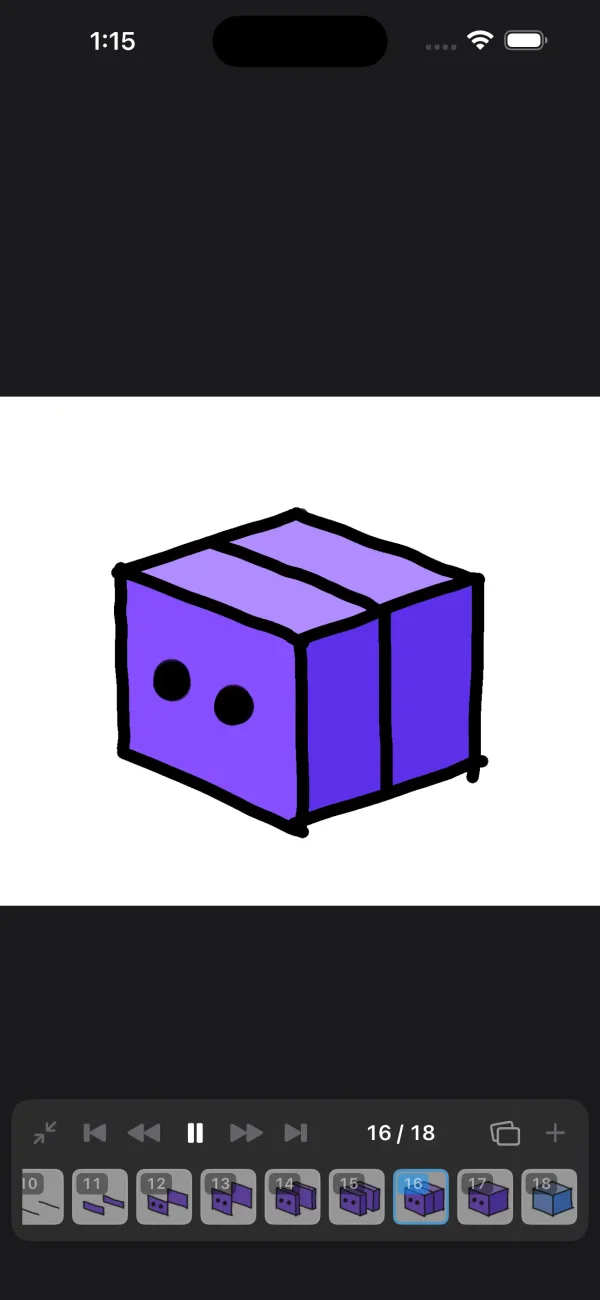
Watch your artwork redraw itself, one stroke at a time, at 1x, 2x, or 4x speed. Perfect for time-lapse reels, tutorials, and process videos. Undone strokes are skipped automatically.
• POWERFUL LAYERS
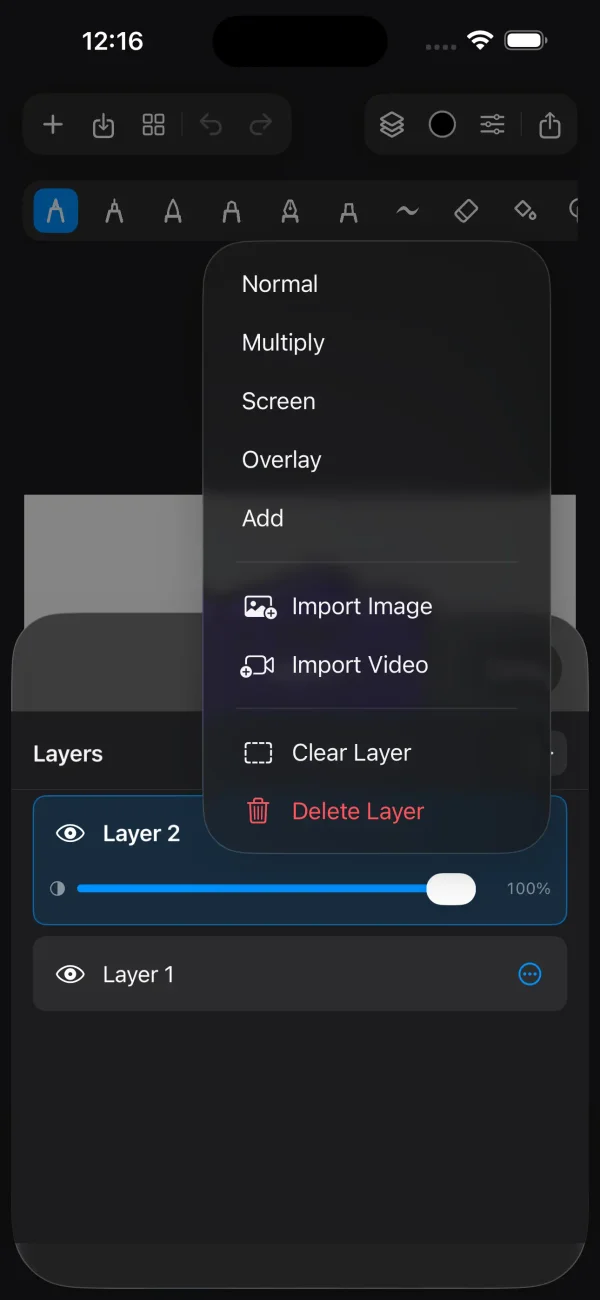
Stack, rename, hide, lock, blend, and clip layers independently. Every animation frame keeps its own layer stack so foreground action and static backgrounds stay perfectly organized.
• SHAPES, TEXT, AND TRANSFORMS
Drop perfect lines, rectangles, ellipses, triangles, stars, and hexagons. Add editable text overlays. Use Lasso Select to grab strokes and move, rotate, scale, or recolor entire sections in one gesture.
• REFERENCE TOOLS AND ROTOSCOPING
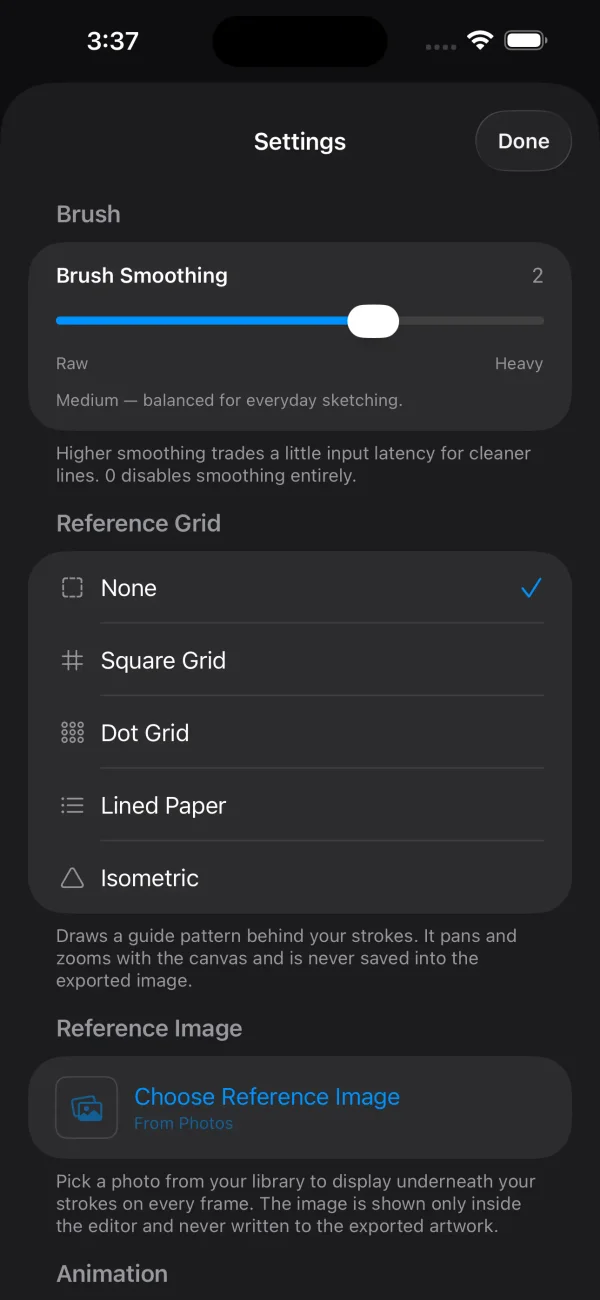
Turn on square, dot, or isometric grids for precise layouts. Import a reference image from Photos and dim its opacity to trace or sample. Import a video clip and Animator Plus extracts the frames automatically, letting you rotoscope on top.
• SOUND ON THE TIMELINE
Import an audio clip, trim the in and out points, and adjust volume. Sound plays back in lockstep with your animation so timing and lip-sync land first try.
• EXPORT EVERYWHERE
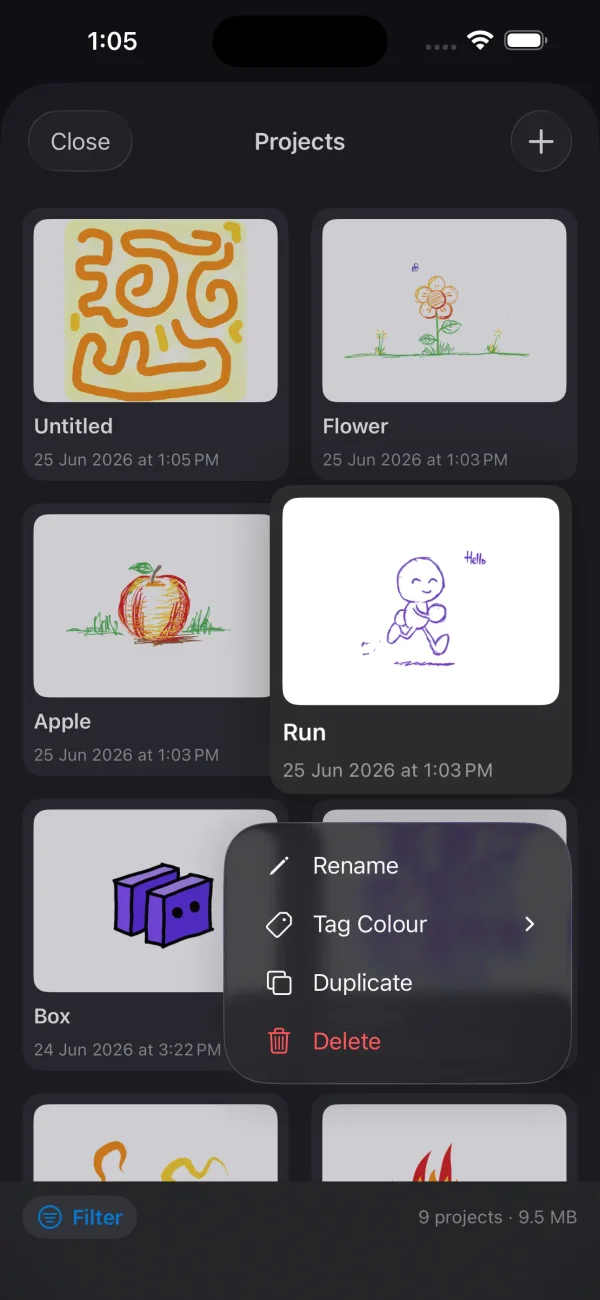
Save your art as transparent PNG, JPG, image sequence, or MP4 video. Push files to the Files app or straight to your camera roll. Projects sync across devices via iCloud Drive.
• REFINED FOR EVERY DEVICE
Layouts adapt automatically between iPad and iPhone. Customize the accent color, brush smoothing, background color, and grid style from one tidy Settings panel.
Whether you are sketching a storyboard, illustrating a children's book, prototyping a cartoon, or producing a finished animated short, Animator Plus gives you the tools to draw, paint, animate, and ship — frame by frame.
Thanks for your support. Visit nitrio.com for more apps for your iOS devices.
Có gì mới
Phiên bản 1.5 · 01/07/2026
- Optimized for the latest devices and supported iPhone models.
- Major architectural update with native Metal framework and SwiftUI integration.
- Completely redesigned and enhanced user interface for a better user experience.
Important: Back up your existing projects before upgrading. Project files created with previous versions are not compatible with this release.
Quyền riêng tư của ứng dụng
Những gì Heng Jia Liang khai báo trên App Store về cách ứng dụng này xử lý dữ liệu.
-
Dữ liệu không được thu thập
Nhà phát triển không thu thập bất kỳ dữ liệu nào từ ứng dụng này.
Phương thức đảm bảo quyền riêng tư có thể khác nhau, chẳng hạn như tuỳ theo các tính năng bạn sử dụng hoặc độ tuổi của bạn.
Thông tin
- Người bán
- Heng Jia Liang
- Danh mục
- Đồ Họa & Thiết Kế
- Phiên bản
- 1.5
- Cập nhật
- 01/07/2026
- Phát hành
- 27/04/2017
- Kích thước
- 2,4 MB
- Yêu cầu
- iOS 17.6 trở lên
- Độ tuổi
- 4+
- Giá
- 299.000đ
- Ngôn ngữ
- Tiếng Anh, Tiếng Pháp, Tiếng Đức, Tiếng Nhật, Tiếng Hàn, Tiếng Bồ Đào Nha, Tiếng Trung Giản thể, Tiếng Tây Ban Nha, Tiếng Trung Phồn thể
- Bản quyền
- © Heng Jia Liang
Có thể bạn cũng thích
-
 Symbol CollectionĐồ Họa & Thiết Kế
-
 Holo.Draw: Sketch On ScreenĐồ Họa & Thiết Kế
-
 Round CornerĐồ Họa & Thiết Kế
-
 Xoay - Hiệu ứngTạo ảo ảnh quang học hấp dẫn
-
 SVG DesignerĐồ Họa & Thiết Kế
-
 Spirograph DrawingĐồ Họa & Thiết Kế
-
 Holo.Pen: Virtual TabletĐồ Họa & Thiết Kế
-
 MoNo - convert to binary imageĐồ Họa & Thiết Kế
-
 autoTween AnimateĐồ Họa & Thiết Kế
-
 Tracing: Drawing PracticeĐồ Họa & Thiết Kế