ApowerREC: Record Screen
Screen Recorder & Video Editor
Được thiết kế cho iPhone, iPad, Mac, iPod touch
Miễn phí · Mua hàng trong ứng dụng
- Độ tuổi4+
- Danh mụcTiện Ích
- Nhà phát triểnApowersoft Limited
- Ngôn ngữTiếng Anh+ 8 ngôn ngữ khác
- Kích thước171,7 MB
Liên kết đến trang App Store chính thức
Download.org không lưu trữ tệp nào của ApowerREC: Record Screen. Nút này mở trang ứng dụng trên App Store, nơi Apowersoft Limited phát hành ứng dụng. Trang được kiểm tra lần cuối: 26/11/2026.
Ảnh chụp màn hình



Giới thiệu
Nhà phát triển chưa cung cấp nội dung này bằng ngôn ngữ của bạn.
ApowerREC is a screen recorder and video editor for gameplay, tutorials, app demos, and presentations. Record with microphone commentary, edit with AI subtitles and voiceovers, turn scrolling recordings into long images, and transfer photos and videos over Wi-Fi.
From capturing your screen to editing and sharing, keep your everyday media tasks together in one app.
SCREEN RECORDING
Capture the moments and ideas you want to share.
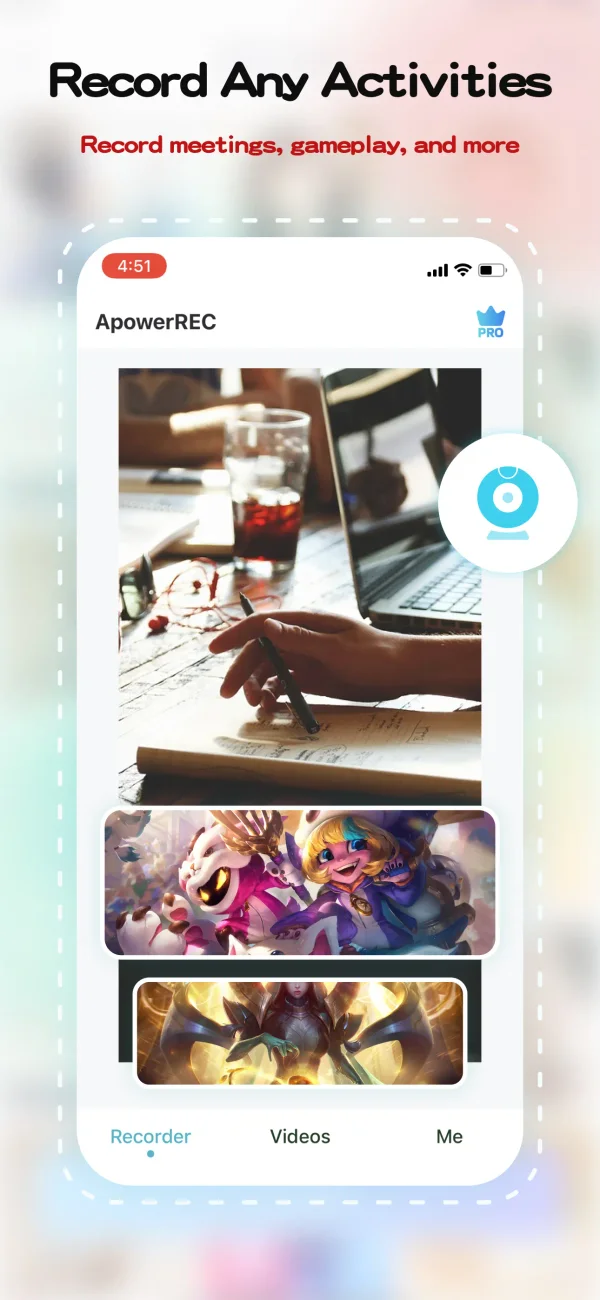
• Record gameplay, tutorials, app demonstrations, and more.
• Add microphone commentary to explain what’s happening on screen.
• Adjust resolution, recording quality, and frame rate where supported.
• Available recording settings vary by device and iOS version.
• Choose automatic, landscape, or portrait recording orientation.
• Save recordings for editing, playback, and sharing.
WI-FI FILE TRANSFER
Move photos and videos between devices without a cable.
• Connect your devices to the same Wi-Fi network.
• Open the address shown in ApowerREC in a browser on your computer or another phone.
• Send and receive supported photos and videos in both directions.
• Use your browser on the other device without installing a companion app.
SCROLLING RECORDINGS TO LONG IMAGES
Keep scrolling content in one easy-to-view image.
• Turn a continuous scrolling screen recording into a long image.
• Adjust the video range to focus on the content you need.
• Crop the result to remove unwanted areas.
• Save the long image to Photos or share it with others.
VIDEO EDITING & AI SUBTITLES
Turn recordings into clear, focused videos.
• Trim unwanted footage and keep the moments that matter.
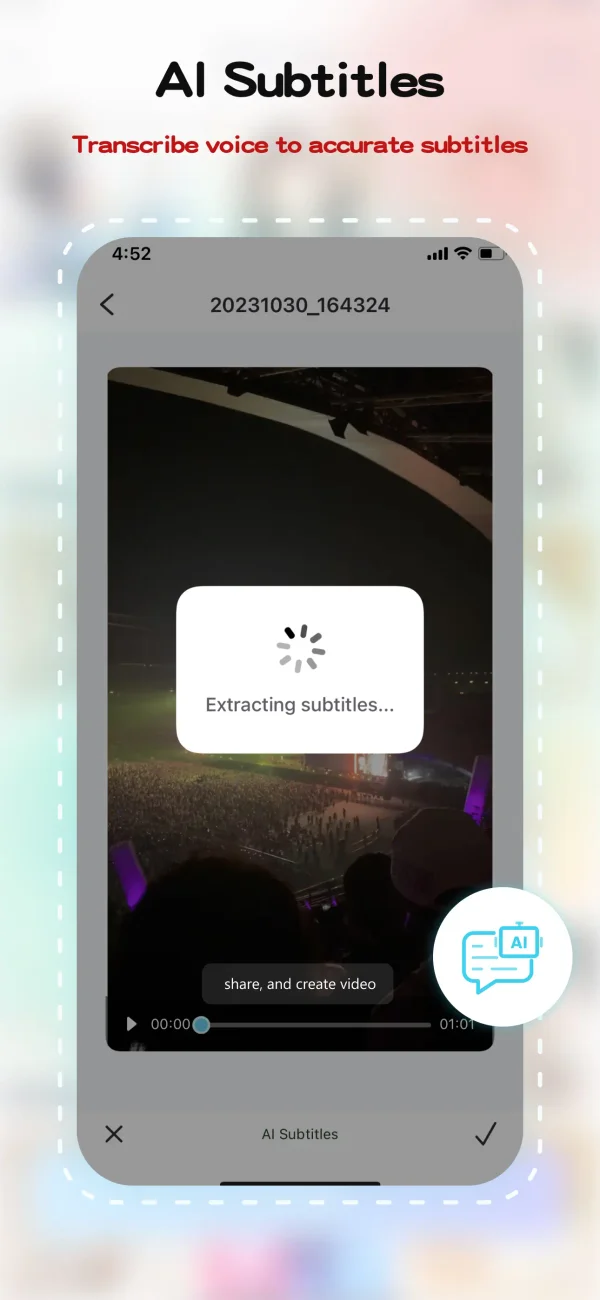
• Automatically generate subtitles with AI speech recognition.
• Add voiceovers to explain steps or personalize your videos.
• Crop videos to popular aspect ratios, including 1:1, 4:3, 16:9, and 9:16.
• Create picture-in-picture layouts in your video edits.
VIDEO COMPRESSION
Make large videos easier to store and share.
• Reduce video file sizes with adjustable compression settings.
• Balance quality, resolution, and file size.
• Import videos from Photos or the Files app.
• Save compressed copies while keeping your originals.
FORMAT CONVERSION & AUDIO EXTRACTION
Prepare your media for different uses.
• Convert videos to supported formats, including MP4, MOV, and M4V.
• Extract audio from videos as MP3, M4A, or WAV.
• Turn video clips into GIFs.
• Track processing progress and access your results.
FREE VIDEO PLAYER
Watch recordings and local videos without a VIP subscription.
• Play MP4, MOV, M4V, MKV, AVI, WebM, FLV, WMV, and more.
• Open videos from Photos, the Files app, or the system share menu.
• Adjust playback speed and watch in landscape.
• Access your playback history and continue from your saved position.
IMAGE TOOLS
Handle everyday image editing tasks.
• Compress images to reduce file sizes.
• Crop, adjust, and annotate pictures.
• Save edited copies while keeping your originals.
MADE FOR YOUR EVERYDAY RECORDINGS
Explain an app, capture a gameplay highlight, or create a tutorial with subtitles and voiceover. Turn scrolling content into a long image, compress a video for sharing, or move photos and videos to another device over Wi-Fi.
FREE & VIP FEATURES
The video player is free to use. Saving and sharing long images require VIP. Some other features require a VIP subscription or purchase. Available options and pricing are displayed in the app.
Format support depends on the file’s video and audio codecs. Playback, editing, compression, conversion, and transfer support may differ.
CONTACT US
Have a question or suggestion? Contact support@apowersoft.com.
If you enjoy using ApowerREC, we’d appreciate your review!
Có gì mới
Phiên bản 1.2.8 · 25/11/2026
• Fixed an issue that made screen recordings look too dark and colors too saturated on some devices.
• Fixed other known issues.
Quyền riêng tư của ứng dụng
Những gì Apowersoft Limited khai báo trên App Store về cách ứng dụng này xử lý dữ liệu.
-
Dữ liệu không liên kết với bạn
Có thể được thu thập nhưng không liên kết với danh tính của bạn.
- Mục mua
- Nội dung của người dùng
- Mã định danh
Phương thức đảm bảo quyền riêng tư có thể khác nhau, chẳng hạn như tuỳ theo các tính năng bạn sử dụng hoặc độ tuổi của bạn.
Thông tin
- Người bán
- Apowersoft Limited
- Danh mục
- Tiện Ích
- Phiên bản
- 1.2.8
- Cập nhật
- 25/11/2026
- Phát hành
- 07/02/2018
- Kích thước
- 171,7 MB
- Yêu cầu
- iOS 15 trở lên
- Độ tuổi
- 4+
- Giá
- Miễn phí
- Mua hàng trong ứng dụng
- Có
- Ngôn ngữ
- Tiếng Anh, Tiếng Pháp, Tiếng Đức, Tiếng Ý, Tiếng Nhật, Tiếng Bồ Đào Nha, Tiếng Trung Giản thể, Tiếng Tây Ban Nha, Tiếng Trung Phồn thể
- Bản quyền
- © 2026 Apowersoft Ltd. All Rights Reserved.
Có thể bạn cũng thích
-
 Trình ghi màn hình - RecordXỨng dụng ghi âm, máy ghi âm
-
 Screen Recorder for iPhone HDTiện Ích
-
 Screen Recorder,Screen CaptureTiện Ích
-
 Screen Recorder Pro⋆Tiện Ích
-
 Screen Recorder- Record GameTiện Ích
-
 Trình ghi màn hình tuyệt vờiGhi lại và chia sẻ màn hình.
-
 Quay Video Màn Hình Phần MềmGhi âm Màn Hình, Chụp có Tiếng
-
 Screen Recorder: Go RecordTiện Ích
-
 Live Recorder: Record ScreenTiện Ích
-
 Screen Record: Screen recorderTiện Ích