
ApowerREC: Record Screen
Screen Recorder & Video Editor
Designed for iPhone, iPad, Mac, iPod touch
Free · In-app purchases
- Age rating4+
- CategoryUtilities
- DeveloperApowersoft Limited
- LanguagesEnglish+ 8 more
- Size171.6 MB
Links to the official App Store page
Download.org hosts no file of ApowerREC: Record Screen. The button opens its official App Store page, published by Apowersoft Limited. Listing last checked on Nov 21, 2026.
Screenshots



About
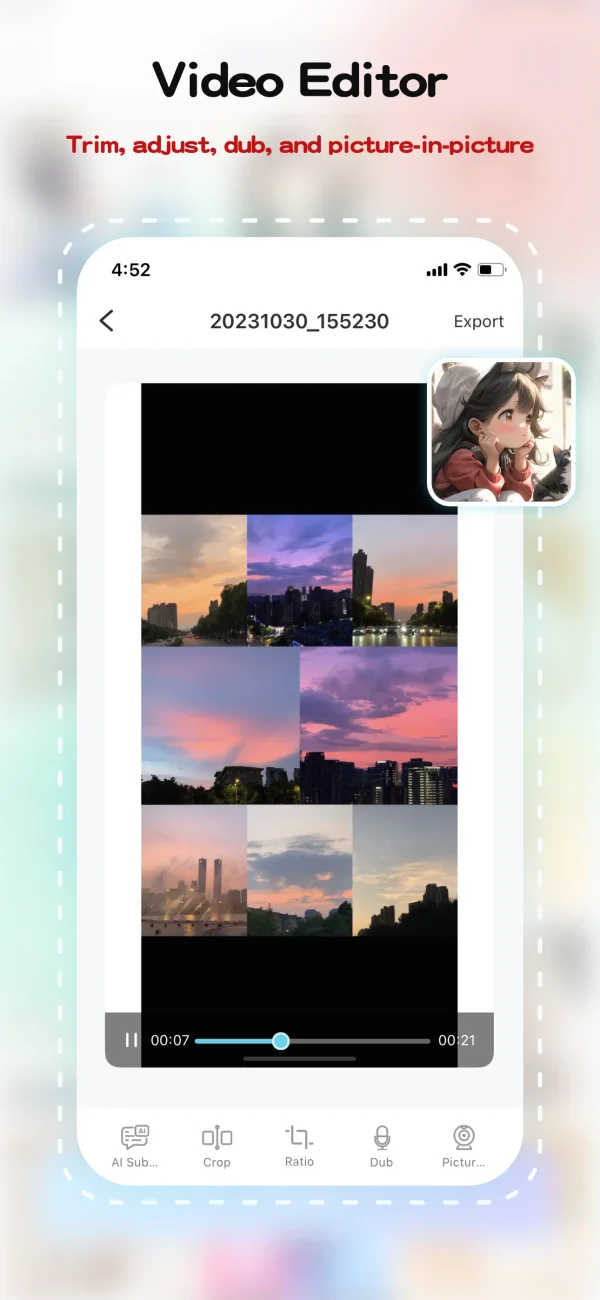
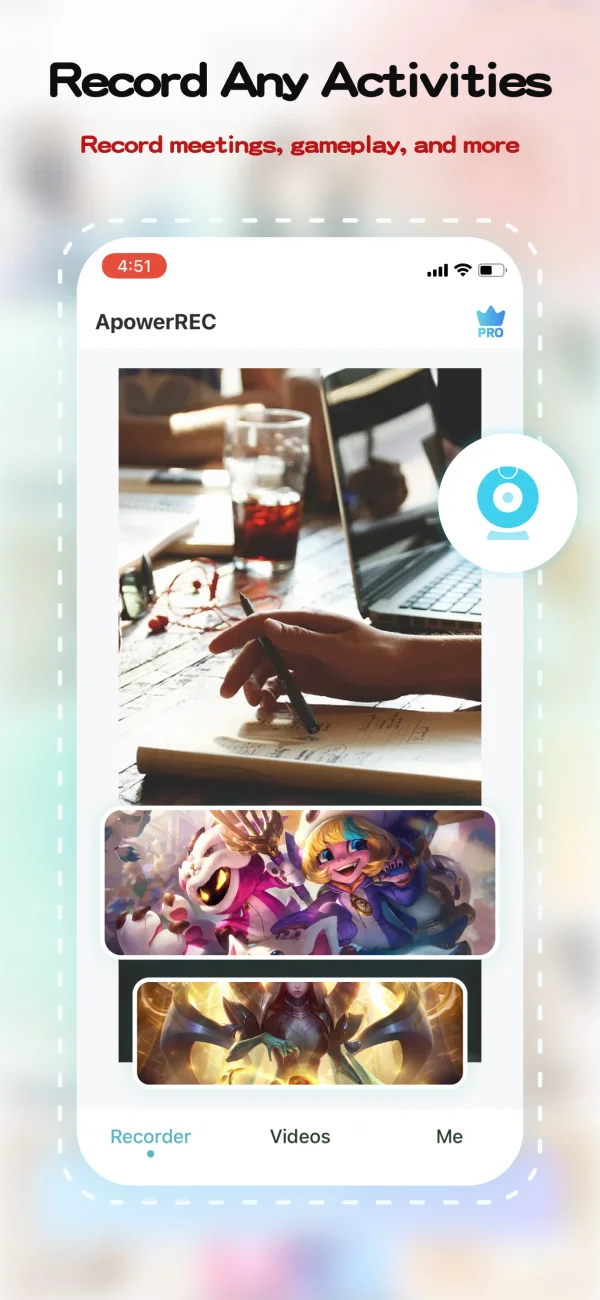
ApowerREC is a screen recorder and video editor for gameplay, tutorials, app demos, and presentations. Record with microphone commentary, edit with AI subtitles and voiceovers, turn scrolling recordings into long images, and transfer photos and videos over Wi-Fi.
From capturing your screen to editing and sharing, keep your everyday media tasks together in one app.
SCREEN RECORDING
Capture the moments and ideas you want to share.
• Record gameplay, tutorials, app demonstrations, and more.
• Add microphone commentary to explain what’s happening on screen.
• Adjust resolution, recording quality, and frame rate where supported.
• Available recording settings vary by device and iOS version.
• Choose automatic, landscape, or portrait recording orientation.
• Save recordings for editing, playback, and sharing.
WI-FI FILE TRANSFER
Move photos and videos between devices without a cable.
• Connect your devices to the same Wi-Fi network.
• Open the address shown in ApowerREC in a browser on your computer or another phone.
• Send and receive supported photos and videos in both directions.
• Use your browser on the other device without installing a companion app.
SCROLLING RECORDINGS TO LONG IMAGES
Keep scrolling content in one easy-to-view image.
• Turn a continuous scrolling screen recording into a long image.
• Adjust the video range to focus on the content you need.
• Crop the result to remove unwanted areas.
• Save the long image to Photos or share it with others.
VIDEO EDITING & AI SUBTITLES
Turn recordings into clear, focused videos.
• Trim unwanted footage and keep the moments that matter.
• Automatically generate subtitles with AI speech recognition.
• Add voiceovers to explain steps or personalize your videos.
• Crop videos to popular aspect ratios, including 1:1, 4:3, 16:9, and 9:16.
• Create picture-in-picture layouts in your video edits.
VIDEO COMPRESSION
Make large videos easier to store and share.
• Reduce video file sizes with adjustable compression settings.
• Balance quality, resolution, and file size.
• Import videos from Photos or the Files app.
• Save compressed copies while keeping your originals.
FORMAT CONVERSION & AUDIO EXTRACTION
Prepare your media for different uses.
• Convert videos to supported formats, including MP4, MOV, and M4V.
• Extract audio from videos as MP3, M4A, or WAV.
• Turn video clips into GIFs.
• Track processing progress and access your results.
FREE VIDEO PLAYER
Watch recordings and local videos without a VIP subscription.
• Play MP4, MOV, M4V, MKV, AVI, WebM, FLV, WMV, and more.
• Open videos from Photos, the Files app, or the system share menu.
• Adjust playback speed and watch in landscape.
• Access your playback history and continue from your saved position.
IMAGE TOOLS
Handle everyday image editing tasks.
• Compress images to reduce file sizes.
• Crop, adjust, and annotate pictures.
• Save edited copies while keeping your originals.
MADE FOR YOUR EVERYDAY RECORDINGS
Explain an app, capture a gameplay highlight, or create a tutorial with subtitles and voiceover. Turn scrolling content into a long image, compress a video for sharing, or move photos and videos to another device over Wi-Fi.
FREE & VIP FEATURES
The video player is free to use. Saving and sharing long images require VIP. Some other features require a VIP subscription or purchase. Available options and pricing are displayed in the app.
Format support depends on the file’s video and audio codecs. Playback, editing, compression, conversion, and transfer support may differ.
CONTACT US
Have a question or suggestion? Contact support@apowersoft.com.
If you enjoy using ApowerREC, we’d appreciate your review!
What’s new
Version 1.2.7 · Nov 18, 2026
• Improved video editing with clip splitting, deletion, and individual speed controls.
• Added support for iPhone Duo to make the most of its larger screen.
• Received files and transfer history are kept after restarting the app, with options to preview, save, and share.
App privacy
What Apowersoft Limited declares on the App Store about how this app handles data.
-
Data not linked to you
May be collected but is not linked to your identity.
- Purchases
- User content
- Identifiers
Privacy practices may vary, for example with the features you use or your age.
Information
- Seller
- Apowersoft Limited
- Category
- Utilities
- Version
- 1.2.7
- Updated
- Nov 18, 2026
- Released
- Feb 7, 2018
- Size
- 171.6 MB
- Requires
- iOS 15 or later
- Age rating
- 4+
- Price
- Free
- In-app purchases
- Yes
- Languages
- English, French, German, Italian, Japanese, Portuguese, Simplified Chinese, Spanish, Traditional Chinese
- Copyright
- © 2026 Apowersoft Ltd. All Rights Reserved.
You might also like
-
 Screen Recorder - RecordXRecording App, Voice Recorder
-
 Screen Recorder for iPhone HDFacecam, Record Video & Stream
-
 Screen Recorder,Screen CaptureRecord Video, Audio & Gameplay
-
 Screen Recorder Pro⋆Record Display & Reaction Cam
-
 Screen Recorder- Record GameMy phone display recorder app
-
 Awesome Screen RecorderRecord and share your screen
-
 Screen Recorder ‑ Record VideoFace Cam, Livestream Recording
-
 Screen Recorder: Go RecordFace Cam Reaction Video Editor
-
 Live Recorder: Record ScreenGame Recorder & Live Streaming
-
 Screen Record: Screen recorderVideo recorder - Recording app