AppTimeLock: Block Apps
Screen time limit for any app
Được thiết kế cho iPhone, iPad
Miễn phí · Mua hàng trong ứng dụng
- Độ tuổi4+
- Danh mụcHiệu Suất
- Nhà phát triểnMuhammad Farhan Almasyhur
- Ngôn ngữTiếng Anh+ 7 ngôn ngữ khác
- Kích thước16,3 MB
Liên kết đến trang App Store chính thức
Download.org không lưu trữ tệp nào của AppTimeLock: Block Apps. Nút này mở trang ứng dụng trên App Store, nơi Muhammad Farhan Almasyhur phát hành ứng dụng. Trang được kiểm tra lần cuối: 12/11/2026.
Ảnh chụp màn hình
Giới thiệu
Nhà phát triển chưa cung cấp nội dung này bằng ngôn ngữ của bạn.
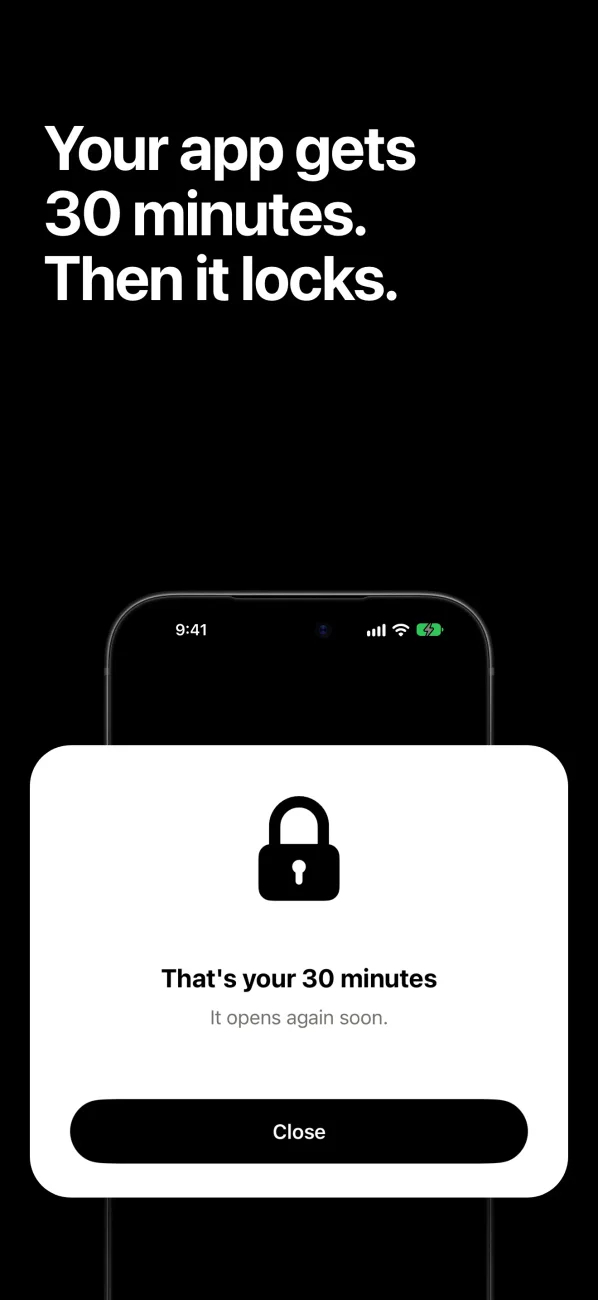
Your app gets 30 minutes. Then it locks.
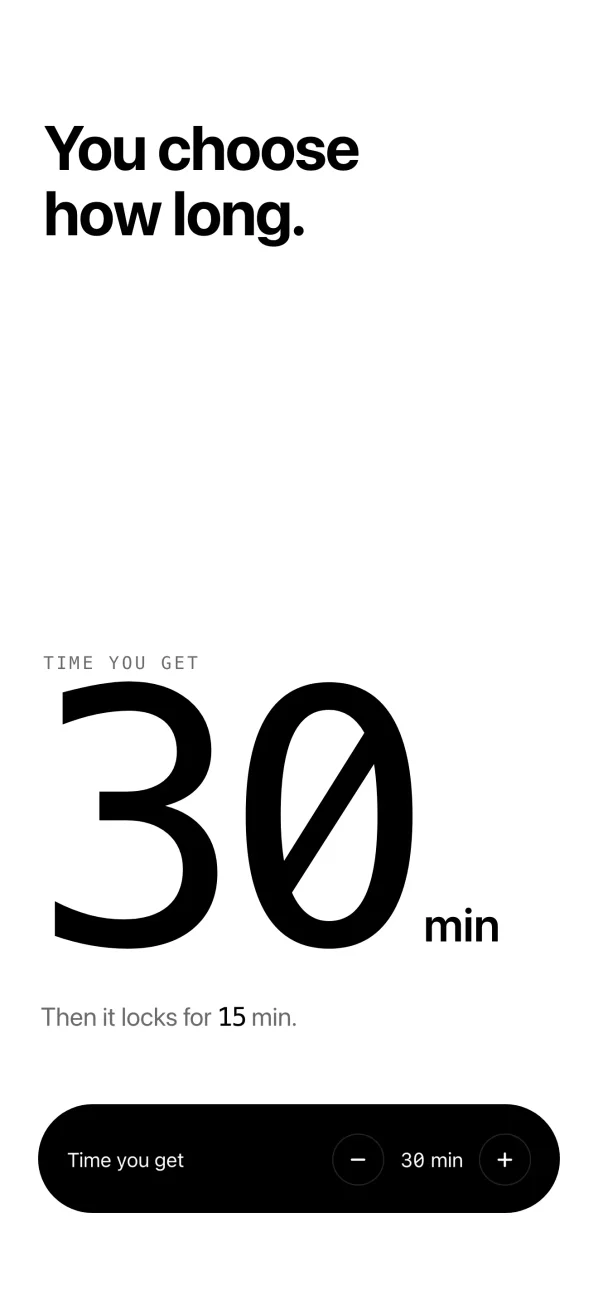
Pick the app you open without thinking and choose how long it gets. When the time runs out, the app locks for a while, then the minutes start again.
No account to make. Your settings stay on your iPhone or iPad.
FOUR WAYS TO LOCK AN APP
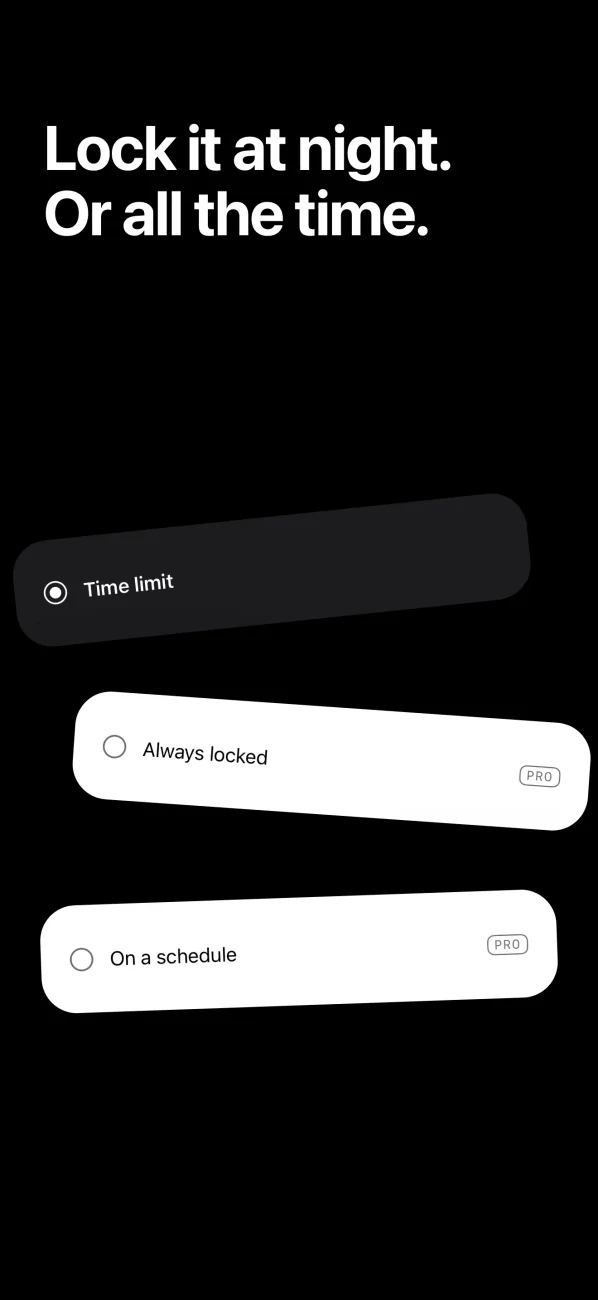
Time limit. Give the app 5 to 240 minutes. When they run out, it locks for 15 minutes to 12 hours, as you choose.
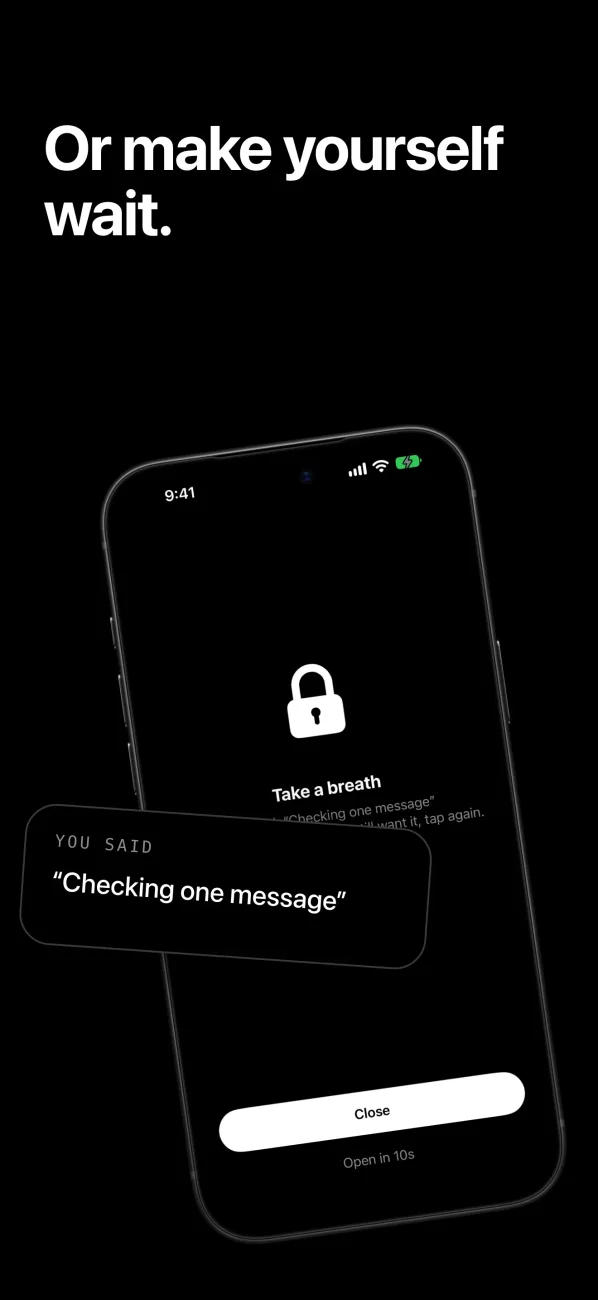
Make me wait. The app stays within reach, but every open starts with a wait, and Close is the easy button. Wait it out and you get a Pass: 5 minutes in the app. The first wait of the day is 10 seconds, and each Pass makes the next one longer. Write one sentence about why you're doing this, and it shows while you wait.
Always locked. The app stays closed until you change it.
On a schedule. The app locks during the hours you pick, on the days you pick.
STRICT MODE
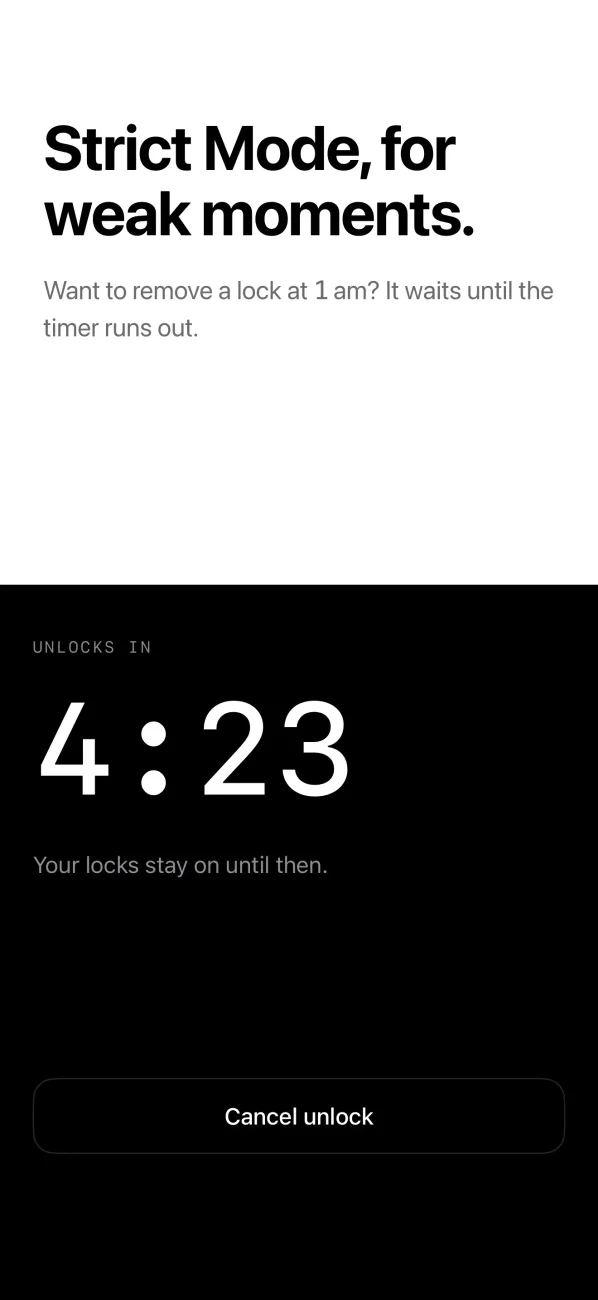
With Strict Mode on, you can't remove a lock, loosen one or turn Strict Mode off until a timer runs out. You set the timer, from 5 minutes to 4 hours, and get a notification when it's done.
SEE IT WORKING
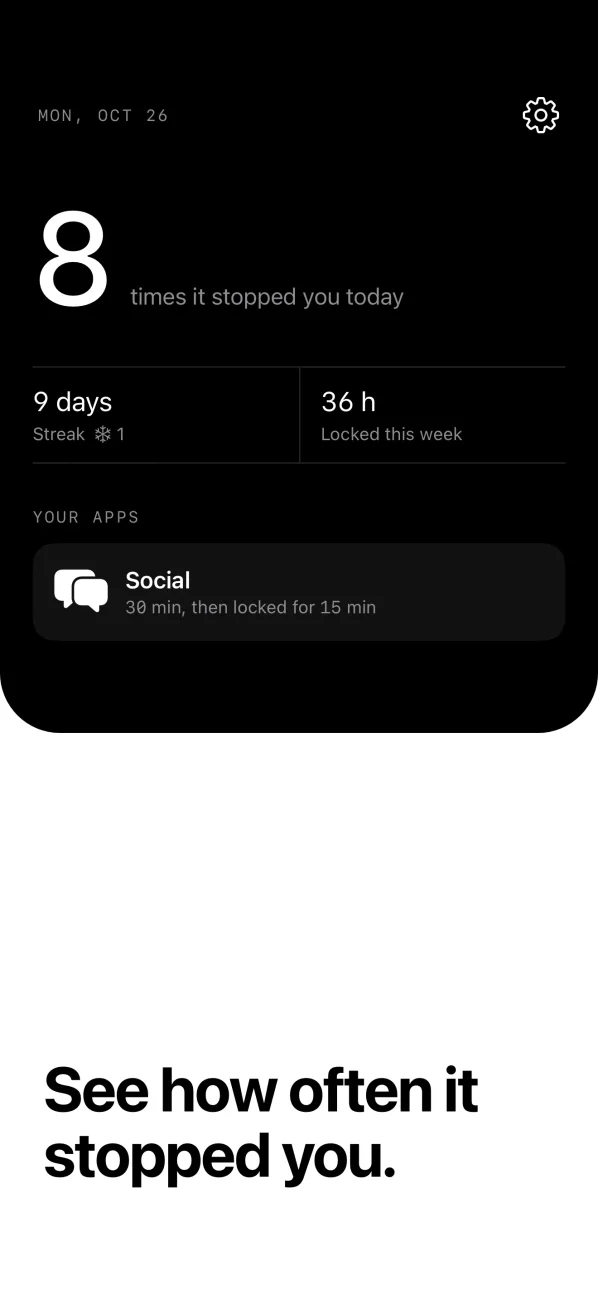
The main screen counts the times a lock stopped you today. Under that are your streak and the hours your apps were locked this week. Progress shows a bar for each day of the week. Every 7 days in a row earns a streak freeze, which covers a missed day. A recap arrives on Sunday evening, and you can turn it off. You can share a card with your numbers. It never names your apps.
PRIVATE
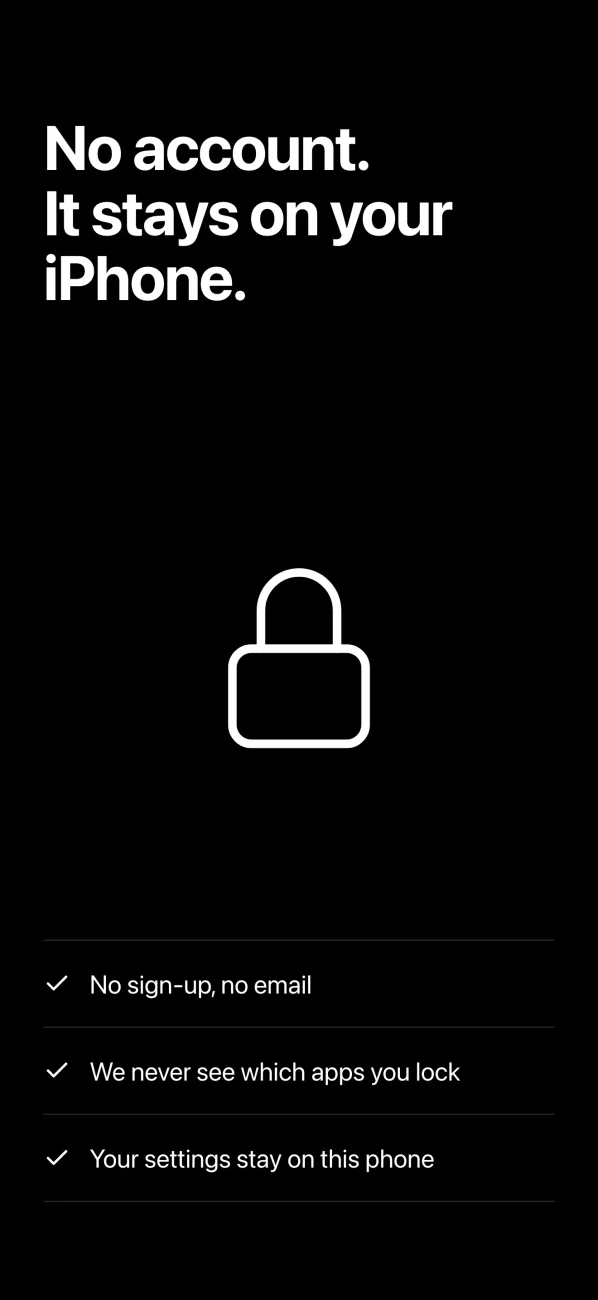
No sign-up and no email. Apple's Screen Time hides your app choices from us, so we never see which apps you lock. We count anonymous events, like how many people finish setup, and nothing that identifies you.
FREE AND PRO
Free: one app with Time limit or Make me wait, your streak, this week's stats, the share card and 1 streak freeze.
Pro: as many apps as you want, whole groups such as Social in one go, Always locked, On a schedule, Strict Mode, Passes of 1, 5, 15 or 30 minutes, Gentle, Standard or Firm waits, every past week of stats and up to 3 streak freezes.
Pro is a weekly, monthly or yearly subscription. The yearly plan starts with a 7-day free trial if you haven't had one before, and the app can remind you the day before it ends.
Subscriptions renew automatically until you cancel them in Settings.
Terms of Use: https://apptimelock.com/terms
Privacy Policy: https://apptimelock.com/privacy
Có gì mới
Phiên bản 2.1 · 28/10/2026
Time limit now counts a break. Stay out of the app for as long as its lock lasts and your minutes fill back up, so short visits across the day no longer add up to a lock.
New in 2.0:
AppTimeLock 2.0 redraws every screen in black and white. It follows your light or dark setting.
Setup is three steps: allow Screen Time, pick an app, set a time limit.
The main screen now opens on how many times a lock stopped you today, with your streak and the hours locked this week.
The lock types have new names. Cooldown is now Time limit, and Pause is now Make me wait.
You hear a short sound and feel a tap when you set a lock. Turn sounds off in Settings.
Better layouts on iPad.
Pro's yearly plan now starts with a 7-day free trial.
Quyền riêng tư của ứng dụng
Những gì Muhammad Farhan Almasyhur khai báo trên App Store về cách ứng dụng này xử lý dữ liệu.
-
Dữ liệu không được thu thập
Nhà phát triển không thu thập bất kỳ dữ liệu nào từ ứng dụng này.
Phương thức đảm bảo quyền riêng tư có thể khác nhau, chẳng hạn như tuỳ theo các tính năng bạn sử dụng hoặc độ tuổi của bạn.
Thông tin
- Người bán
- Muhammad Farhan Almasyhur
- Danh mục
- Hiệu Suất
- Phiên bản
- 2.1
- Cập nhật
- 28/10/2026
- Phát hành
- 17/06/2026
- Kích thước
- 16,3 MB
- Yêu cầu
- iOS 18.0 trở lên
- Độ tuổi
- 4+
- Giá
- Miễn phí
- Mua hàng trong ứng dụng
- Có
- Ngôn ngữ
- Tiếng Anh, Tiếng Ả Rập, Tiếng Pháp, Tiếng Đức, Tiếng Nhật, Tiếng Bồ Đào Nha, Tiếng Trung Giản thể, Tiếng Tây Ban Nha
- Bản quyền
- © 2026 AppTimeLock
Có thể bạn cũng thích
-
 CraveLock: Block Apps & LimitHiệu Suất
-
 Still Block Apps / SitesHiệu Suất
-
 DigiBound: Screen Time BlockerHiệu Suất
-
 Verboten: App BlockerHiệu Suất
-
 Vowlock: Strict App BlockerHiệu Suất
-
 Focus Blocks: App BlockerHiệu Suất
-
 Scrollless - Screen Time BlockHiệu Suất
-
 Website Blocker: Focus & BlockHiệu Suất
-
 Frost Lock: Chặn ứng dụngGiới hạn thời gian sử dụng
-
 LockTimerHiệu Suất