AppTimeLock: Block Apps
Screen time limit for any app
Designed for iPhone, iPad
Free · In-app purchases
- Age rating4+
- CategoryProductivity
- DeveloperMuhammad Farhan Almasyhur
- LanguagesEnglish+ 7 more
- Size16.3 MB
Links to the official App Store page
Download.org hosts no file of AppTimeLock: Block Apps. The button opens its official App Store page, published by Muhammad Farhan Almasyhur. Listing last checked on Nov 12, 2026.
Screenshots



About
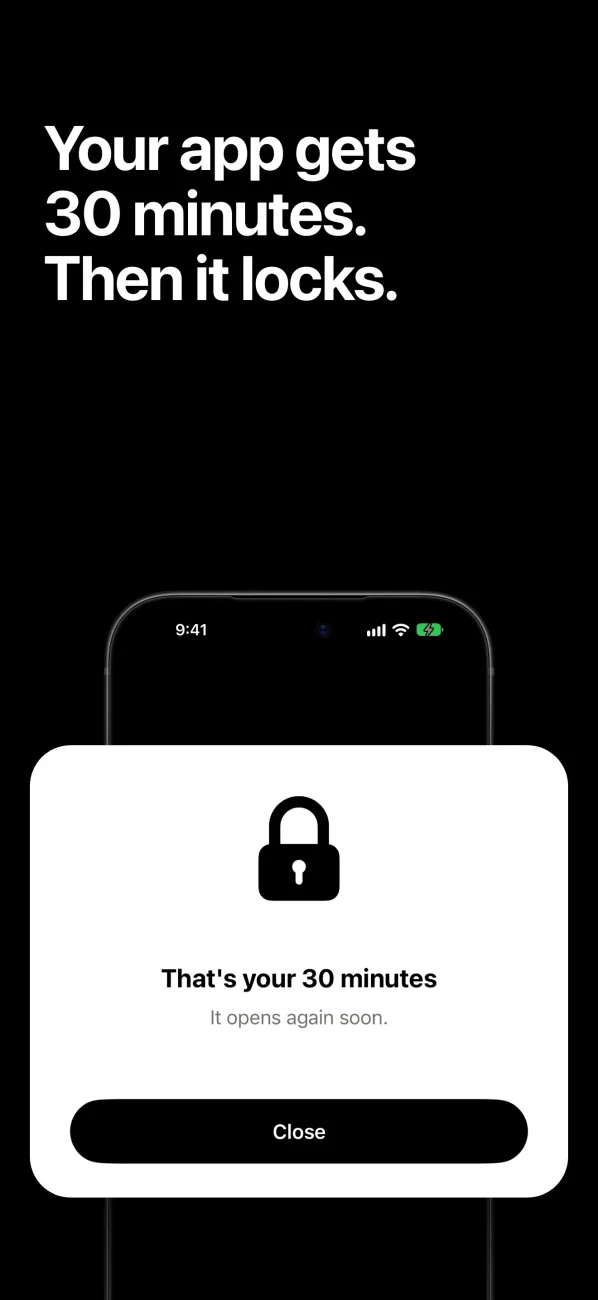
Your app gets 30 minutes. Then it locks.
Pick the app you open without thinking and choose how long it gets. When the time runs out, the app locks for a while, then the minutes start again.
No account to make. Your settings stay on your iPhone or iPad.
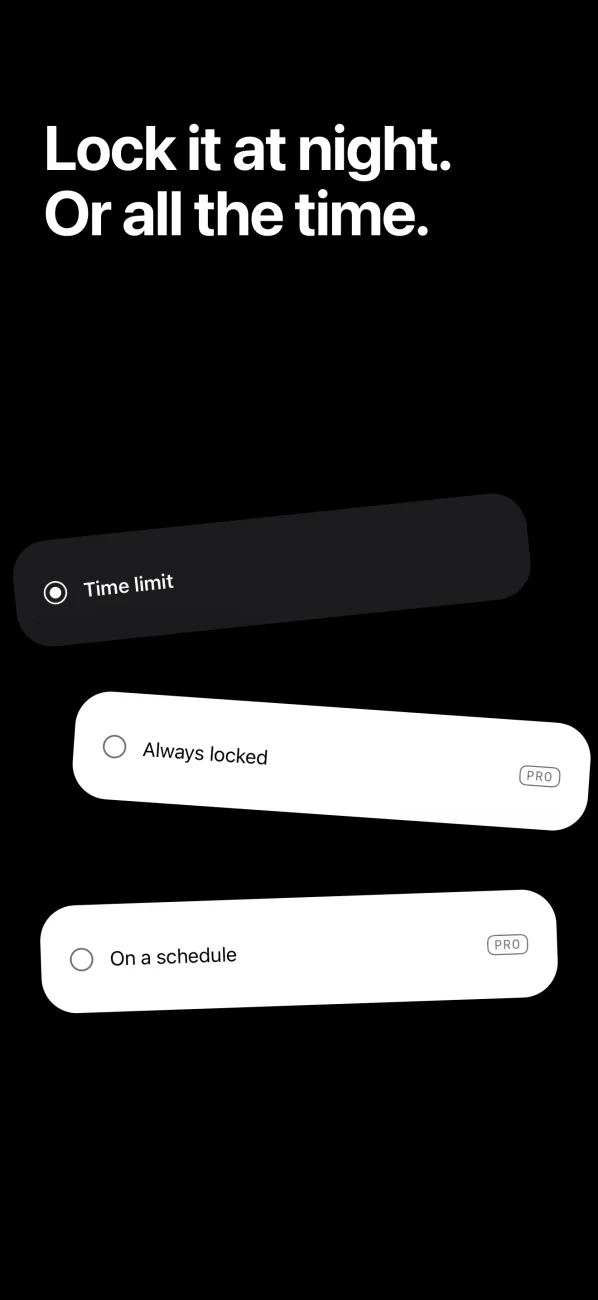
FOUR WAYS TO LOCK AN APP
Time limit. Give the app 5 to 240 minutes. When they run out, it locks for 15 minutes to 12 hours, as you choose.
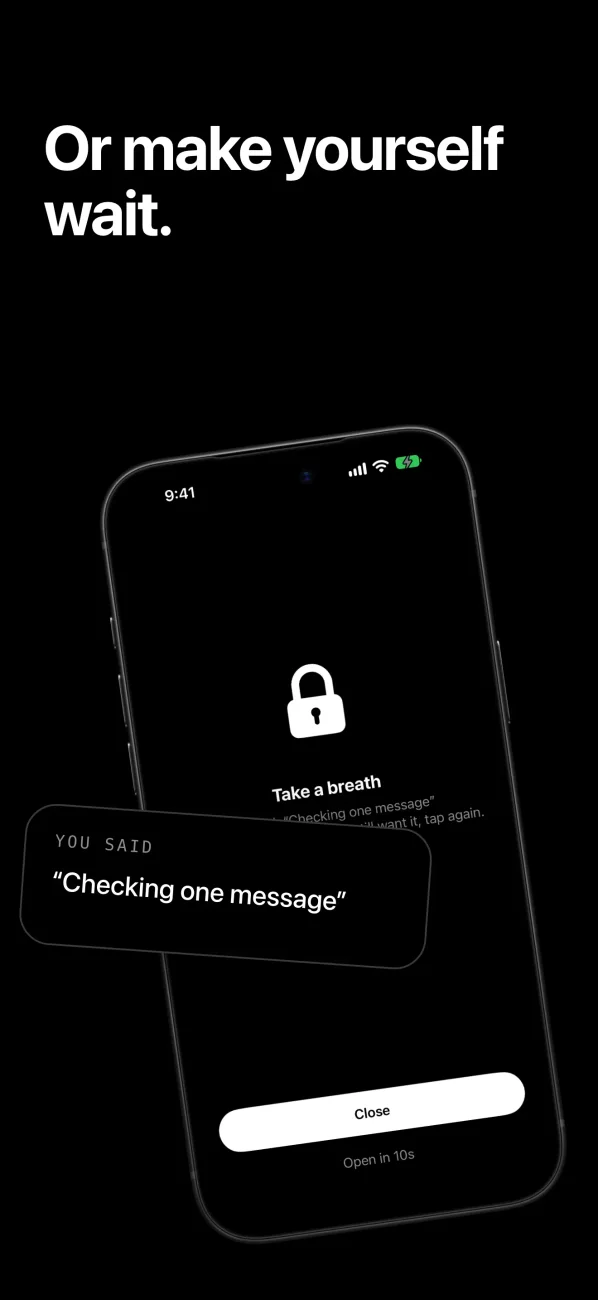
Make me wait. The app stays within reach, but every open starts with a wait, and Close is the easy button. Wait it out and you get a Pass: 5 minutes in the app. The first wait of the day is 10 seconds, and each Pass makes the next one longer. Write one sentence about why you're doing this, and it shows while you wait.
Always locked. The app stays closed until you change it.
On a schedule. The app locks during the hours you pick, on the days you pick.
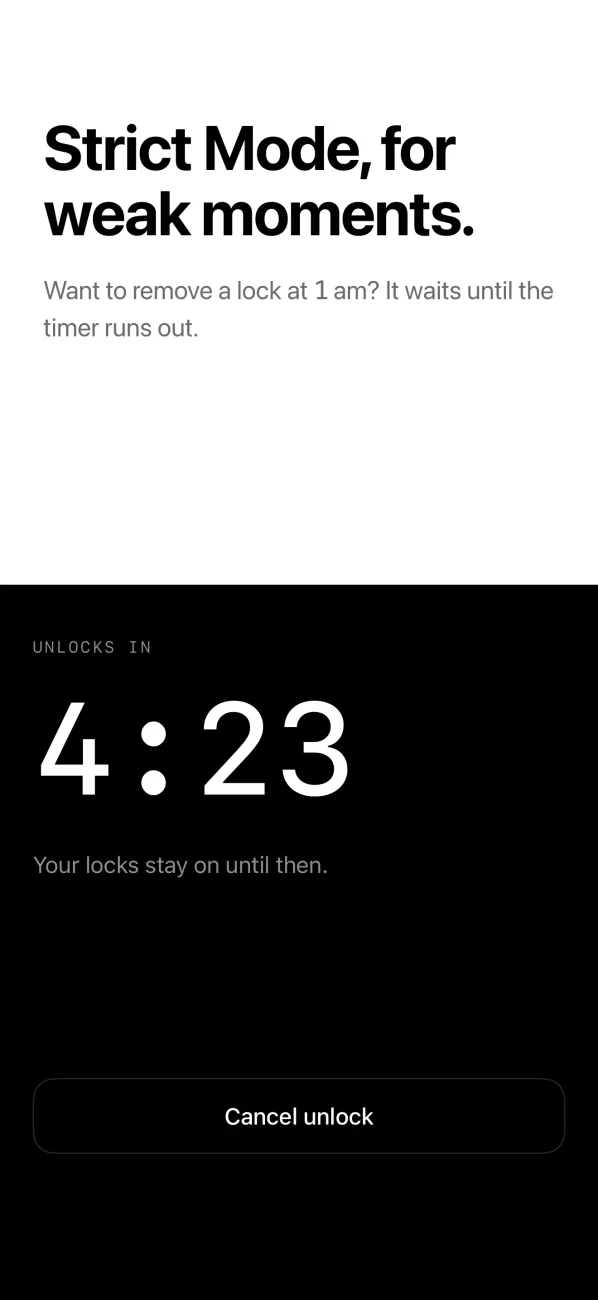
STRICT MODE
With Strict Mode on, you can't remove a lock, loosen one or turn Strict Mode off until a timer runs out. You set the timer, from 5 minutes to 4 hours, and get a notification when it's done.
SEE IT WORKING
The main screen counts the times a lock stopped you today. Under that are your streak and the hours your apps were locked this week. Progress shows a bar for each day of the week. Every 7 days in a row earns a streak freeze, which covers a missed day. A recap arrives on Sunday evening, and you can turn it off. You can share a card with your numbers. It never names your apps.
PRIVATE
No sign-up and no email. Apple's Screen Time hides your app choices from us, so we never see which apps you lock. We count anonymous events, like how many people finish setup, and nothing that identifies you.
FREE AND PRO
Free: one app with Time limit or Make me wait, your streak, this week's stats, the share card and 1 streak freeze.
Pro: as many apps as you want, whole groups such as Social in one go, Always locked, On a schedule, Strict Mode, Passes of 1, 5, 15 or 30 minutes, Gentle, Standard or Firm waits, every past week of stats and up to 3 streak freezes.
Pro is a weekly, monthly or yearly subscription. The yearly plan starts with a 7-day free trial if you haven't had one before, and the app can remind you the day before it ends.
Subscriptions renew automatically until you cancel them in Settings.
Terms of Use: https://apptimelock.com/terms
Privacy Policy: https://apptimelock.com/privacy
What’s new
Version 2.1 · Oct 28, 2026
Time limit now counts a break. Stay out of the app for as long as its lock lasts and your minutes fill back up, so short visits across the day no longer add up to a lock.
New in 2.0:
AppTimeLock 2.0 redraws every screen in black and white. It follows your light or dark setting.
Setup is three steps: allow Screen Time, pick an app, set a time limit.
The main screen now opens on how many times a lock stopped you today, with your streak and the hours locked this week.
The lock types have new names. Cooldown is now Time limit, and Pause is now Make me wait.
You hear a short sound and feel a tap when you set a lock. Turn sounds off in Settings.
Better layouts on iPad.
Pro's yearly plan now starts with a 7-day free trial.
App privacy
What Muhammad Farhan Almasyhur declares on the App Store about how this app handles data.
-
Data not collected
The developer does not collect any data from this app.
Privacy practices may vary, for example with the features you use or your age.
Information
- Seller
- Muhammad Farhan Almasyhur
- Category
- Productivity
- Version
- 2.1
- Updated
- Oct 28, 2026
- Released
- Jun 17, 2026
- Size
- 16.3 MB
- Requires
- iOS 18.0 or later
- Age rating
- 4+
- Price
- Free
- In-app purchases
- Yes
- Languages
- English, Arabic, French, German, Japanese, Portuguese, Simplified Chinese, Spanish
- Copyright
- © 2026 AppTimeLock
You might also like
-
 CraveLock: Block Apps & LimitScreen Time Limit & App Detox
-
 Still Block Apps / SitesDigital Detox & site blocker
-
 DigiBound: Screen Time BlockerAutomatic Bedtime App Limits
-
 Verboten: App Blockerapp to block scrolling
-
 Vowlock: Strict App BlockerDopamine detox, stay focused
-
 Focus Blocks: App BlockerScreen time app limits
-
 Scrollless - Screen Time BlockStop Doomscrolling
-
 Website Blocker: Focus & BlockApp & Site Screen Time Limit
-
 Frost Lock: App BlockerScreen Time Limits & Focus
-
 LockTimerLock your phone when time's up