- Độ tuổi4+
- Danh mụcDẫn Đường
- Nhà phát triểnHologram Co.,Ltd.
- Ngôn ngữTiếng Anh
- Kích thước3,4 MB
Liên kết đến trang App Store chính thức
Download.org không lưu trữ tệp nào của AR_Compass. Nút này mở trang ứng dụng trên App Store, nơi Hologram Co.,Ltd. phát hành ứng dụng. Trang được kiểm tra lần cuối: 18/11/2026.
Ảnh chụp màn hình

Giới thiệu
Nhà phát triển chưa cung cấp nội dung này bằng ngôn ngữ của bạn.
This app intuitively shows the direction you're facing on your Apple Watch and helps you easily navigate toward your destination.
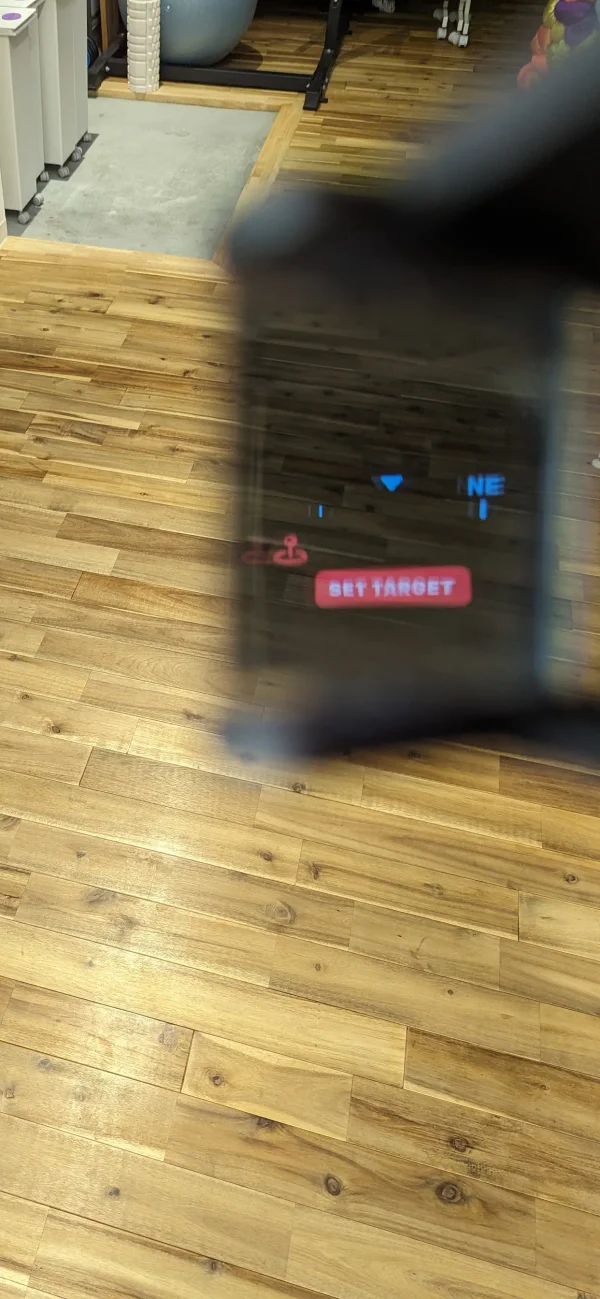
When used in combination with Holostar (https://ho-lo.jp/lp-holostar/), it displays your current direction at the edge of your field of view, just like AR glasses or smart glasses, providing a more convenient and advanced AR navigation experience.
If you have a specific destination in mind, simply press the “SET TARGET” button to set your current direction as the destination. The app will then display your current orientation along with the direction of your destination.
Since it requires minimal input, you can skip the steps of setting detailed routes to your destination and use simple, easy-to-use navigation.
Since it can be used exclusively with an Apple Watch (no complex setup required on an iPhone or iPad) and does not require complicated operations, this app is ideal for use with Holostar.
Additionally, by not displaying detailed route information, the app can adapt more flexibly when the actual path you can take differs from the detailed navigation route—such as when affected by road construction or when passing through the interior of buildings, including underground areas.
By switching the time display settings on your iPhone, you can navigate toward your destination while keeping track of travel time and arrival time, or simply move while focusing on the direction.
*The app supports right-eye and left-eye display on Holostar based on your Apple Watch’s right-hand or left-hand wear settings. Set it to the right hand for right-eye use, and to the left hand for left-eye use.
*You cannot experience AR without using Holostar.
*With standard compass apps, due to display methods and Apple Watch orientation settings, you cannot achieve an AR navigation experience that directly aligns the displayed direction with your line of sight even when combined with Holostar.
Có gì mới
Phiên bản 1.1.0 · 09/10/2026
We've added a feature that starts a workout and tracks distance traveled when you set a target.
We've added a feature to delete targets.
We've added an altitude display.
We've added a display showing the angle of the direction you're facing.
Quyền riêng tư của ứng dụng
Những gì Hologram Co.,Ltd. khai báo trên App Store về cách ứng dụng này xử lý dữ liệu.
-
Dữ liệu không được thu thập
Nhà phát triển không thu thập bất kỳ dữ liệu nào từ ứng dụng này.
Phương thức đảm bảo quyền riêng tư có thể khác nhau, chẳng hạn như tuỳ theo các tính năng bạn sử dụng hoặc độ tuổi của bạn.
Thông tin
- Người bán
- Hologram Co.,Ltd.
- Danh mục
- Dẫn Đường
- Phiên bản
- 1.1.0
- Cập nhật
- 09/10/2026
- Phát hành
- 14/05/2026
- Kích thước
- 3,4 MB
- Yêu cầu
- iOS 17.6 trở lên
- Độ tuổi
- 4+
- Giá
- Miễn phí
- Ngôn ngữ
- Tiếng Anh
- Bản quyền
- © 2026 Hologram Co Ltd
Có thể bạn cũng thích
-
 AR True North CompassDẫn Đường
-
 MineAR: Augmented Reality MapDẫn Đường
-
 ARDAR - AR Flight TrackerDu Lịch
-
 FieldGrid: GPS Quân sự & MGRSUTM, la bàn và điểm dừng
-
 SmartNavi V3Dẫn Đường
-
 Airspace Live: Flight RadarDu Lịch
-
 Peak Panorama: Biết tên núiTrekking và phượt offline
-
 Street Navigation - WalkingDẫn Đường
-
 GO: Car and BUS RidesDu Lịch
-
 TrainsFYI: Train Map & TrackerDẫn Đường