AR Video Trace
Create a hand-drawn flipbook
Được thiết kế cho iPhone, iPad
119.000đ
- Độ tuổi12+
- Danh mụcĐồ Họa & Thiết Kế
- Nhà phát triểnMIDLANDSTORY inc.
- Ngôn ngữTiếng Anh
- Kích thước45,3 MB
Liên kết đến trang App Store chính thức
Download.org không lưu trữ tệp nào của AR Video Trace. Nút này mở trang ứng dụng trên App Store, nơi MIDLANDSTORY inc. phát hành ứng dụng. Trang được kiểm tra lần cuối: 18/11/2026.
Ảnh chụp màn hình
Giới thiệu
Nhà phát triển chưa cung cấp nội dung này bằng ngôn ngữ của bạn.
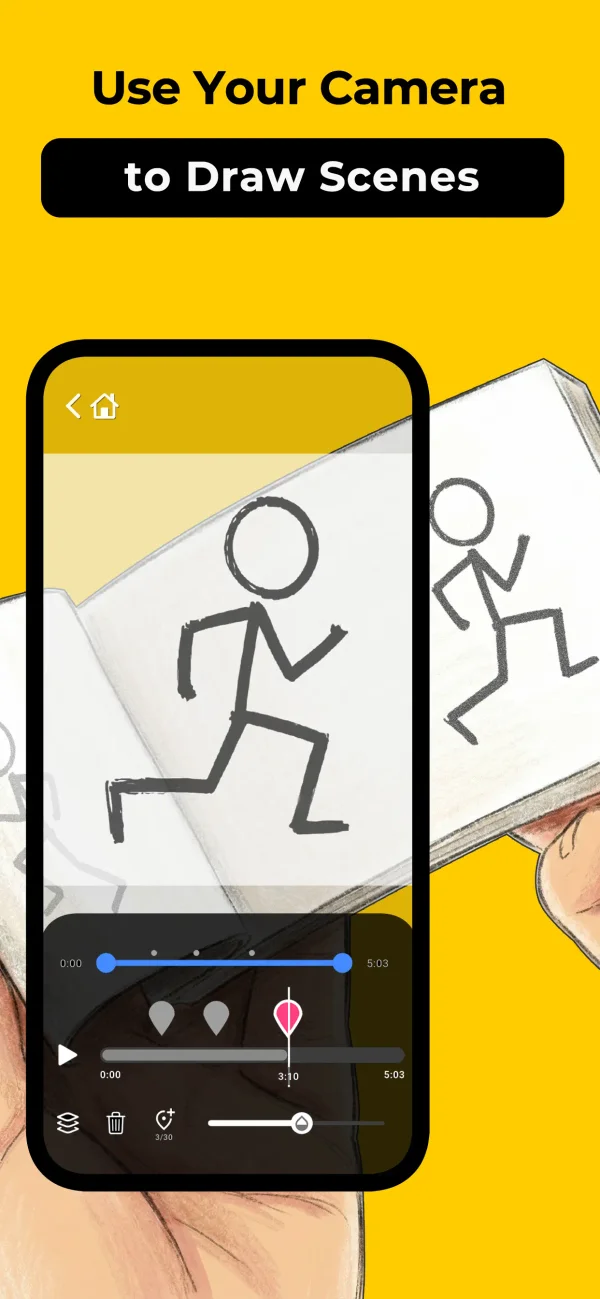
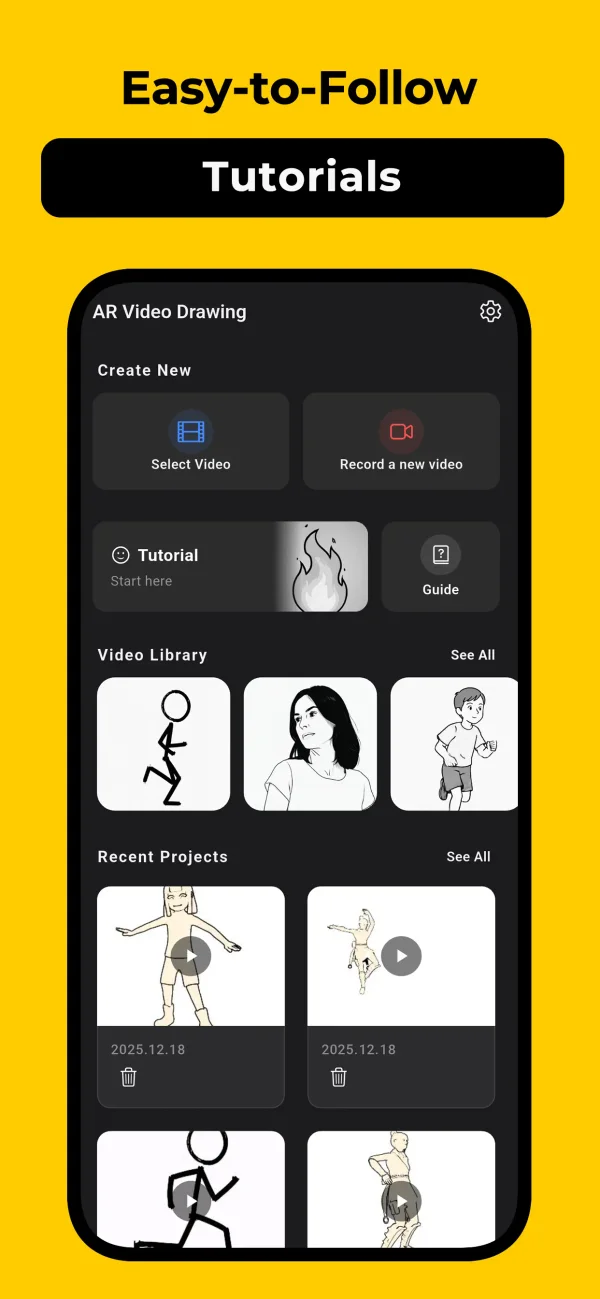
Bring your videos to life on paper! AR Video Trace helps you create flipbooks and hand-drawn animations by tracing video frames directly onto your sketchbook.
Whether you are an aspiring animator, an artist wanting to study motion, or just looking for a fun creative hobby, this app makes drawing frames easy and intuitive.
[ Key Features ]
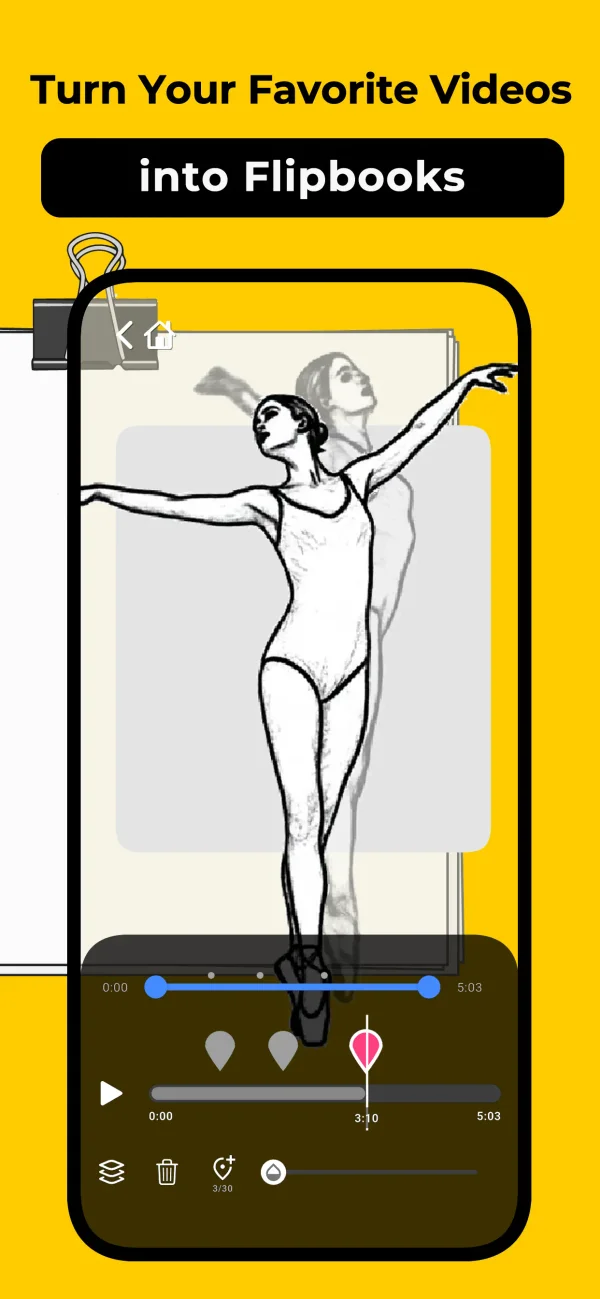
■ Create Flipbooks from Video Unlike standard tracing apps that only work with static images, AR Video Trace specializes in video. Pause specific moments in a video and trace them one by one to create smooth, hand-drawn animations.
■ Master the Art of Movement Understanding how things move is the hardest part of drawing. By tracing real video footage, you will naturally learn how to draw dynamic poses, capture weight, and understand the flow of motion. It’s the perfect practice tool for improving your drawing skills.
■ Smart Anchor System Our unique "Anchor" feature allows you to lock the video at specific frames (seek bar positions).
Add Anchor: Lock the frame you want to draw.
Overlay Mode: Use the "Anchor Multi-Selection Mode" to see previous frames ghostly overlaid on the current one—essential for keeping your animation consistent (Onion Skinning).
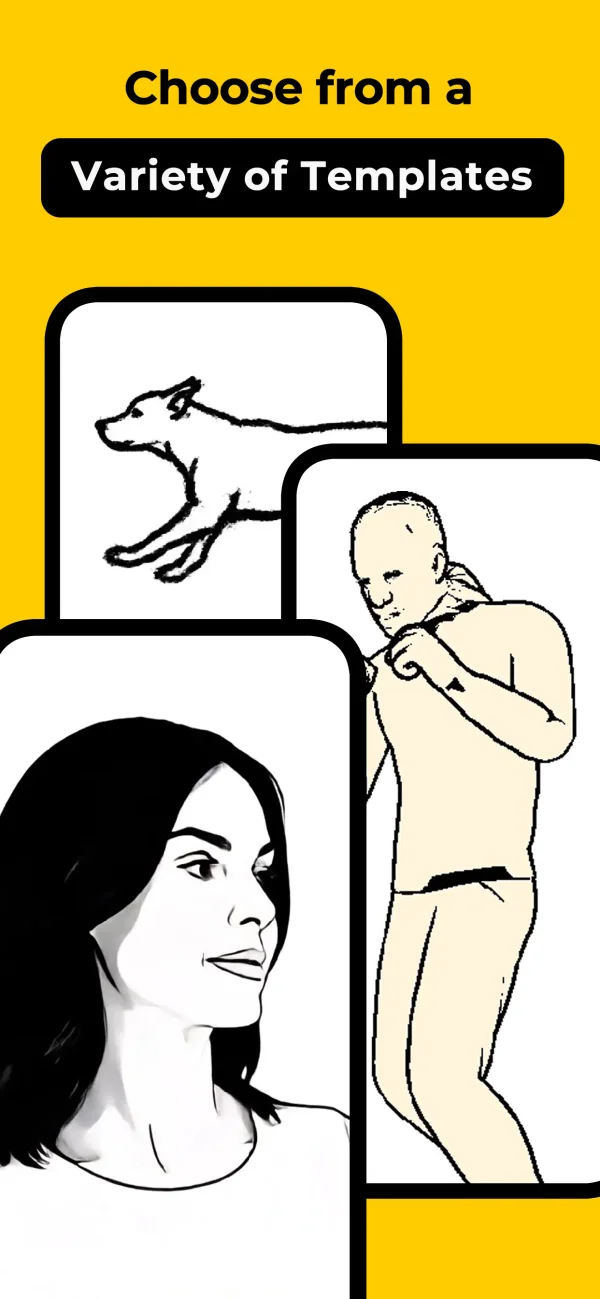
■ Start Creating Immediately No video? No problem. The app comes with pre-installed motion clips specifically selected for practice. You can start tracing and animating right away without needing to record your own footage first.
■ Step-by-Step Guide Beginners are welcome! A built-in tutorial guides you through the process:
Prepare your paper and pen (binder clips recommended!).
Learn how to place anchors.
Trace, flip, and animate!
[ Tools for Precision ]
Zoom & Scale: Pinch to scale the video image to fit your paper size.
Range Control: Focus on a specific loop of the video with the range bar.
Move & Adjust: Easily reposition anchors to align your drawing perfectly.
Download AR Video Trace today and start turning digital moments into hand-drawn magic!
Có gì mới
Phiên bản 1.0.0 · 19/10/2026
[Anúncio de Atualização Importante (Versão 1.0.0)]
Obrigado por usar nosso aplicativo!
Reformulamos o aplicativo para proporcionar uma experiência de usuário mais fluida e confortável!
■Principais Conteúdos da Atualização
• Versão Paga e Sem Anúncios: Todos os anúncios foram removidos, transformando o aplicativo em uma versão premium.
■Para Usuários Existentes
Se você já baixou o aplicativo, pode continuar usando-o sem custo adicional e desfrutar de uma experiência confortável e sem anúncios.
Aproveite o novo aplicativo. Agradecemos seu apoio contínuo!
Quyền riêng tư của ứng dụng
Những gì MIDLANDSTORY inc. khai báo trên App Store về cách ứng dụng này xử lý dữ liệu.
-
Dữ liệu không được thu thập
Nhà phát triển không thu thập bất kỳ dữ liệu nào từ ứng dụng này.
Phương thức đảm bảo quyền riêng tư có thể khác nhau, chẳng hạn như tuỳ theo các tính năng bạn sử dụng hoặc độ tuổi của bạn.
Thông tin
- Người bán
- MITTO LAND STORY K.K.
- Danh mục
- Đồ Họa & Thiết Kế
- Phiên bản
- 1.0.0
- Cập nhật
- 19/10/2026
- Phát hành
- 22/12/2025
- Kích thước
- 45,3 MB
- Yêu cầu
- iOS 16.6 trở lên
- Độ tuổi
- 12+
- Giá
- 119.000đ
- Ngôn ngữ
- Tiếng Anh
- Bản quyền
- © Midland Story
Có thể bạn cũng thích
-
 Flip Hoạt Hình: 2D VẽDrawing and Animation App
-
 Pencil 2d - Draw & AnimationsĐồ Họa & Thiết Kế
-
 VectorMotionĐồ Họa & Thiết Kế
-
 MotionBook - Draw & AnimateĐồ Họa & Thiết Kế
-
 Prisma3D – Hoạt hình, Mô hìnhỨng Dụng Hoạt Hình Prisma 3D
-
 FlipaClip: Draw 2D AnimationĐồ Họa & Thiết Kế
-
 MediBang Paint – Drawing & ArtĐồ Họa & Thiết Kế
-
 3D modeling: Design my modelĐồ Họa & Thiết Kế
-
 Castle - Make and PlayĐồ Họa & Thiết Kế
-
 Magic Poser - Art Pose ToolĐồ Họa & Thiết Kế