Astro Tools
Stargazing & Astrophotography
Được thiết kế cho iPhone, iPad, iPod touch
Miễn phí · Mua hàng trong ứng dụng
- Độ tuổi4+
- Danh mụcTiện Ích
- Nhà phát triểnDimitrios Kechagias
- Ngôn ngữTiếng Anh
- Kích thước34,8 MB
Liên kết đến trang App Store chính thức
Download.org không lưu trữ tệp nào của Astro Tools. Nút này mở trang ứng dụng trên App Store, nơi Dimitrios Kechagias phát hành ứng dụng. Trang được kiểm tra lần cuối: 22/11/2026.
Ảnh chụp màn hình

Giới thiệu
Nhà phát triển chưa cung cấp nội dung này bằng ngôn ngữ của bạn.
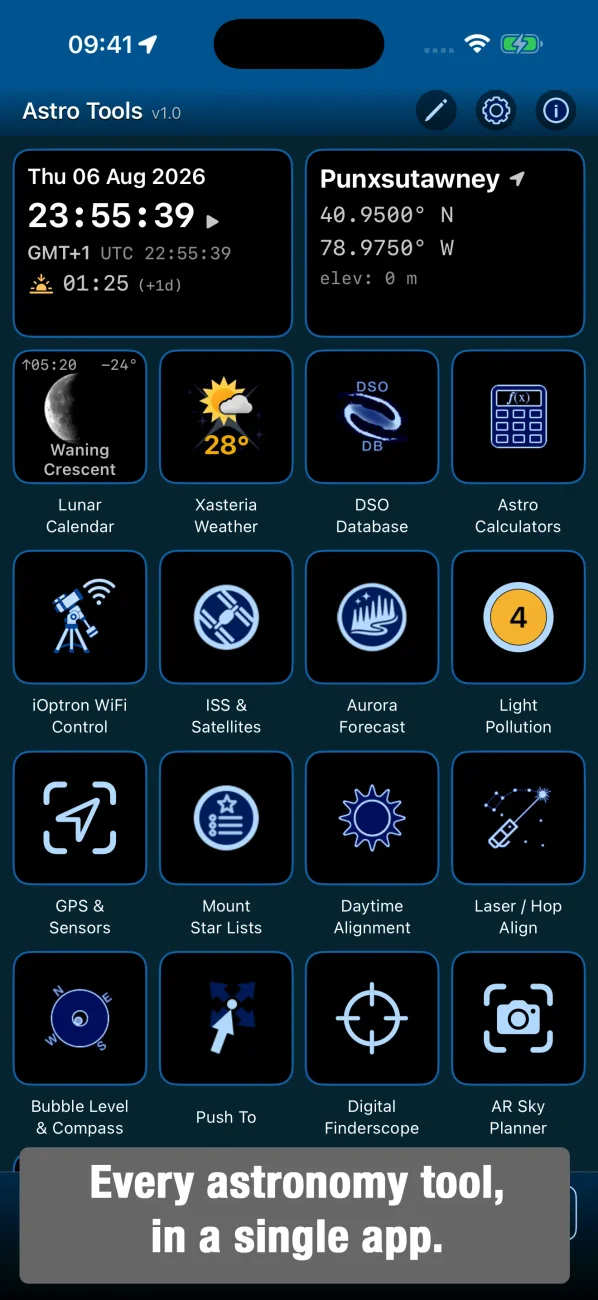
Every astronomy tool, in a single app.
From planning a night under the stars to capturing it, Astro Tools brings your astronomy toolkit together. It combines the tools from Polar Scope Align Pro and Xasteria with new additions for observing and imaging, including an Augmented Reality Sky Planner, Digital Finderscope, Astro Camera, Photo Editor, Plate Solver, Canon Remote.
PLAN YOUR NIGHT
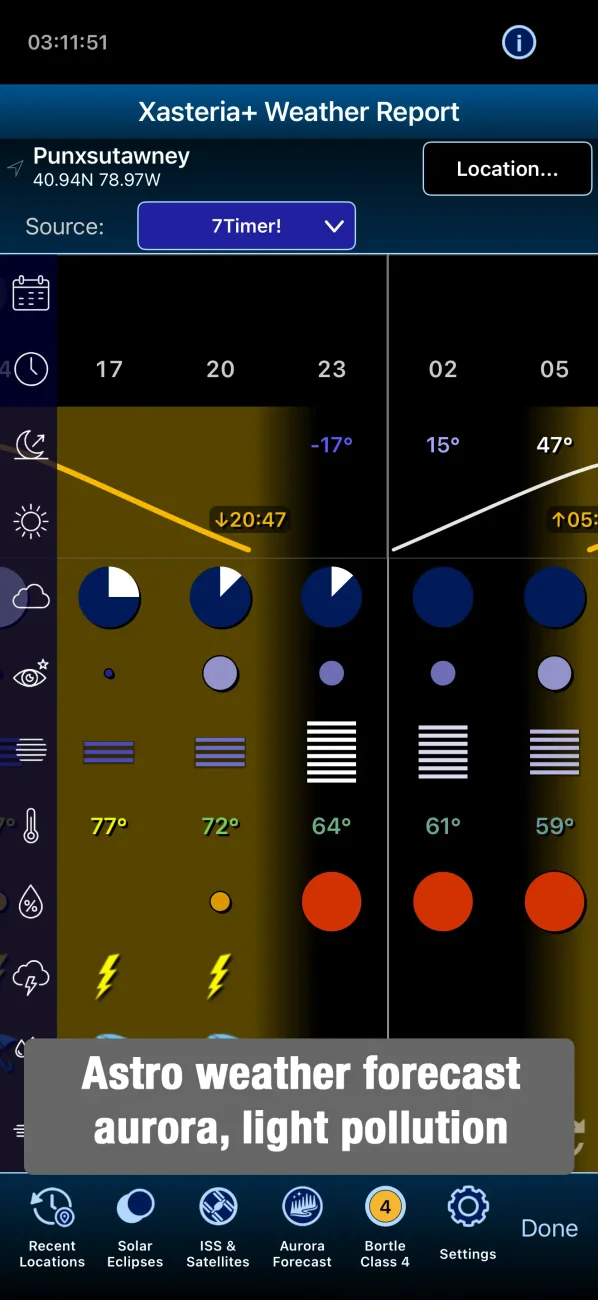
• Astro Weather: compare forecasts for clouds, seeing, transparency, wind and precipitation. Offers multi-forecast source view and animated satellite cloud maps.
• Sun & Moon: browse a monthly Moon calendar, altitude graphs, rise/set and twilight times. Change date, time and location to plan ahead.
• Light Pollution & Aurora: explore interactive light pollution maps and check aurora forecasts.
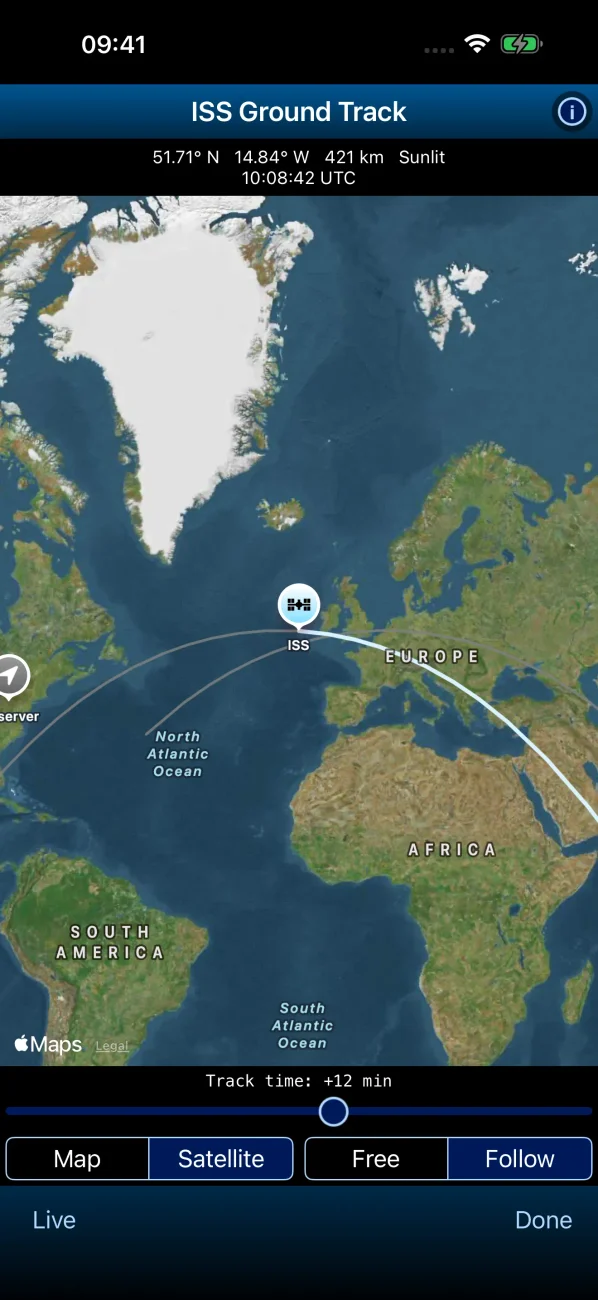
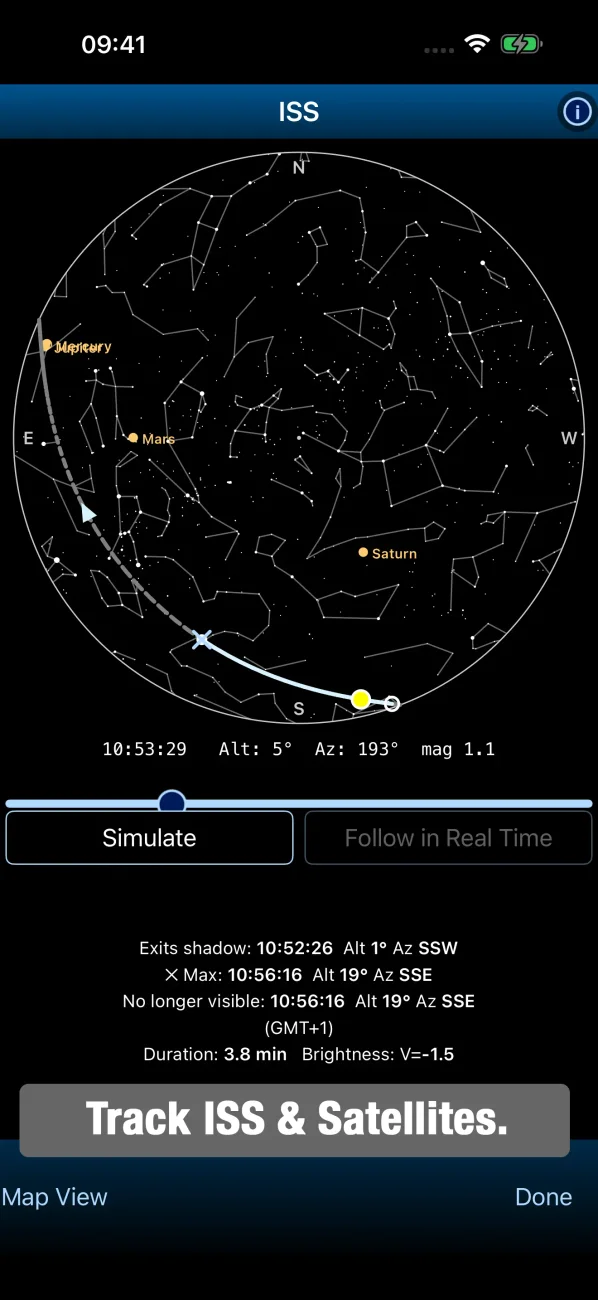
• ISS & Satellites: find visible passes, follow satellites on sky charts and live maps, or play through the night's passes.
• Home Screen Widgets: keep astronomy weather, aurora conditions and upcoming satellite passes at a glance.
FIND AND OBSERVE
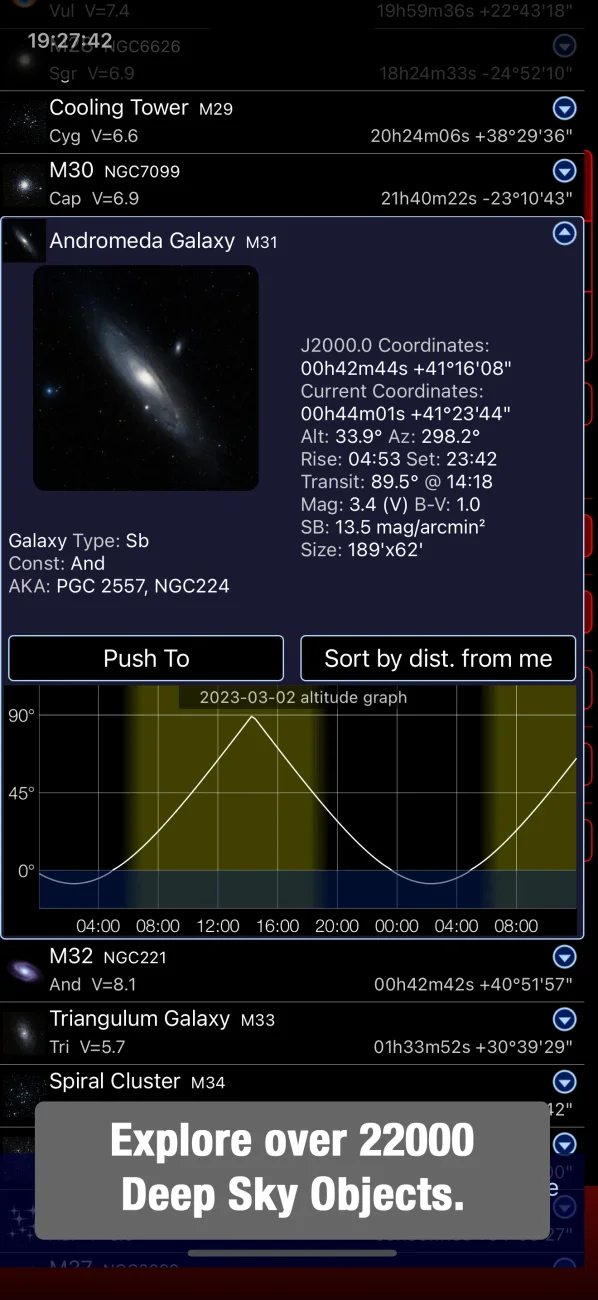
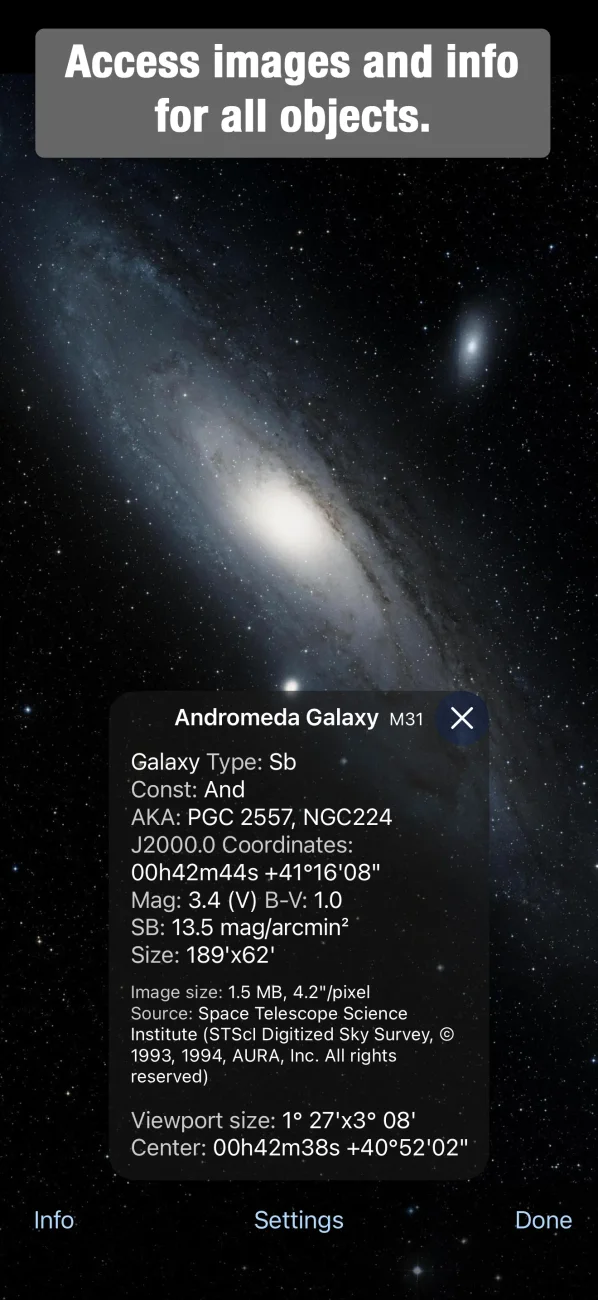
• DSO Database: explore 22,000+ deep-sky objects, stars and Solar System targets. Search, filter and build observing lists. Mark objects as observed, add notes and export them.
• Observing Charts: see altitude, Moon separation and how long a target stays high in a dark sky. Follow a target across the sky with a time slider.
• Push To: attach your phone to a manual telescope and follow arrows to your target. Sync on a known star or use star-hopping for improved accuracy.
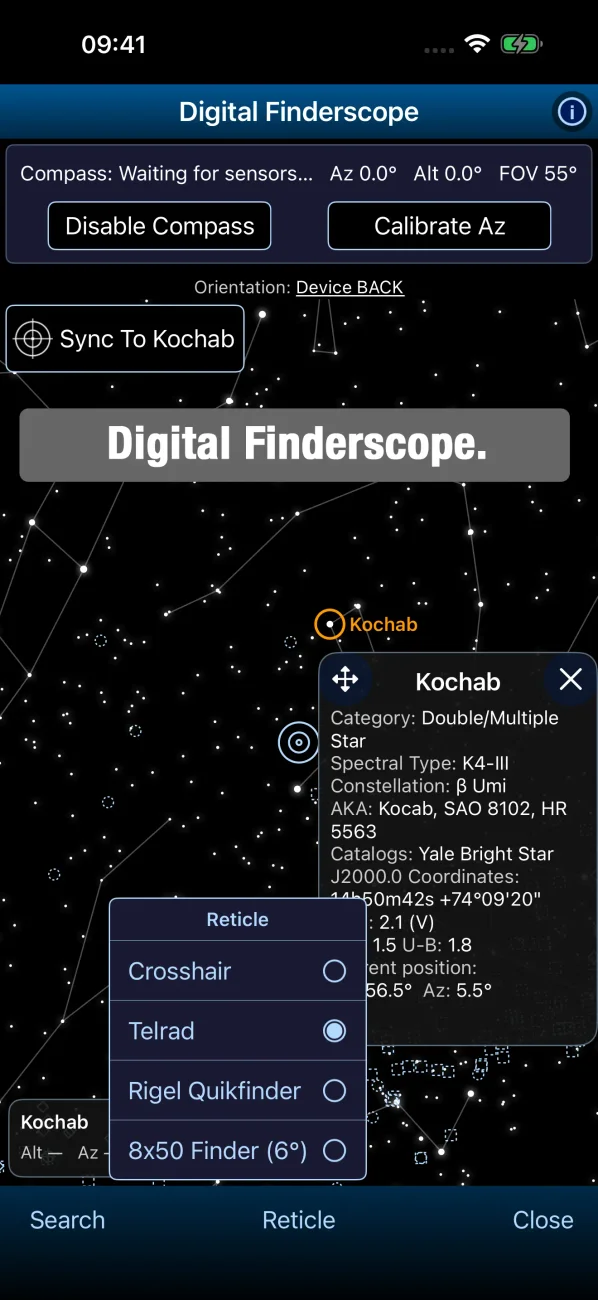
• Digital Finderscope: a live, zoomable sky map follows your phone and guides you to a selected target.
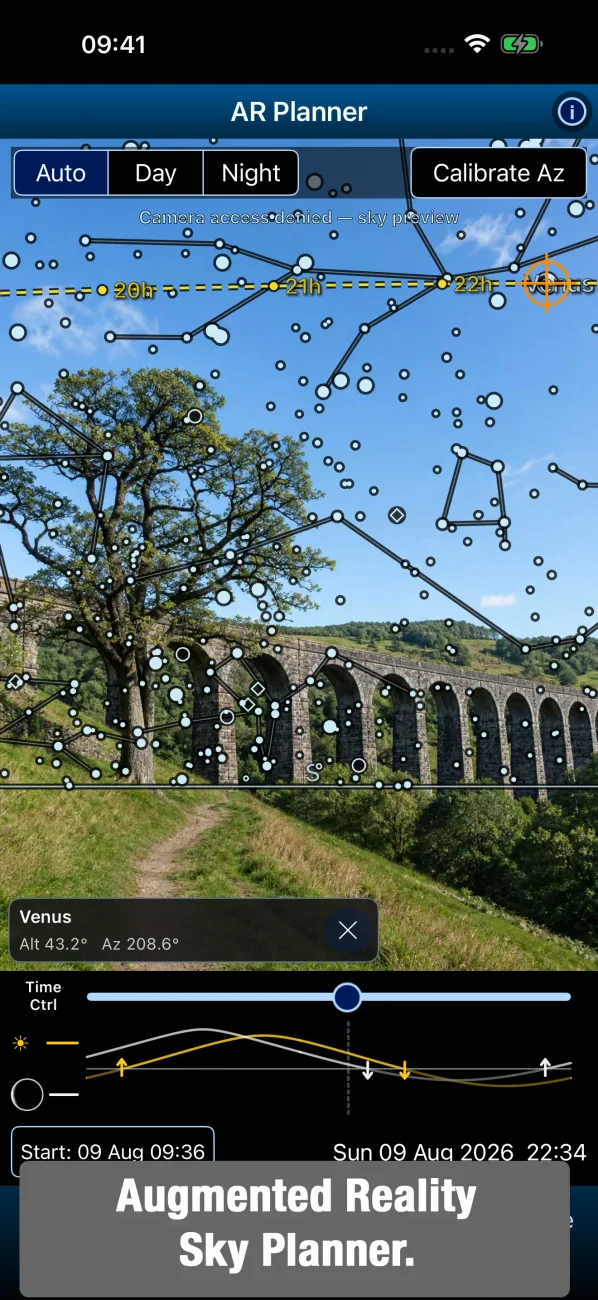
• AR Sky Planner: overlay a star chart on the camera view. Move through time to plan targets around your horizon and landmarks, or compose a nightscape.
CAPTURE, EDIT AND PLATE-SOLVE
• Astro Camera: manual controls for photos and time-lapses, Star Trail mode with optional fading, and Deep Stack / Long Exposure mode to align and stack shots from a tripod or tracker. Star Assist helps you focus; a sky overlay helps you frame.
• Photo Editor: open JPEG, TIFF, RAW and FITS files or Astro Camera stacks. Develop RAW, adjust exposure, stretch, curves, color and detail, then crop and export.
• Plate Solver: identify a photo's sky coordinates, field of view and orientation. Add constellation lines and object labels.
• Canon Remote: Bluetooth shutter control and intervalometer for Canon cameras compatible with the BR-E1 wireless remote.
ALIGN AND CONTROL
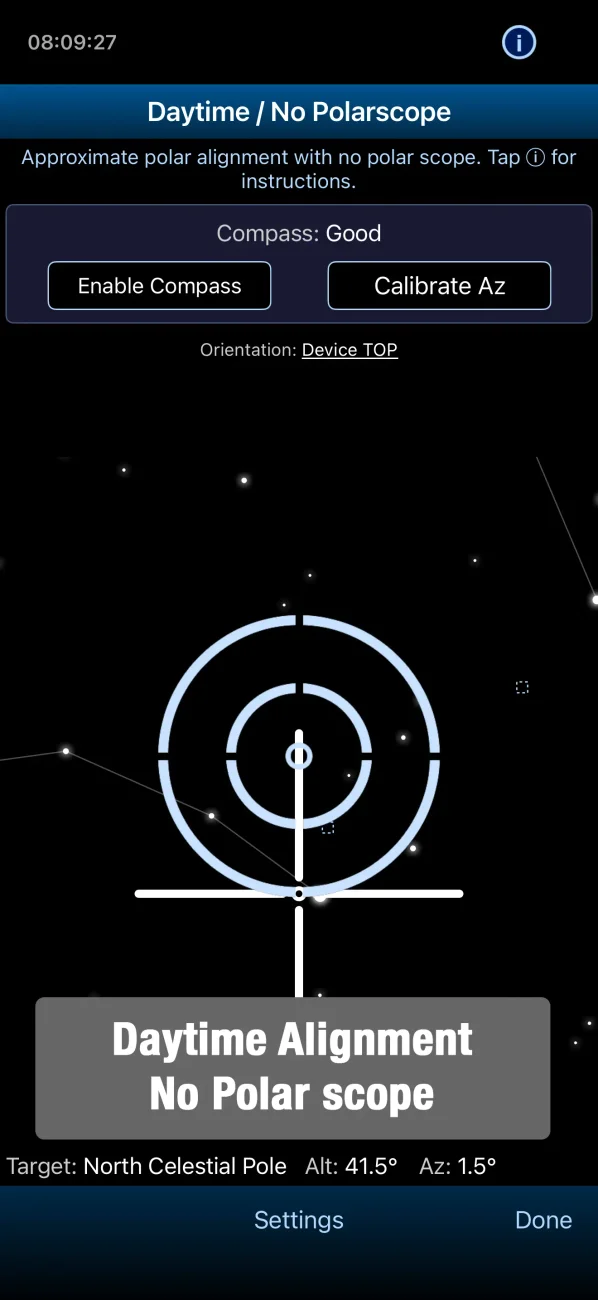
• Daytime / No Polar Scope Alignment: align a star tracker or equatorial mount, day or night. Use the compass or calibrate azimuth with the camera on the Sun, Moon or stars.
• Laser / Hop Align: polar-align with a laser or with a polar scope when the pole star is not visible.
• Mount WiFi Control: control compatible iOptron and Pegasus NYX mounts, with experimental ZWO and OnStep support.
• Level, Compass & Sensors: measure level and tilt, and inspect GPS and sensor data.
CALCULATE AND EXPLORE
• Astro Calculators: 30+ searchable calculators for observing and imaging, including field of view, magnification, exposure, focal length and image scale. Shared inputs and remembered values make comparisons easier.
• Solar Eclipses: find eclipses for your location or browse upcoming total and annular eclipses worldwide. Explore path maps, check local circumstances and rehearse an eclipse in the live simulation.
Whether you observe with binoculars, a manual telescope, a GoTo mount or an imaging rig, Astro Tools keeps the information and practical tools you need close at hand.
Many tools are completely free. A single Pro subscription unlocks the remaining tools, with a free trial.
Terms of Use: https://www.apple.com/legal/internet-services/itunes/dev/stdeula/
Có gì mới
Phiên bản 1.5 · 09/11/2026
• New Canon Remote tool: Bluetooth remote control and intervalometer for Canon cameras compatible with the BR-E1 wireless remote.
• Solar Eclipse improvements:
◦ New worldwide list of upcoming total and annular eclipses.
◦ Interactive eclipse-path maps show the central line, path limits and duration contours. Tap any location for local circumstances or to run a simulation.
• Push To, Digital Finderscope and AR Planner now have a quick-selection dropdown for targets.
• DSO Database: new All Sky view shows the whole sky above the horizon and an object’s path, with a time slider covering the next 12 hours.
• Plate Solver: optional Telescope catalog download can solve fields as narrow as 0.5°.
• Camera Azimuth Calibration: new compass-assisted Guide, clearer target list and a fix for selecting Polaris.
• Search added to Astro Calculators.
• Backup and Restore added to Settings.
• Improved sky-map performance and appearance, and fixed Laser / Hop Alignment calibration to a target.
If you’d like to support Astro Tools, please rate or review!
Quyền riêng tư của ứng dụng
Những gì Dimitrios Kechagias khai báo trên App Store về cách ứng dụng này xử lý dữ liệu.
-
Dữ liệu không được thu thập
Nhà phát triển không thu thập bất kỳ dữ liệu nào từ ứng dụng này.
Phương thức đảm bảo quyền riêng tư có thể khác nhau, chẳng hạn như tuỳ theo các tính năng bạn sử dụng hoặc độ tuổi của bạn.
Thông tin
- Người bán
- Dimitrios Kechagias
- Danh mục
- Tiện Ích
- Phiên bản
- 1.5
- Cập nhật
- 09/11/2026
- Phát hành
- 26/08/2026
- Kích thước
- 34,8 MB
- Yêu cầu
- iOS 15 trở lên
- Độ tuổi
- 4+
- Giá
- Miễn phí
- Mua hàng trong ứng dụng
- Có
- Ngôn ngữ
- Tiếng Anh
- Bản quyền
- © 2026 D. Kechagias