
Aulivis
Class notes, practice & plans
Được thiết kế cho iPhone, iPad
Miễn phí · Mua hàng trong ứng dụng
- Độ tuổi4+
- Danh mụcGiáo Dục
- Nhà phát triểnShenzhen Dimension Brush Technology Co., Ltd
- Ngôn ngữTiếng Anh+ 7 ngôn ngữ khác
- Kích thước64,8 MB
Liên kết đến trang App Store chính thức
Download.org không lưu trữ tệp nào của Aulivis. Nút này mở trang ứng dụng trên App Store, nơi Shenzhen Dimension Brush Technology Co., Ltd phát hành ứng dụng. Trang được kiểm tra lần cuối: 17/11/2026.
Ảnh chụp màn hình




Giới thiệu
Nhà phát triển chưa cung cấp nội dung này bằng ngôn ngữ của bạn.
From the first lecture to the last revision session, keep each course together.
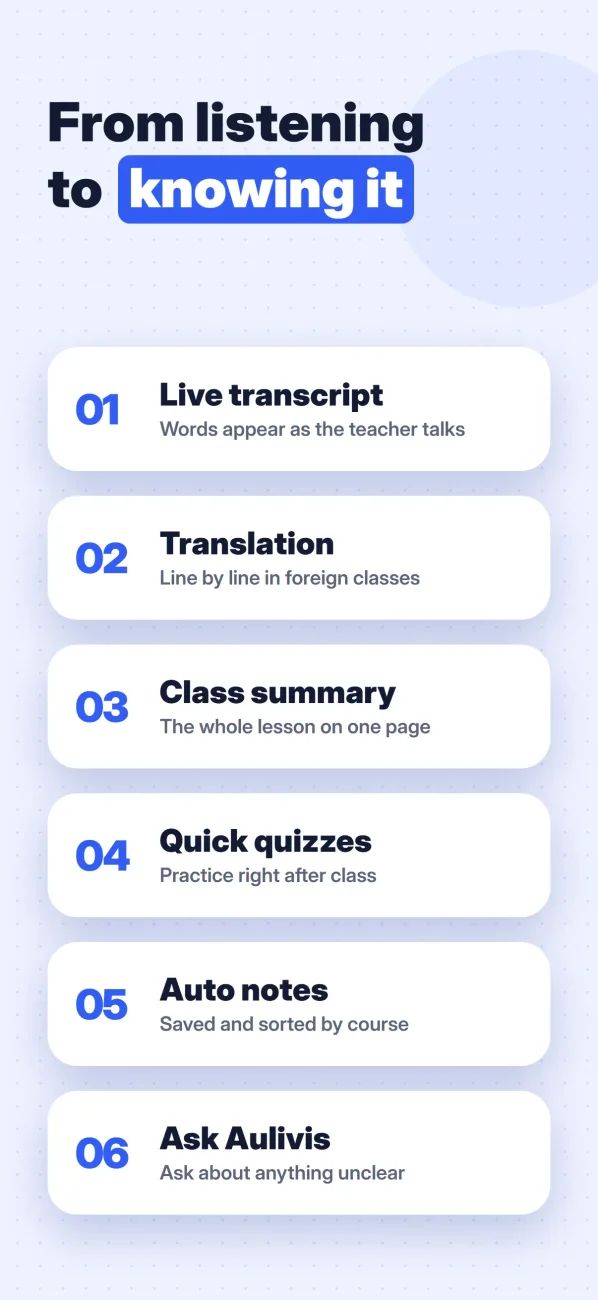
aulivis connects lecture transcripts, your notes, practice questions and your schedule. What you capture in class stays useful when it is time to study.
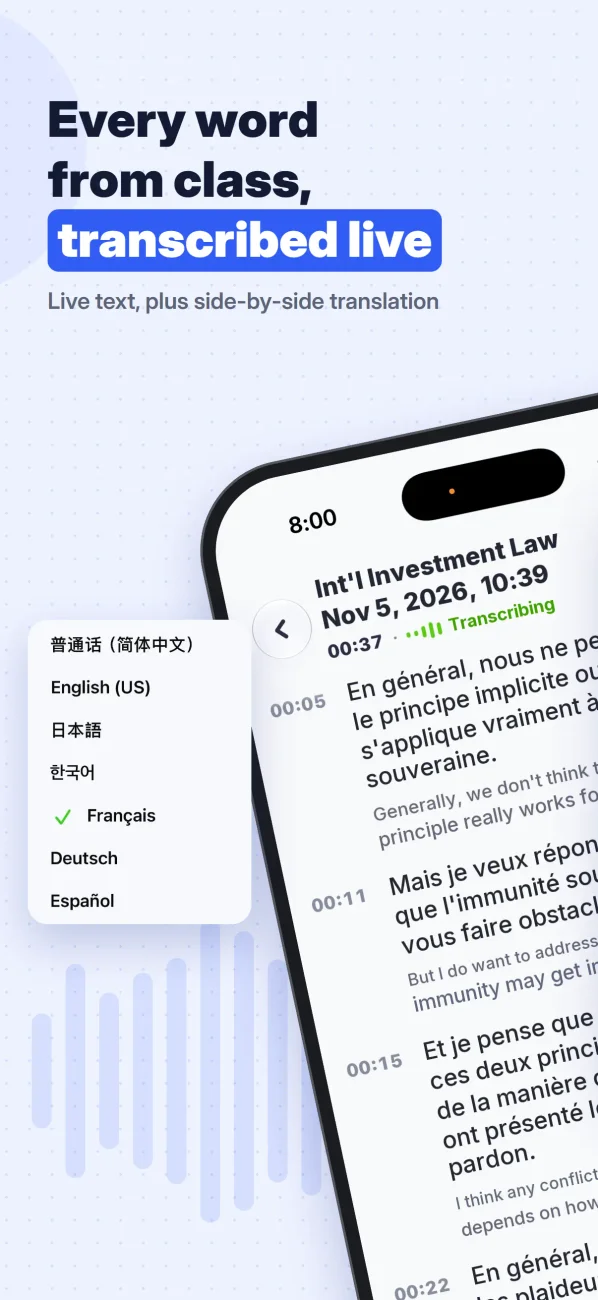
FOLLOW THE LECTURE
Start a transcript and take your own notes alongside it. aulivis organizes the material into sections and creates practice questions as enough lecture content becomes available. Check what you have just learned, then return to missed questions in your mistake notebook.
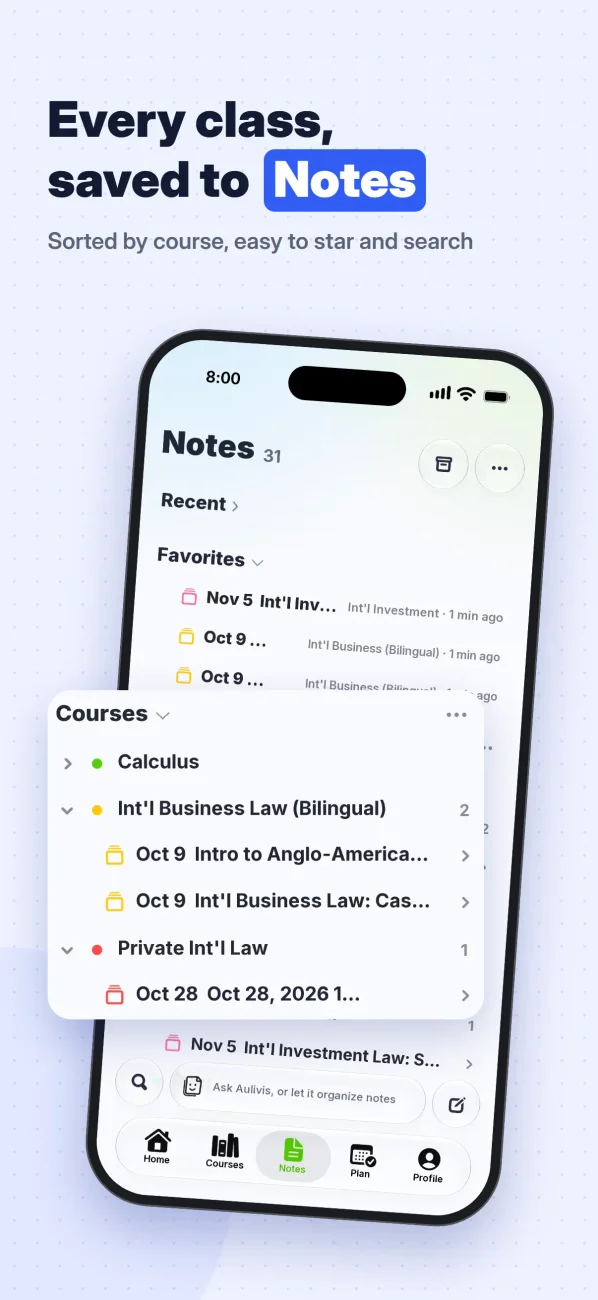
COME BACK TO THE WHOLE CLASS
Your transcript, key points, practice, personal notes and class summary belong to one class notebook. Review an explanation, check the original words or add your own thinking. Course-based organization keeps related material close at hand.
SEE THE WEEK AHEAD
Your timetable connects with your learning calendar and timeline. Link tasks to courses and use reminders to plan assignments and revision. Supported university connections can import academic information; availability varies by institution and data type.
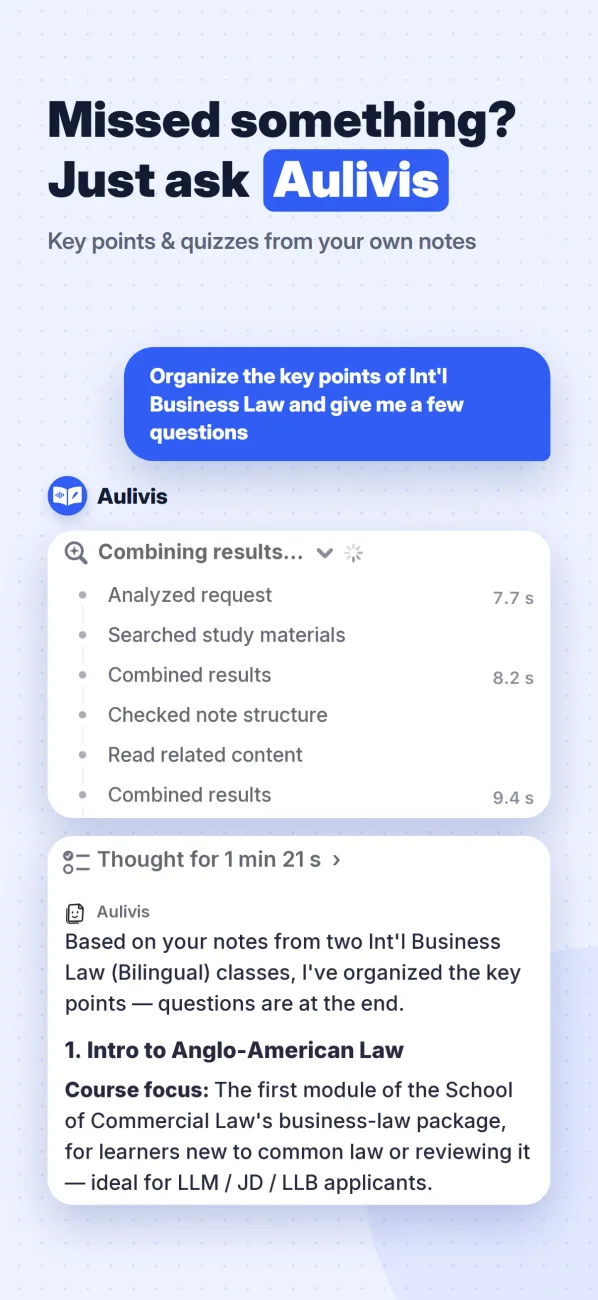
ASK WITH YOUR MATERIALS AT HAND
The AI assistant can use the notes and study information you authorize to find details, explain a topic and help organize a plan. Access is limited by the permissions you grant, and changes that require confirmation are yours to approve.
MAKE THE NOTES YOUR OWN
Combine text, images and handwriting. On iPad, view class material, notes and practice side by side, with room to work through an idea using Apple Pencil.
Some features require an internet connection, system permissions or available AI credits. See the app for subscription and purchase details. Obtain any necessary permission before transcribing a class. AI-generated content can contain errors; check it against your course materials.
Support: support@aulivis.com
Privacy: https://aulivis.com/en/privacy/
Terms: https://aulivis.com/en/terms/
Có gì mới
Phiên bản 1.3.0 · 12/11/2026
• Major improvements to note-taking performance, formatting, layout, and visual styles.
Quyền riêng tư của ứng dụng
Những gì Shenzhen Dimension Brush Technology Co., Ltd khai báo trên App Store về cách ứng dụng này xử lý dữ liệu.
-
Dữ liệu liên kết với bạn
Có thể được thu thập và liên kết với danh tính của bạn.
- Mục mua
- Thông tin liên hệ
- Nội dung của người dùng
- Lịch sử tìm kiếm
- Mã định danh
- Dữ liệu sử dụng
- Chẩn đoán
Phương thức đảm bảo quyền riêng tư có thể khác nhau, chẳng hạn như tuỳ theo các tính năng bạn sử dụng hoặc độ tuổi của bạn.
Thông tin
- Người bán
- Shenzhen Dimension Brush Technology Co., Ltd
- Danh mục
- Giáo Dục
- Phiên bản
- 1.3.0
- Cập nhật
- 12/11/2026
- Phát hành
- 15/10/2026
- Kích thước
- 64,8 MB
- Yêu cầu
- iOS 17.0 trở lên
- Độ tuổi
- 4+
- Giá
- Miễn phí
- Mua hàng trong ứng dụng
- Có
- Ngôn ngữ
- Tiếng Anh, Tiếng Pháp, Tiếng Đức, Tiếng Nhật, Tiếng Hàn, Tiếng Trung Giản thể, Tiếng Tây Ban Nha, Tiếng Trung Phồn thể
- Bản quyền
- © 2026 深圳次元笔触科技有限公司
Có thể bạn cũng thích
-
 Pocket Tomo: Japanese TravelGiáo Dục
-
 满绩课表 - 干净的大学生课表Giáo Dục
-
 BrainHero: Trò chơi luyện nãoTrí nhớ, logic và tính nhẩm
-
 CLocker - 应用锁&专注学习计时器,家长管理防沉迷Giáo Dục
-
 Guzili: Calligraphy GamesGiáo Dục
-
 无印有迹Giáo Dục
-
 Easy Timetable: Class ScheduleGiáo Dục
-
 星链课表Giáo Dục
-
 Piksi — Scan & Define WordsTham Khảo
-
 Castlingo: 英语播客口语平台Giáo Dục