Batch PDF Compressor SquashPDF
Document Size Reducer Tool
Được thiết kế cho iPhone
Miễn phí · Mua hàng trong ứng dụng
- Độ tuổi4+
- Danh mụcHiệu Suất
- Nhà phát triểnYash Mandhyan
- Ngôn ngữTiếng Anh+ 11 ngôn ngữ khác
- Kích thước26,9 MB
Liên kết đến trang App Store chính thức
Download.org không lưu trữ tệp nào của Batch PDF Compressor SquashPDF. Nút này mở trang ứng dụng trên App Store, nơi Yash Mandhyan phát hành ứng dụng. Trang được kiểm tra lần cuối: 16/11/2026.
Ảnh chụp màn hình
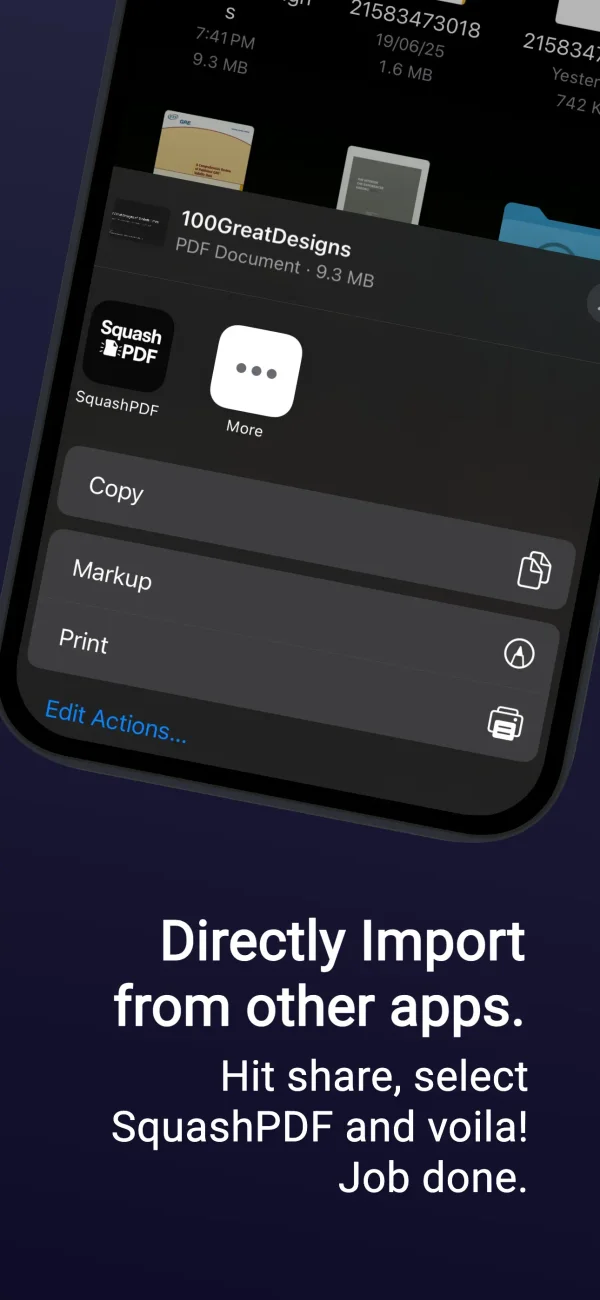
Giới thiệu
Nhà phát triển chưa cung cấp nội dung này bằng ngôn ngữ của bạn.
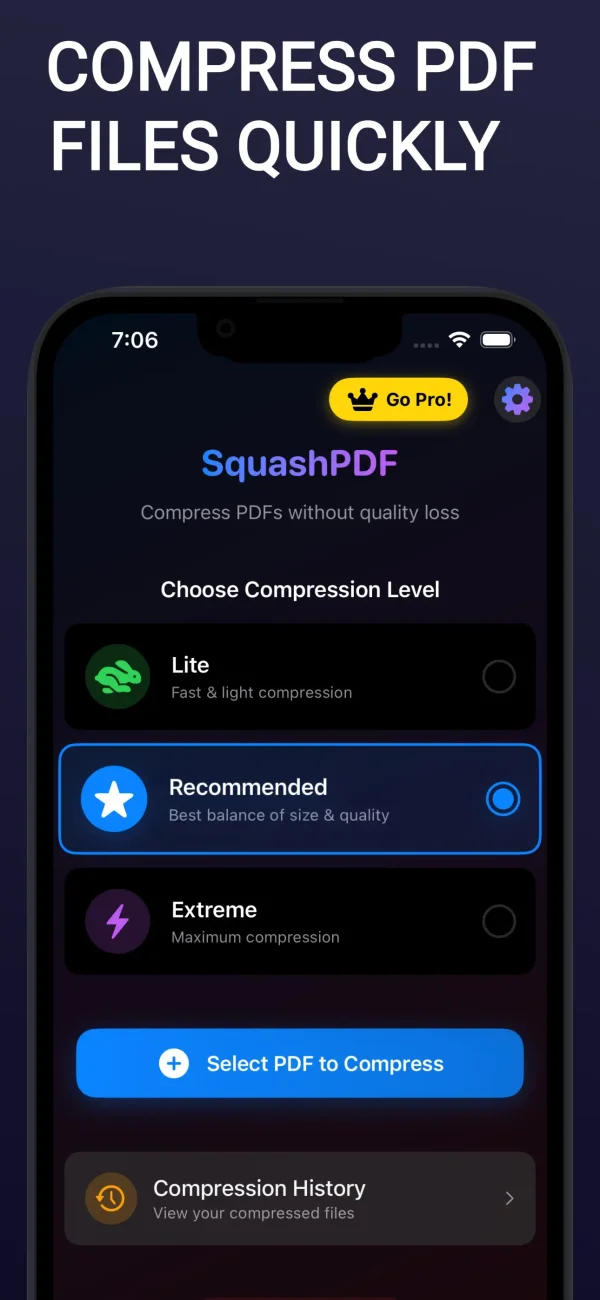
SquashPDF is a fast PDF compressor for iOS that shrinks PDF file size without destroying quality. Reduce a 50 MB contract to under 5 MB, fit a scanned passport into an email attachment, or hit a strict upload limit.
What SquashPDF does
- Compresses single or multiple PDFs in one tap
- Lets you pick a target size (e.g. under 1 MB, under 5 MB, under 10 MB) instead of guessing quality levels
- Batch-compresses entire folders of PDFs at once
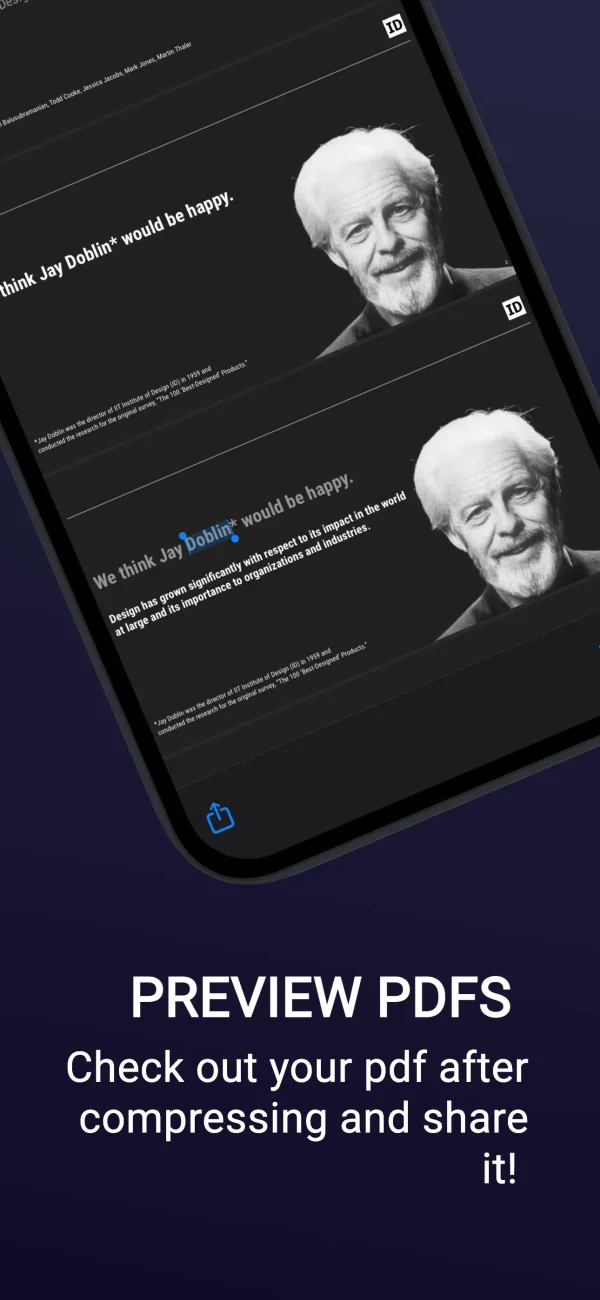
- Shows a side-by-side preview so you can verify quality before saving
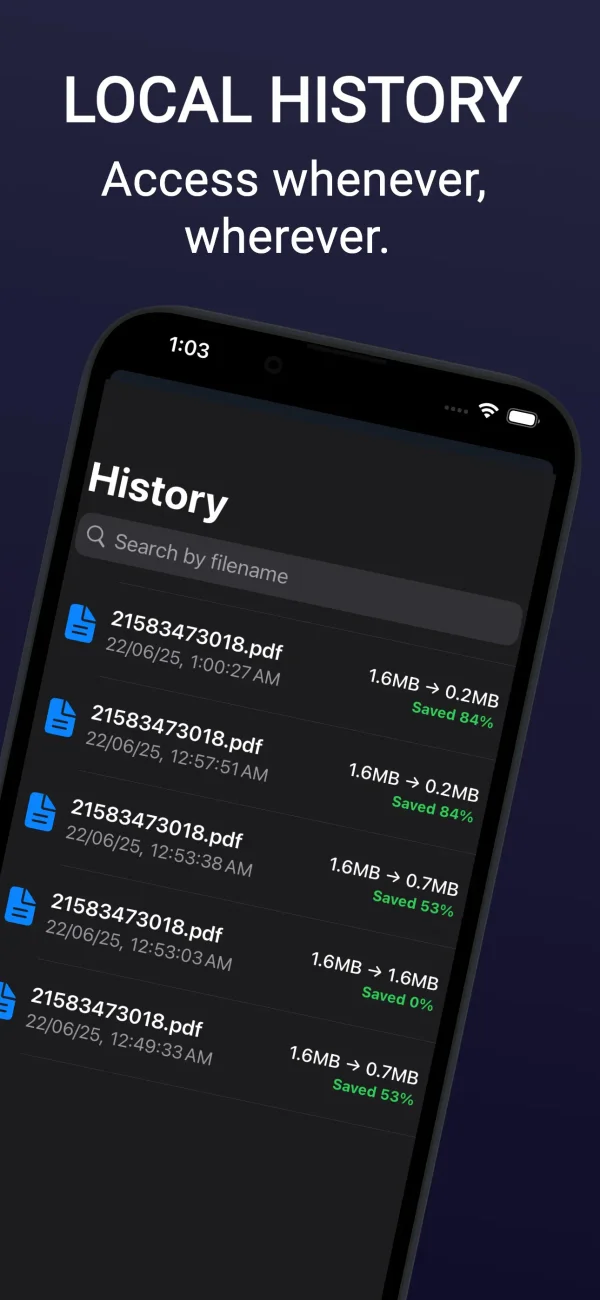
- Keeps a history of every compression with original vs. final size
FAQ
-> How much can SquashPDF reduce a PDF?
Typically 60–90% for image-heavy PDFs (scans, photos). Text-only PDFs see smaller reductions because text is already efficiently encoded.
-> Does SquashPDF work offline?
No. Files are uploaded to our server for processing, they are not tied to your identity and are automatically deleted after two hours.
-> Will compression ruin the quality of my PDF?
No. Pick a target size and SquashPDF balances quality automatically. Use the side-by-side preview to compare before saving.
-> Can I compress multiple PDFs at once?
Yes. Batch mode compresses dozens of PDFs in one run and saves them with the original filenames.
-> Is SquashPDF free?
Core compression is free (daily limit of 1 pdf). SquashPDF Pro unlocks unlimited batch compression, larger files, and removes limits.
-> Which file types are supported?
PDF only. For best results, use SquashPDF on PDFs containing scans, photos, or screenshots — that's where the biggest savings come from.
Download SquashPDF and stop fighting upload limits.
Terms of use - https://www.apple.com/legal/internet-services/itunes/dev/stdeula/
Có gì mới
Phiên bản 2.0.1 · 05/09/2026
Minor bug fixes. Thank you for choosing us and have a great day!
Quyền riêng tư của ứng dụng
Những gì Yash Mandhyan khai báo trên App Store về cách ứng dụng này xử lý dữ liệu.
-
Dữ liệu không liên kết với bạn
Có thể được thu thập nhưng không liên kết với danh tính của bạn.
- Mã định danh
- Dữ liệu sử dụng
Phương thức đảm bảo quyền riêng tư có thể khác nhau, chẳng hạn như tuỳ theo các tính năng bạn sử dụng hoặc độ tuổi của bạn.
Thông tin
- Người bán
- Yash Mandhyan
- Danh mục
- Hiệu Suất
- Phiên bản
- 2.0.1
- Cập nhật
- 05/09/2026
- Phát hành
- 24/06/2025
- Kích thước
- 26,9 MB
- Yêu cầu
- iOS 16.6 trở lên
- Độ tuổi
- 4+
- Giá
- Miễn phí
- Mua hàng trong ứng dụng
- Có
- Ngôn ngữ
- Tiếng Anh, Tiếng Ả Rập, Tiếng Hà Lan, Tiếng Pháp, Tiếng Đức, Tiếng Nhật, Tiếng Hàn, Tiếng Bồ Đào Nha, Tiếng Nga, Tiếng Trung Giản thể, Tiếng Tây Ban Nha, Tiếng Thụy Điển
- Bản quyền
- © SquashPDF
Có thể bạn cũng thích
-
 Nén PDF: thu nhỏ tệp PDFGiảm cỡ PDF, giữ chất lượng
-
 Shrink PDF: Compress PDF FilesHiệu Suất
-
 PDF Compressor: Nén File PDFGiảm Dung Lượng, Ghép, Tách
-
 PDF Compressor: Shrink filesHiệu Suất
-
 Compress PDF - PDFpressHiệu Suất
-
 Nén PDF NhanhNén tệp PDF nhanh chóng
-
 PDF Compressor • Compress PDFHiệu Suất
-
 Nén PDF - Giảm dung lượng tệpHồ sơ, đính kèm ngay trên máy
-
 PDF Compress - Reduce PDF SizeHiệu Suất
-
 Memo AI NotesHiệu Suất