
Batch PDF Compressor SquashPDF
Document Size Reducer Tool
Designed for iPhone
Free · In-app purchases
- Age rating4+
- CategoryProductivity
- DeveloperYash Mandhyan
- LanguagesEnglish+ 11 more
- Size26.9 MB
Links to the official App Store page
Download.org hosts no file of Batch PDF Compressor SquashPDF. The button opens its official App Store page, published by Yash Mandhyan. Listing last checked on Nov 16, 2026.
Screenshots

About
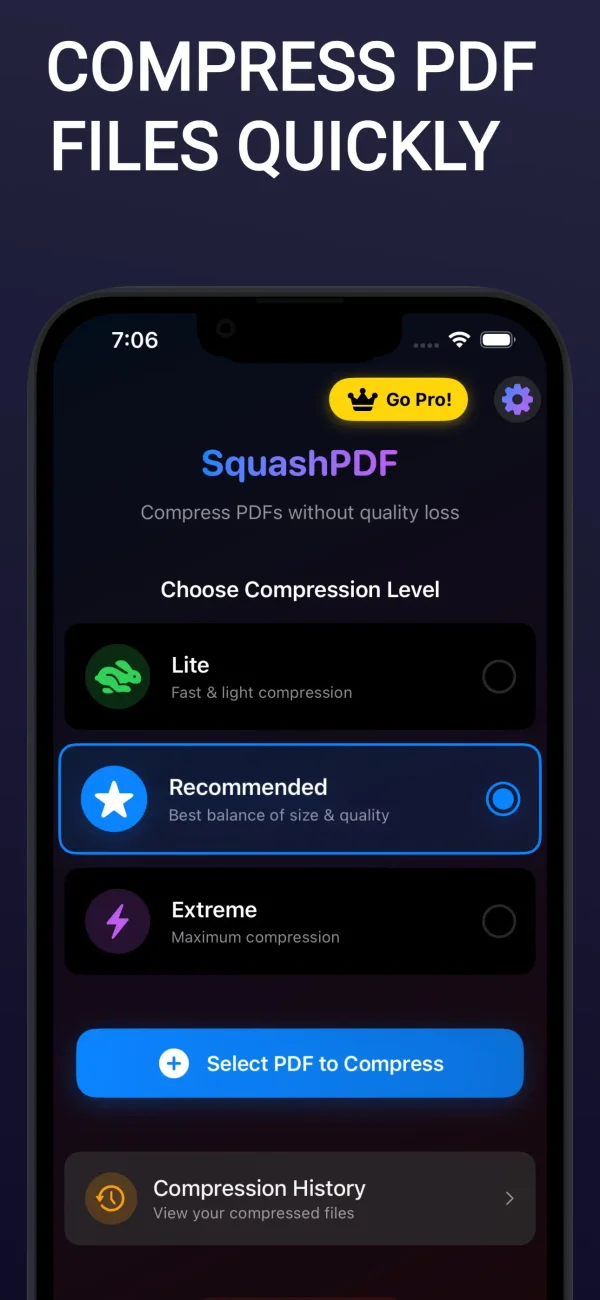
SquashPDF is a fast PDF compressor for iOS that shrinks PDF file size without destroying quality. Reduce a 50 MB contract to under 5 MB, fit a scanned passport into an email attachment, or hit a strict upload limit.
What SquashPDF does
- Compresses single or multiple PDFs in one tap
- Lets you pick a target size (e.g. under 1 MB, under 5 MB, under 10 MB) instead of guessing quality levels
- Batch-compresses entire folders of PDFs at once
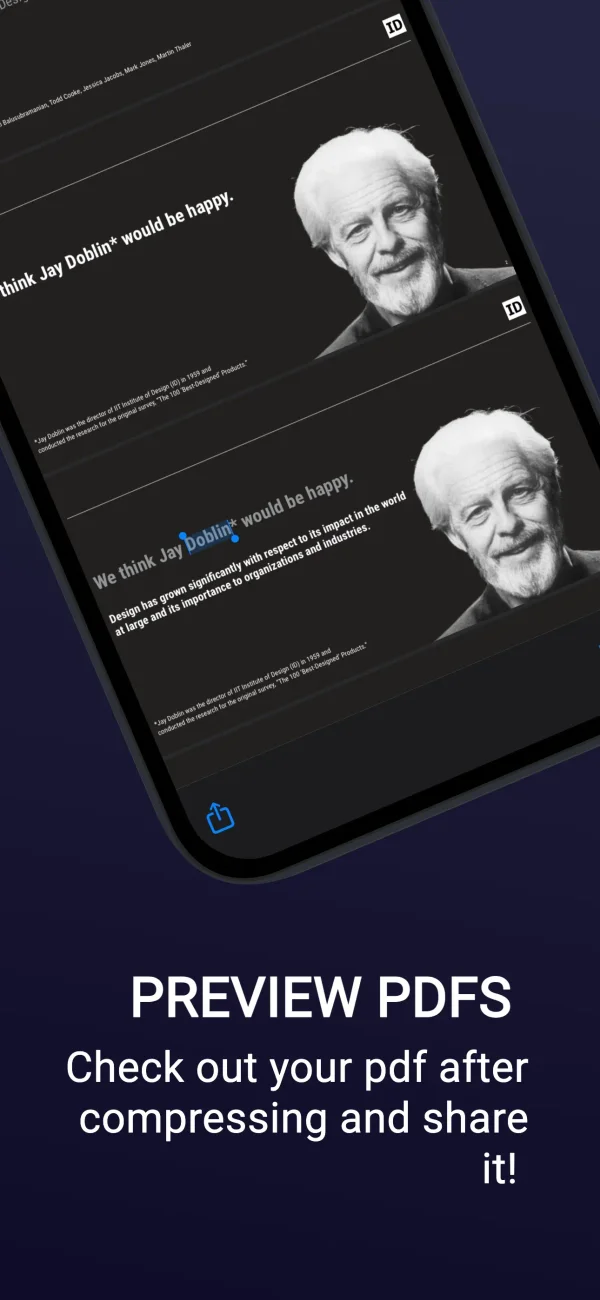
- Shows a side-by-side preview so you can verify quality before saving
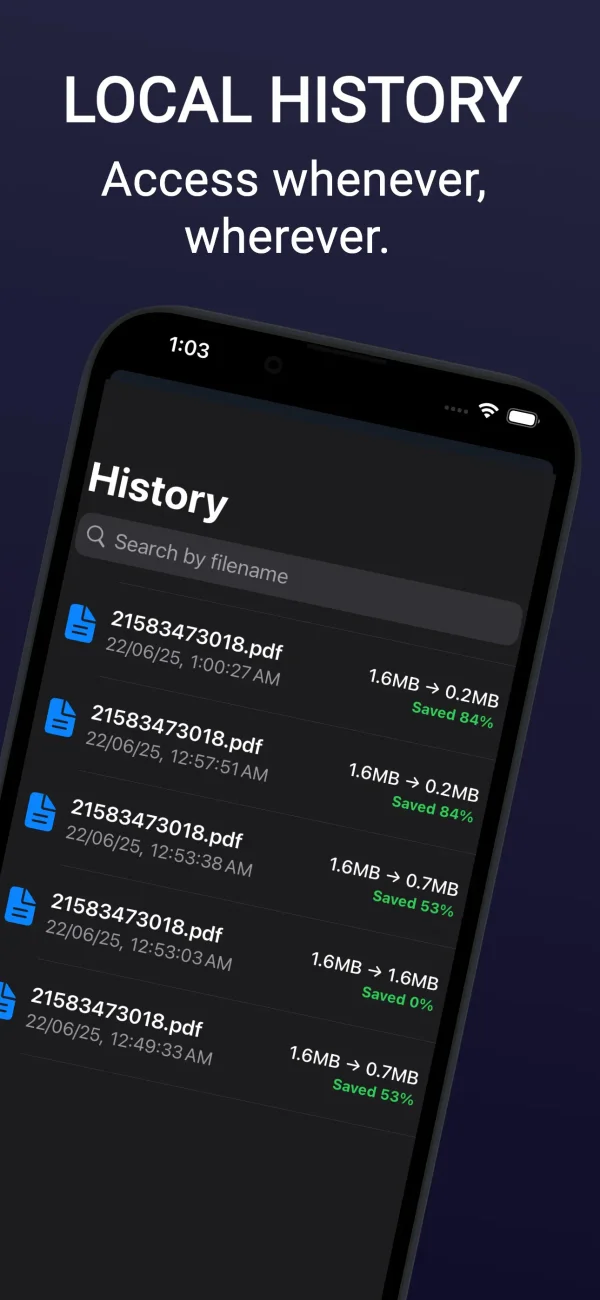
- Keeps a history of every compression with original vs. final size
FAQ
-> How much can SquashPDF reduce a PDF?
Typically 60–90% for image-heavy PDFs (scans, photos). Text-only PDFs see smaller reductions because text is already efficiently encoded.
-> Does SquashPDF work offline?
No. Files are uploaded to our server for processing, they are not tied to your identity and are automatically deleted after two hours.
-> Will compression ruin the quality of my PDF?
No. Pick a target size and SquashPDF balances quality automatically. Use the side-by-side preview to compare before saving.
-> Can I compress multiple PDFs at once?
Yes. Batch mode compresses dozens of PDFs in one run and saves them with the original filenames.
-> Is SquashPDF free?
Core compression is free (daily limit of 1 pdf). SquashPDF Pro unlocks unlimited batch compression, larger files, and removes limits.
-> Which file types are supported?
PDF only. For best results, use SquashPDF on PDFs containing scans, photos, or screenshots — that's where the biggest savings come from.
Download SquashPDF and stop fighting upload limits.
Terms of use - https://www.apple.com/legal/internet-services/itunes/dev/stdeula/
What’s new
Version 2.0.1 · Sep 5, 2026
Minor bug fixes. Thank you for choosing us and have a great day!
App privacy
What Yash Mandhyan declares on the App Store about how this app handles data.
-
Data not linked to you
May be collected but is not linked to your identity.
- Identifiers
- Usage data
Privacy practices may vary, for example with the features you use or your age.
Information
- Seller
- Yash Mandhyan
- Category
- Productivity
- Version
- 2.0.1
- Updated
- Sep 5, 2026
- Released
- Jun 24, 2025
- Size
- 26.9 MB
- Requires
- iOS 16.6 or later
- Age rating
- 4+
- Price
- Free
- In-app purchases
- Yes
- Languages
- English, Arabic, Dutch, French, German, Japanese, Korean, Portuguese, Russian, Simplified Chinese, Spanish, Swedish
- Copyright
- © SquashPDF
You might also like
-
 Pdf Compressor - Compress FileReduce PDF Size & Keep Quality
-
 Shrink PDF: Compress PDF FilesProductivity
-
 PDF Compressor : Compress SizeReduce File Size & Merge PDFs
-
 PDF Compressor: Shrink filesReduce PDF Size for Email
-
 Compress PDF - PDFpressFile Compressor & Size Reducer
-
 PDF CompressionCompress PDF files quickly
-
 PDF Compressor • Compress PDFReduce PDF Size & Keep Quality
-
 PDF Compressor - Shrink FilesCompress PDF to Target Size
-
 PDF Compress - Reduce PDF SizeStreamline PDF document sizes
-
 Memo AI NotesOutline・Paraphrase・Translate