BeaverPlot: Floor Plan Scanner
Scan to BIM & Work Tickets
Được thiết kế cho iPhone, iPad
Miễn phí · Mua hàng trong ứng dụng
- Độ tuổi17+
- Danh mụcHiệu Suất
- Nhà phát triểnMaplePlot Inc.
- Ngôn ngữTiếng Anh
- Kích thước23,9 MB
Liên kết đến trang App Store chính thức
Download.org không lưu trữ tệp nào của BeaverPlot: Floor Plan Scanner. Nút này mở trang ứng dụng trên App Store, nơi MaplePlot Inc. phát hành ứng dụng. Trang được kiểm tra lần cuối: 17/11/2026.
Ảnh chụp màn hình
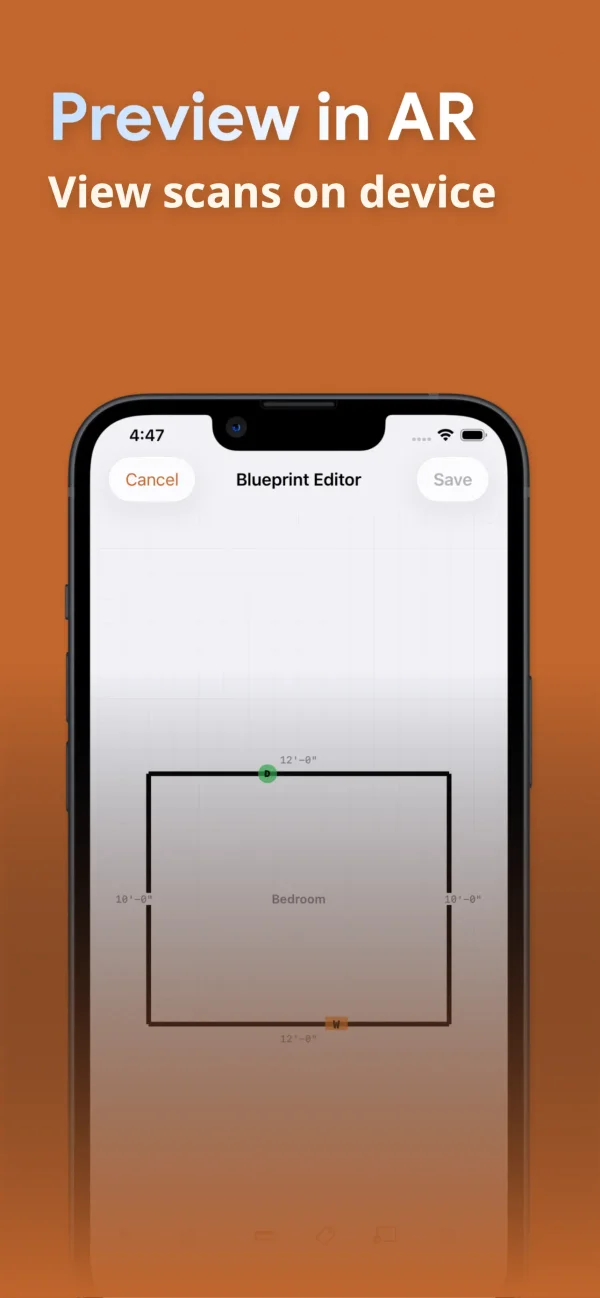

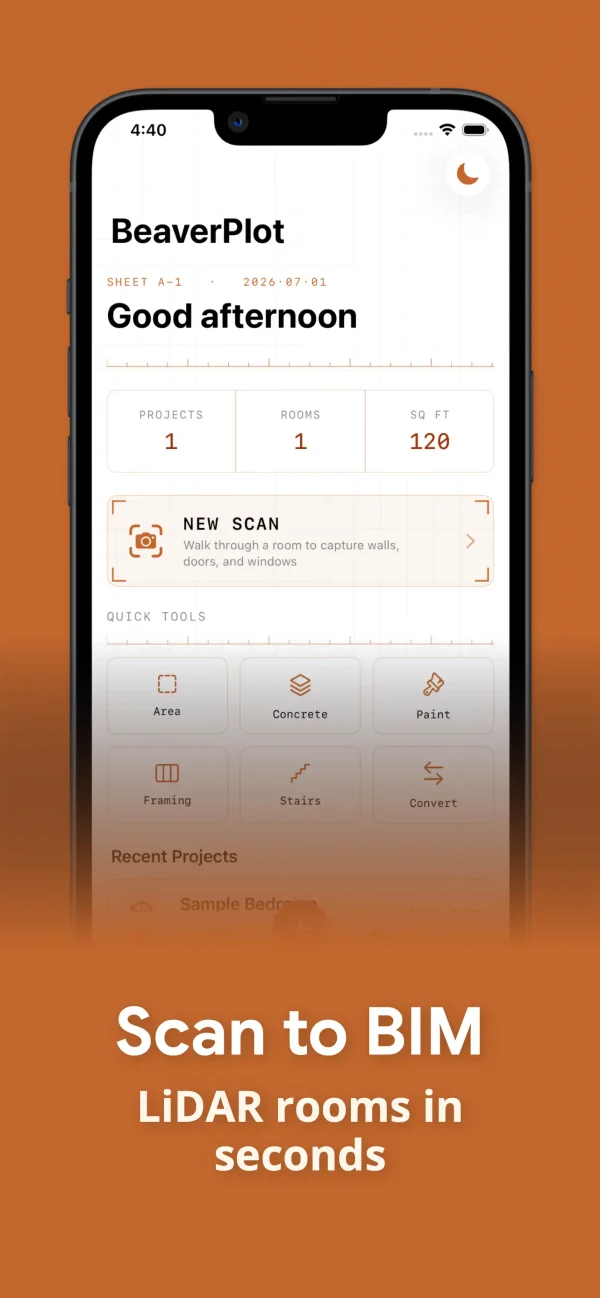


Giới thiệu
Nhà phát triển chưa cung cấp nội dung này bằng ngôn ngữ của bạn.
BeaverPlot turns your iPhone or iPad into a scan-to-BIM tool, a report writer, and a field companion that makes sure extra work gets paid.
Walk a space, capture it with LiDAR, and get floor plans, 3D models, AI-drafted reports with photos pinned to the plan, a Xactimate sketch, and a home inventory. When a job grows beyond the quote, write a signed work ticket on the spot.
ROOM SCANNING REQUIRES A LiDAR SCANNER, which not every iPhone or iPad has. The app checks your device when you first open it. Tickets, outdoor measuring, and calculators don't need LiDAR.
HOW IT WORKS
1. Scan — Walk a room; RoomPlan + LiDAR capture walls, doors and windows
2. Edit — Adjust walls and calibrate with one tape measurement so exports are to scale
3. Export & Share — Files, AI reports, inventories, or a 3D tour link that opens in any browser
WORK TICKETS — GET PAID FOR EXTRA WORK
When someone asks for work that isn't in the contract, write it up in 60 seconds: photos, a dictated description, time & materials — then hand over your phone to sign. You get a signed change-order PDF, and each ticket is tracked from signed to invoiced to paid. Tickets stay on your device.
SHARE 3D TOURS
Text or email any room scan as an interactive 3D tour that opens in any browser, no app needed. (Pro)
AI REPORTS — PHOTOS PINNED TO THE PLAN
Turn a scan plus photos and notes into a property condition, listing, punch/snag, or restoration report. Photos are pinned to the measured floor plan and grouped by room, measured facts print beside each room, and source notes sit under the AI text. It's an editable draft, never a certified document. (Pro AI)
SHARE REPORTS AS A LINK
Publish a report as a web link that opens in any browser. Add a PIN or delete it any time. (Pro AI)
BEFORE / AFTER COMPARISON
Photograph a unit at move-in and again at move-out for a side-by-side comparison on the same plan. (Pro AI)
QUICK DRAFT FROM NOTES
Dictate what you saw and get a private first draft on your device with Apple Intelligence. Free.
HOME INVENTORY
Photograph your rooms and let AI list your belongings — item, brand, and room — for insurance or moving. Edit, export a PDF, or attach it to a project. (Pro AI)
EXPORT FORMATS
• USDZ — Free on-device 3D model you can view in AR
• DXF — 2D floor plans for AutoCAD (Pro)
• IFC — Parametric BIM models with wall families for Revit (Pro)
• PDF — Dimensioned floor plans ready to share (Pro)
• Xactimate ESX (beta) — Walls, openings, and levels, import via Sketch (Pro)
• CSV — Room table with areas and dimensions (Pro)
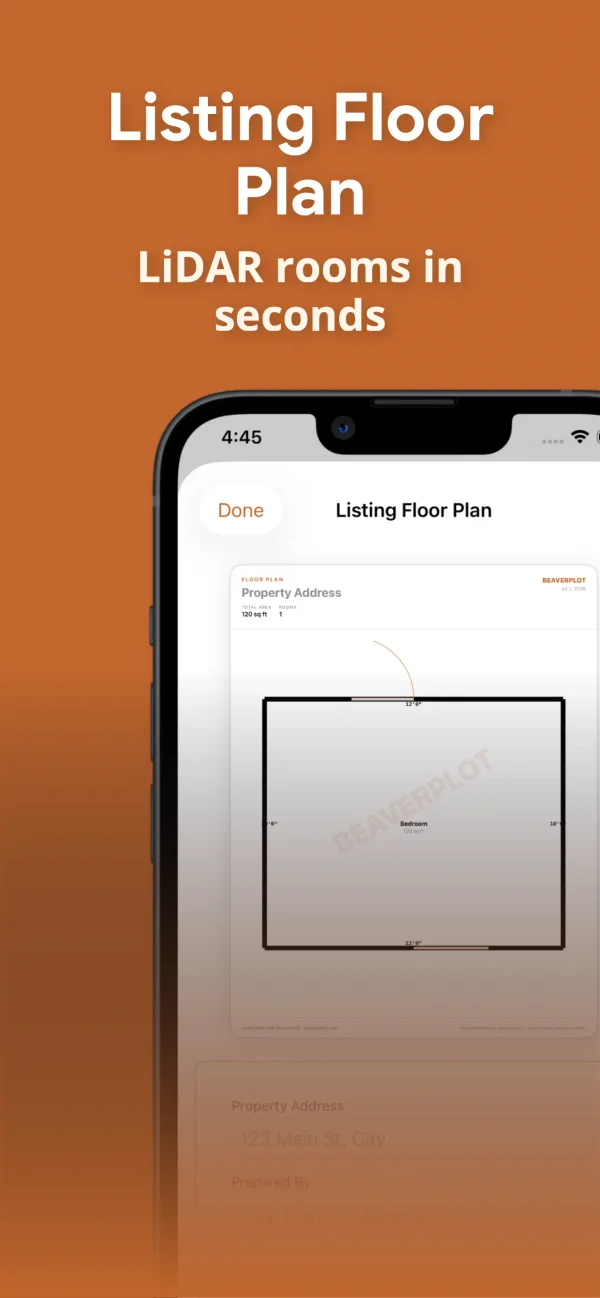
• Listing Floor Plan — Clean plans for listings; branded with logo and contact (Pro)
• Above/below-grade living area with a paste-ready disclosure (not ANSI Z765)
FREE FEATURES
• Unlimited room scanning with LiDAR
• Work tickets — photos, dictation, time & materials, signature, PDF (with watermark)
• Measure outdoors without a scan — trace a lawn on satellite, or walk a deck and tap corners
• Blueprint editor with dimension and calibration tools
• Listing floor plans (with watermark)
• Calculators — area, concrete, paint, framing, stairs, unit converters
BUILT FOR
Contractors and the trades, architects, home inspectors, landlords, restoration and insurance pros, real estate agents, and homeowners.
REQUIREMENTS
• iOS 26 or later; tickets, outdoor measuring, and calculators don't need LiDAR
• An iPhone or iPad with a LiDAR scanner for room scanning
SUBSCRIPTION TERMS
BeaverPlot Pro is available as a monthly ($9.99) or yearly ($99.99) auto-renewing subscription, with a 7-day free trial for new subscribers.
BeaverPlot Pro AI is available as a monthly ($19.99) or yearly ($199.99) auto-renewing subscription.
Both renew unless cancelled 24 hours before the period ends.
- EULA: https://www.apple.com/legal/internet-services/itunes/dev/stddla/
- Privacy Policy: https://www.beaverplot.com/privacy
- Terms of Service: https://www.beaverplot.com/terms
Có gì mới
Phiên bản 1.7.3 · 23/10/2026
• Ready for iPhone Duo: layouts work on both screens, folded or open, and toolbar buttons fit the side bar when it's closed.
• Room scanning needs a LiDAR scanner, which not every iPhone or iPad has. Setup now checks your device and tells you straight away, and lists what works if it can't scan.
• Finishing setup now takes you straight into the app.
Quyền riêng tư của ứng dụng
Những gì MaplePlot Inc. khai báo trên App Store về cách ứng dụng này xử lý dữ liệu.
-
Dữ liệu không liên kết với bạn
Có thể được thu thập nhưng không liên kết với danh tính của bạn.
- Mục mua
- Nội dung của người dùng
- Mã định danh
- Dữ liệu sử dụng
- Chẩn đoán
- Surroundings
Phương thức đảm bảo quyền riêng tư có thể khác nhau, chẳng hạn như tuỳ theo các tính năng bạn sử dụng hoặc độ tuổi của bạn.
Thông tin
- Người bán
- MaplePlot Inc.
- Danh mục
- Hiệu Suất
- Phiên bản
- 1.7.3
- Cập nhật
- 23/10/2026
- Phát hành
- 04/03/2026
- Kích thước
- 23,9 MB
- Yêu cầu
- iOS 26.0 trở lên
- Độ tuổi
- 17+
- Giá
- Miễn phí
- Mua hàng trong ứng dụng
- Có
- Ngôn ngữ
- Tiếng Anh
- Bản quyền
- © 2026 Glucoplate Inc.