BezelBlend
Portable Screenshots Studio
Được thiết kế cho iPhone, iPad
Miễn phí · Mua hàng trong ứng dụng
- Độ tuổi4+
- Danh mụcHiệu Suất
- Nhà phát triểnrenwei han
- Ngôn ngữTiếng Anh+ 4 ngôn ngữ khác
- Kích thước98,9 MB
Liên kết đến trang App Store chính thức
Download.org không lưu trữ tệp nào của BezelBlend. Nút này mở trang ứng dụng trên App Store, nơi renwei han phát hành ứng dụng. Trang được kiểm tra lần cuối: 15/11/2026.
Ảnh chụp màn hình

Giới thiệu
Nhà phát triển chưa cung cấp nội dung này bằng ngôn ngữ của bạn.
Create stunning, hyper-realistic device mockups with pixel-perfect precision using BezelBlend—the premier professional mockup tool trusted by designers worldwide.
■ KEY FEATURES
• LATEST DEVICE SUPPORT — Includes iPhone 17 Series, iPhone Air, Apple Watch Series 11 & Ultra 3
• TRUE-TO-LIFE MATERIALS — Accurately calibrated colors and finishes that replicate real Apple devices
• HIGH-QUALITY OUTPUT — Generate ultra-high-resolution images optimized for marketing and presentation purposes
• EXTENSIVE CUSTOMIZATION — Over 22 Apple Watch band combinations with authentic materials and textures
• DUAL ORIENTATION — Create perfect mockups in both landscape and portrait modes
• SMART COLOR SYSTEM — Advanced color picker with material-aware matching for seamless palette integration
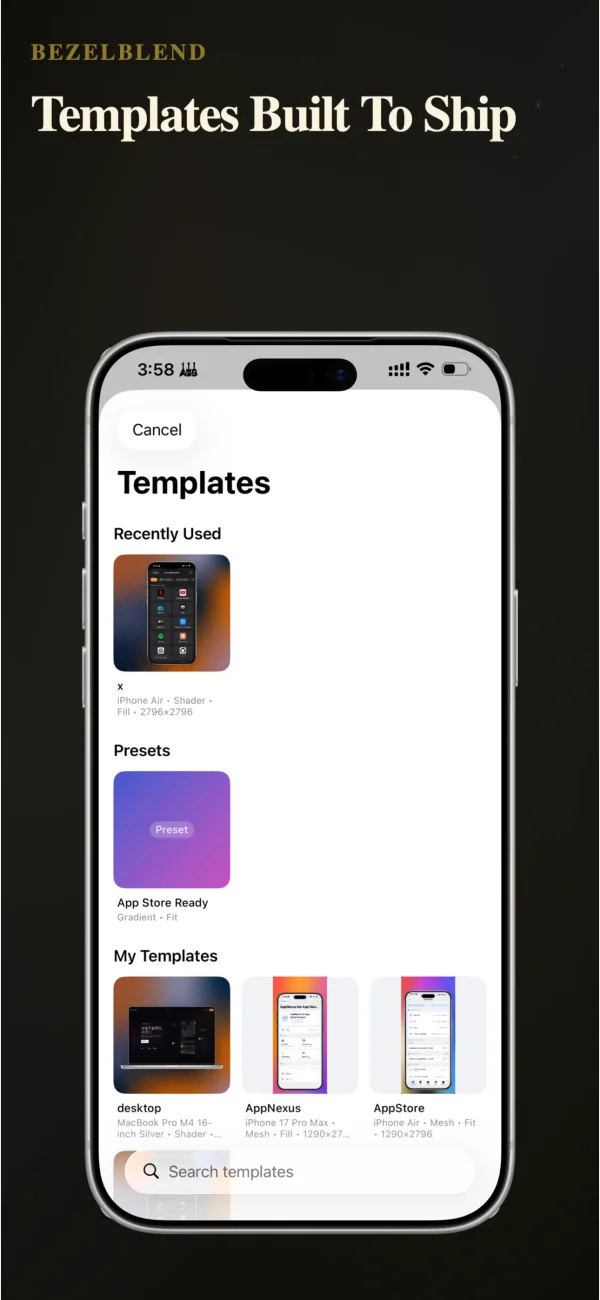
■ NEW: STYLE TEMPLATES
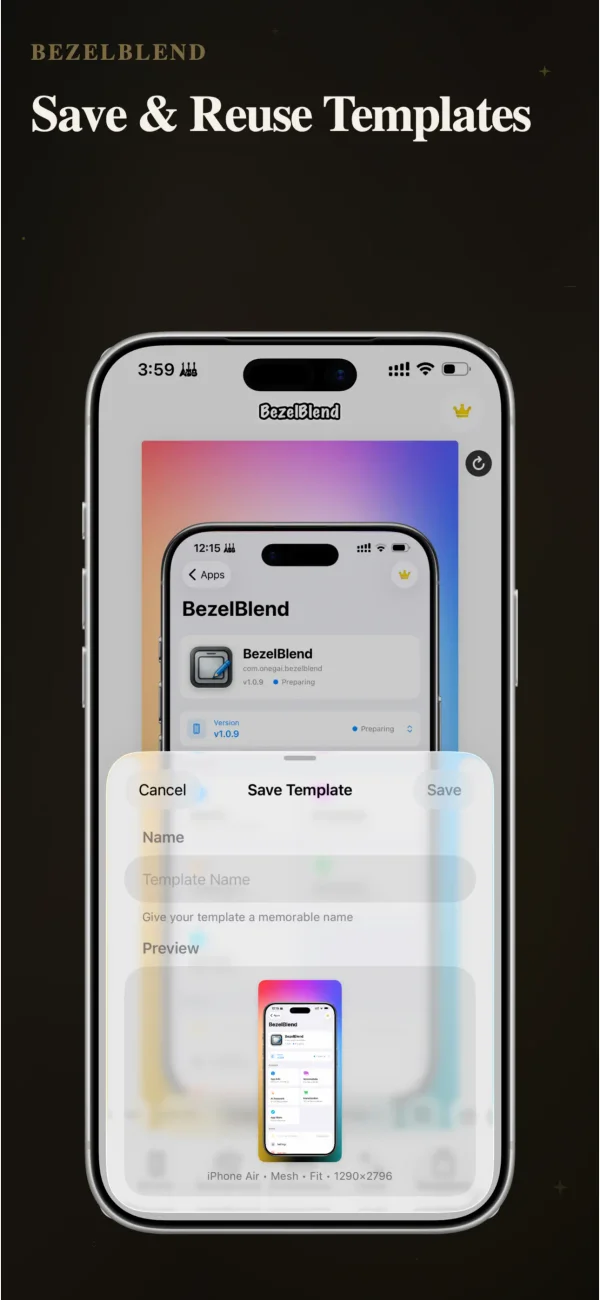
• SAVE YOUR DESIGNS — Capture your favorite combinations of background, device frame, canvas size, and settings as reusable templates
• ONE-TAP APPLICATION — Apply saved templates instantly to new projects for consistent branding
• STREAMLINED WORKFLOW — Eliminate repetitive setup and focus on creating stunning visuals
■ CANVAS EDITOR
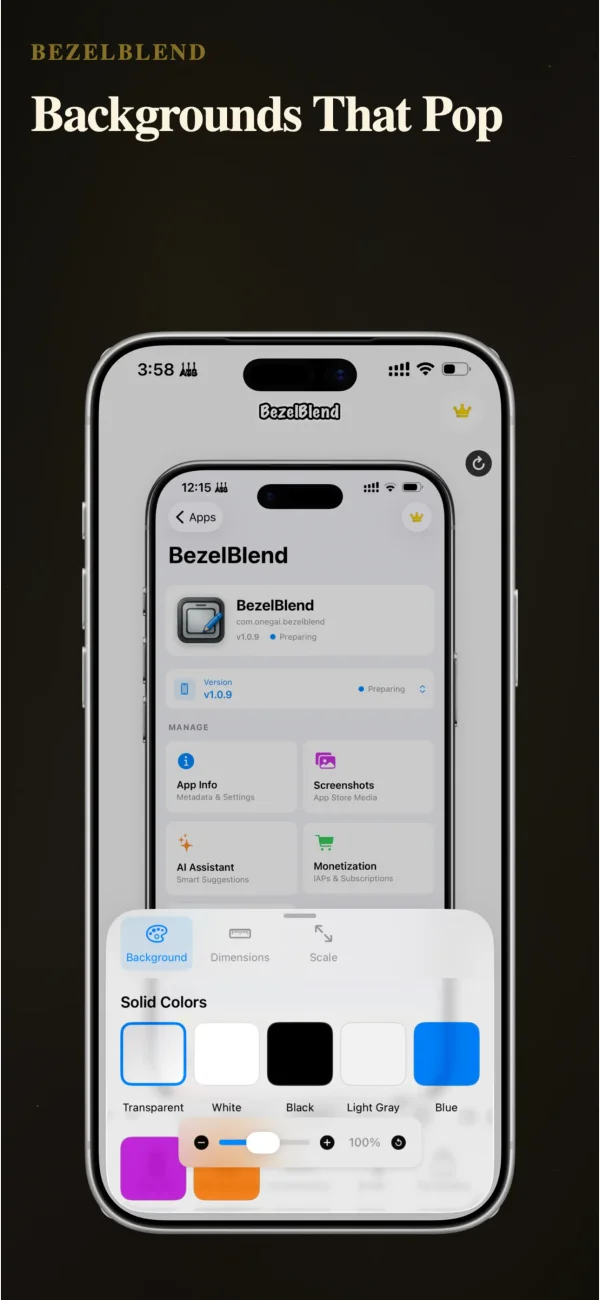
• Robust editing panel with organized sections for Background, Border, Dimensions, and Scale settings
• Switch effortlessly with a tap
• VIBRANT BACKGROUND COLLECTION — Choose from 20+ stunning backgrounds including Rainbow, Aurora, Tropical gradients, plus innovative Mesh Gradients (Iridescent, Lava, Tropical) and artistic shader effects
■ PRECISION CONTROLS
• SCALING MODES — Control how screenshots fit within bezels:
- Fit (entire content visible)
- Fill (completely fill bezel)
- Stretch (fill edges, distort proportion)
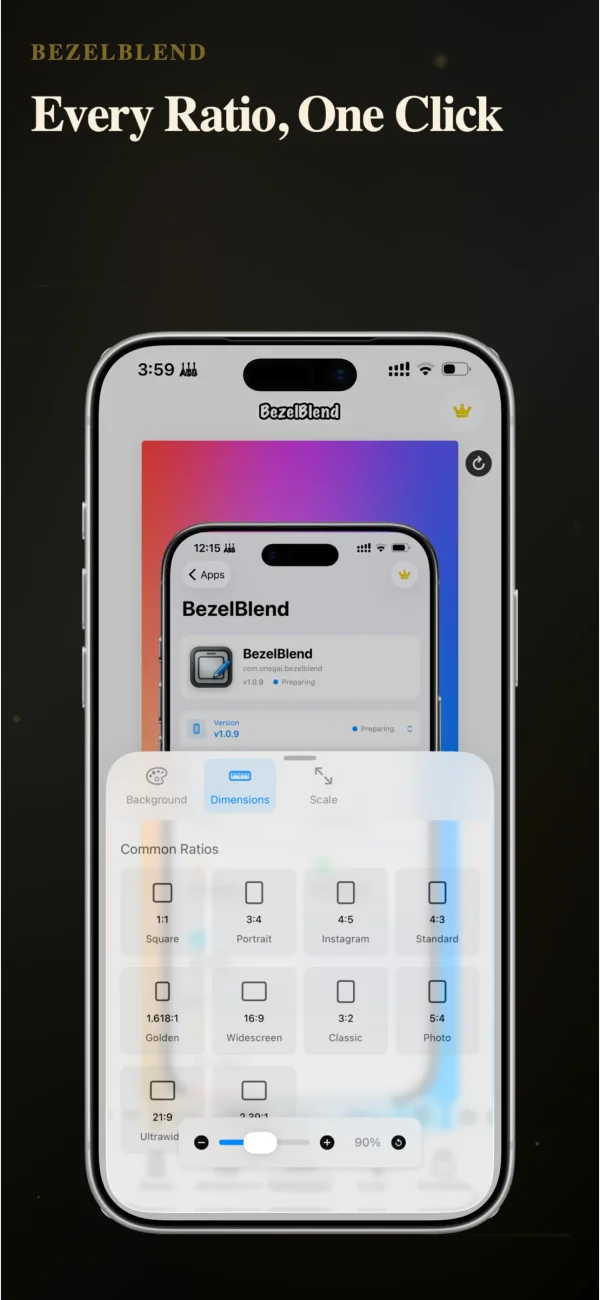
• APP STORE DIMENSION PRESETS — One-tap access to official App Store screenshot sizes for all devices
• STANDARD ASPECT RATIOS — Square (1:1), Widescreen (16:9), Golden Ratio (1.618:1), Cinema (2.39:1), and more
• CUSTOM DIMENSIONS — Enter exact width and height values for pixel-perfect control
• BORDER CONTROLS — Adjustable width, corner radius, color, and style options (solid, dashed, dotted, double)
■ IDEAL FOR
• App developers creating compelling App Store screenshots
• UI/UX designers showcasing prototypes in realistic contexts
• Marketing teams producing polished promotional visuals
• Agencies preparing impressive client presentations
■ DEVICE LIBRARY
iPhone Models:
• iPhone 17 Pro Max, Pro, Plus, Standard
• iPhone Air with ultra-thin, authentic proportions
• Complete iPhone 16 series in all color options
Apple Watch Models:
• Series 11 (42mm & 46mm) — 22 color combinations
• Ultra 3 — 13 premium material options
• Authentic Sport Bands, Sport Loops, Milanese Loop, Magnetic Link
■ MATERIALS & FINISHES
• Aluminum: Silver, Space Gray, Rose Gold, Jet Black
• Titanium: Natural, Gold, Slate — featuring authentic textures
• Enhanced visibility system for light-colored devices
• Brushed titanium and polished aluminum for true realism
■ WHY CHOOSE BEZELBLEND
"The color accuracy is incredible — finally, Apple Watch combinations look authentic." — Design Agency Lead
"Saves hours of work. The iPhone 17 support was available before anyone else." — App Developer
"Attention to detail is unmatched; even titanium textures appear genuine." — Marketing Director
Transform your screenshots into professional-grade marketing assets with the precision and realism your brand deserves.
Terms of Use: https://www.apple.com/legal/internet-services/itunes/dev/stdeula/
Có gì mới
Phiên bản 1.2.0 · 05/06/2026
Add Text — Turn a screenshot into a finished marketing shot
Your screenshots can now tell the story. Drop text straight onto the canvas — a headline, a feature callout, a caption — and style it to match your look. Pick a font, set the weight, choose a color, line it up, and size it from a small caption all the way up to a big poster headline. It works in both single-photo and Canvas Mode.
■ New Features
• Add text on the canvas: Tap Text to drop a text box anywhere, then type right where it sits — no separate dialog
• Style it your way: Choose a font, set the weight, pick any color, and align it left, center, or right
• One-tap size presets: Jump between Caption, Body, Title, Hero, and Poster sizes, or fine-tune the font size yourself
• Quick edits: Tap a text box to select it, drag to reposition, pinch to resize, and delete it from the controls bar
■ Improvements
• Text works everywhere: Add and style text in both single-photo editing and multi-device Canvas Mode
• Smarter toolbar: The text controls stay anchored above the keyboard so the options you need are always in reach
Quyền riêng tư của ứng dụng
Những gì renwei han khai báo trên App Store về cách ứng dụng này xử lý dữ liệu.
-
Dữ liệu không được thu thập
Nhà phát triển không thu thập bất kỳ dữ liệu nào từ ứng dụng này.
Phương thức đảm bảo quyền riêng tư có thể khác nhau, chẳng hạn như tuỳ theo các tính năng bạn sử dụng hoặc độ tuổi của bạn.
Thông tin
- Người bán
- renwei han
- Danh mục
- Hiệu Suất
- Phiên bản
- 1.2.0
- Cập nhật
- 05/06/2026
- Phát hành
- 19/03/2025
- Kích thước
- 98,9 MB
- Yêu cầu
- iOS 26.0 trở lên
- Độ tuổi
- 4+
- Giá
- Miễn phí
- Mua hàng trong ứng dụng
- Có
- Ngôn ngữ
- Tiếng Anh, Tiếng Nhật, Tiếng Hàn, Tiếng Trung Giản thể, Tiếng Trung Phồn thể
- Bản quyền
- © 2024 Onegai
Có thể bạn cũng thích
-
 Calendar ScheduleHiệu Suất
-
 FlipScapeHiệu Suất
-
 CalUnityHiệu Suất
-
 daily reflections : ResetHiệu Suất
-
 CliperX-Inspiration CollectionHiệu Suất
-
 PatchDoc:File & Code EditorHiệu Suất
-
 Habit Tracker - RiseHiệu Suất
-
 Remical:tiện ích lịchWidgets for Calendar Reminders
-
 Island PocketHiệu Suất
-
 Prompt AI - PromptFlowHiệu Suất