C++ Starter
Write, Compile & Learn
Được thiết kế cho iPhone, iPad, Mac
Miễn phí · Mua hàng trong ứng dụng
- Độ tuổi4+
- Danh mụcGiáo Dục
- Nhà phát triểnDozen Network Technology Co., Ltd.
- Ngôn ngữTiếng Anh+ 2 ngôn ngữ khác
- Kích thước126,5 MB
Liên kết đến trang App Store chính thức
Download.org không lưu trữ tệp nào của C++ Starter. Nút này mở trang ứng dụng trên App Store, nơi Dozen Network Technology Co., Ltd. phát hành ứng dụng. Trang được kiểm tra lần cuối: 27/11/2026.
Ảnh chụp màn hình
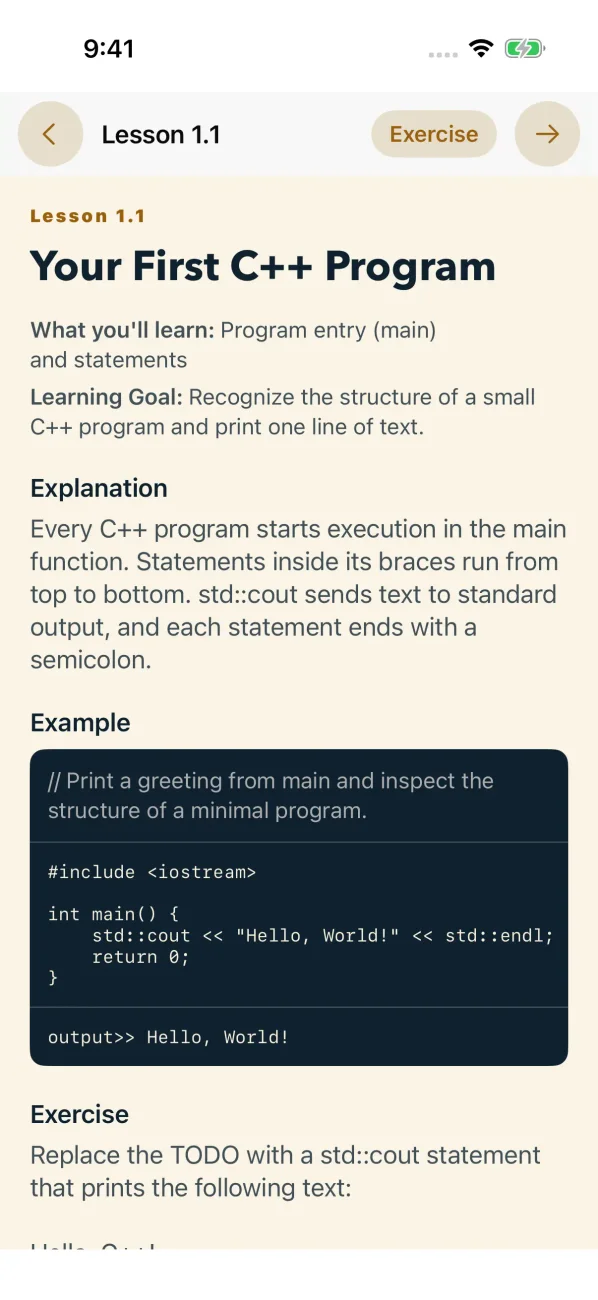
Giới thiệu
Nhà phát triển chưa cung cấp nội dung này bằng ngôn ngữ của bạn.
C++ Starter is a programming and learning environment for beginners. Learn by writing and running real C++ code, progressing from basic syntax to algorithms, games, graphical interfaces, and network projects.
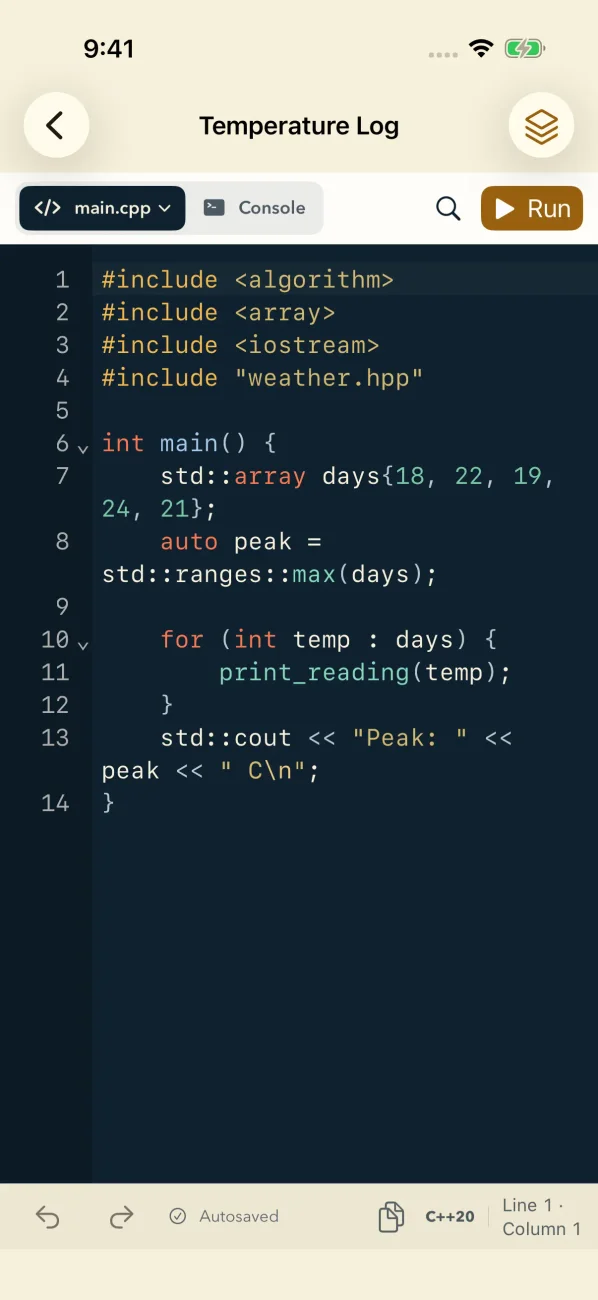
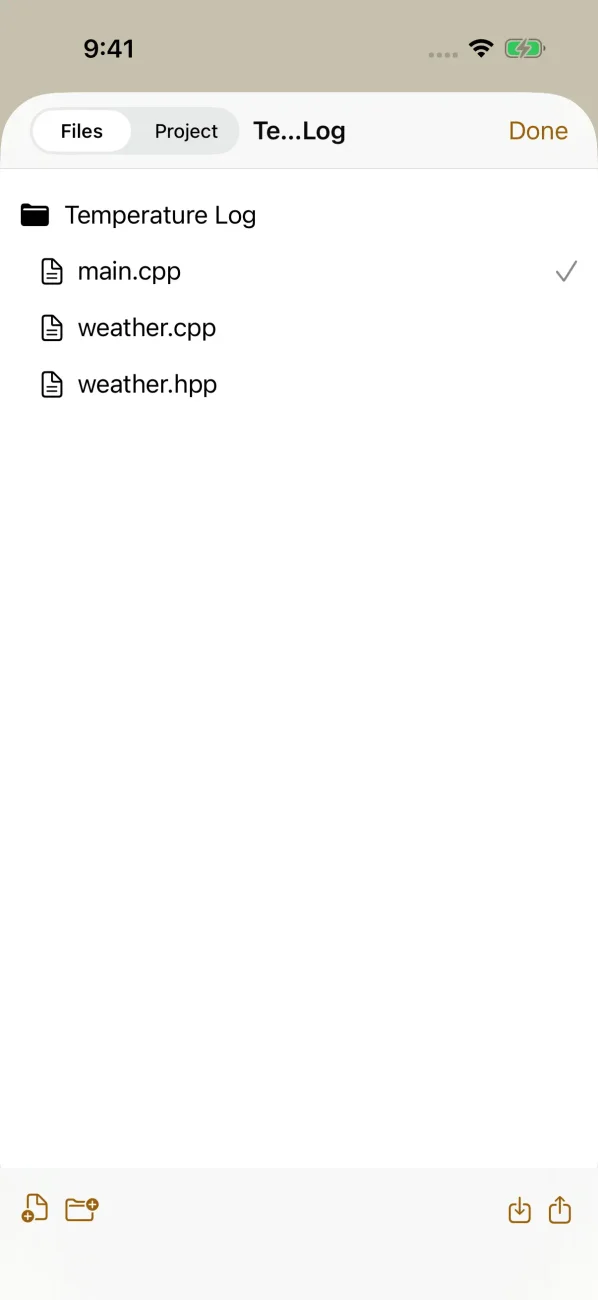
The editor supports syntax highlighting, optional code completion, and find and replace. Organize files in folders and export or restore complete projects as ZIP archives.
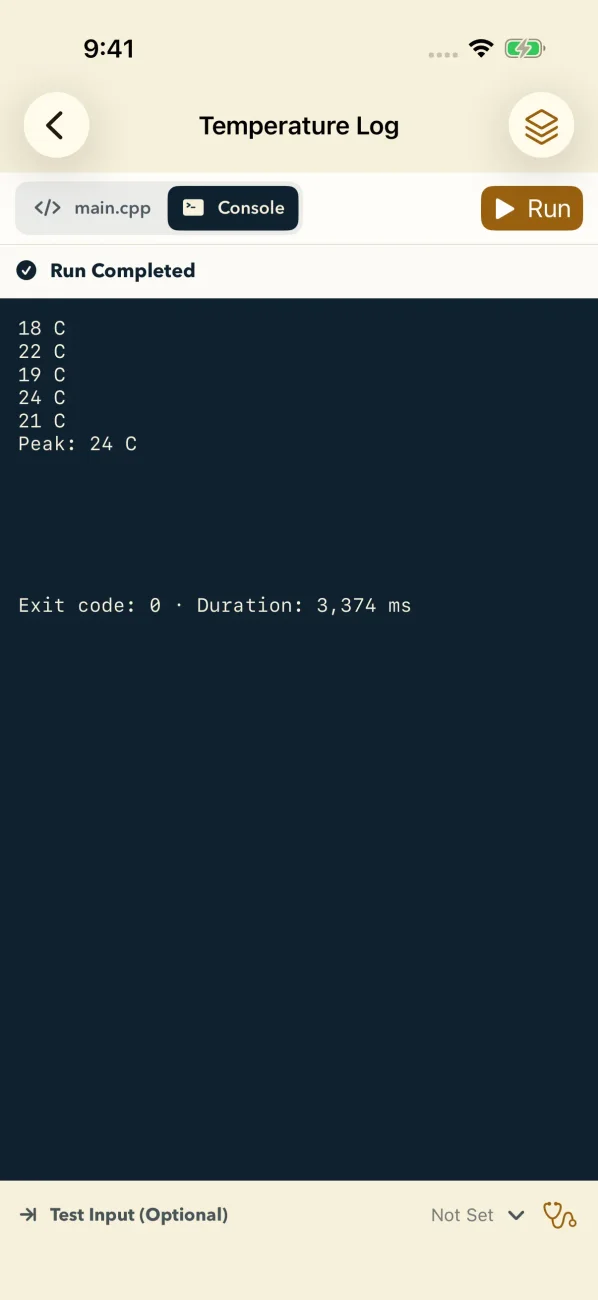
Write, compile, and run C++17 and C++20 programs directly on iPhone, iPad, and Mac. Provide input and inspect output without setting up a compiler toolchain yourself.
Learn by writing code
Start with 20 free C++ lessons covering variables, input and output, conditions, loops, functions, strings, containers, structs, and classes.
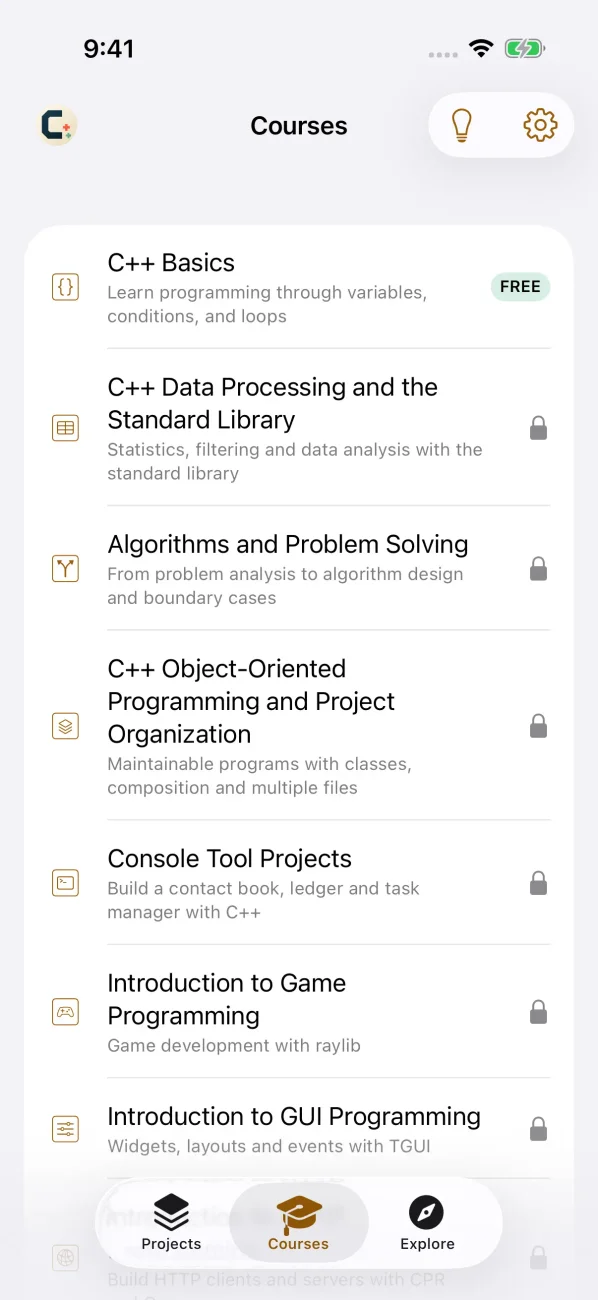
Continue with seven advanced courses through Learning Pro:
- C++ Data Processing and the Standard Library
- Algorithms and Problem Solving
- C++ Object-Oriented Programming and Project Organization
- Console Tool Projects
- Introduction to Game Programming
- Introduction to GUI Programming
- Introduction to HTTP Programming
Courses are available in English, Simplified Chinese, and Japanese, with explanations, examples, exercises, and reference implementations. Console exercises are checked locally using test inputs and outputs. Game and GUI exercises include interactive checklists.
Explore beyond the code
Discover the history and applications of C++, learn coding conventions, explore popular libraries, and find recommended books to guide your next steps.
App news and contextual tips introduce new features and offer practical guidance for programming and learning.
From console programs to interactive projects
- Build data-processing tools and algorithms with the standard library
- Learn game and graphics programming with raylib
- Explore widgets, layouts, and events with TGUI
- Learn HTTP requests and server endpoints with CPR and Crow
- Edit and run client and server code within the same project
A workspace for every screen
- Multi-file projects with a choice of C++17 or C++20
- On-device compilation and execution
- Preset input and interactive input
- Program output and compiler diagnostics
- Automatic code saving
- Tab navigation on iPhone, with a landscape layout that leaves more room for your work
- Project-focused sidebars on iPad and Mac, with quick access to courses and Explore
- Light and Dark Mode support
- Multiple projects and advanced library, display, and server settings with IDE Pro
Local programming, networking when needed
No account registration is required. Project code stays on the current device, and compilation and execution take place locally without uploading your source code to the developer’s servers. Network programs can access external services; data included in requests is sent to the servers specified by your code.
Free features and optional purchases
The complete C++ Basics course and one editable local workspace for standard C++ are free.
IDE Pro is an optional one-time purchase that unlocks multiple projects and advanced project settings.
Learning Pro provides access to paid courses for 1, 3, or 12 months, with no automatic renewal. During the access period, you can study all paid courses available in your region. The editing and execution features needed for course exercises are included; no separate IDE Pro purchase is required.
From your first program to games, interface tools, and HTTP endpoints, start building with C++ Starter.
Có gì mới
Phiên bản 0.4.0 · 26/11/2026
The new code editor adds optional code completion, including suggestions for headers and symbols from other files in your project. Find and replace text, and undo or redo edits from the editor’s status bar.
Organize source files in folders, and export or restore a whole project as a ZIP, including assets, build settings, and server files.
Long lines wrap on iPhone. On iPad, choose a temporary drawer or a side-by-side sidebar, with file selection, Console, search, and Run in one toolbar.
Quyền riêng tư của ứng dụng
Những gì Dozen Network Technology Co., Ltd. khai báo trên App Store về cách ứng dụng này xử lý dữ liệu.
-
Dữ liệu liên kết với bạn
Có thể được thu thập và liên kết với danh tính của bạn.
- Dữ liệu sử dụng
- Chẩn đoán
- Dữ liệu khác
Phương thức đảm bảo quyền riêng tư có thể khác nhau, chẳng hạn như tuỳ theo các tính năng bạn sử dụng hoặc độ tuổi của bạn.
Thông tin
- Người bán
- Dozen Network Technology Co., Ltd.
- Danh mục
- Giáo Dục
- Phiên bản
- 0.4.0
- Cập nhật
- 26/11/2026
- Phát hành
- 21/08/2026
- Kích thước
- 126,5 MB
- Yêu cầu
- iOS 17.0 trở lên
- Độ tuổi
- 4+
- Giá
- Miễn phí
- Mua hàng trong ứng dụng
- Có
- Ngôn ngữ
- Tiếng Anh, Tiếng Nhật, Tiếng Trung Giản thể
- Bản quyền
- © 2026 Dozen Network Technology Co., Ltd.