
Screen Time Limit: ControlMole
Social Media & App Blocker
Được thiết kế cho iPhone
Miễn phí · Mua hàng trong ứng dụng
- Độ tuổi4+
- Danh mụcHiệu Suất
- Nhà phát triểnKairi Labs
- Ngôn ngữTiếng Anh
- Kích thước78,7 MB
Liên kết đến trang App Store chính thức
Download.org không lưu trữ tệp nào của Screen Time Limit: ControlMole. Nút này mở trang ứng dụng trên App Store, nơi Kairi Labs phát hành ứng dụng. Trang được kiểm tra lần cuối: 25/11/2026.
Ảnh chụp màn hình
Giới thiệu
Nhà phát triển chưa cung cấp nội dung này bằng ngôn ngữ của bạn.
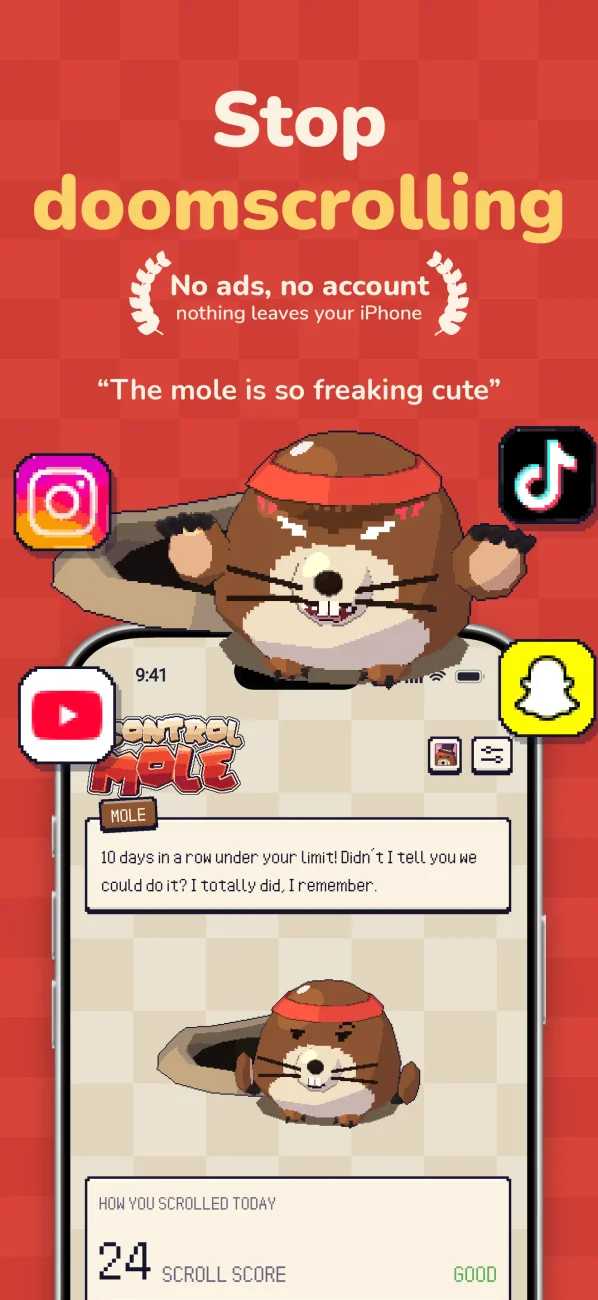
Meet Mole. He lives in a burrow on your iPhone, and he has one job: keeping your scrolling in check. Dig dig!
ControlMole is an app blocker and screen time limit for anyone who wants to stop doomscrolling, cut down on social media and use their phone less, without an app that nags like a bank.
Pick the apps that eat your day, set a daily limit, and Mole keeps count. He cheers you on while you're under it, and the moment you break it... he digs right out and blocks them for the rest of the day.
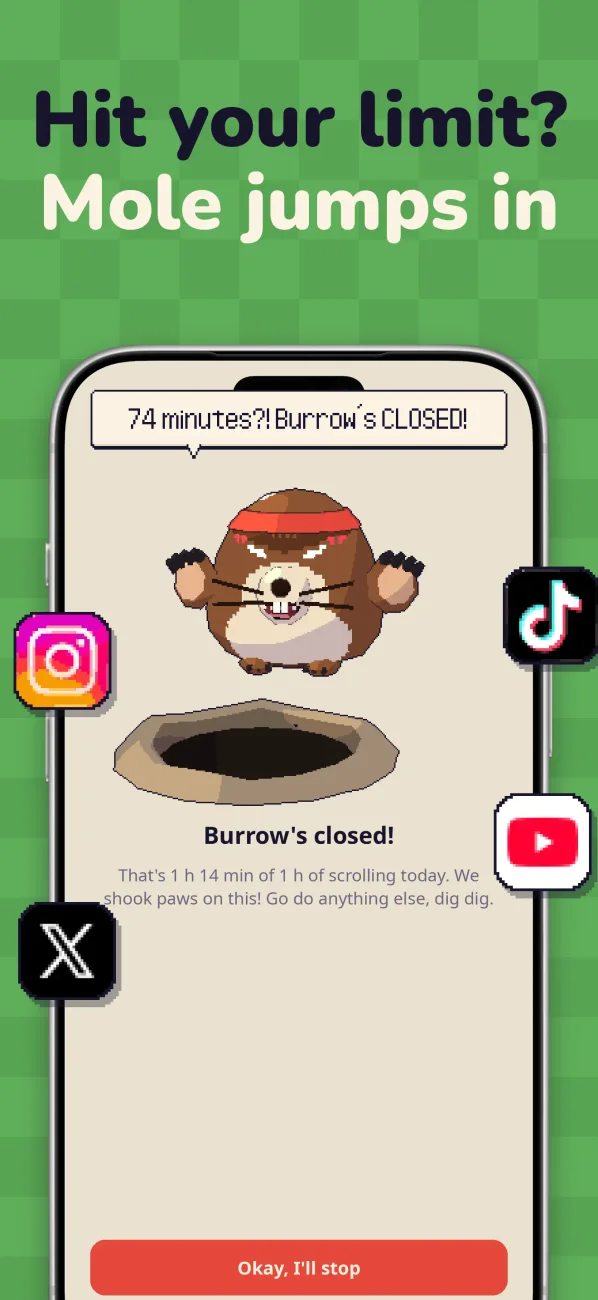
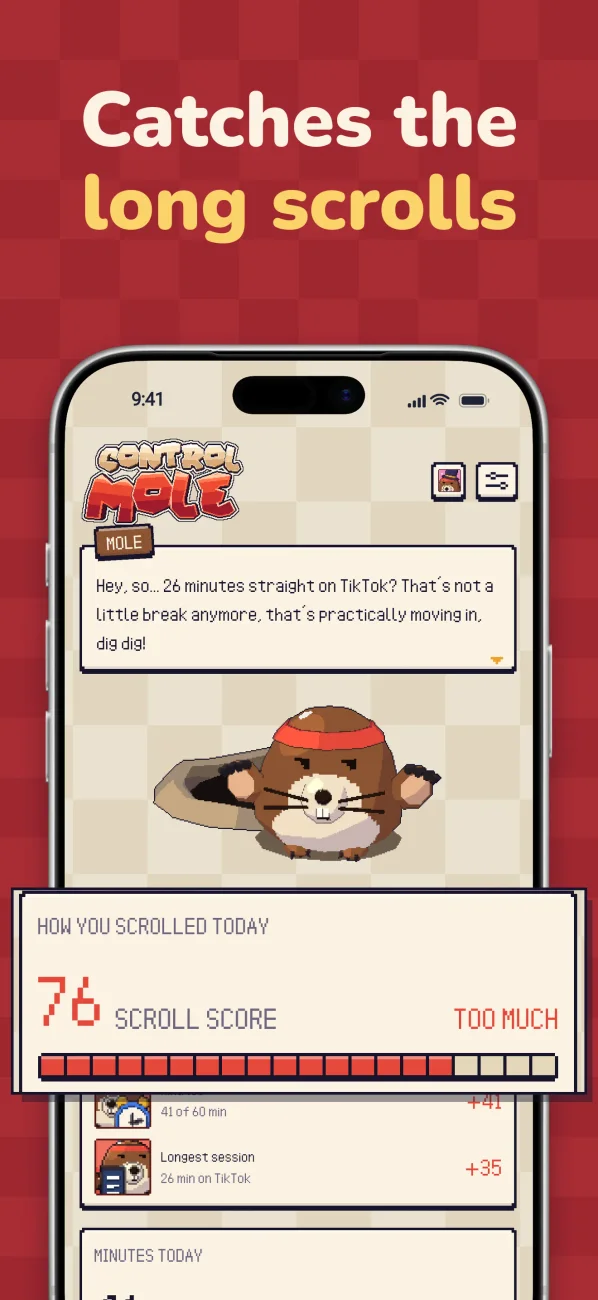
"Whoa, whoa, WHOA! That's 74 minutes today, buddy. Put the phone down and go do literally anything else!"
HOW THE APP BLOCKER WORKS
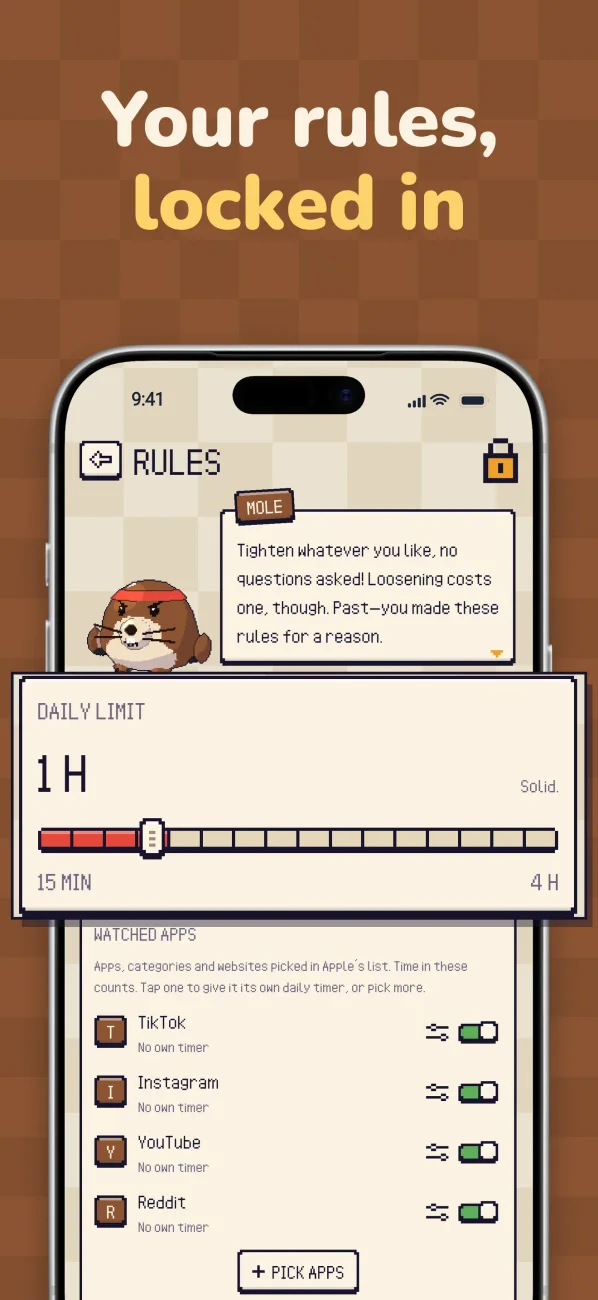
• Pick apps, whole categories and websites in Apple's Screen Time list. They share one daily limit, from 15 minutes to 4 hours.
• App timers: give any single app its own daily limit.
• Blocking: once you're over, Mole's block screen covers the app. "Okay, I'll stop" sends you home.
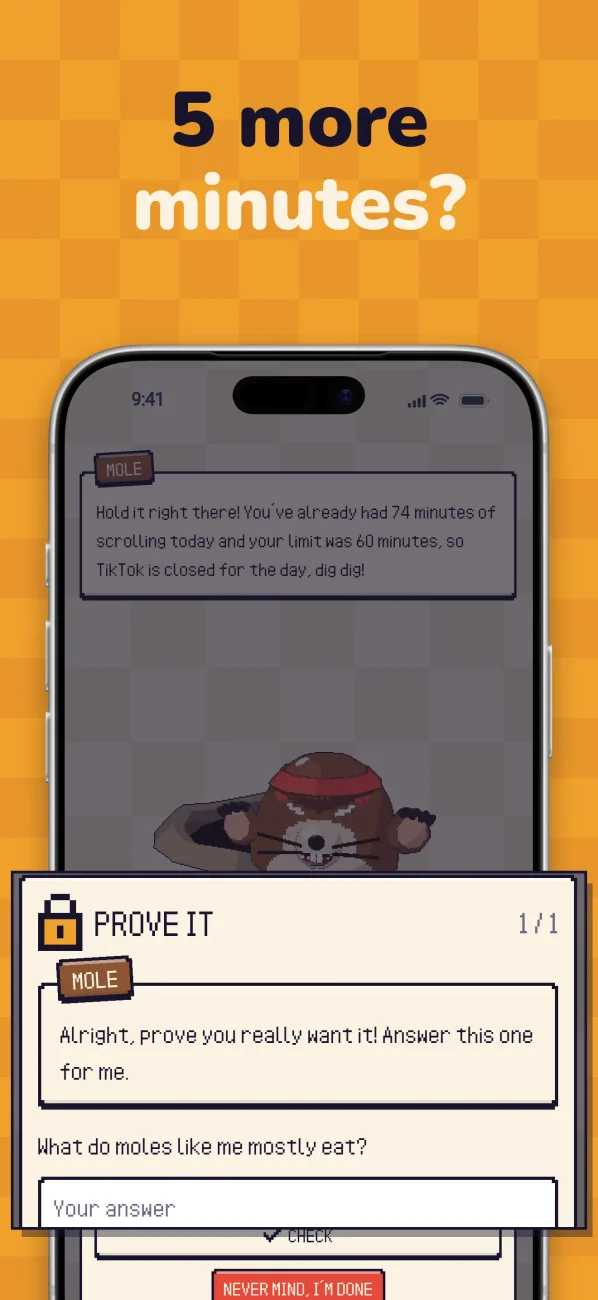
• "Just 5 more minutes?" Tap it and Mole sends you a note. Open it and answer his questions first: trivia, mental math, words backwards. Every snooze gets harder.
• Doomscroll breaks: stay in one sitting longer than your doomscroll length and Mole blocks it until you take five.
• Bedtime: he gets grumpy if you're still scrolling after lights out.
• Safari watch: time on the websites you pick counts toward your limit, and Mole covers them once you're over.
• Alerts at 80% of your limit and when you break it, even with the app closed.
STOP DOOMSCROLLING, NOT JUST MINUTES
Mole's daily score (0–100) adds up your minutes and your longest sitting, so Mole notices the hour you lost in one go, not only the total.
EASY TO TIGHTEN, HARD TO LOOSEN
Making a rule stricter is always free. Raising your limit, taking an app off the list or switching something off means an "Are you sure?", a short wait and a few questions, and it gets harder the closer you are to your limit. Past-you made these rules for a reason.
MOLE LOCK (PREMIUM)
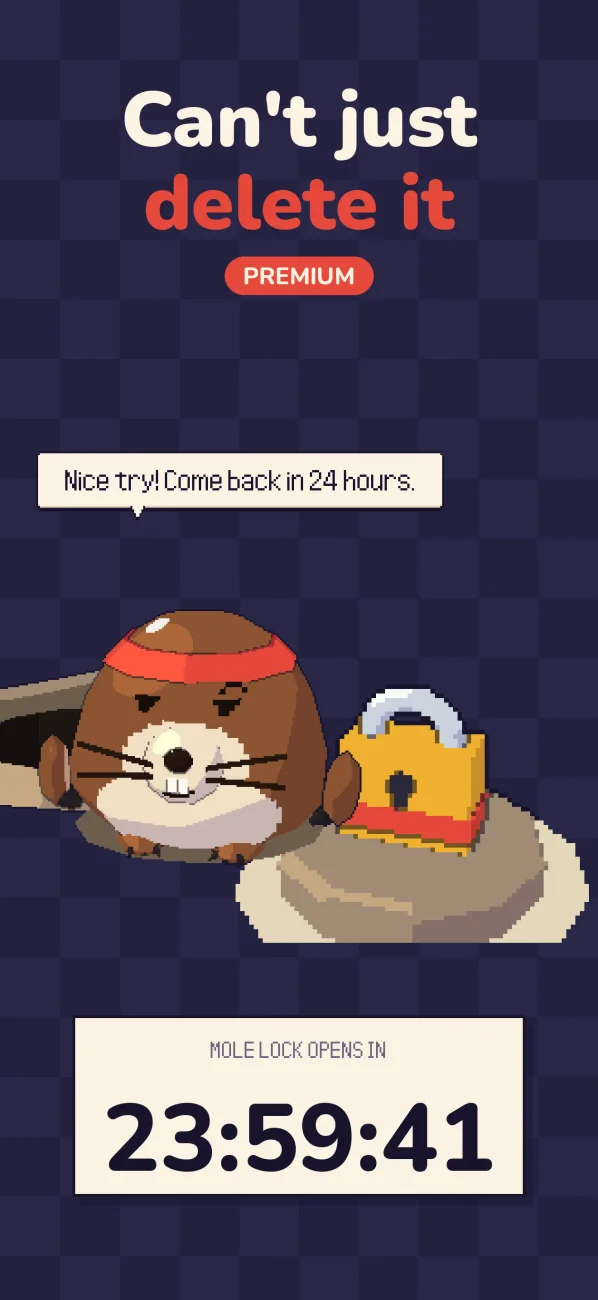
Most app blockers are one long-press away from the bin. Switch on Mole Lock and he can't be deleted on a whim: ask to leave, sit through a 24-hour wait, and then you get a 15-minute window. While it's on, iOS won't let any app be deleted. It's there for the impulse, and you stay in charge: switching off Screen Time access in Settings ends it straight away.
A FRIEND, NOT A NAG
• A chunky low-poly mole with ten moods, from zen to properly grumpy. Drag him to spin him round.
• A home screen widget with his face, his mood and today's minutes.
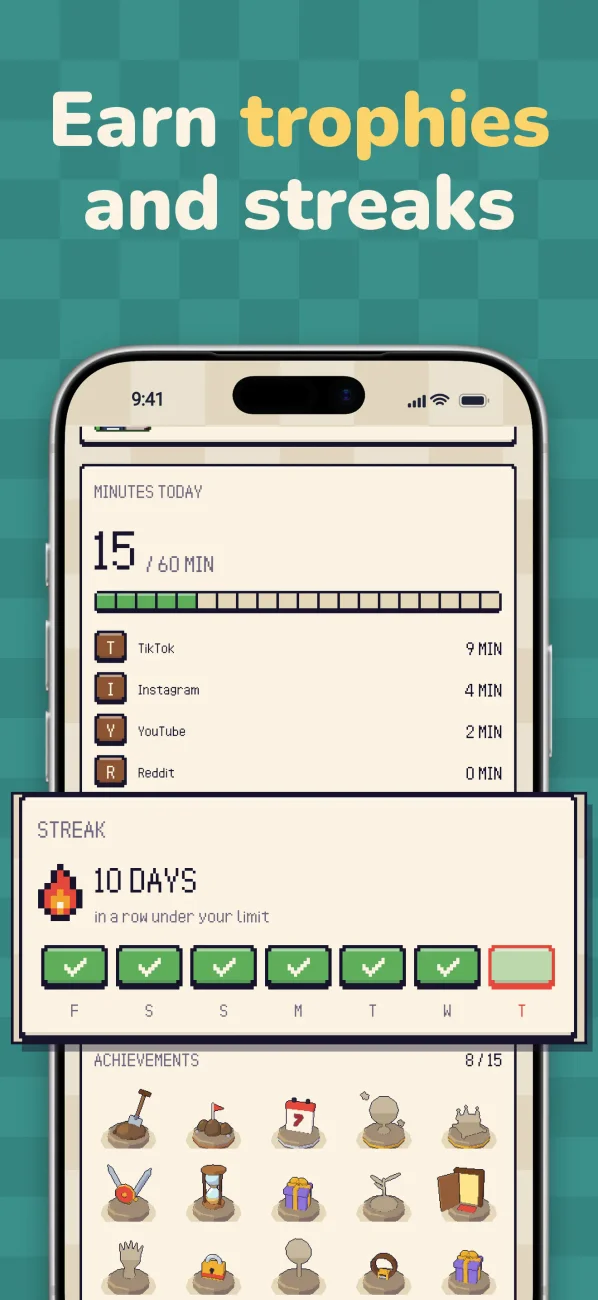
• Streaks and 15 achievements, each a little 3D trophy on a dirt plinth. They reward time away and stricter rules, never time in the app. No XP, no levels, and nothing is ever taken away.
• Every win gets a disco dance.
FREE, OR MOLE PREMIUM
ControlMole is free with up to 3 watched apps and every everyday rule. Mole Premium adds unlimited apps and whole categories, Mole Lock and a weekly plan with its own limit for each day, as a monthly or yearly subscription or a one-time lifetime purchase.
PRIVATE BY DESIGN
No ads, no account, no tracking. ControlMole uses Apple's Screen Time, so the apps you pick reach it only as private tokens, and your usage stays on your iPhone.
WHAT IT ASKS FOR
• Screen Time access (Face ID or your passcode): to count minutes and block the apps you pick.
• Notifications: for the 80% and limit-broken alerts.
• Safari extension (optional): to count time on the websites you pick. It only checks a page's address against your list, and nothing leaves your iPhone.
Requires iOS 16 or later. Reduce screen time, take back your evenings and enjoy a proper digital detox. Dig dig. See you in the burrow!
Subscriptions renew automatically unless you cancel at least 24 hours before the period ends; manage them in your Apple Account settings. Terms of Use: https://www.apple.com/legal/internet-services/itunes/dev/stdeula/
Có gì mới
Phiên bản 1.3.0 · 24/11/2026
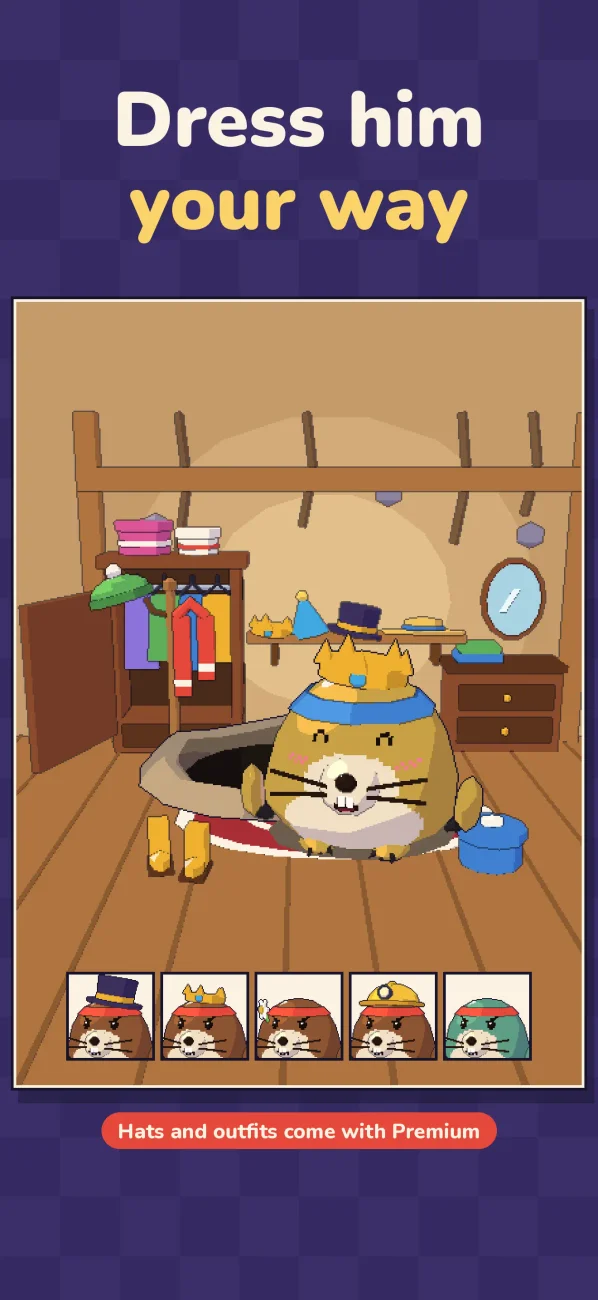
Hold me down on Home and see what happens, because my spin is far too epic now, with its own trailer music. Dress up and Adjust have tunes of their own, a swipe to the right on Home takes you straight to Dress up, and furs and headbands you've earned go on with one tap. Setup starts with me digging up to say hi, Blocking moved under Tools, and my lines on the Premium page got shorter, so everything fits without scrolling.
Quyền riêng tư của ứng dụng
Những gì Kairi Labs khai báo trên App Store về cách ứng dụng này xử lý dữ liệu.
-
Dữ liệu không liên kết với bạn
Có thể được thu thập nhưng không liên kết với danh tính của bạn.
- Mục mua
- Vị trí
- Mã định danh
- Dữ liệu sử dụng
- Chẩn đoán
Phương thức đảm bảo quyền riêng tư có thể khác nhau, chẳng hạn như tuỳ theo các tính năng bạn sử dụng hoặc độ tuổi của bạn.
Thông tin
- Người bán
- Magisk Enterprises ApS
- Danh mục
- Hiệu Suất
- Phiên bản
- 1.3.0
- Cập nhật
- 24/11/2026
- Phát hành
- 28/10/2026
- Kích thước
- 78,7 MB
- Yêu cầu
- iOS 16.0 trở lên
- Độ tuổi
- 4+
- Giá
- Miễn phí
- Mua hàng trong ứng dụng
- Có
- Ngôn ngữ
- Tiếng Anh
- Bản quyền
- © 2026 Magisk Enterprises ApS
Có thể bạn cũng thích
-
 AppLimiter Screen Time ControlHiệu Suất
-
 Cucumber TimerHiệu Suất
-
 30 for 30: Daily Skill BuilderHiệu Suất
-
 Solid Planner - timer + agendaHiệu Suất
-
 MindfulBlock: App BlockerHiệu Suất
-
 Filled DaysHiệu Suất
-
 App Blocker - BlokoHiệu Suất
-
 Tempus Fugit: Đồng hồ quả lắcĐồng hồ cổ điểm chuông
-
 Blob: Less Screen TimeHiệu Suất
-
 TypeWhisper AppHiệu Suất