DayBox: Time Blocking Planner
Daily Schedule & Focus Timer
Được thiết kế cho iPhone, iPad
Miễn phí · Mua hàng trong ứng dụng
- Độ tuổi4+
- Danh mụcHiệu Suất
- Nhà phát triểnRene Fandida
- Kích thước38,2 MB
Liên kết đến trang App Store chính thức
Download.org không lưu trữ tệp nào của DayBox: Time Blocking Planner. Nút này mở trang ứng dụng trên App Store, nơi Rene Fandida phát hành ứng dụng. Trang được kiểm tra lần cuối: 12/11/2026.
Ảnh chụp màn hình
Giới thiệu
Nhà phát triển chưa cung cấp nội dung này bằng ngôn ngữ của bạn.
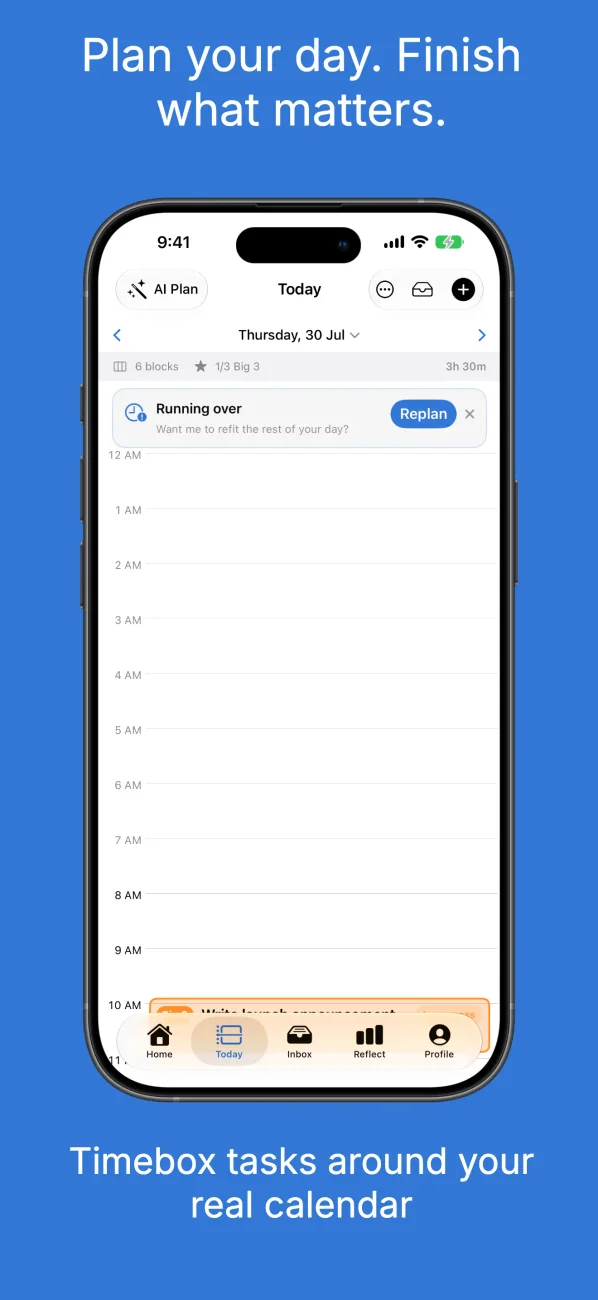
DayBox turns a chaotic to-do list into a clear daily plan you can actually finish. Drag tasks onto a visual timeline around your real calendar, protect time for deep work, focus one block at a time, and end the day knowing what you got done.
NEW IN 1.2
- Made for iPhone Duo and iPad: on the big screen, your timeline and Inbox sit side by side — drag tasks straight onto your day.
- Desk Mode on iPhone Duo: prop it up mid-block and the timer sits on the top half, every control on the bottom, and the screen stays on until the block ends.
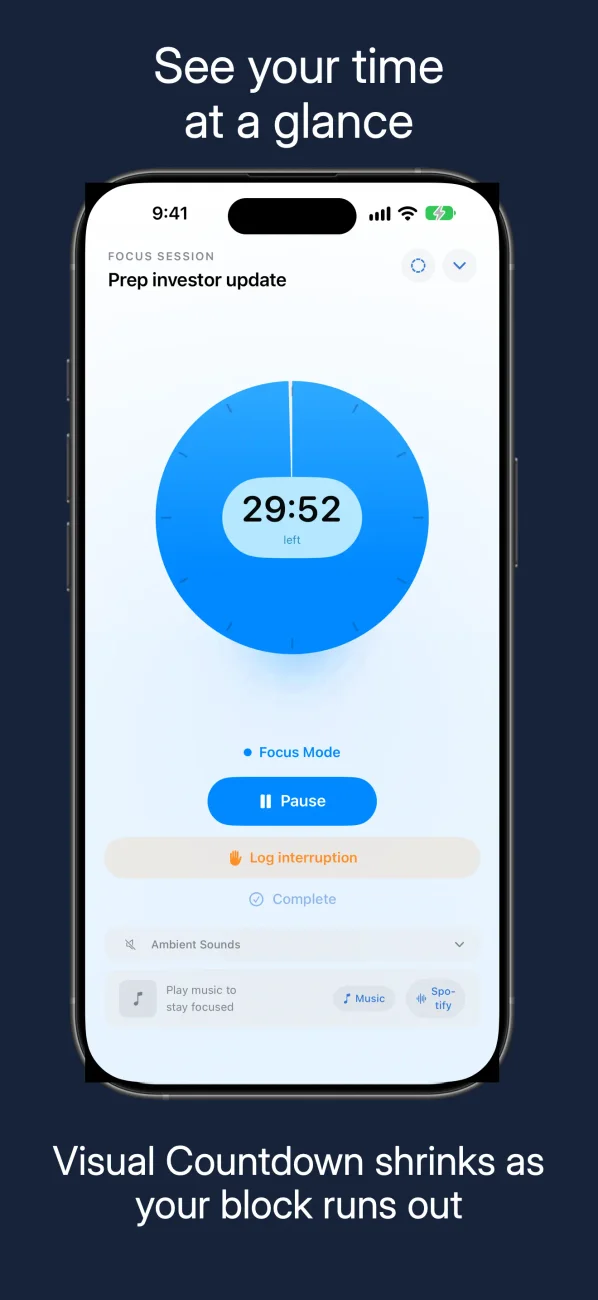
- Visual Countdown: a color disk that shrinks as time runs out, so you can see how long you have at a glance.
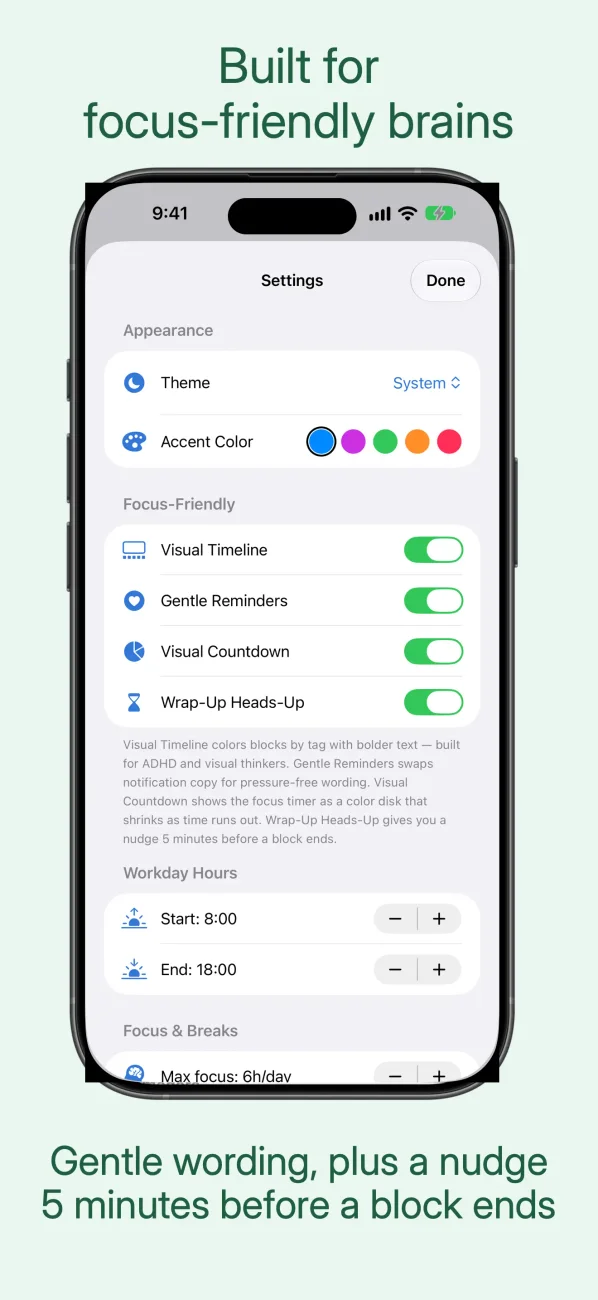
- Wrap-Up Heads-Up: a nudge 5 minutes before a block ends.
THE DAYBOX METHOD - 5 STEPS, EVERY DAY
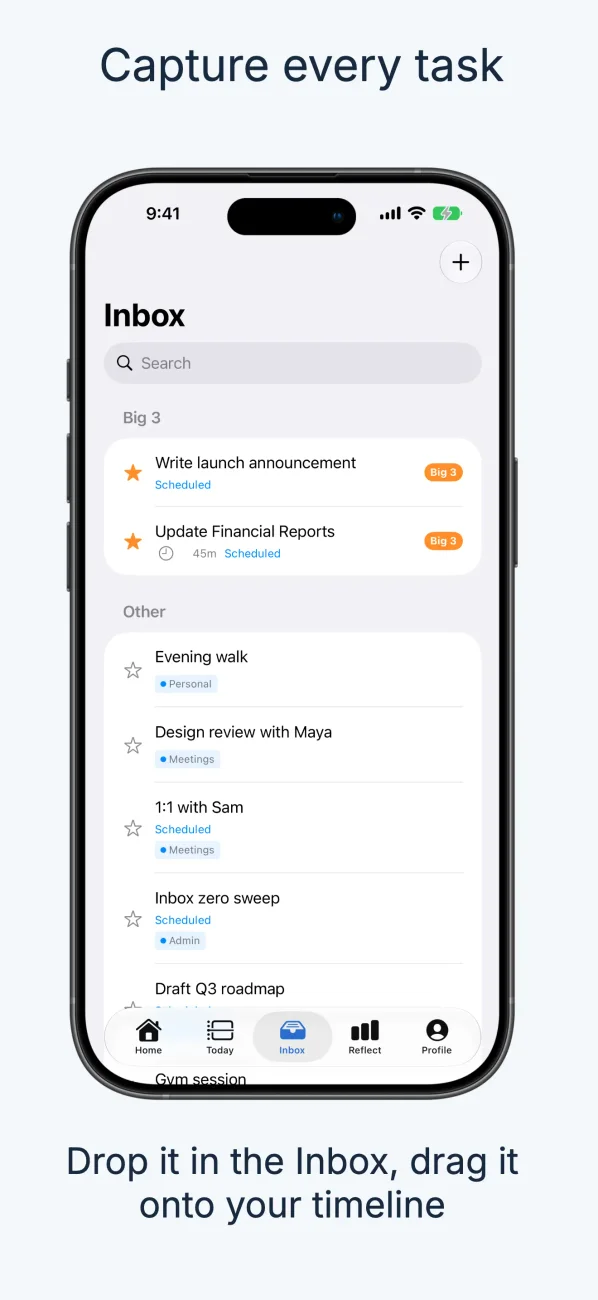
1. Capture tasks into your Inbox
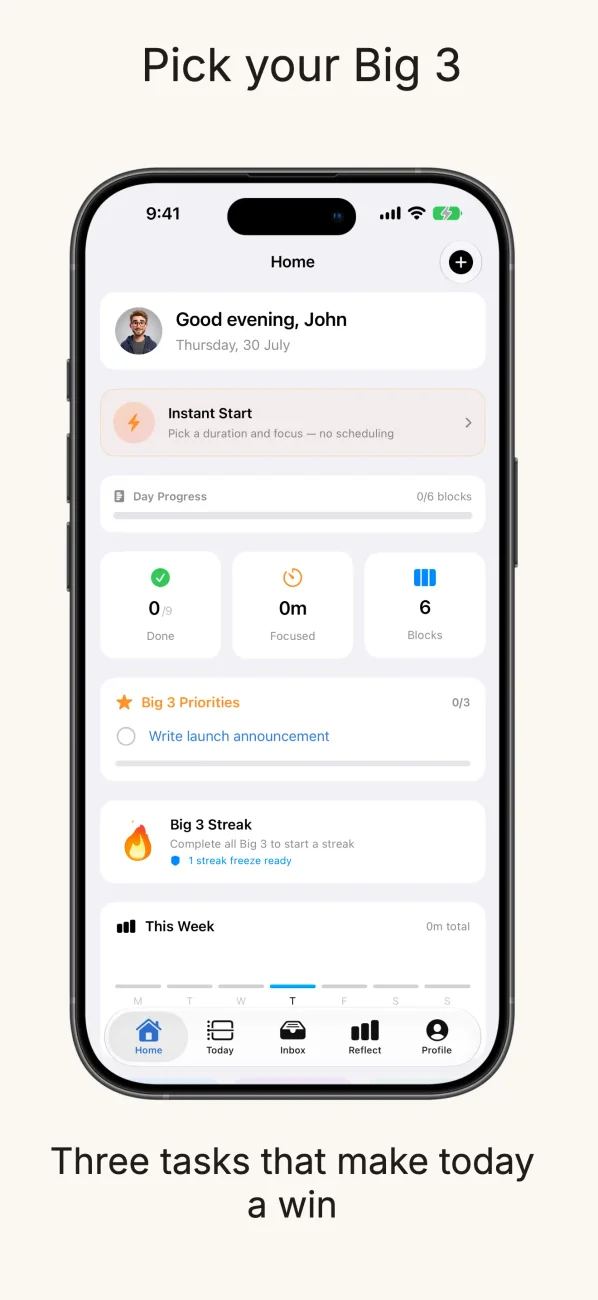
2. Pick your Big 3 priorities for the day
3. Drag tasks onto your daily timeline
4. Start a focus timer for each block
5. Review your wins at the end of the day
That's it. Simple enough to actually stick with.
PLAN YOUR DAY
- Visual daily timeline with drag-and-drop time blocks
- Big 3 priorities - anchor your day to what matters most
- Calendar integration - see events beside your blocks, with optional two-way Apple Calendar sync
- Natural language input - type "Meeting 2pm 30min #work"
- Recurring tasks and day templates for your routines
- Checklists inside every task
- Tags to organize by project or life area
- A warning before you overcommit your day
- Siri & Shortcuts - add tasks hands-free
FOCUS DEEPLY
- A focus timer for every block - classic ring or the new Visual Countdown
- Live Activity on the Lock Screen and Dynamic Island
- Your task's checklist right on the focus screen
- Ambient sounds: rain, forest, ocean waves, coffee shop, fireplace, white noise
- Pomodoro mode with automatic breaks
- Log interruptions without losing your place
- Apple Watch app and Home Screen widgets
FOCUS-FRIENDLY BY DESIGN
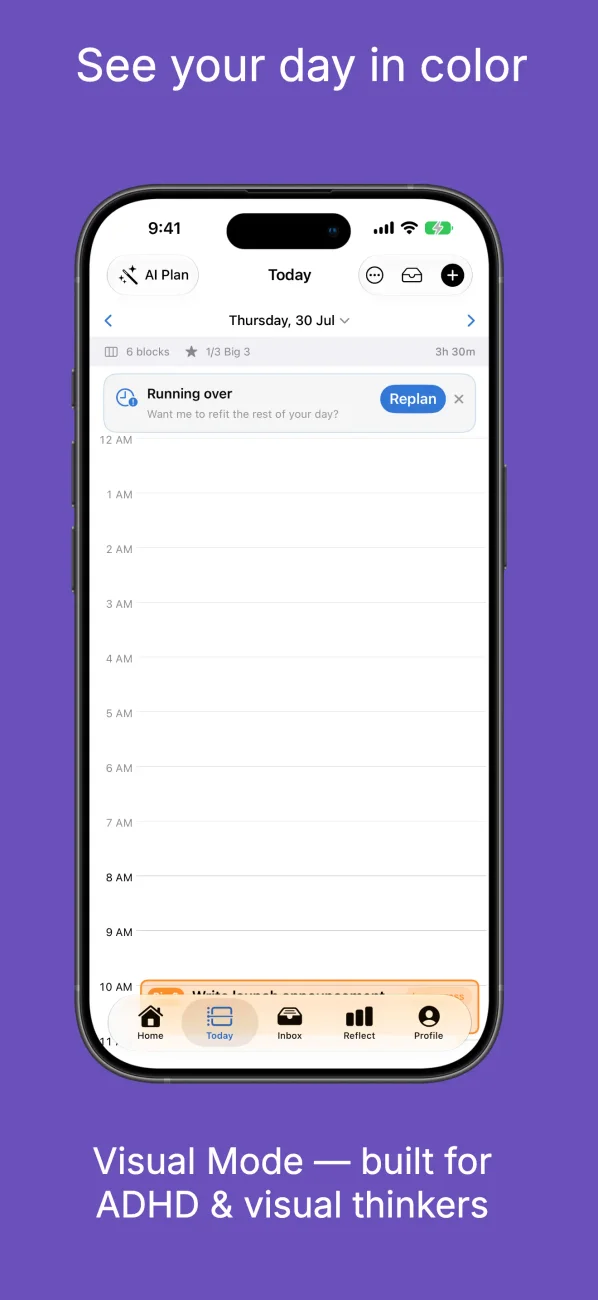
Built with ADHD and visual thinkers in mind:
- Visual Timeline colors your blocks by tag
- Gentle Reminders swap pressure for kind wording
- Visual Countdown shows time left as a shrinking disk
- Wrap-Up Heads-Up, so a block never ends by surprise
REFLECT & GROW
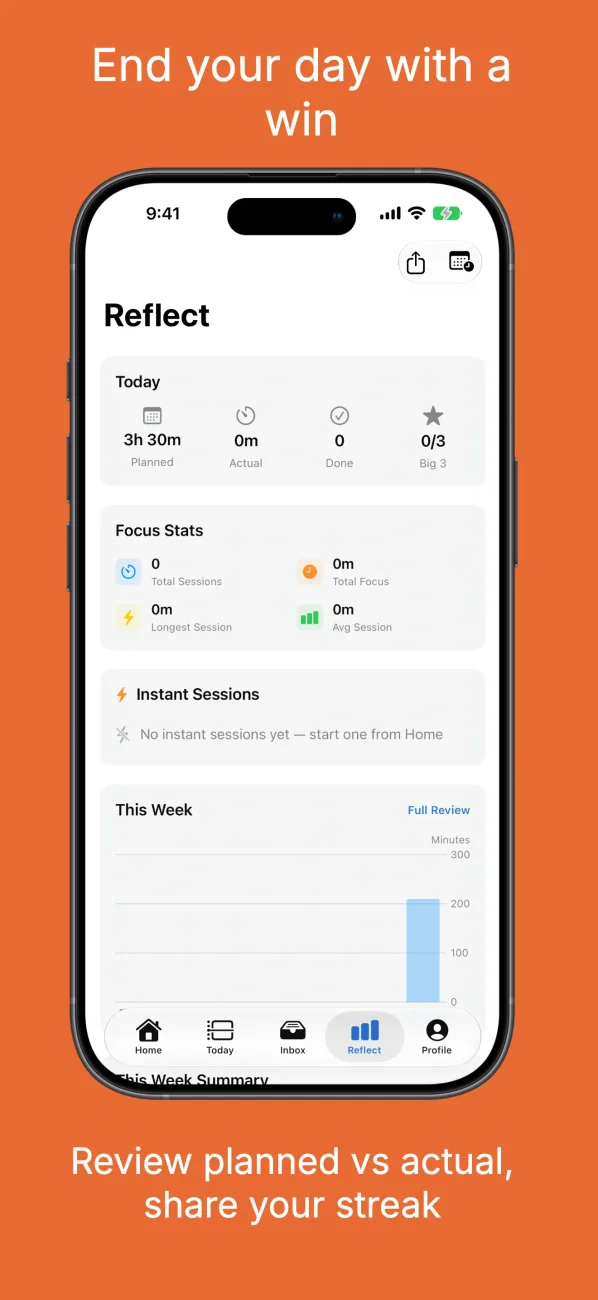
- Planned vs. actual focus, tasks done, and Big 3 progress
- Weekly review with charts and trends
- Streaks for planning, Big 3, and focus
- 20 achievement badges
- Share your day as a summary card
DAYBOX PRO
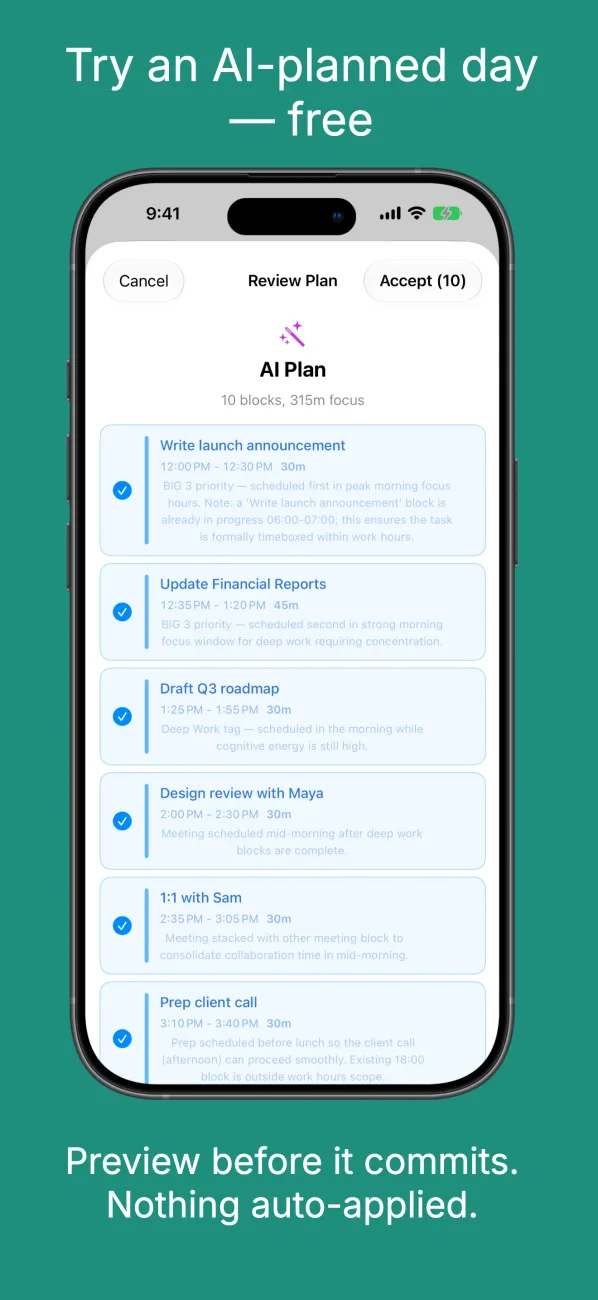
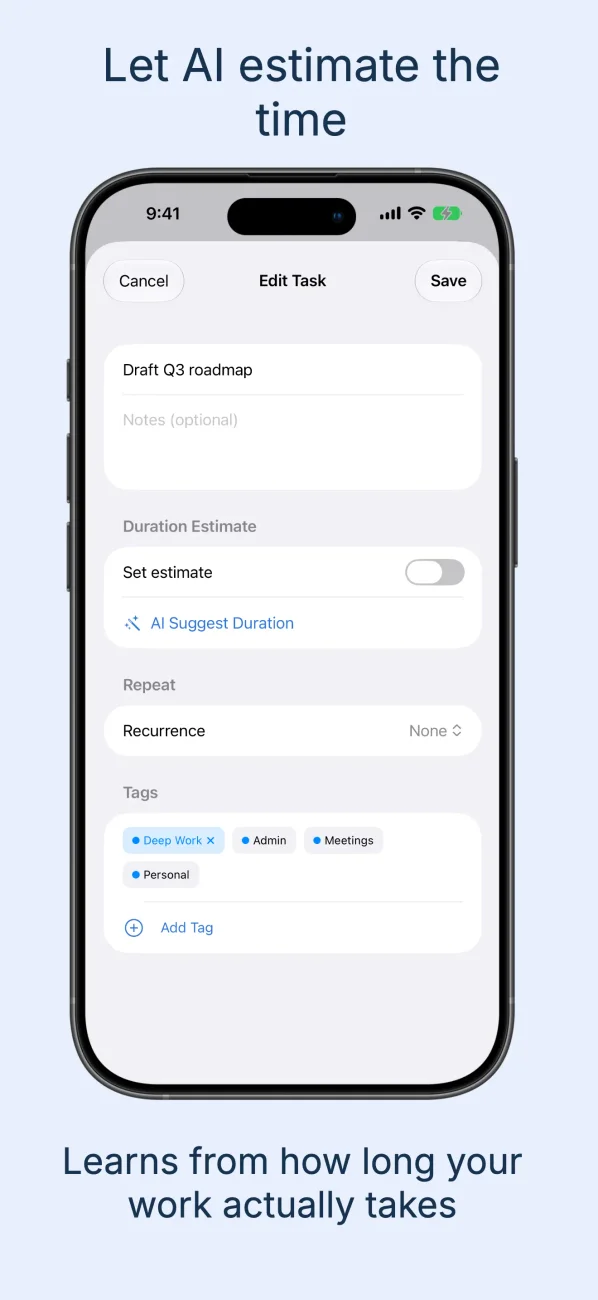
- AI daily planning around your real calendar - always previewed, never auto-applied (try an AI-planned day free)
- Adaptive replanning when your day changes
- AI time estimates for your tasks
- Time Insights: where your time goes by tag, and your best focus hours
- CSV time-log export for invoicing and timesheets
Choose monthly, yearly (free trial available), or a one-time lifetime purchase. Prices are shown in the app before you buy.
Payment is charged to your Apple ID at confirmation of purchase. Subscriptions auto-renew unless cancelled at least 24 hours before the end of the current period. Manage or cancel in Settings > Apple ID > Subscriptions.
Terms of Use (EULA): https://www.apple.com/legal/internet-services/itunes/dev/stdeula/
Privacy Policy: https://culi.app/apps/daybox/privacy-policy
Có gì mới
Phiên bản 1.2.0 · 20/10/2026
NEW: Made for iPhone Duo and iPad. On the big screen your timeline and Inbox sit side by side — drag tasks straight onto your day.
• Desk Mode (iPhone Duo): prop it up mid-block. The timer sits on the top half, every control is on the bottom half, and the screen stays on until the block ends.
• Visual Countdown: switch the focus timer to a color disk that shrinks as time runs out — see how long you have without reading numbers.
• Wrap-Up Heads-Up: a nudge 5 minutes before a block ends, so a session never ends by surprise. Turn it off any time in Settings → Focus-Friendly.
• Bigger screens, better layouts: Home in two columns, and Reflect beside Time Insights.
• Fixed: pausing a session no longer sends a "time's up" alert at the original end time.
Quyền riêng tư của ứng dụng
Những gì Rene Fandida khai báo trên App Store về cách ứng dụng này xử lý dữ liệu.
-
Dữ liệu không được thu thập
Nhà phát triển không thu thập bất kỳ dữ liệu nào từ ứng dụng này.
Phương thức đảm bảo quyền riêng tư có thể khác nhau, chẳng hạn như tuỳ theo các tính năng bạn sử dụng hoặc độ tuổi của bạn.
Thông tin
- Người bán
- Rene Fandida
- Danh mục
- Hiệu Suất
- Phiên bản
- 1.2.0
- Cập nhật
- 20/10/2026
- Phát hành
- 05/04/2026
- Kích thước
- 38,2 MB
- Yêu cầu
- iOS 17.0 trở lên
- Độ tuổi
- 4+
- Giá
- Miễn phí
- Mua hàng trong ứng dụng
- Có
- Bản quyền
- © 2026 Culi App
Có thể bạn cũng thích
-
 Focura: ADHD Time BlockingHiệu Suất
-
 Thalam - Plan & TrackHiệu Suất
-
 ThruFlowHiệu Suất
-
 Time Block Ke Hoach - DayBlockLap ke hoach ngay bang khoi
-
 The timebox plannerHiệu Suất
-
 24 Hours: Time BudgetHiệu Suất
-
 Daybox - Task TimerHiệu Suất
-
 ToBlock: Time Block PlannerHiệu Suất
-
 Lịch khối đơn giản: TimeToneLên lịch theo khối & ADHD
-
 Unfreeze: Chia Việc, Tập TrungChia nhỏ việc, hết tê liệt