DocScanner: PDF Scan
Private scans, saved on device
Được thiết kế cho iPhone, iPad
Miễn phí · Mua hàng trong ứng dụng
- Độ tuổi4+
- Danh mụcHiệu Suất
- Nhà phát triểnYoussef Dhibi
- Ngôn ngữTiếng Anh
- Kích thước4,0 MB
Liên kết đến trang App Store chính thức
Download.org không lưu trữ tệp nào của DocScanner: PDF Scan. Nút này mở trang ứng dụng trên App Store, nơi Youssef Dhibi phát hành ứng dụng. Trang được kiểm tra lần cuối: 22/11/2026.
Ảnh chụp màn hình
Giới thiệu
Nhà phát triển chưa cung cấp nội dung này bằng ngôn ngữ của bạn.
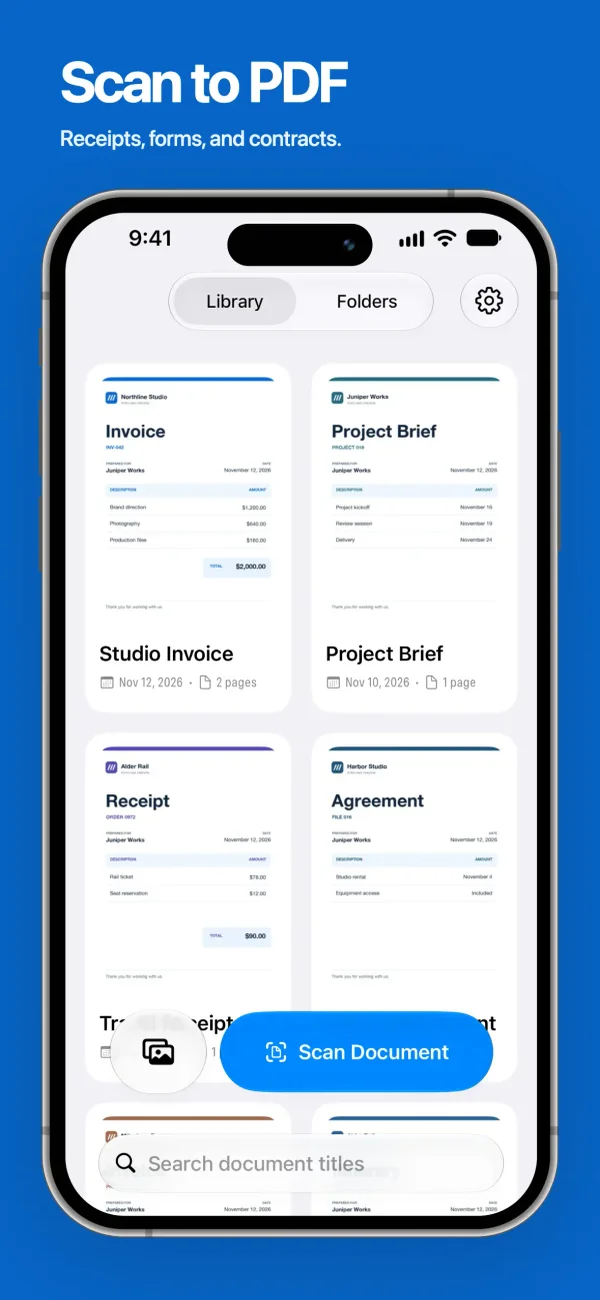
Turn your iPhone or iPad into a private document scanner for receipts, contracts, invoices, forms, and notes. DocScanner creates searchable PDF files with offline OCR, keeps your library on your device, and makes scans easy to organize, preview, and share.
SCAN DOCUMENTS TO PDF
• Capture single-page and multi-page documents with the camera scanner
• Create PDF files automatically
• Add selectable and searchable text with on-device OCR
• Choose preferred OCR languages in Settings
ORGANIZE YOUR LIBRARY
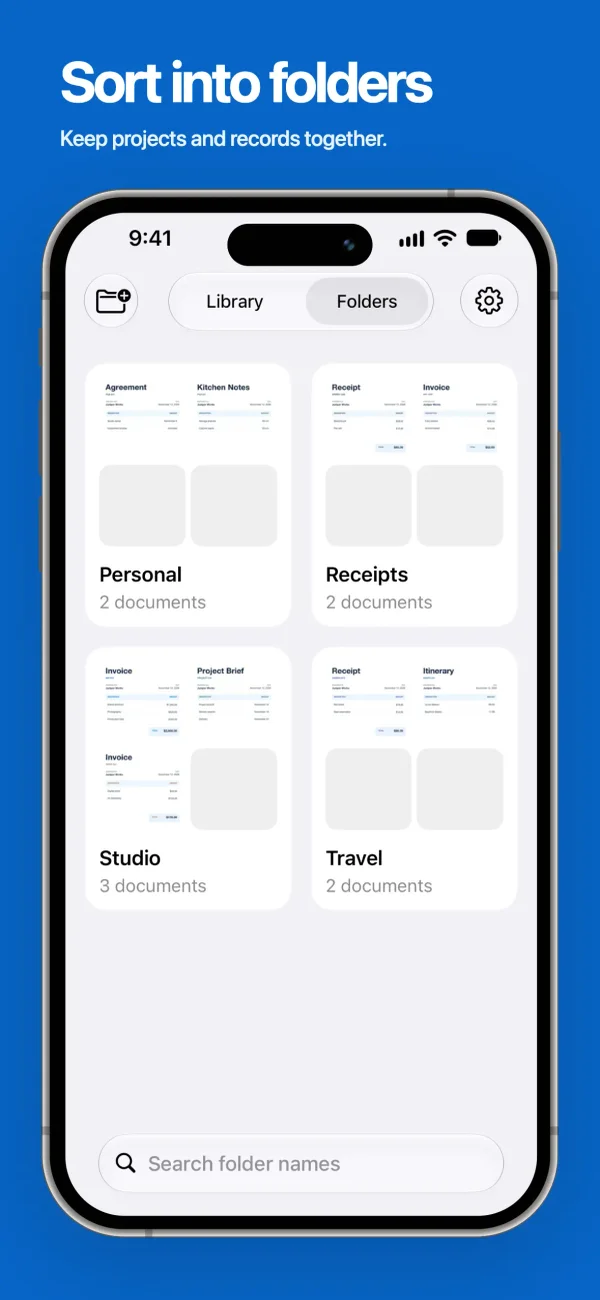
• Create and rename folders for work, school, receipts, or personal records
• Scan directly into a folder or move existing documents into one
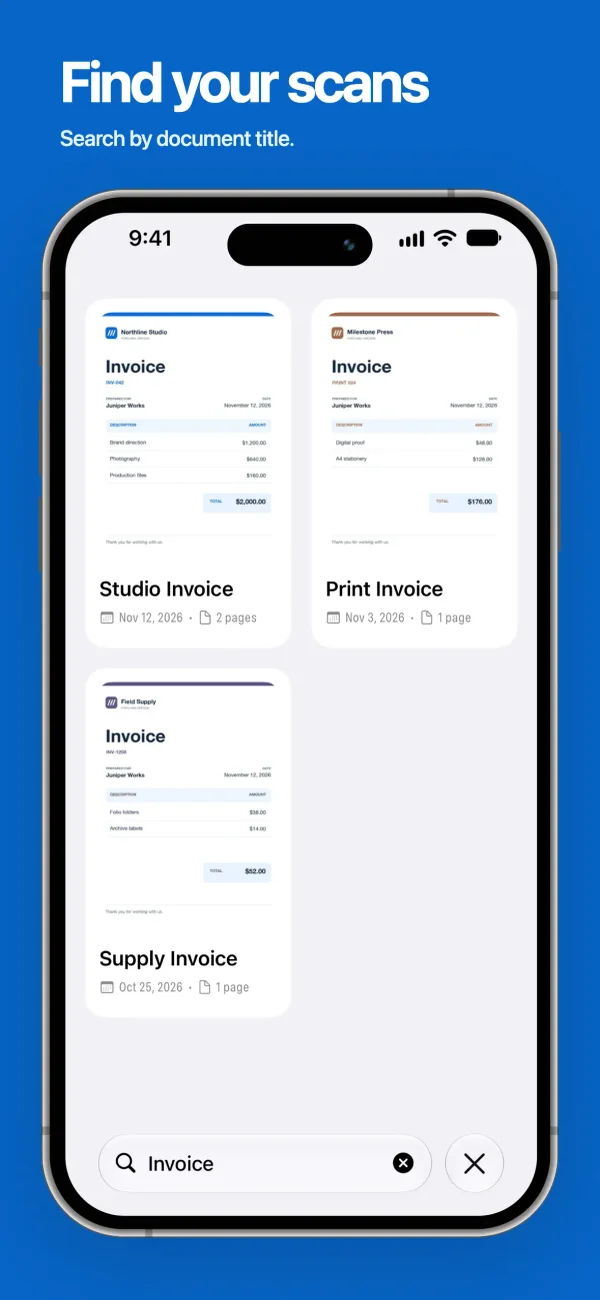
• Search document titles and folder names
• Rename, sort, select, move, and delete documents
PREVIEW AND SHARE
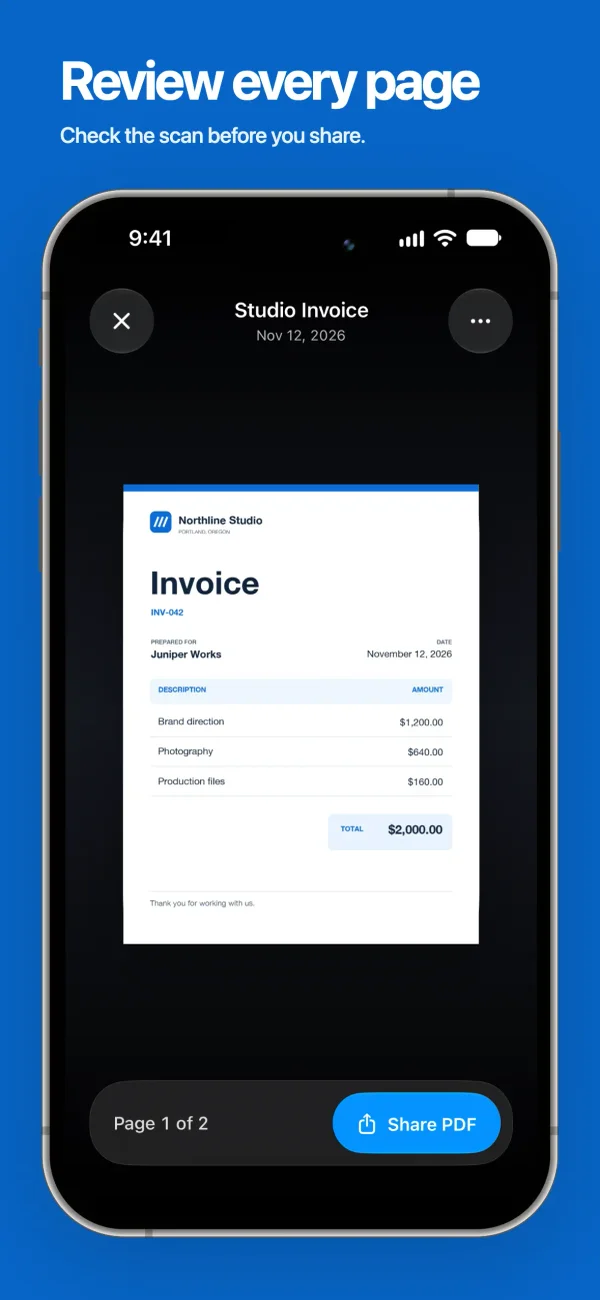
• Review every page in the built-in PDF viewer
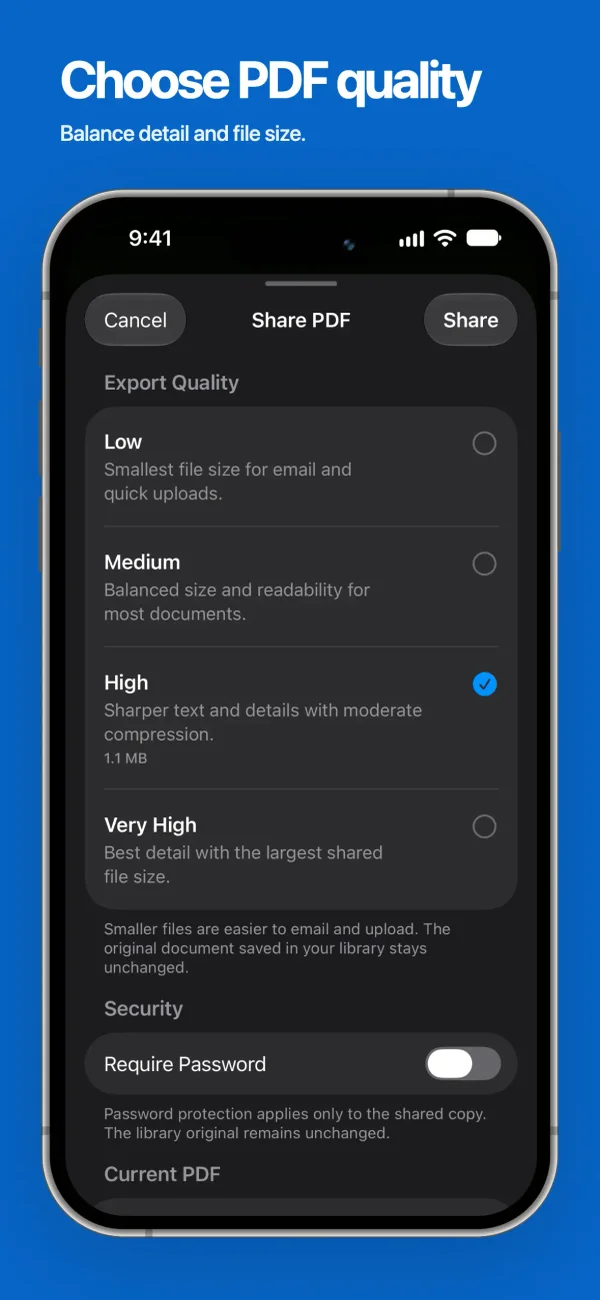
• Choose Low, Medium, High, or Very High export quality
• Check the exported file size before sharing
• Send PDF copies through the iOS share sheet
PRIVATE BY DESIGN
Your documents, previews, folders, and OCR processing stay on your device. DocScanner does not require an account or cloud setup and has no ads or third-party analytics.
DOCSCANNER PRO
A one-time in-app purchase unlocks:
• Secure folders that encrypt folder names, PDFs, and previews on your device
• Face ID, Touch ID, or device passcode access to secure folders
• Password-protected PDF copies for sharing
DocScanner Pro is a one-time purchase with no subscription. Previous purchases can be restored.
Use DocScanner to digitize receipts, invoices, contracts, signed forms, school notes, home records, and other paperwork on iPhone or iPad.
Có gì mới
Phiên bản 2.0.4 · 16/11/2026
• Back up and restore secure folders with an encrypted backup and a recovery code. Find Vault Transfer & Backup in Settings.
• If you already use a secure folder, DocScanner will remind you to unlock it once to finish the security update.
• Secure folders now open more smoothly after Face ID verification.
Quyền riêng tư của ứng dụng
Những gì Youssef Dhibi khai báo trên App Store về cách ứng dụng này xử lý dữ liệu.
-
Dữ liệu không được thu thập
Nhà phát triển không thu thập bất kỳ dữ liệu nào từ ứng dụng này.
Phương thức đảm bảo quyền riêng tư có thể khác nhau, chẳng hạn như tuỳ theo các tính năng bạn sử dụng hoặc độ tuổi của bạn.
Thông tin
- Người bán
- Youssef Dhibi
- Danh mục
- Hiệu Suất
- Phiên bản
- 2.0.4
- Cập nhật
- 16/11/2026
- Phát hành
- 12/03/2026
- Kích thước
- 4,0 MB
- Yêu cầu
- iOS 16.0 trở lên
- Độ tuổi
- 4+
- Giá
- Miễn phí
- Mua hàng trong ứng dụng
- Có
- Ngôn ngữ
- Tiếng Anh
- Bản quyền
- © 2026 Youssef Dhibi
Có thể bạn cũng thích
-
 ScanPro: PDF Scanner & QR CodeHiệu Suất
-
 FreePDF: Quét & Chuyển đổi PDFQuét tài liệu, chuyển, gộp PDF
-
 Quét PDF: ScanlyGoChuyển đổi, OCR, ký và nén
-
 PDFly: PDF Scanner & EditHiệu Suất
-
 Scanner • PDF Document ScannerHiệu Suất
-
 Scanner App for iPhoneHiệu Suất
-
 Cam PDF ScannerHiệu Suất
-
 Doc Scanner .Hiệu Suất
-
 CamVision: Quét tệp PDF & OCRQuét giấy tờ, quản lý tài liệu
-
 Máy Quét PDF - Fax, Ký & SửaỨng dụng quét và ký tài liệu