
Emm AI
Your AI collaboration center
Được thiết kế cho iPhone, iPad, iPod touch
Miễn phí · Mua hàng trong ứng dụng
- Độ tuổi4+
- Danh mụcHiệu Suất
- Nhà phát triểnGreger Teigre Wedel
- Ngôn ngữTiếng Anh
- Kích thước48,1 MB
Liên kết đến trang App Store chính thức
Download.org không lưu trữ tệp nào của Emm AI. Nút này mở trang ứng dụng trên App Store, nơi Greger Teigre Wedel phát hành ứng dụng. Trang được kiểm tra lần cuối: 22/11/2026.
Ảnh chụp màn hình

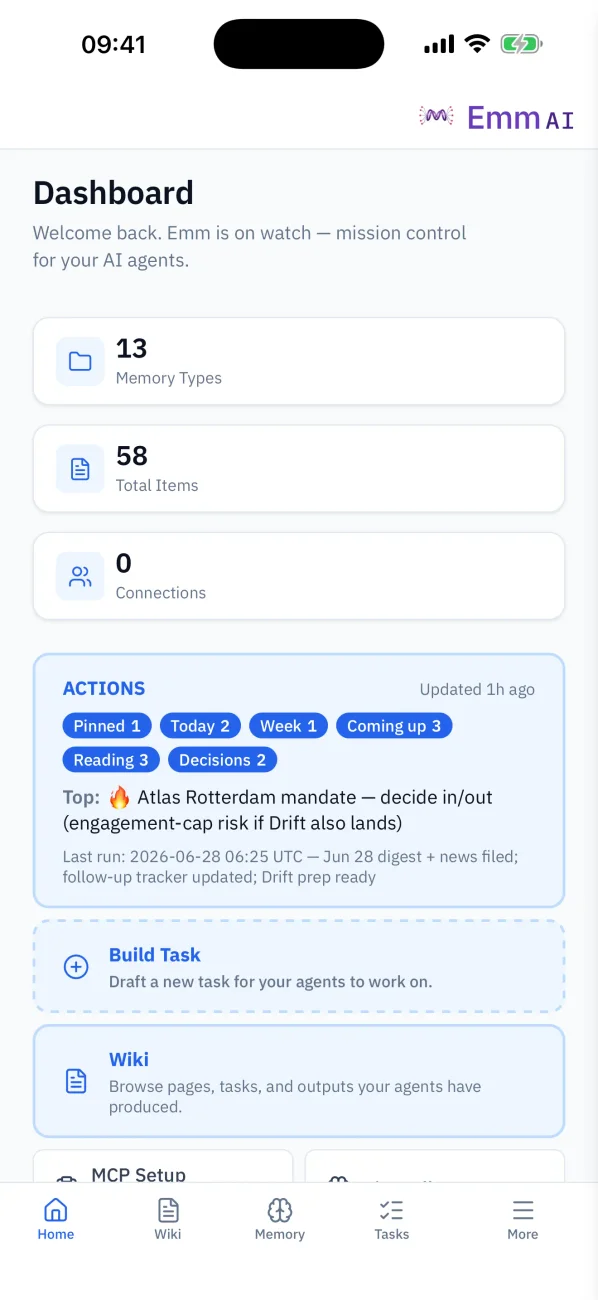


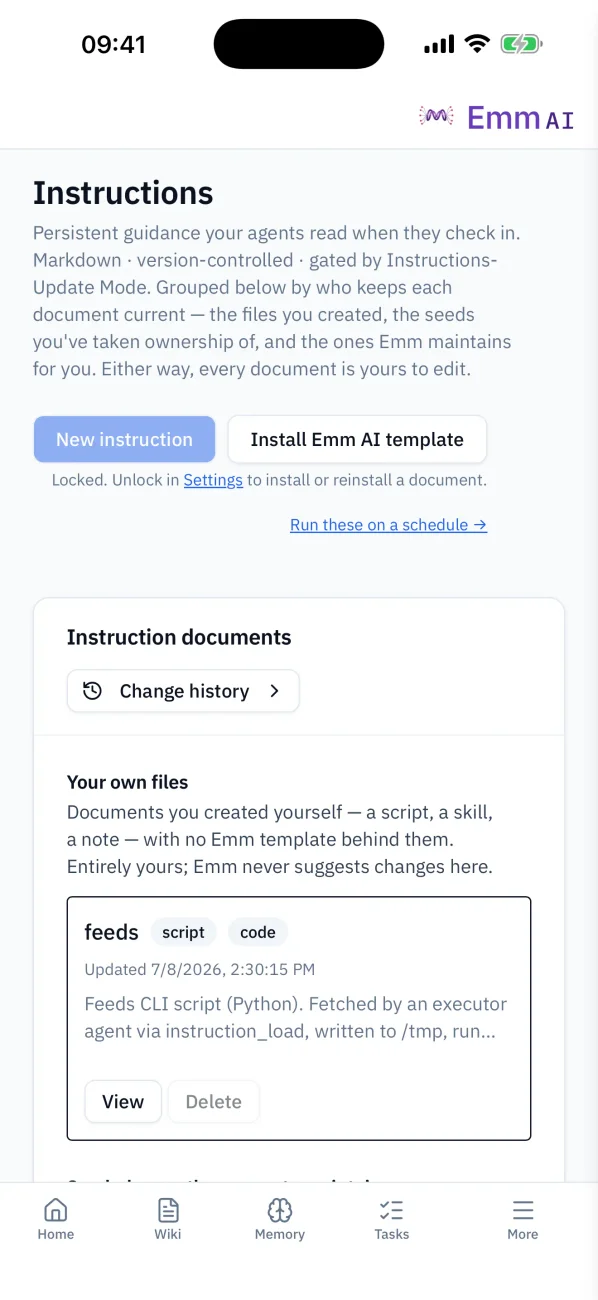
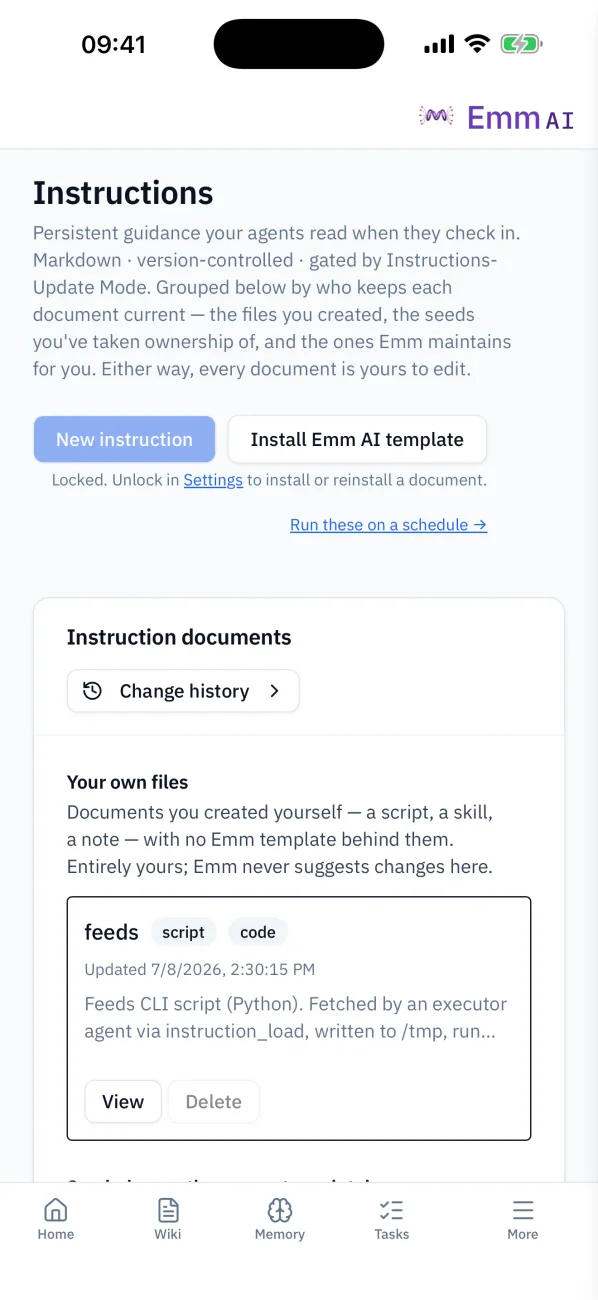
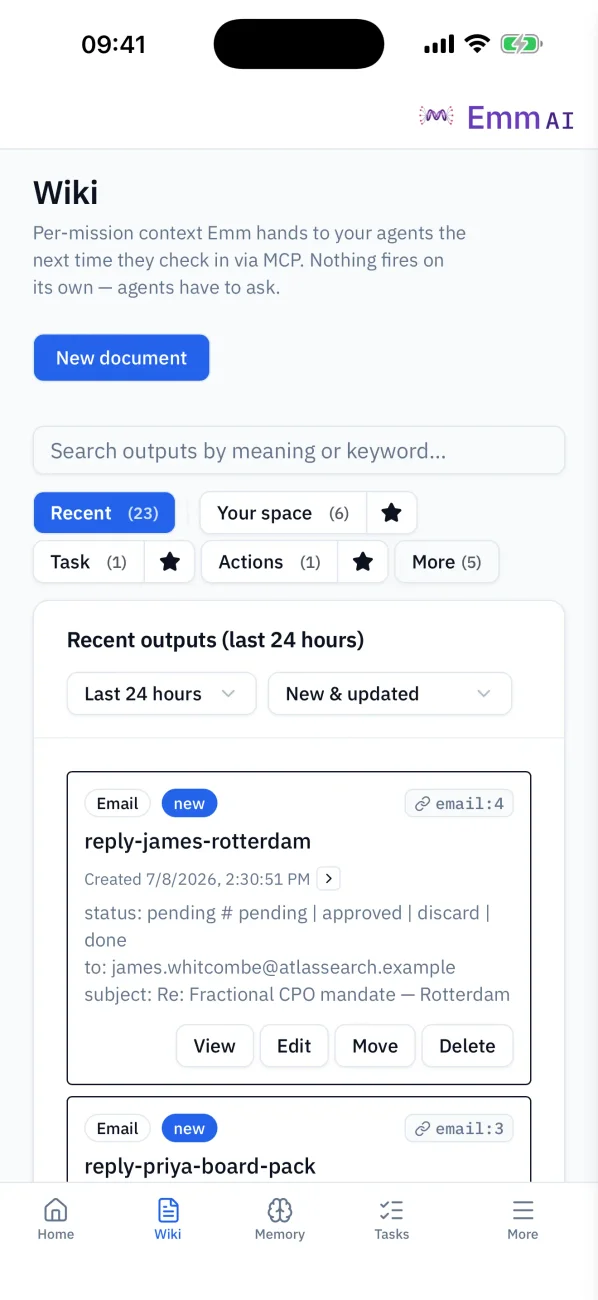
Giới thiệu
Nhà phát triển chưa cung cấp nội dung này bằng ngôn ngữ của bạn.
Emm AI is the collaboration center you and your AI agents use to work together. It pulls your scattered AI work — research, drafts, decisions, follow-ups — into one shared space you both build in, instead of losing it across chat sessions and tools.
Your AI is powerful in the moment but forgets between sessions, can't follow standing orders, and its output vanishes when the window closes. Emm fixes the whole problem, not one symptom at a time.
FOUR CAPABILITIES, ONE WORKSPACE
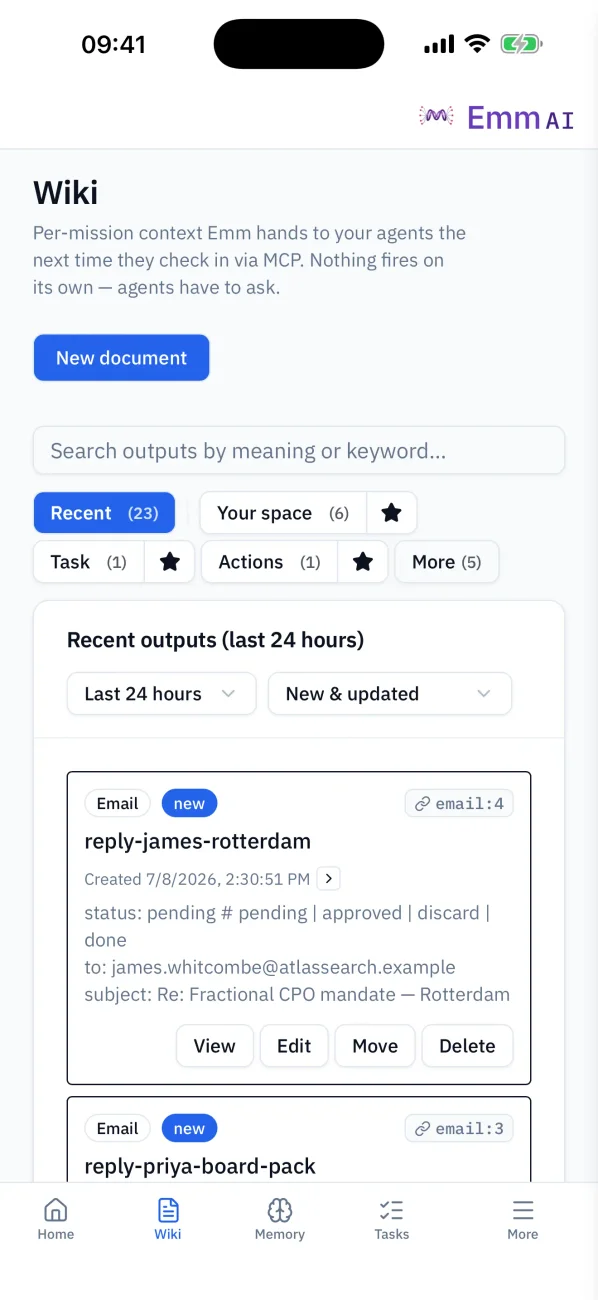
• A wiki you co-author — not a drop-box where agents dump results, but a living document space. Your agents create documents from research, email triage, and tasks; you read, edit, and comment; your comments become instructions the agent picks up on its next run.
• Standing instructions — the brief your agents read at the start of every run: what to do, how to behave, your rules. After each run the AI suggests improvements, so the brief gets sharper over time.
• Durable memory — facts, decisions, and learnings that persist across every session and every AI tool. Insights from one task inform the next. You decide what's worth keeping; nothing is dumped in automatically.
• Scheduled tasks — your AI checks in on its own, picks up the brief, does the work, and posts results to the wiki for you to review and redirect.
WHY IT'S DIFFERENT
The wiki is where the work actually happens. Comment on a document and your agent acts on it. Forward an email and it becomes a research task. This is genuine collaboration across days and weeks — not chatbot Q&A. You stay in control: agents propose, you approve, and nothing leaves Emm without your say-so.
WORKS WITH EVERY AI
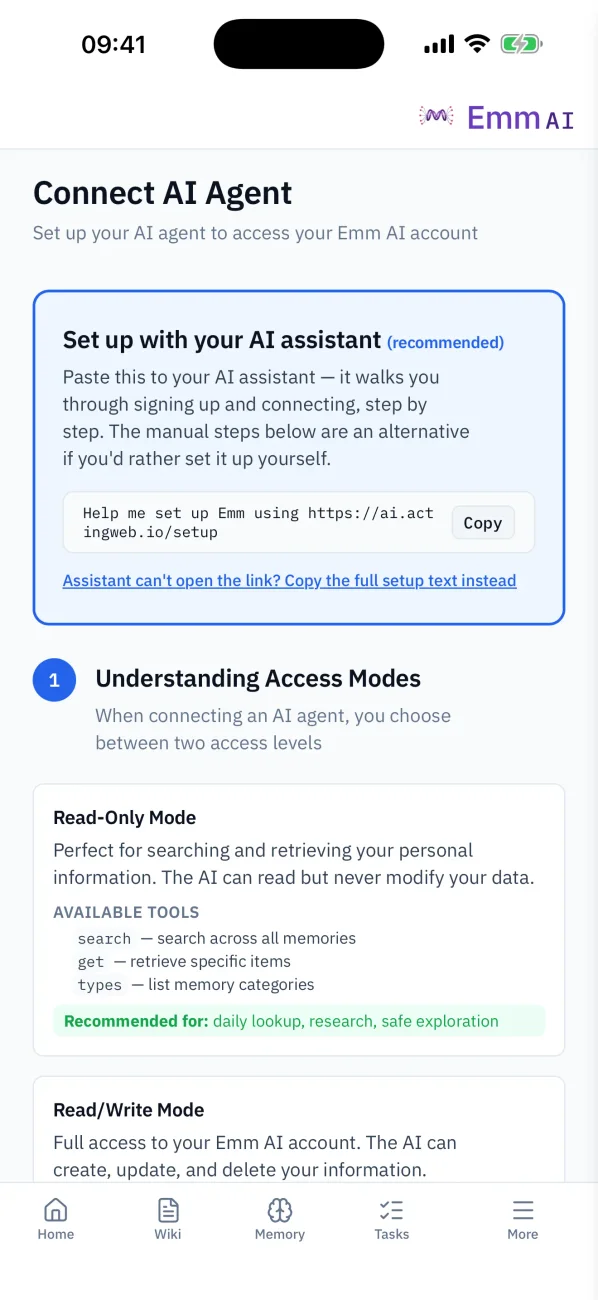
Emm connects over MCP (Model Context Protocol). Set it up with Claude, pick it up with ChatGPT — your wiki, instructions, and memory carry across Gemini, Grok, and any MCP-compatible agent, untouched. The workspace belongs to you, not any vendor.
PRIVATE BY DESIGN
Encrypted in transit and at rest, stored in a European AWS data center under GDPR. View, edit, export, or delete anything — including full account deletion — from the dashboard at any time.
Emm AI is built on the open ActingWeb framework.
Services offered under:
https://www.apple.com/legal/internet-services/itunes/dev/stdeula/
Terms of Use (EULA): https://ai.actingweb.io/terms
Privacy Policy: https://ai.actingweb.io/privacy
Có gì mới
Phiên bản 2026.11.10 · 10/11/2026
What’s new in this update:
• Your space, Agent created, Agent logs — The Wiki now has three areas: Your space for the documents you work on, Agent created for what your agent writes on its own, and Agent logs for run logs and reflections.
• Your own categories — Add categories for the topics you care about and file documents under them, in Your space or Agent created, from the category chip next to each document.
• Know what your agent wrote — Documents your agent wrote or edited carry a badge, and Agent created shows how many you have not seen yet.
• No more sideways drift when zoomed — In the Mac app, when you zoom in on a web-page document whose text still fits the window, it now stays put instead of sliding sideways over empty margins while you scroll.
• Steadier pinch zoom on iPhone — Pinch-zooming a document on an iPhone no longer jumps or glides when you lift your fingers, and text keeps its normal size after you zoom back out.
• Pop-ups in the right place when zoomed — In the Mac app, pop-ups in an interactive document, such as a chart's labels, open next to the pointer again when you are zoomed in, and scrolling a zoomed document no longer moves the page behind it.
• Pinch zoom follows your fingers — Pinching a document on an iPhone or iPad now zooms smoothly and only as far as your fingers move, instead of jumping ahead.
• Zoom keys enlarge the open document — With a document open, Command-plus and Command-minus now make the document itself larger or smaller, and Command-0 sets it back.
• Larger text in the Mac app — The Mac app now shows text at a comfortable size from the start, and the text size in Settings goes up and down in even steps.
• Zoomed web-page documents scroll on the Mac — Scrolling a zoomed web-page document with two fingers in the Mac app now moves the document.
Quyền riêng tư của ứng dụng
Những gì Greger Teigre Wedel khai báo trên App Store về cách ứng dụng này xử lý dữ liệu.
-
Dữ liệu liên kết với bạn
Có thể được thu thập và liên kết với danh tính của bạn.
- Mục mua
- Thông tin liên hệ
- Nội dung của người dùng
- Mã định danh
- Dữ liệu sử dụng
Phương thức đảm bảo quyền riêng tư có thể khác nhau, chẳng hạn như tuỳ theo các tính năng bạn sử dụng hoặc độ tuổi của bạn.
Thông tin
- Người bán
- Greger Teigre Wedel
- Danh mục
- Hiệu Suất
- Phiên bản
- 2026.11.10
- Cập nhật
- 10/11/2026
- Phát hành
- 22/07/2026
- Kích thước
- 48,1 MB
- Yêu cầu
- iOS 15.0 trở lên
- Độ tuổi
- 4+
- Giá
- Miễn phí
- Mua hàng trong ứng dụng
- Có
- Ngôn ngữ
- Tiếng Anh
- Bản quyền
- © 2026 Greger Teigre Wedel
Có thể bạn cũng thích
-
 KlinikkFlowHiệu Suất
-
 Heimgard ConnectHiệu Suất
-
 Cliq - IntuneHiệu Suất
-
 Zoho TeamInboxHiệu Suất
-
 Clara: Tự động hóa AITự động tác vụ & quy trình
-
 FiloMail - AI Email & TodoHiệu Suất
-
 JottacloudHiệu Suất
-
 Klang.ai: AI Meeting NotesHiệu Suất
-
 AppFlowyHiệu Suất
-
 AI Pro: Trợ lý AI An toànHỏi, Nghiên cứu & Lập trình