- Độ tuổi4+
- Danh mụcHiệu Suất
- Nhà phát triểnSeiko Epson Corporation
- Ngôn ngữTiếng Anh+ 8 ngôn ngữ khác
- Kích thước27,6 MB
Liên kết đến trang App Store chính thức
Download.org không lưu trữ tệp nào của Epson iProjection. Nút này mở trang ứng dụng trên App Store, nơi Seiko Epson Corporation phát hành ứng dụng. Trang được kiểm tra lần cuối: 23/11/2026.
Ảnh chụp màn hình


Giới thiệu
Nhà phát triển chưa cung cấp nội dung này bằng ngôn ngữ của bạn.
Epson iProjection is a wireless projection app for iPhone®, iPad®, or iPod® touch. This app makes it easy to mirror your device's screen, and project documents and photos wirelessly to a supported Epson projector.
[Key Features]
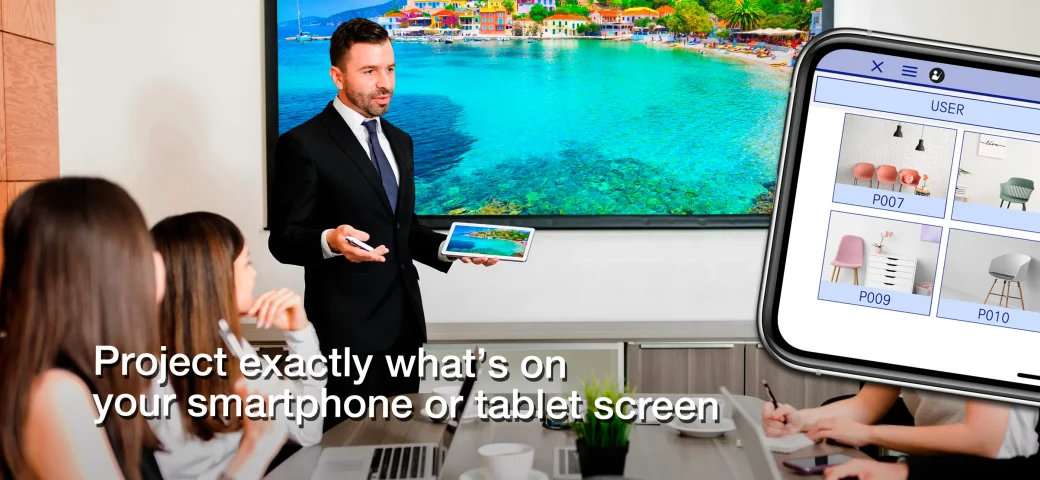
1. Mirror your device’s screen and output your device’s audio from the projector.
2. Project your photos in the "Photos" app, project documents loaded in this app, and project in real-time video from your device's camera.
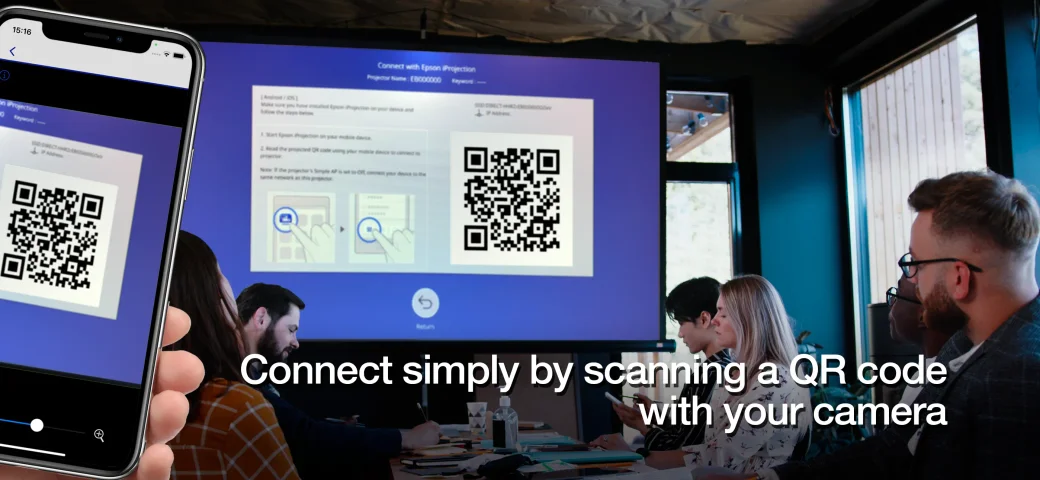
3. Easily connect your device by scanning a projected QR code.
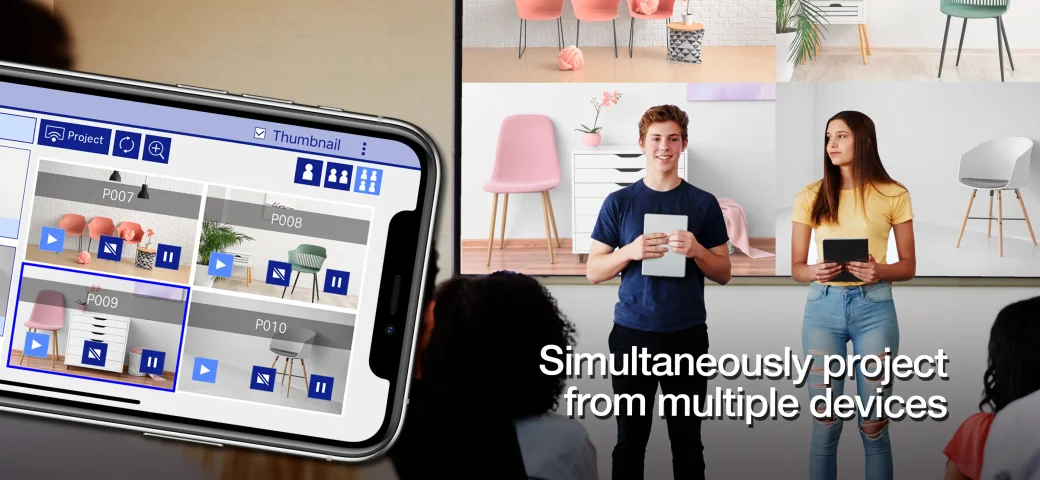
4. Connect up to 50 devices to the projector, display up to four screens simultaneously, and share your projected image with the other connected devices.
5. Annotate projected images with a pen tool and save the edited images on your device.
6. Control the projector like a remote control.
[Notes]
• For supported projectors, visit https://support.epson.net/projector_appinfo/iprojection/en/. You can also check "Supported Projectors" in the app's support menu.
• While mirroring your device’s screen, video and audio may be delayed depending on the device and network specifications. Only unprotected content can be projected.
• Use the mirroring feature to project videos in the "Photos" app.
[About Projecting Documents]
• The following file types are supported when projecting using "Documents".
- Microsoft® Word
- Microsoft® Excel
- Microsoft® PowerPoint
- Keynote
- PDF
- JPG
- PNG
- The file types mentioned above are also supported when stored in cloud file services
• Depending on the document, the projected image may differ from the image on the computer or at the time of creation, for example, some characters may not be projected correctly. If this occurs, use the mirroring feature ("Mirror device screen") instead.
• Animations and screen transition effects, videos, and audio are not played. Use the mirroring feature to play them.
• We recommend testing the projection in advance when using this app for presentations.
[Using the App]
Make sure that the network settings for the projector have been completed.
1. Switch the input source on the projector to "LAN". Network information is displayed.
2. Connect to the same network as the projector from "Settings" > "Wi-Fi" on your iPhone/iPad/iPod touch.
3. Start Epson iProjection and connect to the projector.
4. Select and project from "Mirror device screen", "Photos", "Documents", "Web Page", or "Camera".
[App permissions]
The app requires the following permissions for specific features.
【Required】 Local Network
- Search for and connect to the projector.
【Optional】] Photo
- Project selected photos from the device to the projector.
* You can use the app without granting the optional permissions, but some features may not work.
All images are examples and may differ from the actual screens.
Có gì mới
Phiên bản 4.2.1 · 20/11/2026
Added supported projectors.
Quyền riêng tư của ứng dụng
Những gì Seiko Epson Corporation khai báo trên App Store về cách ứng dụng này xử lý dữ liệu.
-
Dữ liệu không liên kết với bạn
Có thể được thu thập nhưng không liên kết với danh tính của bạn.
- Dữ liệu sử dụng
Phương thức đảm bảo quyền riêng tư có thể khác nhau, chẳng hạn như tuỳ theo các tính năng bạn sử dụng hoặc độ tuổi của bạn.
Thông tin
- Người bán
- Seiko Epson Corporation
- Danh mục
- Hiệu Suất
- Phiên bản
- 4.2.1
- Cập nhật
- 20/11/2026
- Phát hành
- 05/01/2012
- Kích thước
- 27,6 MB
- Yêu cầu
- iOS 16.0 trở lên
- Độ tuổi
- 4+
- Giá
- Miễn phí
- Ngôn ngữ
- Tiếng Anh, Tiếng Ả Rập, Tiếng Pháp, Tiếng Đức, Tiếng Nhật, Tiếng Bồ Đào Nha, Tiếng Trung Giản thể, Tiếng Tây Ban Nha, Tiếng Trung Phồn thể
- Bản quyền
- © Seiko Epson Corporation
Có thể bạn cũng thích
-
 Smart Projector ControlHiệu Suất
-
 spacedesk - USB Display for PCHiệu Suất
-
 Duet DisplayBe Twice As Productive
-
 UniFiHiệu Suất
-
 PadletCông cụ cộng tác trực quan
-
 RealVNC Viewer: Remote DesktopHiệu Suất
-
 TeamViewer Remote ControlHiệu Suất
-
 Miro: your visual workspaceHiệu Suất
-
 MyScript Notes: AI HandwritingHiệu Suất
-
 Microsoft 365 AdminHiệu Suất